We may earn a commission if you buy through links on this page. It never changes a score or a ranking. How we make money
A small team may not need separate banking software if its current account already handles payments, cards and cash visibility. If it does, start with Novo for $0 business checking, or Rho for a $0-per-month finance platform with banking and bill pay. Relay is another free starting point for organizing cash and sharing cards. The catch: a free plan doesn’t mean every transfer, card or advanced control is free. Before switching, confirm team access, transaction charges and what happens when your payment needs get more complex.
Quick picksThe shortlist
 NovoNovoBest for free checking · Free
 RhoRhoBest free finance hub · Free
 RelayRelayBest for cash organization · $30/mo
 MercuryMercuryBest for software integrations · $23.95/mo
 BluevineBluevineBest for invoicing · $30/mo
 LiliLiliBest for new businesses · $15/mo
 BrexBrexBest for card controls · $12/mo
 Capital on TapCapital on TapBest for employee cards · Free
 Wise BusinessWise BusinessBest for overseas payments · Free
 AirwallexAirwallexBest for global finances · $12/mo
 QontoQontoBest for invoicing and banking · €9/mo
 ShineShineBest for solo founders · €9/mo
 Revolut BusinessRevolut BusinessBest after fee checks · £3.99/mo
 FundboxFundboxBest for invoice financing · $99/mo
 NorthOneNorthOneBest for a free start · $30/mo
- PliantPliantBest for API workflows · Free
 TrussTrussBest for tax workflows · Custom
01Compared at a glance
| Tool | Score | From | Free plan | Trial |
|---|---|---|---|---|
| NovoNovo | 7.4 | Free | Yes | — |
| RhoRho | 7.5 | Free | Yes | — |
| RelayRelay | 7.5 | $30/mo | Yes | 14 days |
| MercuryMercury | 7.2 | $23.95/mo | Yes | 30 days |
| BluevineBluevine | 7.1 | $30/mo | Yes | 1 month |
| LiliLili | 7.2 | $15/mo | Yes | 30 days |
| BrexBrex | 7.0 | $12/mo | Yes | — |
| Capital on TapCapital on Tap | 7.3 | Free | Yes | — |
| Wise BusinessWise Business | 6.5 | Free | Yes | — |
| AirwallexAirwallex | 6.8 | $12/mo | Yes | — |
| QontoQonto | 6.7 | €9/mo | No | 1 month |
| ShineShine | 7.2 | €9/mo | Yes | 30 days |
| Revolut BusinessRevolut Business | 3.0 | £3.99/mo | Yes | — |
| FundboxFundbox | 6.2 | $99/mo | Yes | — |
| NorthOneNorthOne | 5.2 | $30/mo | Yes | 14 days |
| PliantPliant | 5.8 | Free | Yes | — |
| TrussTruss | 5.5 | Custom | No | — |
02The picks, in detail
- Best for free checkingNovoNovo
Novo is our first stop for small teams that want business checking without a monthly fee. The listed cost is $0 per month, and it suits owners who invoice and pay vendors. Optional transfer fees and team details need checking before you rely on it for several people; ask about user access and the transfers your business makes most.
What works
- $0 monthly maintenance fee
- No minimum balance requirement
- $0 standard ACH transfers
What doesn't
- Per-user pricing is not published
- Express ACH costs extra
- Wire fees vary by transaction

- Best free finance hubRhoRho
Rho offers a broad set of business finance tools, including banking and bill pay, at $0 per month, with some transaction fees to watch. It fits a small team trying to bring company finances together without a per-user charge. Ask which transactions incur fees and whether the account setup matches your business needs.
What works
- $0 subscription and per-user fees
- Same-Day ACH, wires, and checks listed at $0
- Business accounts and spend controls in one platform
What doesn't
- Foreign currency transfers and conversion cost 1%
- International wire recalls cost $30
- Optional SWIFT fee is $15

- Best for cash organizationRelayRelay
Relay’s free banking tools suit teams that want multiple checking accounts and shared cards or expense tasks. Paid plans start at $30 per month, so a few seats don’t automatically mean a per-person bill. Confirm which features stay free and whether the paid plan adds anything your team actually needs.
What works
- Starter costs $0 per month
- Starter lists unlimited users
- Up to 20 checking accounts on Starter
What doesn't
- Additional transaction fee amounts are not published
- Annual billing prices are not published
- Setup effort is not published

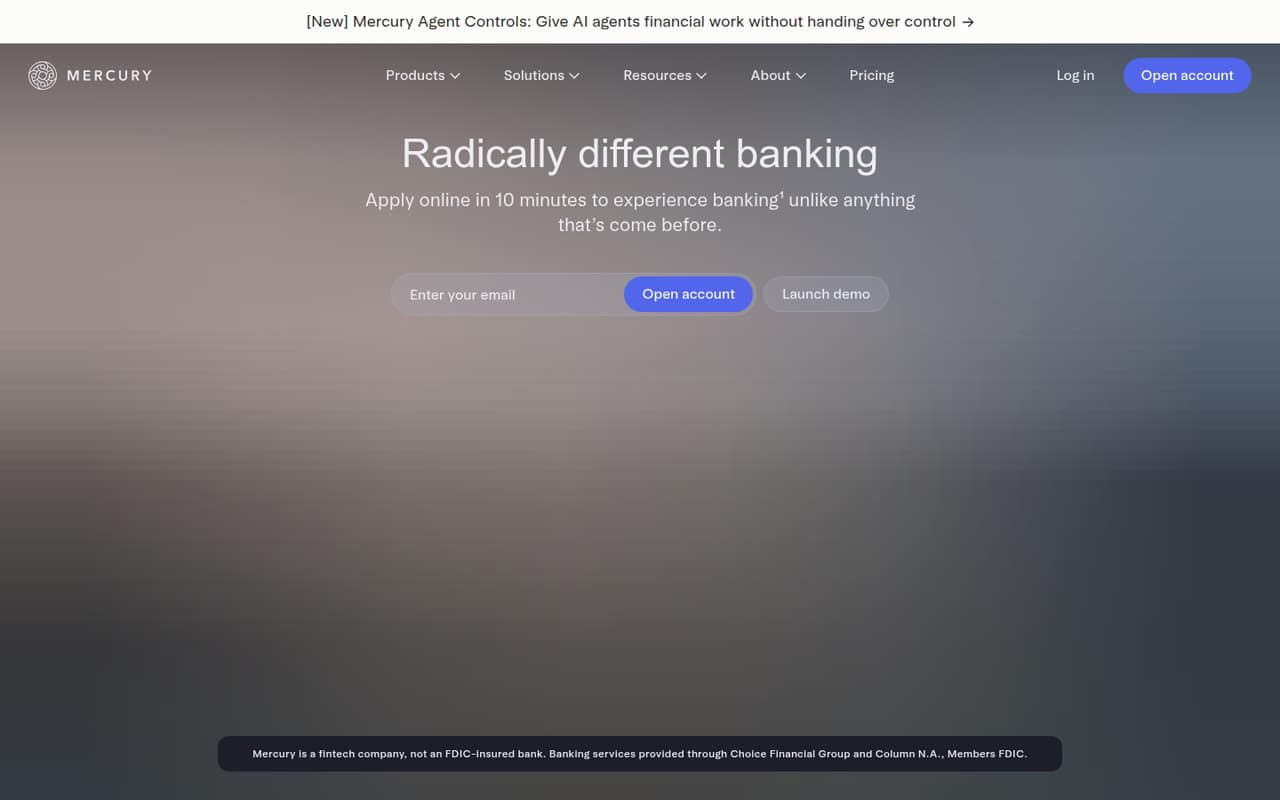
- Best for software integrationsMercuryMercury
Mercury offers no-fee business accounts, expense controls and QuickBooks or Xero connections, making it a good fit for teams already using those tools. Its free plan is a useful starting point; the listed paid starting price is $23.95. Before moving your main account, weigh the support concerns noted in its buying summary.
What works
- Free plan has no monthly account fee
- Business checking and savings have no minimums
- Includes cards, expenses, payments, and invoicing
What doesn't
- Seat limits and seat charges are not published
- Plus charges $1 per ACH debit invoice
- Pro costs $299 monthly without annual billing
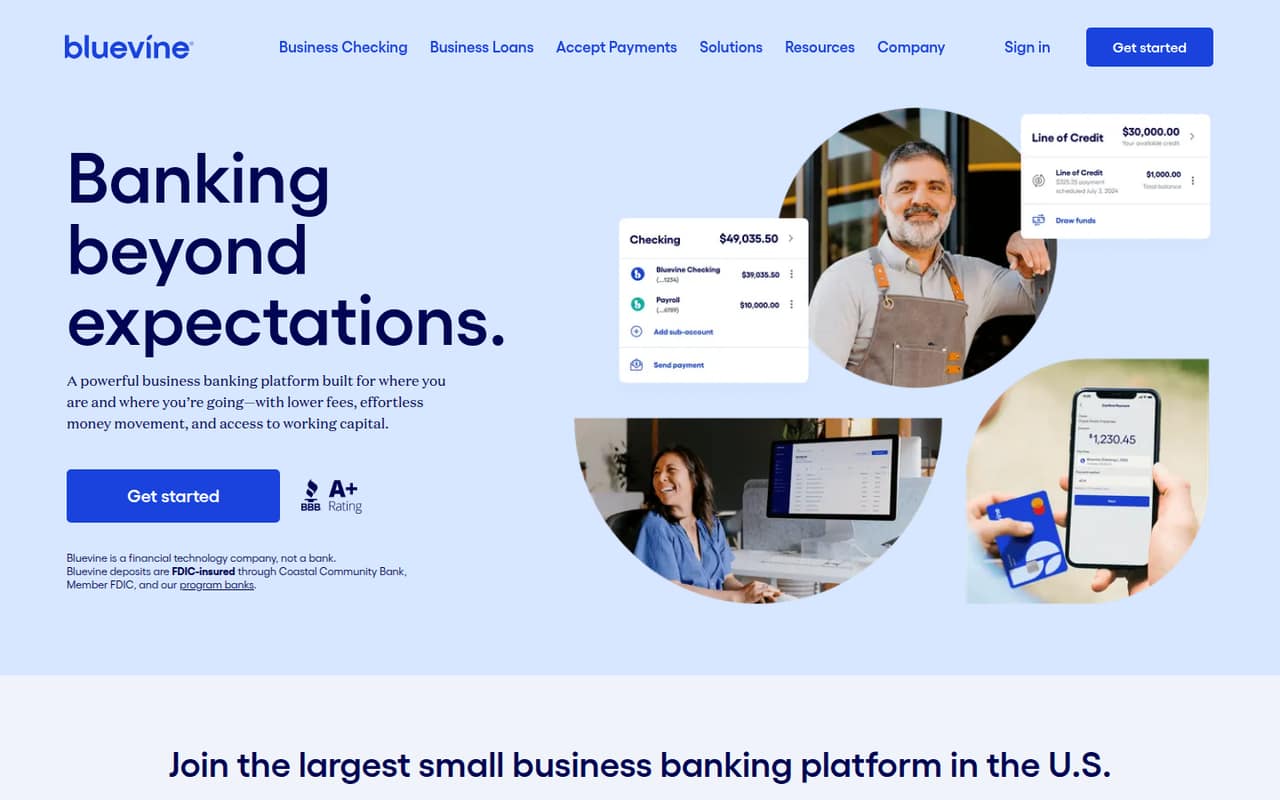
- Best for invoicingBluevineBluevine
Bluevine combines free checking basics with built-in invoicing, a practical mix for a small business that wants fewer separate tools. It also suits owners comparing interest-bearing accounts. The listed paid starting price is $30, so check which features trigger that cost, along with fees, support reports and account-access risks.
What works
- Standard checking has no monthly fee
- Unlimited transactions and standard ACH on Standard
- Free invoices with company logos
What doesn't
- Paid plans cost $30 or $95 monthly
- Payment and wire services can add fees
- No published annual prices or billing
- Best for new businessesLiliLili
Lili is a fit for small businesses starting out: it offers free checking basics and online financial tools. The listed paid starting price is $15. Before signing up for a team, confirm whether extra users cost more and whether its transfer options fit the way your business pays vendors.
What works
- Free Core plan includes business checking
- Savings earns up to 4.00% APY
- Core includes seven-day customer support
What doesn't
- Lili is a fintech, not a bank
- Per-seat fees are not published
- Annual billing prices are not listed
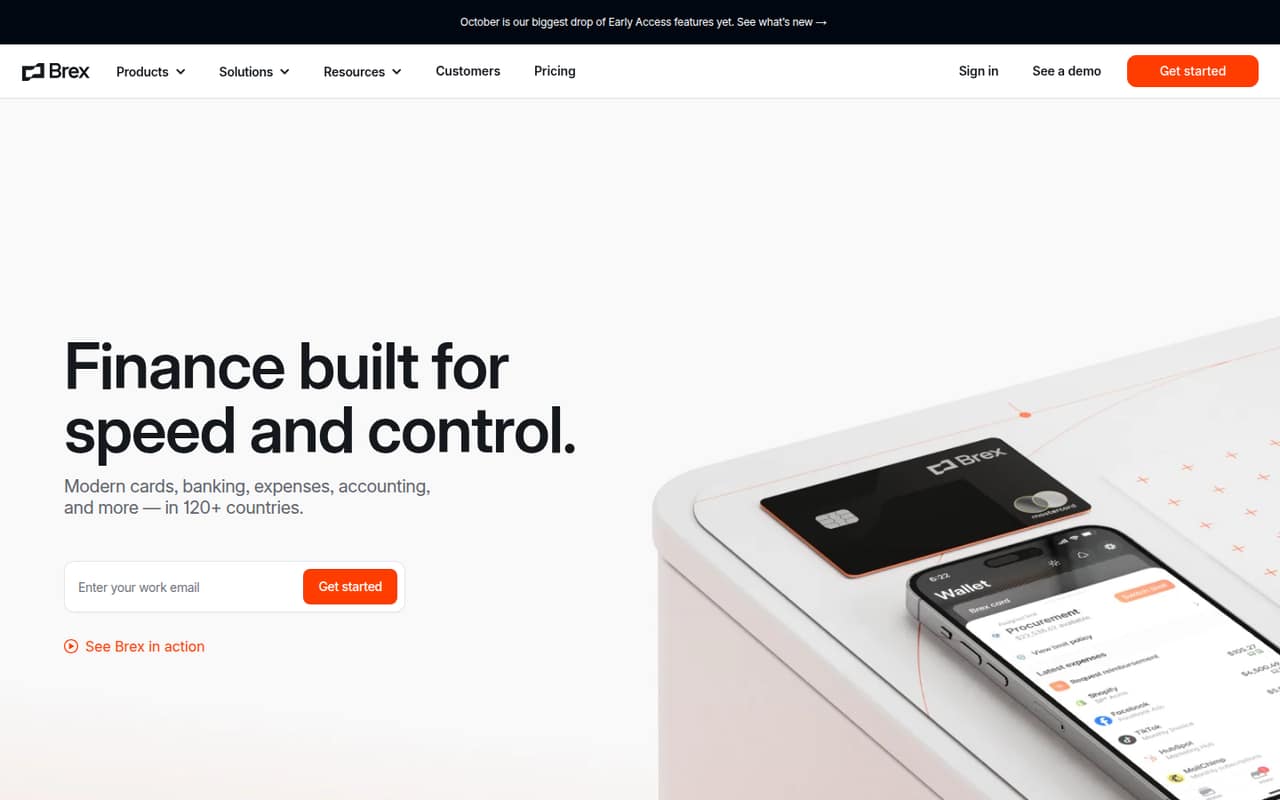
- Best for card controlsBrexBrex
Brex’s free finance hub can give a small team a starting point for consolidating finance tasks and managing cards. Advanced controls bring a listed $12-per-user price jump: that’s $24 for two users or $60 for five at that rate. Check which controls require the paid tier before adding seats.
What works
- Essentials costs $0 per user monthly
- Free travel booking is included
- Accounting integrations are included in Essentials
What doesn't
- Essentials allows one local card program
- Essentials is limited to two entities
- Premium costs $12 per user monthly
- Best for employee cardsCapital on TapCapital on Tap
Capital on Tap offers free company cards and 1% cashback, which may suit a small business that pays card balances in full. It also supports businesses using compatible accounting software. Since credit costs matter if you carry a balance, check the terms before treating the card as a source of working capital.
What works
- Unlimited 1% cashback on card spending
- Free company cards with spending controls
- Virtual cards available after approval
What doesn't
- Pro plan price is not published
- Monthly price is unclear in the billing note
- Interest rate is not published in the pricing details

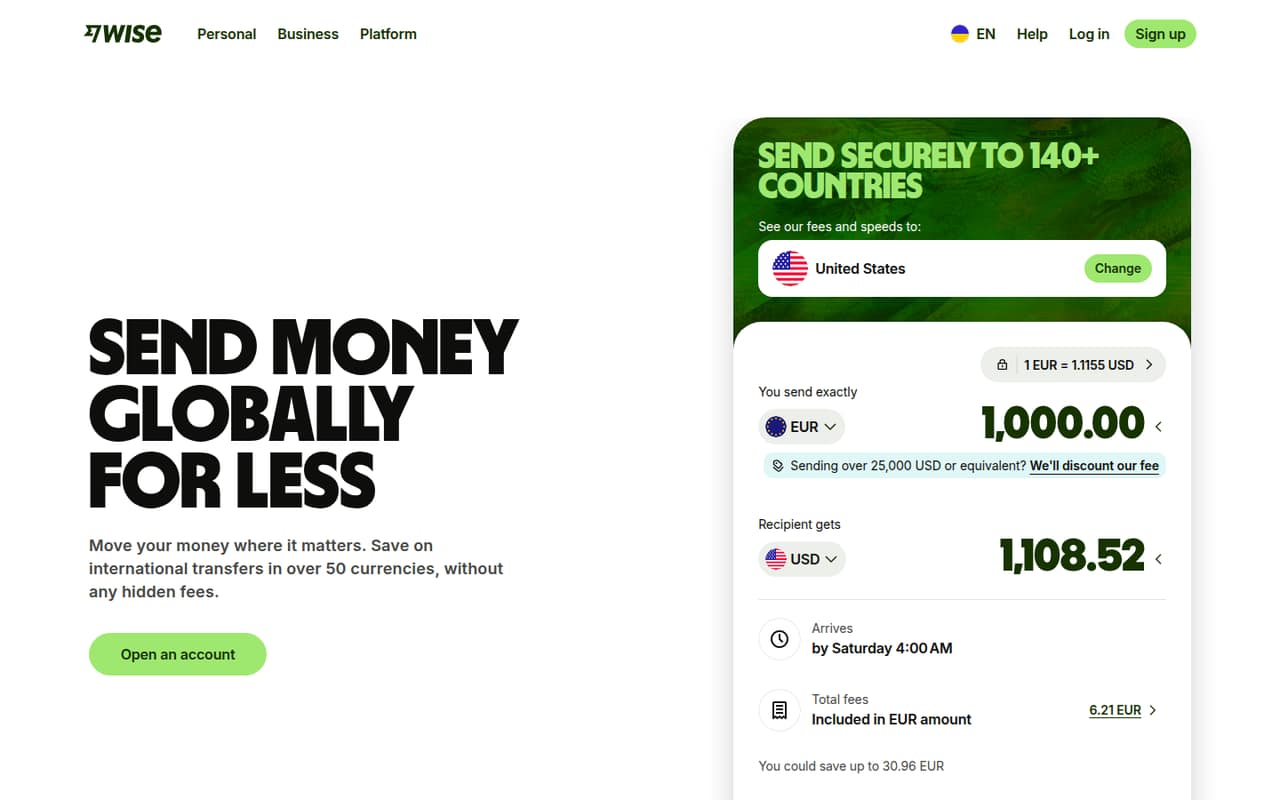
- Best for overseas paymentsWise BusinessWise Business
Wise Business suits teams paying overseas suppliers or receiving multiple currencies, without a monthly subscription. It can be useful when international payments are a regular part of work. Keep a backup account for cash-flow resilience, and check the charges for the currencies and transfers your business expects to use.
What works
- Essential has a $0 monthly subscription
- Receive money in 40+ currencies
- Send and convert from 0.23%
What doesn't
- Transfer costs vary with usage
- Advanced has a $31 one-time setup fee
- ATM withdrawals over $250 monthly incur fees
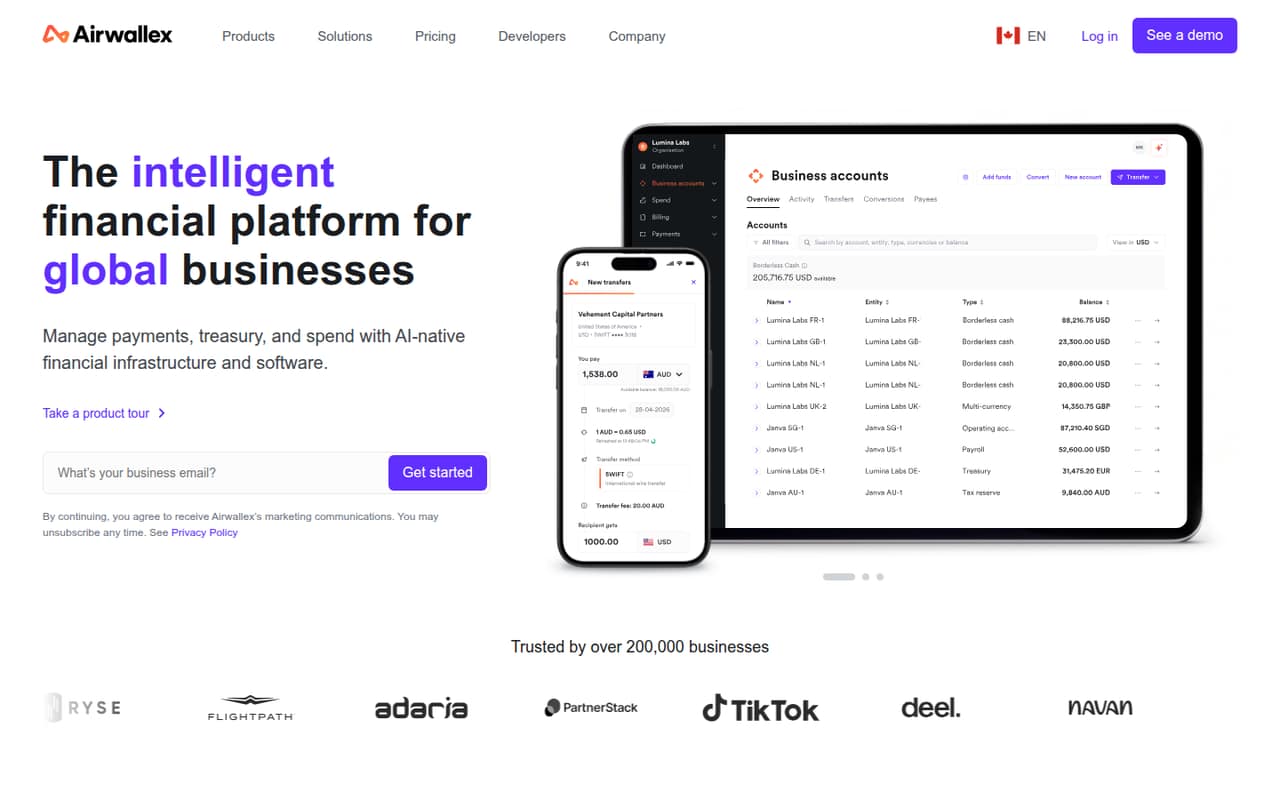
- Best for global financesAirwallexAirwallex
Airwallex offers multi-currency accounts and global finance features, with a free plan for small teams starting out. The listed paid starting price is $12. Check transaction fees and whether the account fits your business’s risk and operating needs before making it the destination for critical funds.
What works
- Explore is listed at $0 per user monthly
- Collect and hold funds in 20+ currencies
- Free batch transfers to 120+ countries
What doesn't
- Grow adds a platform fee based on team size
- Transaction fees can add up
- Annual prices are not listed
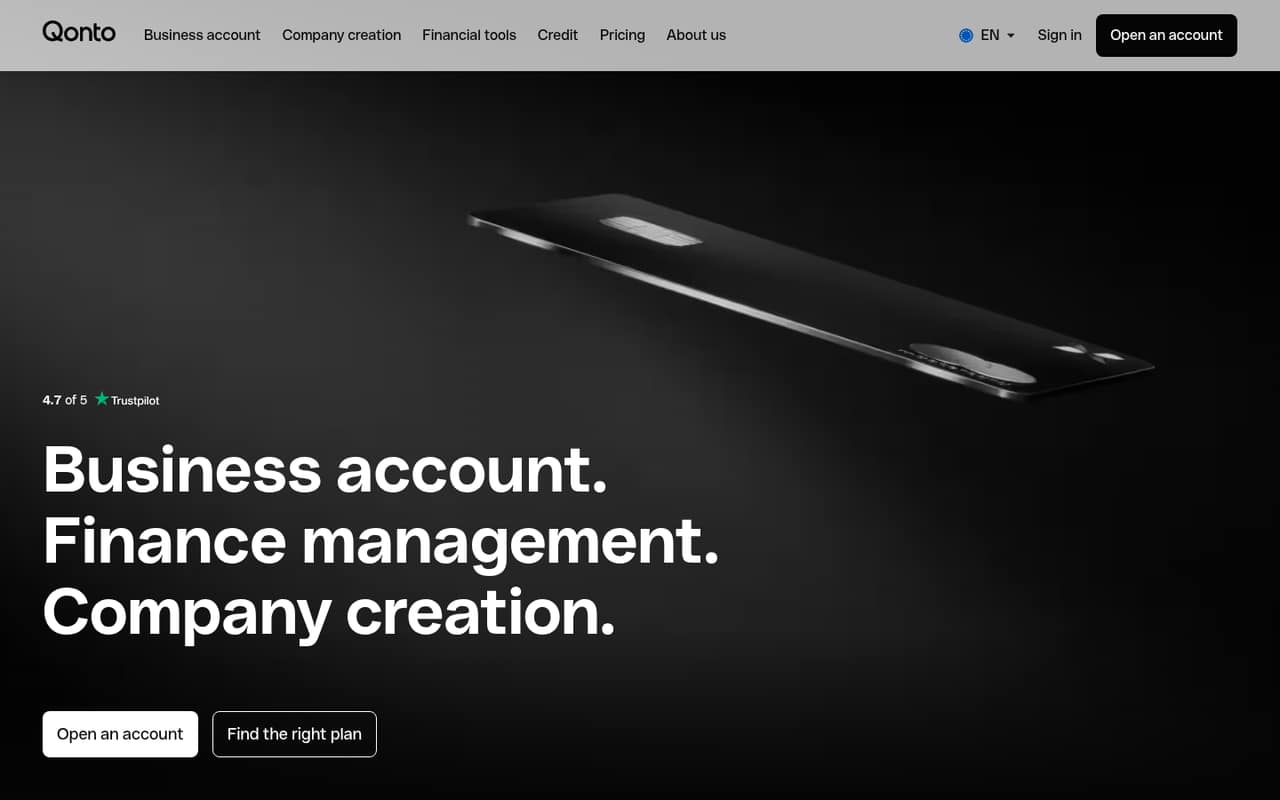
- Best for invoicing and bankingQontoQonto
Qonto brings banking and invoicing tools together for small businesses that want finance features in one platform. Its listed starting price is $9, with annual pricing to consider. It may suit a founder creating a listed company structure; keep a backup account available for critical payments.
What works
- Business account, payments and invoicing in one platform
- Compliant electronic invoicing included in every plan
- Basic includes 30 transfers each month
What doesn't
- No free plan
- Monthly billing prices are not published
- Seat allowances are not published
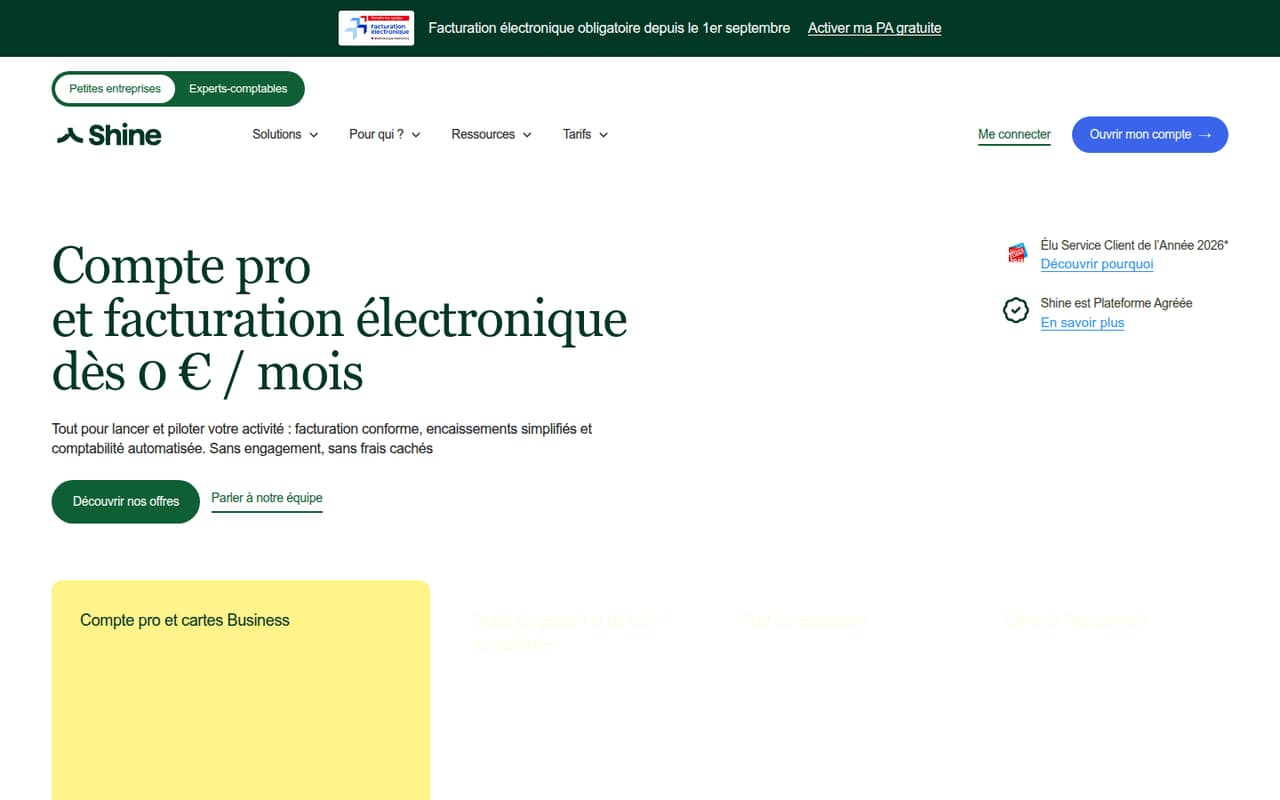
- Best for solo foundersShineShine
Shine offers free basics for solo French business owners, including invoicing and account tools. The listed paid starting price is $9. It is less certain as a growing-team choice: confirm access for additional users and card costs before relying on it for shared company spending.
What works
- Free plan includes a French IBAN and virtual card
- Invoicing and accounting integrations are included on Free
- Paid plans include increasing SEPA transfer allowances
What doesn't
- Free plan allows three SEPA transfers or direct debits monthly
- Extra team access costs €5 per month
- Paid plan prices exclude VAT
- Best after fee checksRevolut BusinessRevolut Business
Revolut Business may be worth comparing for teams considering account options, but don’t budget around personal-plan prices. Its business costs and team details need confirmation, even though the listed starting price is $3.99. Ask the vendor for business-specific pricing and user terms before opening an account.
What works
- Personal Standard plan is listed at £0 monthly
- Personal plans list everyday banking benefits
- Personal plans include different exchange and ATM limits
What doesn't
- Business plan prices aren't published here
- Business free-plan details aren't confirmed
- Business seat pricing isn't published
- Best for invoice financingFundboxFundbox
Fundbox is for businesses looking for working capital or borrowing against eligible invoices, rather than a team shopping only for everyday checking. Standard has no monthly maintenance fee, but borrowing costs extra and depends on eligibility. The listed starting price is $99; ask what applies to your financing needs.
What works
- Standard has no monthly maintenance fee
- Credit limits start at $1,000
- Eligible limits can reach $250,000
What doesn't
- Draw fees apply when borrowing
- Borrower-specific rates vary
- A returned payment debit costs $6
- Best for a free startNorthOneNorthOne
NorthOne is worth checking for its free starting plan and tools for organizing cash across accounts. Before applying, verify the account terms and confirm you are signing up for NorthOne, not Relay. Its listed paid starting price is $30, so ask what changes between the free and paid options.
What works
- Starter is listed at $0 per month
- Starter includes up to 20 checking accounts
- Plans list debit cards and credit-card cash back
What doesn't
- The homepage describes Relay, not NorthOne
- No annual price or discount is listed
- Per-seat charges and user limits are not published

- Best for API workflows
PliantPliant
Pliant’s IT automation may suit teams already using scripts and APIs, or a one-person workflow experiment. It is a harder fit for a small team that just needs straightforward banking: paid-plan costs and setup effort are difficult to size. Ask for pricing and the implementation work required before committing.
What works
- Free plan costs $0 for one user
- Runs Ansible, PowerShell, Bash, and custom code
- Visual canvas makes workflows reusable
What doesn't
- Paid plan prices aren't published
- Free plan is limited to five workflows
- Starter supports only two users
- Best for tax workflowsTrussTruss
Truss focuses on tax-team workflows, including organized workpapers and integrated return delivery, rather than everyday small-business banking. It may fit a small tax firm consolidating client work. The price requires a custom quote, so ask what the plan costs for your team before comparing it with banking accounts.
What works
- Covers intake through return delivery
- Zero-login links for client document collection
- AI checklists support client intake
What doesn't
- No free plan is listed
- Starting price and billing terms are not published
- Trial terms are not published

03How we chose
We ranked these tools for teams of 1–10, giving priority to a useful free plan, a clear cost for a few people, and a fit with common banking jobs such as paying vendors, managing cards or organizing cash. We also considered setup questions, plan limits, available product documentation and user sentiment where it can be verified. When costs or team terms need a vendor answer, we call that out rather than estimating. Banking and lending tools are not automatically accounting replacements.
04Start with the account job, then price the team
First decide whether you need checking, international transfers, employee cards, invoice financing or a way to organize cash. Those are different jobs, and a free account may not cover every one. Novo lists business checking at $0 per month; Relay’s paid plans start at $30 per month; Brex lists a $12-per-user jump for advanced controls. For Brex, that rate is $24 for two users and $60 for five. Ask each provider what its free plan includes, whether additional users cost extra, and what fees apply to your usual transfers or card use. Get the answer for your expected team size, not just the owner’s login. If you need credit, ask separately about borrowing costs and eligibility.
05Check setup, access and backup options
Before switching, ask how the account is opened, what business details are required, and how long approval usually takes. Ask how teammates get access, whether cards or spending controls cost extra, and what happens if a payment is delayed or an account is unavailable. Those details can matter more than a low monthly price when several people pay vendors. For international work, check the currencies and transfer charges you expect to use; Wise Business is designed for multiple currencies, while Airwallex offers multi-currency accounts. If you’re replacing QuickBooks, first separate accounting from banking: Mercury lists QuickBooks and Xero connections, but a bank account is not automatically a replacement for accounting software. Keep a backup account for payments your business cannot afford to interrupt.
Questions people ask
What are people replacing QuickBooks with?
That depends on which QuickBooks job they want to replace: accounting, invoicing, or bank feeds are not the same need. Mercury lists connections to QuickBooks and Xero, while Novo offers invoicing and vendor payments. Compare the specific workflow before treating a banking account as an accounting replacement.
Why do CPAs not like QuickBooks Online?
There isn’t one reason that applies to every CPA or business. Ask your accountant which specific issue they want to solve—such as a workflow, reporting need or software connection—before changing tools. For banking, Mercury lists connections to both QuickBooks and Xero.
Is Quicken or QuickBooks better for small business?
The better fit depends on the accounting tasks your business needs, which a banking account alone won’t settle. Ask your accountant which product supports your bookkeeping and reporting workflow. If your immediate need is banking, compare account fees, team access, payments and card controls separately.
What is the best banking app for small businesses?
For free checking, start with Novo; for a free finance hub, compare Rho; for cash organization and shared cards, consider Relay. The right choice depends on transfer fees, team access and payment needs. Confirm those terms before moving your main account.