We may earn a commission if you buy through links on this page. It never changes a score or a ranking. How we make money
Most small teams don’t need a full AI content platform. If your main job is polishing emails, web copy, or drafts, a free writing checker may be enough. Grammarly, LanguageTool, and Hemingway Editor are practical places to start; specialist tools make more sense when you regularly paraphrase, write long-form work, or draft marketing copy. Watch the seat math: several vendors list a starting price without spelling out what a few seats cost. We rank tools by small-team fit, not by how many AI features they advertise.
Quick picksThe shortlist
 GrammarlyGrammarlyBest for small teams · €12/mo
 LanguageToolLanguageToolBest for multilingual teams · $5.53/mo
 Hemingway EditorHemingway EditorBest free clarity check · $8.33/mo
 WordtuneWordtuneBest for draft polishing · $4.89/mo
 CorrectoCorrectoBest for message replies · $5.99/mo
 QuillBotQuillBotBest for paraphrasing · $8.33/mo
 ProWritingAidProWritingAidBest for long-form editing · $10/mo
 HyperWriteHyperWriteBest for flexible drafting · $16/mo
 Easy-Peasy.AIEasy-Peasy.AIBest for trying workflows · $8/mo
 RytrRytrBest for follow-ups · $9/mo
01Compared at a glance
| Tool | Score | From | Free plan | Trial |
|---|---|---|---|---|
| GrammarlyGrammarly | 7.0 | €12/mo | Yes | 2 days |
| LanguageToolLanguageTool | 7.6 | $5.53/mo | Yes | — |
| Hemingway EditorHemingway Editor | 7.4 | $8.33/mo | Yes | 2 weeks |
| WordtuneWordtune | 7.5 | $4.89/mo | Yes | 3 days |
| CorrectoCorrecto | 6.7 | $5.99/mo | Yes | — |
| QuillBotQuillBot | 7.0 | $8.33/mo | Yes | — |
| ProWritingAidProWritingAid | 6.8 | $10/mo | Yes | — |
| HyperWriteHyperWrite | 7.0 | $16/mo | Yes | — |
| Easy-Peasy.AIEasy-Peasy.AI | 7.3 | $8/mo | Yes | — |
| RytrRytr | 7.0 | $9/mo | Yes | — |
02The picks, in detail
- Best for small teamsGrammarlyGrammarly
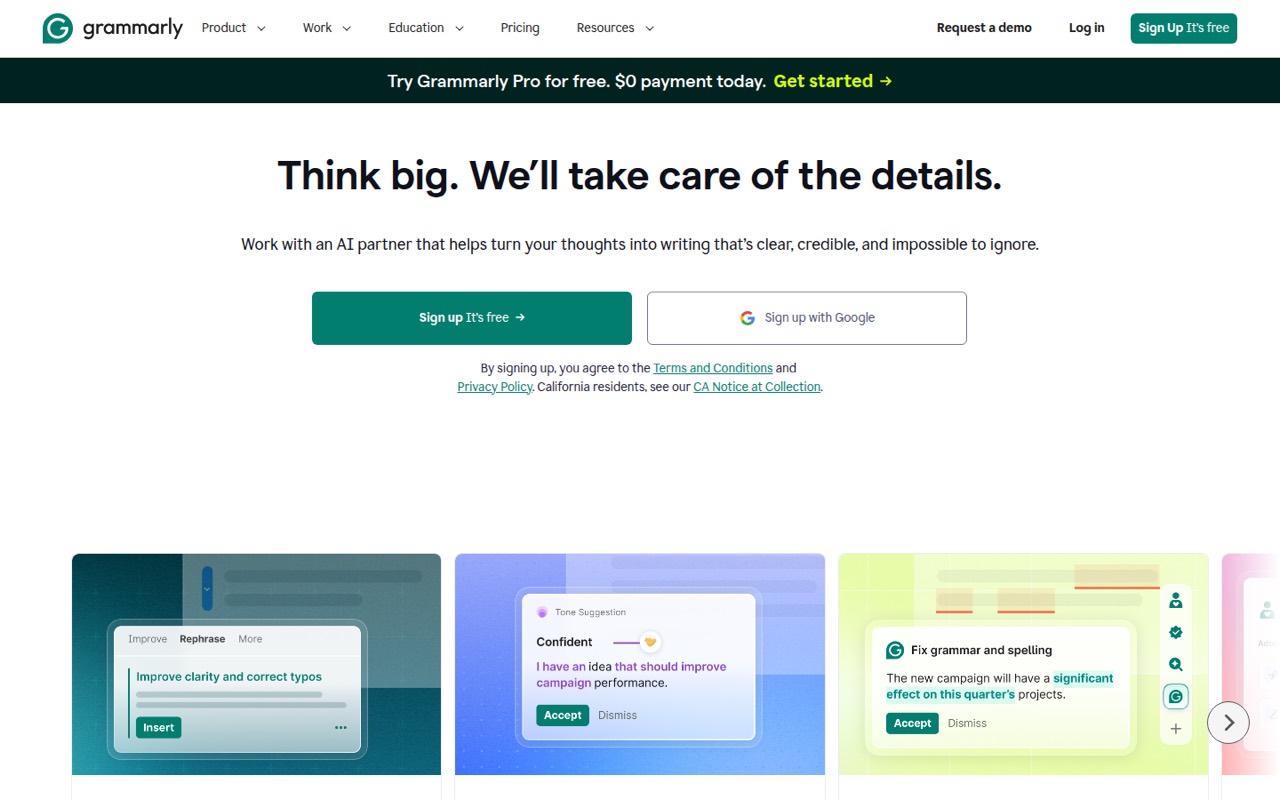
Grammarly is a sensible default for everyday customer emails and proofreading, with a free plan for trying the basics. Its Pro plan is listed at €12 per member monthly, so a three-person team would pay €36 monthly before any applicable taxes. Shared brand tone is a stated use case. Pick it when consistent everyday writing matters more than specialized content workflows.
What works
- Free plan includes 100 AI prompts monthly
- Works in Zendesk and other text boxes
- Pro adds full-sentence rewrites and tone adjustment
What doesn't
- Pro costs €12 per member monthly
- Free plan has a 100-prompt monthly limit
- Annual plan pricing is not published
- Best for multilingual teamsLanguageToolLanguageTool
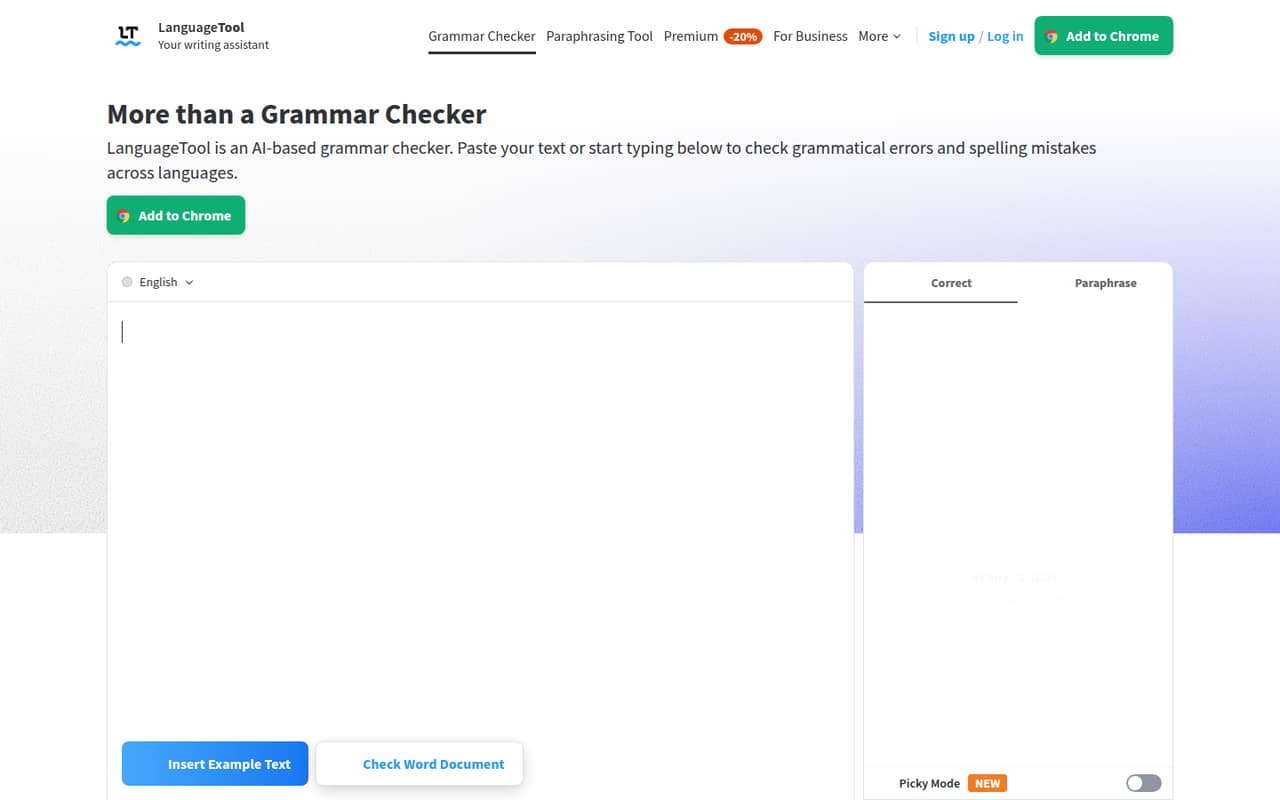
LanguageTool is the strongest fit here if your team writes in multiple languages or wants shared style standards. It has a free plan and starts at $5.53, but team pricing is annual and begins at two seats. Check the annual commitment and the total for your headcount before budgeting; the starting price alone doesn’t establish what three or five seats will cost.
What works
- Supports more than 30 languages and dialects
- Free plan includes basic grammar and spelling checks
- Paid plans add style, punctuation, and paraphrasing tools
What doesn't
- Free text fields stop at 2,000 characters
- Free plan includes only 3 AI rephrasings per day
- Teams requires at least two users
- Best free clarity checkHemingway EditorHemingway Editor
Hemingway Editor offers free style flags for teams editing short web copy, including checks for passive voice. Its paid Plus plan starts at $8.33 and adds AI and grammar tools, so teams that only want clarity feedback may not need to pay. It’s a focused choice rather than a shared marketing workflow, which can keep setup simple.
What works
- Free web editor has unlimited style highlights
- Readability grade and document counts are included
- Separate Write and Edit modes
What doesn't
- Free Web Editor has no AI rewrites
- Readability suggestions can be too prescriptive
- Team AI plans charge per user
- Best for draft polishingWordtuneWordtune
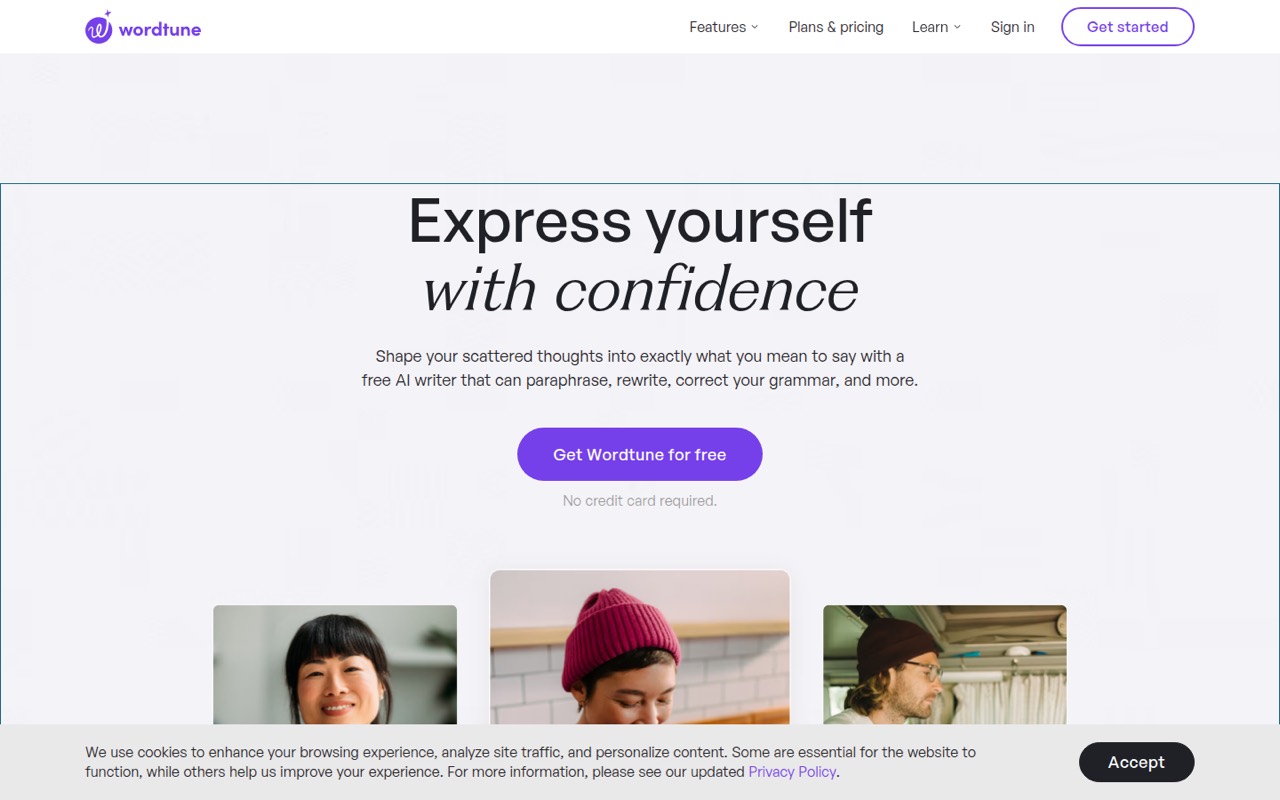
Wordtune’s free tier makes it easy to try for rewriting everyday drafts, summarizing articles and videos, or translating English. Paid pricing starts at $4.89, but the listed starting price doesn’t tell you what a few seats cost. It’s a good fit when the team needs help reshaping existing text, not a full content planning system.
What works
- Basic includes unlimited spelling and grammar checks
- Can switch between casual and formal tones
- Summarizes documents, webpages, articles, and YouTube videos
What doesn't
- Basic allows only 10 rewrites daily
- Basic includes just three monthly AI summaries
- Paid costs multiply with each person
- Best for message repliesCorrectoCorrecto
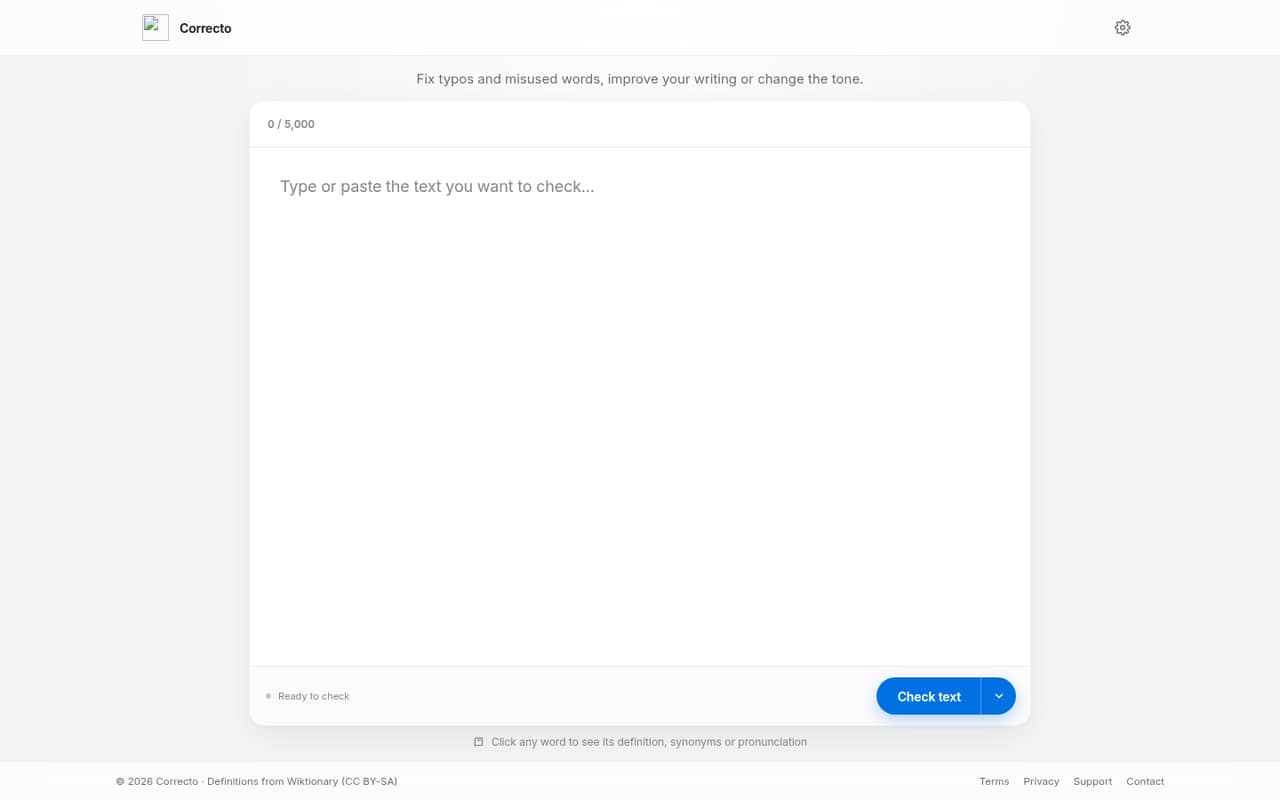
Correcto is aimed at everyday corrections, tone changes, and drafting frequent message replies. A free plan is available, and Pro starts at $5.99. That’s a low listed starting point, but confirm whether the price is per user and what team sharing includes before rolling it out. It suits teams looking for writing improvements rather than a broad AI workspace.
What works
- Free plan includes 20 corrections daily
- Pro adds writing improvements and tone changes
- Drafts replies in a selected tone
What doesn't
- Free plan excludes Improve writing and Reply
- Paid monthly prices are not published
- Pro caps corrections at 2,000 monthly
- Best for paraphrasingQuillBotQuillBot
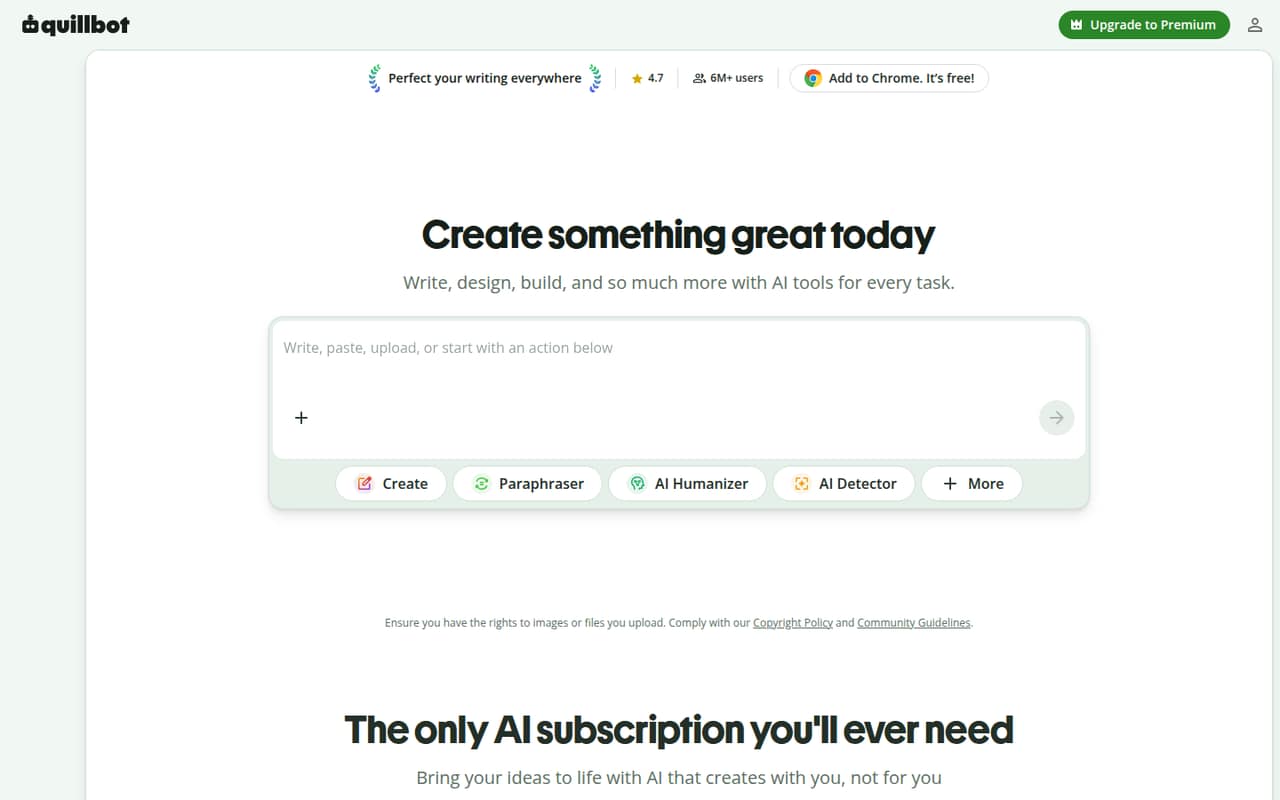
QuillBot combines paraphrasing with other writing and PDF tools, making it useful for people who regularly rework text. It has a free plan and starts at $8.33, though the free limits are tight and its humanizer comes with caveats. For a small team, test whether the limits cover your real workload and ask how seats are priced.
What works
- Combines paraphrasing, grammar, detection, and PDF tools
- Free plan includes basic grammar corrections
- Premium offers unlimited paraphrasing
What doesn't
- Free paraphrases stop at 125 words
- Free plan has no Plagiarism Checker access
- Team requires at least two seats and annual billing
- Best for long-form editingProWritingAidProWritingAid
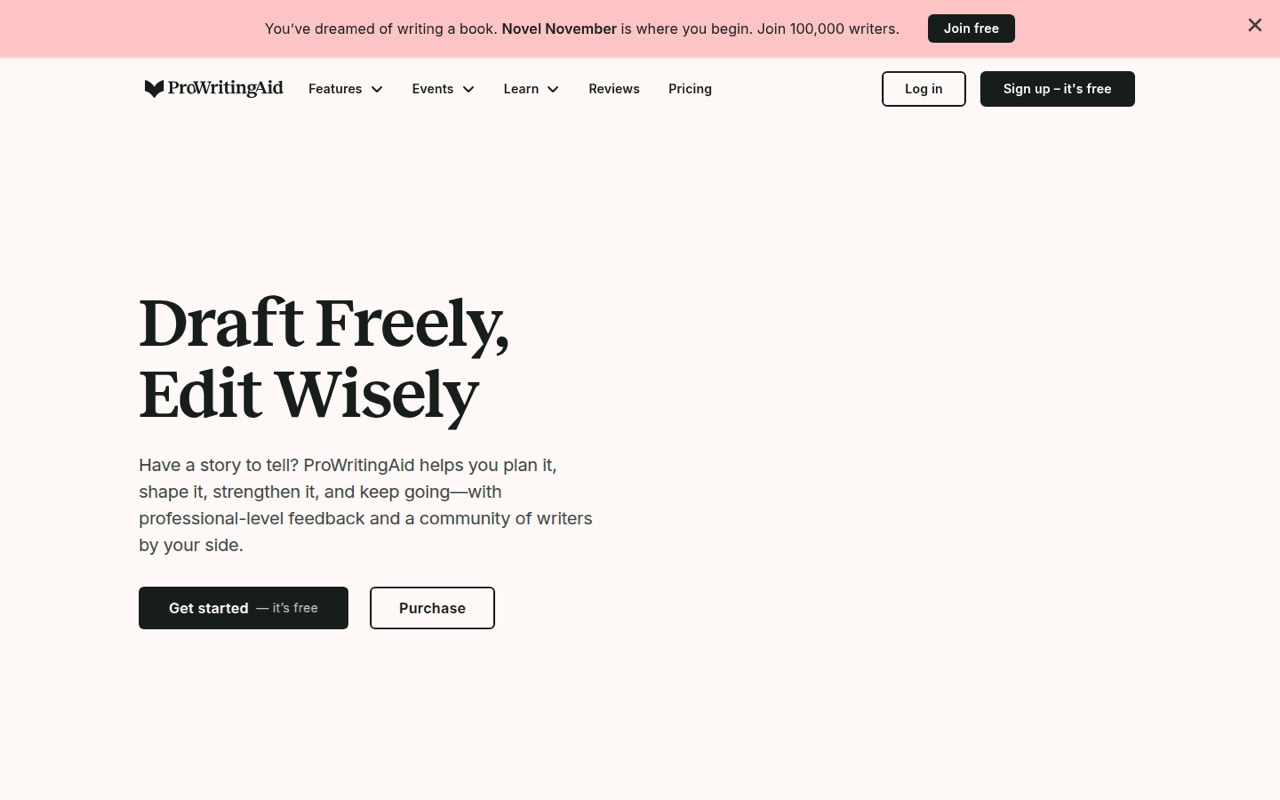
ProWritingAid has a free starting point and is geared toward book writers, manuscript planning, and building an editing routine. Paid plans start at $10. It may suit a team with longer drafts to review, but it’s less obviously useful for occasional email cleanup. Reports about its editing suggestions are mixed, so review those carefully before standardizing on it.
What works
- Free tier includes planning and editing features
- Tools cover planning through publishing guidance
- Annual Premium costs $10 per month
What doesn't
- Free editing runs are limited daily
- Monthly Premium costs $30 per person
- Story Credit add-on prices aren't published
- Best for flexible draftingHyperWriteHyperWrite
HyperWrite offers a free entry point for teams drafting everyday content, plus personalized suggestions and cited-source research as stated use cases. Paid pricing starts at $16, but check the seat math before adopting it across a team. It’s worth considering if those writing and research needs overlap; a simple proofreader may be enough otherwise.
What works
- Free plan includes basic AI writing
- Premium includes 250 monthly AI messages
- Unlimited TypeAheads on paid plans
What doesn't
- Free monthly credit amount is unpublished
- Premium costs $19.99 monthly per person
- No team-tier pricing is listed

- Best for trying workflowsEasy-Peasy.AIEasy-Peasy.AI
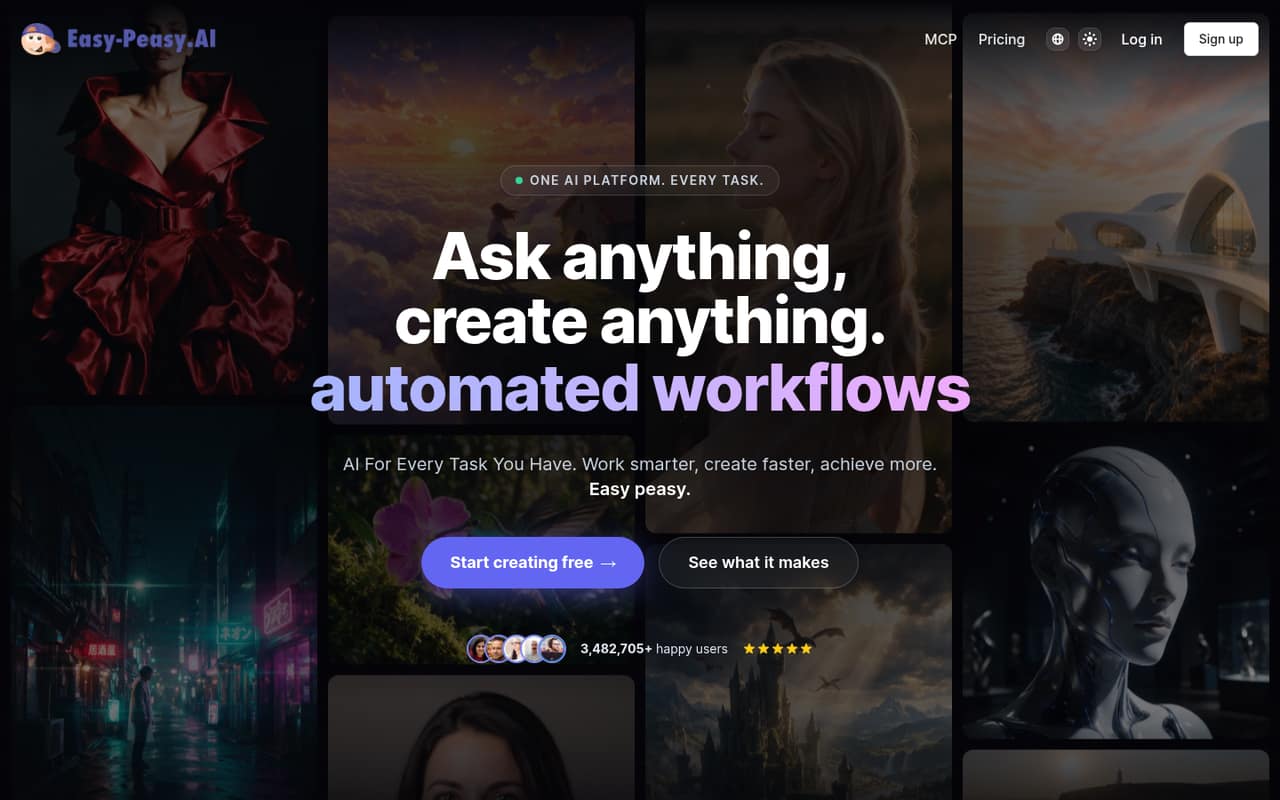
Easy-Peasy.AI starts with a free plan and a listed paid price of $8. It covers several media formats and is positioned for teams testing AI workflows on modest budgets. Check its credit limits and how seats are set up before relying on it for routine work. Its broader toolkit may be more than a proofreading-focused team needs.
What works
- Free plan includes writing, image, audio and bot access
- One platform covers text, images, video and audio
- Starter annual price is $8 per month
What doesn't
- Free plan includes just one image credit
- Starter has monthly word and transcription limits
- Monthly billing costs twice the annual monthly rate
- Best for follow-upsRytrRytr
Rytr combines email and marketing copy drafting with help for frequent follow-ups. It has a free plan and starts at $9, but the cost can add up across a team. Confirm whether that starting price covers one writer or shared use, and compare the paid total with your actual volume before giving everyone a seat.
What works
- Free plan includes 10,000 characters monthly
- Engage tracks contact context and promises
- Create covers 40 writing use cases
What doesn't
- Free plan allows just one connected source
- Lite keeps the free plan's Engage limits
- Paid team totals depend on seat arrangements
03How we chose
We weighed whether a free plan can handle real small-team work, the listed starting price, published seat minimums and per-member costs, and how much setup the tool’s stated use case seems to require. We also considered plan limits, documentation clarity, and reported user sentiment where available. A starting price is not a team quote: when seat terms aren’t clear, we say so rather than multiplying a number that may not apply. We favored focused writing and editing needs over broad platforms a small team may not use.
04Start with the free plan and the job you actually have
Pick the task before picking a tool. For proofreading and clarity, start with Grammarly, LanguageTool, or Hemingway Editor. For paraphrasing or rewriting, consider QuillBot or Wordtune. For longer manuscripts, ProWritingAid is the more relevant fit. The free plans vary, and some have limits, so check the plan details against how often your team writes.
Try the free option with a few representative drafts: an email, a web page, or a longer piece if that’s your work. Note which features your team uses and where you hit a limit. Don’t buy a wider AI suite just because it includes extra tools. If one shared standard matters, check whether the vendor supports team style settings and what plan includes them.
05Check the real cost and the rollout effort
A low starting price doesn’t tell you what a few seats will cost. Grammarly lists Pro at €12 per member monthly, while LanguageTool’s team pricing is annual and starts at two seats. For other tools, ask whether the displayed price is per person, whether there’s a minimum number of seats, and what the three- or five-person total is. Confirm the billing term and the limits on the plan you’d actually buy.
Keep rollout small. Decide who needs access, which kinds of writing the tool can assist with, and who reviews final copy. For products with credit limits, test a normal month’s workload before committing. If the vendor’s docs don’t answer questions about seat sharing, limits, or cancellation, ask for those details in writing before you add the tool to your team budget.
Questions people ask
What are some free AI tools for content writing?
Grammarly, QuillBot, LanguageTool, Wordtune, Hemingway Editor, ProWritingAid, HyperWrite, Easy-Peasy.AI, and Rytr all list free plans or free starting options. Their limits differ, so check whether the free tier covers your team’s actual writing volume before building a process around it.
Can I legally write a book with AI?
AI can be part of a writing process, but whether a particular book is legally publishable depends on the content, rights, and rules that apply to your situation. Review the tool’s terms, keep track of material you contribute, and consult a qualified lawyer if ownership or publication rights are at stake.
Is there any AI better than ChatGPT?
That depends on the job. A focused editor may be a better fit for proofreading, paraphrasing, or long-form editing than a general chatbot. Tools such as Grammarly, QuillBot, and ProWritingAid are built around those specific writing needs; compare them on the task your team repeats most.
Do professional writers use ChatGPT?
We can’t give a reliable adoption figure here. The more useful question for a small team is whether AI helps with a particular step, such as generating a first draft or polishing wording. Set a human review process, and check that the final copy matches your standards before publishing.