We may earn a commission if you buy through links on this page. It never changes a score or a ranking. How we make money
A small team may not need a paid social tool at all: Meta Business Suite is free if you only need Meta, and Buffer, Publer, Metricool, Planable and Pallyy list free plans. For teams sharing work, SocialPilot starts at $25 and Sendible at $35, with Sendible’s Core plan listing unlimited users. That can make flat-rate pricing easier to budget than seat-based plans. Our top pick is Buffer for flexible scheduling and its free starting point; choose SocialPilot or Sendible when several people need to collaborate. Check account, channel, workspace and seat limits before moving your whole workflow.
Quick picksThe shortlist
 BufferBufferBest for small teams · $5/mo
 SocialPilotSocialPilotBest for three users · $25/mo
 SendibleSendibleBest for shared teams · $35/mo
 PublerPublerBest low-cost scheduler · $4/mo
 MetricoolMetricoolBest for a few brands · $20/mo
 Meta Business SuiteMeta Business SuiteBest free for Meta · Free
 PlanablePlanableBest for approvals · $33/mo
 PallyyPallyyBest free for agencies · $25/mo
 RecurPostRecurPostBest for evergreen posts · $7.50/mo
 TailwindTailwindBest for Pinterest · $11.99/mo
01Compared at a glance
| Tool | Score | From | Free plan | Trial |
|---|---|---|---|---|
| BufferBuffer | 7.5 | $5/mo | Yes | 14 days |
| SocialPilotSocialPilot | 7.5 | $25/mo | No | 14 days |
| SendibleSendible | 7.2 | $35/mo | No | 14 days |
| PublerPubler | 7.8 | $4/mo | Yes | — |
| MetricoolMetricool | 7.8 | $20/mo | Yes | — |
| Meta Business SuiteMeta Business Suite | 6.7 | Free | Yes | — |
| PlanablePlanable | 7.0 | $33/mo | Yes | Yes |
| PallyyPallyy | 7.2 | $25/mo | Yes | 14 days |
| RecurPostRecurPost | 7.5 | $7.50/mo | No | 14 days |
| TailwindTailwind | 6.5 | $11.99/mo | Yes | — |
02The picks, in detail
- Best for small teamsBufferBuffer
Buffer is a practical starting point if your team needs scheduling across several channels without paying for each teammate. Its free plan is useful, and paid plans start at $5. The trade-off is channel-based pricing: check how many channels your team needs, since that—not the number of seats—is the main pricing detail highlighted for small teams.
What works
- Free plan supports up to three channels
- Paid plans offer unlimited scheduled posts
- Team includes unlimited members and approvals
What doesn't
- Free plan has one user and limited posts
- Paid pricing is charged per channel
- Team collaboration requires the Team plan
- Best for three usersSocialPilotSocialPilot
SocialPilot is a strong fit for a small group that wants shared publishing and analytics without starting at enterprise-style prices. Plans start at $25, and it is positioned for teams of three that need analytics. If you have more than three people, confirm which plan covers your seats and account needs before you commit.
What works
- Standard includes three users and 15 social accounts
- Annual billing lowers Standard to $42 monthly equivalent
- Content calendar supports planning and scheduling
What doesn't
- No free plan
- Trial feature limits aren’t published
- Five-person teams pay for two extra seats

- Best for shared teamsSendibleSendible
Sendible’s Core plan starts at $35 and lists unlimited users, which makes its entry price easier to budget when several teammates need access. It also targets teams that share scheduling and need approval workflows. Check the plan’s account and feature limits; unlimited users alone does not tell you whether it fits your publishing volume.
What works
- Unlimited users on every listed plan
- Core includes six social profiles
- Bulk scheduling and post monitoring
What doesn't
- No free plan
- Core costs $35 monthly without annual billing
- Core lacks assignment and approval features
- Best low-cost schedulerPublerPubler
Publer starts at $4 and has a free plan, making it worth a look for teams trying to keep subscription costs down. It offers a shared content calendar and is aimed at small teams scheduling across accounts. Team pricing needs a closer look, so verify seat and account limits before treating the starting price as your team’s total.
What works
- Free plan includes one user and three social accounts
- Free plan allows 10 scheduled posts per account
- Professional includes unlimited scheduling and drafts
What doesn't
- Free plan excludes X
- Free plan allows only one user
- Paid plan member limits aren’t published
- Best for a few brandsMetricoolMetricool
Metricool combines scheduling and analytics, with a free plan and paid plans starting at $20. It is a good match for a solo marketer or small team managing a few brands. The main caution is collaboration: check the plan’s team limits before building shared workflows around it.
What works
- Free plan includes one brand and 20 monthly posts
- Starter includes unlimited scheduling, subject to fair use
- Analytics, reporting, inbox, and planner in one dashboard
What doesn't
- Free plan limits scheduling to 20 posts monthly
- Free analytics history lasts 30 days
- Starter entry tier covers five brands, not ten
- Best free for MetaMeta Business SuiteMeta Business Suite
If your work is focused on Meta, Meta Business Suite offers free basic scheduling and inbox work. That makes it the easiest way to avoid a new subscription for a Meta-only workflow. It is not a fit for teams that need one tool across other social networks, and the learning curve and user-reported bugs are worth considering.
What works
- Free access to the platform
- Combines Facebook, Instagram, and Messenger work
- Schedules posts, Stories, and Reels
What doesn't
- Seat and usage limits are not published
- Advertising spend is separate
- Users report publishing and scheduling problems
- Best for approvalsPlanablePlanable
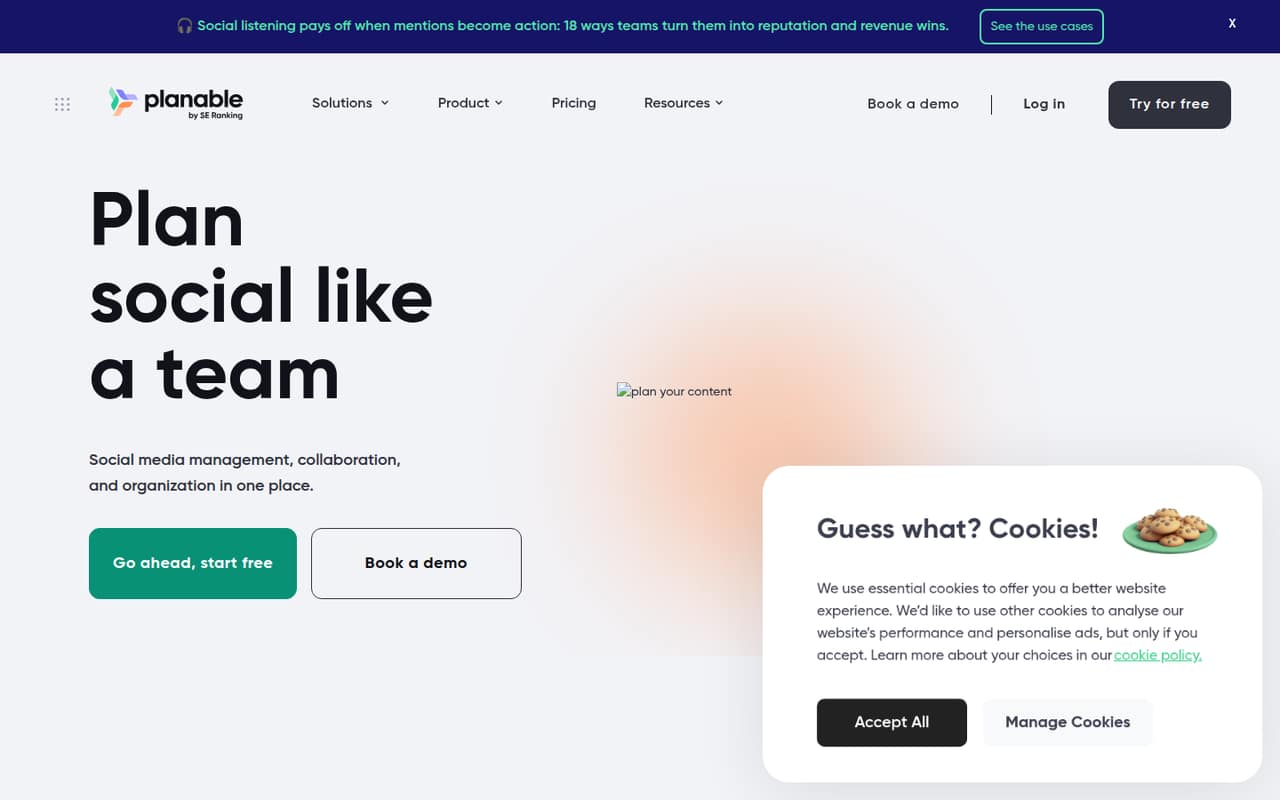
Planable is built around shared calendars and approvals, useful when posts need review before publishing. It has a free plan and starts at $33. For a small team, pay close attention to workspace limits: the cost may depend more on how you organize workspaces than on the number of seats.
What works
- Shared workspaces keep social planning together
- Calendar, feed, grid, and list scheduling views
- Step-by-step approvals and one-click sign-off
What doesn't
- Basic limits each workspace to 60 monthly posts
- Basic includes only four social pages
- Analytics and inbox cost extra
- Best free for agenciesPallyyPallyy
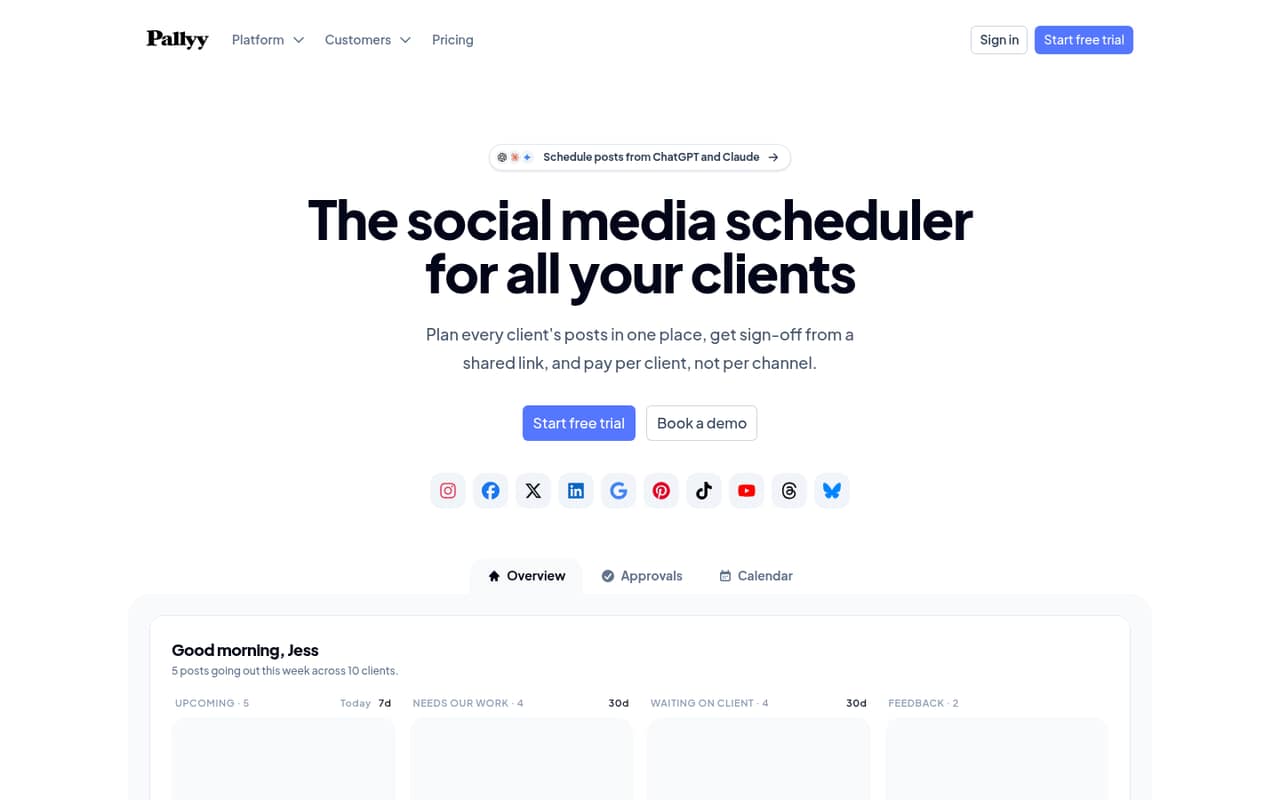
Pallyy offers a free tier and starts at $25, with features aimed at client approvals, shared calendars and reports. It may suit a small agency that wants to try a collaborative workflow before paying. Check the cost of the seats you need; the free plan does not settle what a working team will pay.
What works
- Clients can review posts through a shared link without an account
- Separate calendars keep each client's content organized
- Pro includes unlimited posts and five-year analytics retention
What doesn't
- Free allows only 15 scheduled image posts per month
- Pro is limited to one user
- Agency extra users cost $10 monthly each
- Best for evergreen postsRecurPostRecurPost
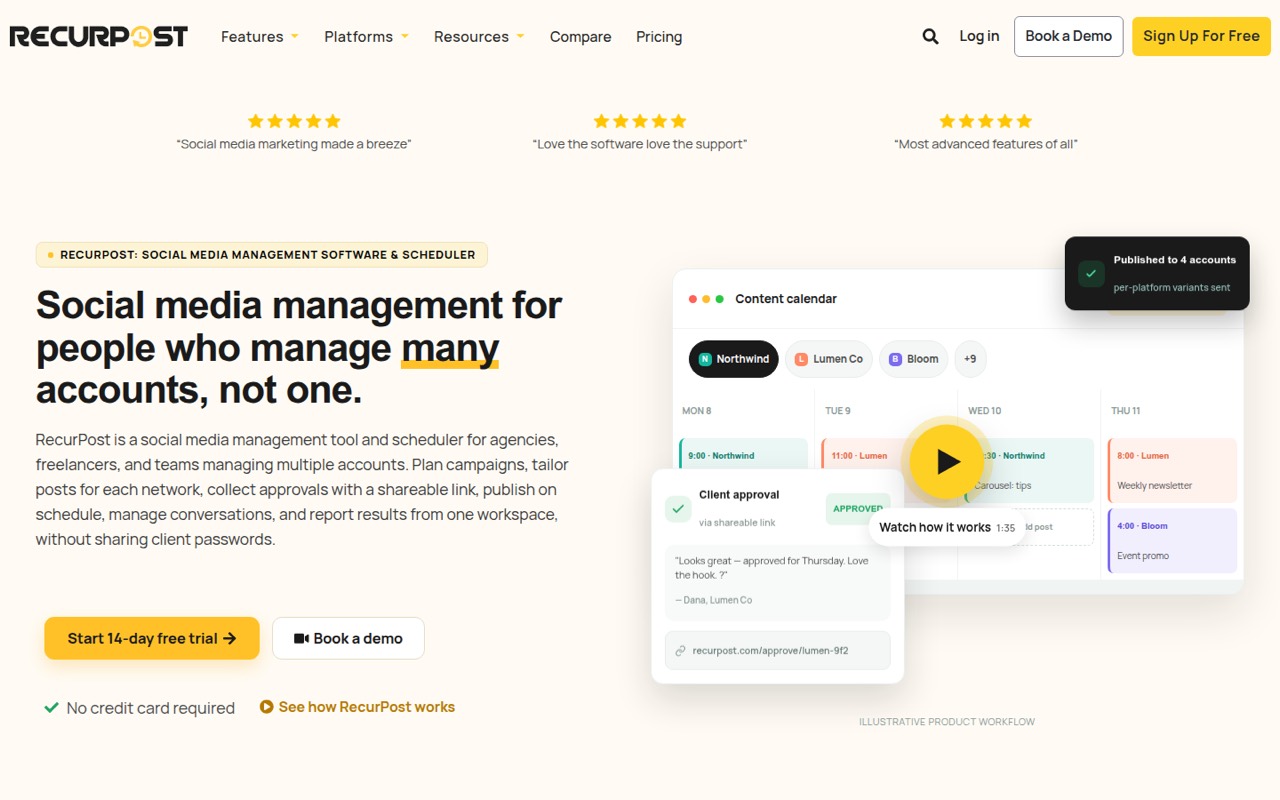
RecurPost starts at $7.50 and suits teams that reuse evergreen posts or coordinate client approvals. It is aimed at multi-account teams, but there is no free plan and paid seats need budgeting. Confirm the number of users and accounts included in the plan you are considering; the starting price alone may not reflect your team’s total.
What works
- Paid plans start at $9 monthly
- Agency plan includes three users
- Shareable calendars support client approvals
What doesn't
- No free plan is listed
- Extra teammates cost $20 monthly each
- Starter is limited to two social accounts
- Best for PinterestTailwindTailwind
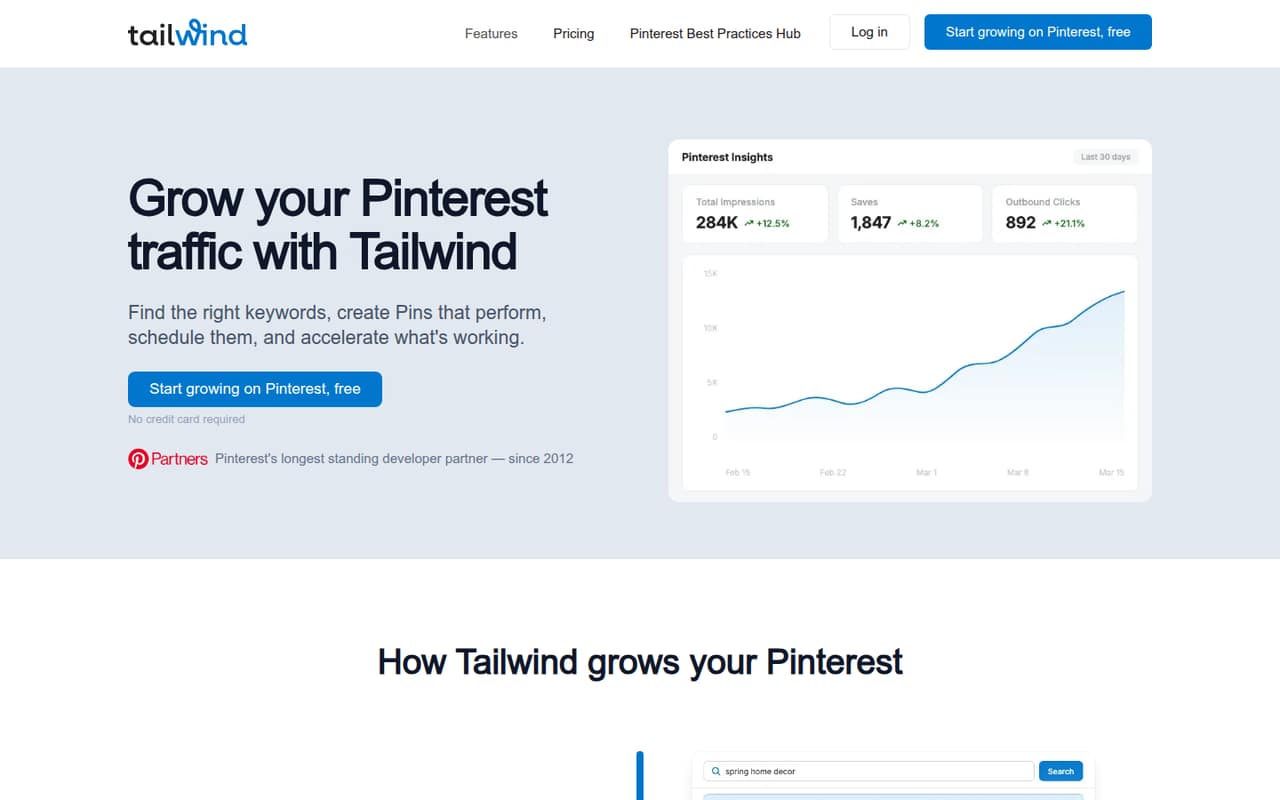
Tailwind is a Pinterest-focused option with Pin automation and a listed free plan; paid plans start at $11.99. It can make sense if Pinterest is central to your team’s work, but check account-based pricing and the free plan’s limits. If you need broad cross-network scheduling, compare it with a general-purpose tool first.
What works
- Keyword research includes related terms and tracking
- SmartPin automates weekly Pin creation
- SmartSchedule plans Pin publishing times
What doesn't
- Free-plan limits are not published
- Prices apply per Pinterest account, not per person
- Extra credits cost $10 per 100
03How we chose
We ranked tools for teams of 1–10, weighing whether a free plan is listed, what the entry price signals for a few users, and whether pricing is per seat, channel, account or workspace. We also considered the stated fit for scheduling, publishing, approvals, inboxes and analytics, plus the limits a team should clarify before buying. Setup effort matters too: a focused scheduler may be simpler to adopt than a broader suite, but teams should check the vendor’s docs for their exact workflow. We use Reddit sentiment as a cross-check for common snags where relevant; we do not claim hands-on tests.
04Work out what your team actually needs
Start with the work, not the feature list. If your team only needs basic scheduling and inbox tasks for Meta, Meta Business Suite is free. For several networks, decide whether you need approvals, analytics, a shared inbox or just a calendar and scheduler. Buffer, Publer and Metricool list free plans, while Planable and Pallyy may suit teams that prioritize approvals and shared work.
Next, count what the vendor charges for. Buffer charges by channel, while other tools can have seat, account or workspace limits. Ask who needs access, which profiles they will manage, and how many workspaces or brands you need. That gives you a more useful price comparison than the headline starting price.
05Check the real cost and the path to growth
Compare the smallest plan that supports your team’s actual workflow. SocialPilot starts at $25 and is positioned for three-user teams; Sendible’s $35 Core plan lists unlimited users. Those details make them worth comparing when several teammates need access. Hootsuite’s Standard plan starts at $99 per seat, a steep entry point for a small team. Sprout Social has no free plan for small teams and starts at $79.
Before buying, ask the vendor to confirm the limits that affect your bill: seats, profiles, channels, accounts, workspaces and approval access. Also check what happens when you add a brand or teammate. A free tier can be enough for a small test, but collaboration limits may become the reason to upgrade. If you cannot get a clear answer on your expected total, treat that as a budgeting risk.
Questions people ask
What is the 5-5-5 rule on social media?
The phrase is used as a content-planning shorthand, but teams should agree on what its three fives mean before turning it into a schedule. Decide what mix of publishing and engagement you want, then use a shared calendar or approval workflow to keep the plan visible.
What are 10 popular social media tools?
Options for small teams include Buffer, Hootsuite, Sprout Social, Metricool, Later, RecurPost, Loomly, Publer, Planable and SocialPilot. They differ in price and focus: some emphasize scheduling, while others target approvals, analytics, shared inbox work or client accounts.
What are the most important tools for social media managers?
For a small team, the core jobs are scheduling and publishing posts, coordinating approvals, handling inbox work and reviewing analytics across the networks you use. Not every team needs every function: start with the tasks that currently take the most time, then choose a plan that covers them.
What is the best social media monitoring tool?
It depends on what you need to monitor. Sprinklr Social is aimed at teams needing social listening, but its pricing is custom. Hootsuite is positioned for competitor benchmarks, while X Pro is for monitoring topics on X. Check network coverage and total cost before choosing.