We may earn a commission if you buy through links on this page. It never changes a score or a ranking. How we make money
Most small teams don’t need a paid AI note taker until someone is spending too much time writing minutes or chasing meeting follow-ups. Fathom is our top starting point: it has a free plan and suits teams sharing calls and insights. Circleback and MeetGeek are also worth a look if search or automated follow-up matters. Before inviting the whole team, check what the free plan covers, how paid seats are priced, and whether the tool records with a visible bot or captures audio another way.
Quick picksThe shortlist
 FathomFathomBest for small teams · $15/mo
 CirclebackCirclebackBest free · $15/mo
 MeetGeekMeetGeekBest for follow-up · $15.99/mo
 TactiqTactiqBest bot-free · €6.67/mo
 Fireflies.aiFireflies.aiBest searchable transcripts · $10/mo
 GrainGrainBest for shared takeaways · $15/mo
 Sembly AISembly AIBest for client deliverables · $10/mo
 tl;dvtl;dvBest for sales calls · $18/mo
 Otter.aiOtter.aiBest for CRM sync · $8.33/mo
 GranolaGranolaBest for bot-free capture · $14/mo
 Read AIRead AIBest for meeting follow-through · $15/mo
 Minutes AIMinutes AIBest for live minutes · $16.99/mo
 TwinMindTwinMindBest for personal context · $11.99/mo
 AvomaAvomaBest for sales coaching · $19/mo
 Noty.aiNoty.aiBest for assigned tasks · $3.33/mo
 Highlight AIHighlight AIBest for modest volume · $35/mo
 ScreenAppScreenAppBest for recorded calls · $19/mo
 SupernormalSupernormalBest for client deliverables · Free
 MetaviewMetaviewBest for recruiting · $100/mo
 ZocksZocksBest for financial advisors · $67/mo
01Compared at a glance
| Tool | Score | From | Free plan | Trial |
|---|---|---|---|---|
| FathomFathom | 8.1 | $15/mo | Yes | — |
| CirclebackCircleback | 7.8 | $15/mo | Yes | — |
| MeetGeekMeetGeek | 7.7 | $15.99/mo | Yes | 14 days |
| TactiqTactiq | 7.8 | €6.67/mo | Yes | — |
| Fireflies.aiFireflies.ai | 7.2 | $10/mo | Yes | — |
| GrainGrain | 7.2 | $15/mo | Yes | 14 days |
| Sembly AISembly AI | 7.6 | $10/mo | Yes | 7 days |
| tl;dvtl;dv | 7.1 | $18/mo | Yes | — |
| Otter.aiOtter.ai | 6.8 | $8.33/mo | Yes | — |
| GranolaGranola | 6.8 | $14/mo | Yes | — |
| Read AIRead AI | 6.4 | $15/mo | Yes | — |
| Minutes AIMinutes AI | 6.8 | $16.99/mo | Yes | — |
| TwinMindTwinMind | 7.0 | $11.99/mo | Yes | 7 days |
| AvomaAvoma | 6.8 | $19/mo | No | 14 days |
| Noty.aiNoty.ai | 6.6 | $3.33/mo | No | 7 days |
| Highlight AIHighlight AI | 6.5 | $35/mo | Yes | 14 days |
| ScreenAppScreenApp | 6.3 | $19/mo | Yes | 7 days |
| SupernormalSupernormal | 6.2 | Free | Yes | — |
| MetaviewMetaview | 7.0 | $100/mo | Yes | — |
| ZocksZocks | 6.5 | $67/mo | No | — |
02The picks, in detail
- Best for small teamsFathomFathom
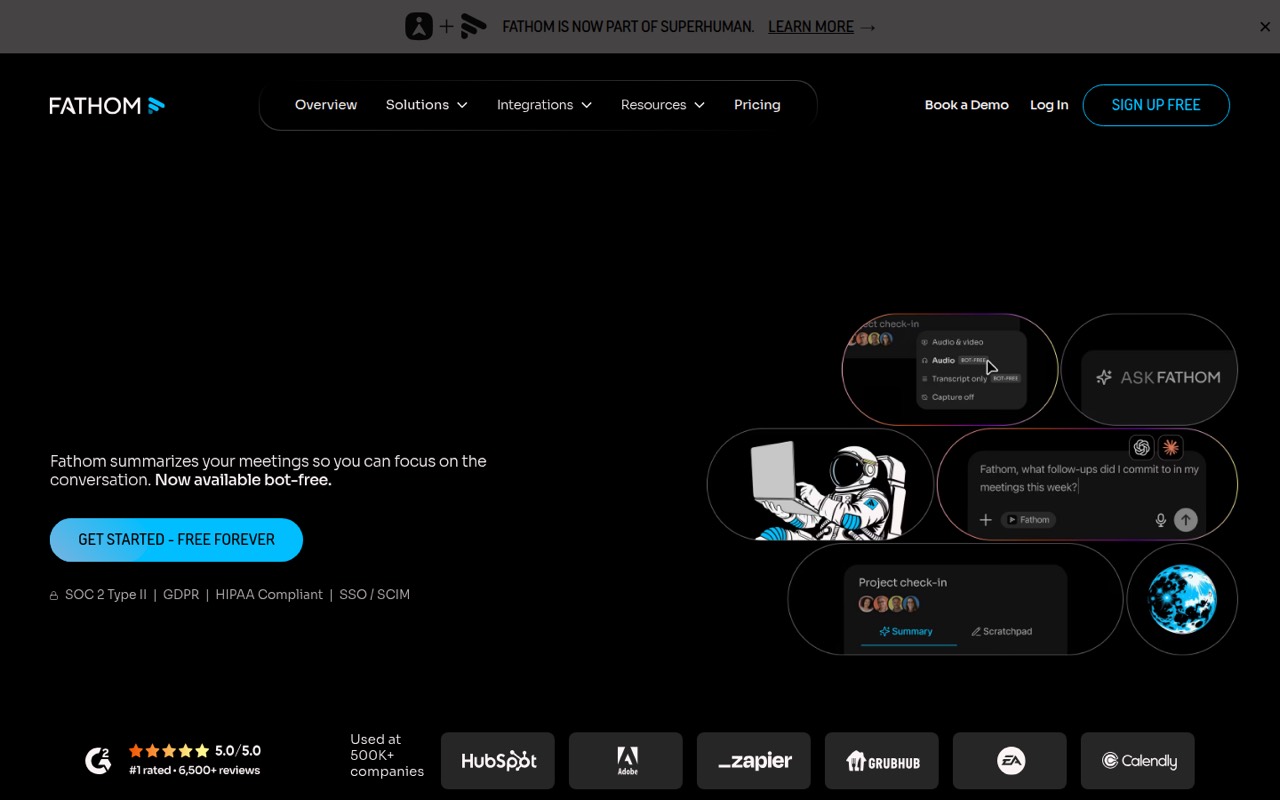
Fathom is our best starting point for a 1–10 person team that wants meeting notes without immediately paying for every seat. It has a free plan and is aimed at teams sharing calls and insights. The listed paid starting price is $15; check with the vendor which shared tools and CRM syncing require paid seats before rolling it out.
What works
- Free plan lists unlimited recordings and transcriptions
- Capture is available with or without a bot
- Free plan includes clips, playlists, and call search
What doesn't
- Team plan has a two-user minimum
- AI-generated action items are listed on Premium
- CRM field sync starts on Business
- Best freeCirclebackCircleback
Circleback pairs a free plan described as genuinely usable with meeting search, notes, and support for international calls and in-person meetings. That makes it a practical place to start if your team wants more than a one-off transcript. Its listed starting price is $15, with straightforward per-seat pricing; ask what the free plan allows for team sharing.
What works
- Free plan includes unlimited meetings
- Records online and in-person meetings
- Transcribes in over 100 languages
What doesn't
- Free meeting and recording history is 30 days
- Free automations are limited
- Pro costs $15 per user monthly
- Best for follow-upMeetGeekMeetGeek
MeetGeek suits teams with recurring calls that want to automate post-call follow-up, and it can record calls and in-person talks. There’s a free plan to try, with a listed paid starting price of $15.99. Because team costs rise per seat, confirm the price for everyone who needs access and whether your meeting volume fits the free tier.
What works
- Free plan includes three transcription hours monthly
- Bot and bot-free recording options
- Desktop and mobile capture, including offline
What doesn't
- Basic limits transcription to three hours monthly
- Pro allows 20 hours before extra charges
- Pro and Business costs multiply per seat
- Best bot-freeTactiqTactiq
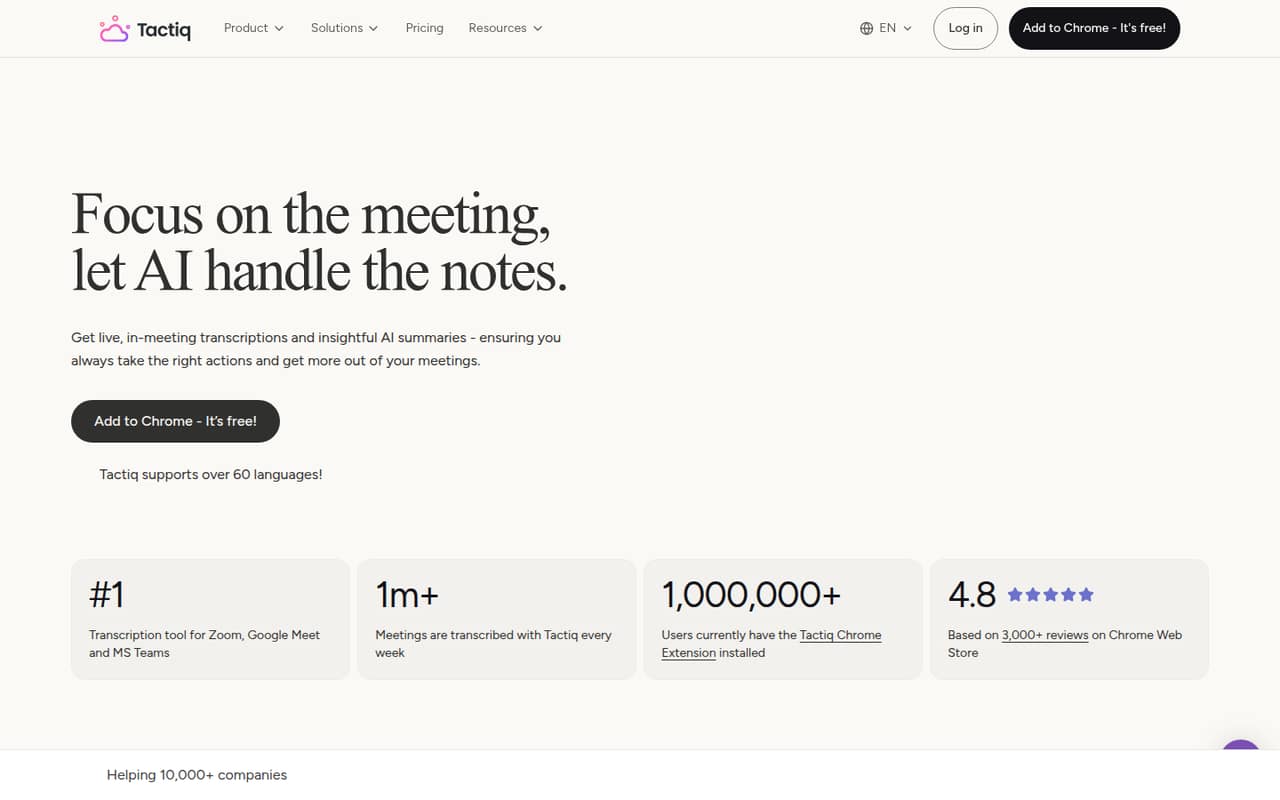
Tactiq is a strong option for teams that want transcripts and follow-ups without a visible meeting bot. It supports 60+ languages, according to the published product details, and has a free plan. The listed starting price is $6.67, with paid prices based on annual billing. Check the free-plan limits and the annual commitment before budgeting for several seats.
What works
- Transcribes without an AI bot joining
- Works with Zoom, Meet, and Teams
- Supports transcription in over 60 languages
What doesn't
- Free plan caps transcripts at 10 monthly
- Free plan includes only 5 AI credits monthly
- Paid prices are annual-billing monthly equivalents
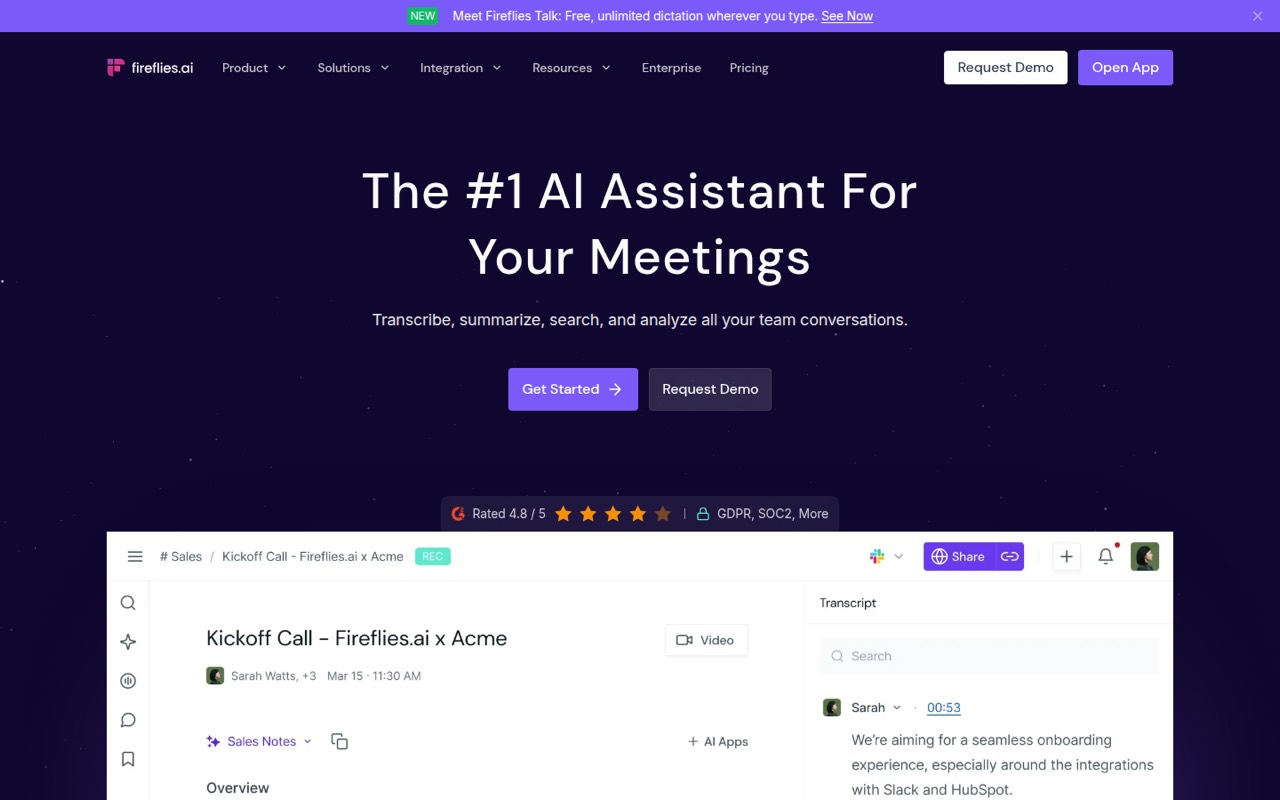
- Best searchable transcriptsFireflies.aiFireflies.ai
Fireflies.ai is worth trying if your team often revisits meeting decisions or needs searchable transcripts and automatic notes. It has a free plan, while the listed starting price is $10. The main reason to move to Pro is needing more storage and complete summaries. Before adding teammates, verify how the free and paid limits apply across your shared workspace.
What works
- Free plan includes unlimited transcription
- Summaries include notes and action items
- Search past meetings with AskFred
What doesn't
- Free storage is limited to 400 minutes per team
- Pro costs more with monthly billing
- AI credits are limited by plan
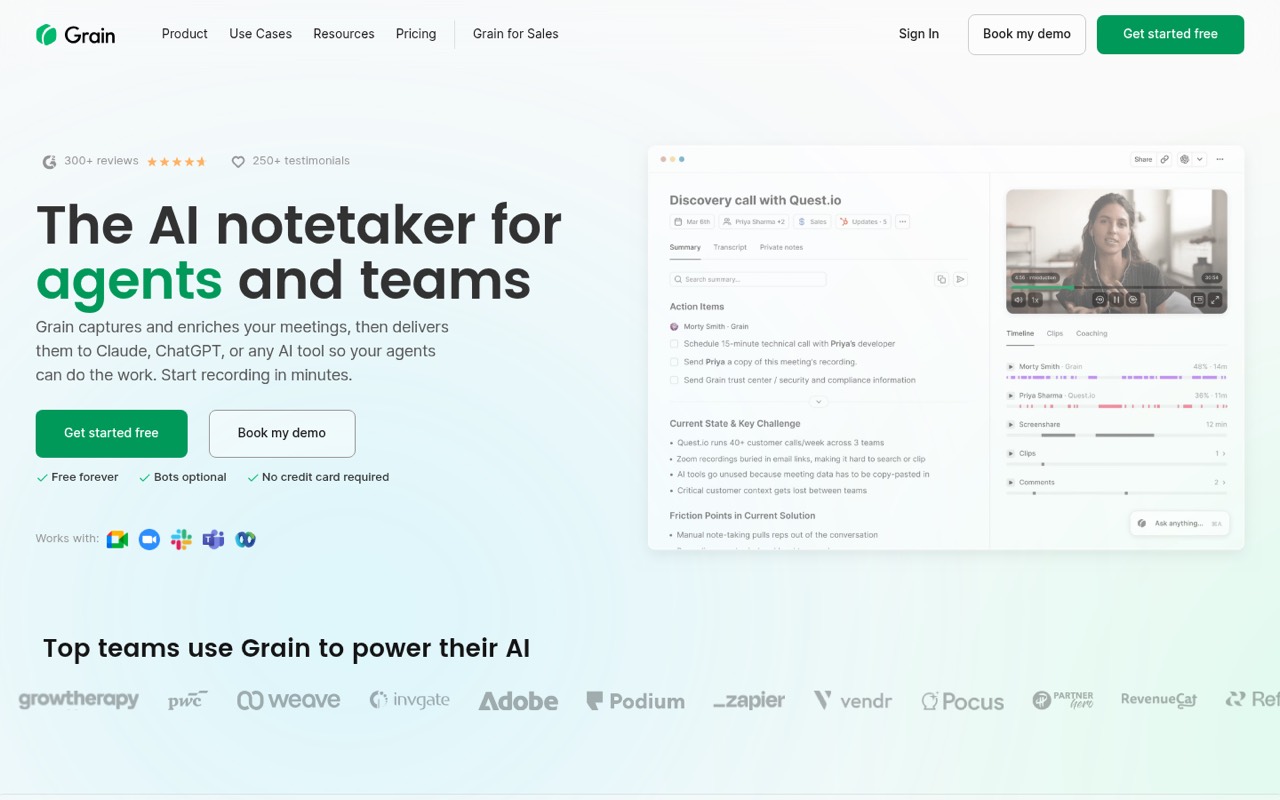
- Best for shared takeawaysGrainGrain
Grain offers a free option for solo note-taking and is aimed at teams sharing meeting takeaways, including sales and customer success teams. Its listed starting price is $15, and team sharing starts at three paid seats. That minimum matters for a small group: ask what a three-seat setup includes and whether everyone who needs notes must be a paid user.
What works
- Free plan includes unlimited AI notes and action items
- Bot-free transcription avoids a meeting bot joining calls
- Business includes shared workspaces and team libraries
What doesn't
- Free meetings stop at 45 minutes
- Free plan has a 30-day meeting history
- Business requires at least two paid seats
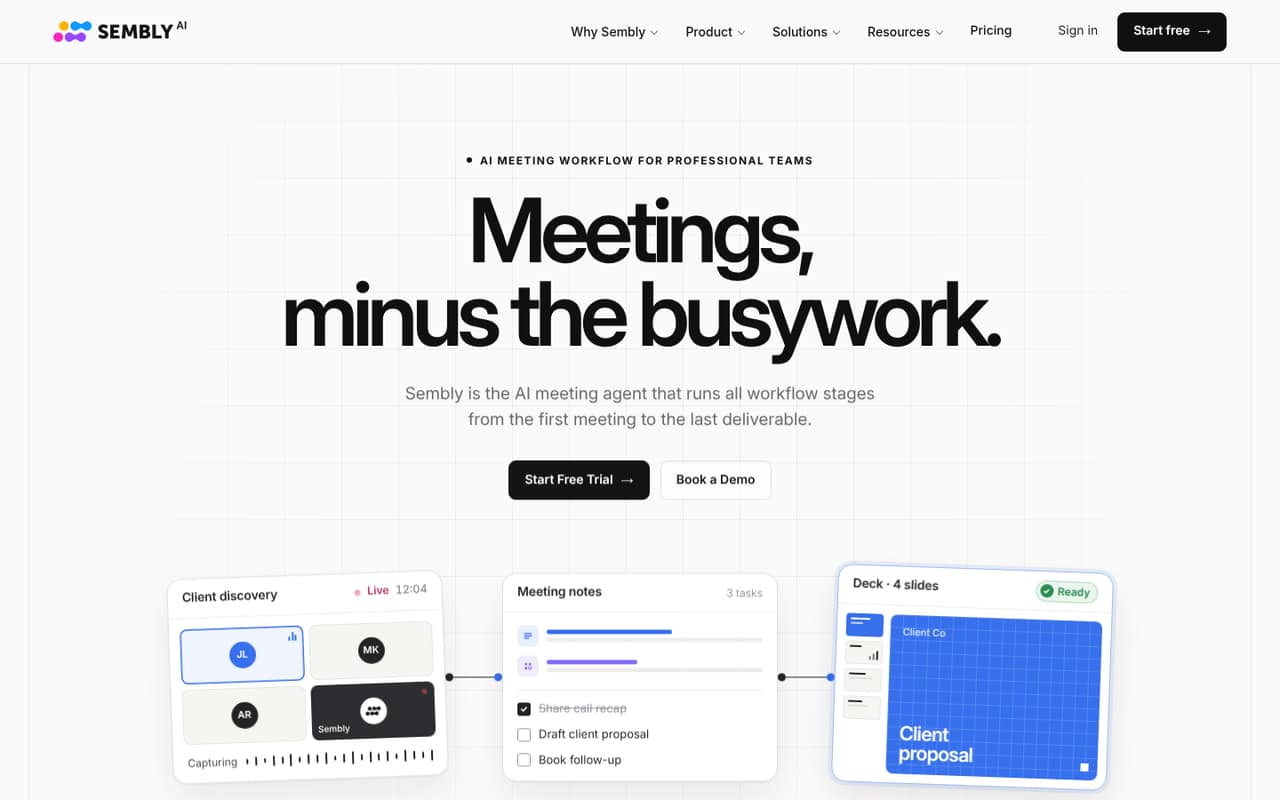
- Best for client deliverablesSembly AISembly AI
Sembly AI is a good match for solo consultants and small teams preparing client-ready deliverables, with multilingual meeting transcripts also in its wheelhouse. It has a free plan and a listed starting price of $10. The recommendation is strongest for a solo user; compare per-seat costs and shared-workspace terms before adopting it across a team.
What works
- Free plan includes one meeting hour each month
- Basic includes unlimited meeting hours
- Transcribes meetings in 45+ languages
What doesn't
- Free plan is limited to one user
- Free plan includes just one meeting hour monthly
- Pro costs $87 monthly for three seats month to month
- Best for sales callstl;dvtl;dv
tl;dv is designed for meeting notes, sales-call tracking, and automated follow-ups, with a free plan for trying it out. Its listed starting price is $18, so check the per-seat total if several people need paid features. A Reddit security allegation is also worth due diligence: review the vendor’s current security information and ask any questions your team needs answered.
What works
- Free plan includes unlimited recordings up to three hours
- Transcription supports more than 30 languages
- Paid plans include unlimited AI meeting notes
What doesn't
- Free AI notes stop after 10 lifetime meetings
- Pro costs $29 per user monthly without annual billing
- Team costs rise with every paid seat
- Best for CRM syncOtter.aiOtter.ai
Otter.ai covers meetings and offers searchable notes, with CRM sync among its small-team use cases. It has a free plan and a listed starting price of $8.33. The free-plan caps and team-wide rollout concerns are reasons to check limits before inviting everyone. Confirm which plan includes the CRM connection your team needs and how usage caps work.
What works
- Transcribes meetings with speaker recognition
- Creates summaries and action items
- Searches past meetings with AI Chat
What doesn't
- Basic limits minutes and file imports
- Pro allows only 10 monthly file imports
- Paid plans charge per user
- Best for bot-free captureGranolaGranola
Granola is aimed at solo users and small teams with frequent external calls who want meeting capture without a bot. Its free tier is useful, and the listed starting price is $14. That makes it easy to consider before paying, but reliability concerns deserve attention. Ask how it handles your meeting setup and what happens when capture or transcription fails.
What works
- Basic includes bot-free device-audio capture
- Free plan includes shared folders
- Business offers unlimited notes and history
What doesn't
- Basic history is limited to 30 days
- Basic AI chat is automatic only
- Business costs $14 per user monthly
- Best for meeting follow-throughRead AIRead AI
Read AI focuses on meeting follow-through and searchable meeting context, and it has a free plan for small teams trying AI notes. The listed starting price is $15. Before using it with a whole team, review permissions and check the paid-seat cost for everyone who needs access. It’s a better fit when follow-up matters enough to justify that review.
What works
- Free plan includes five meeting transcripts monthly
- Pro includes unlimited meeting transcripts
- Summaries, transcripts, action items, and highlights
What doesn't
- Free meetings are capped at one hour
- Paid licenses are charged per user
- Playback starts with Enterprise
- Best for live minutesMinutes AIMinutes AI
Minutes AI is a fit for people who write minutes live, teams with occasional meetings on a tight budget, and groups that share notes by email. It has a free plan and a listed starting price of $16.99. The product details flag seat pricing as something to check, so ask for a team quote before treating the individual starting price as your total.
What works
- Three free minutes per day
- No credit card required for free plan
- 120-minute Time Pack costs $1.99
What doesn't
- Free plan allowance is only three minutes daily
- Enterprise / Team pricing is by inquiry
- Team seat limits are not published
- Best for personal contextTwinMindTwinMind
TwinMind is an AI memory tool for people who want searchable personal context and a way to remember meeting details. It has a useful free plan and a listed starting price of $11.99. Team-level details are unclear, so it’s easier to recommend for an individual than a shared team workflow. Ask the vendor about team accounts, access, and seat pricing.
What works
- Free plan includes summaries, chats, and transcription
- Daily digests and recaps are included free
- Supports transcription in 140+ languages
What doesn't
- Paid monthly-billing prices are not published
- Per-seat and shared-team billing are not clear
- Free plan allows just five MCP calls daily
- Best for sales coachingAvomaAvoma
Avoma is built for small sales teams reviewing calls, with meeting notes and tools for managers tracking coaching and deals. Its listed starting price is $19, and no free plan is listed in the published pricing details. It may suit a team that needs more than notes, but check the per-seat price and what’s included before comparing it with lighter tools.
What works
- Real-time transcription in 75+ languages
- AI notes, follow-ups, and CRM updates
- Free view-only seats
What doesn't
- No free plan
- Recorder seats cost $19 or $29 monthly
- Trial inclusions are not published
- Best for assigned tasksNoty.aiNoty.ai
Noty.ai turns meetings into searchable notes and tasks, making it a candidate for teams that assign work after calls. Its listed starting price is $3.33, with nonprofit and school eligibility for Impact noted. Budget for paid use rather than assuming the lowest listed price covers a shared team workflow; ask about seats, plan limits, and eligibility.
What works
- Live transcripts with highlights and comments
- Summaries are shareable after meetings
- Tasks include deadlines and assignees
What doesn't
- No free plan
- Pro is priced per user
- Pro's annual price is not listed

- Best for modest volumeHighlight AIHighlight AI
Highlight AI suits individuals managing follow-ups and small teams with modest meeting volume that are willing to review AI drafts. It has a free plan and a listed starting price of $35. Team costs and setup details need checking, so ask how many seats you need, what the free tier includes, and what setup is required before adopting it.
What works
- Free plan includes 10 transcription hours monthly
- Daily briefs surface commitments and priorities
- Meeting briefs include context and open questions
What doesn't
- Free plan caps briefs at 10 monthly
- Free plan allows three follow-ups monthly
- Pro costs $35 per person monthly
- Best for recorded callsScreenAppScreenApp
ScreenApp is aimed at teams with many recorded conversations and people who need searchable transcripts. It has a free plan and a listed starting price of $19, making it possible to try before paying. Before committing, confirm seat pricing and cancellation terms with the vendor; those details matter if you’re evaluating it for several teammates or a short-term project.
What works
- Free plan includes recordings up to 45 minutes
- Search recordings for information
- AI can create summaries and action items
What doesn't
- Free plan includes only two transcriptions
- Free AI chats are limited to 10 monthly
- Pro costs $30 monthly without annual billing
- Best for client deliverablesSupernormalSupernormal
Supernormal offers free meeting tools and may suit agencies turning calls into client deliverables or teams that can work within credit limits. A paid starting price isn’t listed, so don’t assume what a multi-seat plan will cost. Check how credits are counted, whether the free allowance fits your meetings, and ask the vendor for a clear paid quote.
What works
- Free plan costs $0 per month
- Meeting notes are described as bot-free
- Unlimited projects on the Free plan
What doesn't
- Team and Business prices aren't stated clearly
- Free plan has limited credits
- Team includes 50 credits per month
- Best for recruitingMetaviewMetaview
Metaview is built for sourcing candidates and reducing interview admin, with AI and human review as part of its positioning. It has a free plan, but the listed paid starting price is $100 and the full-suite price is custom. That’s a high starting point for most small teams; it makes more sense to explore if recruiting workflows are a core need.
What works
- Free plan includes the first 100 sourced profiles
- Unlimited concurrent searches on listed sourcing plans
- Pro includes 200 profiles sourced per month
What doesn't
- Pro costs $100 per user per month
- Max costs $300 per user per month
- Full-suite pricing is custom
- Best for financial advisorsZocksZocks
Zocks is tailored to financial advisors with busy client calendars, especially small firms already using a CRM and automating client follow-up. It has no free tier listed and starts at $67, so the entry cost is meaningful for a small team. Ask for the full per-seat price and confirm the CRM workflow before adding it to your budget.
What works
- Unlimited meetings on Essentials
- Meeting notes and preparation in the base plan
- CRM and financial planning integrations
What doesn't
- No free plan or published free trial
- Essentials starts at $67 per user monthly, billed annually
- More workflow features require higher-priced tiers

03How we chose
We ranked these tools for a 1–10 person team, weighing whether there’s a free plan, the listed starting price, and whether the stated use cases fit common small-team needs. We also considered setup effort and plan limits where the product descriptions flag them as questions to check, rather than assuming a rollout will be simple. We treated reported reliability and security concerns as prompts for due diligence, including the Granola reliability concerns and a Reddit security allegation about tl;dv. Confirm current terms with each vendor before buying.
04What should a small team check before buying?
Start with the free plan, but don’t treat “free” as a team price. Check its caps, storage, summary completeness, and whether sharing is included. The product details flag limits or paid upgrades for several tools: Fireflies.ai points to Pro for more storage and complete summaries, while Grain’s team sharing starts at three paid seats. Ask vendors how many people need paid access and whether read-only sharing is available. Then check the listed starting price against your actual seat count; a starting price alone doesn’t establish your total. For tools with unclear team terms, such as TwinMind, ask about shared workspaces and seat pricing. Finally, confirm recording style, permissions, and setup steps. If a bot-free workflow matters, compare Tactiq and Granola, but verify that their capture approach fits your meetings.
05When is it worth moving from free to paid?
Pay when the free plan blocks a real team need, not just because a meeting assistant has a longer feature list. That might mean your team needs more storage or complete summaries, paid sharing, CRM syncing, or follow-up tools. Ask the vendor to show which plan includes that specific feature and whether every teammate needs a paid seat. Multiply the quoted seat price by the people who need it before comparing options; listed starting prices do not always tell you the total for a group. Also ask how usage limits work as meeting volume grows, whether unused seats can be removed, and what cancellation terms apply. If your needs are occasional notes or one person’s searchable context, a free plan may be enough. Revisit the choice when meeting volume, collaboration, or required integrations outgrow it.
Questions people ask
What is the best free AI note taker for a small team?
Fathom is our best starting point for most small teams because it has a free plan and supports teams sharing calls and insights. Circleback is another strong free option, with meeting notes and search. Check the free-plan limits and team-sharing terms before choosing.
How much does an AI meeting assistant cost for a few people?
Listed starting prices range from $3.33 for Noty.ai to $19 for Avoma among products with published prices, but those figures don’t establish a team total. Ask each vendor for the price at your seat count and confirm which features require paid seats.
Which AI note takers work without a visible meeting bot?
Tactiq is described as offering bot-free transcripts and follow-ups, while Granola is positioned for bot-free meeting capture. Check each vendor’s current recording method and confirm it works with your meeting platforms and consent requirements.
What should we check before using an AI note taker for sales or recruiting?
For sales, compare Avoma’s call review and coaching use case with tools such as Grain and tl;dv. Metaview is aimed at recruiting and interview admin, but its listed paid starting price is $100 and its full-suite price is custom. Check seat costs, permissions, and security details.