We may earn a commission if you buy through links on this page. It never changes a score or a ranking. How we make money
Most small teams don’t need a full SEO suite on day one. Start with free tools if you mainly need Google or Bing search data and basic site checks; pay for a suite when keyword research, competitor analysis, rank tracking and reporting need to work together. Our top paid picks balance useful coverage with a starting price a small team can at least consider. Check the price for your actual number of users before buying: a low entry price doesn’t always cover a team.
Quick picksThe shortlist
 Google Search ConsoleGoogle Search ConsoleBest free start · Free
 OpenSEOOpenSEOBest free technical checks · Free
 Bing Webmaster ToolsBing Webmaster ToolsBest free Bing tool · Free
 Ahrefs Webmaster ToolsAhrefs Webmaster ToolsBest free site metrics · Free
 Detailed SEO ExtensionDetailed SEO ExtensionBest free page checks · Free
 MangoolsMangoolsBest low-cost suite · $37.70/mo
 SEO PowerSuiteSEO PowerSuiteBest desktop toolkit · $19.95/mo
 UbersuggestUbersuggestBest budget breadth · $16/mo
 SeobilitySeobilityBest free SEO basics · $55.92/mo
 AhrefsAhrefsBest competitor research · $29/mo
 SE RankingSE RankingBest ongoing SEO work · $103.20/mo
 SerpstatSerpstatBest three-person team · $50/mo
 Raven ToolsRaven ToolsBest client reporting · $39/mo
 SEOptimerSEOptimerBest one-site audits · $21.75/mo
 SEO Tester OnlineSEO Tester OnlineBest low-price coverage · €18/mo
 Moz ProMoz ProBest for solo SEO · $49/mo
 SemrushSemrushBest competitor suite · $117.33/mo
 Search AtlasSearch AtlasBest automated workflows · $99/mo
 WooRankWooRankBest branded audits · $53.25/mo
 WebCEOWebCEOBest agency reports · $32/mo
 SISTRIXSISTRIXBest competitor tracking · €119/mo
 BrightEdgeBrightEdgeBest for enterprise teams · Custom
 ConductorConductorBest for SEO workflows · Custom
 seoClarityseoClarityBest for large budgets · $2,500/mo
01Compared at a glance
| Tool | Score | From | Free plan | Trial |
|---|---|---|---|---|
| Google Search ConsoleGoogle Search Console | 8.7 | Free | Yes | — |
| OpenSEOOpenSEO | 8.8 | Free | Yes | — |
| Bing Webmaster ToolsBing Webmaster Tools | 8.2 | Free | Yes | — |
| Ahrefs Webmaster ToolsAhrefs Webmaster Tools | 7.6 | Free | Yes | — |
| Detailed SEO ExtensionDetailed SEO Extension | 8.2 | Free | Yes | — |
| MangoolsMangools | 7.5 | $37.70/mo | Yes | 10 days |
| SEO PowerSuiteSEO PowerSuite | 6.8 | $19.95/mo | Yes | — |
| UbersuggestUbersuggest | 6.3 | $16/mo | Yes | 7 days |
| SeobilitySeobility | 7.3 | $55.92/mo | Yes | 14 days |
| AhrefsAhrefs | 6.8 | $29/mo | Yes | — |
| SE RankingSE Ranking | 7.5 | $103.20/mo | No | 14 days |
| SerpstatSerpstat | 7.2 | $50/mo | No | 7 days |
| Raven ToolsRaven Tools | 7.0 | $39/mo | No | 7 days |
| SEOptimerSEOptimer | 7.0 | $21.75/mo | No | 14 days |
| SEO Tester OnlineSEO Tester Online | 6.8 | €18/mo | No | 7 days |
| Moz ProMoz Pro | 6.2 | $49/mo | No | — |
| SemrushSemrush | 6.5 | $117.33/mo | Yes | Yes |
| Search AtlasSearch Atlas | 7.1 | $99/mo | No | 7 days |
| WooRankWooRank | 6.2 | $53.25/mo | No | 3 days |
| WebCEOWebCEO | 6.8 | $32/mo | No | 14 days |
| SISTRIXSISTRIX | 7.2 | €119/mo | No | 14 days |
| BrightEdgeBrightEdge | 4.6 | Custom | No | — |
| ConductorConductor | 5.8 | Custom | No | 3 weeks |
| seoClarityseoClarity | 5.6 | $2,500/mo | No | — |
02The picks, in detail
- Best free startGoogle Search ConsoleGoogle Search Console
Google Search Console costs nothing and helps teams monitor Google Search, indexing and site issues. That makes it a sensible first stop if your budget is tight or you’re still establishing your SEO routine. It isn’t a replacement for analytics or broader rank tracking, so teams needing competitor research or an all-in-one workflow will need other tools too.
What works
- Free to use, with no seat charges listed
- Reports clicks, impressions, CTR, and position
- Filters performance by query, page, country, and device
What doesn't
- Focused on Google Search, not other search engines
- Reddit users criticize the interface
- Average position is not a precise local ranking
- Best free technical checksOpenSEOOpenSEO
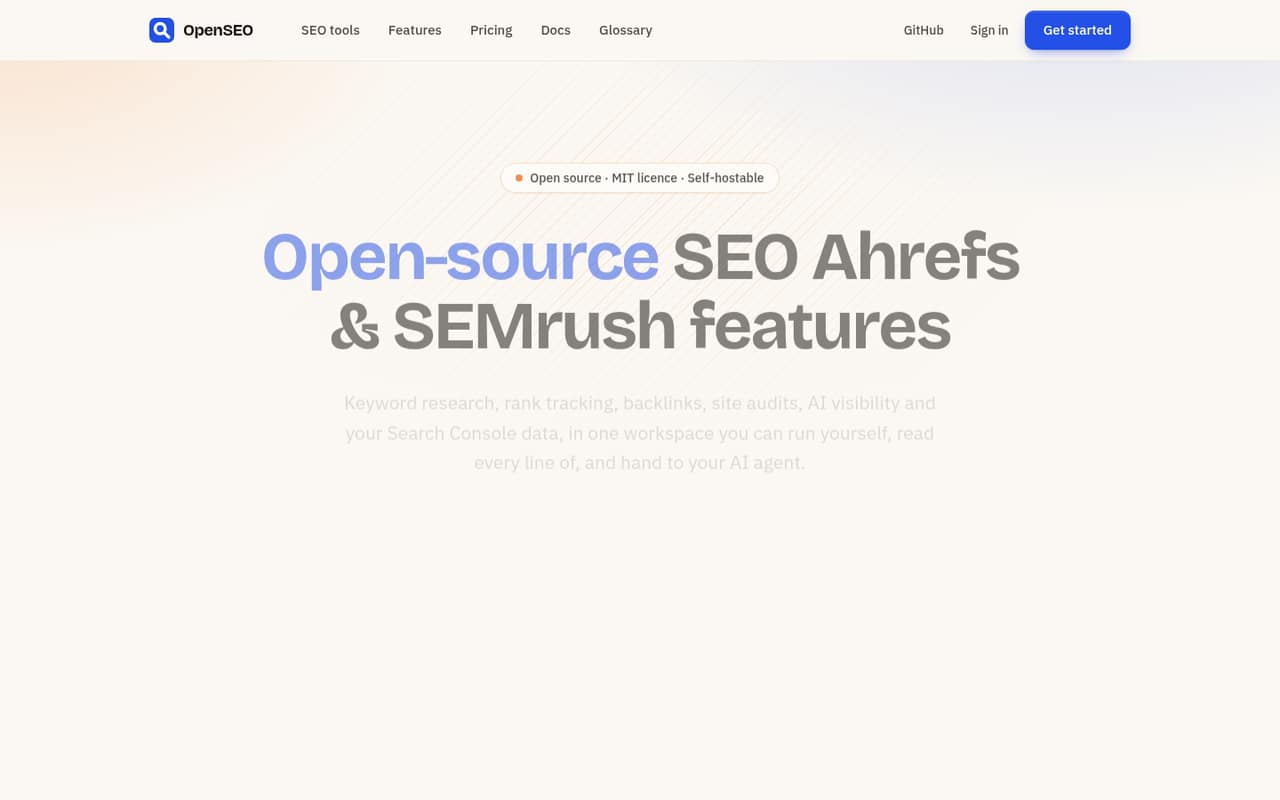
OpenSEO is a free starting point for small teams focused on technical SEO and site audits. It suits teams willing to keep an eye on per-lookup data costs rather than commit to a recurring subscription. Before making it your main workflow, check how lookup spending could add up for your team and whether you need research or rank tracking beyond its stated strengths.
What works
- Hosted and self-hosted options are listed at $0
- No seat counts or license keys for self-hosting
- Free crawler includes 117 technical checks
What doesn't
- Search-data lookups add variable costs
- Annual pricing is not listed
- Self-hosting requires running the software yourself
- Best free Bing toolBing Webmaster ToolsBing Webmaster Tools
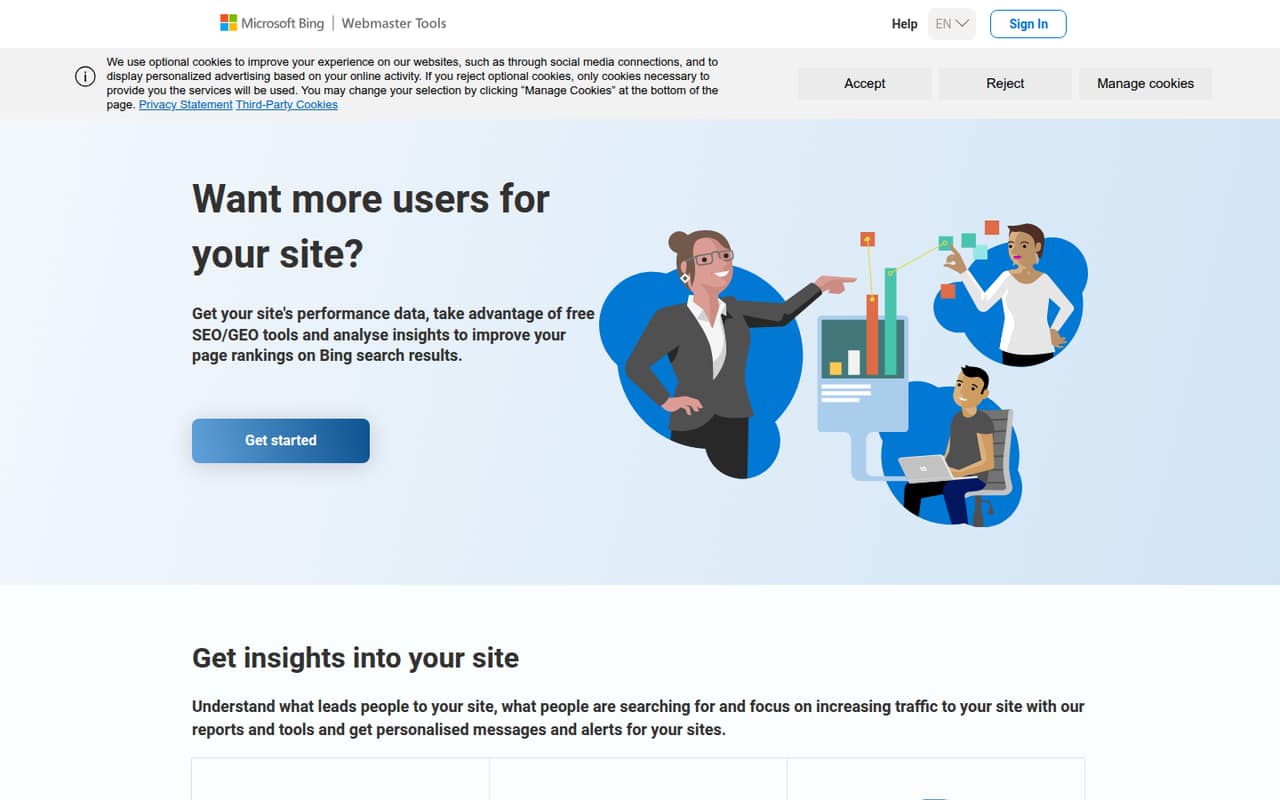
Bing Webmaster Tools is free and helps site owners monitor Bing search and technical SEO issues. It’s a practical addition for teams watching every subscription, especially if Bing matters to their audience. It is not a full SEO suite, so don’t expect one tool to cover broader research and rank tracking. Pair it with another product if those are routine needs.
What works
- Free access to the listed SEO/GEO tools
- Shows Bing search performance and query data
- Includes backlinks, referring domains and anchor texts
What doesn't
- The pricing listing gives no usage caps
- Data history and reporting limits aren’t stated
- Not a replacement for a broad SEO suite
- Best free site metricsAhrefs Webmaster ToolsAhrefs Webmaster Tools
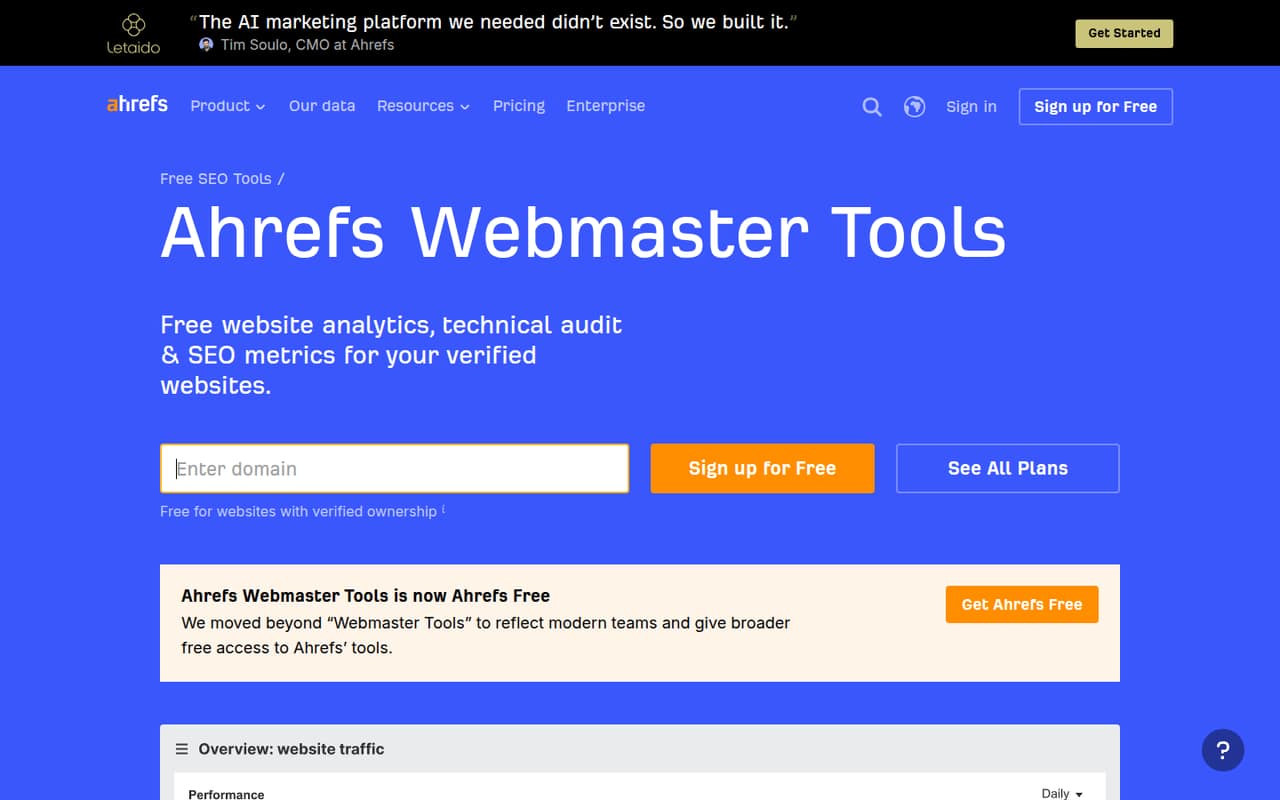
Ahrefs Webmaster Tools is free for verified websites, giving budget-conscious teams a way to start with basic audits and SEO metrics. It’s worth considering before paying for a broader Ahrefs plan. The free option is tied to verified sites, and teams should plan ahead before budgeting for an upgrade. Check whether its coverage fits your site and recurring work.
What works
- Free access to Web Analytics, Site Audit and Site Explorer
- Unlimited verified websites
- 5,000 monthly crawl credits per project
What doesn't
- Crawl credits are limited per project
- Backlinks and keywords are capped at 1,000 at once
- Paid Lite plan price is not published
- Best free page checksDetailed SEO ExtensionDetailed SEO Extension
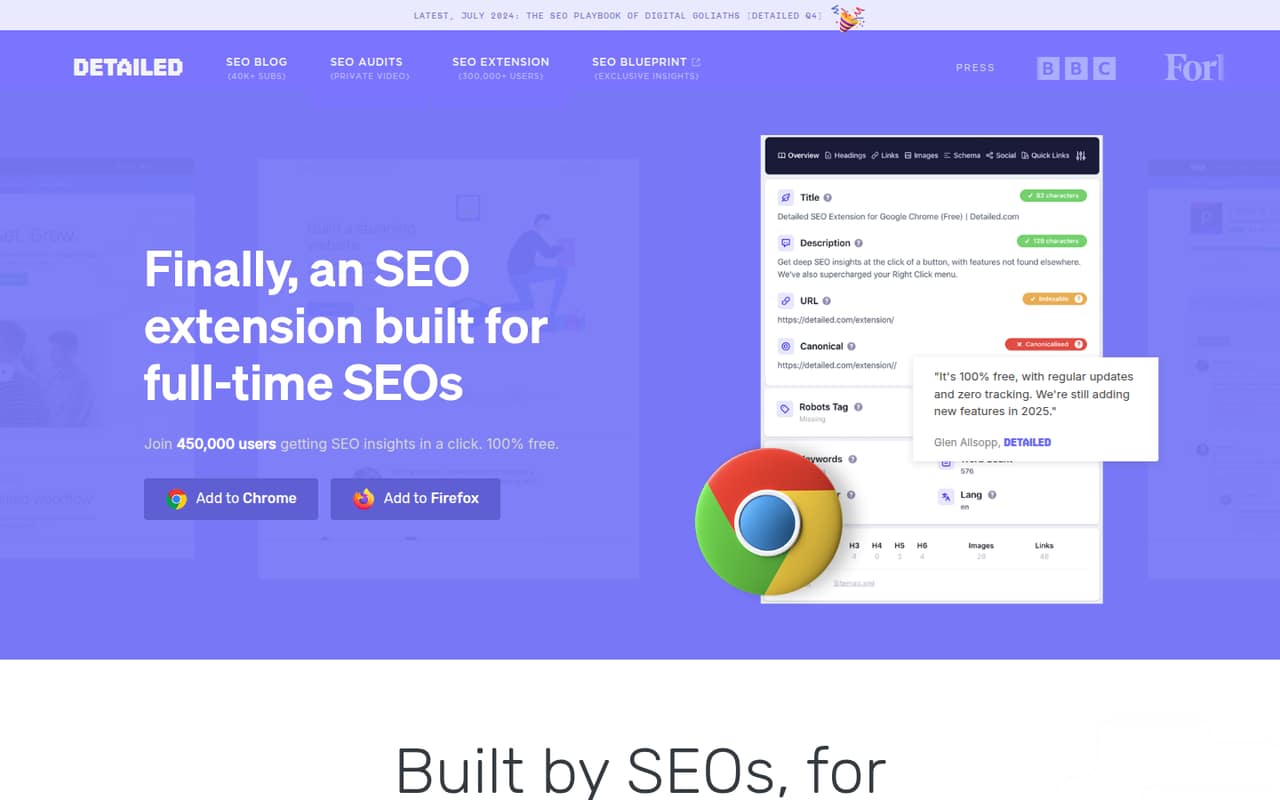
Detailed SEO Extension is free and focused on page-level checks, including headings and schema. That makes it useful for small teams reviewing individual pages without adding another subscription. It is a focused helper, not an all-in-one suite for keyword research, backlinks and rank tracking. Choose it for quick page reviews, then add a broader tool only if your workflow needs one.
What works
- Free plan with no feature limits
- No tracking, per the pricing details
- Available for Chrome and Firefox
What doesn't
- No paid tiers or per-seat prices are listed
- Annual billing details aren't published
- Support terms aren't published
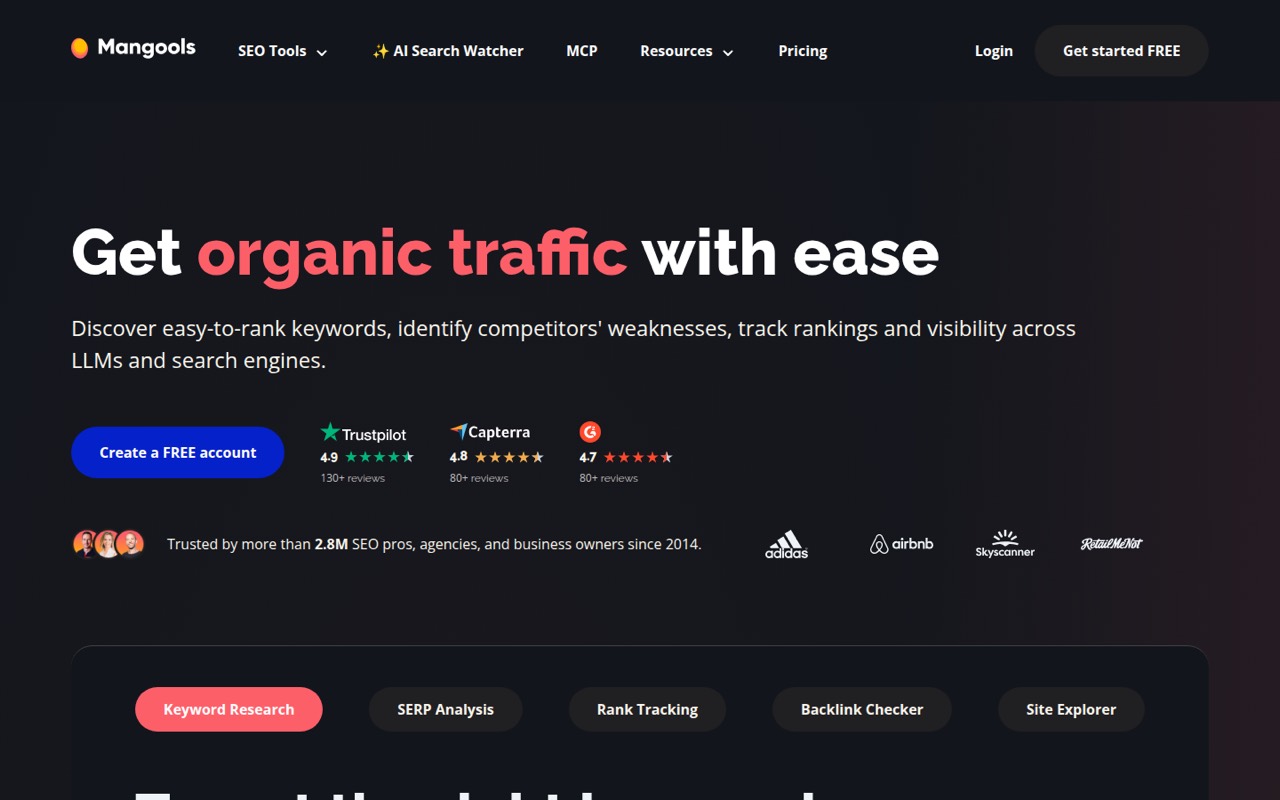
- Best low-cost suiteMangoolsMangools
Mangools starts at $37.70 and has a free plan, making it a good-value option for small teams focused on keywords and rankings. It is especially suited to solo SEOs and budget-conscious beginners. Before buying, confirm the free plan and paid plan limits against your team’s tracking needs. Its stated strengths are a better fit for focused research and rank tracking than sprawling workflows.
What works
- Free plan includes keyword and backlink lookups
- Covers keyword, SERP, rank, and backlink workflows
- Premium lists three extra seats available
What doesn't
- Free searches are limited each day
- Extra seat pricing is not published
- No published pay-as-you-go overages
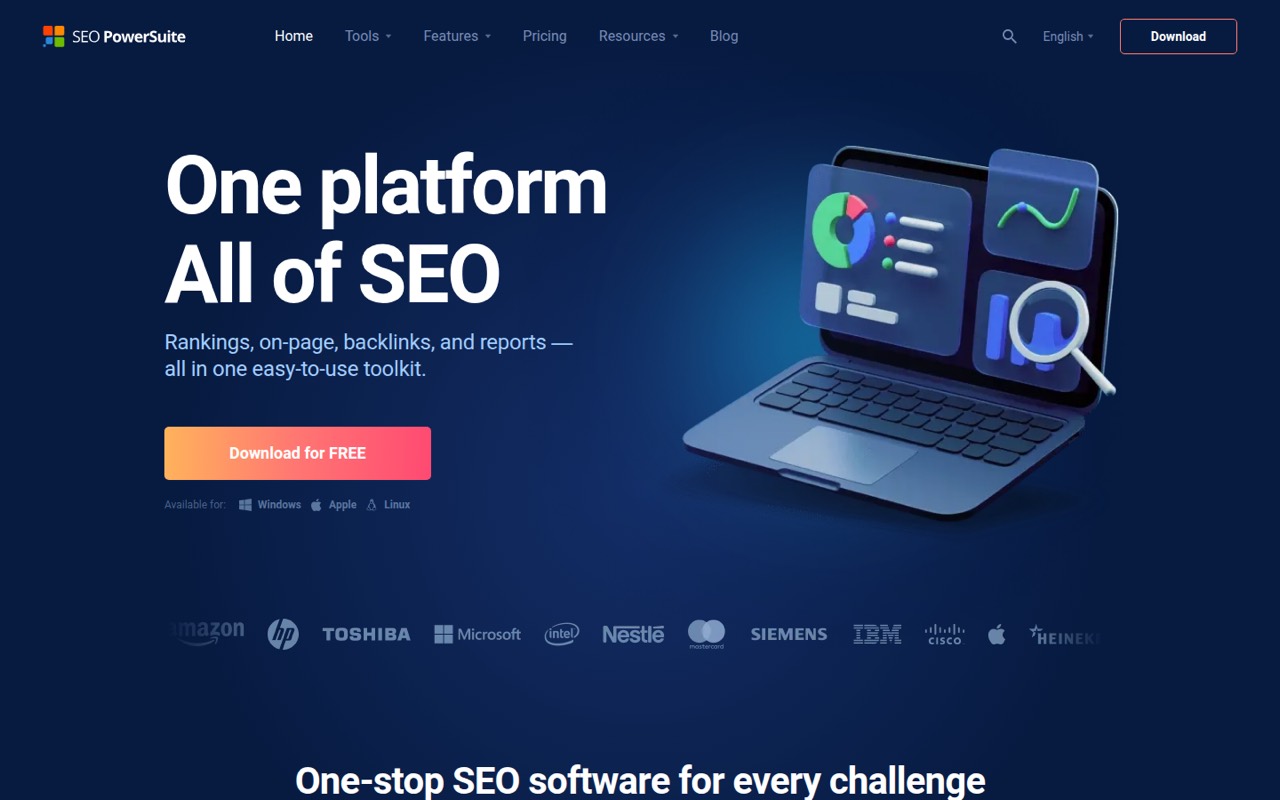
- Best desktop toolkitSEO PowerSuiteSEO PowerSuite
SEO PowerSuite starts at $19.95 and offers a free plan, with four SEO tools for teams managing a few sites. Its low starting price is appealing for budget-conscious rank tracking. The trade-off is a desktop workflow that may not suit a growing team. Check how your teammates will share work before choosing it as the centre of a collaborative process.
What works
- Four tools cover several core SEO jobs
- Free plan includes limited audits and backlink tracking
- Professional includes unlimited projects and keywords
What doesn't
- Desktop software, not a cloud-first platform
- Free plan does not save projects
- Professional monthly pricing is $60
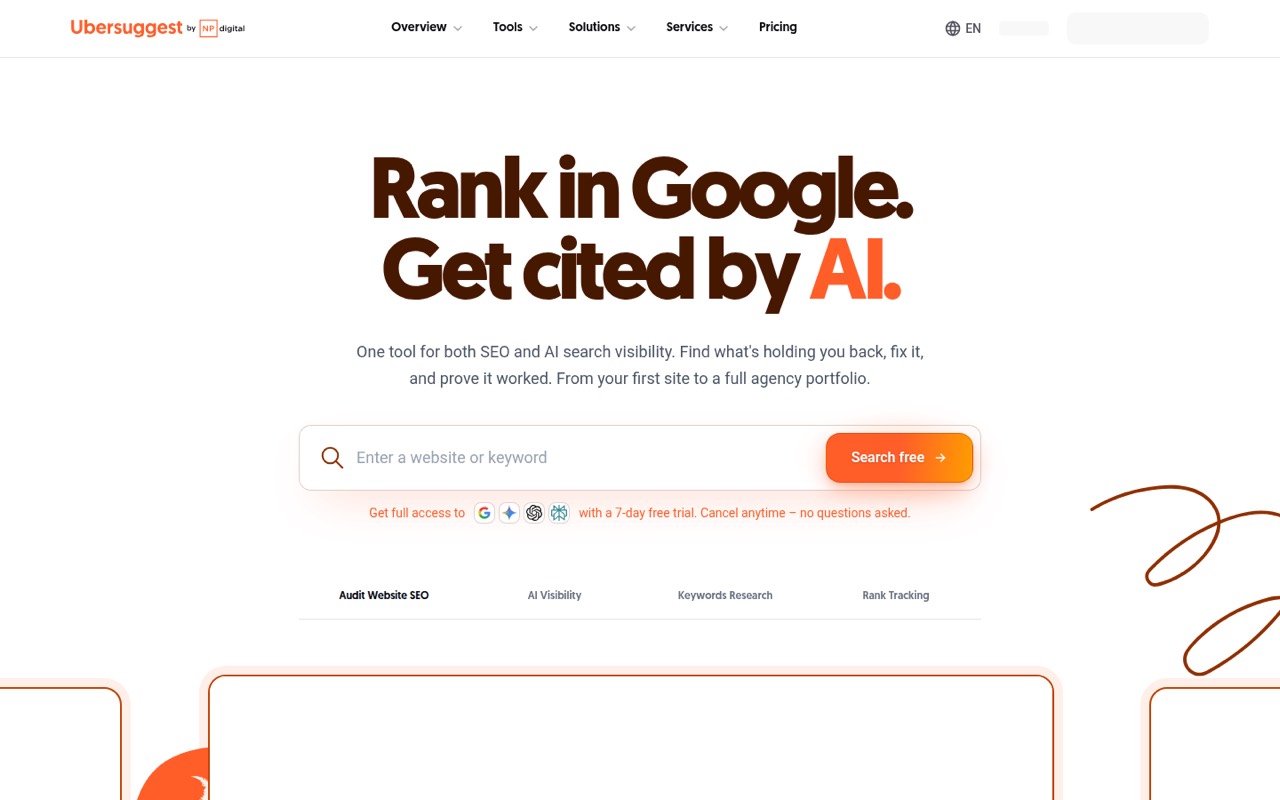
- Best budget breadthUbersuggestUbersuggest
Ubersuggest starts at $16 and has a free plan, with broad coverage for the price. It’s aimed at budget-conscious site owners and small teams managing several websites. The trade-off noted for this tool is questionable data accuracy, which matters when decisions depend on estimates. Try the free option first and decide whether its data is dependable enough for your work.
What works
- Free plan includes three searches each day
- Combines audits, keywords, rankings and backlinks
- Tracks visibility across several AI search engines
What doesn't
- Free plan is limited to one domain project
- Individual includes only one user seat
- Three-seat Business setup costs $54 monthly
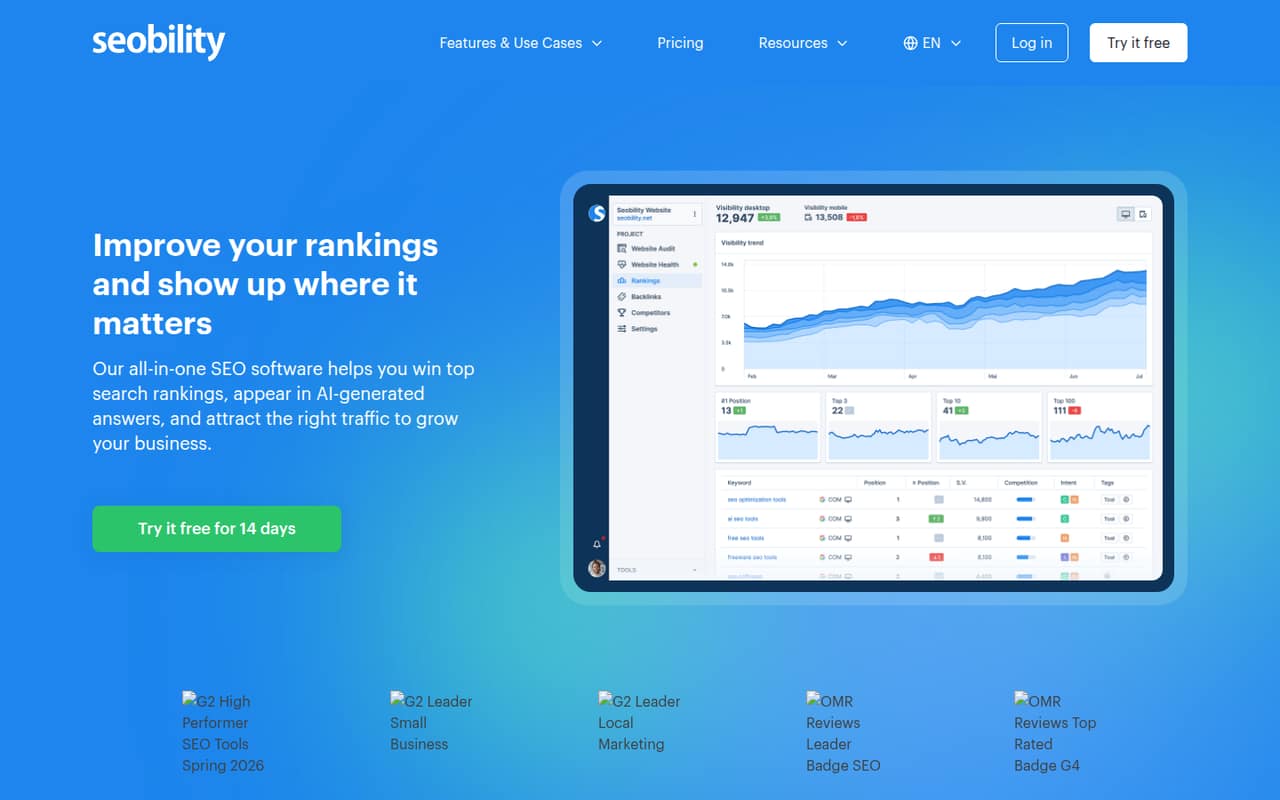
- Best free SEO basicsSeobilitySeobility
Seobility has a free plan and starts at $55.92, with broad SEO coverage for solo marketers and small sites. It also suits three-person teams needing shared access. The cost rises when a few teammates need access, so check the plan’s user allowance before committing. It’s a good fit for starting with free basics, but seat needs may change the value calculation.
What works
- Free plan includes audits and basic tracking
- Covers audits, rankings, backlinks, and keywords
- Premium allows three website projects
What doesn't
- Free plan has one user and one project
- Premium is limited to one user
- Annual prices require annual billing
- Best competitor researchAhrefsAhrefs
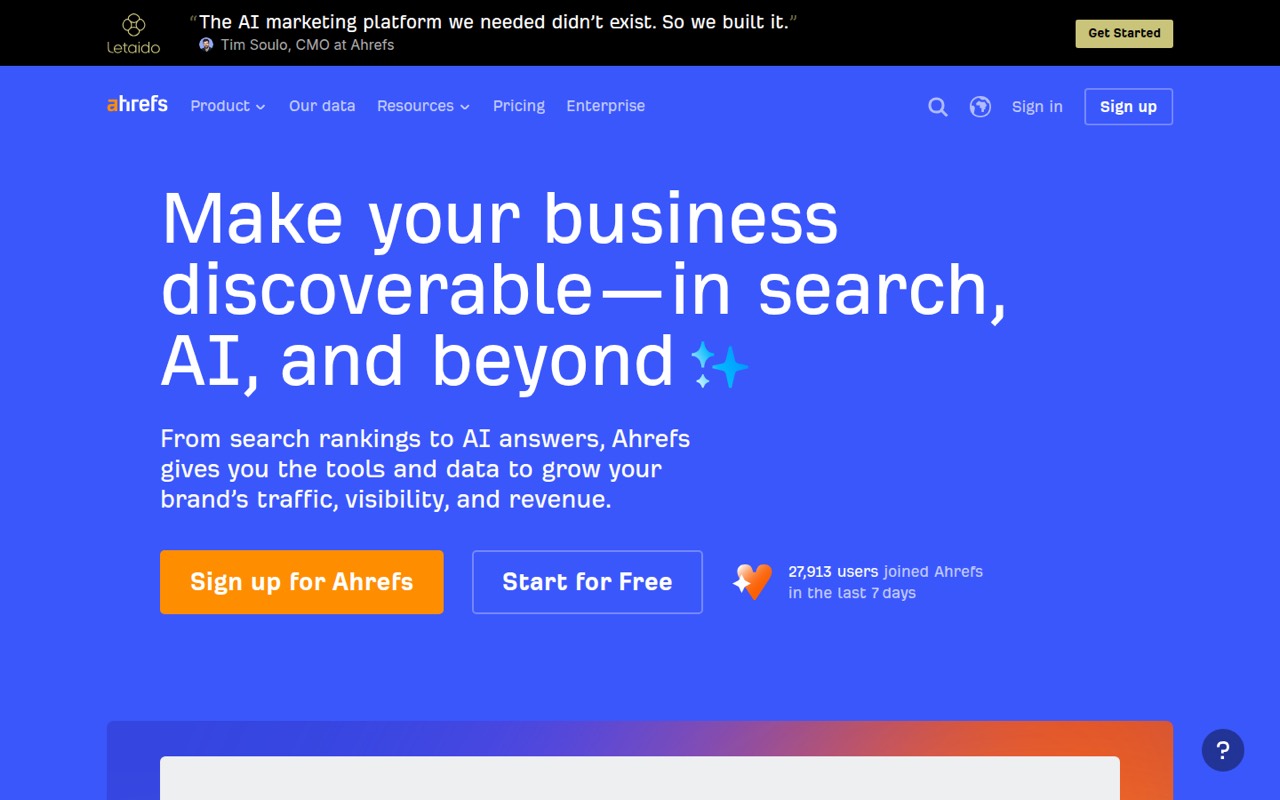
Ahrefs starts at $29 and has a free plan. It suits SEOs who regularly research competitors and teams combining audits with rank tracking. The main caution for a small team is fit: it can be hard to justify if you only need a few keywords tracked. Compare the free option and entry plan with your real research workload before adding a recurring bill.
What works
- Free access to limited Site Explorer and Site Audit
- Research, audits, rank tracking, and content tools in one platform
- Lite includes 750 tracked keywords
What doesn't
- Lite costs $129 monthly before extra seats
- Lite includes only one user
- Starter plan limits are not published on the main page
- Best ongoing SEO workSE RankingSE Ranking
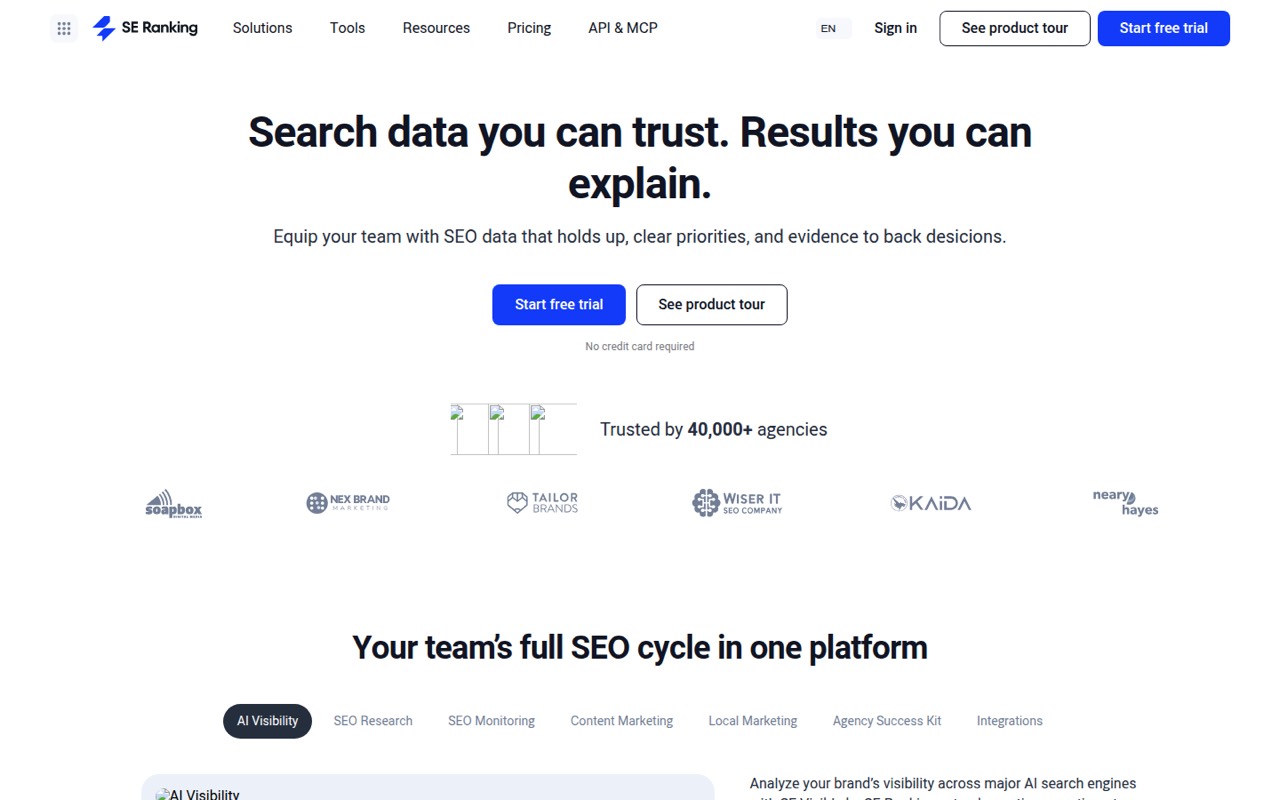
SE Ranking starts at $103.20 and is aimed at small teams with ongoing SEO work, as well as agencies handling client reporting. Its coverage includes research and rank tracking, but the team needs to budget for a paid plan from day one. Ask about the price for your exact seat and site needs; the entry figure alone may not represent your team’s total.
What works
- Combines research, monitoring, content, and local SEO tools
- Core includes 10 projects and one manager seat
- Annual billing saves 20% on Core and Growth
What doesn't
- No free plan
- Core includes only one manager seat
- Growth costs more for collaboration across three seats
- Best three-person teamSerpstatSerpstat
Serpstat starts at $50 and suits solo SEOs needing several tools, three-person SEO teams and agencies tracking clients. Its team fit is clearer than a simple entry price: the three-seat plan is the first step for teams. If you have fewer or more users, confirm which plan applies and what it includes before comparing its cost with other suites.
What works
- Combines keyword, competitor, audit and rank-tracking tools
- Individual includes five projects
- Team plan includes three user seats
What doesn't
- No free plan
- Individual includes only one user seat
- Team pricing jumps to three included seats
- Best client reportingRaven ToolsRaven Tools
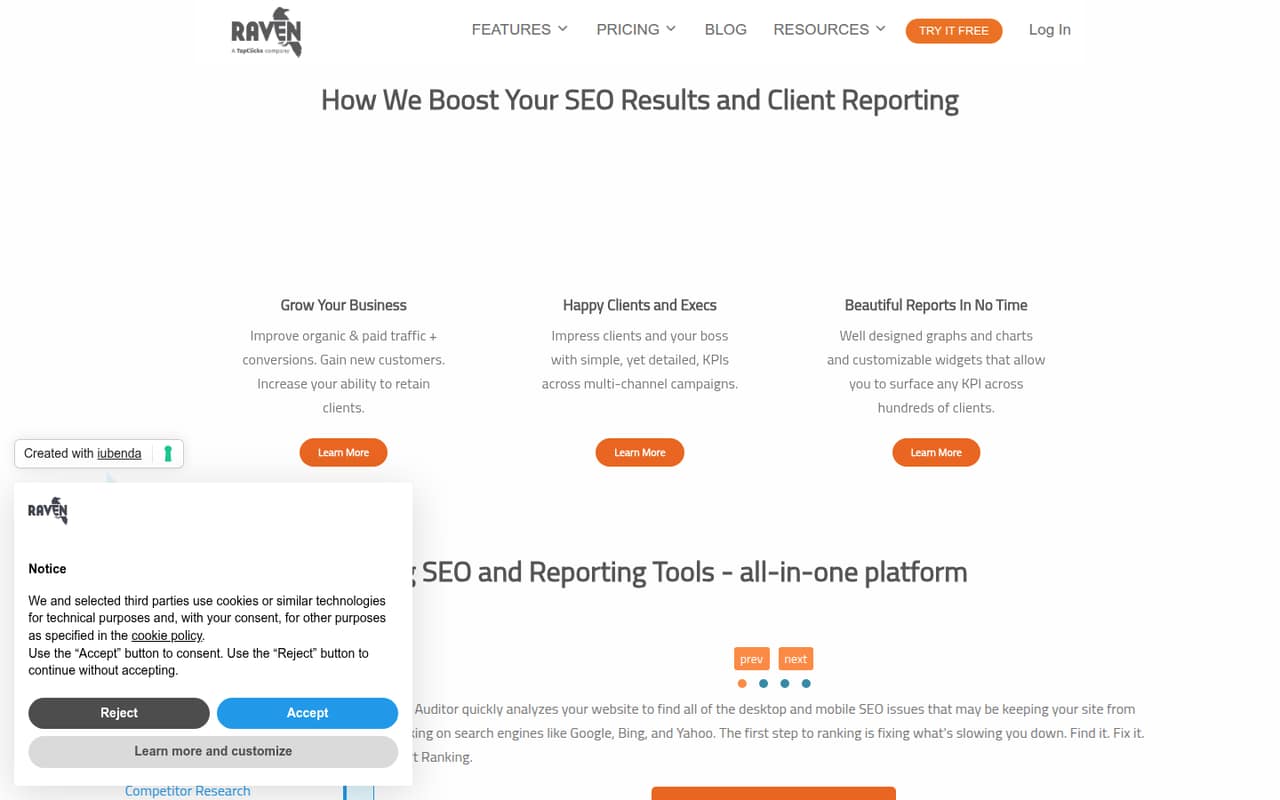
Raven Tools starts at $39 and is designed for small teams managing client SEO, building marketing reports and combining SEO with ad data. That makes it worth a look for agencies that need reporting as part of the workflow. Watch plan limits: they can push a small team to upgrade. Check the included limits against your client list before settling on a tier.
What works
- Combines audits, rank tracking, research, and reports
- Reports offer 30+ data modules
- Small Biz includes two users
What doesn't
- No free plan
- The free trial lasts only seven days
- Small Biz covers just two domains or campaigns
- Best one-site auditsSEOptimerSEOptimer
SEOptimer starts at $21.75 and suits small businesses auditing one website, as well as agencies sending branded SEO reports. Its audit and lead-capture focus may fit a narrow, practical need without the cost of a broad suite. The price becomes more relevant when multiple people need access, so confirm the cost for your team before treating the starting price as your budget.
What works
- Audits cover more than 100 on-page and technical data points
- Includes rank tracking, keyword research, and backlink tools
- White-label PDFs support 15 languages
What doesn't
- No free plan is listed
- Monthly billing costs more than annual billing
- GEO, API, and Local SEO add-on prices are not published
- Best low-price coverageSEO Tester OnlineSEO Tester Online
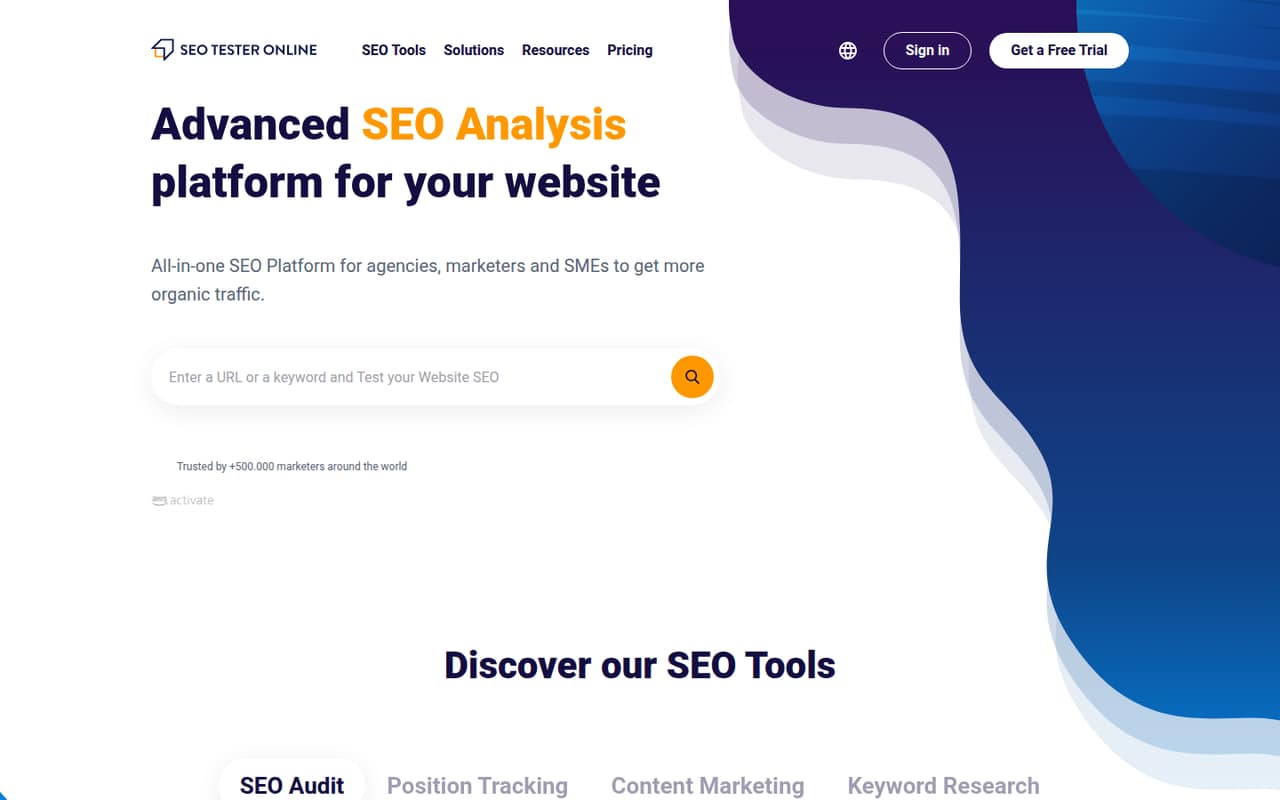
SEO Tester Online starts at $18 and covers several SEO tasks, with branded audit reports for agencies. It may suit a solo user starting out or a small team that wants broader coverage at a low entry price. There is no free plan, and small-team seat options hurt its value. Ask the vendor which plan covers your users before signing up.
What works
- Covers audits, tracking, keywords and reporting
- Seven-day free trial is available
- Lite includes one user and one project
What doesn't
- No free plan
- Lite and Pro each cover one user
- Three users need the five-user Advanced plan
- Best for solo SEOMoz ProMoz Pro
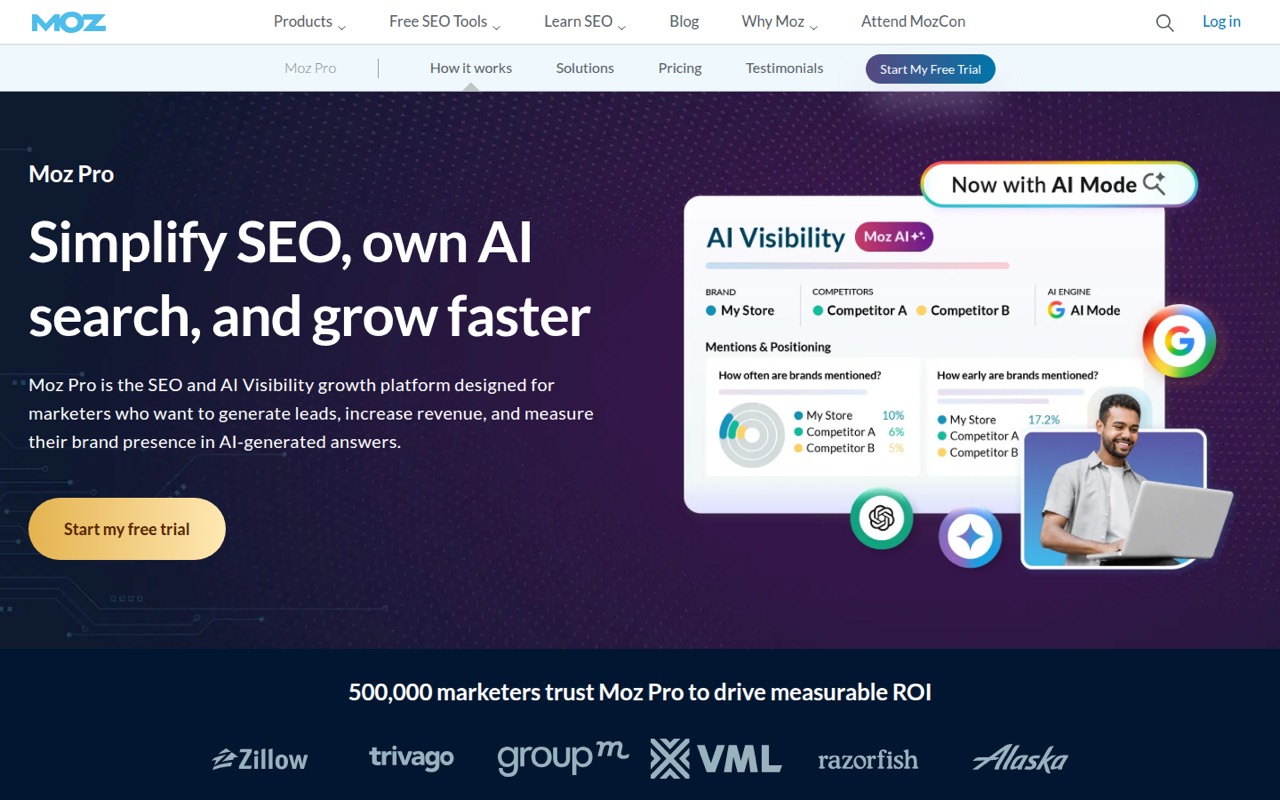
Moz Pro starts at $49 and is a practical suite for solo SEO work on one website and small teams tracking organic search. Its approachable tools may suit beginners who want a single suite. The free-plan gap and seat costs limit the value for a small team, so compare the paid commitment with your actual user count and tracking needs before buying.
What works
- Combines keyword research, crawling, rank tracking and reporting
- Tracks brand appearances across AI prompts
- Starter is listed at $49 monthly
What doesn't
- No free plan is listed
- Starter's annual price is not published
- Additional seat pricing is not published
- Best competitor suiteSemrushSemrush
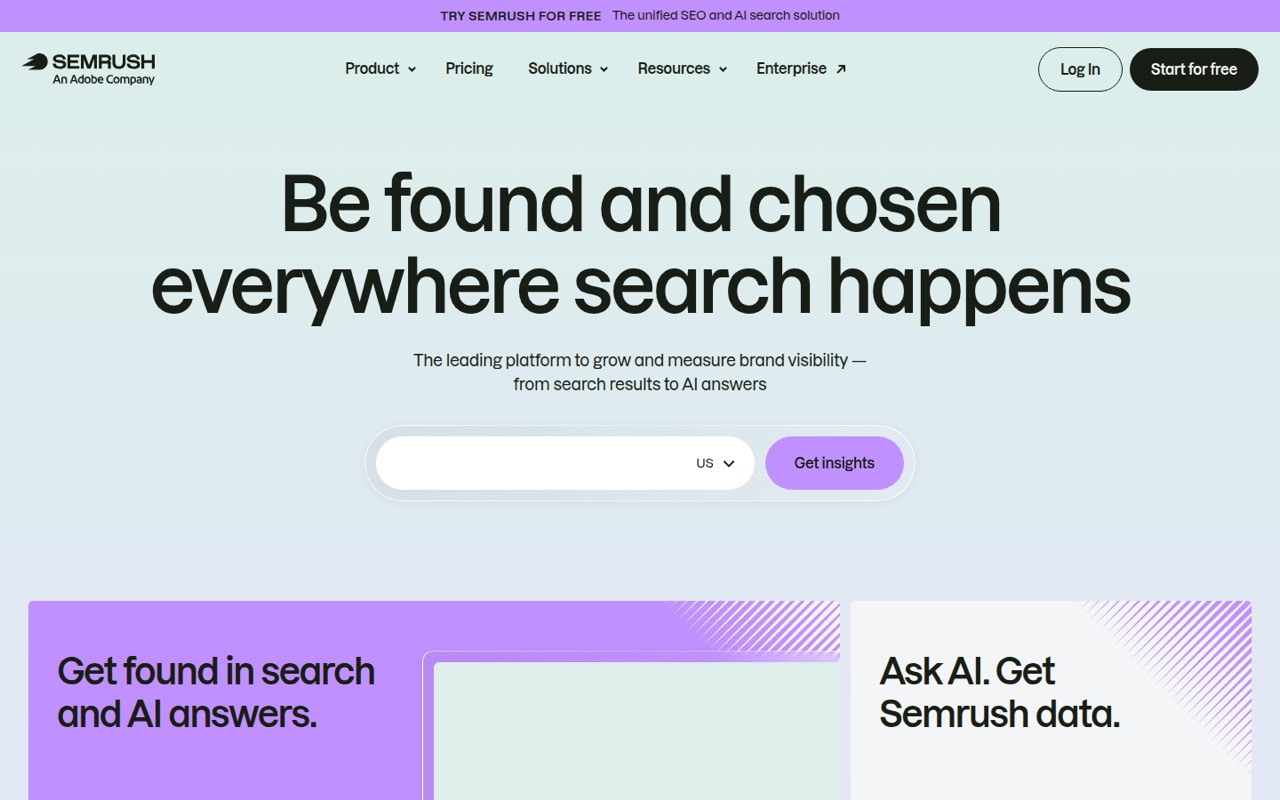
Semrush starts at $117.33 and has a free plan. It suits small teams doing competitor research and marketers tracking SEO and AI visibility. The suite is feature-rich, but seat costs make it harder to justify for a tiny team. Check the price for your required users and sites, rather than assuming the entry figure covers a shared team workflow.
What works
- Combines keyword, backlink, rank and site-audit tools
- Free plan includes limited reports and AI visibility
- SEO plan monitors five websites
What doesn't
- Free plan is limited to one demo project
- SEO plan costs $139 month to month
- Additional users start at $45 per month
- Best automated workflowsSearch AtlasSearch Atlas
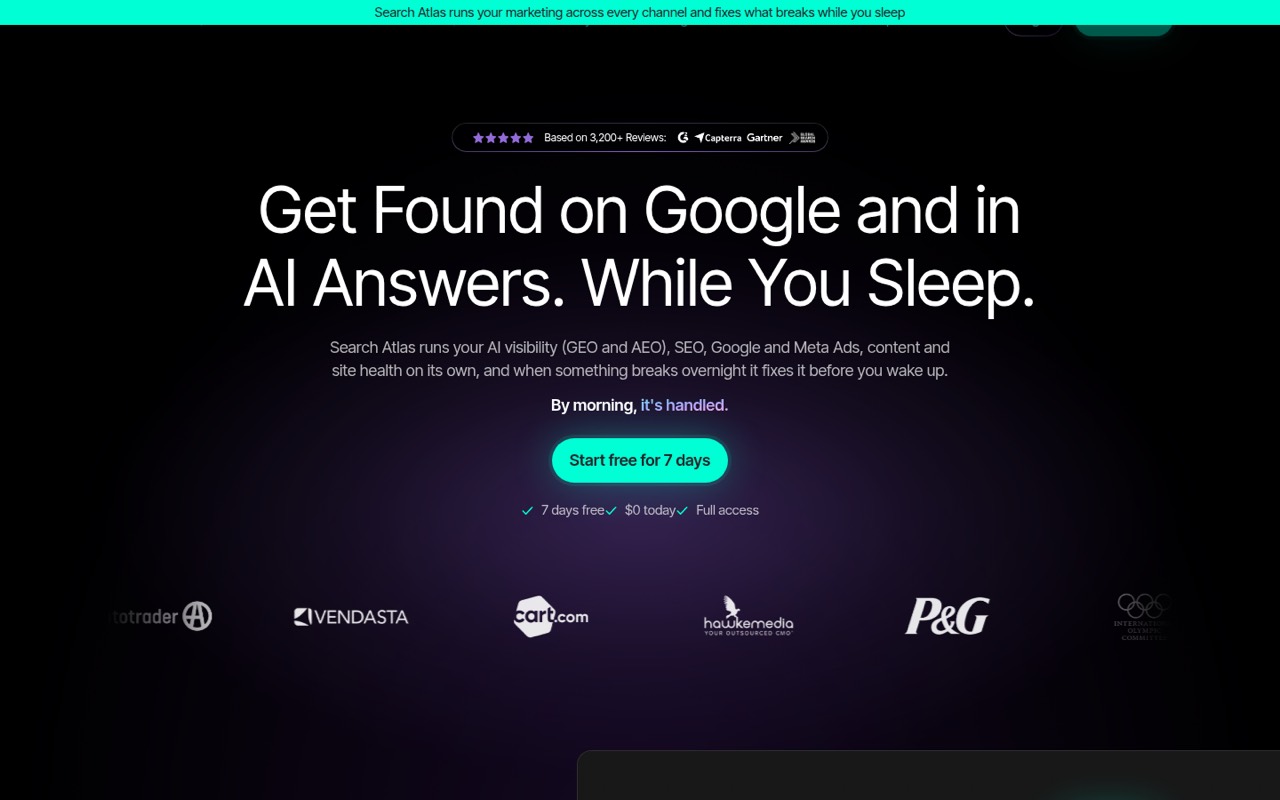
Search Atlas starts at $99 and suits small teams combining SEO and ads, agencies needing client reporting, and teams seeking automated SEO fixes. Its broad toolkit and automation may suit a team trying to consolidate work. Small teams should budget for the right seat tier; the entry price alone may not describe your total. Ask which plan covers your users and reporting needs.
What works
- Combines SEO, AI visibility, ads, and content
- OTTO SEO can apply technical and on-page fixes
- Growth includes three seats for $199 monthly
What doesn't
- No free plan; the trial lasts seven days
- Starter is limited to one seat
- Annual-billing prices are not published
- Best branded auditsWooRankWooRank
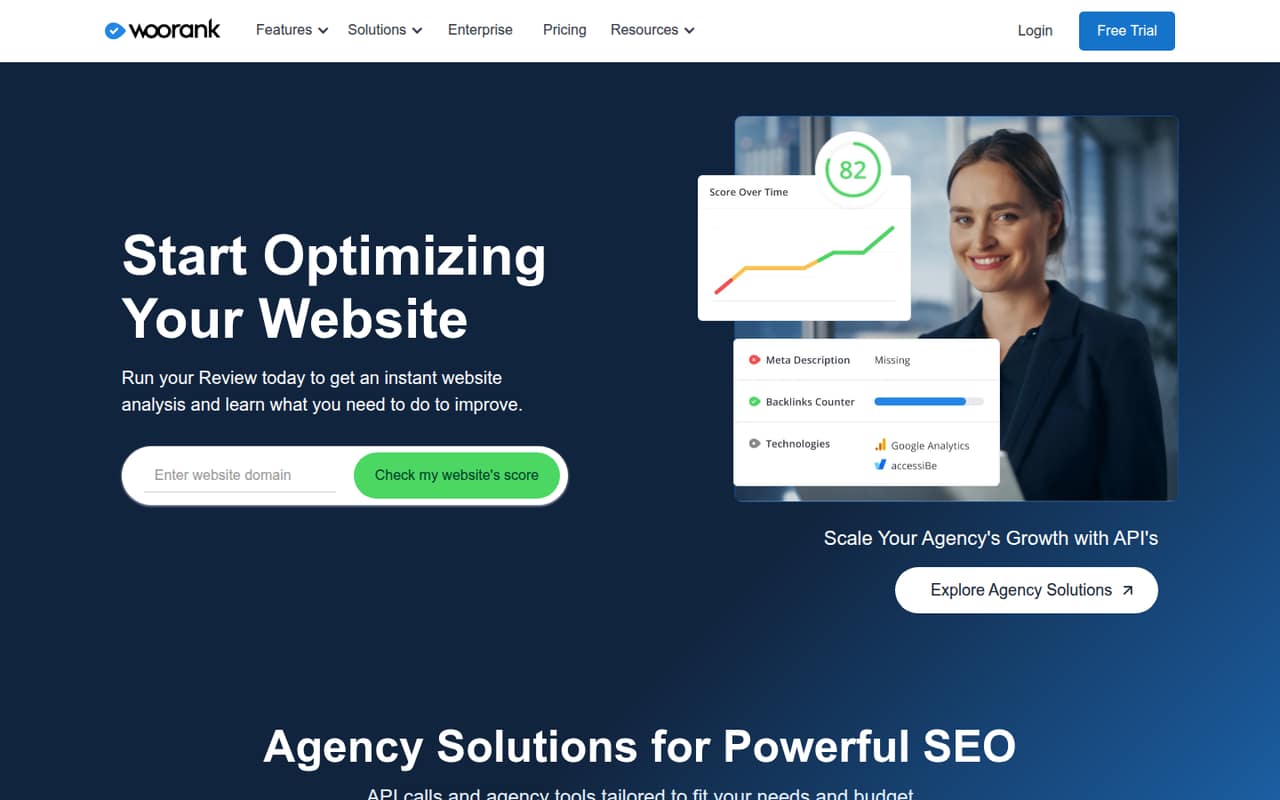
WooRank starts at $53.25 and offers SEO tools for small teams focused on audits, consultants preparing branded client reports and one-site teams tracking keywords. It may fit a defined reporting or audit need. A recurring subscription is still a meaningful cost for a small team, so confirm the plan’s user and site limits and compare those with the work you expect to do.
What works
- Website reviews provide scores, metrics and advice
- Keyword tracking and competitor analysis share one tool
- Pro includes one website and 50 keywords
What doesn't
- No free plan
- The trial lasts just three days
- Pro is limited to one website
- Best agency reportsWebCEOWebCEO
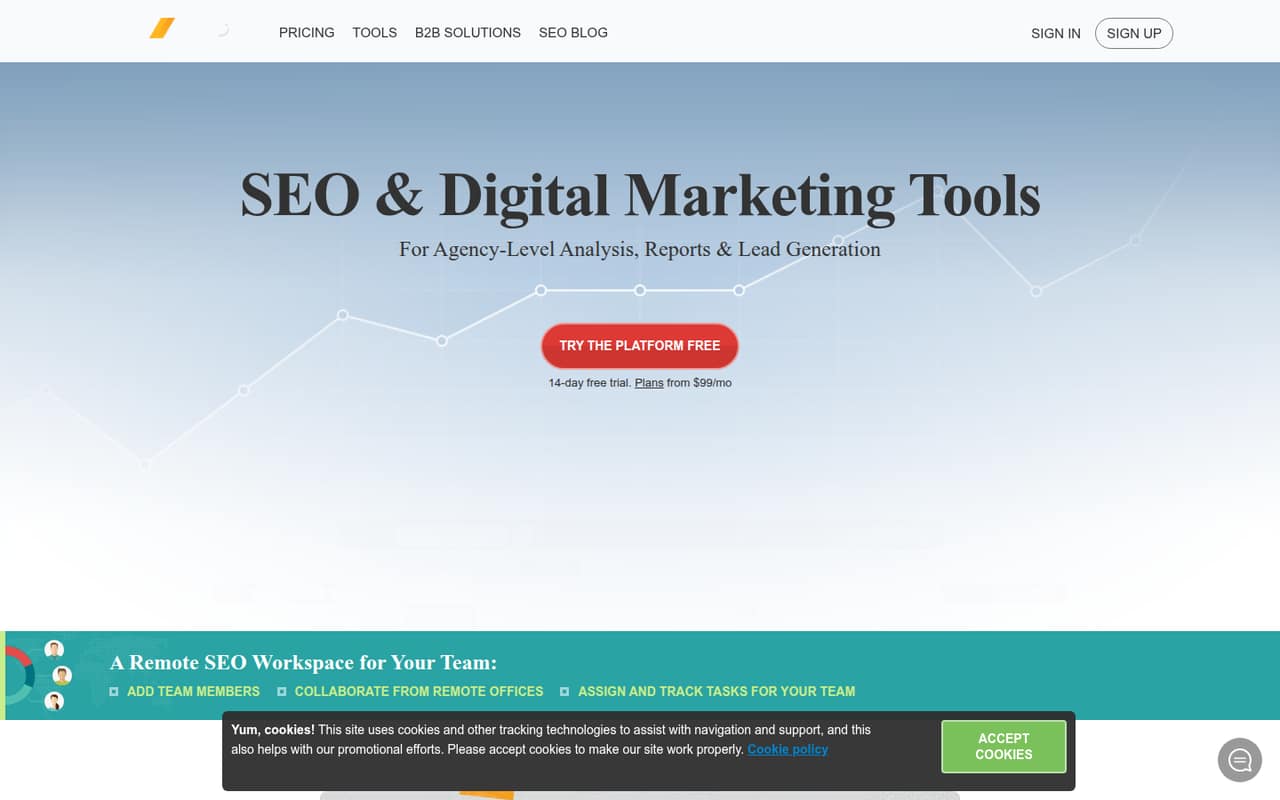
WebCEO combines agency SEO tools for audits, rankings and branded reports. Its starting price is $32, but the smallest team plan costs $99 per month billed annually, a more useful figure for team budgeting. It’s aimed at small SEO agencies with client work. Check whether its reporting and plan limits match your workload before choosing it over a lower-cost solo plan.
What works
- Research, audits, rankings and backlinks in one platform
- Startup includes five teammates and five active projects
- Audit issues can become task list entries
What doesn't
- No free plan
- Startup costs $99/month even when using fewer seats
- Trial feature limits are not published
- Best competitor trackingSISTRIXSISTRIX
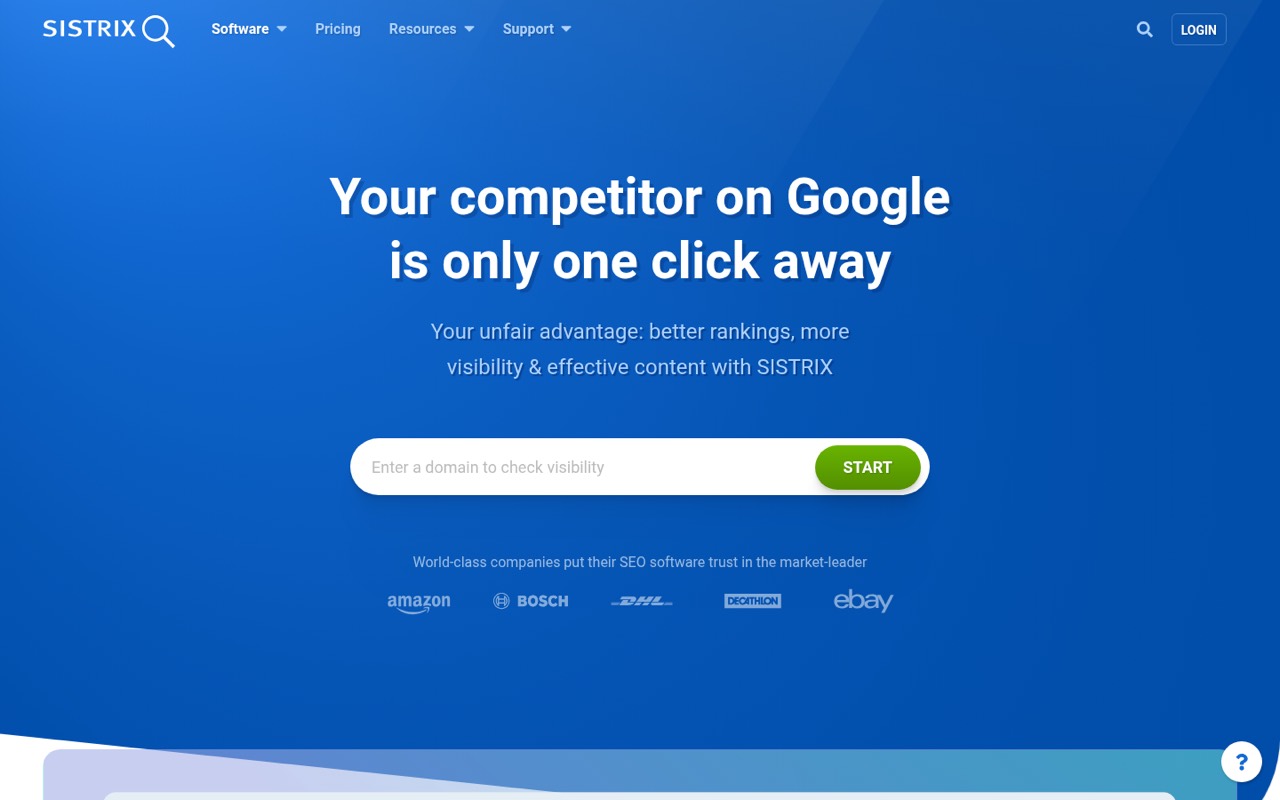
SISTRIX starts at $119 and suits SEO teams tracking competitors, small businesses with three users and teams needing technical audits. Its depth may be worthwhile when those needs justify the cost. The tool also takes time to learn, so account for onboarding effort as well as the subscription. Ask about the three-user plan and confirm the features included at that price.
What works
- Visibility Index tracks search performance over time
- Onpage crawling helps find technical SEO issues
- Plus includes three user accounts
What doesn't
- No free plan
- Start costs €119 per month before tax
- Annual contract savings are not published
- Best for enterprise teamsBrightEdgeBrightEdge
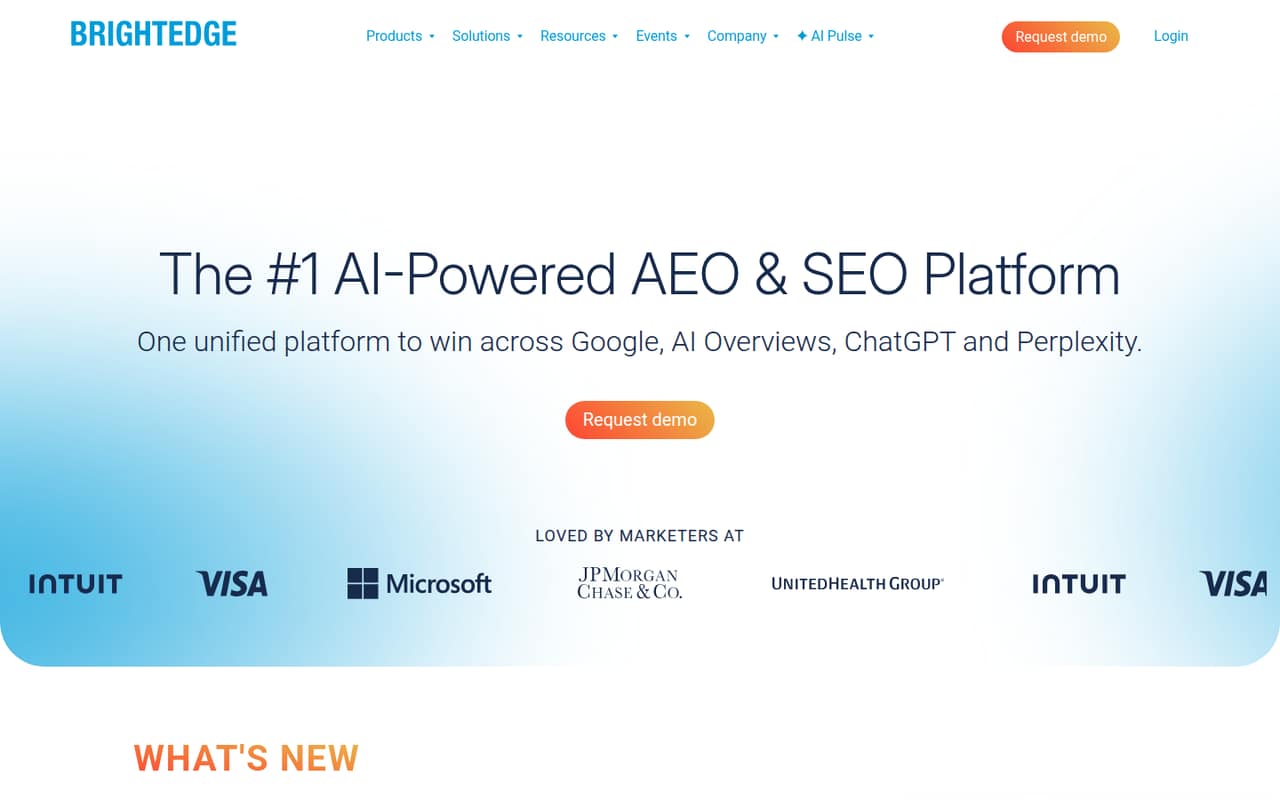
BrightEdge offers SEO and AI search coverage for enterprise SEO and marketing teams that need shared reporting. Its pricing is custom, so small teams cannot readily compare a published starting cost with other options. That makes the budget case hard to judge for a team of one to ten. Ask the vendor for a quote covering your users and required features before evaluating it.
What works
- Combines SEO and AI search visibility
- Data Cube X has over 4 billion data points
- AI Hyper Cube tracks mentions, citations, and sentiment
What doesn't
- No free plan is listed
- Starting price and billing terms are not published
- Trial terms are not published
- Best for SEO workflowsConductorConductor
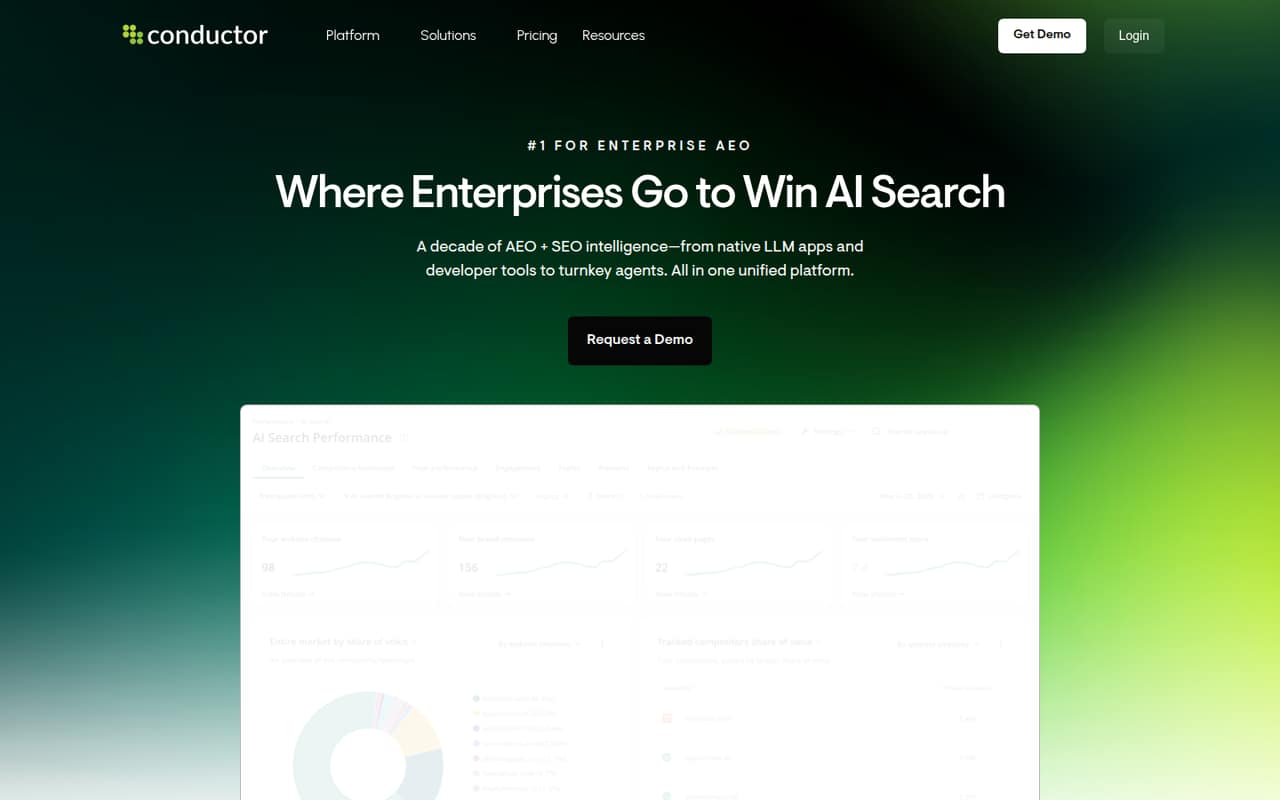
Conductor is aimed at enterprise SEO teams and marketing groups automating SEO workflows, with SEO and AEO coverage. Pricing is not published, making it difficult for a small team to assess its cost against more transparent options. If its workflow coverage sounds relevant, ask for pricing and the smallest plan that fits your team before spending time evaluating it.
What works
- Tracks visibility across AI and traditional search
- Combines content and technical monitoring
- Essentials includes three tracked websites
What doesn't
- No free plan
- Monthly and annual prices aren't published
- Seat-based pricing isn't provided
- Best for large budgetsseoClarityseoClarity
seoClarity starts at $2,500 and is designed for SEO teams with larger budgets, multiple domains and brands measuring AI search visibility. It offers broad SEO coverage, but that monthly starting price rules it out for many small teams. Unless your team has the budget and multi-domain needs to justify it, a lower-cost suite or a mix of free tools is a more practical place to start.
What works
- Combines rankings, content, and technical SEO
- Tracks brand visibility in AI search
- Rankings plan includes unlimited users
What doesn't
- No free plan is listed
- Lowest published starting rate is $2,500 monthly
- Rankings pricing is custom
03How we chose
We ranked these tools for teams of one to ten, giving priority to free access, useful coverage and a starting price a small business could realistically consider. We also weighed seat costs, plan limits and likely setup effort: desktop workflows or tools that take time to learn can be harder to share. Documentation and user reports can help clarify those trade-offs, but we don’t claim hands-on testing or treat an entry price as a team quote. Confirm current plan details directly with the vendor.
04Start with the work you actually need
A small team does not need to pay for every SEO feature at once. If you mainly need to monitor Google Search, check indexing or review pages, start with Google Search Console, Bing Webmaster Tools, Ahrefs Webmaster Tools or the Detailed SEO Extension. They are free, but each has a narrower role than an all-in-one suite. If you need keyword research, competitor research, backlinks and rank tracking in one place, compare paid suites such as Mangools, Ahrefs or SE Ranking. Match the tool to a recurring task, not a long feature list. Before choosing, write down which sites and keywords matter, who needs access and which reports you must share. If those needs are still modest, keep the free tools and revisit a paid plan when the workflow becomes a regular bottleneck.
05Price the seats, limits and setup
A starting price is not necessarily the price your team will pay. Check the current plan for your number of users, sites, keywords and client reports, and ask the vendor for a quote if those costs are not published. Serpstat’s three-seat plan is the first step for teams; WebCEO’s smallest team plan is $99 per month billed annually. Those examples show why the plan matters more than the headline entry price. Also check what it takes to get the team working: SISTRIX is described as taking time to learn, and SEO PowerSuite’s desktop workflow may not suit a growing team. Ask who needs training, how reports are shared and what happens when you add users or sites. Recheck limits before renewing, especially if client work or tracking needs are growing.
Questions people ask
What is the best free SEO tool for a small team?
Google Search Console is a strong free starting point for monitoring Google Search, indexing and site issues. It is not a full suite or a replacement for analytics and broader rank tracking. Add other free tools if you need Bing monitoring, page checks or basic metrics for a verified site.
How much should a small team budget for SEO software?
Published starting prices in this list range from $16 for Ubersuggest to $117.33 for Semrush among the paid tools, but those figures may not cover multiple seats. Check the plan and total for your users, sites and limits before setting a budget.
Do small teams need an all-in-one SEO suite?
Not always. Free tools can cover basic search monitoring, technical checks and page reviews. A paid suite makes more sense when your team regularly needs keyword or competitor research, rank tracking, audits and reporting together. Start with the work you repeat most often.
What should we check before choosing an SEO tool?
Confirm the price for your number of users and sites, plus limits on tracking and reporting. Check whether a free plan is available, what it covers, and how the team will share work. Ask about setup and plan changes if your user count or client work grows.