We may earn a commission if you buy through links on this page. It never changes a score or a ranking. How we make money
A small team may not need a paid AI coding assistant: several picks have a free starting point, especially if you already have model access or can work within usage limits. We’d start with Continue for teams comfortable configuring models, or GitHub Copilot for a GitHub-first team that wants a straightforward paid option. Check the seat price and any separate usage charges before inviting everyone. The listed starting prices range from $3 to much more, and not every vendor makes a few-seat total easy to calculate.
Quick picksThe shortlist
 ContinueContinueBest low-cost starting point · $3/mo
 Kilo CodeKilo CodeBest for model choice · $15/mo
 ClineClineBest for API budgets · $9.99/mo
 TabbyTabbyBest free team option · $19/mo
 GitHub CopilotGitHub CopilotBest for GitHub teams · $10/mo
 CursorCursorBest for code review · $8/mo
 QoderQoderBest for coding agents · $10/mo
 Claude CodeClaude CodeBest for multi-step work · $17/mo
 WindsurfWindsurfBest for agent coordination · $20/mo
 AmpAmpBest free agent trial · $20/mo
 JulesJulesBest free GitHub agent · Free
 KiroKiroBest for spec-first work · $20/mo
 FactoryFactoryBest for workflow automation · $20/mo
 TraeTraeBest free VS Code option · $20/mo
 Gemini Code AssistGemini Code AssistBest for Google teams · $19/mo
 GitLab DuoGitLab DuoBest for GitLab teams · $19/mo
 ZencoderZencoderBest for agent coordination · $40/mo
- CodeAICodeAIBest for generated tests · $12/mo
 WorkikWorkikBest for shared workflows · $15/mo
 Augment CodeAugment CodeBest for repeatable workflows · $20/mo
 TabnineTabnineBest for annual budgets · $39/mo
 21st.dev21st.devBest for React UI · $6/mo
 DevinDevinBest for delegated tasks · $20/mo
 CodyCodyBest for large codebases · Custom
 BLACKBOX AIBLACKBOX AIBest for dedicated deployment · Custom
 BlitzyBlitzyBest for legacy projects · $20,833.33/mo
01Compared at a glance
| Tool | Score | From | Free plan | Trial |
|---|---|---|---|---|
| ContinueContinue | 7.4 | $3/mo | Yes | — |
| Kilo CodeKilo Code | 7.8 | $15/mo | Yes | 14 days |
| ClineCline | 8.0 | $9.99/mo | Yes | — |
| TabbyTabby | 8.0 | $19/mo | Yes | — |
| GitHub CopilotGitHub Copilot | 7.7 | $10/mo | Yes | — |
| CursorCursor | 7.0 | $8/mo | Yes | — |
| QoderQoder | 7.3 | $10/mo | Yes | 14 days |
| Claude CodeClaude Code | 7.5 | $17/mo | Yes | — |
| WindsurfWindsurf | 7.3 | $20/mo | Yes | — |
| AmpAmp | 7.2 | $20/mo | Yes | — |
| JulesJules | 7.2 | Free | Yes | — |
| KiroKiro | 6.8 | $20/mo | Yes | 12 months |
| FactoryFactory | 7.0 | $20/mo | No | — |
| TraeTrae | 6.8 | $20/mo | Yes | — |
| Gemini Code AssistGemini Code Assist | 5.5 | $19/mo | Yes | — |
| GitLab DuoGitLab Duo | 6.0 | $19/mo | Yes | — |
| ZencoderZencoder | 6.4 | $40/mo | Yes | 7 days |
| CodeAICodeAI | 5.8 | $12/mo | Yes | — |
| WorkikWorkik | 6.3 | $15/mo | Yes | — |
| Augment CodeAugment Code | 6.4 | $20/mo | No | — |
| TabnineTabnine | 4.8 | $39/mo | No | 14 days |
| 21st.dev21st.dev | 7.2 | $6/mo | Yes | — |
| DevinDevin | 6.2 | $20/mo | Yes | — |
| CodyCody | 5.4 | Custom | No | — |
| BLACKBOX AIBLACKBOX AI | 5.0 | Custom | No | — |
| BlitzyBlitzy | 4.4 | $20,833.33/mo | Yes | — |
02The picks, in detail
- Best low-cost starting pointContinueContinue
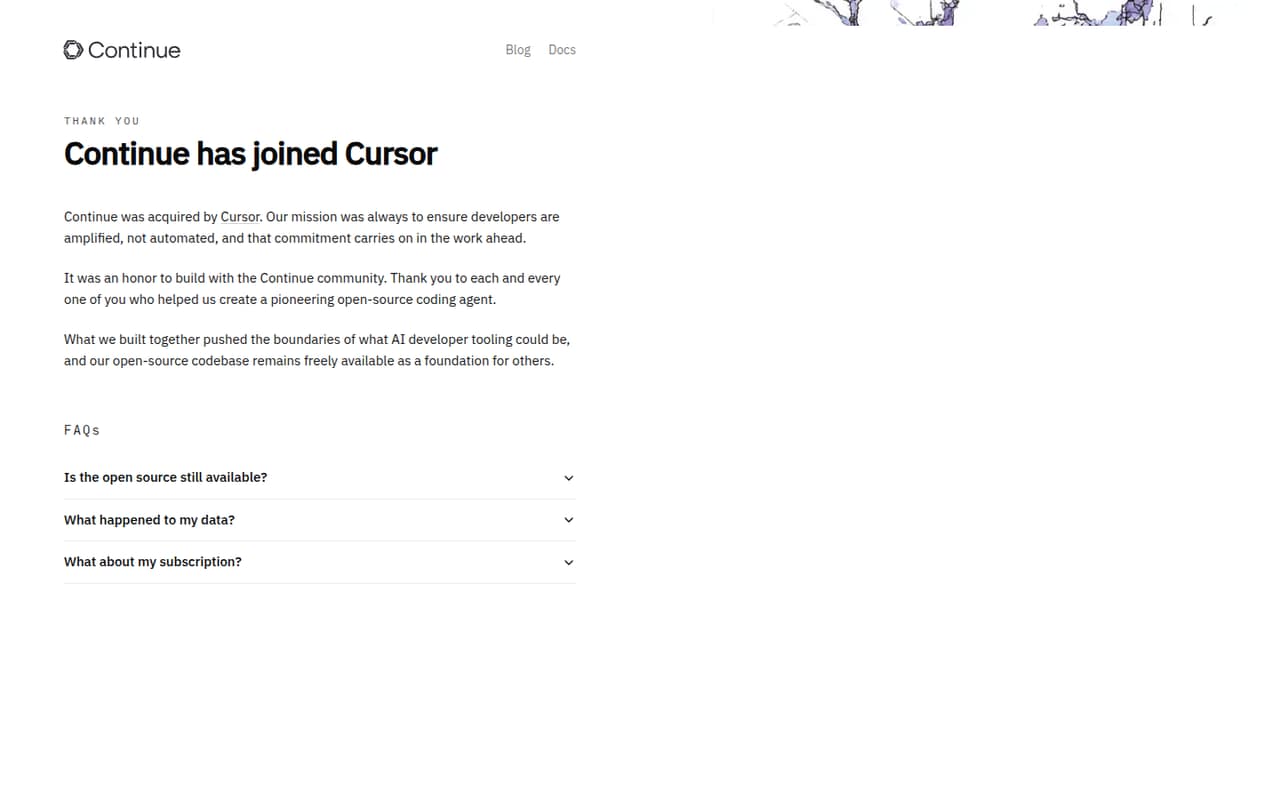
Continue is listed with a free plan and a starting price of $3. It suits teams that already have model access, want to use local models, and are comfortable configuring their tools. That flexibility can keep the subscription bill low, but the team should account separately for its chosen model access and the effort of connecting it.
What works
- Free open-source Solo plan
- Bring your own API keys or local models
- Chat, edits, autocomplete and agent mode
What doesn't
- Team costs $20 per seat monthly
- Annual pricing is not published
- Seat and usage limits are not published
- Best for model choiceKilo CodeKilo Code
Kilo Code is listed with a free plan and a starting price of $15. Its model choice and custom-agent focus suit small groups willing to manage their own AI usage. That can be a useful fit when the team wants control over models, but the listed price may not capture inference costs or any team-seat charges.
What works
- Free IDE and CLI extensions
- Works with a wide range of models
- Supports local models and provider keys
What doesn't
- Free plan usage is billed separately
- Team seats cost $15 each monthly
- Annual platform pricing is not listed

- Best for API budgetsClineCline
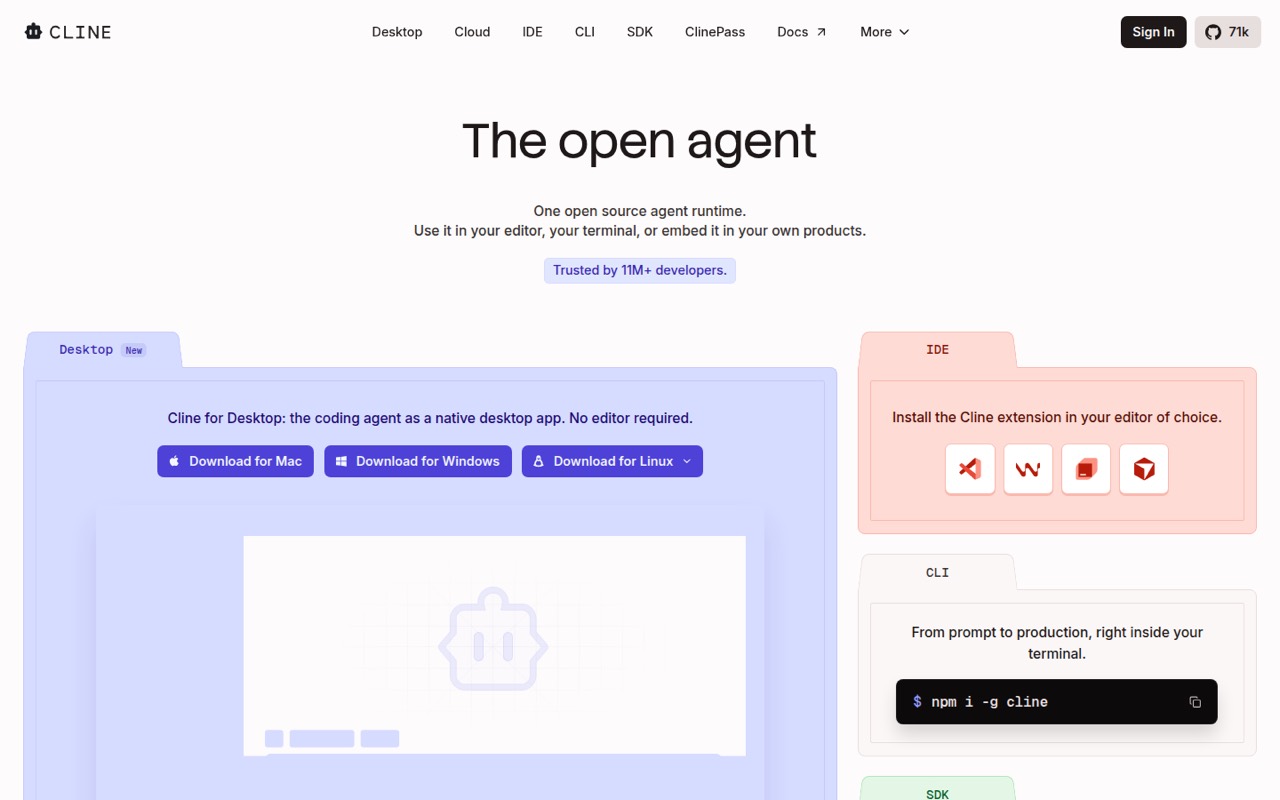
Cline has a free plan and a listed starting price of $9.99. It is aimed at developers who want to choose their own models and review code changes, which can work well for a small team with an API budget. Plan for model usage separately; the starting price alone does not describe the total cost.
What works
- Open Source has no seat fees
- First 10 Teams seats are free
- Supports hosted and local models
What doesn't
- AI inference costs extra
- Usage costs can be hard to predict
- Annual billing prices are not published
- Best free team optionTabbyTabby
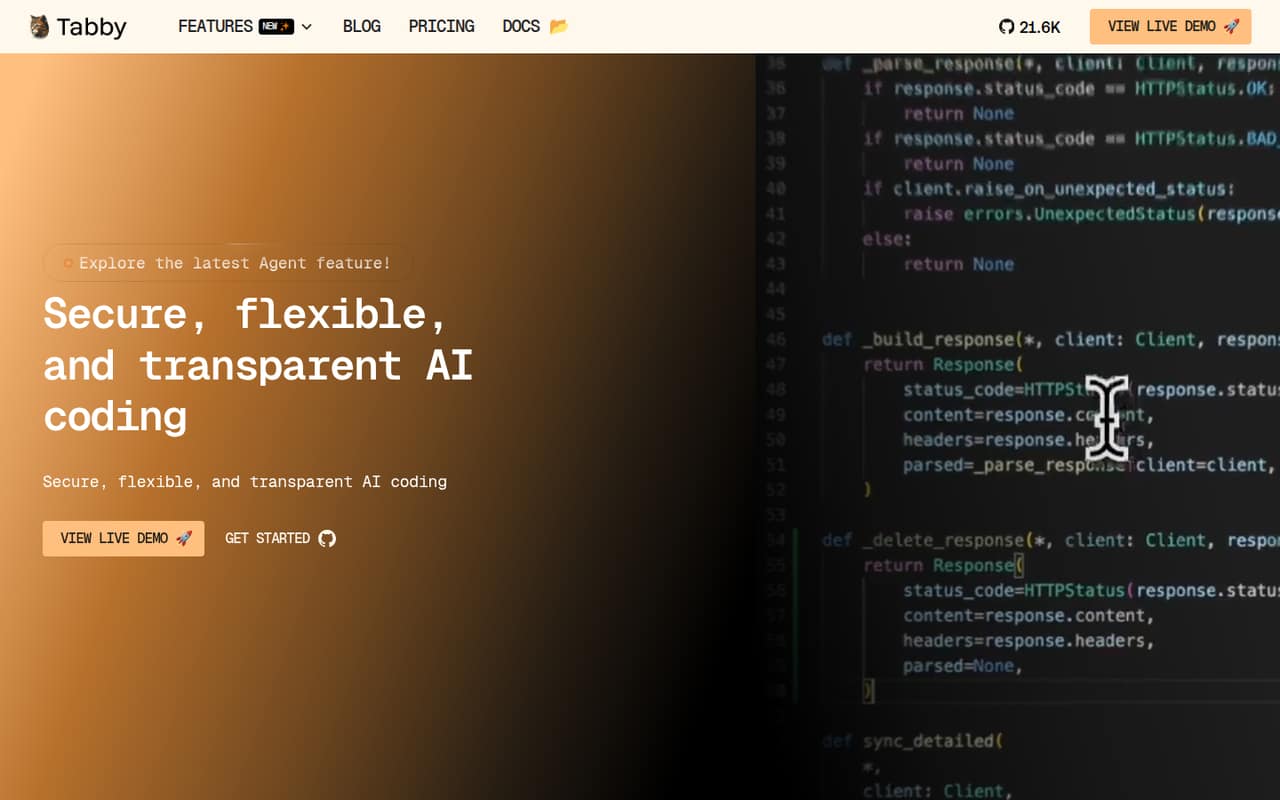
Tabby is listed as free for completion for teams of up to five, with Team features at $19 per user monthly. That makes the free entry especially relevant for a team of five or fewer, while a larger team should budget for paid seats. Its local-first deployment focus may suit teams that want to run the tool themselves.
What works
- Community is free for up to five users
- Tab completion has no usage limits
- Local-first deployment is included on Community
What doesn't
- Team costs $19 per user each month
- Annual Team pricing isn’t published
- Community support is the free plan’s listed support
- Best for GitHub teamsGitHub CopilotGitHub Copilot
GitHub Copilot has a free entry point and a listed starting price of $10. It is a natural shortlist pick for teams already using GitHub and wanting issue-linked coding help. Its positioning also flags agent usage costs to watch, so check the current limits and likely usage before deciding that the entry price covers everyone.
What works
- Free plan includes 2,000 monthly completions
- Pro starts at $10 per user monthly
- Sessions connect to issues and repositories
What doesn't
- Free plan does not list cloud-agent access
- Extra AI credits can add to subscription costs
- Business pricing is not published on the page
- Best for code reviewCursorCursor
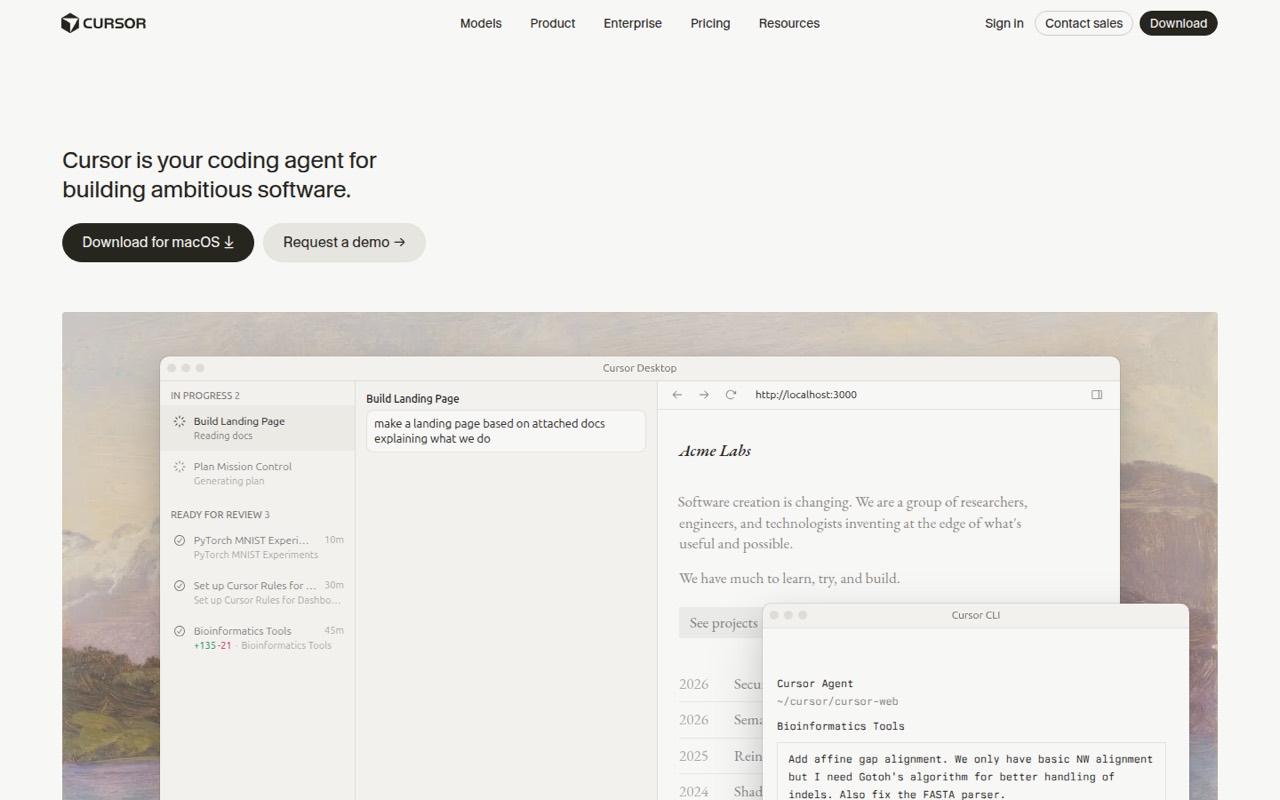
Cursor is listed with a free plan and a starting price of $8. It is aimed at developers reviewing AI-generated code and teams that want agents in their editor. That makes it a practical candidate for a small team with a review habit; verify the listed plans and included usage before paying or adding seats.
What works
- Agents can plan, write, test and demo features
- Offers a desktop app, CLI and integrations
- Can launch multiple cloud agents in parallel
What doesn't
- Free usage is limited
- The listed Plus plan only includes Grok models
- Third-party model use is billed separately
- Best for coding agentsQoderQoder
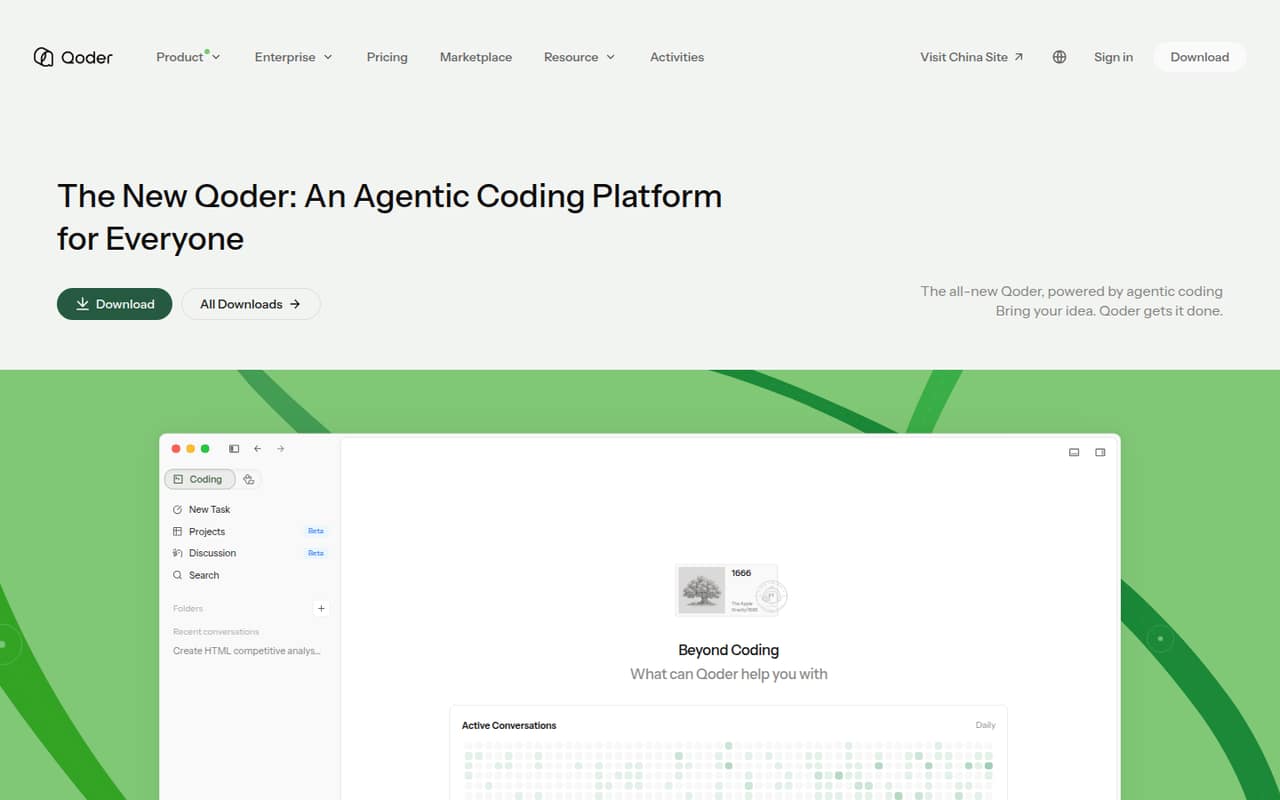
Qoder has a free plan and a listed starting price of $10. Its agent-led coding focus and JetBrains fit may appeal to developers delegating scoped tasks. The buying note is to check credit needs and team costs before committing: a low entry price does not establish how much a team’s regular agent use will cost.
What works
- Free plan includes one user and a 14-day Pro trial
- Lite includes full agent capabilities for $10 monthly
- Mobile controls let users monitor and approve actions
What doesn't
- Free plan limits messages, completions, and next edits
- Teams requires at least two seats at $40 each monthly
- Team credits cannot be shared or transferred
- Best for multi-step workClaude CodeClaude Code
Claude Code is listed with a free plan and a starting price of $17 per person monthly. It is positioned for multi-step code changes and teams that review AI-written work. At that per-person price, a small team should estimate the full seat bill before rollout; the plan’s included usage should also be checked.
What works
- Can inspect and explain codebases
- Works on issues, code, tests, and pull requests
- Supports terminal and editor workflows
What doesn't
- Free plan does not include Claude Code
- Usage limits can interrupt long work
- Individual seats can add up across a team
- Best for agent coordinationWindsurfWindsurf
Windsurf has a free plan and a listed starting price of $20. Its agent-coordination focus may suit developers who are comfortable reviewing AI diffs. The practical caution is to check quotas and team costs before making it the default: the listed starting price alone does not tell a small team how much its planned usage will cover.
What works
- Free plan includes unlimited inline edits and Tab completions
- Pro offers full model availability for $20 monthly
- Sessions can move between local and cloud
What doesn't
- Free plan has light quota and limited model availability
- Extra usage is billed at API pricing
- Teams starts at $80 monthly before seat charges
- Best free agent trialAmpAmp
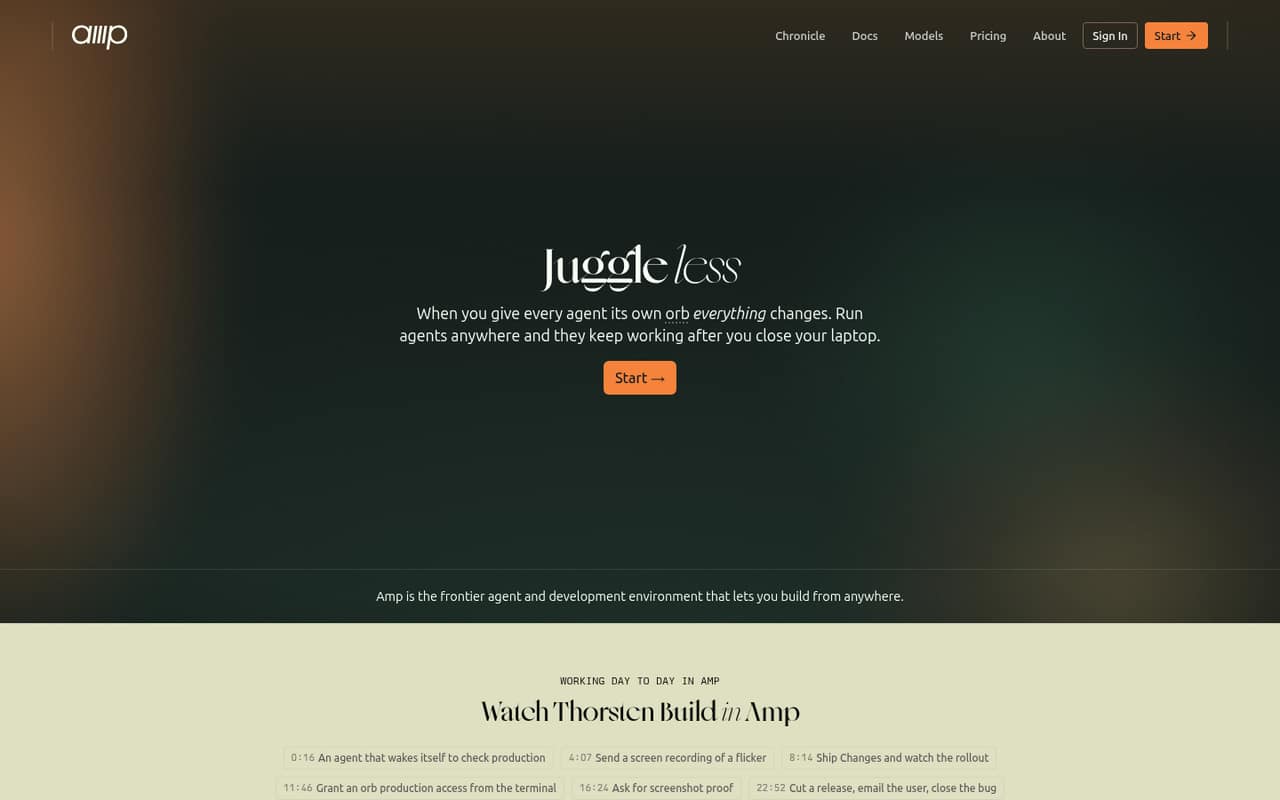
Amp is listed with a free plan and a starting price of $20. It gives developers a free starting point for agent workflows, with teams able to use their own runners. If you need hosted agent time, budget for it separately; that cost could change whether Amp is the right fit for a team watching monthly spend.
What works
- Hobby includes all product features
- Unlimited self-hosted orbs on Hobby
- Use your own tokens and keys
What doesn't
- Hosted orb usage rate is not published
- Individual annual pricing is not published
- Setup steps and integrations are unclear
- Best free GitHub agentJulesJules
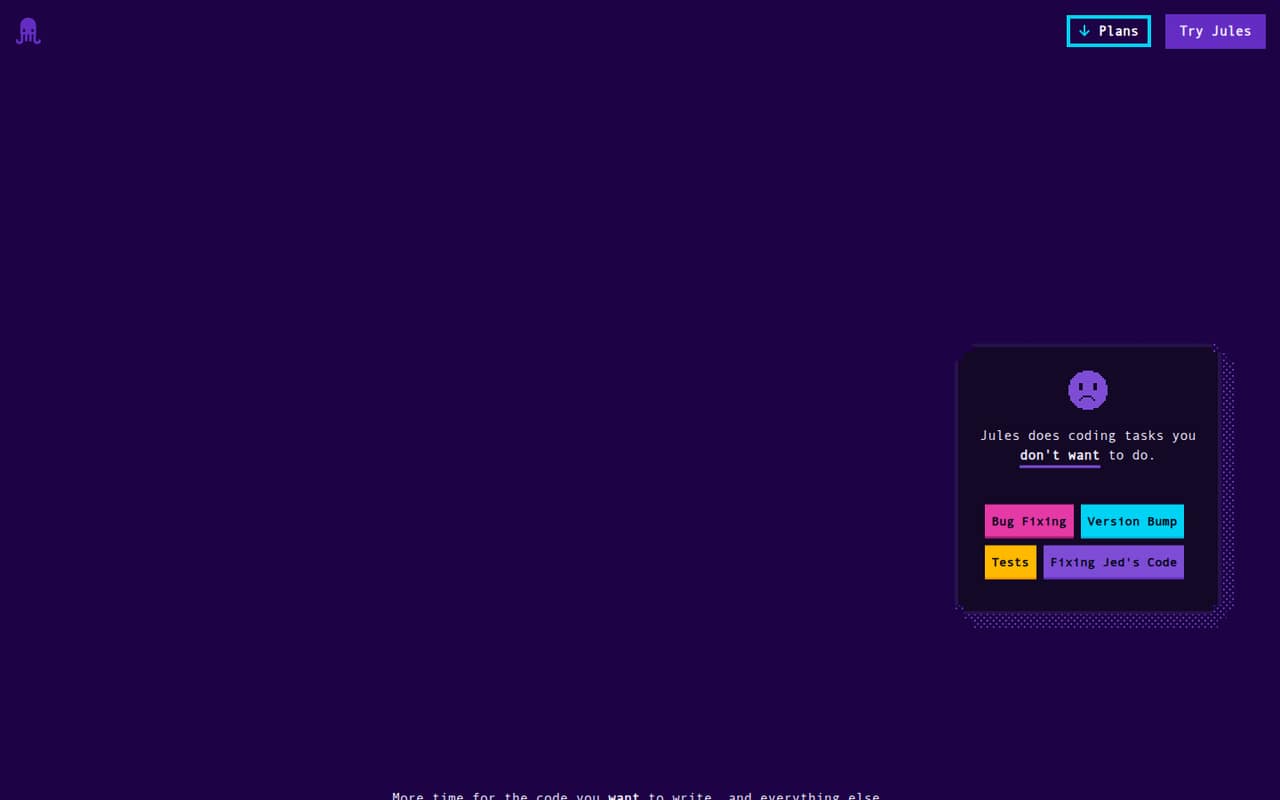
Jules is listed with a free plan for GitHub coding tasks, making it worth considering for individual developers or teams with occasional work. The paid cost for a team is unclear, so we would not assume that a free start scales affordably. Ask about team pricing and usage before building it into a shared workflow.
What works
- Free plan lists 15 tasks per day
- Can work on bugs, tests, and features
- Works from a selected GitHub repository and branch
What doesn't
- Paid monthly and annual prices aren't published
- Plans are for individual Google Accounts only
- Free plan allows three concurrent tasks
- Best for spec-first workKiroKiro
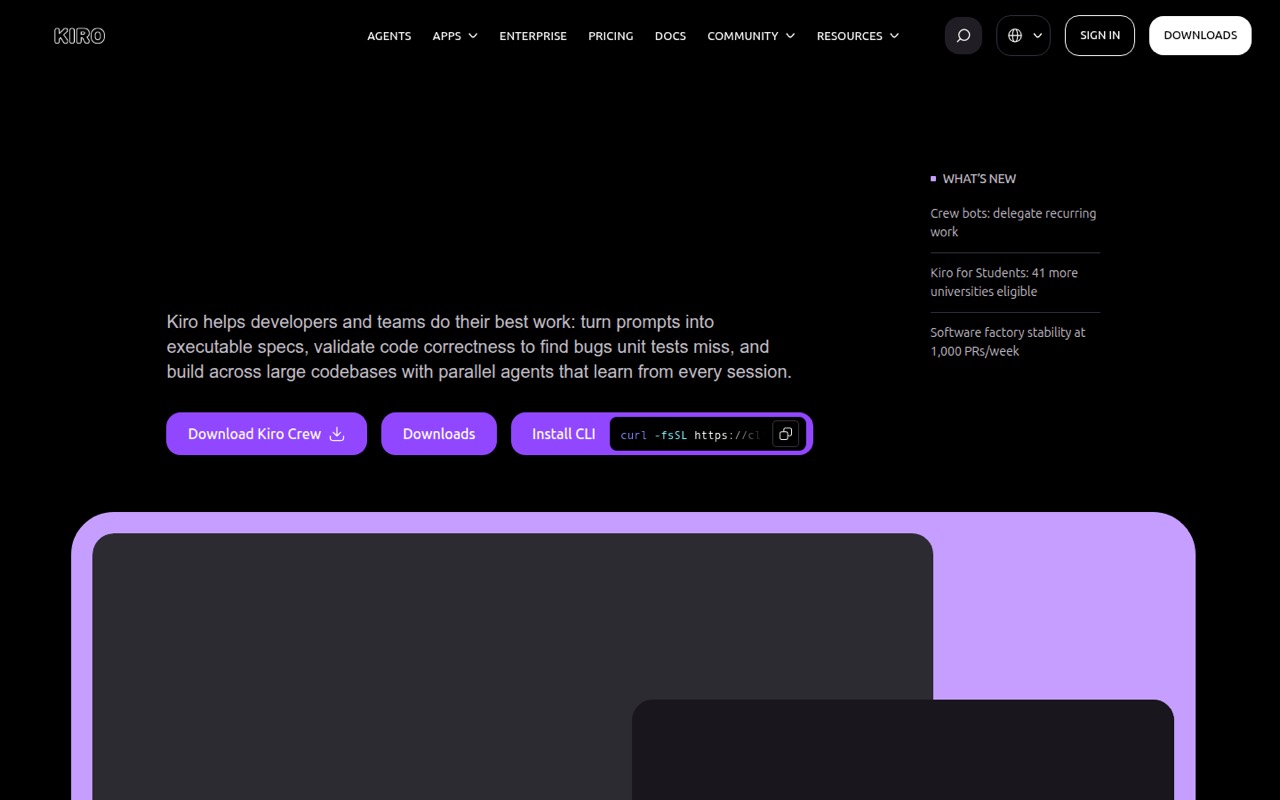
Kiro has a free tier and a listed starting price of $20. Its spec-first approach can suit teams that plan work in specs, and its listed use cases include coding reviews. It is worth considering if that process matches your team, but check the current plan limits and team price before moving routine work onto it.
What works
- Free plan includes 50 monthly credits
- Turns prompts into requirements, designs, and tasks
- Parallel agents can work locally or in the cloud
What doesn't
- Paid plans start at $20 per user monthly
- Annual prices are not published
- Credit add-ons can raise the bill
- Best for workflow automationFactoryFactory
Factory offers coding-agent tools and is listed from $20, but small teams should budget $40 per seat plus a Teams fee. That makes the actual bill more important than the starting figure. It may suit teams automating engineering workflows and needing usage controls, but ask for the full team price before comparing it with per-seat alternatives.
What works
- Agents can plan, build, and validate changes
- Works across desktop, terminal, web, and CLI
- Model routing considers quality, speed, and cost
What doesn't
- No free plan or listed free trial
- Teams adds $40 monthly per seat
- Teams pricing reaches $260 for five seats

- Best free VS Code optionTraeTrae
Trae has a free plan and a listed Pro price of $20 per person monthly. It is positioned for small teams trying AI coding, VS Code-oriented development, and multi-file agent work. A team can start by checking the free offer, then multiply the Pro seat price by its planned headcount before upgrading.
What works
- Free plan includes 5,000 monthly autocomplete completions
- IDE Mode and SOLO support different coding workflows
- SOLO can plan and execute multi-file tasks
What doesn't
- Free plan is limited to Auto mode
- Pro costs $20 per person monthly
- Annual prices are not published

- Best for Google teamsGemini Code AssistGemini Code Assist
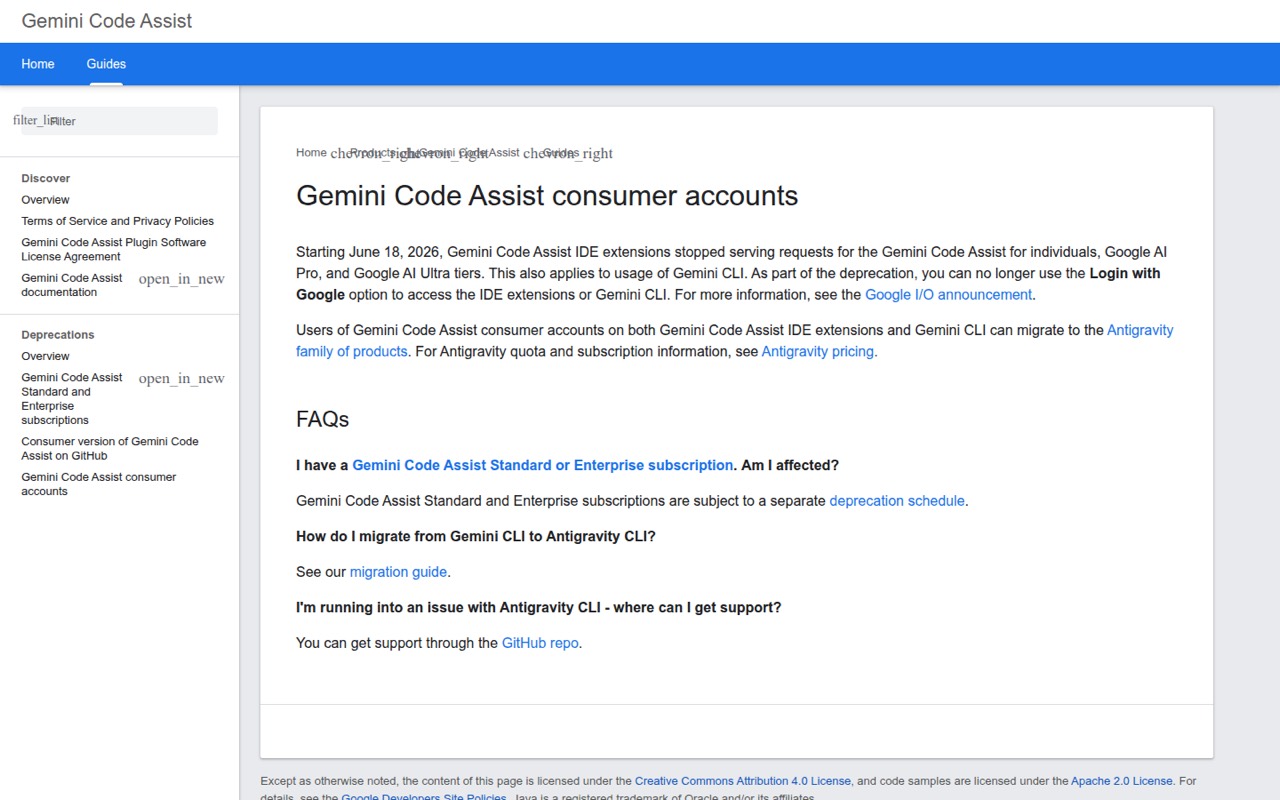
Gemini Code Assist is listed with a free plan and a starting price of $19, and its stated fit includes teams already using Google tools. Its usage limits may look attractive, but consumer access has stopped and account access can be a friction point. Verify eligibility and the paid seat total before relying on the free offer.
What works
- Free individual plan is listed at $0
- Standard starts at $19 per user monthly with annual commitment
- IDE extensions and CLI are supported
What doesn't
- Consumer-tier requests stopped June 18, 2026
- Standard and Enterprise have separate deprecation schedules
- Enterprise requires at least 10 licenses
- Best for GitLab teamsGitLab DuoGitLab Duo
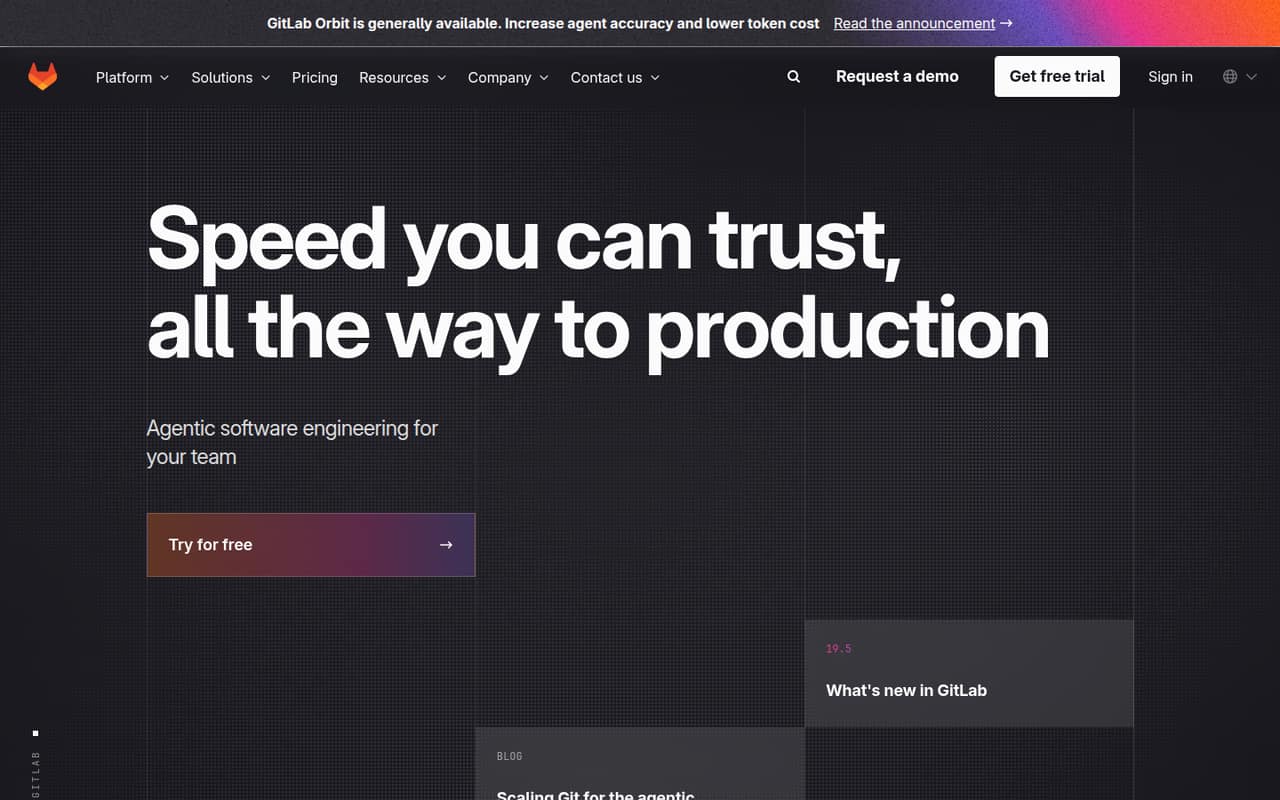
GitLab Duo is listed with a free plan and a starting price of $19. It is aimed at teams already working in GitLab, including workflows from issues to merge requests. Paid seats and credit use complicate budgeting, so check how both apply to your team’s expected workload before treating the starting price as the total.
What works
- Agents can work on issues, vulnerabilities, and code reviews
- Agents share project, issue, and pipeline context
- Actions appear in an audit trail
What doesn't
- Free tier includes zero credits
- Duo Pro requires Premium or Ultimate
- Duo Enterprise requires Ultimate
- Best for agent coordinationZencoderZencoder
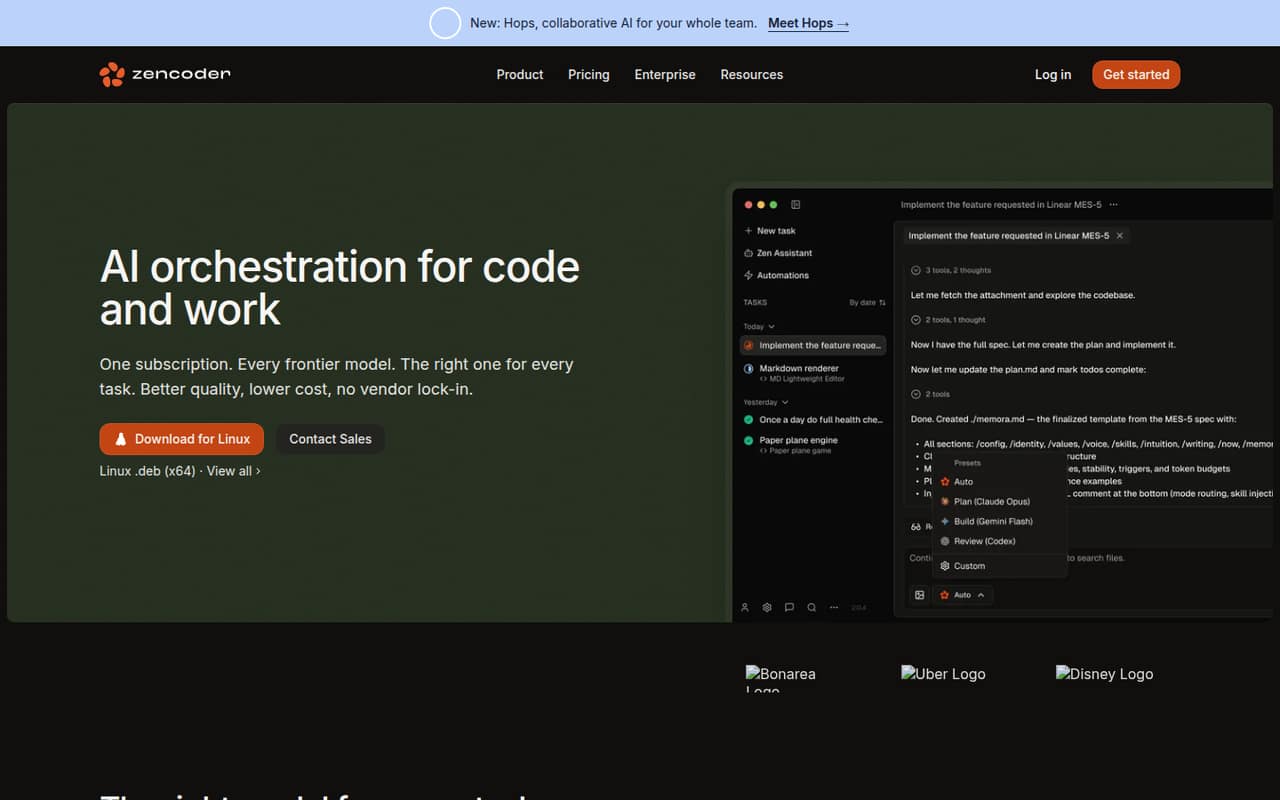
Zencoder is listed with a free plan and a starting price of $40. Its positioning emphasizes coordinating coding agents across repositories and private deployment. That may suit a team with those specific needs, but credit use and seat costs need checking before committing. Ask the vendor to price your expected team size and workflow.
What works
- Agents cover planning, coding, testing, and review
- Supports OpenAI, Claude, and Gemini models
- Pro includes 2,000+ integrations
What doesn't
- Free-plan credit limits aren't listed
- Pro starts at $45 per user monthly
- Credit top-ups cost at least $20
- Best for generated tests
CodeAICodeAI
CodeAI has a free plan and a listed starting price of $12. Its stated fit includes solo developers testing AI coding, small teams generating tests, and project versioning. It could be an inexpensive place to start, but confirm how team accounts and setup work before choosing it as a shared tool.
What works
- Free plan includes 60 monthly AI calls
- Free plan allows one AI agent creation
- Paid plans include all models
What doesn't
- Free plan is limited to GPT-3.5
- Free projects must be public
- Seat pricing is not published
- Best for shared workflowsWorkikWorkik
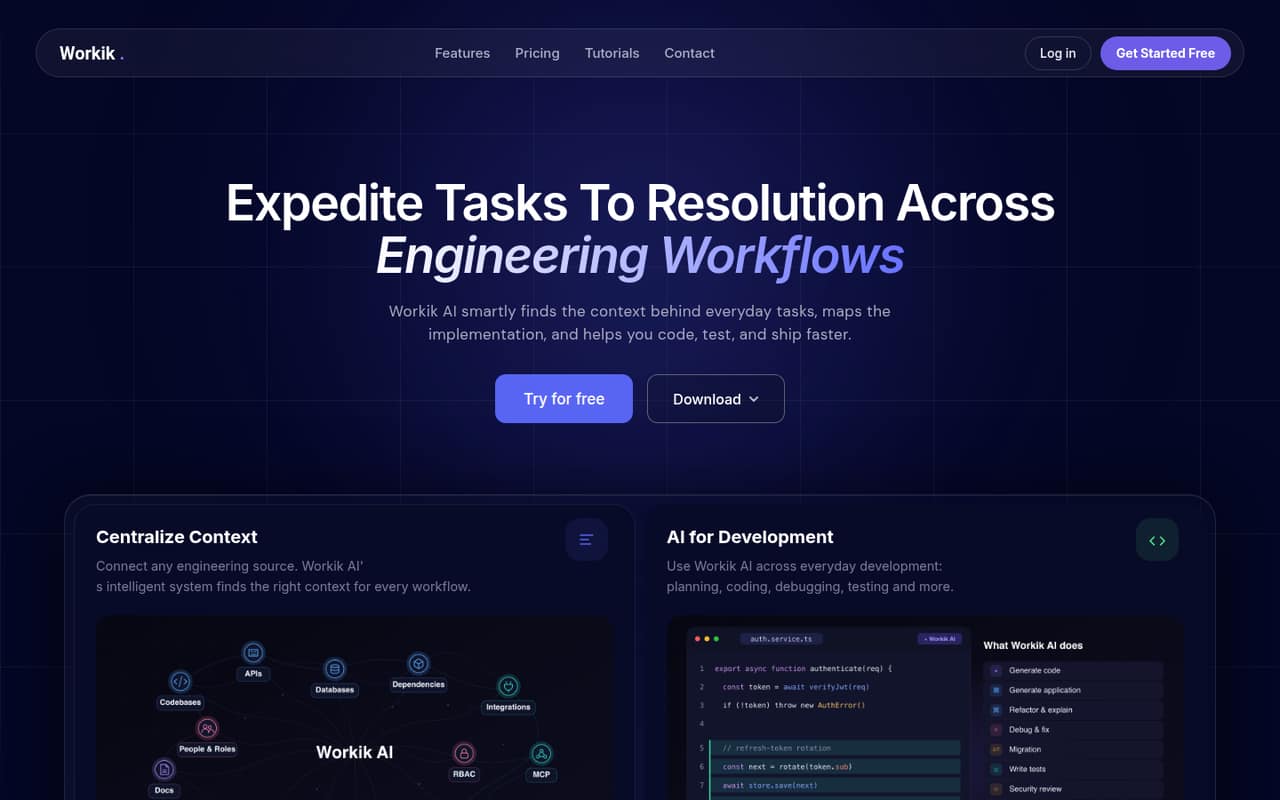
Workik is listed with a free plan and a starting price of $15, with project context and engineering workflows among its selling points. Its five-seat Team plan has no published price, so a small team should ask for a quote before comparing total cost. It may fit teams already comfortable using AI tools.
What works
- Free Trial supports up to three users
- Starter includes unlimited users
- Starter includes unlimited requests with your API key
What doesn't
- Trial has only 10 signup requests
- Trial flow runs drop to 20 monthly
- Team plan seat price is not published
- Best for repeatable workflowsAugment CodeAugment Code
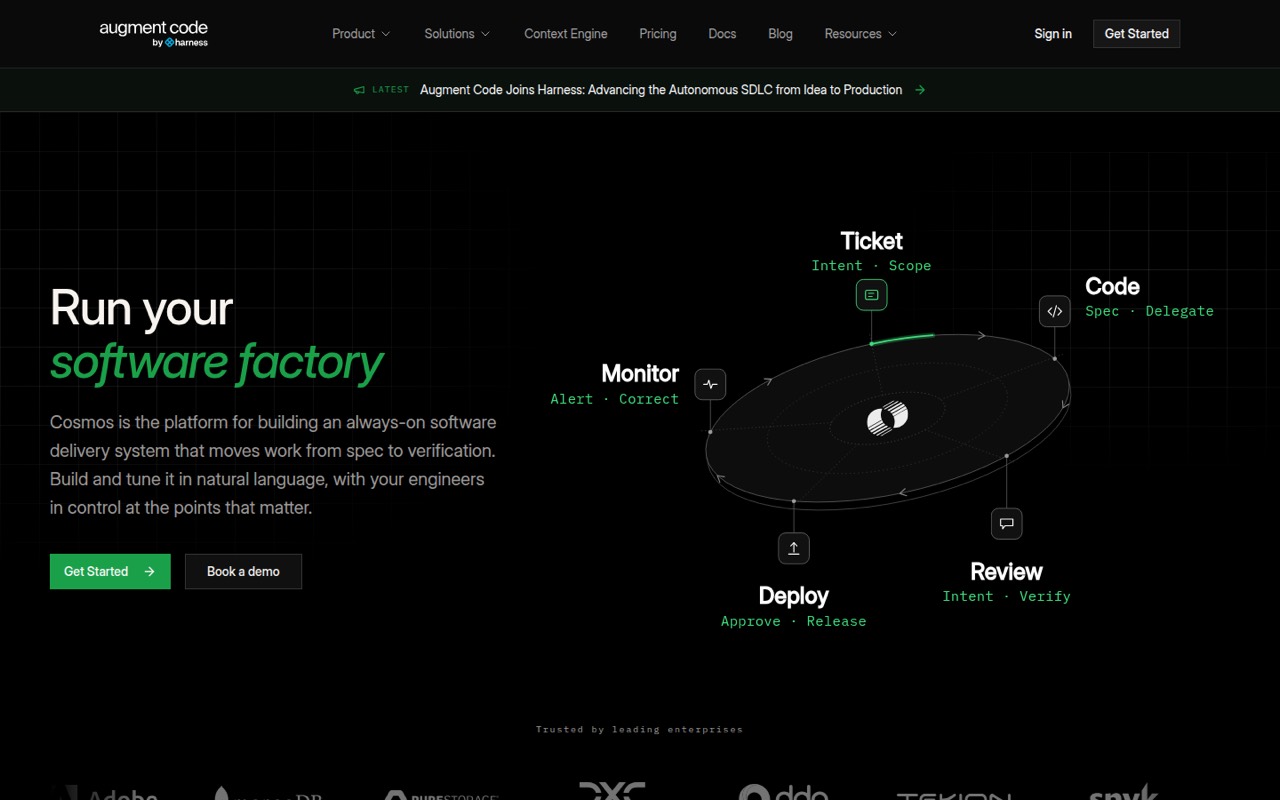
Augment Code has no free tier and is listed from $20. It is positioned for repeatable coding workflows, pooled usage, and several agent types. That can be relevant for a small team with a clear automation need, but usage fees make the final cost harder to predict. Ask how pooled usage is charged.
What works
- Standard includes up to 50 seats
- Monthly usage is pooled across the team
- Agents cover review, tickets, security, and incidents
What doesn't
- No free plan or published free trial
- Usage top-ups are billed separately
- LLM usage has a 40% service fee
- Best for annual budgetsTabnineTabnine
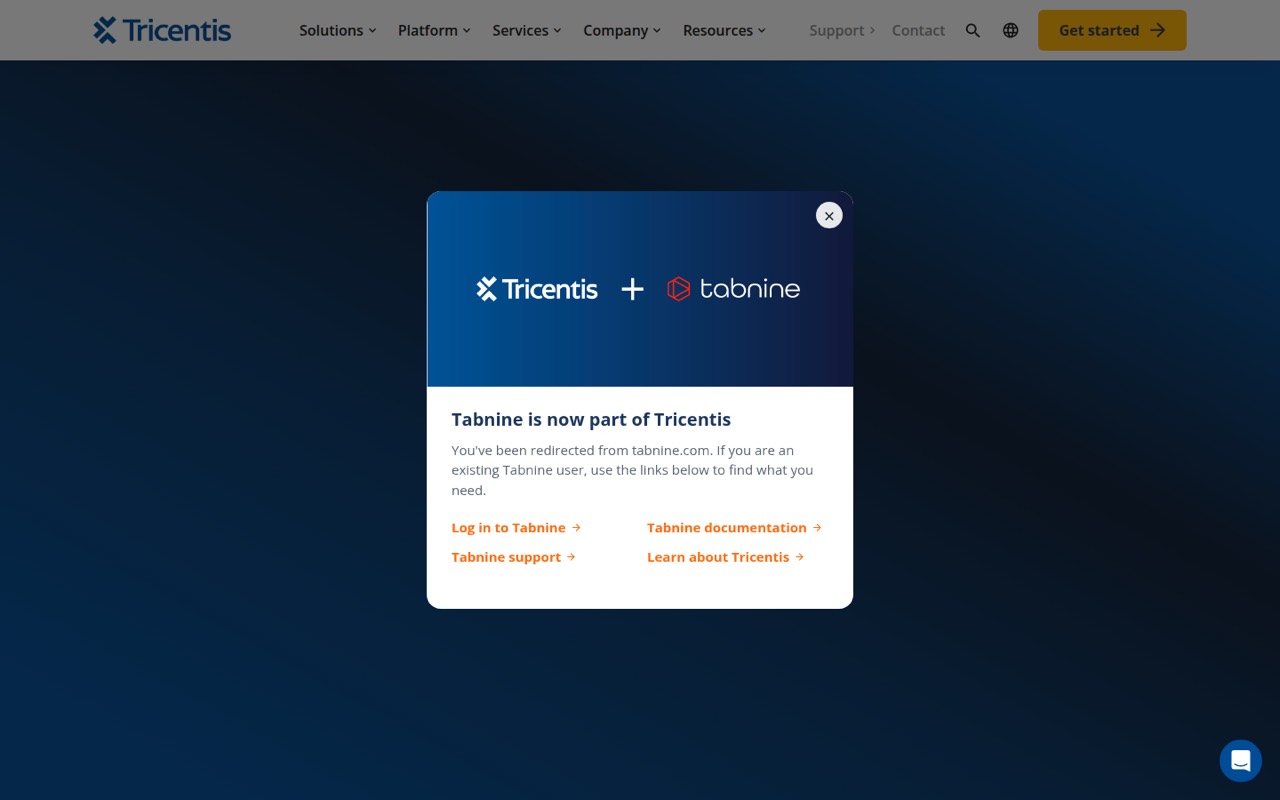
Tabnine is listed from $39 per seat monthly, billed annually, with no free tier indicated. It offers hosted or bring-your-own models and agentic workflows, but that annual commitment is a meaningful hurdle for a small team. Its current homepage does not match its coding plans, so confirm the offer and terms with the vendor.
What works
- Code Assistant starts at $39 per user monthly
- 14-day trial listed for Code Assistant
- BYO model or infrastructure includes unlimited usage
What doesn't
- No free plan is listed
- Monthly billing prices are not published
- Homepage identifies Tricentis, not Tabnine
- Best for React UI21st.dev21st.dev
21st.dev is listed with a free plan and a starting price of $6. Its focus is copy-ready UI parts for React and Tailwind teams, rather than a general coding assistant for every task. It may help a small team building interfaces, but check whether that narrower use matches what you need from an AI pair programmer.
What works
- Free plan includes two component copies daily
- Builder starts at $6 monthly with annual billing
- MCP and CLI access are included in Builder
What doesn't
- Free copying is capped at two components a day
- Team plan starts at two seats
- Team + AI monthly price is not published

- Best for delegated tasksDevinDevin
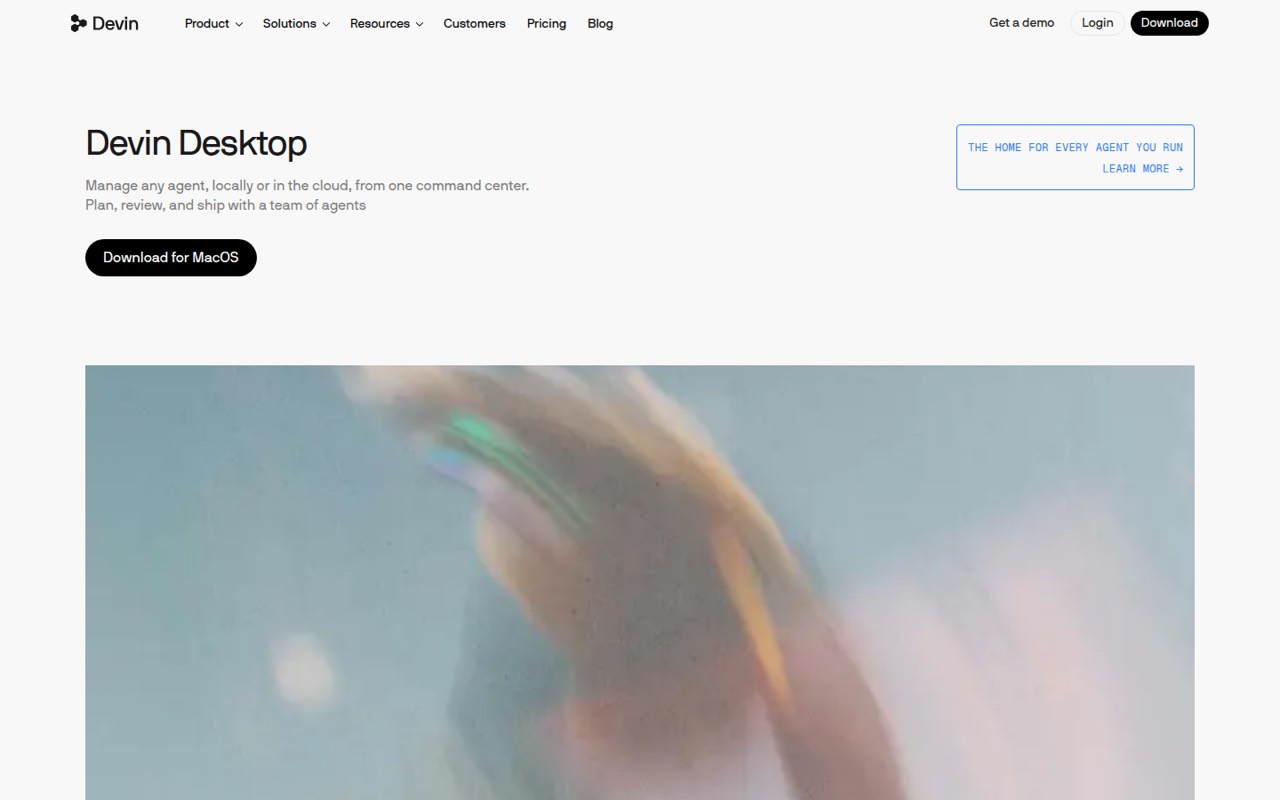
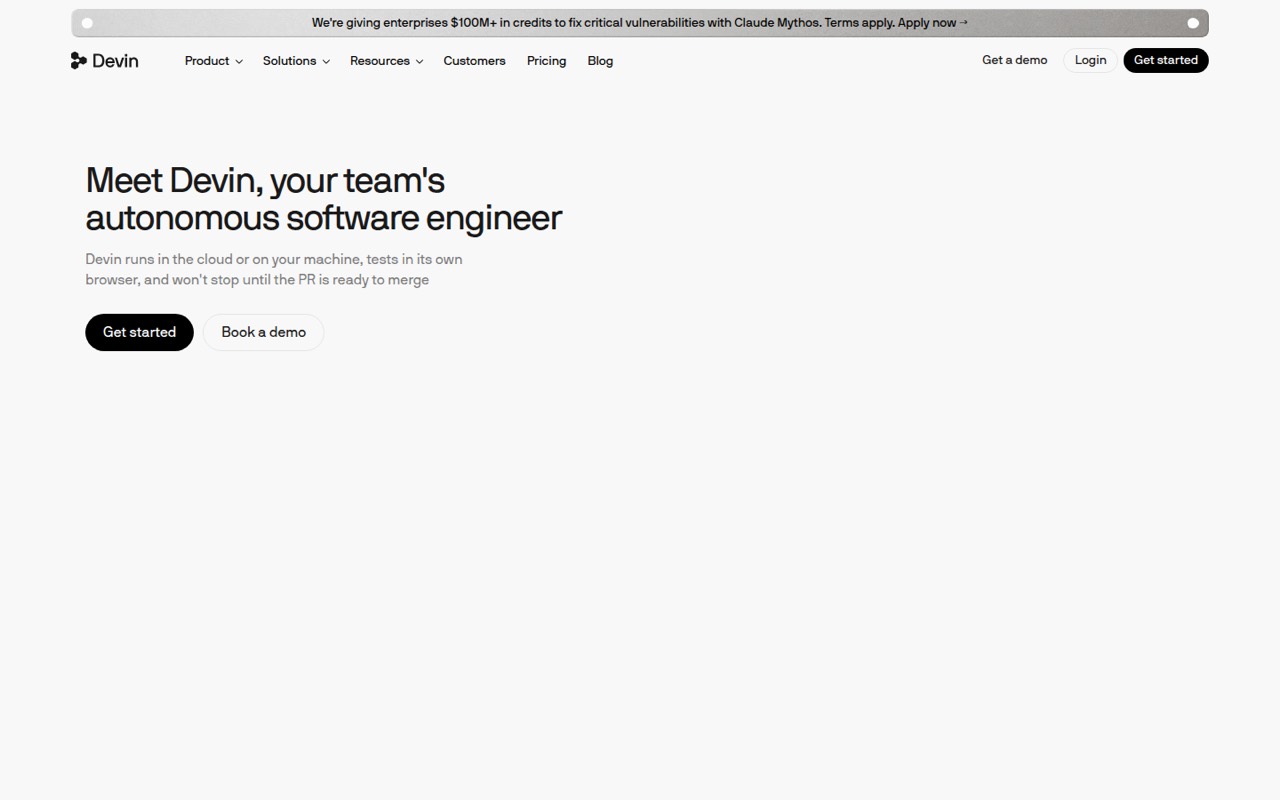
Devin has a free plan and a listed starting price of $20. It is positioned for cloud agents taking on scoped coding tasks, with Slack-based internal support also listed as a use case. Its quotas and team fees can make the value uneven, so confirm both before relying on it for regular team work.
What works
- Free plan includes unlimited inline edits and Tab completions
- Builds and tests changes in its own virtual environment
- Can be tagged in Slack and Teams threads
What doesn't
- Free usage quota is light
- Free plan has limited model availability
- Teams adds an $80 monthly base fee
- Best for large codebasesCodyCody
Cody is positioned for teams with many repositories, large code changes, and enterprise security needs. Its listed $16,000 annual minimum is steep for most teams of one to ten, and a starting seat price is not listed. Small teams should only pursue it if its codebase context or security needs justify asking for a quote.
What works
- Searches code with exact, deterministic results
- Answers complex questions with citations
- Groups related files for diff review
What doesn't
- No free plan is listed
- $16K minimum annual contract
- Per-user price is not published

- Best for dedicated deploymentBLACKBOX AIBLACKBOX AI
BLACKBOX AI is aimed at sensitive prompts, dedicated deployment, and buyers wanting many models. A starting price is not listed, which makes a small-team budget hard to judge from the available price information. Ask for a quote covering your deployment and seat needs before treating it as a viable option.
What works
- Prompts are encrypted before leaving the client machine, per the homepage
- The vendor says prompts are decrypted only where models run
- Homepage says data is not kept after an answer
What doesn't
- No free plan or free trial is listed
- Starting price and annual commitment minimum are not published
- Input, output, and cached reads are billed separately

- Best for legacy projectsBlitzyBlitzy
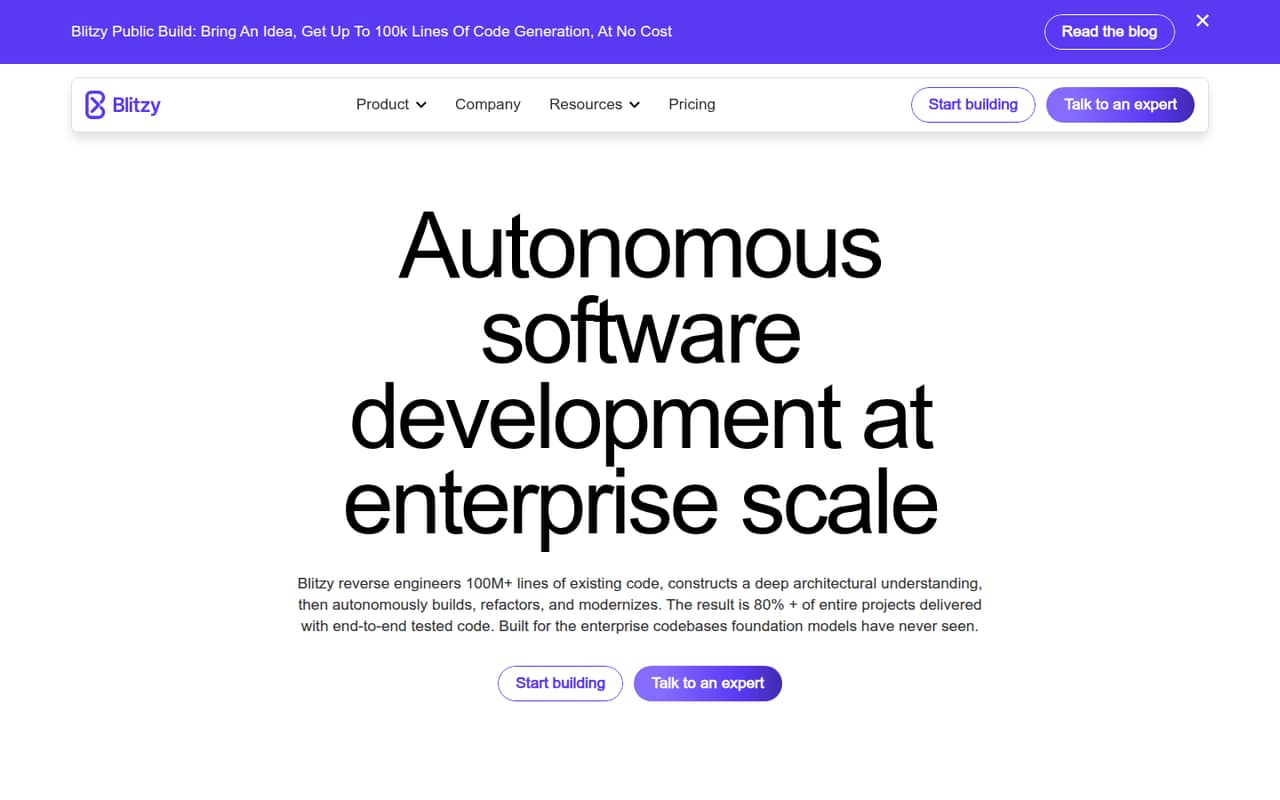
Blitzy is positioned for enterprise teams modernizing legacy code and leaders with defined initiatives. Its listed starting price is $20,833.33, putting it far outside the usual small-team budget. It may be worth evaluating for a funded enterprise project, but is a poor fit for a team mainly looking for affordable editor assistance.
What works
- Maps code and dependencies into a knowledge graph
- Coordinates more than 3,000 specialized agents
- Supports refactoring, features, and modernization
What doesn't
- Free plan works with public repositories only
- Private production starts at $20,833.33 per year
- No monthly billing or seat prices are listed
03How we chose
We ranked these tools for a team of one to ten, weighing whether there is a free starting point, the listed price, and what a few seats could cost. We also considered model access, the setup implications of choosing or connecting models, usage limits and credit costs where flagged, and fit with GitHub, GitLab, JetBrains, or VS Code workflows. Vendor docs and user sentiment can help clarify changing limits, but we make no hands-on testing or benchmark claims. Where team pricing is unclear, we advise asking the vendor.
04What will a few seats really cost?
Start with the number of people who will use the assistant each week, not everyone who might try it once. Multiply a per-person price by the seats you need: for example, Tabby lists Team features at $19 per user monthly, while Claude Code lists $17 per person monthly. Check whether the listed price is monthly or tied to annual billing; Tabnine’s listed $39 per seat monthly is billed annually. Then ask about anything outside the seat price. Cline and Continue require you to budget for model access, while other tools flag quotas, credits, hosted agent time, or team fees. If a vendor does not publish the team price, get a written quote for your headcount and expected usage before rollout.
05How much setup and control do you want?
A free tier is most useful when the team can use it without a project of its own. If you already have model access or want local models, Continue’s positioning may suit you, but the team should be comfortable configuring tools. Cline and Kilo Code also put model choice or AI-usage management in the picture, so decide who will manage that spend. If you prefer a tool aligned with your existing workflow, shortlist options built around GitHub, GitLab, JetBrains, or VS Code. Before choosing an agent, agree on who reviews its changes; several picks are specifically aimed at teams reviewing AI-written code or diffs. Ask the vendor about current request limits, account eligibility, and team administration, then trial the free option if available.
Questions people ask
Which AI coding assistant is best for a small team?
For teams comfortable configuring model access, Continue is a low-cost starting point with a free plan and a listed price from $3. For a GitHub-first team, GitHub Copilot has a free entry point and starts at $10. Compare the current limits and full team cost before choosing.
Can a small team use an AI coding assistant for free?
Yes. Several tools in this guide list free plans or free entry points, including Continue, Cline, GitHub Copilot, Cursor, and Kiro. Free access does not necessarily cover every feature or usage level, so check the vendor’s current limits and account requirements.
Do AI coding assistant prices include model usage?
Not always. Continue and Cline are options for teams managing their own model access, and several agent-focused tools flag credits, quotas, or hosted usage as costs to check. Ask the vendor whether the listed seat price includes the amount of usage your team expects.
What should we check before adding more seats?
Confirm the per-seat price, billing term, included requests or credits, and any separate model or agent charges. Also check whether the vendor publishes team pricing and whether your existing GitHub, GitLab, editor, or account setup is supported. Ask for a quote if the team price is unclear.