We may earn a commission if you buy through links on this page. It never changes a score or a ranking. How we make money
Most small teams need an email platform only if they send regular newsletters, manage a subscriber list or want automated messages. For a low-cost start, MailerLite and EmailOctopus offer free plans; Omnisend is worth a look if your focus is ecommerce. Our top pick is MailerLite for its flexible toolkit and useful free plan. Keep in mind that a listed starting price is not necessarily the price for several teammates: check seat rules, subscriber limits and send allowances before moving your whole team over.
Quick picksThe shortlist
 MailerLiteMailerLiteBest overall · $10.80/mo
 EmailOctopusEmailOctopusBest budget · $9/mo
 OmnisendOmnisendBest ecommerce · $11.20/mo
 AWeberAWeberBest for basics · $12.49/mo
 MailchimpMailchimpBest familiar toolkit · $13/mo
 SenderSenderBest email and SMS · $6.30/mo
 BrevoBrevoBest free start · Free
 beehiivbeehiivBest for publishers · $49/mo
 KitKitBest for creators · $33/mo
 ActiveCampaignActiveCampaignBest for automation · $15/mo
01Compared at a glance
| Tool | Score | From | Free plan | Trial |
|---|---|---|---|---|
| MailerLiteMailerLite | 7.6 | $10.80/mo | Yes | 14 days |
| EmailOctopusEmailOctopus | 7.4 | $9/mo | Yes | — |
| OmnisendOmnisend | 7.5 | $11.20/mo | Yes | — |
| AWeberAWeber | 7.4 | $12.49/mo | Yes | 14 days |
| MailchimpMailchimp | 7.2 | $13/mo | Yes | 14 days |
| SenderSender | 7.2 | $6.30/mo | Yes | 14 days |
| BrevoBrevo | 6.3 | Free | Yes | — |
| beehiivbeehiiv | 7.7 | $49/mo | Yes | — |
| KitKit | 7.2 | $33/mo | Yes | 14 days |
| ActiveCampaignActiveCampaign | 7.0 | $15/mo | No | 14 days |
02The picks, in detail
- Best overallMailerLiteMailerLite
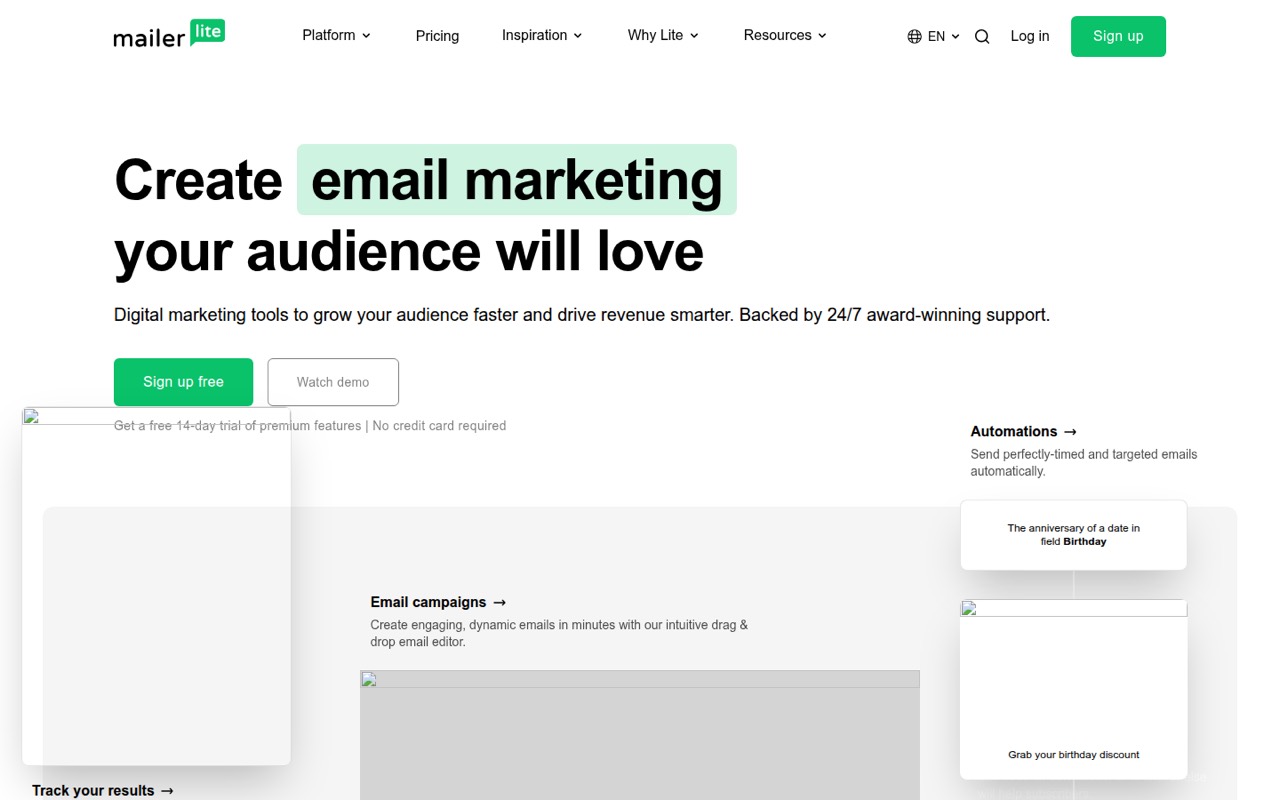
MailerLite is our best fit for a small team that wants newsletters, landing pages and digital-product sales tools in one toolkit. The listing describes its free plan as useful and its paid starting price as $10.80. Subscriber and seat limits matter as you grow, so confirm that the free tier covers your list and that your planned team access fits before committing.
What works
- Free plan includes 250 subscribers and two seats
- Free plan includes three automations
- Combines campaigns, forms, pages, and websites
What doesn't
- Free plan is limited to 250 subscribers
- Comfort includes only three user seats
- Paid prices rise with subscriber count
- Best budgetEmailOctopusEmailOctopus
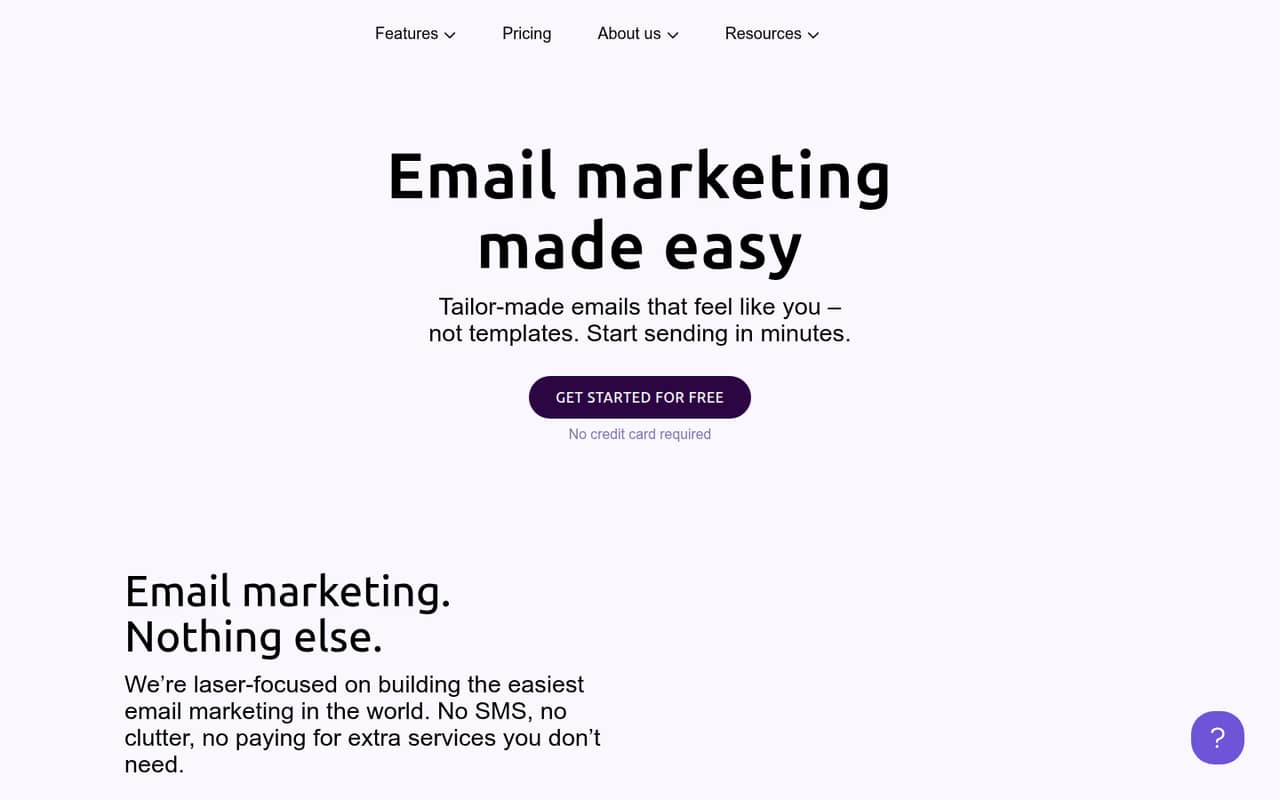
EmailOctopus suits small newsletters where keeping the bill down matters. It has a free plan and a listed starting price of $9, and the summary says Pro has no per-seat charge. Check subscriber limits and whether the free plan covers your sending needs; the starting price alone does not tell you what a larger list will cost.
What works
- Free Starter plan for up to 2,500 subscribers
- Starter includes 10,000 emails monthly
- Pro includes unlimited users
What doesn't
- Starter allows only one user
- Pro monthly-billed price is not published
- Pro subscriber allowance is not specified
- Best ecommerceOmnisendOmnisend
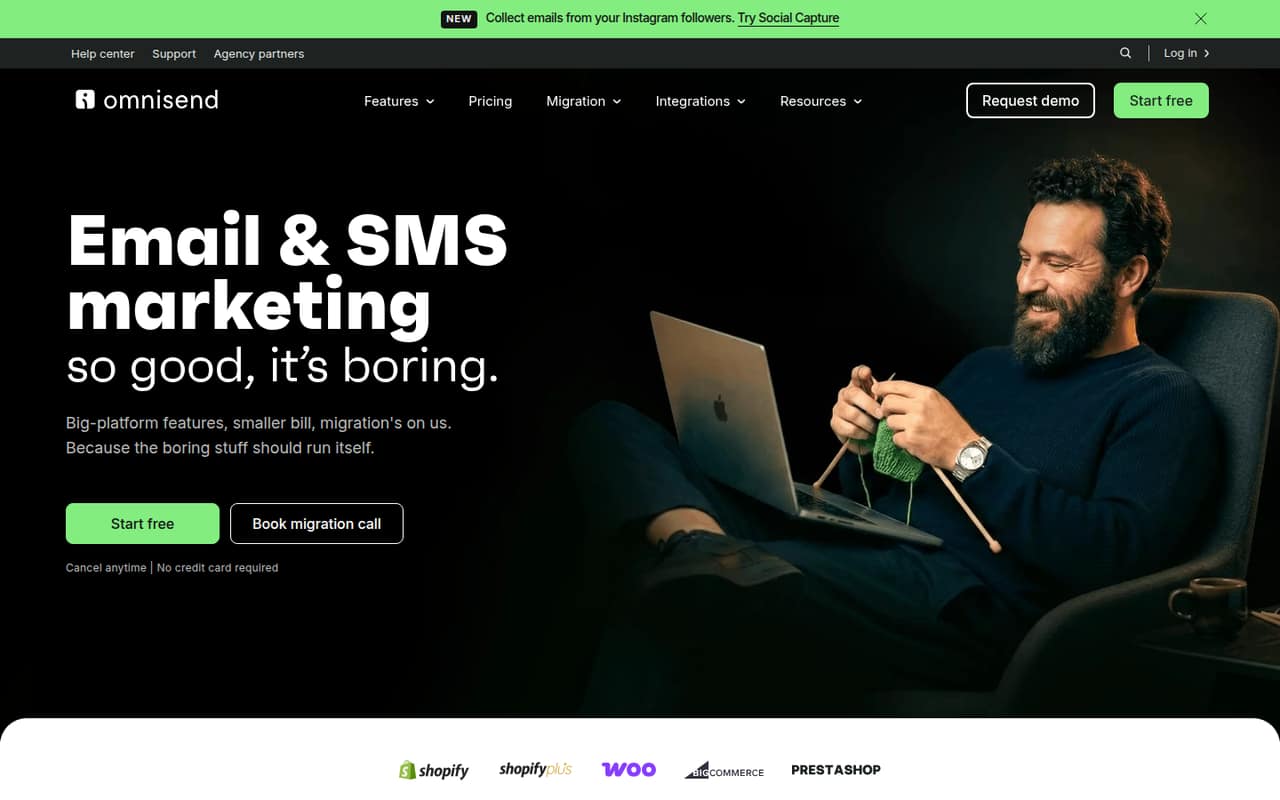
Omnisend is a good match for a small ecommerce team that wants email, welcome messages and cart automation without a large starting bill. It has a free plan and a listed starting price of $11.20. Check the plan limits against your list and automation needs, and confirm what extra seats cost before inviting the whole team.
What works
- Free plan includes 250 contacts and 500 emails monthly
- Free plan includes 500 web push notifications monthly
- Standard includes 6,000 emails monthly
What doesn't
- Free email sending stops at 500 messages monthly
- Free and Standard plans list 250 and 500 contacts
- Per-seat costs are not published
- Best for basicsAWeberAWeber
AWeber is worth considering if you want to start email marketing, sell through email or use basic automation. It offers a free plan and starts at $12.49. Subscriber counts and plan limits are the main things to watch as your list grows. Confirm which features and team access fit your use case before choosing a paid tier.
What works
- Free plan includes 500 subscribers
- Free plan includes one automation
- Lite includes three users
What doesn't
- Free plan caps monthly sends at 3,000
- Lite is limited to three users
- Paid prices vary with subscriber count

- Best familiar toolkitMailchimpMailchimp
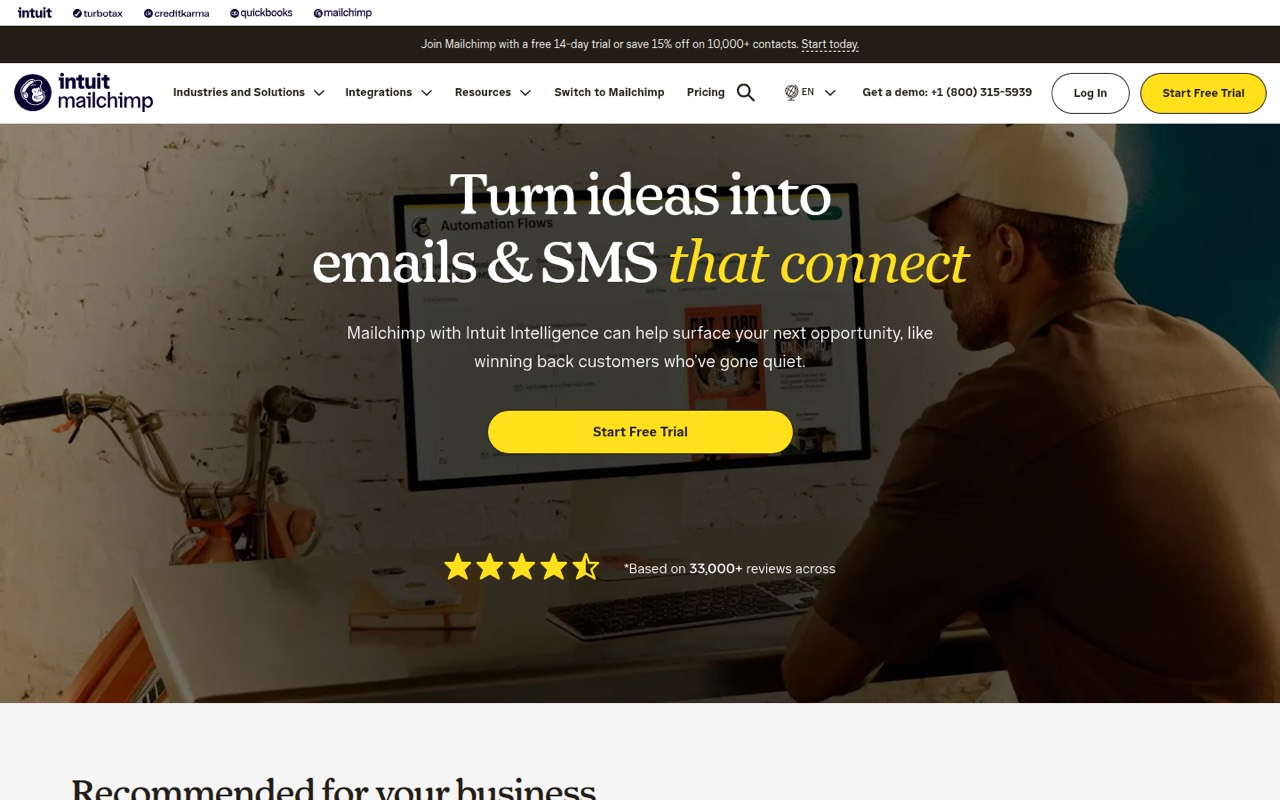
Mailchimp offers a broad set of tools for small teams, including email and SMS, with straightforward automation options. It has a free plan, but the listing describes that plan as narrow, and ecommerce workflows may run into friction. Treat its $0 entry as a way to start, not proof that it will cover your list, sends and team access.
What works
- Free plan includes one seat and one audience
- Email and SMS marketing in one platform
- Paid plans add seats and audiences
What doesn't
- Free plan caps contacts at 250
- Free email limit is 500 per month
- Free plan excludes SMS
- Best email and SMSSenderSender
Sender is a budget-conscious option for a small team that wants email and SMS together. It has a free plan and starts at $6.30. Its seat and subscriber limits can affect whether it works for your whole team, so check those details before building a regular campaign process around the free or entry-level plan.
What works
- Free plan allows up to 2,500 subscribers
- Free plan includes 15,000 emails monthly
- Standard includes three role-based seats
What doesn't
- Free Forever includes just one seat
- Standard has only three seats
- Displayed Standard and Professional tiers cap at 500 subscribers
- Best free startBrevoBrevo
Brevo is aimed at small teams looking for free email, automation and multiple channels. Its paid starting price is listed as unavailable, so you cannot compare its paid cost from the starting figure alone. The summary also notes mixed user reports. Check current paid pricing and the plan limits that apply to your sending needs.
What works
- Free plan costs $0 per month
- Stores up to 100,000 contacts on free
- Email, SMS, WhatsApp, and push campaigns
What doesn't
- Free plan is limited to one user
- Free emails carry Brevo branding
- Paid plan prices aren't listed
- Best for publishersbeehiivbeehiiv
Beehiiv fits a solo creator or small publishing team focused on newsletters and digital products. It has a free plan, but its listed paid starting price is $49 and it can become costly if you need more than two seats. Check team access early if several people will write, edit or manage the publication.
What works
- Free plan allows 2,500 subscribers and unlimited sends
- No-code website builder is included on Free
- Lite includes automations and A/B testing
What doesn't
- Free is limited to one team seat
- Free analytics look back only 30 days
- Lite is capped at two team seats

- Best for creatorsKitKit
Kit is built for creators selling digital products, automating email and running paid newsletters. It has a free plan, with a listed starting price of $33. Team access and paid pricing deserve a close look, so confirm the number of people included and the cost for your intended setup before moving a shared newsletter onto it.
What works
- Free plan supports up to 10,000 subscribers
- Unlimited landing pages and forms on Free
- Free includes broadcasts, tagging, and segmentation
What doesn't
- Creator monthly billing price isn't published
- Creator user limits aren't listed
- Pro monthly billing costs $66
- Best for automationActiveCampaignActiveCampaign
ActiveCampaign is for small teams that need complex automations and detailed segmentation, rather than just a basic newsletter tool. It starts at $15. That depth is useful only if your team will put it to work; check setup requirements, plan limits and the cost for your team before choosing it over a simpler option.
What works
- AI can draft campaigns from a brief
- Automates A/B testing and reporting
- Segments audiences using engagement data
What doesn't
- No free plan
- Annual billing rates are the only published prices
- Starter and Plus include one user seat
03How we chose
We ranked these platforms for teams of 1–10, weighing whether there is a free plan, the listed starting price, fit for common small-team jobs, and any stated seat or subscriber limits. We favored tools with a practical path from a free start to paid use, while accounting for ecommerce and creator needs. Setup effort is difficult to compare from a feature list alone, so we considered how focused the stated use case is and recommend checking setup guidance in the vendor’s docs. Where summarized, we also weighed Reddit reports and complaints.
04Check the real cost for your team
A free plan can be enough for a small newsletter, but “free” does not tell you how many subscribers, sends or teammates it covers. Mailchimp’s free plan is described as narrow, while MailerLite’s subscriber and seat limits matter as you grow. EmailOctopus says its Pro plan has no per-seat charge, and Beehiiv can become costly if you need more than two seats.
- Count the people who need access, including anyone who will edit or approve campaigns.
- Check subscriber, send and automation limits against what you expect to use.
- Ask for the price at your current list size and a larger one. The listed starting price is an entry point, not a quote for every team.
If the vendor does not publish the seat cost you need, ask for it before importing contacts or building workflows.
05Match the tool to the work you send
For regular newsletters, start with a focused option such as MailerLite or EmailOctopus. If you sell online, compare Omnisend’s welcome and cart automation with Klaviyo’s behavioral segmentation and email-and-SMS focus. Creators selling products or paid newsletters can compare Kit and Beehiiv, keeping Kit’s team-access costs and Beehiiv’s two-seat limit in mind.
Setup effort depends on how much you want to automate. A basic campaign is a different job from building detailed customer journeys, so do not pay for depth your team will not use. Before signing up, check the vendor’s docs for importing contacts, building the workflows you need and managing team access. If those steps are unclear, ask the vendor what help is included and whether moving your existing list has a cost.
Questions people ask
What is the best email platform to have?
For many small teams, MailerLite is a practical starting point: it has a useful free plan, landing pages and a listed starting price of $10.80. A newsletter publisher, ecommerce shop or team with complex automations may fit another pick better. Compare limits and team access, not just the headline price.
Is email marketing still effective?
It can be useful when your team has a list to contact and a clear reason to send. The platform choice should follow the work: newsletters, ecommerce automations and creator sales have different needs. Start with a plan that fits your list and sending routine, then check its limits before relying on it.
What email is Gen Z using?
There is no single email service that a marketing platform should assume every Gen Z subscriber uses. For a small business, focus on collecting permission to email people and sending useful campaigns through the platform that fits your list and budget. Check the vendor’s docs for signup and unsubscribe controls.
What is the 80/20 rule in email marketing?
It is commonly used as a content-planning guideline: make most of your emails useful to subscribers and keep direct sales messages to a smaller share. Treat it as a starting point, not a fixed rule. Your mix should fit what subscribers signed up for and what your team can send consistently.