We may earn a commission if you buy through links on this page. It never changes a score or a ranking. How we make money
Most teams of 1–10 should try an open-source agent only if someone can own setup, model access and ongoing oversight. The software may be free, but running it is not automatically cost-free. Hermes Agent is our first pick for its free option and messaging access; Agent Zero and PicoClaw suit teams that want to self-host and can handle more technical work. AutoGPT is the clearest paid option in this group, with a listed starting price of $42.5. Check model and hosting costs before inviting the whole team.
Quick picksThe shortlist
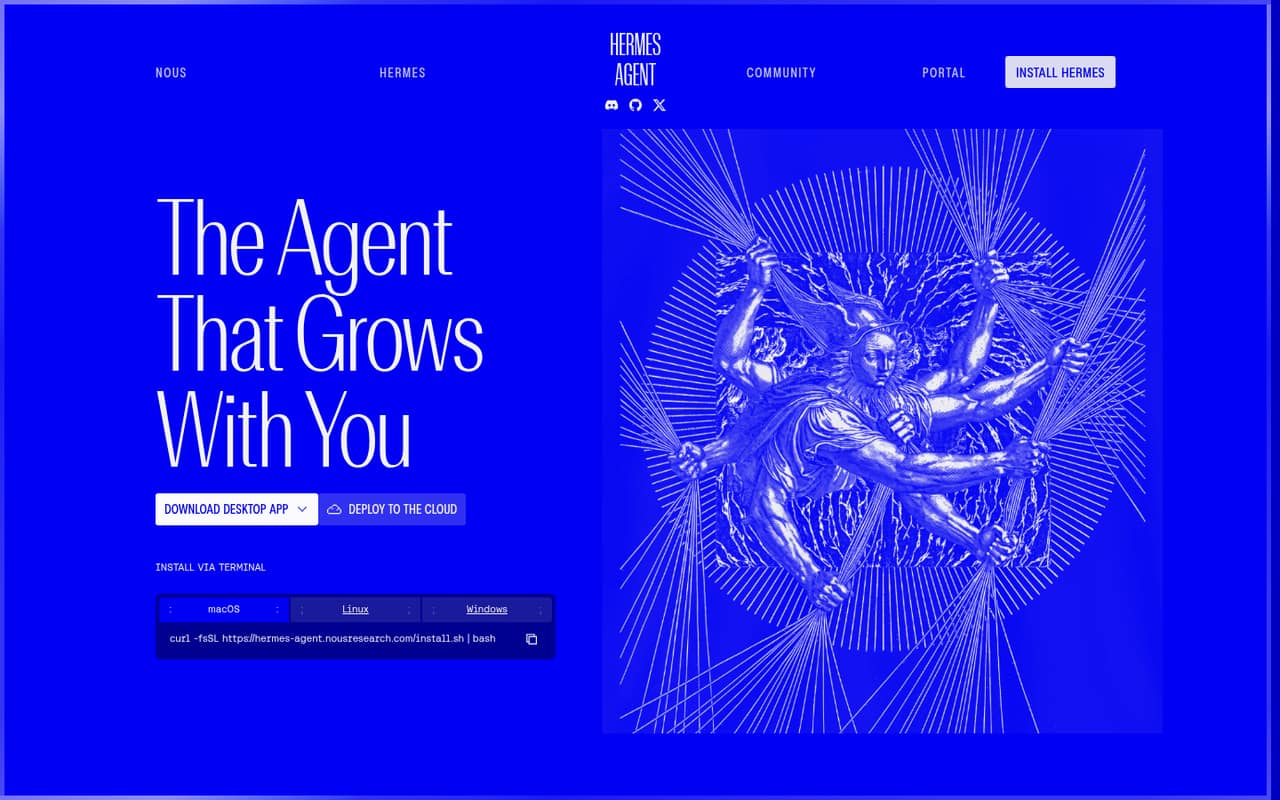
 Hermes AgentHermes AgentBest messaging-ready free pick · $20/mo
 Agent ZeroAgent ZeroBest for custom agents · Free
 PicoClawPicoClawBest for lean setups · Free
 NanobotNanobotBest for repeat tasks · Free
 GooseGooseBest for model choice · Free
 OpenClawOpenClawBest for repeatable workflows · Free
 ZeroClawZeroClawBest for channel options · Free
 AutoGPTAutoGPTBest for approval steps · $42.50/mo
01Compared at a glance
| Tool | Score | From | Free plan | Trial |
|---|---|---|---|---|
| Hermes AgentHermes Agent | 7.6 | $20/mo | Yes | — |
| Agent ZeroAgent Zero | 7.5 | Free | Yes | — |
| PicoClawPicoClaw | 7.2 | Free | Yes | — |
| NanobotNanobot | 7.0 | Free | Yes | — |
| GooseGoose | 7.0 | Free | Yes | — |
| OpenClawOpenClaw | 6.6 | Free | Yes | — |
| ZeroClawZeroClaw | 6.2 | Free | Yes | — |
| AutoGPTAutoGPT | 5.8 | $42.50/mo | No | 7 days |
02The picks, in detail
- Best messaging-ready free pickHermes AgentHermes Agent
Hermes Agent pairs a free option with useful integrations and messaging access, which makes it a promising fit for a small team that wants to reach an agent through chat. The listing starts at $20, but that does not settle the cost for several teammates. Check hosting and team pricing before rolling it out.
What works
- Free, open-source agent software
- Connects through several messaging platforms
- Persistent conversations, memories, and skills
What doesn't
- Free plan has no hosted tools
- Free plan has no cloud hosting
- Paid plans list only one cloud agent
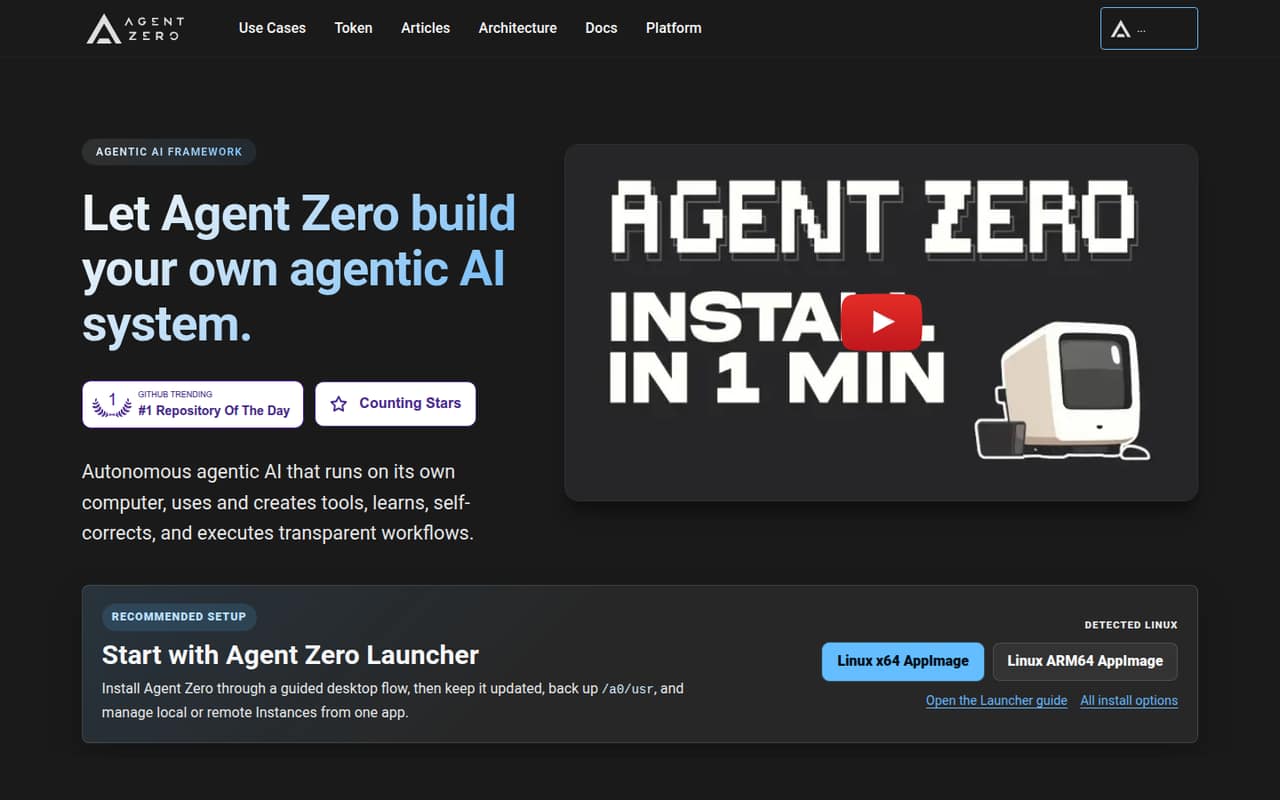
- Best for custom agentsAgent ZeroAgent Zero
Agent Zero is free under the MIT license, and its listing points to teams building custom agents and exploring local models. That keeps the software cost low, but your team takes on setup and hosting. Pick it if someone can own those technical jobs; ask what support and maintenance your team will need.
What works
- Open source and free under the MIT license
- No usage caps are stated for the listed plan
- Agents can use and create tools
What doesn't
- Self-hosting means your team handles the environment
- No paid plans or billing terms are published
- Setup time and support terms are not published
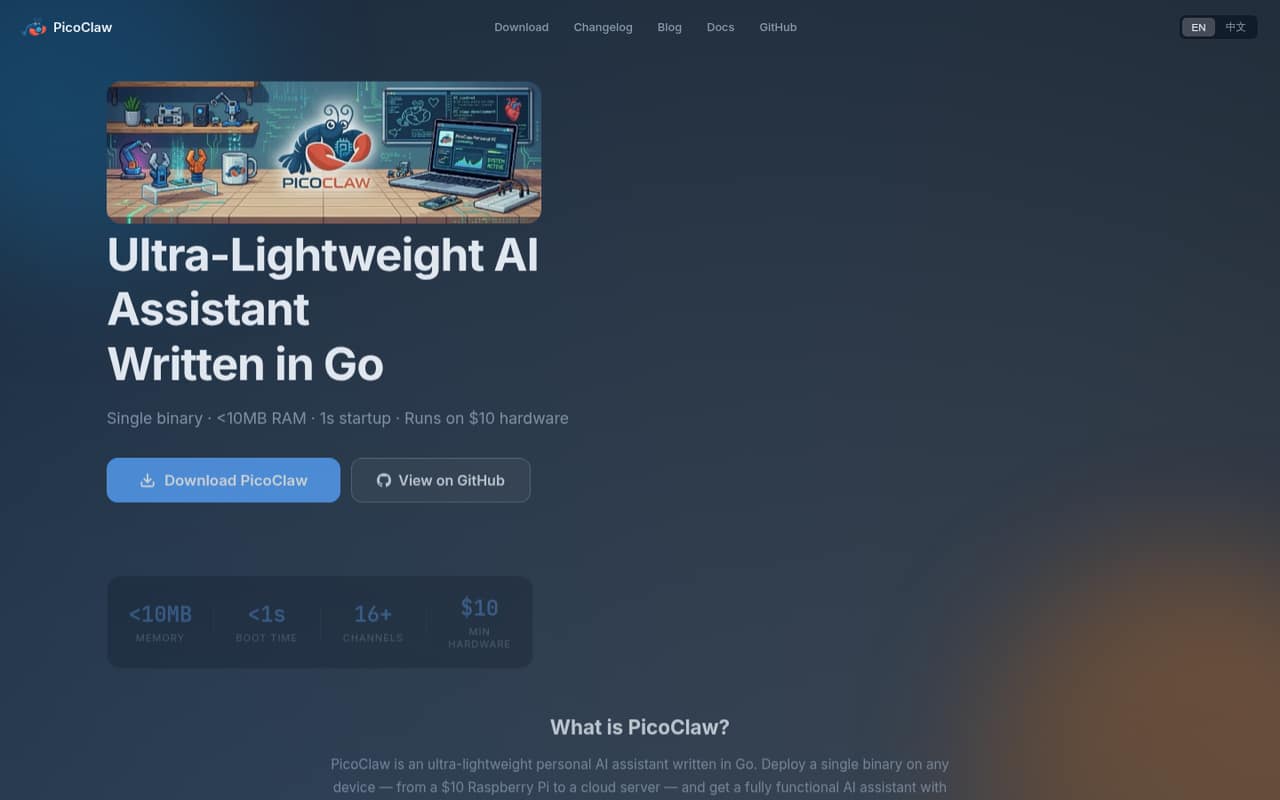
- Best for lean setupsPicoClawPicoClaw
PicoClaw is free to self-host and described as light on resources, making it a sensible candidate for budget-conscious technical teams, including Raspberry Pi fans. The trade-off is that it is not a plug-and-play team assistant. Plan for setup work, and confirm that your chosen model and workflow fit your needs.
What works
- Software is free and MIT-licensed
- Self-hosted on devices or cloud servers
- Homepage lists under 10MB RAM use
What doesn't
- LLM API charges are extra
- Provider usage costs are not published
- Seat and usage limits are not published
- Best for repeat tasksNanobotNanobot
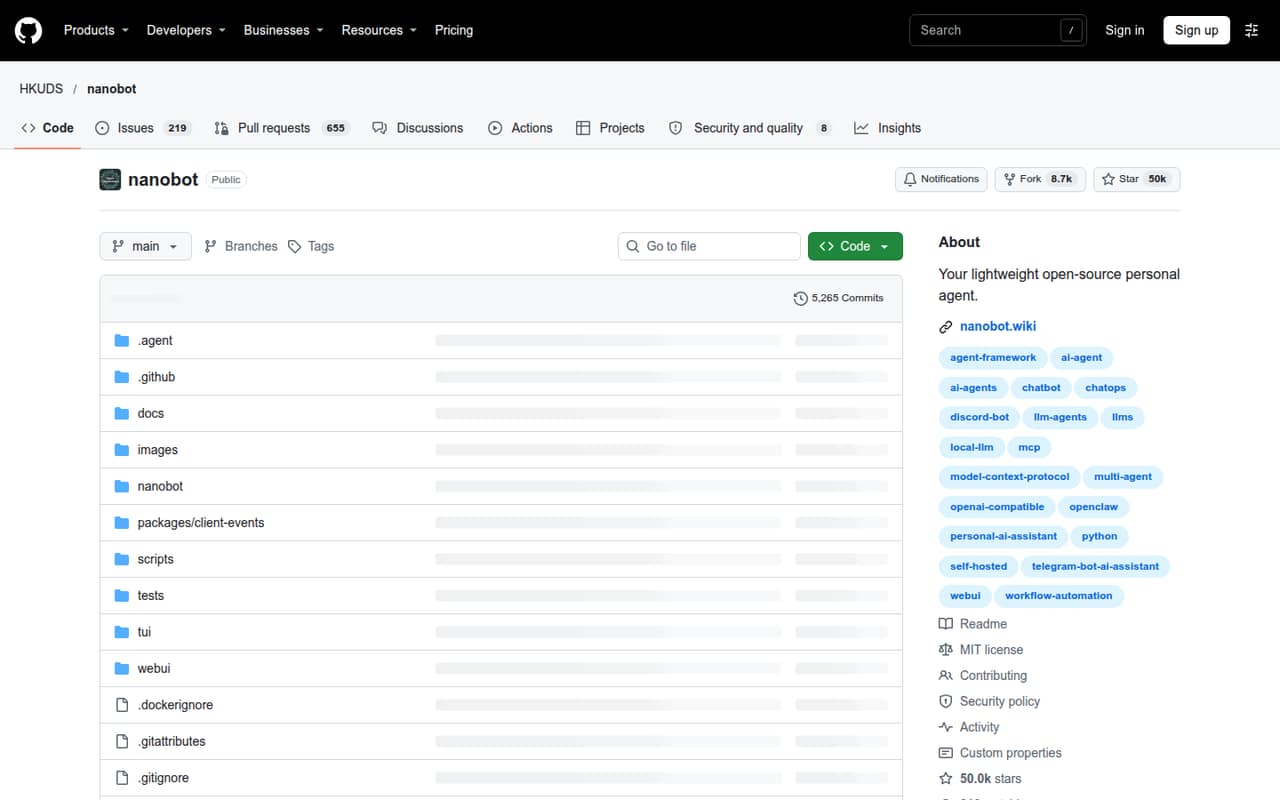
Nanobot costs nothing to self-host and is aimed at technical teams automating repeat tasks. That can make it a low-cost starting point for a small team with a clear workflow. Model access and setup remain your responsibility, so budget for both and decide who will maintain the agent before relying on it.
What works
- Open-source framework with a free starting point
- Browser and terminal interfaces
- Connects to chat services including Telegram and Slack
What doesn't
- You supply a model provider or local server
- Paid plans and billing terms are not listed
- Setup involves configuration and model credentials
- Best for model choiceGooseGoose
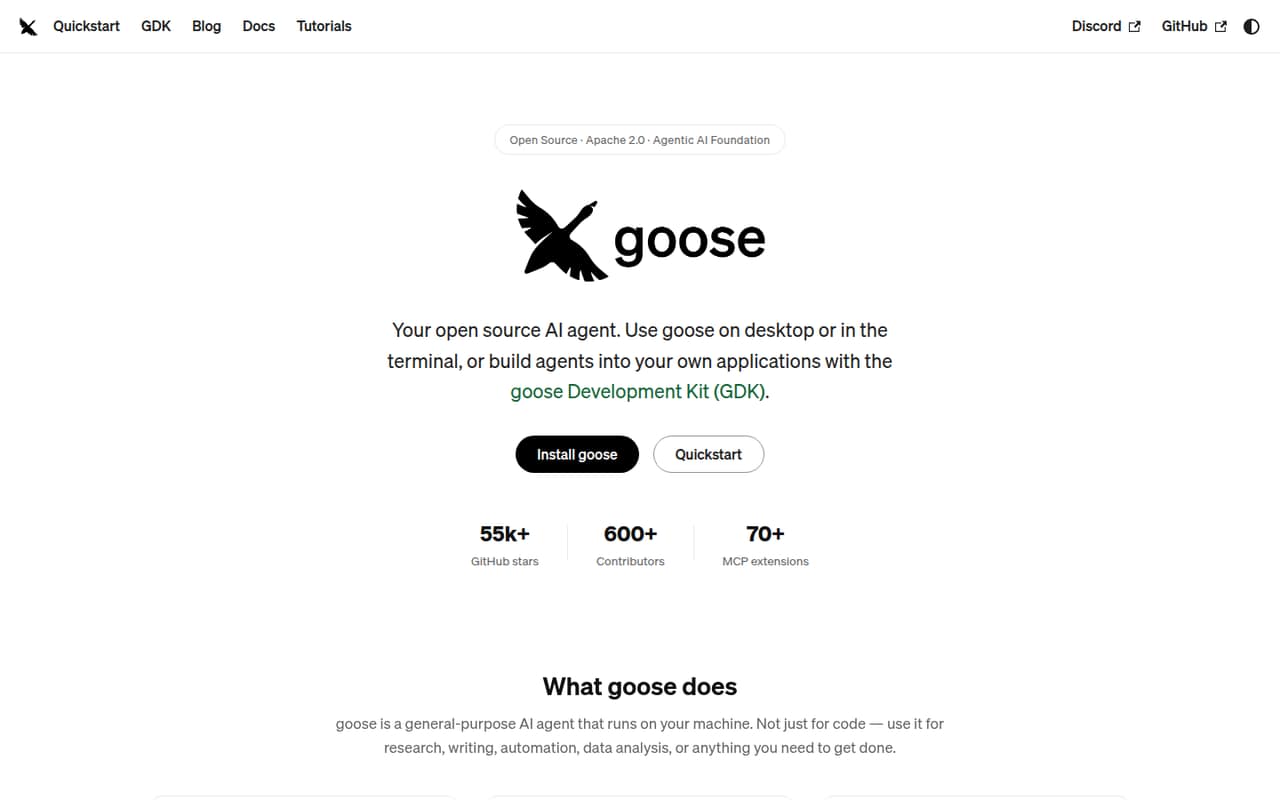
Goose is free and offers desktop and CLI options, according to its listing. It suits technical teams that want to build repeatable workflows and already have a plan for model access. Your team chooses and supplies the model access, so compare that ongoing cost before treating the free software as a free deployment.
What works
- Open Source plan is free to run
- Supports desktop, CLI, and API workflows
- Works with 15+ model providers
What doesn't
- Seat and usage limits aren’t published
- Your team must bring model access
- Annual billing details aren’t published
- Best for repeatable workflowsOpenClawOpenClaw
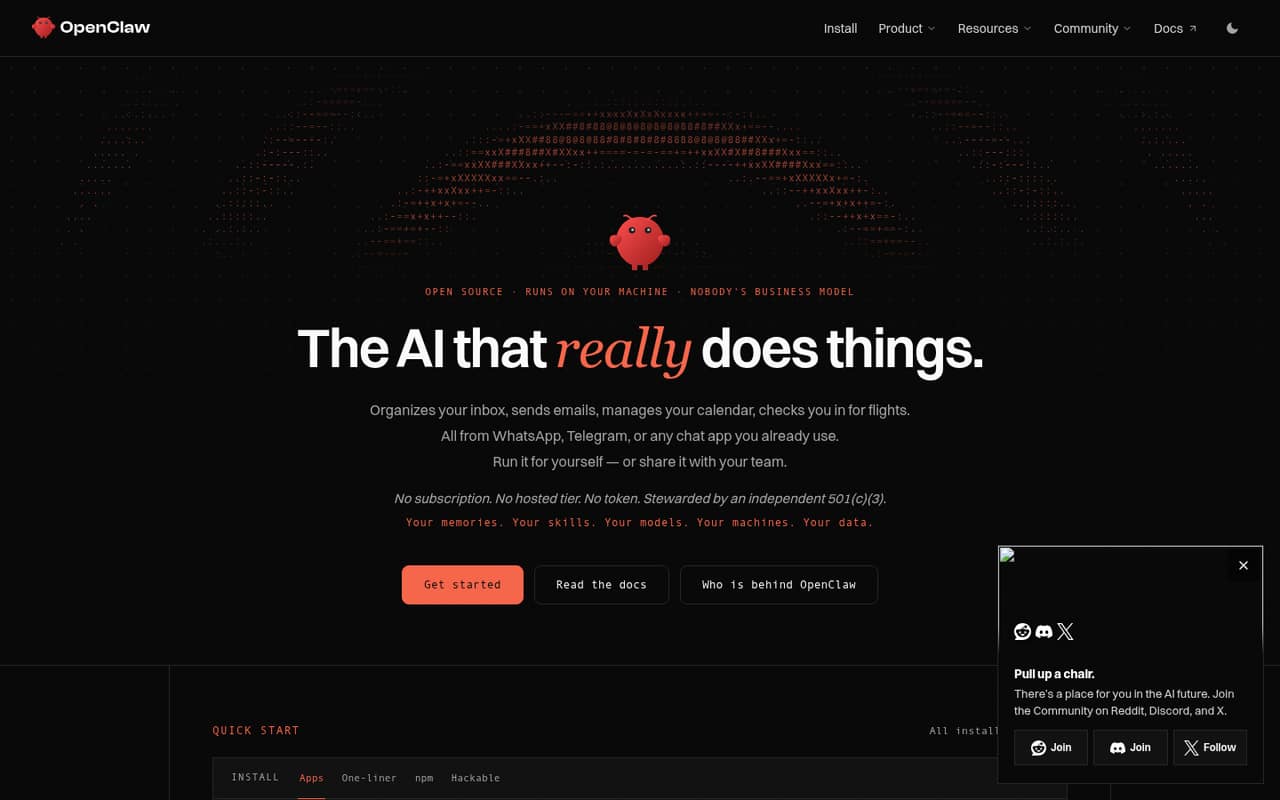
OpenClaw’s software is free, and its listing targets teams with repeatable agent workflows. For a small team, the main question is whether someone can cover setup, model costs and ongoing oversight. Those responsibilities can outweigh the zero software price, so start with one workflow and assign a clear owner.
What works
- Free under the MIT License
- Desktop apps for macOS, Windows, and Linux
- Command-line and source-code install options
What doesn't
- No hosted tier is listed
- Seat and usage limits are not published
- Setup and configuration can take substantial effort
- Best for channel optionsZeroClawZeroClaw
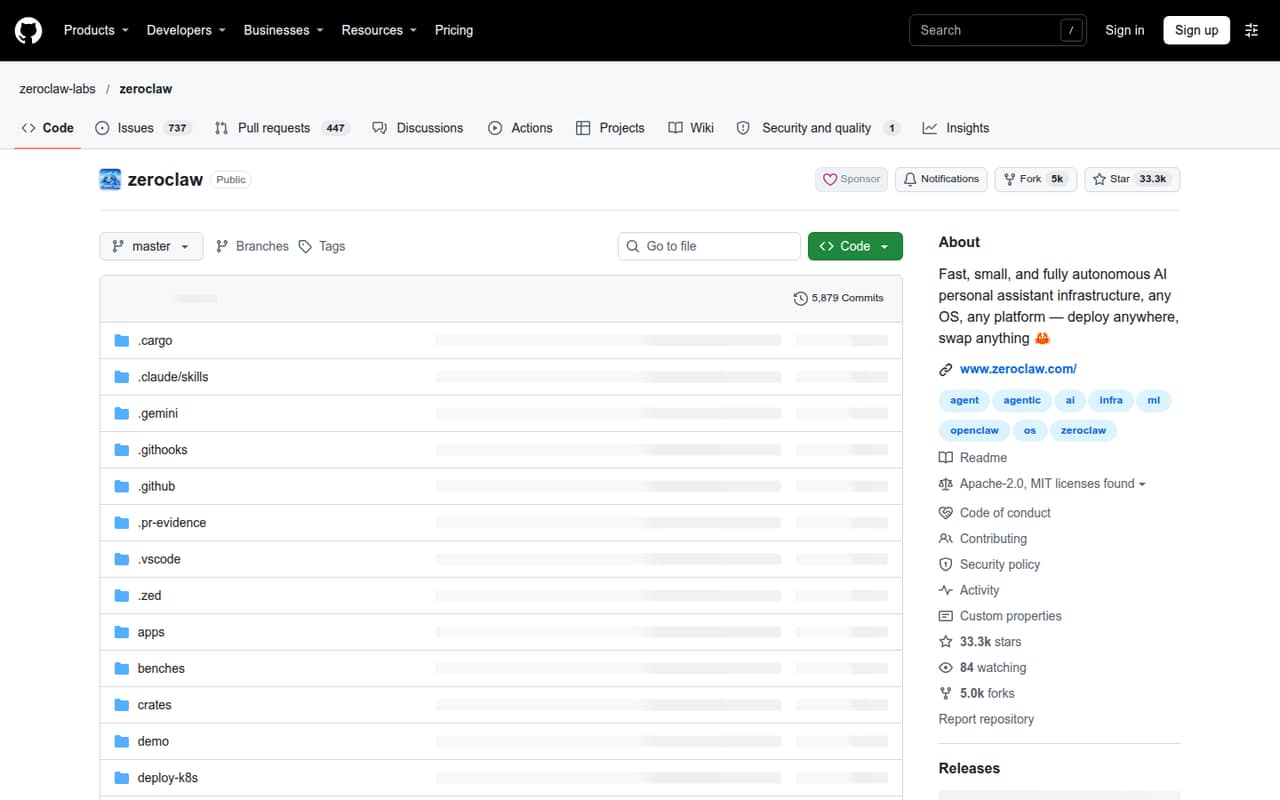
ZeroClaw is a free runtime aimed at technical teams that need many messaging channels or want to work on hardware and automation projects. Expect hands-on configuration, and note that setup experiences are described as uneven. It is a better fit for a technical owner than for a team seeking a ready-to-use assistant.
What works
- Free plan listed, with no paid plans listed
- Routes messages from 30+ channels
- Connects Anthropic, OpenAI, Ollama, and others
What doesn't
- Setup reports range from easy to frustrating
- No paid-plan or billing details listed
- Some users report broken or unclear configuration
- Best for approval stepsAutoGPTAutoGPT
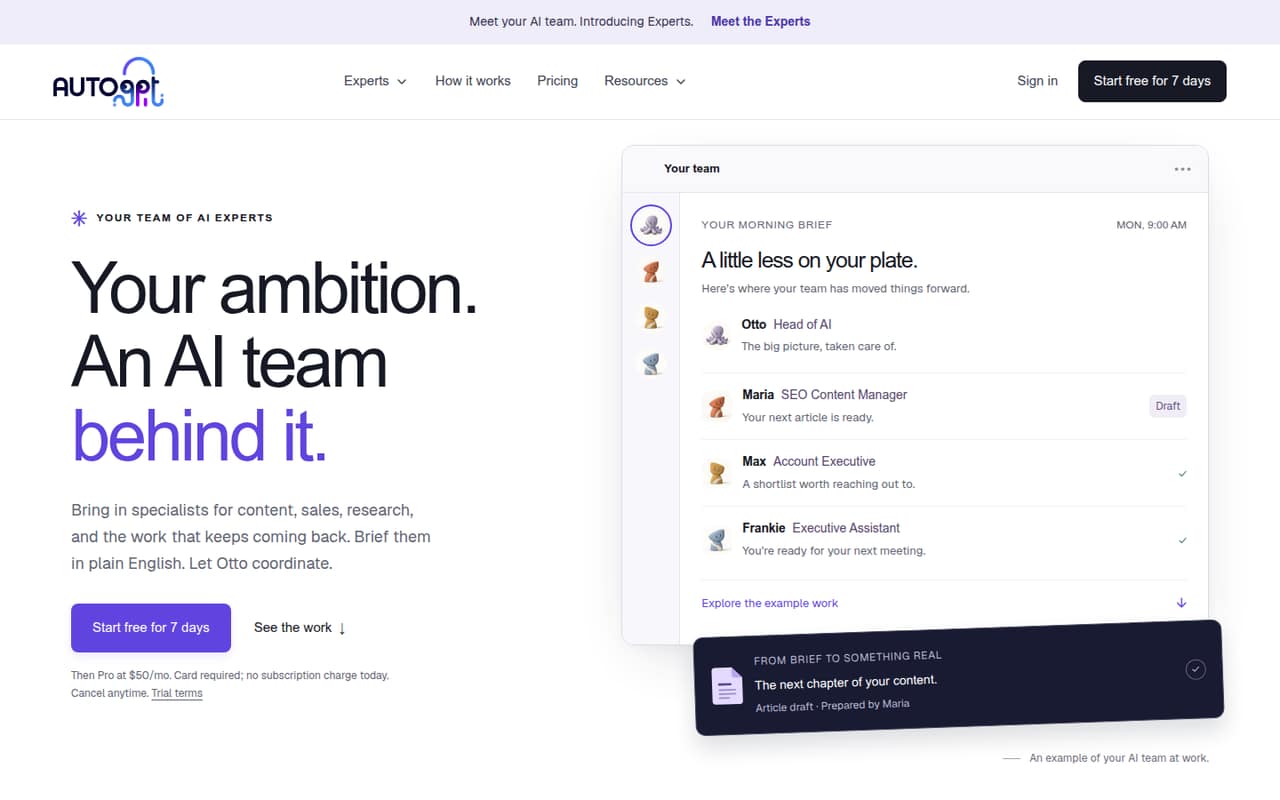
AutoGPT can coordinate specialist AI work and offers approval checkpoints, according to its listing. It starts at $42.5, making it the clearest paid choice here. The listing also flags trial, wallet and team pricing as costs to scrutinize. Check the full team cost and whether the workflow justifies it.
What works
- Otto coordinates specialist Experts from plain-English briefs
- Experts cover research, content, and operations
- Spending thresholds can require approval
What doesn't
- No permanent free plan
- Trial requires a card
- Team plan pricing isn’t published
03How we chose
We ranked these for a team of 1–10, weighing free access, listed starting prices, setup demands and the work needed to supply models or hosting. We also considered whether a tool is described as suitable for messaging, repeat workflows or custom agents. Before buying, compare plan limits and documentation, and check Reddit discussions for recurring setup complaints. We did not run tests. A zero software price is not the same as a known total cost for several seats, so confirm model, hosting and team charges directly.
04Count the full cost, not just the software
A free self-hosted agent can still need paid model access, hosting and someone’s time. The listings for OpenClaw, Nanobot and Goose all point to costs or responsibilities beyond the software itself. Before choosing, write down which model the agent will use, where it will run and who will maintain it. Then ask what a three- or five-person setup costs, including any team pricing or usage charges. A listed starting price is not necessarily a per-seat price, and a free option does not guarantee that every feature or team workflow is free. For AutoGPT, the listed starting price is $42.5; for Hermes Agent, the listing says from $20 and also notes a free plan. Confirm what those prices cover before budgeting.
05Check setup ownership and the limits of your workflow
These tools are not equally ready for a nontechnical team. Agent Zero calls for setup and hosting; PicoClaw is described as not plug-and-play; ZeroClaw expects hands-on configuration. Name an owner for installation, model access and ongoing oversight before connecting an agent to recurring work. Start with one low-risk task and agree on when a person should review the result. As the team grows, check whether the tool supports the messaging access, repeat workflows and team arrangements you need. Ask the vendor about plan limits, permissions, support and the cost of adding teammates. If nobody can own maintenance, a self-hosted tool may cost more in staff time than its free software price suggests.
Questions people ask
Are open-source AI agents free for a small team?
Some options here are free to self-host or free under an open-source license. That does not cover every operating cost: model access, hosting, setup and oversight may still be your responsibility. Ask for the cost of your intended team size before relying on a free listing.
Which option is best for a team that wants messaging access?
Hermes Agent is described as offering messaging access and useful integrations, so it is our pick for a messaging-ready free option. ZeroClaw is aimed at teams needing many messaging channels, but its listing warns that configuration can take hands-on work.
What should we budget for a few seats?
The listed starting prices are $20 for Hermes Agent and $42.5 for AutoGPT; the other tools in this list are described as free to use or self-host. These figures do not establish a total for several seats. Ask about team pricing, model usage and hosting.
Which agent is easiest for a nontechnical team?
The options here are largely aimed at technical users or require self-hosting and configuration. PicoClaw is explicitly described as not plug-and-play, while ZeroClaw expects hands-on configuration. If your team lacks a technical owner, confirm setup requirements and support before choosing.