We may earn a commission if you buy through links on this page. It never changes a score or a ranking. How we make money
A 1–10-person team may not need a full business process management platform: a shared checklist can be enough for simple, stable tasks. BPM software becomes more useful when work crosses roles, needs approvals, or must follow a repeatable process. ProcessPlan is our first pick for a budget-conscious start, with free process maps and a listed starting price of $29. Pipefy and Flowable also offer free ways to explore. Before paying, check which limits apply to your workflows—and get a quote if production use depends on it.
Quick picksThe shortlist
 ProcessPlanProcessPlanBest for small teams · $29/mo
 PipefyPipefyBest free · Free
 FlowableFlowableBest open-source option · Free
 HighGearHighGearBest for approvals · $26/mo
 Bizagi PlatformBizagi PlatformBest for connected processes · Free
 ARISARISBest for process mining · Free
 CamundaCamundaBest for complex processes · Free
 EnateEnateBest for service workflows · Custom
 Enterprise ArchitectEnterprise ArchitectBest for shared models · $445.83/mo
 Pega PlatformPega PlatformBest for legacy modernization · Custom
 BlueprintBlueprintBest for automation estates · $3,888.89/mo
01Compared at a glance
| Tool | Score | From | Free plan | Trial |
|---|---|---|---|---|
| ProcessPlanProcessPlan | 7.1 | $29/mo | Yes | — |
| PipefyPipefy | 6.5 | Free | Yes | — |
| FlowableFlowable | 6.0 | Free | Yes | Yes |
| HighGearHighGear | 5.7 | $26/mo | Yes | — |
| Bizagi PlatformBizagi Platform | 5.8 | Free | Yes | — |
| ARISARIS | 6.0 | Free | Yes | Yes |
| CamundaCamunda | 6.2 | Free | Yes | 30 days |
| EnateEnate | 5.5 | Custom | No | — |
| Enterprise ArchitectEnterprise Architect | 6.2 | $445.83/mo | No | — |
| Pega PlatformPega Platform | 5.2 | Custom | No | — |
| BlueprintBlueprint | 5.2 | $3,888.89/mo | No | 1 month |
02The picks, in detail
- Best for small teamsProcessPlanProcessPlan
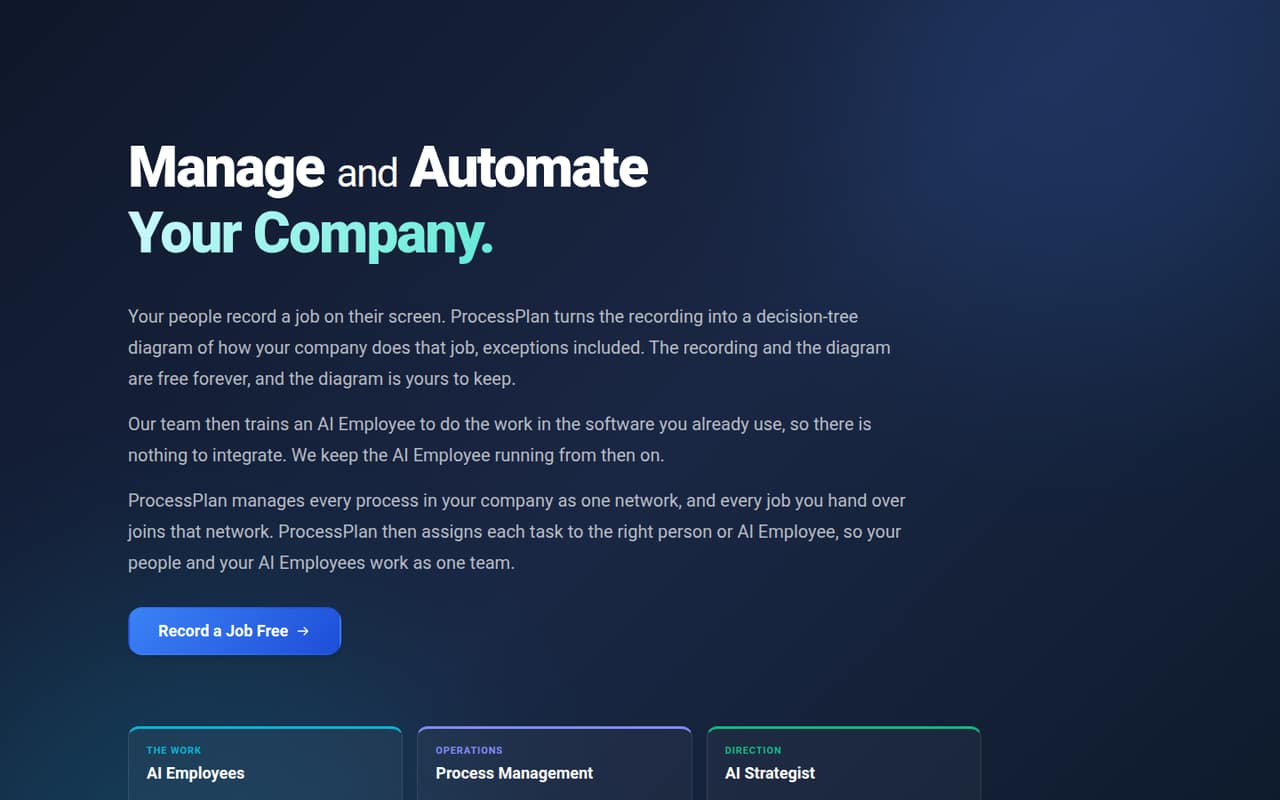
ProcessPlan is our best fit for a small team that wants to document repeatable work without starting with a quote-only product. It offers free process maps and lists a starting price of $29. Its staffed workflows and managed AI automation add ongoing costs, so check what you need before moving beyond mapping.
What works
- Free plan has no usage limits for process mapping
- Process diagrams remain yours if you never pay
- AI Strategist is included with each user license
What doesn't
- User licenses add up for every person involved
- AI Employees cost $99 per workstation monthly
- Active AI Employee work costs $0.20 per minute
- Best freePipefyPipefy
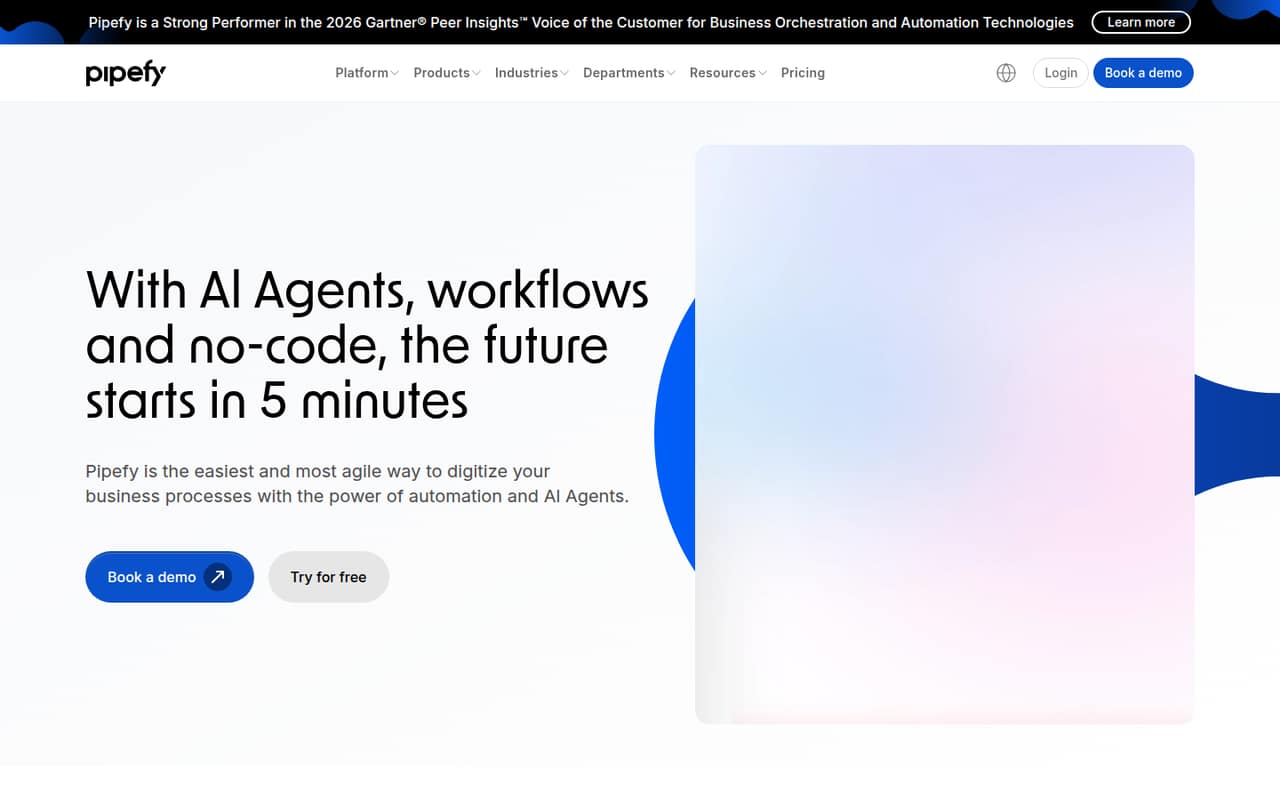
Pipefy is worth a look if your team wants to test workflow software with a free tier that is generous on seats. Its limits on processes may matter more than the seat count for a team with several workflows. Paid rates are not published, so ask for pricing before relying on it as you grow.
What works
- Starter is free for up to 10 users
- Includes five processes and 50 cards monthly
- Visual tools build workflows and AI agents
What doesn't
- Starter allows just 15 automation jobs monthly
- Business and Enterprise prices aren’t published
- Business is billed per user
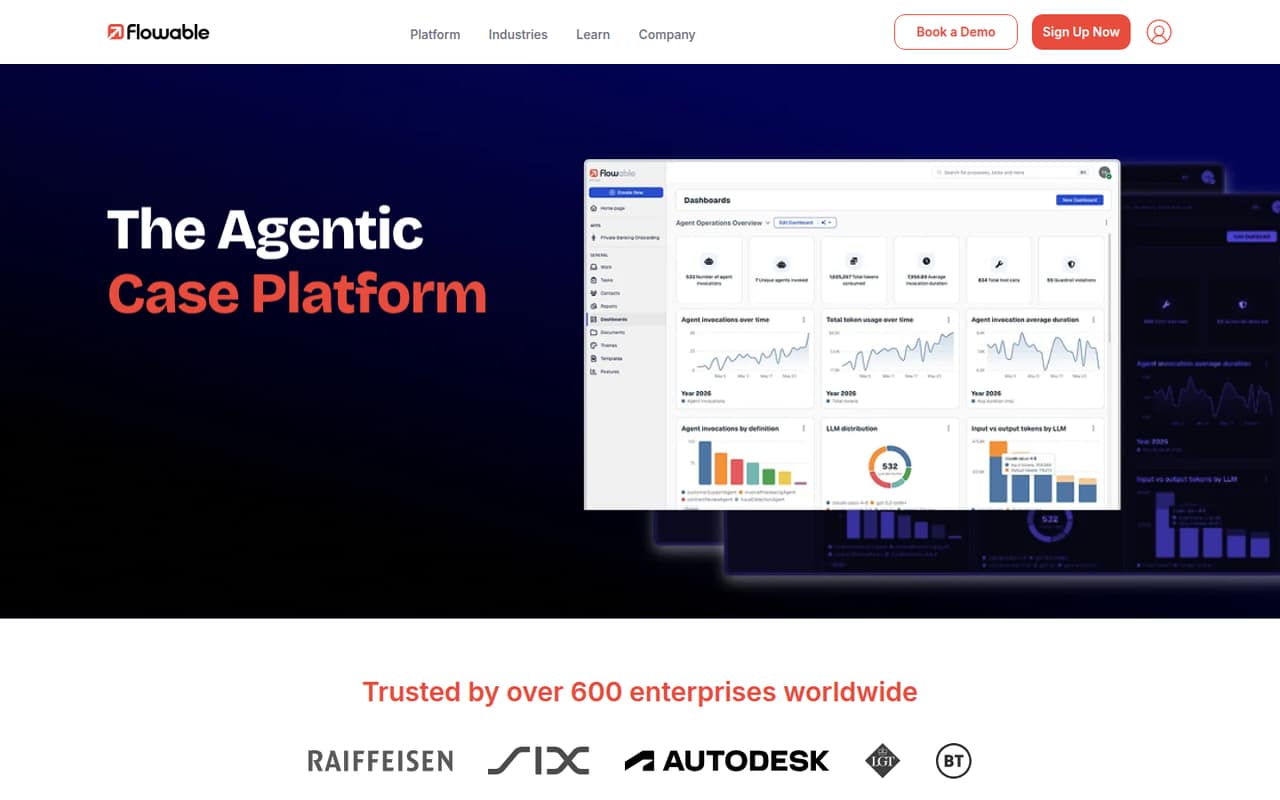
- Best open-source optionFlowableFlowable
Flowable offers free open-source process software, making it a promising fit for teams willing to take on the work of evaluating and setting it up. Its enterprise AI pricing is quote-only. That makes it harder to forecast the cost of adding paid capabilities, so clarify the scope and price before planning a rollout.
What works
- Community Edition is free under Apache 2.0
- Supports BPMN, CMMN and DMN
- Combines people and agents in workflows
What doesn't
- Paid plans require a custom quote
- Seat and usage limits aren't published
- RCPI usage affects paid packaging
- Best for approvalsHighGearHighGear
HighGear is a no-code workflow option for teams with regulated work or complex approval flows. It lists a starting price of $26 and offers a free plan, but license minimums may make the actual bill a poor fit for a small group. Ask how licenses are counted and what the minimum purchase is before budgeting.
What works
- Visual designer for simple or complex workflows
- Custom forms and fields
- Task assignment and progress tracking
What doesn't
- Free-plan limits aren’t published
- Team lists 25 licensed contributors
- Minimum license requirements apply

- Best for connected processesBizagi PlatformBizagi Platform
Bizagi is aimed at teams with complex processes, multiple systems to connect, or a need for built-in governance. It has a free plan, but consumption rates are not published, which makes the cost of a few seats difficult to estimate. Ask the vendor how usage is measured and what a small deployment would cost.
What works
- Unlimited users listed for Bizagi Platform
- Unlimited apps listed for Bizagi Platform
- Connects people, systems, bots and data
What doesn't
- Platform prices are not published
- Consumption billing makes costs harder to forecast
- No platform free trial is listed
- Best for process miningARISARIS
ARIS combines process mapping with a free mining tier, which can suit a small team exploring how work runs across the business. Its broader process tools may be more than a team needs at first. Small-team costs are not published, so ask which features and usage levels are included before choosing it.
What works
- Free Process Mining Basic edition
- Free mining tier supports up to 10 users
- Connects process design and execution
What doesn't
- Prices are quote-based and unpublished
- Monthly and annual billing details are not published
- Free mining edition has storage and use-case limits
- Best for complex processesCamundaCamunda
Camunda fits teams coordinating complex processes and developers building automation, especially where governance and handoffs matter. You can explore it for free, but production pricing requires a quote. That makes it a less predictable budget choice for a small team: get the production cost before building a process around it.
What works
- Free account continues with BPMN and DMN modeling
- Full platform features are available during the 30-day trial
- Coordinates people, systems, agents, and business rules
What doesn't
- Production Enterprise pricing requires a quote
- The vendor doesn’t publish per-seat costs
- Self-managed free use is limited to non-production
- Best for service workflowsEnateEnate
Enate focuses on coordinating complex service workflows and automating incoming work. That can be relevant to an operations team whose processes need more than a simple checklist. Small-team pricing is quote-only, so ask for a cost based on your intended users and workflows before spending time planning a rollout.
What works
- Workflow and approval design without code
- Manages tickets, cases, and actions
- Classifies incoming email and documents
What doesn't
- Platform pricing requires a custom quote
- No free plan is listed
- No free trial is listed
- Best for shared modelsEnterprise ArchitectEnterprise Architect
Enterprise Architect is built for complex systems modeling, requirements work, and shared models. Its listed starting price is $445.83, while a server option is listed at $5,350 annually. Unclear product licensing makes it hard to compare the options for a small team; confirm what each price covers before buying.
What works
- Connects business, software and systems information
- Traces requirements through design, build and deployment
- Includes process simulation and behavior modeling
What doesn't
- No free plan is listed
- No trial is listed
- Published prices are for Pro Cloud Server
- Best for legacy modernizationPega PlatformPega Platform
Pega Platform is aimed at complex process automation, legacy modernization, and workflows that coordinate AI with human oversight. Its custom pricing and setup effort make small-team value difficult to judge. This is a stronger candidate when those capabilities are a clear need, not simply because a team wants to document a few procedures.
What works
- Blueprint helps business and IT design workflows together
- Automates processes with business rules and real-time context
- Coordinates AI agents with compliance and human oversight
What doesn't
- Pricing page lists custom quotes, not public rates
- No free plan is listed
- A free trial is not published
- Best for automation estatesBlueprintBlueprint
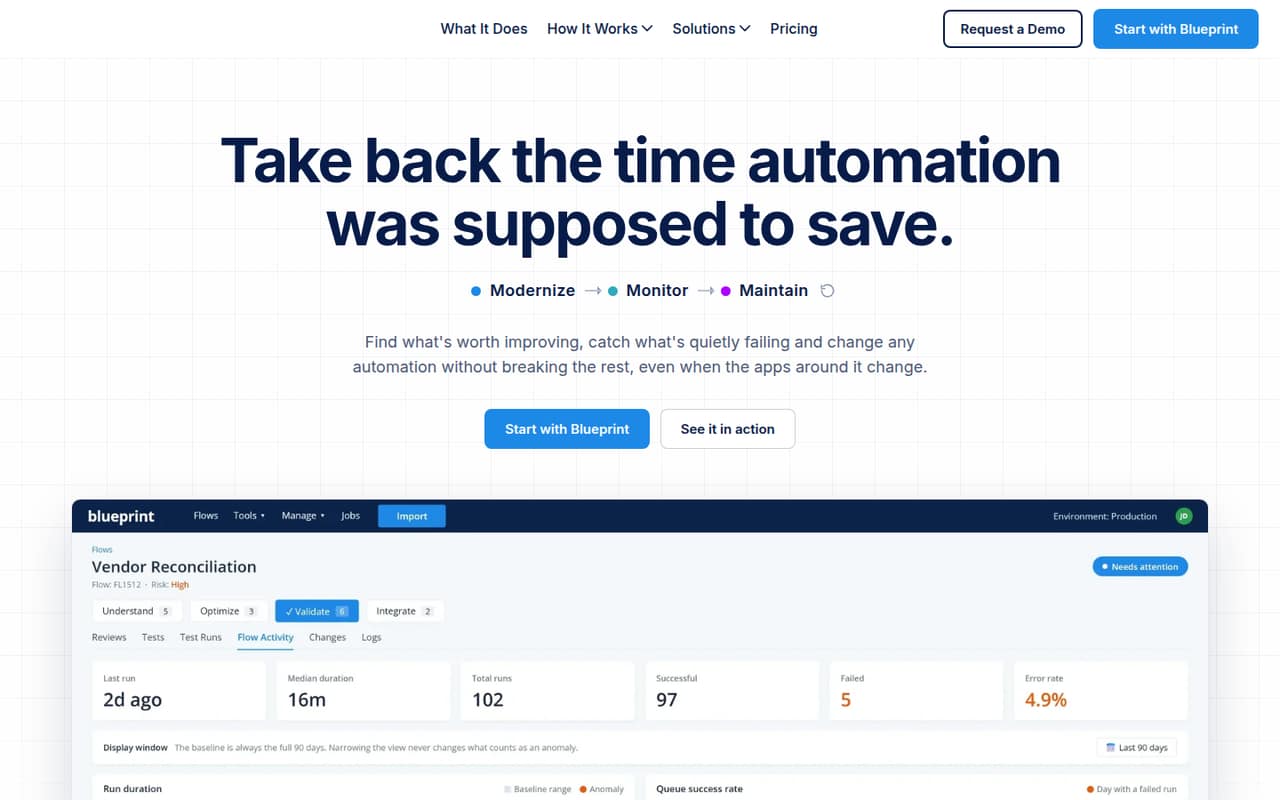
Blueprint is designed for large automation estates, legacy RPA modernization, and teams preparing for Copilot agents. Its stated starting price is $5,000 per month, putting it beyond most small-team budgets. Unless your organization needs that estate-level oversight, a free tier or a lower-cost workflow tool is a more sensible place to start.
What works
- Unlimited users and automations on listed plans
- Monitors quality, anomalies, sensitive data, and outcomes
- Assesses legacy estates and migration opportunities
What doesn't
- No free plan
- $5,000 monthly entry price
- Migration credits are billed separately
03How we chose
We ranked these tools for teams of 1–10, prioritizing free plans, the listed cost of getting started, and whether a few seats seem practical to budget for. We also weighed process limits, setup demands, and the kind of work each product targets: simple documentation is different from complex automation. Vendor documentation and Reddit sentiment can help flag trade-offs, but we give current vendor pricing and stated limits more weight. Where pricing or license minimums are unclear, we call that out rather than guessing.
04Check the real cost before you map everything
Start by listing the processes you actually need to manage: for example, incoming requests, approvals, or repeatable handoffs. Then check whether the free plan covers those workflows, not just whether it allows enough users. Pipefy’s free tier is generous on seats but limited on processes; ProcessPlan offers free maps, while staffed workflows and AI automation add costs. Flowable has free open-source software, but enterprise AI pricing is quote-only. For paid plans, compare the listed starting prices carefully: ProcessPlan lists $29 and HighGear lists $26, but the pricing material here does not specify what those amounts buy. Ask vendors for a quote based on your seats, workflows, and required features. If the vendor does not publish usage rates or license minimums, get those in writing before you depend on the tool.
05Match setup demands to the work you need done
A process map and a production automation platform are different commitments. If your goal is to document repeatable work, start with a tool that supports mapping; if you need developers to build complex automation, evaluate products aimed at that work and ask what implementation requires. Camunda offers free exploration but says production use needs a quote. Pega’s custom pricing and setup effort can make it harder for a small team to judge fit. Before signing, ask who must configure and maintain the workflows, how handoffs and approvals work, and what happens when your needs grow. Revisit the choice if the free tier’s process limits become restrictive, paid usage is hard to predict, or licensing minimums exceed the people who will use the tool. A BPM certification may help someone pursuing a process-focused role, but it is not a prerequisite for choosing software.
Questions people ask
What is the best software for business process management?
For a small team starting with process documentation, ProcessPlan is our first pick: it offers free maps and lists a starting price of $29. Pipefy and Flowable are also worth considering for their free options. The best fit depends on whether you need mapping, approvals, or complex automation—and on what the paid plan will cost.
Is BPM still relevant?
Yes, when work repeats, crosses roles, or needs clear approvals and handoffs. A small team may not need dedicated BPM software for a simple checklist, but process tools can help once work becomes hard to track or standardize. Start with the workflow causing the most confusion rather than trying to map everything.
Is BPM certification worth it?
It may be worthwhile for someone pursuing a process-management career or whose role calls for formal BPM knowledge. It is not a requirement for a small team to choose software or document a workflow. Consider the time and cost against a specific work goal before paying for a certification.
Which BPM tool is the best?
For small teams, ProcessPlan is our best overall fit for starting with free process maps and a listed $29 starting price. Pipefy has a free tier with generous seat limits, while Flowable offers free open-source software. Teams automating complex processes should compare tools such as Camunda, but request production pricing first.