We may earn a commission if you buy through links on this page. It never changes a score or a ranking. How we make money
A small team may not need a business VPN subscription if it only needs to connect a few devices to private resources. Tailscale is our first pick for that job: its free plan is aimed at small groups, and the pricing page lists Standard at $8 per user per month when team features matter. Hamachi is another low-cost starting point for networks of five computers or fewer. If you want general VPN protection for employees’ traffic, rather than access to private infrastructure, compare Proton VPN and confirm its team licensing before buying.
Quick picksThe shortlist
 TailscaleTailscaleBest for small teams · $8/mo
 LogMeIn HamachiLogMeIn HamachiBest free · $4.08/mo
 OpenVPN Access ServerOpenVPN Access ServerBest self-hosted access · $70/mo
 NordLayerNordLayerBest for access controls · $6/mo
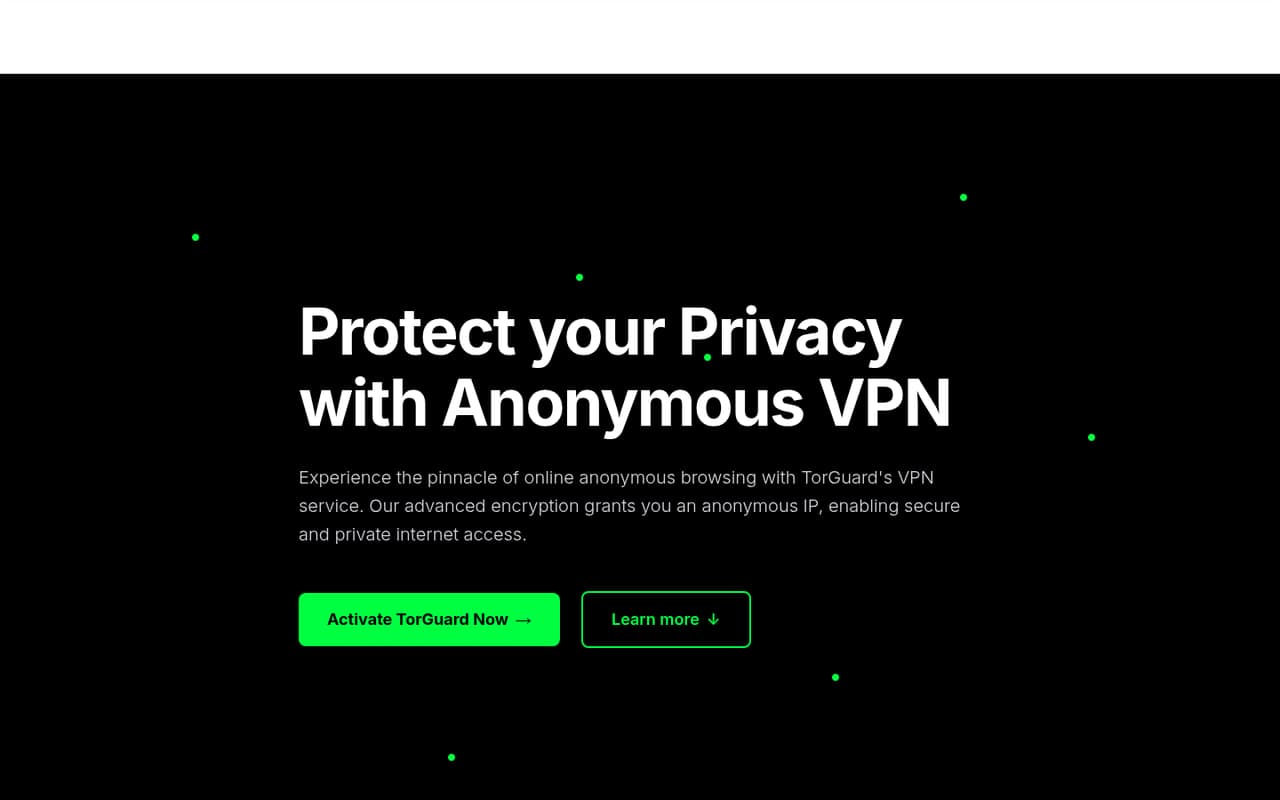
 TorGuard Business VPNTorGuard Business VPNBest for managed users · $44.99/mo
 Proton VPNProton VPNBest free traffic protection · $3.49/mo
- GlobalProtectGlobalProtectBest for Palo Alto users · Free
 SonicWall NetExtenderSonicWall NetExtenderBest for SonicWall users · Free
 Cisco Secure ClientCisco Secure ClientBest for Cisco setups · Custom
01Compared at a glance
| Tool | Score | From | Free plan | Trial |
|---|---|---|---|---|
| TailscaleTailscale | 8.1 | $8/mo | Yes | 14 days |
| LogMeIn HamachiLogMeIn Hamachi | 6.7 | $4.08/mo | Yes | — |
| OpenVPN Access ServerOpenVPN Access Server | 7.2 | $70/mo | Yes | 14 days |
| NordLayerNordLayer | 5.8 | $6/mo | No | — |
| TorGuard Business VPNTorGuard Business VPN | 6.2 | $44.99/mo | No | — |
| Proton VPNProton VPN | 6.8 | $3.49/mo | Yes | — |
| GlobalProtectGlobalProtect | 5.2 | Free | Yes | — |
| SonicWall NetExtenderSonicWall NetExtender | 5.7 | Free | Yes | — |
| Cisco Secure ClientCisco Secure Client | 4.2 | Custom | No | — |
02The picks, in detail
- Best for small teamsTailscaleTailscale
Tailscale is our strongest all-around fit for small groups connecting remote devices or accessing private infrastructure. Its free plan gives small groups a way to start, while the pricing page lists Standard at $8 per user per month when team features matter. That makes the paid cost easy to estimate for a few seats. Check whether the free plan covers your team’s needs before upgrading.
What works
- Personal is free for up to six users
- Unlimited user devices on Personal
- Standard costs $8 per user monthly
What doesn't
- Personal is aimed at individuals and home users
- Annual rates are not published
- Some platform extensions require a sales conversation
- Best freeLogMeIn HamachiLogMeIn Hamachi
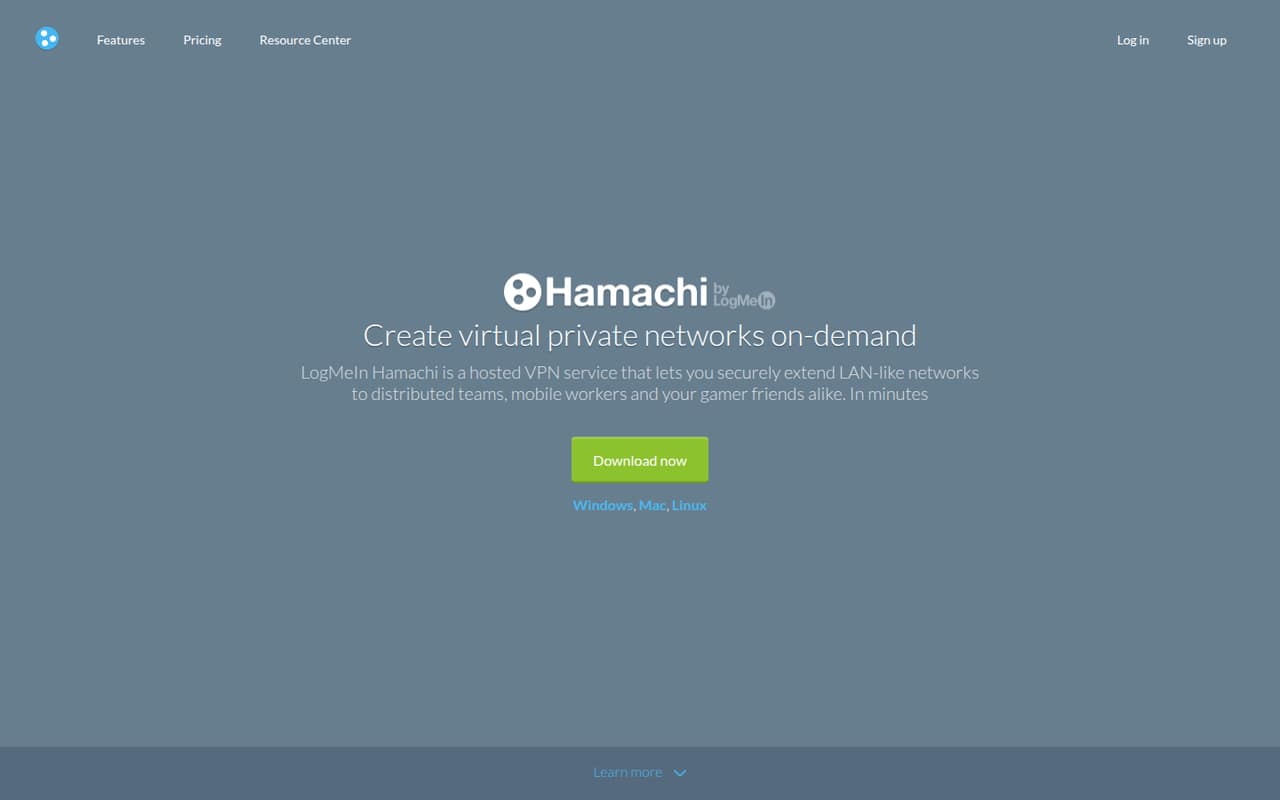
Hamachi suits a tiny team that needs a simple virtual network: the free option covers five computers or fewer, and paid tiers are available for larger networks. The listed starting price is $4.08, though confirm the billing basis and what the tier includes before budgeting. It is less compelling once you need to connect more than five computers.
What works
- Free plan supports up to five computers per network
- Virtual networks can be managed through the web
- Supports gateway, hub-and-spoke and mesh topologies
What doesn't
- Free plan stops at five computers per network
- Monthly billing prices are not published
- Paid tiers jump from 6–32 to 33–256 computers
- Best self-hosted accessOpenVPN Access ServerOpenVPN Access Server
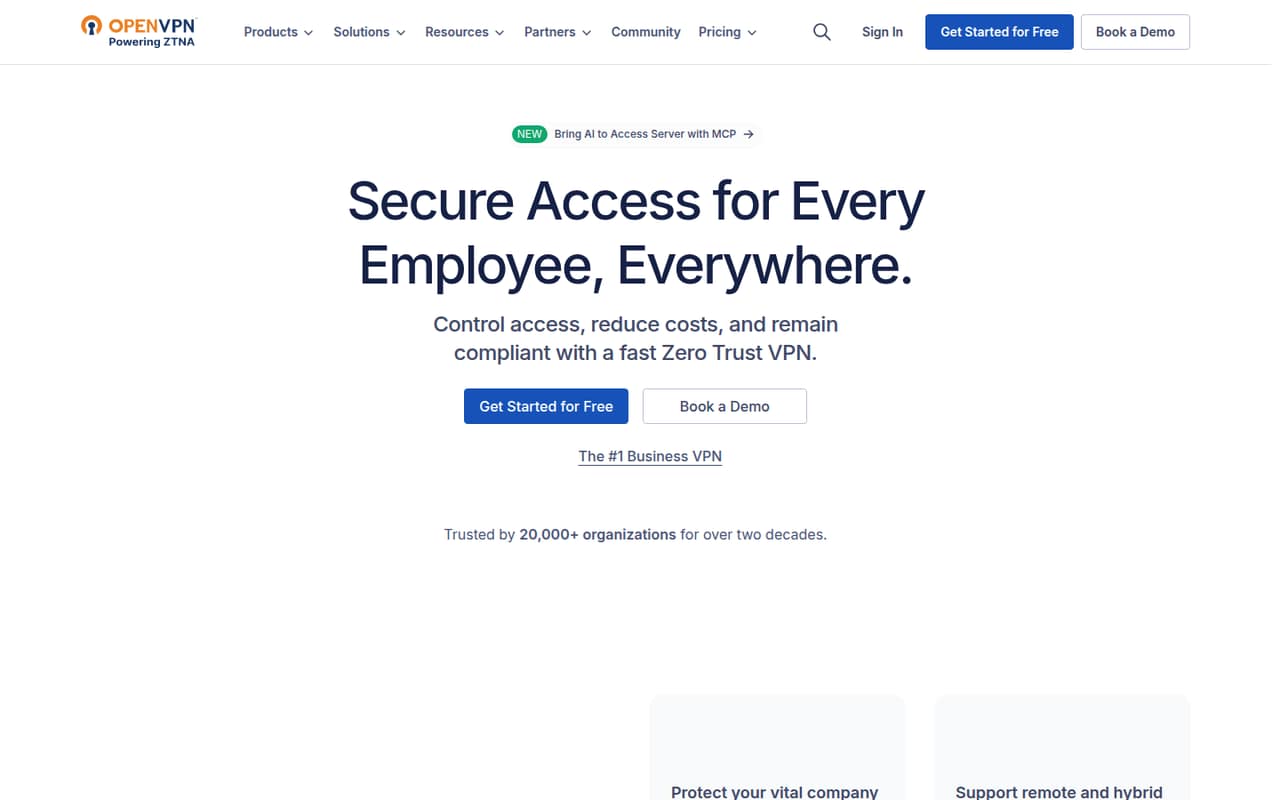
OpenVPN Access Server is a fit for teams that want self-hosted VPN access and control over access policies. Its free option covers two connections, which may be enough for a very small setup but is a tight limit for a larger team. The listed starting price is $70; confirm which plan and connection allowance that price covers before choosing it.
What works
- Free plan includes up to two connections
- Free plan includes all features
- Runs on several infrastructure types
What doesn't
- Free plan stops at two connections
- Growth monthly-billing total is not published
- Self-hosting adds deployment and admin work
- Best for access controlsNordLayerNordLayer
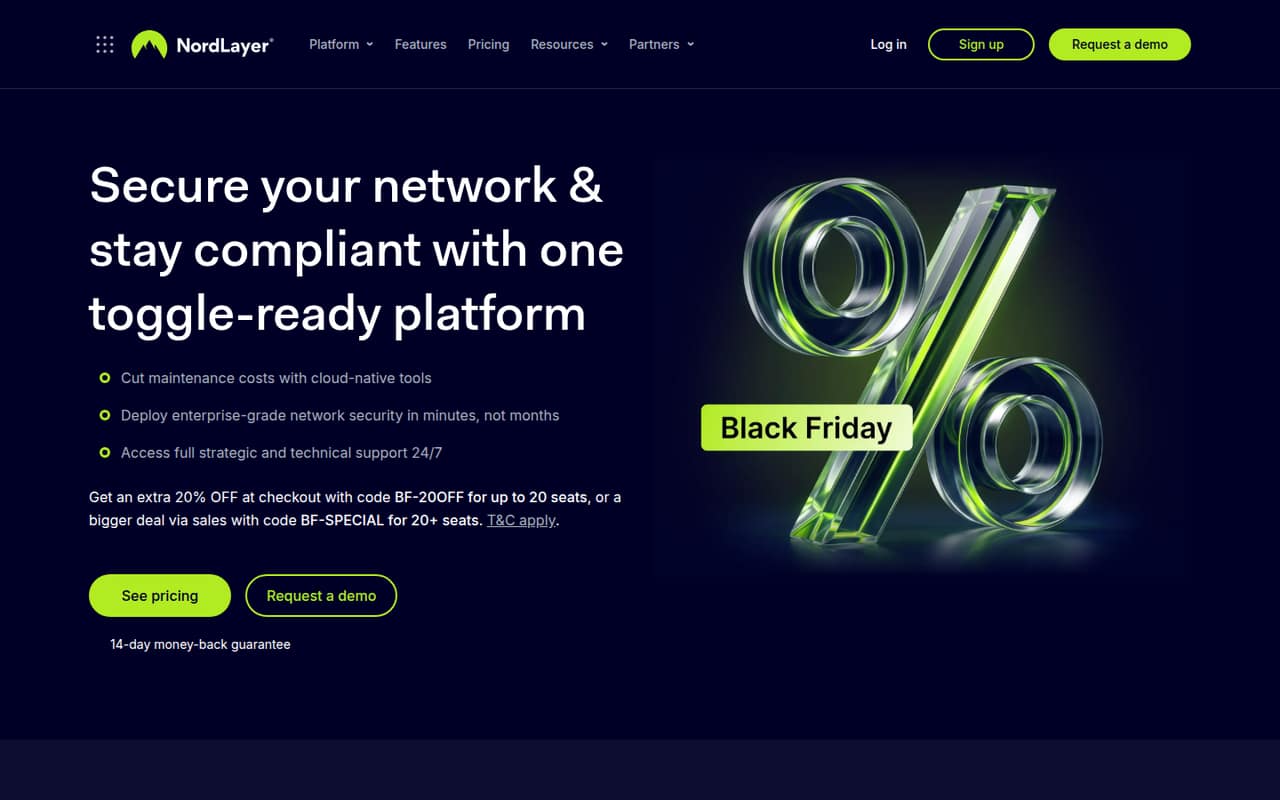
NordLayer is worth considering when remote staff need access controls or a business wants to connect office networks. The listed starting price is $6, but the five-seat minimum makes it a less flexible choice for a one- or two-person team. Ask the vendor for the full bill at your seat count and billing term before comparing it with per-user plans.
What works
- Encrypted connections with performance up to 1 Gbps
- Access controls include SSO, MFA, and device checks
- Threat prevention blocks malicious sites and dangerous domains
What doesn't
- Five-user minimum applies to Lite, Core, and Premium
- No free plan or published free trial
- Monthly rates for the three main plans aren’t published
- Best for managed usersTorGuard Business VPNTorGuard Business VPN
TorGuard Business VPN is aimed at teams that want managed VPN users, a dedicated IP, or isolated network access. It has no free tier, and the listed starting price is $44.99. That is a larger initial commitment than a free option, so it makes most sense when those business controls are specifically needed. Confirm what the starting plan includes before signing up.
What works
- Starter includes five users
- One dedicated IP on Starter
- Unlimited speeds and bandwidth listed
What doesn't
- No free plan or trial listed
- Homepage and plan prices differ
- Annual billing prices are not published
- Best free traffic protectionProton VPNProton VPN
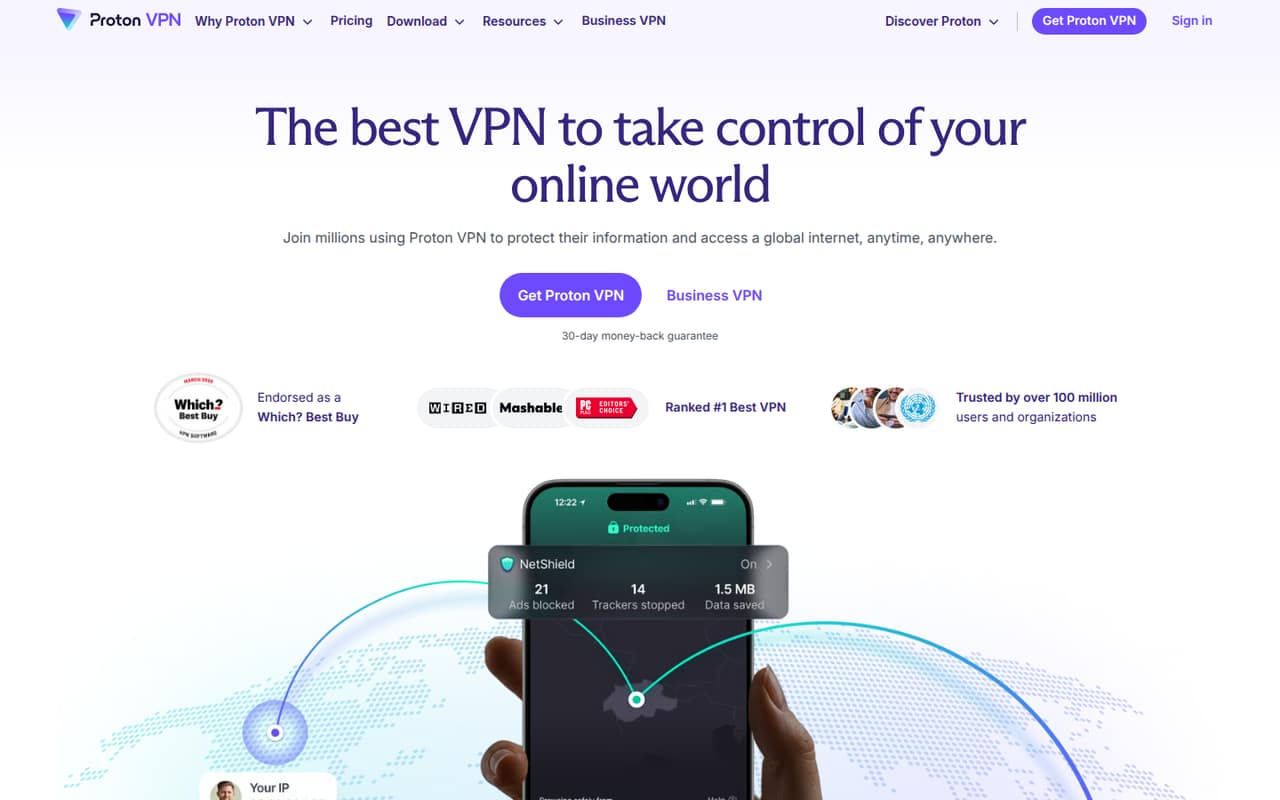
Proton VPN offers a useful free VPN option and a paid plan listed from $3.49. It may suit a small group seeking VPN protection or global locations, particularly if the team already uses Proton services. The key caveat is team licensing: confirm how business use and multiple employees are handled before treating the low starting price as a per-seat team cost.
What works
- Free plan covers one device
- Free servers span 10 randomly selected countries
- VPN Plus lists 10 connected devices
What doesn't
- Free plan has medium speed
- Free locations are randomly selected
- Business plan pricing isn't published
- Best for Palo Alto users
GlobalProtectGlobalProtect
GlobalProtect makes the most sense for a team already using Palo Alto firewalls and needing firewall-based VPN access. A free plan is listed, but there is no published starting price to use for a small-team budget. Setup also depends on managing the firewall and configuration, so ask the vendor what licensing and admin work your existing setup requires.
What works
- Basic Windows and macOS VPN access is included with a firewall
- Subscription capacity is tied to the firewall appliance
- Evaluation licenses are available on request
What doesn't
- Subscription and firewall prices aren't published
- Capacity depends on the appliance model
- A Reddit user described setup as taking months

- Best for SonicWall usersSonicWall NetExtenderSonicWall NetExtender
SonicWall NetExtender is a reasonable shortlist option when your team already has SonicWall appliances and needs SSL VPN access. The listed starting price is not available, and appliance-level access licensing is separate, so ask for the total cost before planning around it. For teams without SonicWall equipment, this is a less direct starting point than a standalone option.
What works
- Client is free to download
- Connects to SonicWall firewalls
- Supports Secure Mobile Access appliances
What doesn't
- Appliance license prices are not published
- No monthly or annual client tiers listed
- Concurrent access licensing affects the real cost
- Best for Cisco setupsCisco Secure ClientCisco Secure Client
Cisco Secure Client is mainly a fit for teams already using Cisco VPN and able to deploy through mobile device management. Its licensing is a poor fit for organizations under 25 users, so a team of 1–10 should look elsewhere unless Cisco is already central to its setup. Ask Cisco or your reseller for a quote; a starting price is not published.
What works
- Reddit users describe a single client with selectable modules
- Users report MDM and SCCM deployment options
- One commenter says it supports split tunneling
What doesn't
- No free plan is listed
- Listed paid options start at 25 users or connections
- Cisco does not publish plan prices
03How we chose
We ranked these tools for a team of 1–10, weighing whether the free plan can cover a real small-team use, what a few seats might cost, setup effort, and any stated plan limits or seat minimums. We favored clear entry paths over a low headline price that needs licensing confirmation. Vendor pricing pages and docs are the place to verify current terms; we treat Reddit sentiment as a secondary signal, not proof of a feature or limit. We did not conduct hands-on tests.
04Choose the kind of VPN you actually need
A VPN can mean different things in a small business. Some tools connect employees’ devices to private company resources; others focus on protecting internet traffic, while some depend on a business firewall or appliance. Start by listing who needs access, which devices or networks they must reach, and whether you already own networking equipment. Tailscale is aimed at connecting remote devices and private infrastructure. Hamachi connects small virtual networks. GlobalProtect and NetExtender are more relevant when you already use the matching firewall equipment. Proton VPN is a candidate for general VPN protection, but confirm team licensing before treating it as a business plan. Picking the right job first prevents paying for controls you do not need—or buying a traffic-protection plan that does not solve remote access.
05Price the seats and the setup, not just the starting number
For a small team, a free plan can be enough, but check its connection or device limit before relying on it. OpenVPN Access Server’s free option covers two connections; Hamachi’s free option covers five computers or fewer. Tailscale lists Standard at $8 per user per month, so a team can calculate that plan by seat count. Other entry prices need clarification: NordLayer has a five-seat minimum, Proton VPN says to confirm team licensing, and the pricing basis for some starting figures may need a vendor check. Also ask who will configure the service, manage accounts, and handle access changes. A tool tied to an existing firewall may suit your setup, but it is not automatically the easiest choice for a team without that equipment.
Questions people ask
Does a small team need business VPN software?
Not always. If employees need to reach private company resources from remote devices, a VPN or private-network tool may help. If the need is only general traffic protection, compare VPN services made for that purpose. First list the resources, devices, and people that need access.
What is the cheapest business VPN for a small team?
Hamachi and Tailscale both offer free options, with different limits: Hamachi covers five computers or fewer, while Tailscale’s free access is described as suitable for small groups. Tailscale Standard is listed at $8 per user per month. Confirm each free plan’s current terms before choosing.
How much does NordLayer cost for five people?
NordLayer is listed from $6 and has a five-seat minimum, but confirm the billing basis and exact total with the vendor. The starting figure alone does not establish your full bill. Ask for a quote for five seats, including the billing term and any required add-ons.
When should a small team outgrow a free VPN plan?
Consider a paid plan when your team exceeds the free connection or device allowance, needs team features, or requires controls the free option does not cover. For example, OpenVPN Access Server’s free option covers two connections, and Hamachi’s free option covers five computers or fewer. Check the vendor’s current plan limits.