We may earn a commission if you buy through links on this page. It never changes a score or a ranking. How we make money
A team of 1–10 people may not need a dedicated CI/CD tool if releases are occasional and a basic build-and-test workflow does the job. Once builds, tests, or deployments become repetitive, automation can save time—but the right choice depends on your stack. Buildkite is our broadest pick for custom pipelines; mobile teams should look at Codemagic or Bitrise, while Salesforce teams have Gearset and Copado. Several tools list free plans, but prices aren’t directly comparable: some are per user, while others have usage or capacity costs to check before you commit.
Quick picksThe shortlist
 BuildkiteBuildkiteBest for custom pipelines · $30/mo
 BlacksmithBlacksmithBest for GitHub Actions · Free
 CodemagicCodemagicBest for Flutter teams · $332.50/mo
 BitriseBitriseBest for mobile teams · $89/mo
 Nexus RepositoryNexus RepositoryBest for package sharing · $162.50/mo
 CloudsmithCloudsmithBest for artifact controls · $149/mo
 GearsetGearsetBest for Salesforce governance · $1/mo
 CopadoCopadoBest for Salesforce releases · $99/mo
 CloudBees CICloudBees CIBest for Jenkins governance · Custom
01Compared at a glance
| Tool | Score | From | Free plan | Trial |
|---|---|---|---|---|
| BuildkiteBuildkite | 7.5 | $30/mo | Yes | 30 days |
| BlacksmithBlacksmith | 7.3 | Free | Yes | — |
| CodemagicCodemagic | 7.4 | $332.50/mo | Yes | — |
| BitriseBitrise | 7.2 | $89/mo | Yes | 30 days |
| Nexus RepositoryNexus Repository | 6.5 | $162.50/mo | Yes | — |
| CloudsmithCloudsmith | 7.0 | $149/mo | Yes | 14 days |
| GearsetGearset | 7.6 | $1/mo | No | 30 days |
| CopadoCopado | 5.8 | $99/mo | Yes | Yes |
| CloudBees CICloudBees CI | 5.8 | Custom | No | — |
02The picks, in detail
- Best for custom pipelinesBuildkiteBuildkite
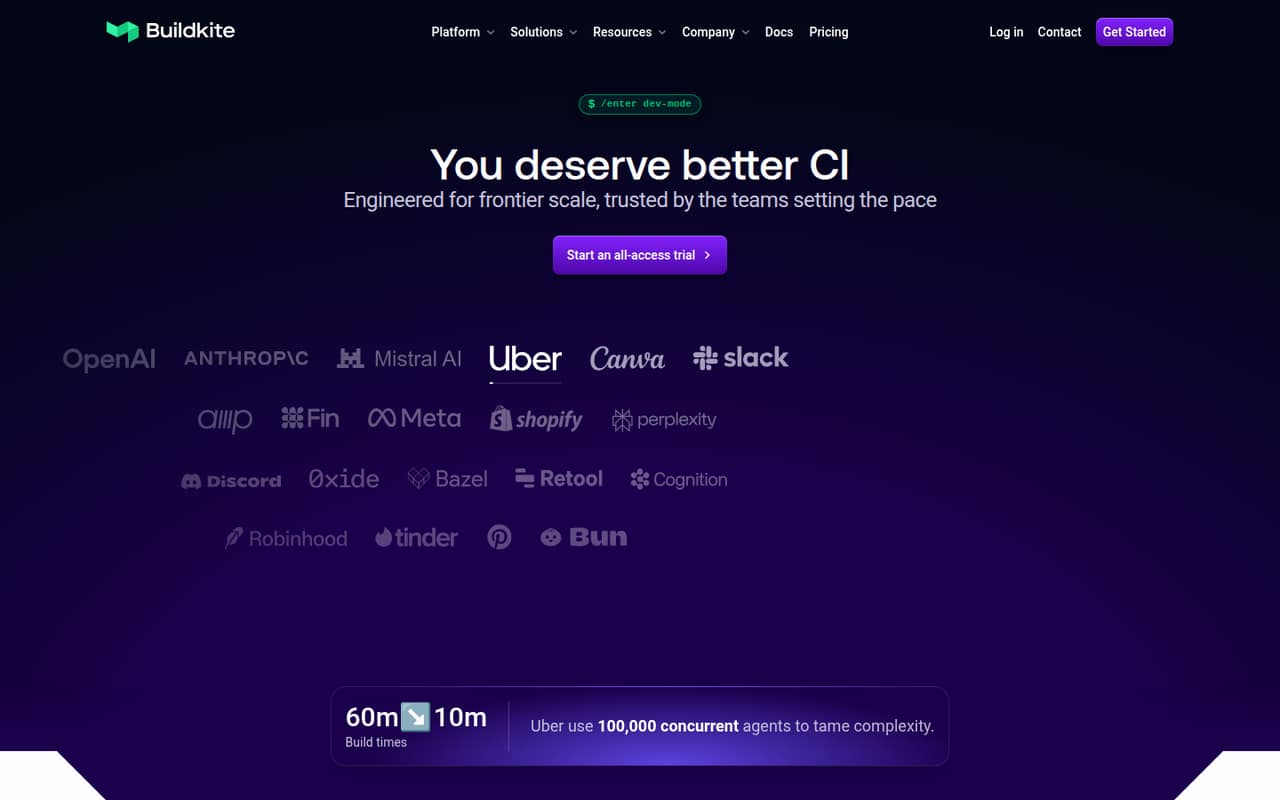
Buildkite suits small engineering teams that need customizable CI and control over test workflows. The listing includes a free plan and a starting price of $30, but the Pro step-up is described as steep. Check what the free-plan limits cover and what Pro would cost before building a workflow around it; the listed starting price alone won’t tell you the cost for a few seats.
What works
- Free plan covers up to five users
- Dynamic pipelines support customized workflows
- Hosted and self-hosted agents are available
What doesn't
- Pro costs $30 per active user monthly
- Free plan has job and usage caps
- Hosted-agent overage rates are not published
- Best for GitHub ActionsBlacksmithBlacksmith
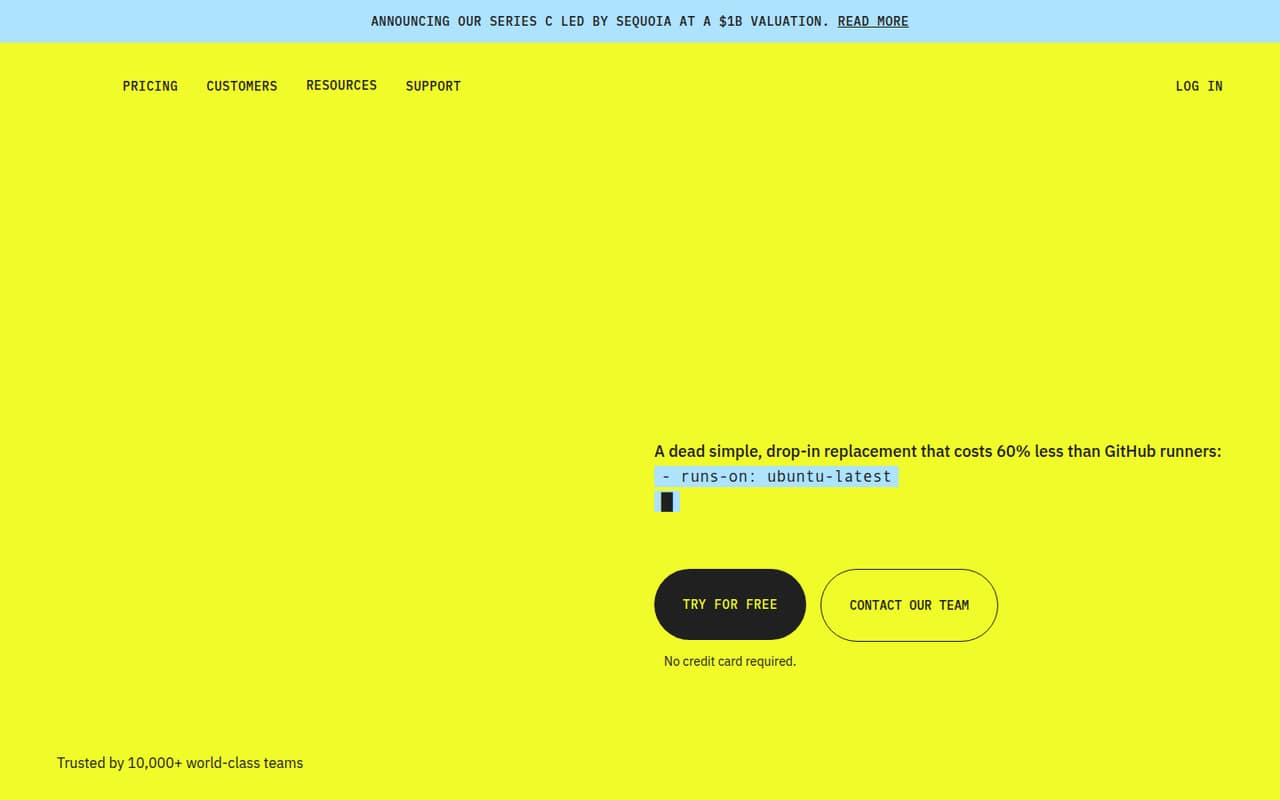
If your team already uses GitHub Actions and slow jobs are the main problem, Blacksmith is a focused option rather than a wholesale CI change. It lists a free monthly allowance and usage-based costs, with searchable CI logs as a selling point. The amount of the free allowance and likely spend at your build volume are worth confirming before you switch.
What works
- Includes 3,000 free minutes per month
- Usage pricing does not rise with headcount
- Offers Ubuntu, ARM, Windows, and macOS runners
What doesn't
- Paid costs vary with minutes and runner type
- macOS M4 costs $0.08 per minute
- Docker layer caching costs extra on Ubuntu
- Best for Flutter teamsCodemagicCodemagic
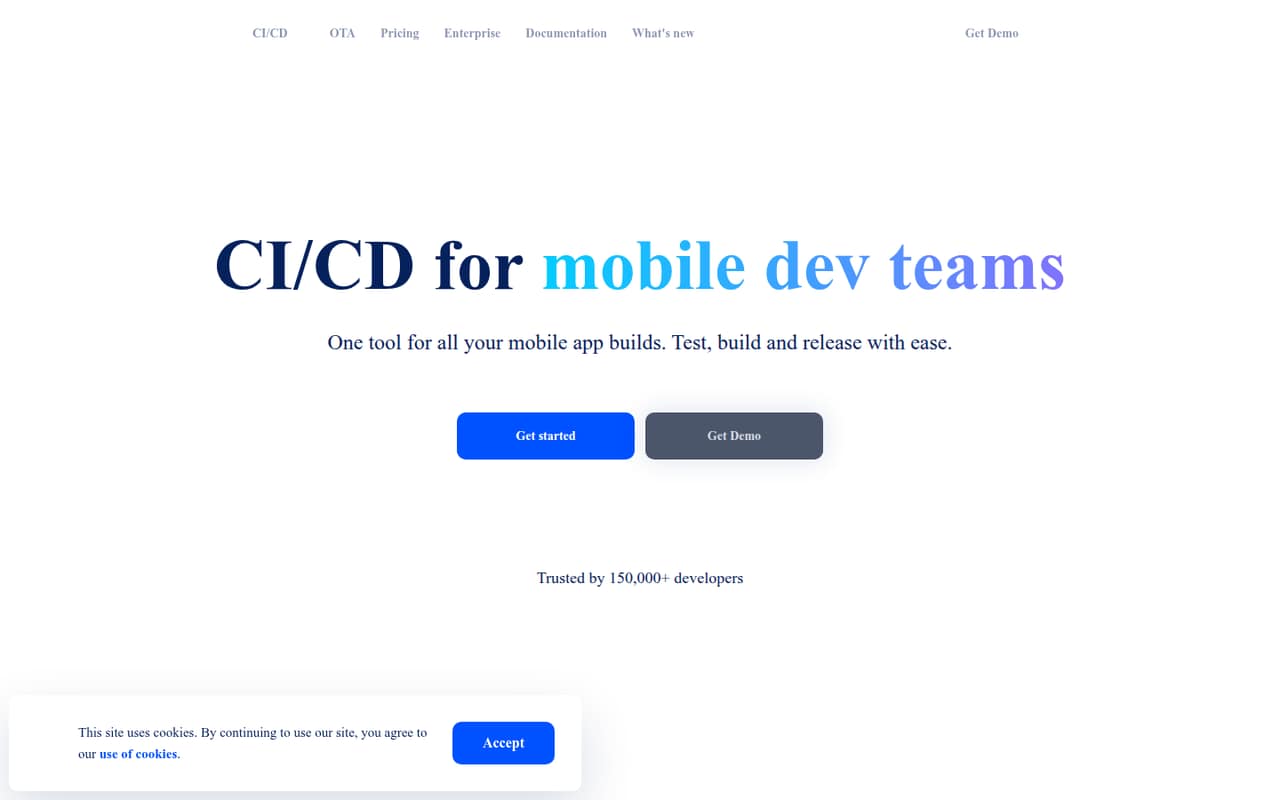
Codemagic is aimed at mobile developers, including Flutter teams automating releases, and its listing includes a free tier. The listed starting price is $332.50, but check whether that figure reflects a plan, usage, or another billing basis before comparing it with per-seat tools. Variable build usage may suit a small team, provided you can estimate capacity and keep an eye on usage costs.
What works
- Free plan includes 500 Mac mini M2 minutes monthly
- Pay as you go includes unlimited team members
- Builds target Android, iOS, web, and desktop
What doesn't
- Free plan is limited to one team member
- Pay-as-you-go build costs vary with usage
- Fixed-price plans are billed annually
- Best for mobile teamsBitriseBitrise
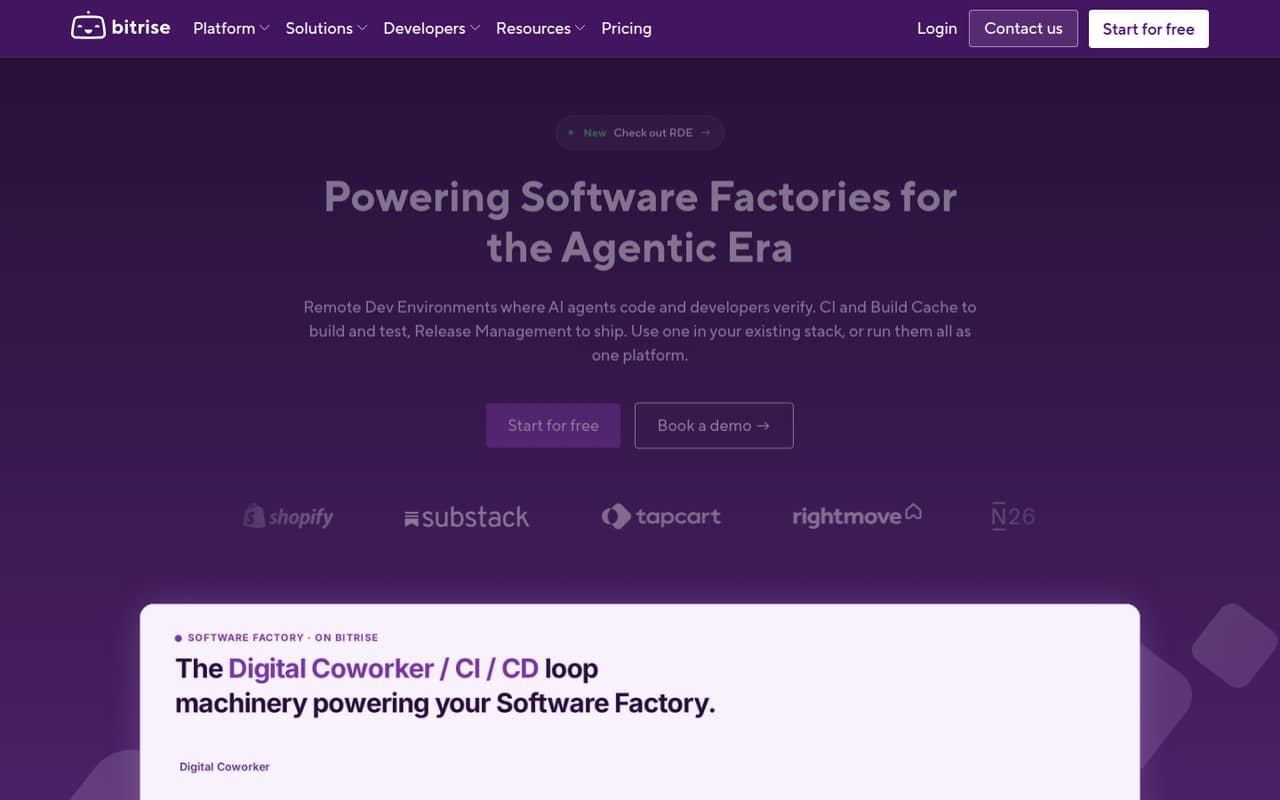
Bitrise is built around mobile CI, with managed code signing and a Starter plan described as having unlimited seats. Its listing includes a free plan and a starting price of $89, but capacity and add-ons can affect the bill. It could fit a small mobile team that wants a managed workflow; check the included build capacity and any required add-ons first.
What works
- Hobby plan is free for one team member
- Starter includes unlimited team members
- Builds, tests, and releases mobile apps
What doesn't
- Hobby is limited to one team member
- Starter allows up to three private apps
- Starter allows four concurrent builds
- Best for package sharingNexus RepositoryNexus Repository
Nexus Repository is an artifact hub for teams sharing packages, with support noted for Maven, npm, and PyPI. A free edition is listed, and the starting price is $162.50. The key small-team question is whether the free edition’s limits fit your build traffic. Check those limits against your package needs before planning around the paid tier.
What works
- Free self-hosted Community Edition
- Supports Maven, Hugging Face, PyPI, npm, and NuGet
- Lists Jenkins, GitHub Actions, and GitLab CI/CD integrations
What doesn't
- Community Edition usage limits are not stated in the pricing details
- Cloud Pro starts at $1,950 per year
- Cloud Pro includes only 25 GB of consumption
- Best for artifact controlsCloudsmithCloudsmith
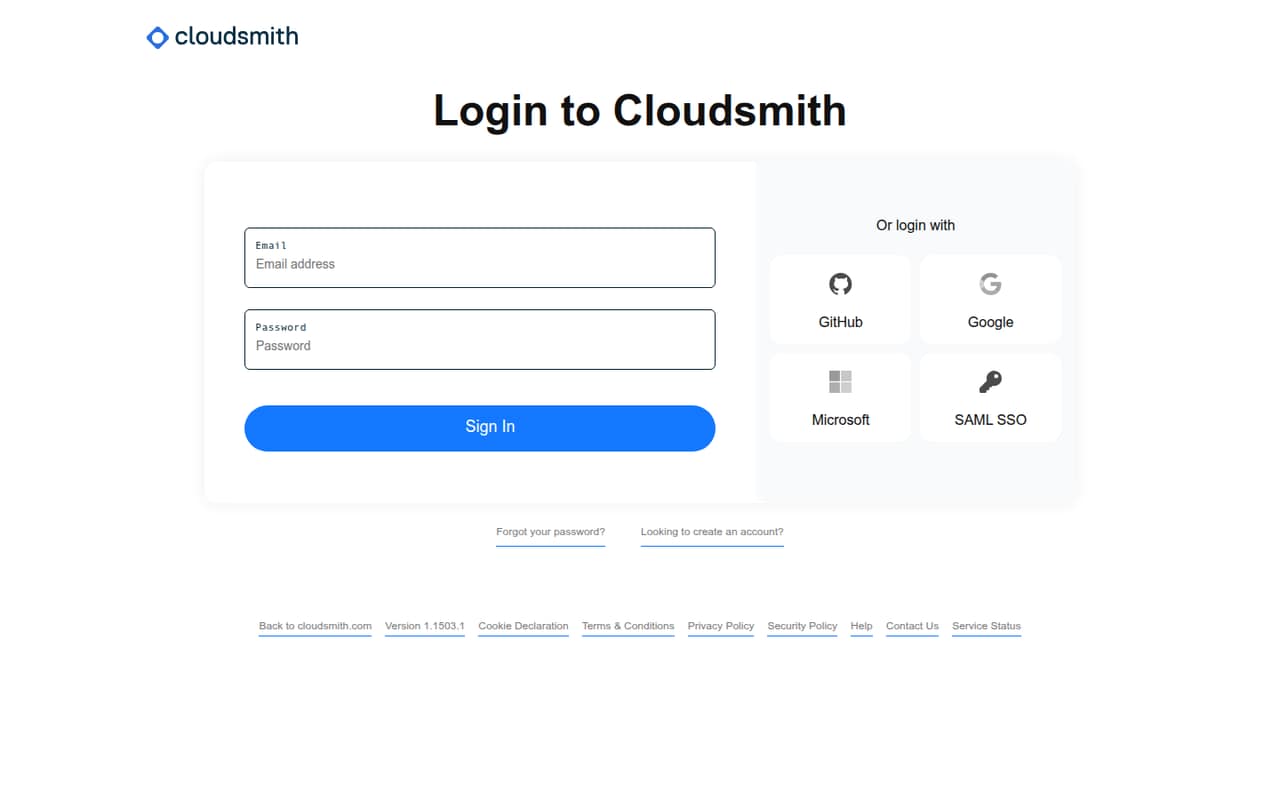
Cloudsmith fits teams distributing packages in multiple formats or needing private artifact controls, and it lists a free tier. The listed starting price is $149, with a steep jump to paid team use flagged in its summary. That makes it sensible to check the free tier’s fit and get the actual team price before adopting it as your shared package hub.
What works
- Supports more than 30 package formats
- Free Core plan includes unlimited packages and repositories
- Free Open-Source plan offers 50 GB of artifact data
What doesn't
- Pro starts at $149 per month
- Core includes only 500 MB of artifact data
- Pro additional data costs $1.50 per GB
- Best for Salesforce governanceGearsetGearset
Gearset is for Salesforce teams standardizing deployments across several orgs and adding release governance. Its pricing is especially important for a small team: the listing says from $1, while basic deployments are also described as starting at $215 per user monthly. At that per-user rate, three seats would be $645 a month. Ask which offer applies and what it includes.
What works
- Core Starter includes unlimited Production orgs
- Supports source control across all Git providers
- Deployment history and rollback options
What doesn't
- No free plan
- Core Starter costs $215 per user monthly
- Core Teams costs $320 per user monthly
- Best for Salesforce releasesCopadoCopado
Copado can organize Salesforce releases and is aimed at teams that release frequently or need governance. A free plan is listed, along with a starting price of $99, but the seat basis and paid-seat costs as a team grows aren’t specified in the listing. Budget time for setup, then ask for a quote covering your users and release workflow before choosing it.
What works
- Free plan includes one user and 15 monthly deployments
- Basic plan offers unlimited deployments
- Tools cover planning through delivery operations
What doesn't
- Paid Essentials plans charge per user
- Free plan is limited to one user
- Robotic Testing Essentials pricing is by quote
- Best for Jenkins governanceCloudBees CICloudBees CI
CloudBees CI makes most sense for teams already running Jenkins that want standardized pipeline templates or governance. That existing Jenkins setup is a better starting point than adopting it for a small team from scratch. Pricing is listed as unavailable, so get a quote before investing in setup. It’s hard to judge whether it fits a tight budget without the cost and expected implementation effort.
What works
- Governance across hybrid and multi-cloud pipelines
- Designed to work with existing tools
- Supports enterprise Jenkins CI
What doesn't
- No free plan is listed
- No trial is listed
- Monthly and annual prices are not published
03How we chose
We ranked these tools for a 1–10-person team, prioritizing a usable free route, clear costs for a few seats, and a fit with common small-team workflows. We also considered setup effort, plan limits, and whether the tool assumes an existing stack such as Jenkins or GitHub Actions. Vendor docs and Reddit sentiment are useful checks for setup friction and practical limits; we treat them as context, not as substitutes for a pricing quote. Unclear seat or usage pricing is a reason to ask the vendor before committing.
04What will a few seats really cost?
Don’t compare starting prices as if they all mean the same thing. Gearset is the clearest per-seat example: basic deployments start at $215 per user monthly, or $645 monthly for three users at that rate. Its listing also says from $1, so ask which offer applies. Other listed starting prices include Buildkite at $30, Bitrise at $89, Copado at $99, Cloudsmith at $149, Nexus Repository at $162.50, and Codemagic at $332.50. The seat or usage basis isn’t stated for each, so don’t multiply those figures blindly. Buildkite, Bitrise, and several others list free plans, but free doesn’t mean unlimited: Blacksmith has usage-based costs, and Bitrise flags capacity and add-ons. Ask for a quote based on your number of users and expected build volume.
05How much setup can your team absorb?
Choose a tool that fits your current workflow instead of taking on a platform project by accident. Blacksmith is aimed at teams already running GitHub Actions; CloudBees CI is aimed at teams already running Jenkins. Those starting points matter if your team has limited time to change systems. Mobile teams can compare Codemagic and Bitrise, while Salesforce teams can compare Gearset and Copado; the tools are specialized, not interchangeable. Before signing up, map one real release from commit through build, test, and deployment, then check whether the plan covers the steps you need. Ask what setup work falls to your team, what limits apply to the free plan, and what changes when you add seats, build minutes, capacity, or package traffic. For CloudBees CI, request pricing as well as an estimate of setup effort.
Questions people ask
Which CI/CD tool has the best free plan?
That depends on your workflow. Buildkite, Copado, Bitrise, Codemagic, Blacksmith, Cloudsmith, and Nexus Repository list free plans or tiers. The summaries don’t make their limits directly comparable, so check whether the free option covers your users, build volume, and required features before choosing.
Which option is cheapest for a three-person team?
There isn’t a reliable apples-to-apples answer from starting prices alone: the seat or usage basis isn’t stated for most listings. Gearset does give a per-user figure for basic deployments—$215 per user monthly—so three seats at that rate cost $645 monthly. Ask other vendors for a quote based on your usage.
What should Salesforce teams compare?
Compare Gearset and Copado. Gearset is positioned for standardized deployments, multiple Salesforce orgs, and release governance; Copado is aimed at frequent releases and release governance. Gearset’s listed basic-deployment rate is $215 per user monthly. Copado lists a free plan and a $99 starting price, but confirm its seat basis and setup needs.
When should a small team move beyond its CI/CD tool?
Revisit the choice when your build traffic or required features no longer fit the plan, usage costs become hard to predict, or your team needs workflows the tool doesn’t cover. For example, Bitrise flags capacity and add-on costs, while Blacksmith has usage-based pricing. Check limits and upgrade costs before you hit them.