We may earn a commission if you buy through links on this page. It never changes a score or a ranking. How we make money
A 1–10-person team may not need a full contact center platform. If you mainly need a shared business number and basic call handling, a small-business phone tool may cost less and take less planning. CallHippo stands out for offering a free plan; Line2 and FreedomVoice have low listed starting prices. For shared numbers, OpenPhone is worth comparing, while Dialpad has calling and AI tools. Check per-seat pricing, free-plan limits, and any minimums before choosing: a low starting price does not always mean a low bill for your whole team.
Quick picksThe shortlist
 CallHippoCallHippoBest free option · $18/mo
 Line2Line2Best low starting price · $7.99/mo
 FreedomVoiceFreedomVoiceBest budget phone line · $9.95/mo
 OpenPhoneOpenPhoneBest shared number · $15/mo
 DialpadDialpadBest for AI call tools · $15/mo
 GrasshopperGrasshopperBest basic business line · $14/mo
 TalkrouteTalkrouteBest for call menus · $19/mo
 3CX3CXBest phone platform · $25/mo
 Ooma OfficeOoma OfficeBest for phone replacement · $19.95/mo
01Compared at a glance
| Tool | Score | From | Free plan | Trial |
|---|---|---|---|---|
| CallHippoCallHippo | 6.5 | $18/mo | Yes | 10 days |
| Line2Line2 | 6.3 | $7.99/mo | No | — |
| FreedomVoiceFreedomVoice | 5.8 | $9.95/mo | No | 30 days |
| OpenPhoneOpenPhone | 7.5 | $15/mo | No | 7 days |
| DialpadDialpad | 6.5 | $15/mo | No | 14 days |
| GrasshopperGrasshopper | 6.3 | $14/mo | No | 7 days |
| TalkrouteTalkroute | 7.0 | $19/mo | No | 7 days |
| 3CX3CX | 6.2 | $25/mo | No | — |
| Ooma OfficeOoma Office | 6.5 | $19.95/mo | No | — |
02The picks, in detail
- Best free optionCallHippoCallHippo
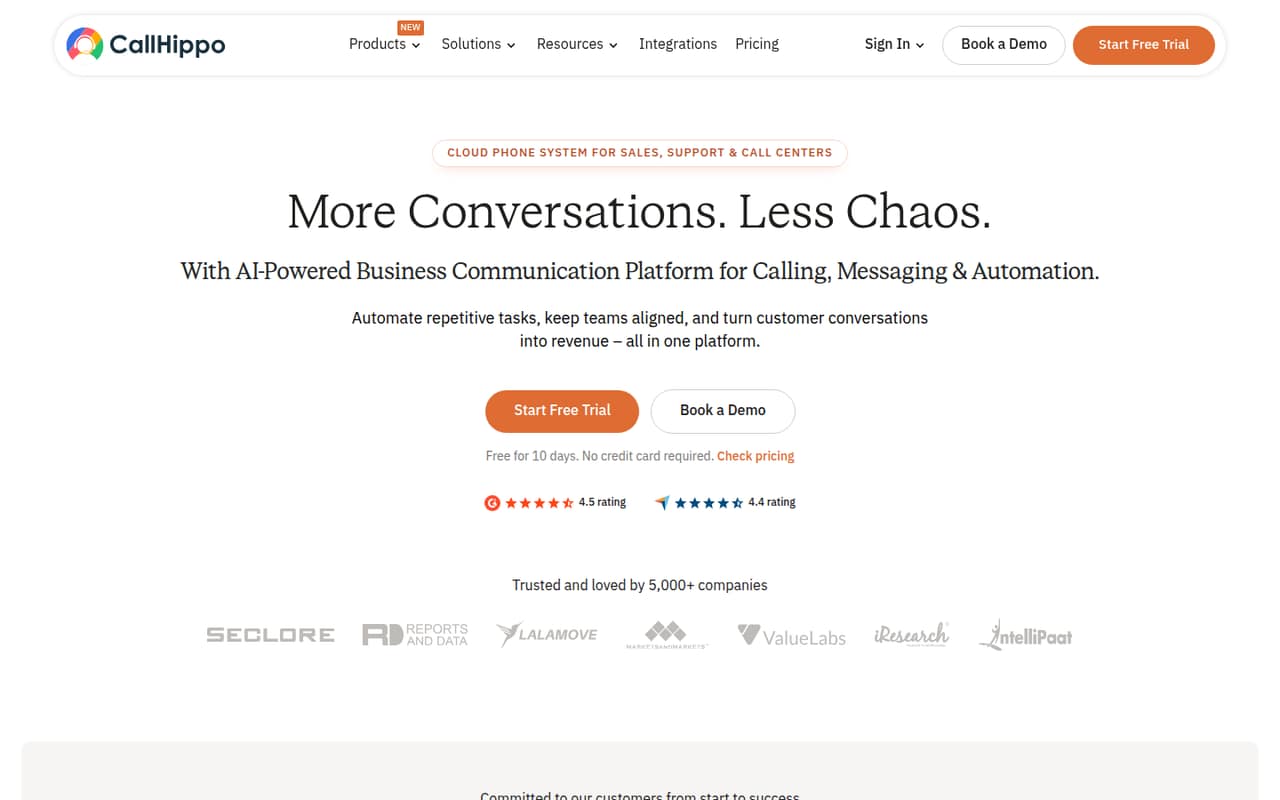
CallHippo is the only pick here whose listing explicitly includes a free plan, alongside a starting price of $18. That makes it a useful first stop if you want to compare a no-cost option with paid plans. The listing flags free-plan limits and signup requirements as things to check, so confirm what the free tier covers before building your call workflow around it.
What works
- Free Basic plan includes voicemail and apps
- Starter includes US/CA calling minutes
- 50+ integrations listed on Starter
What doesn't
- Phone numbers cost extra on Basic
- Starter's overage rates are not published
- Annual plan rates are not shown
- Best low starting priceLine2Line2
Line2 starts at $7.99 and covers calls and texts for people who want a private second number or separate business lines. That low entry price is appealing for a small team, but the listing says teams pay for every person who needs a line. Ask for the total cost at your actual seat count before comparing it with shared-number services.
What works
- Unlimited talk and text in the US and Canada
- Choose a US or Canada phone number
- Call blocking and voicemail transcription included
What doesn't
- No free plan or free trial
- Each additional person can add to the bill
- Overage rates are not listed

- Best budget phone lineFreedomVoiceFreedomVoice
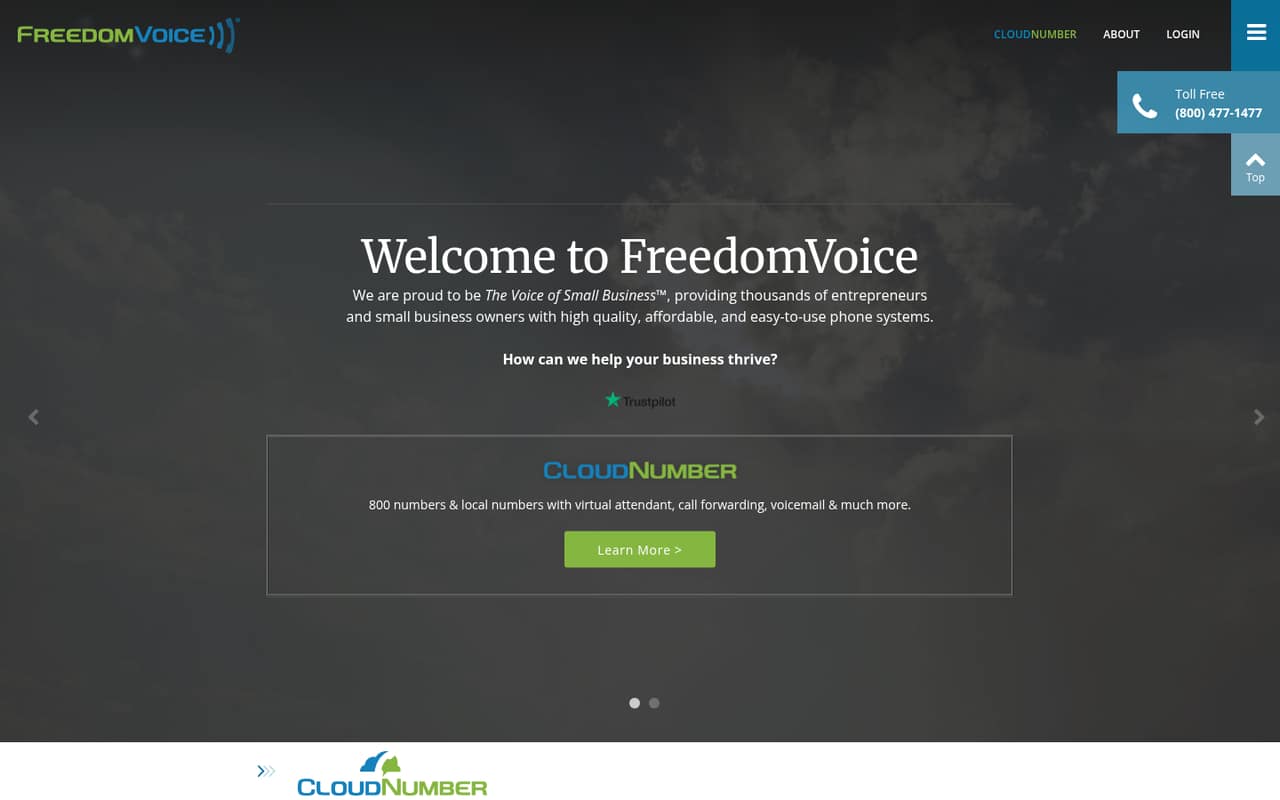
FreedomVoice starts at $9.95 and is positioned for small teams needing a business number, including toll-free service. Its low starting price may suit light callers watching monthly costs. The listing flags minute limits and call handling as important checks, so ask the vendor how those limits work for your expected call volume and which plan fits your team.
What works
- START is listed at $9.95 per month
- A 30-day free trial is available
- Toll-free numbers are listed for instant activation
What doesn't
- No free plan is listed
- START includes 400 minutes per month
- Extra minutes cost 3.9¢ on START and EDGE
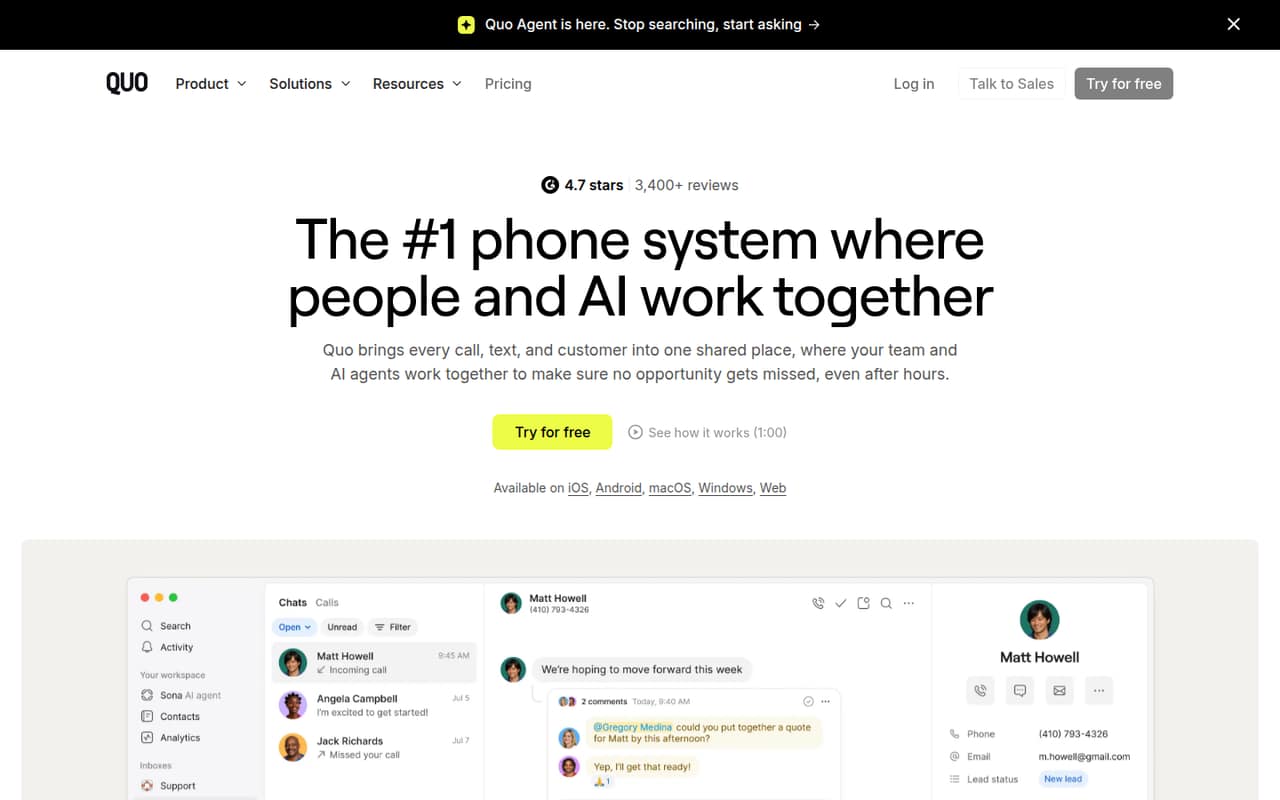
- Best shared numberOpenPhoneOpenPhone
OpenPhone is aimed at teams sharing one business number and managing calls and texts. Its listed starting price is $15, but there is no free plan and costs rise per seat. That makes it a sensible comparison for a small team that wants a shared business phone, provided you price the number of people who need access rather than judging by the entry price alone.
What works
- Shared numbers support team calling and messaging
- Starter includes one number per user
- US and Canadian calling and messaging listed as unlimited*
What doesn't
- No free plan
- Monthly costs rise with every paid user
- Starter shared numbers cap at 10 paid users
- Best for AI call toolsDialpadDialpad
Dialpad starts at $15 and is listed for small teams replacing business lines, as well as sales and support teams that want AI call summaries, routing, or coaching. The listing notes that per-seat costs and mixed support reports deserve a close look. Ask for the price at your team size and check which calling and AI features are included in that plan.
What works
- Voice, video, messaging, and AI in one app
- Connect Standard starts at $15 per user monthly
- 14-day trial listed for Connect plans
What doesn't
- No free plan
- Annual rates and billing toggle aren’t clear
- AI Agent Credit price isn’t published

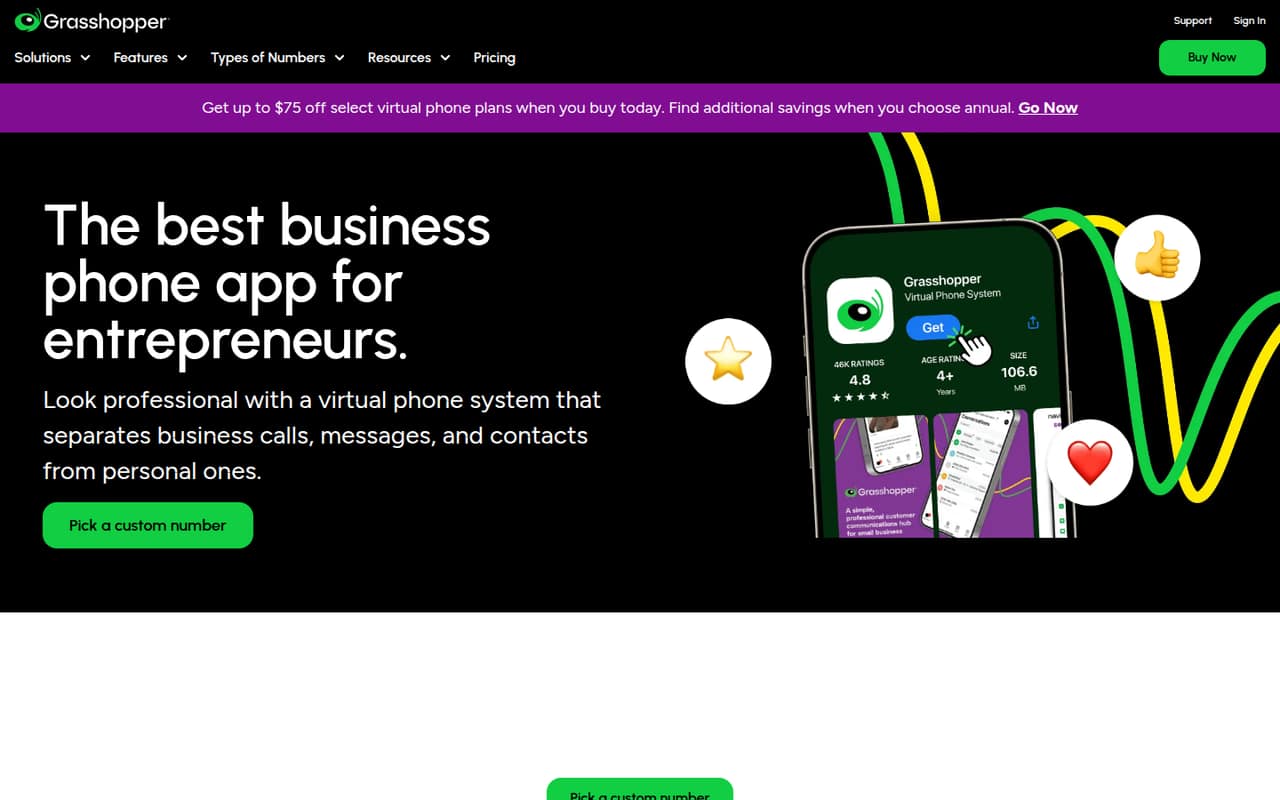
- Best basic business lineGrasshopperGrasshopper
Grasshopper starts at $14 and is positioned for solo owners and small teams that want a separate business phone line and unlimited calling. It has no free plan, and the listing flags a support concern. Compare the plan details and support terms with other low-cost options before choosing it for calls your team cannot afford to miss.
What works
- Local, toll-free, and vanity number options
- Unlimited calling and business texting
- Call forwarding and custom extensions
What doesn't
- No ongoing free plan
- Solo Plus includes only three extensions
- Extra numbers cost $9 per month each
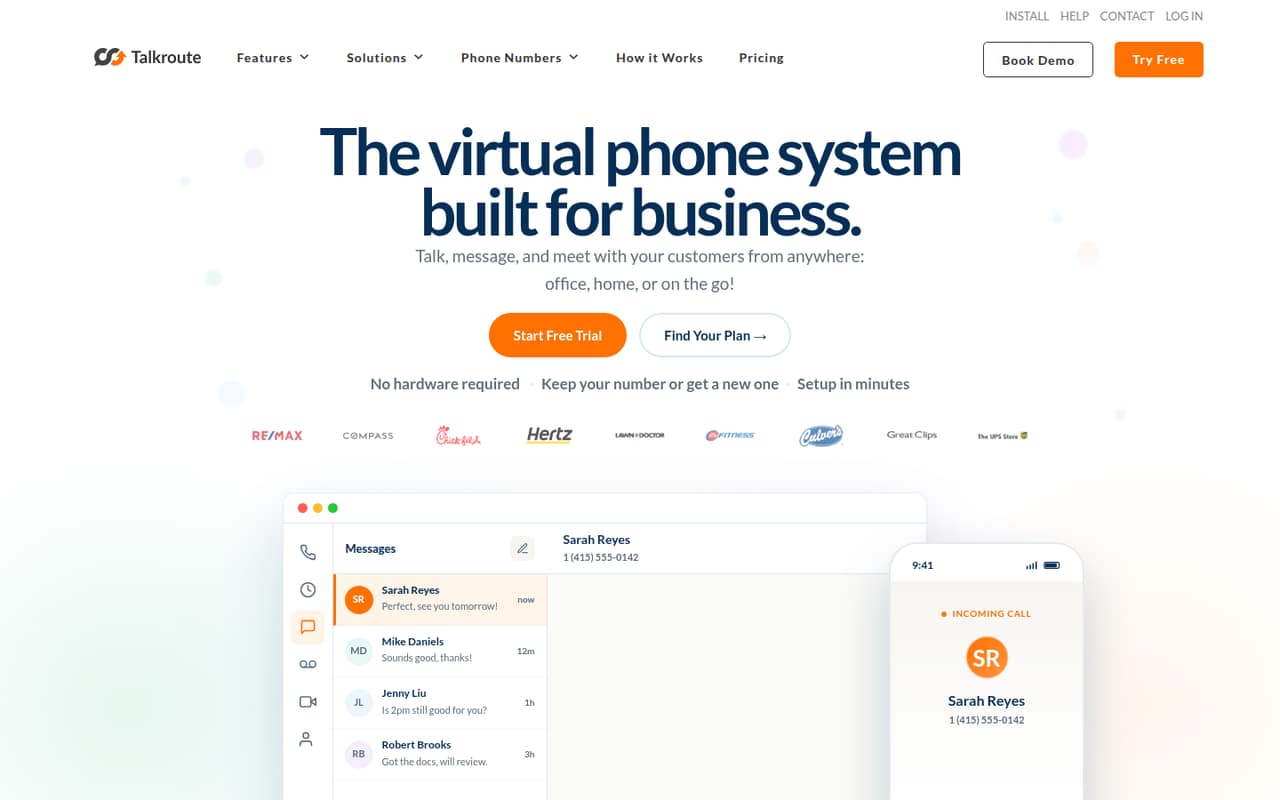
- Best for call menusTalkrouteTalkroute
Talkroute starts at $19 and is listed for small teams sharing business calls and needing call menus. It also includes calling and video in its positioning. The listing warns teams to budget for seats, messaging, and optional extras, so ask for a quote that includes the features your team will actually use rather than relying on the starting price.
What works
- Unlimited calling across the U.S. and Canada
- Texting and voicemail work in its apps
- Call routing includes forwarding, extensions and menus
What doesn't
- No free Business Phone plan
- Basic includes just one user
- Extra users, numbers and mailboxes cost more
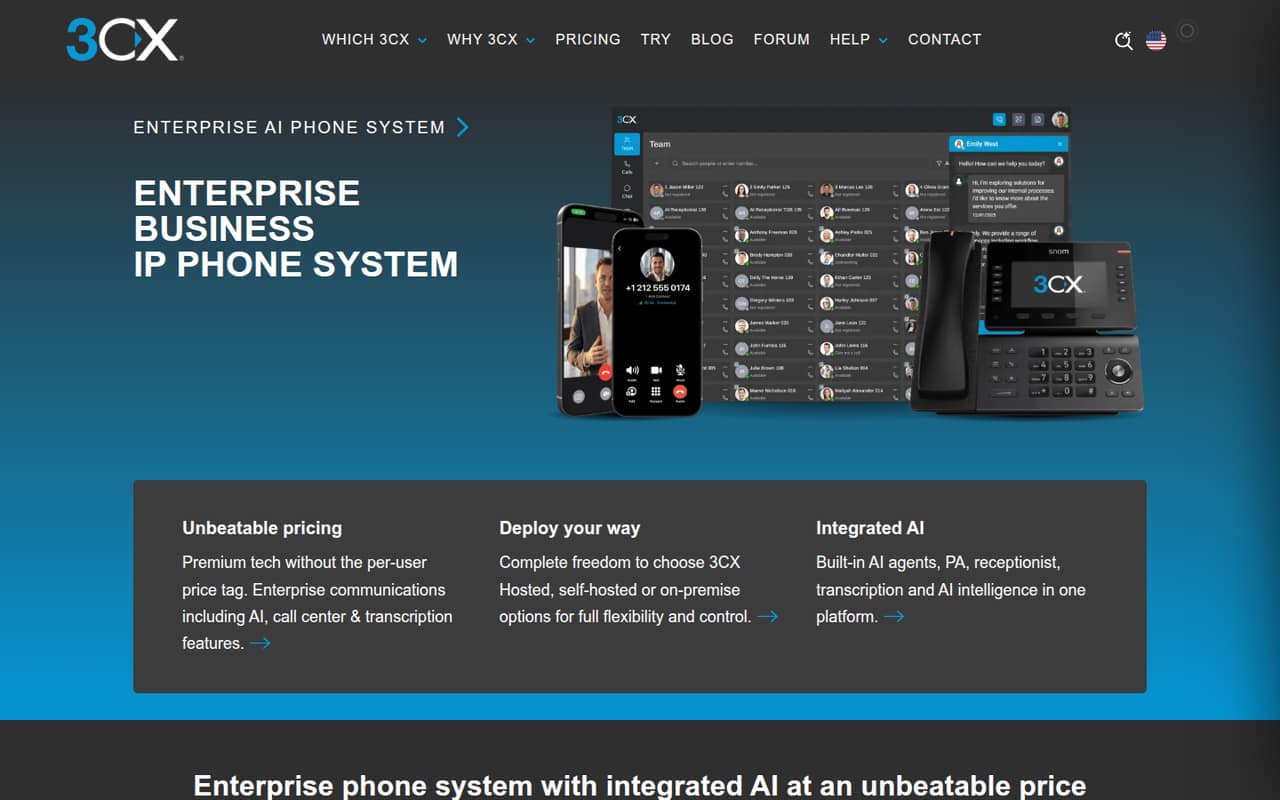
- Best phone platform3CX3CX
3CX starts at $25 and is aimed at teams replacing a business phone system or sharing one phone platform. Its listing describes flexible deployment, but it is not a free or per-seat deal. That may suit a team that wants one broader phone setup; confirm the total cost and what deployment option fits your needs before treating the starting fee as your likely bill.
What works
- Pricing is per system, not per user
- Hosted, self-hosted and on-premise options
- AI call routing and transcription features
What doesn't
- No free plan is listed
- Smallest license starts at eight simultaneous calls
- Hosting is a separate charge
- Best for phone replacementOoma OfficeOoma Office
Ooma Office starts at $19.95 per user each month and is positioned for small teams replacing business phone lines. The listing also points to call routing tools and listed integrations. Its per-user pricing makes the team total easier to estimate than an unpublished quote, but check which routing features and integrations are included in the plan you are considering.
What works
- Essentials includes unlimited calls in four listed regions
- Includes one toll-free number and 500 inbound minutes
- Mobile app access is included with Essentials
What doesn't
- No free plan or published free trial
- Essentials does not include text messaging
- Office Pro and Pro Plus prices are not published
03How we chose
We ranked these tools for a team of 1–10, giving weight to whether a free plan exists, how clearly a small team can estimate its bill, and whether per-seat costs or minimums change the math. We also considered listed limits and setup effort; when vendors do not publish setup requirements, we do not label a product easy to deploy. Product docs and Reddit reports can help buyers check workflows and support, but we treat them as signals to verify, not proof of a typical experience. Starting prices are not a substitute for a team quote.
04Work out the real cost for your team
Start with the way your team handles calls. A shared number, a separate line for each person, and a contact center queue can lead to different bills. Compare the listed starting price with the number of people who need access: OpenPhone says costs rise per seat, Line2 charges for each person who needs a line, and Ooma Office lists a per-user monthly price. Ask vendors for a total at your seat count, and confirm billing terms, required minimums, and whether messaging or extra features cost more. For free plans, check limits and signup requirements before relying on the tier. If pricing is custom or unclear, request a written quote that spells out recurring charges and any contract terms.
05Match the tool to your call workflow
A small team that needs a business number and basic call handling may not need an enterprise contact center. Look for the functions you will use: a shared number, call menus, routing, or call summaries. Then ask the vendor what setup involves, whether you can keep existing numbers, and what help is included. Setup effort is not consistently stated in the listed details, so request a checklist and an estimate before committing. If you handle calls across several channels or need workforce tools, compare a broader platform such as Nextiva, which is listed for voice and messaging, or Assembled, which is aimed at support staffing and AI. Make sure the added scope solves a real need rather than adding cost your team cannot use.
Questions people ask
What is the best omnichannel customer service software?
It depends on which channels your team needs. Nextiva is listed for voice and messaging, while broader contact center tools such as Talkdesk cover voice and digital support. Compare the exact channels, seat price, and included features with the vendor before choosing; a starting price alone does not establish full omnichannel coverage.
Who is Zendesk's biggest competitor?
There is no single biggest competitor for every buyer; it depends on whether you need support ticketing, customer communications, or call-center software. For a small team focused on calls, compare tools such as Dialpad, OpenPhone, and Talkroute. Check whether they fit your support workflow rather than treating phone software as a direct replacement.
Does Microsoft have a contact management tool?
If you mean a place to manage customer records, check Microsoft's current business software options and pricing directly with Microsoft. If you mean contact center calls and routing, confirm that the specific product covers those needs. Contact management and call-center software are not automatically the same purchase.
Which software is used for call centers?
Call centers use different tools depending on team size and channels. This shortlist includes small-business phone services such as OpenPhone and Dialpad, plus broader platforms such as Five9 and Genesys Cloud CX. Five9 is listed as starting at 50 seats, while Genesys Cloud CX starts at $75 per seat.