We may earn a commission if you buy through links on this page. It never changes a score or a ranking. How we make money
A small team may not need a full learning management system. If you mainly want staff to learn coding, data, or cybersecurity, a focused course platform can cost less and take less organizing. For building and tracking your own employee training, start with Moodle if you can manage hosting, or compare its free entry point with TalentLMS’s paid plans. Prices listed here are starting points, not a reliable bill for five seats: check how each vendor charges, what its free plan includes, and which limits apply before you commit.
Quick picksThe shortlist
 Moodle LMSMoodle LMSBest free · $13.33/mo
 TryHackMeTryHackMeBest for cybersecurity · $11.19/mo
 CodecademyCodecademyBest for coding · $11.99/mo
 DataCampDataCampBest for data skills · $28/mo
 TalentLMSTalentLMSBest for employee training · $119/mo
 Hack The BoxHack The BoxBest for cyber labs · $10/mo
 CBT NuggetsCBT NuggetsBest for IT certification · $19/mo
 Udemy BusinessUdemy BusinessBest broad library · $13/mo
 LinkedIn LearningLinkedIn LearningBest for broad skills · $19.99/mo
 ThinkificThinkificBest for course creators · $82/mo
01Compared at a glance
| Tool | Score | From | Free plan | Trial |
|---|---|---|---|---|
| Moodle LMSMoodle LMS | 7.5 | $13.33/mo | Yes | 28 days |
| TryHackMeTryHackMe | 8.0 | $11.19/mo | Yes | 30 days |
| CodecademyCodecademy | 7.2 | $11.99/mo | Yes | — |
| DataCampDataCamp | 7.2 | $28/mo | Yes | 14 days |
| TalentLMSTalentLMS | 7.0 | $119/mo | Yes | — |
| Hack The BoxHack The Box | 7.4 | $10/mo | Yes | Yes |
| CBT NuggetsCBT Nuggets | 7.1 | $19/mo | Yes | — |
| Udemy BusinessUdemy Business | 6.2 | $13/mo | No | — |
| LinkedIn LearningLinkedIn Learning | 6.5 | $19.99/mo | No | 1 month |
| ThinkificThinkific | 6.8 | $82/mo | No | — |
02The picks, in detail
- Best freeMoodle LMSMoodle LMS
Moodle LMS is our first pick for a budget-conscious team that wants to build structured courses, quizzes, and grading workflows. It has a free plan and a listed paid starting price of $13.33. The tradeoff is setup: the product overview points to self-hosting as the budget route, so someone on the team needs to manage hosting rather than expecting a ready-to-run service.
What works
- Self-hosted GPL software costs $0
- Unlimited self-hosted users, infrastructure permitting
- Quizzes, assignments, rubrics and Gradebook
What doesn't
- Self-hosting requires your own infrastructure
- MoodleCloud plans are billed annually
- Starter is capped at 50 users
- Best for cybersecurityTryHackMeTryHackMe
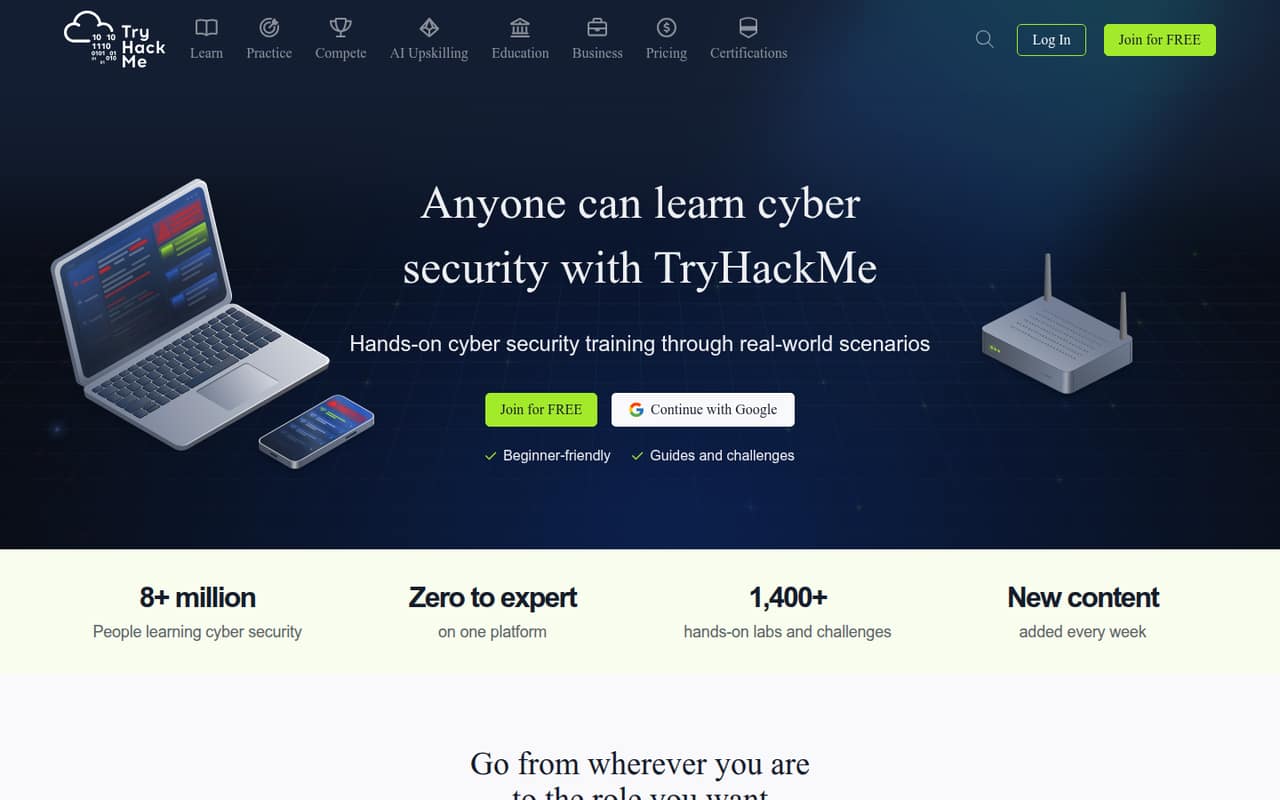
TryHackMe is a low-cost starting point for teams building cybersecurity fundamentals, with a free plan and a listed starting price of $11.19. Its hands-on learning is a fit for security training, not a general-purpose employee LMS. Pick it when the learning goal is clear and technical; look elsewhere if you need to create and track training across unrelated job roles.
What works
- Free rooms let learners try the platform
- More than 1,400 labs and challenges listed
- Guided paths cover beginner and advanced topics
What doesn't
- Free plan limits AttackBox to one hour daily
- Free access has limited paths and instances
- Business plans require at least five licenses
- Best for codingCodecademyCodecademy
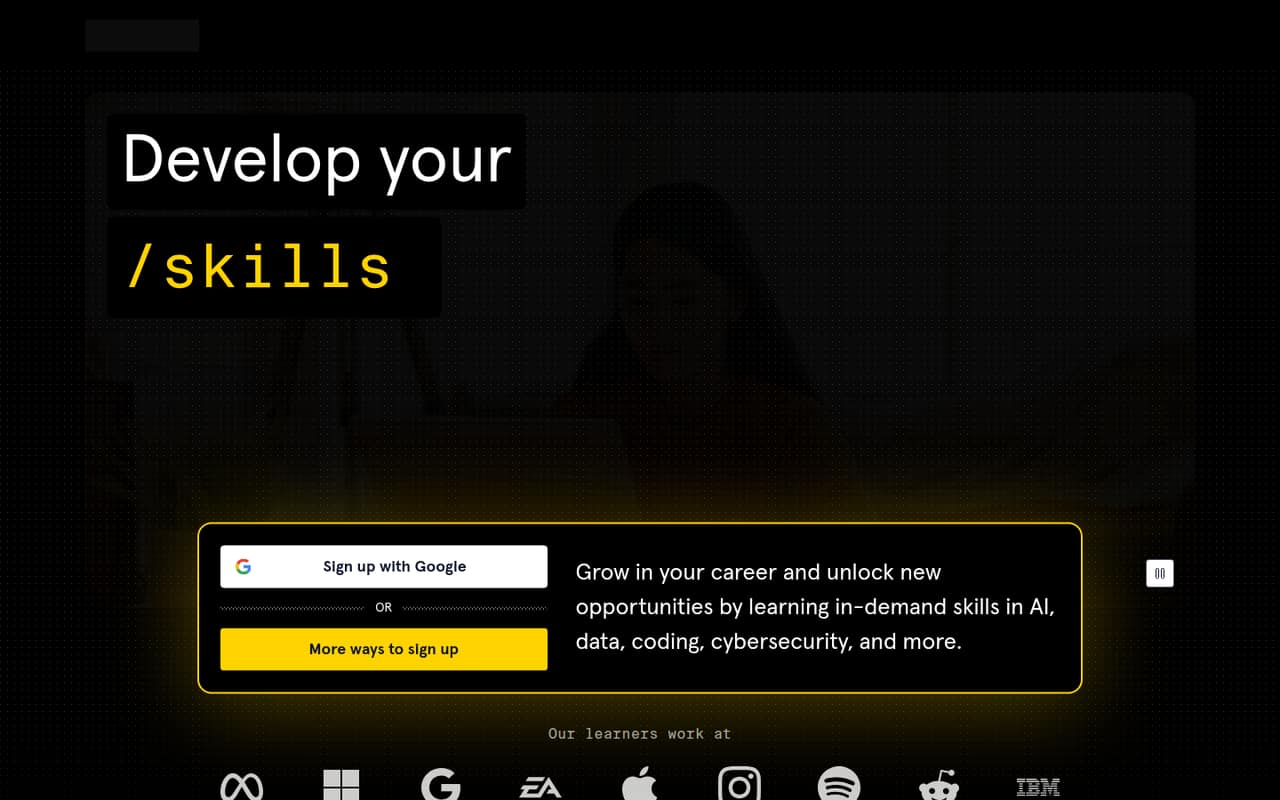
Codecademy pairs a free plan with guided coding practice and a listed starting price of $11.99. That makes it a practical option when a few employees need a path into programming, rather than a broad system for managing company-wide training. Before assigning seats, confirm the price basis and free-plan limits; the listed starting price alone does not establish a total for your team.
What works
- Basic is always free
- Guided courses and skill paths
- Code runs in a browser
What doesn't
- Basic has limited courses
- AI Learning Assistant is limited on Basic
- Teams pricing requires a quote
- Best for data skillsDataCampDataCamp
DataCamp offers a free plan and a listed starting price of $28, with guided exercises for people learning SQL or Python. It suits a small team that has a defined data-skills goal and can connect lessons to real work. It is a learning library, not a substitute for deciding which projects will help employees use those skills on the job.
What works
- Courses include interactive coding exercises
- Structured paths organize learning goals
- Basic plan lets users sample courses
What doesn't
- Basic limits courses to first chapters
- Full access costs per learner
- Teams requires at least two users
- Best for employee trainingTalentLMSTalentLMS
TalentLMS is a more direct fit than a specialist course library when you need to organize employee training, create courses, or train partners and customers. It has a free entry point, while the listed Core starting price is $119. That may be a lot for a few seats, so check the free-plan limits and the paid plan’s billing and seat rules first.
What works
- Free plan requires no credit card
- AI tools help create courses and assessments
- Separate portals for different learner groups
What doesn't
- Free-plan user limits aren’t published
- Monthly-billing prices aren’t published
- Core’s listed tier shows up to 100 users
- Best for cyber labsHack The BoxHack The Box
Hack The Box combines a free plan with a listed starting price of $10 and focuses on practical cybersecurity learning. It is worth considering when your small team wants open-ended labs or cyber-skills practice. Workforce training costs require a custom quote, though, so the entry price should not be treated as the price for a team plan.
What works
- Free Labs plan includes 20 active Machines
- 80+ active Challenges on the free plan
- VIP+ adds retired Machines and Pwnbox
What doesn't
- Workforce Development requires a custom quote
- Free plan is listed for one seat
- Individual prices add up across a team
- Best for IT certificationCBT NuggetsCBT Nuggets
CBT Nuggets is aimed at teams coordinating IT certification training, with learning progress, labs, and exams in its offering. A free plan is listed, and its starting price is $19. The overview warns that annual seat costs add up, so it is a better fit when employees will use it consistently than when you only need occasional access.
What works
- Teams seats include IT Trainerbot
- Courses, labs, and practice exams together
- Admin reports track completions and skill coverage
What doesn't
- Teams requires annual billing
- Three Teams seats cost $2,124 per year
- Free Trainerbot is not the course catalog
- Best broad libraryUdemy BusinessUdemy Business
Udemy Business gives teams a broad course library for ongoing learning across technical topics. Its listed starting price is $13, and the product overview describes annual seat costs, so check the commitment and seat minimum before budgeting. It is most sensible when employees have several learning goals and will use the library often enough to justify those seats.
What works
- Courses span AI, IT, data science, and business
- Team plan includes analytics and adoption reports
- Certification prep is included
What doesn't
- No free plan is listed
- Team billing is annual
- Three Team seats cost $1,080 per year
- Best for broad skillsLinkedIn LearningLinkedIn Learning
LinkedIn Learning offers a broad course library and certificates, with a listed starting price of $19.99. It can suit a small team sharing general skills training, but it is not a free tool or a complete LMS. Choose it for course access; if you need to build internal lessons and manage completion, compare it with a dedicated training platform.
What works
- Courses span business, creative, and technology subjects
- Individual plan includes unlimited course access
- 30-day free trial is listed
What doesn't
- No free plan is listed
- Teams plan is annual-only
- Team online purchase starts at two licenses
- Best for course creatorsThinkificThinkific
Thinkific fits teams creating courses, learner communities, or blended training, rather than buyers who only want staff to take off-the-shelf classes. Its starting price is $82 per month with annual billing. That is a bigger commitment for a team of a few people, so it makes more sense when creating and selling courses is part of the business.
What works
- Unlimited courses on Start
- Drag-and-drop course builder
- Self-paced, live and blended formats
What doesn't
- No free plan or trial listed
- Start costs $82/month with annual billing
- Branded Mobile App adds $199/month
03How we chose
We ranked these tools for teams of 1–10, prioritizing a useful free plan, a low starting price, and a clear fit for employee learning. We also weighed setup effort, plan limits, vendor documentation, and Reddit sentiment as buying signals. A listed starting price is not the same as a few-seat quote: when seat basis, billing term, or plan limits are unclear, we favor asking the vendor before treating the price as a budget. Specialist course libraries rank lower for teams that need a full LMS.
04Choose between a course library and an LMS
Start with the job you need the software to do. If employees mainly need ready-made lessons in coding, data, cybersecurity, or IT certification, a focused learning library may be enough. Codecademy, DataCamp, TryHackMe, Hack The Box, and CBT Nuggets each target particular skills. If you need to create structured lessons, organize training, or track completion, look at Moodle or TalentLMS instead. Those are different buying jobs, so a long course catalog alone does not make a product a complete LMS. For a team of a few people, write down the training you need to assign, who will maintain it, and what managers need to see. Then compare tools against that list, rather than paying for a wider platform your team will not use.
05Work out the real cost and setup
Treat the listed starting price as a prompt for a quote, not your final team budget. Ask whether it is per person, per month or year, and whether there is a seat minimum or annual commitment. Request the total for your actual headcount, including any fees tied to selling courses or adding learners. Then check what the free plan includes: the available material identifies free entry points for several tools, but the useful limits to verify are course access, learners, reporting, and content creation. Setup matters too. Moodle’s free route involves self-hosting, which means someone must handle hosting. For other products, ask the vendor what configuration and content preparation are needed before employees can start. If you cannot name an owner for setup and upkeep, a low subscription price may not make the tool a low-effort choice.
Questions people ask
Do small teams need a corporate learning platform?
Not always. A team sharing a few specialist lessons may be fine with a focused course library. Consider an LMS when you need to build or organize employee training and keep track of participation. Choose based on the training work you actually need to manage, not the size of a platform’s catalog.
Which platform has a free plan?
The listed options with a free plan include Moodle LMS, TryHackMe, Codecademy, DataCamp, TalentLMS, Hack The Box, and CBT Nuggets. Free access does not tell you how many people, courses, or reporting features are included, so check each vendor’s current plan limits before rolling it out.
How much will five seats cost?
The listed starting prices are not enough to calculate a dependable five-seat total. Confirm whether the vendor charges per seat, what billing term applies, and whether there is a minimum commitment. Udemy Business and CBT Nuggets are described as having annual seat costs; request a quote for your headcount before budgeting.
Is Moodle a good fit for a small business?
It can be, if your team wants to build structured courses and can handle the setup work. Moodle has a free plan, but its budget route involves self-hosting. If nobody can own hosting and upkeep, compare it with a paid platform such as TalentLMS and ask what setup support is included.