We may earn a commission if you buy through links on this page. It never changes a score or a ranking. How we make money
A small team needs endpoint security if staff use work devices for email, files, or customer data—but you may not need a large security platform. CrowdStrike offers a free starting point, though you should confirm what it covers before relying on it. For a paid option sized for a small fleet, Bitdefender GravityZone covers up to 10 devices. If you want a provider to handle threat response, Huntress lists a per-endpoint monthly price. The right pick depends on whether you need basic protection, managed response, or a specialized tool.
Quick picksThe shortlist
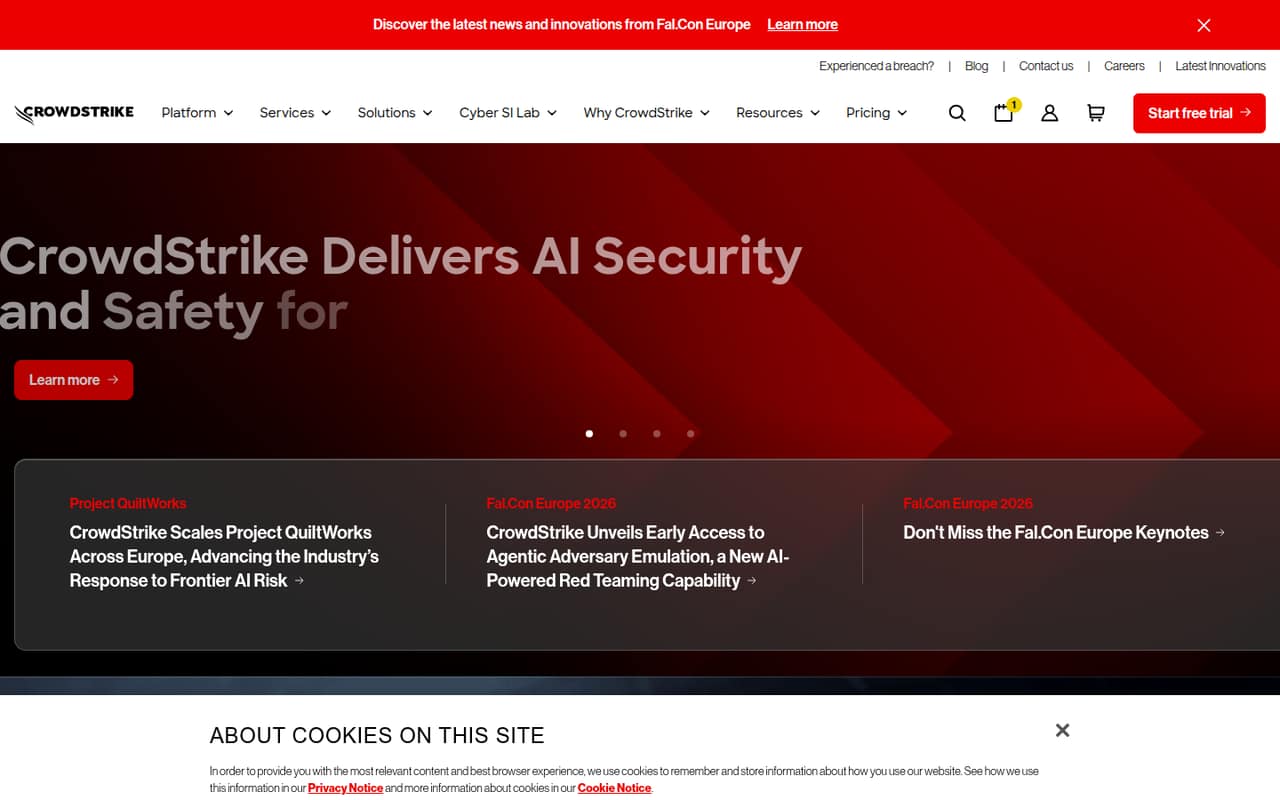
 CrowdStrike FalconCrowdStrike FalconBest free starting point · $7.99/mo
 Bitdefender GravityZoneBitdefender GravityZoneBest for small teams · $27.08/mo
 Huntress Managed EDRHuntress Managed EDRBest managed response · $8.99/mo
 Cynet 360 AutoXDRCynet 360 AutoXDRBest for 24/7 MDR · $7/mo
 Faronics Deep FreezeFaronics Deep FreezeBest for shared PCs · $2.89/mo
 Webroot Business Endpoint ProtectionWebroot Business Endpoint ProtectionBest low-cost annual option · $2.50/mo
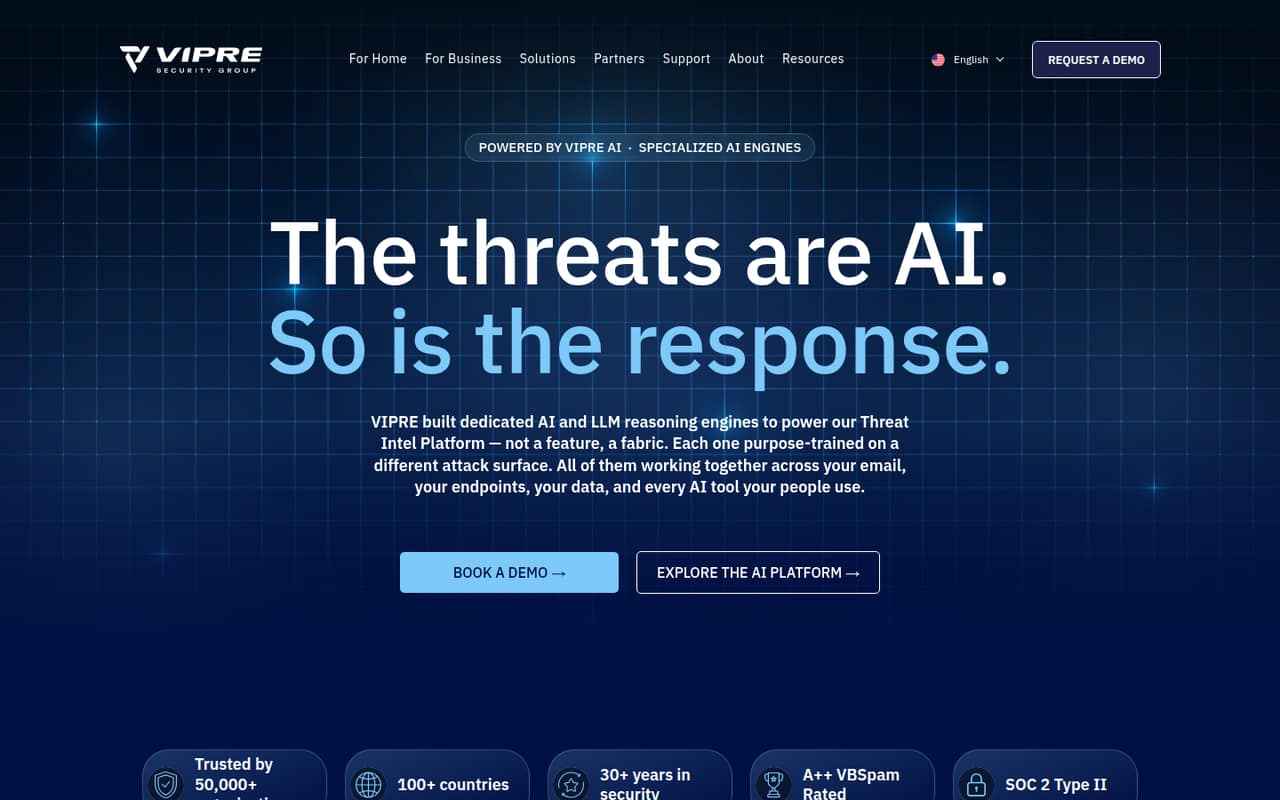
 VIPRE Endpoint SecurityVIPRE Endpoint SecurityBest for MSPs · $2.50/mo
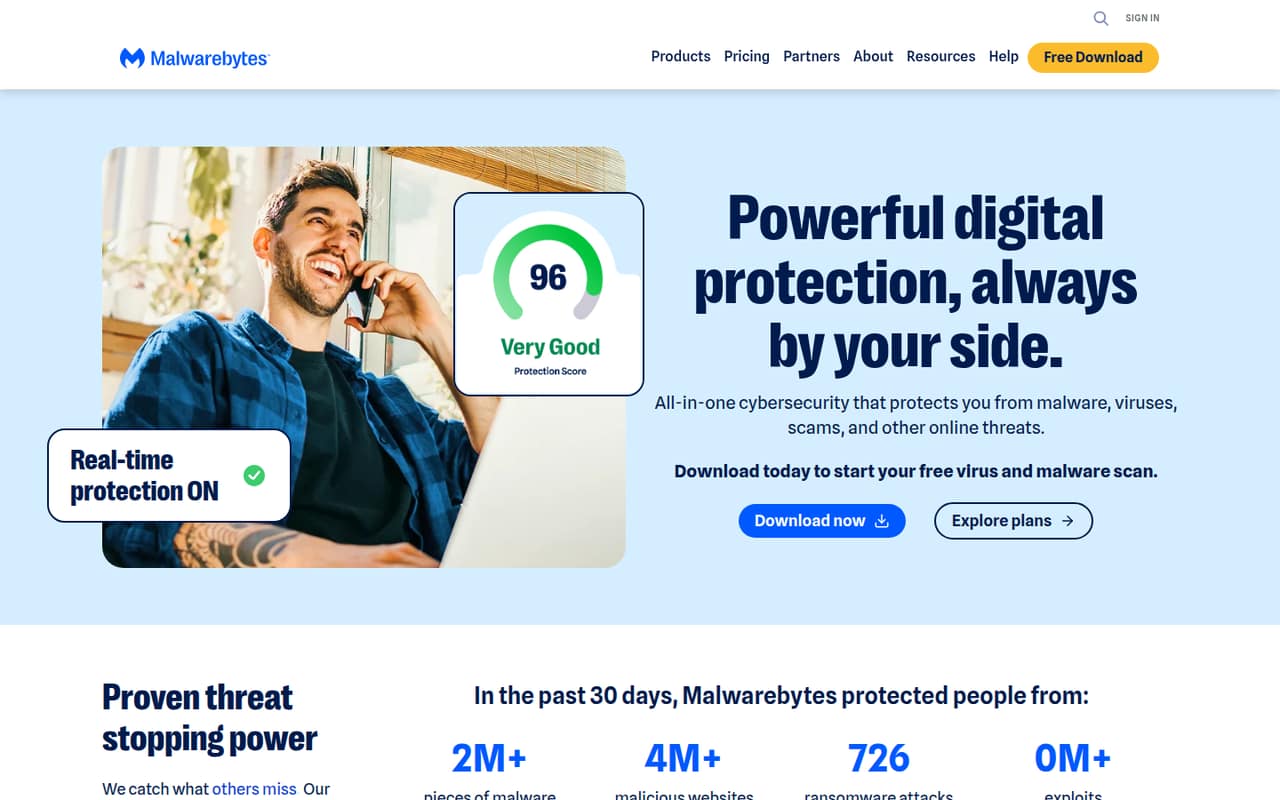
 Malwarebytes Endpoint ProtectionMalwarebytes Endpoint ProtectionBest for malware protection · $3.75/mo
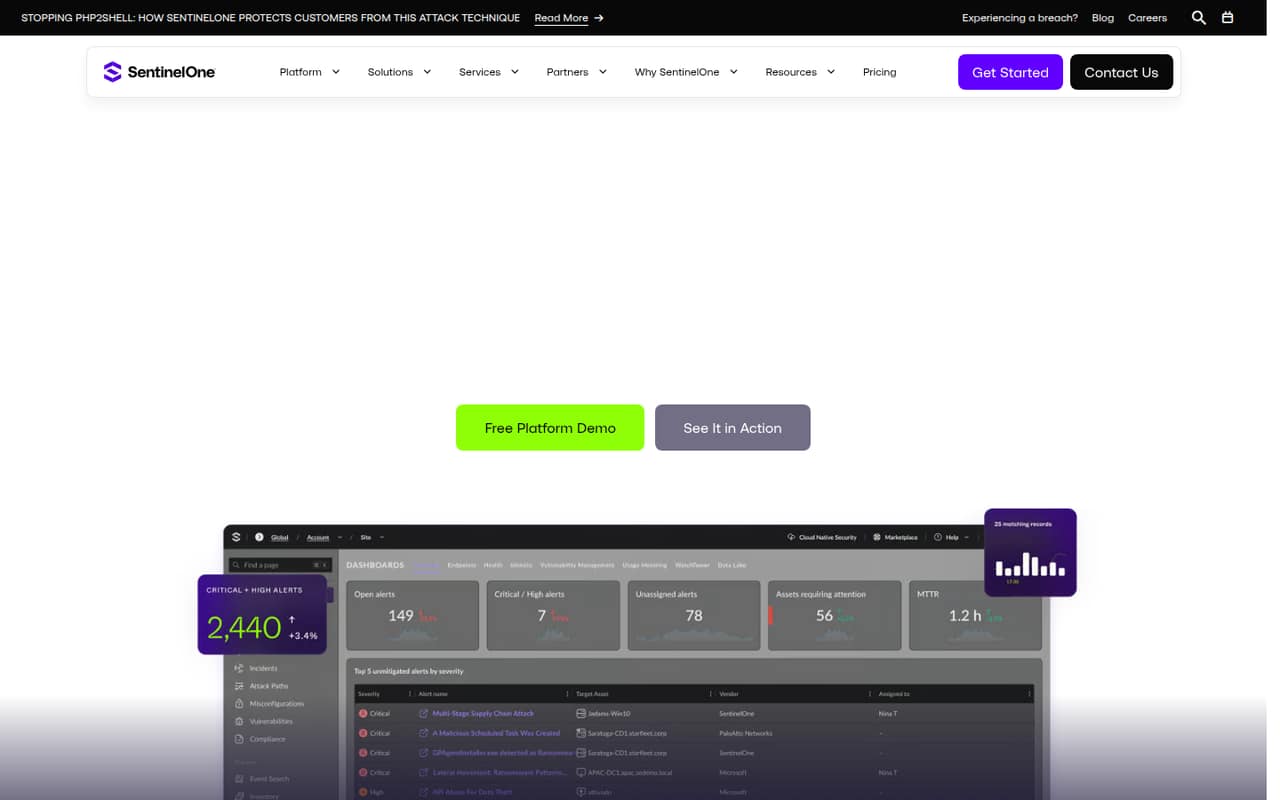
 SentinelOne Singularity EndpointSentinelOne Singularity EndpointBest for five-plus devices · $15/mo
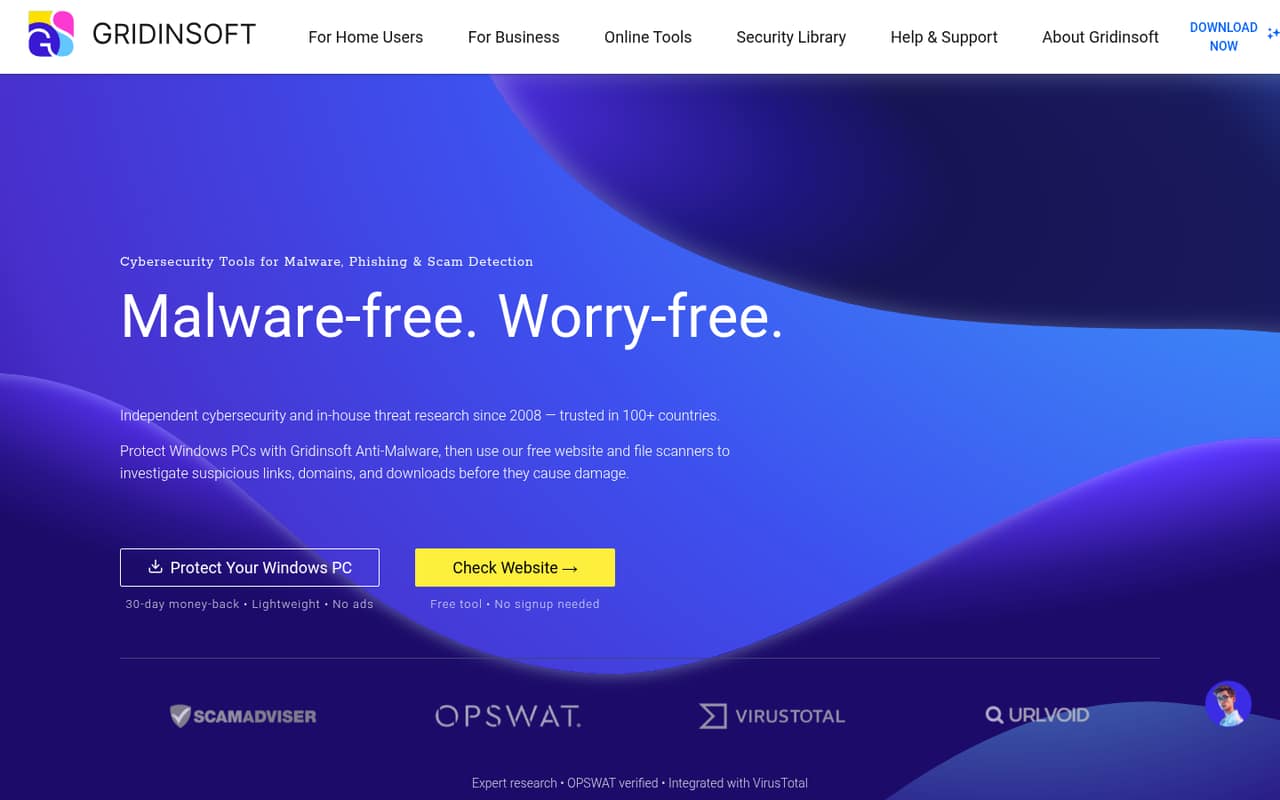
 Gridinsoft Anti-MalwareGridinsoft Anti-MalwareBest for Windows PCs · $3.33/mo
01Compared at a glance
| Tool | Score | From | Free plan | Trial |
|---|---|---|---|---|
| CrowdStrike FalconCrowdStrike Falcon | 7.1 | $7.99/mo | Yes | 15 days |
| Bitdefender GravityZoneBitdefender GravityZone | 6.8 | $27.08/mo | No | 30 days |
| Huntress Managed EDRHuntress Managed EDR | 7.2 | $8.99/mo | No | — |
| Cynet 360 AutoXDRCynet 360 AutoXDR | 6.8 | $7/mo | No | 14 days |
| Faronics Deep FreezeFaronics Deep Freeze | 7.2 | $2.89/mo | No | 30 days |
| Webroot Business Endpoint ProtectionWebroot Business Endpoint Protection | 5.2 | $2.50/mo | No | 30 days |
| VIPRE Endpoint SecurityVIPRE Endpoint Security | 5.6 | $2.50/mo | No | — |
| Malwarebytes Endpoint ProtectionMalwarebytes Endpoint Protection | 5.9 | $3.75/mo | No | — |
| SentinelOne Singularity EndpointSentinelOne Singularity Endpoint | 6.0 | $15/mo | No | — |
| Gridinsoft Anti-MalwareGridinsoft Anti-Malware | 6.0 | $3.33/mo | No | 6 days |
02The picks, in detail
- Best free starting pointCrowdStrike FalconCrowdStrike Falcon
CrowdStrike Falcon is a sensible first stop if your budget is zero: the pricing lists a free plan, with paid options from $7.99. The product is positioned as an endpoint security starting point for small teams. The free plan’s exact limits aren’t specified here, so confirm device coverage, management features, and support before putting it on every work computer.
What works
- Free plan lists four endpoint protection features
- Falcon Go is priced at $7.99 per device monthly
- 15-day free trial is listed
What doesn't
- Falcon Pro and Enterprise prices aren't published
- Annual prices aren't shown in published text
- Setup time and onboarding effort aren't specified
- Best for small teamsBitdefender GravityZoneBitdefender GravityZone
Bitdefender GravityZone is a good match for a team protecting up to 10 devices, and the listed starting price is $27.08. The product is aimed at business endpoint protection, making it a more direct fit than tools focused only on admin rights or shared-PC resets. Check the annual-plan terms and what’s included before comparing its price with per-device subscriptions.
What works
- Small Business Security covers 1–100 devices
- 30-day free trial available
- Annual list price starts at $324.99 for 10 devices
What doesn't
- No free plan
- Monthly prices are not published
- Enterprise plans require custom quotes

- Best managed responseHuntress Managed EDRHuntress Managed EDR
Huntress Managed EDR suits a small team without security staff that wants 24/7 threat response. The listed starting price is $8.99 per endpoint monthly, so five devices would cost $44.95 per month before any applicable extras. There’s no free plan. Ask what response services and support are included at that rate, and whether you need another provider for other security needs.
What works
- 24/7 threat detection and response
- Fast, active remediation is included
- Managed Antivirus is included
What doesn't
- No free plan is listed
- Direct customers face a 12-month term
- Free trial terms are not published
- Best for 24/7 MDRCynet 360 AutoXDRCynet 360 AutoXDR
Cynet 360 AutoXDR is worth a quote if your team wants managed security coverage without building its own security operations team. The listed starting price is $7, and the product is positioned for 24/7 managed detection and response. Confirm whether that price applies to the Protect package you need, how endpoint counts affect the bill, and what response coverage is included.
What works
- 24/7 MDR analysts monitor, investigate, hunt threats, and guide remediation
- One agent covers multiple security areas
- Automates routine threat handling
What doesn't
- No free plan
- Protect pricing requires a custom quote
- Annual-billing prices are not published
- Best for shared PCsFaronics Deep FreezeFaronics Deep Freeze
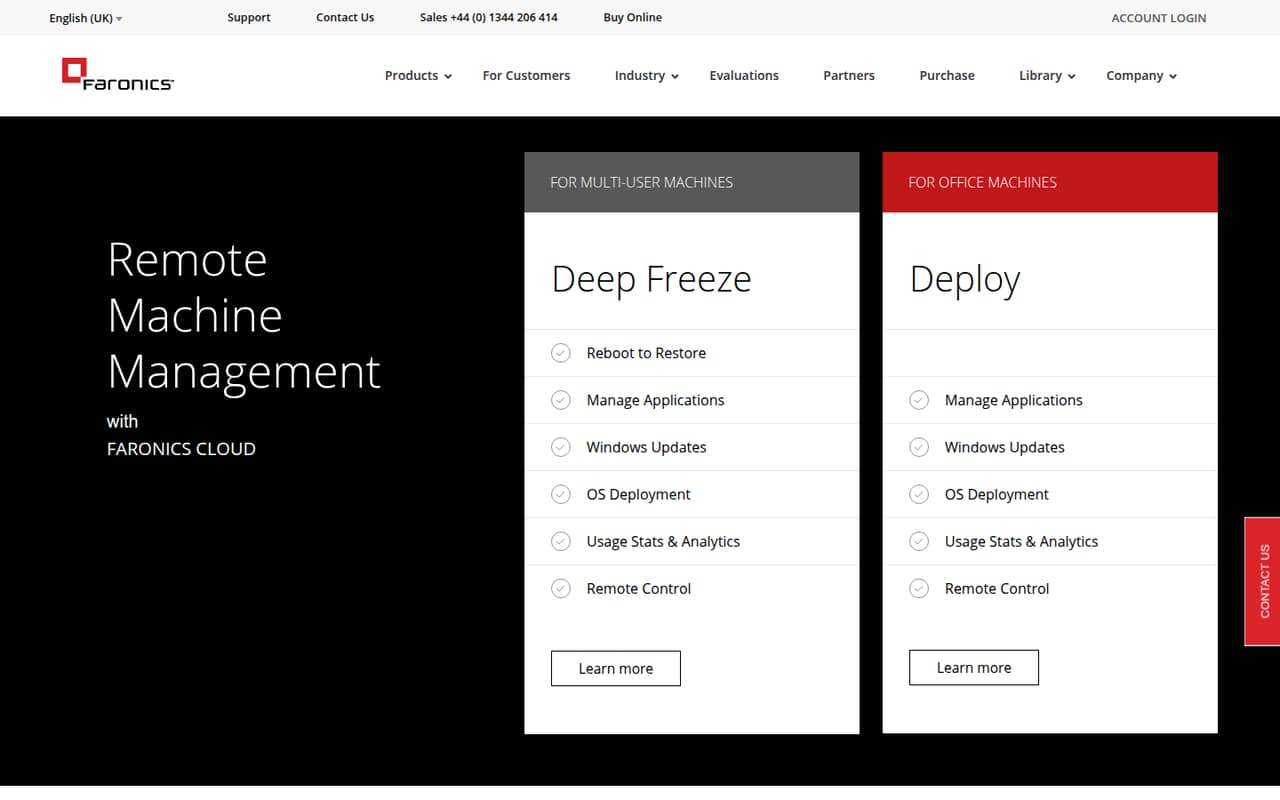
Faronics Deep Freeze is a specialized fit for shared computers, public machines, or a small lab: it restores computers to a saved state when they reboot. Its listed starting price is $2.89. That approach can suit fixed-use devices, but plan how you’ll handle updates and changes that need to persist. It’s not the broadest match for a team using personal workstations.
What works
- Restores unwanted changes when a computer restarts
- Cloud Basic starts at $2.89 per device monthly
- 30-day trial is available
What doesn't
- No free plan
- Basic and Ultimate are listed as yearly subscriptions
- Most on-premise prices require a quote
- Best low-cost annual optionWebroot Business Endpoint ProtectionWebroot Business Endpoint Protection
Webroot Business Endpoint Protection has a listed starting price of $2.50 and a 30-day trial. It requires five protected endpoints, so a very small team should check whether the minimum fits its device count. The listing also flags annual billing and unclear business details. Get the full license terms, renewal price, and included management features in writing before committing.
What works
- Annual price is $30 per endpoint
- Five-endpoint minimum costs $150 yearly
- A 30-day free trial is available
What doesn't
- No free plan
- Five-endpoint minimum even for smaller teams
- Monthly billing price is not published
- Best for MSPsVIPRE Endpoint SecurityVIPRE Endpoint Security
VIPRE Endpoint Security is aimed more at small MSPs than at a business buying protection for its own handful of devices. The listed starting price is $2.50, but confirm the seat minimum and whether endpoint detection and response is an add-on. It may suit a team that needs those capabilities and is comfortable checking the package details before budgeting.
What works
- Monitors laptops, servers, and remote devices
- Machine-learning-driven endpoint detection and response
- Optional web access and patch management
What doesn't
- No free plan or trial is listed
- Automated billing requires at least five seats
- EDR adds $5.50 per seat at the smallest tier
- Best for malware protectionMalwarebytes Endpoint ProtectionMalwarebytes Endpoint Protection
Malwarebytes Endpoint Protection is worth evaluating if malware protection and cloud-managed device groups are priorities. The listed starting price is $3.75, but business pricing and requirements should be confirmed with the vendor. Ask for a quote covering your actual device count and check what management and support are included; the starting figure alone isn’t enough to estimate the full cost.
What works
- Reddit users praise malware removal
- Users describe cloud-based device grouping
- Policies and scan schedules are reported
What doesn't
- Endpoint Protection pricing isn't listed here
- No free plan or trial is listed
- Some users report scanning hangs
- Best for five-plus devicesSentinelOne Singularity EndpointSentinelOne Singularity Endpoint
SentinelOne Singularity Endpoint is a stronger fit once you have at least five workstations and want endpoint protection with identity threat detection. The listed starting price is $15, and the five-workstation minimum can make it a costly choice for a smaller team. Confirm the billing period, included features, and deployment requirements in your quote before comparing it with per-endpoint alternatives.
What works
- Unifies endpoint and identity protection in one lightweight agent
- Behavioral AI aims to stop threats at machine speed
- Automates threat response and remediation
What doesn't
- No free plan
- The pricing page lists plans for 5–100 workstations
- Monthly billing prices aren’t published
- Best for Windows PCsGridinsoft Anti-MalwareGridinsoft Anti-Malware
Gridinsoft Anti-Malware is a budget-oriented option for protecting a few Windows PCs, with a listed starting price of $3.33. Its focus on malware cleanup may be useful for a narrow need, but published business details are limited. Check whether licenses are sold per computer, what management is available, and whether the product meets your needs across all the devices your team uses.
What works
- Detects and removes viruses, spyware, trojans, and other malware
- Homepage describes automatic, real-time malware protection
- Free online tools check websites, links, and files
What doesn't
- No free desktop plan; trial lasts six days
- One business PC per standard license
- Monthly billing is not published
03How we chose
We ranked tools for a team of one to ten, not for a large security department. We weighed whether a free plan is listed, what a few seats might cost, minimum device counts, and whether the product is aimed at business endpoints or a narrower use case. We also considered setup effort and the clarity of vendor documentation and user sentiment where available. We didn’t treat a low starting price as a full quote, and we didn’t claim hands-on testing.
04Match the product to the devices and risk
Start with the devices you need to protect: staff laptops, shared computers, or company phones may call for different tools. For a general small-business endpoint product, compare CrowdStrike Falcon and Bitdefender GravityZone. For shared PCs that should return to a saved state after reboot, Deep Freeze has a more specific job. Mobile-focused tools and admin-rights products address different needs, so don’t assume they replace malware protection across your fleet.
Then check the plan details, not just the product name. Ask which operating systems are covered, whether device management is included, and what happens when a threat is found. If you’re considering a free plan, confirm its device limits, features, and support terms. Those details determine whether it can cover your actual work devices.
05Price the whole small-team setup
Multiply a per-device price by the number of endpoints you’ll protect, then confirm the billing period and any minimum purchase. Huntress lists $8.99 per endpoint monthly; at five endpoints, that comes to $44.95 a month before extras. SentinelOne has a five-workstation minimum, so a team with fewer devices should ask whether it can buy a smaller package. Other vendors list starting prices but require a quote or leave business terms unclear.
Also budget for setup time. Ask whether deployment is self-serve, whether an administrator needs to configure policies, and what help is included. A low subscription can be a poor fit if your team can’t manage alerts or maintain the product. Revisit the decision as your device count grows: minimums, management needs, and response coverage can change which plan makes financial sense.
Questions people ask
Does a small business need endpoint security?
If staff use work devices for business email, files, or customer information, endpoint protection is worth considering. Choose a product that covers the devices you actually use, and check how it handles threats. A small team may not need a broad security platform or managed response service.
Is a free endpoint security plan enough?
It may be a useful starting point, but check the device limit, included protection, management features, and support before relying on it. CrowdStrike lists a free plan, but the exact coverage should be confirmed with the vendor. A free tier may not meet every team’s needs.
How much does endpoint security cost for five devices?
It depends on the product and billing terms. Huntress lists $8.99 per endpoint monthly, which totals $44.95 a month for five endpoints before extras. Other vendors list starting prices or require a quote, so confirm minimums, billing periods, and included features.
What should we ask before buying?
Ask which devices and operating systems are covered, what the price includes, whether there’s a minimum seat count, and what support is available. Also ask how deployment works and who handles threat alerts. Get the full price and license terms in writing before you commit.