We may earn a commission if you buy through links on this page. It never changes a score or a ranking. How we make money
A small team may not need RPA at all: if a task is occasional or changes often, automating it can add upkeep instead of saving time. For repeatable, rule-based work, Robocorp is our first pick for teams with Python skills, with a free plan and a listed starting price of $0.10. Automation Anywhere also offers free access for single users, but its commercial pricing and seat limits need a sales check. Rocketbot lists a much higher $665.83 starting price, while Blue Prism doesn’t publish pricing. Ask each vendor what a few seats will cost.
Quick picksThe shortlist
 RobocorpRobocorpBest for small teams · $0.10/mo
 Automation AnywhereAutomation AnywhereBest free access · Free
 Automate RPAAutomate RPABest to trial · Custom
 RocketbotRocketbotBest for orchestration · $665.83/mo
 Blue PrismBlue PrismBest for governance · Custom
01Compared at a glance
| Tool | Score | From | Free plan | Trial |
|---|---|---|---|---|
| RobocorpRobocorp | 6.8 | $0.10/mo | Yes | — |
| Automation AnywhereAutomation Anywhere | 5.8 | Free | Yes | — |
| Automate RPAAutomate RPA | 3.0 | Custom | No | 14 days |
| RocketbotRocketbot | 5.8 | $665.83/mo | No | — |
| Blue PrismBlue Prism | 6.2 | Custom | No | 30 days |
02The picks, in detail
- Best for small teamsRobocorpRobocorp
Robocorp is our top pick for a small team that can handle Python: the listed free plan and $0.10 starting price make it the clearest budget entry point in this group. The trade-off is setup effort, since the source describes coding skills as necessary. Before committing, confirm what the starting price covers and whether the free tier fits your intended workload.
What works
- Free Developer plan includes 240 monthly run minutes
- Consumption pricing is $0.10 per run minute
- Supports multi-step back-office automation
What doesn't
- Developer plan is limited to two processes per workspace
- No per-seat price is published
- Monthly and annual billing options are not published
- Best free accessAutomation AnywhereAutomation Anywhere
Automation Anywhere offers free access for single users, which gives one person a way to explore before a team makes a buying decision. The catch is that commercial pricing and seat limits aren’t published in the published details, so a few seats could change the economics. Ask sales for a written quote and the exact limits before building a process around it.
What works
- Free Community Edition is available
- Pre-built solutions span several industries
- Orchestrates agents, automations, and people
What doesn't
- Commercial prices require a custom quote
- Seat and usage limits aren't published
- Trial duration isn't published
- Best to trialAutomate RPAAutomate RPA
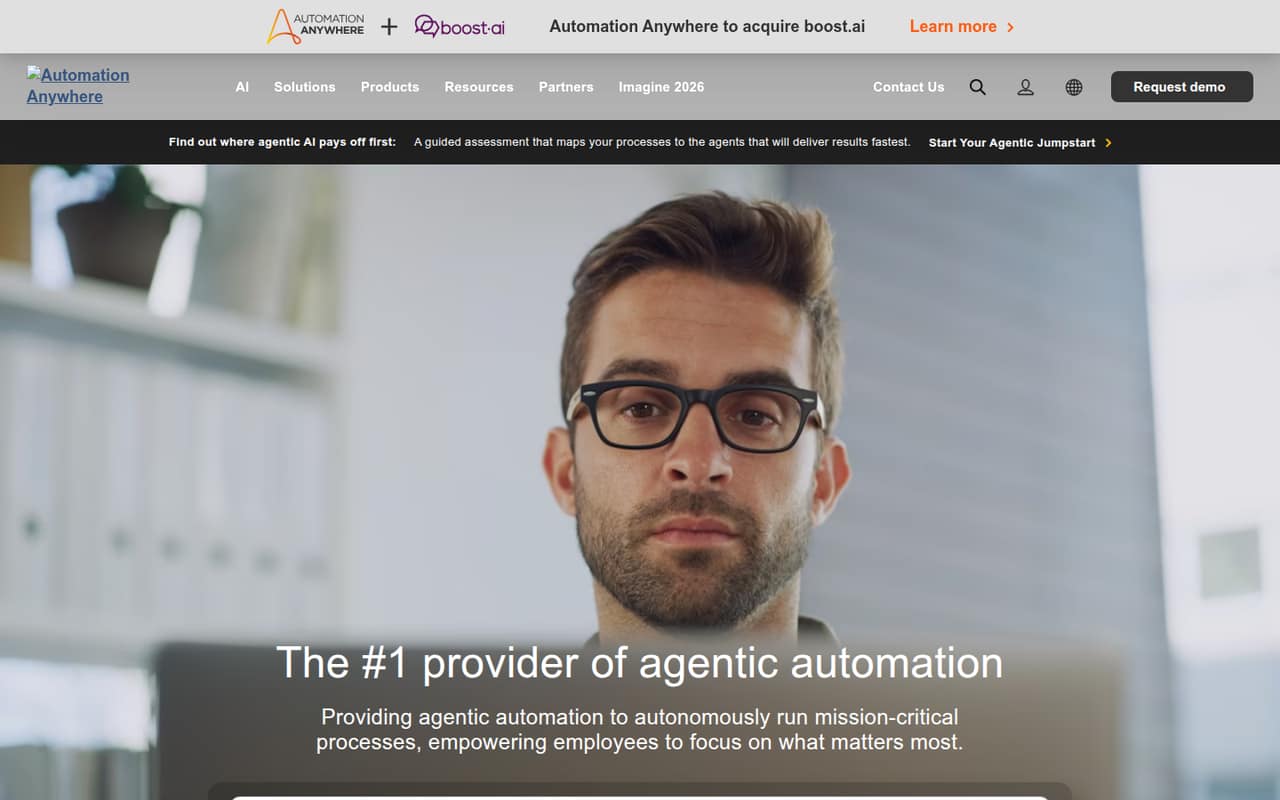
Automate RPA is worth considering if your team wants to evaluate a trial before buying, but the listed starting price is unavailable. Its capabilities, seat limits, and commercial terms need to be confirmed with the vendor. That makes it harder to budget than the free-plan options, but a written quote and clear trial terms could help you decide whether it fits.
What works
- A 14-day free trial is listed
- Automate Desktop is a named option
- Enterprise tiers distinguish team scope
What doesn't
- The homepage doesn't explain Automate RPA
- No free plan is listed
- Monthly and annual prices aren't published
- Best for orchestrationRocketbotRocketbot
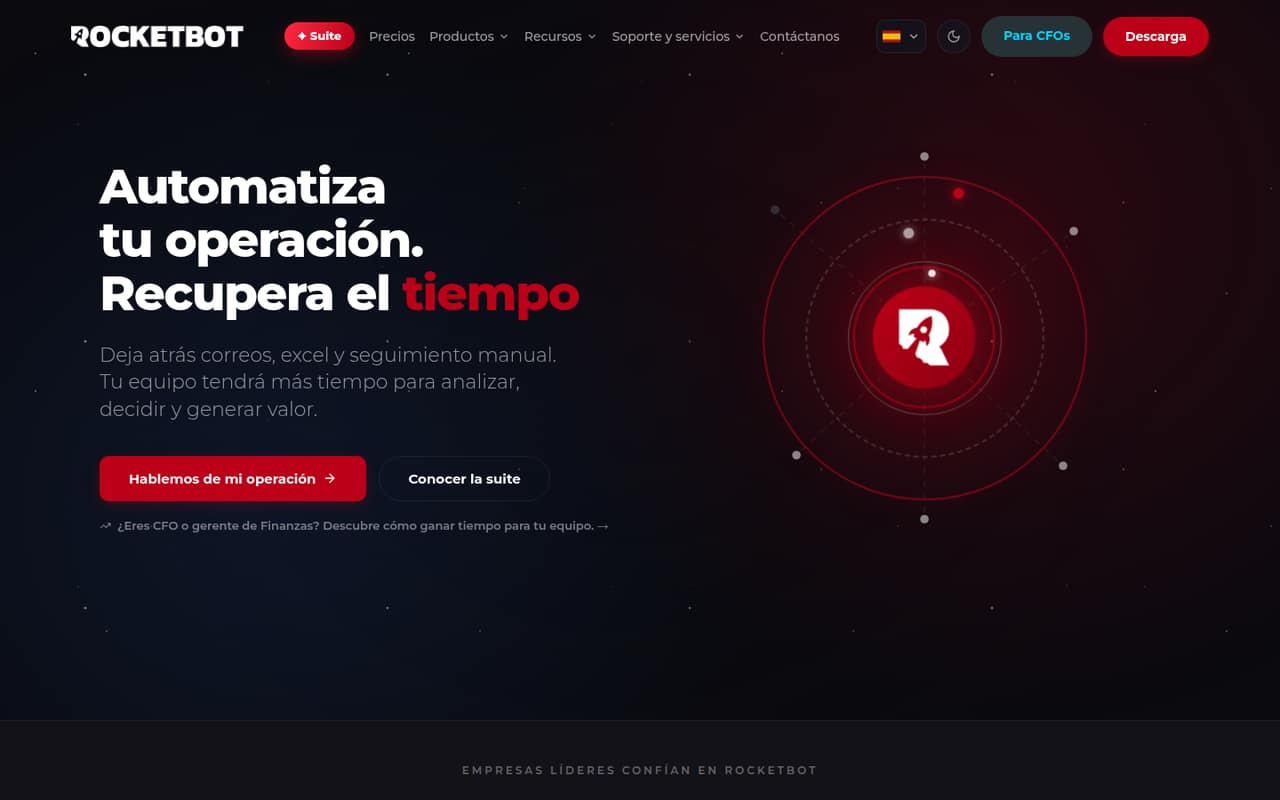
Rocketbot combines RPA, AI, and process control, and it is positioned for teams automating repeatable operations or combining RPA with document AI. That breadth may suit a team with several processes to coordinate, but the listed starting price is $665.83, a steep entry point for a small buyer. Confirm the billing period, included seats, and capabilities behind that price.
What works
- Covers task automation, orchestration, and document processing
- Entry plan includes five parallel automations
- Entry plan includes two development licenses
What doesn't
- No free plan
- Monthly billing prices are not published
- Cheapest plan costs $665.83 monthly equivalent
- Best for governanceBlue PrismBlue Prism
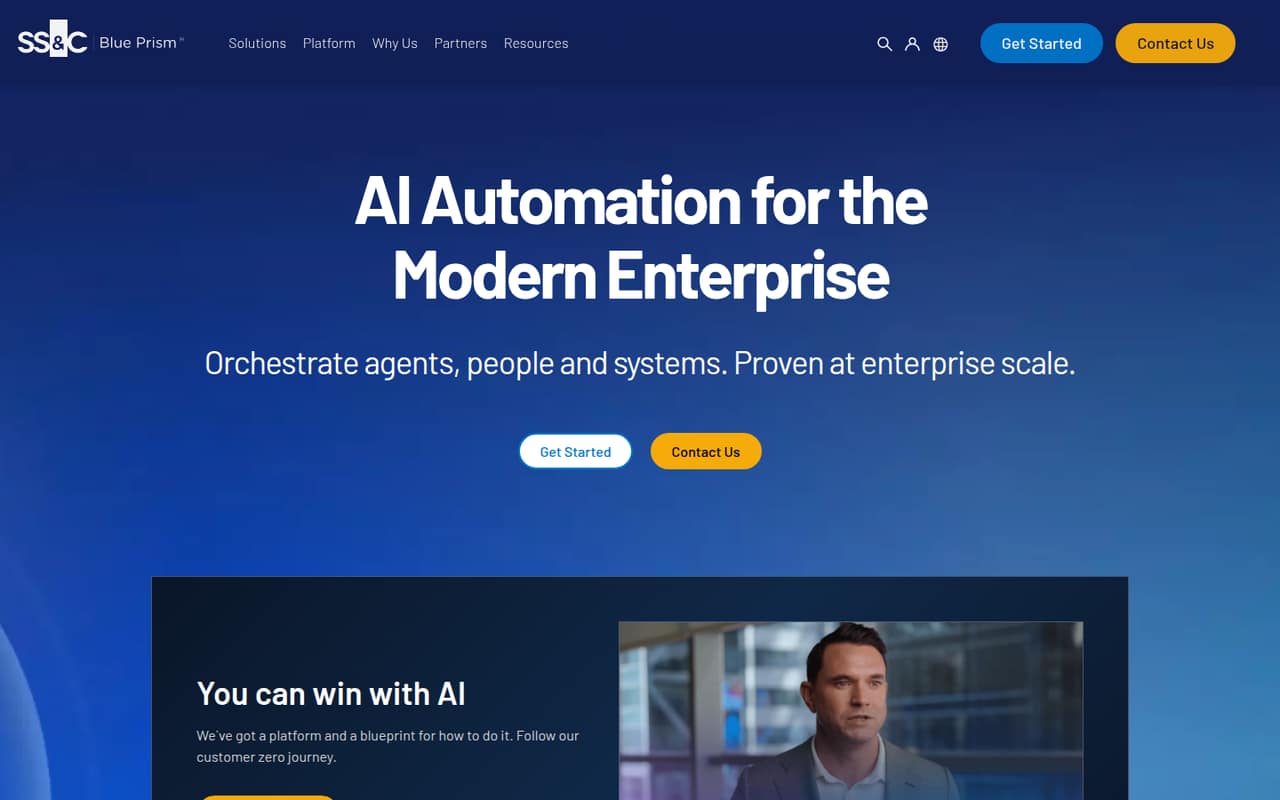
Blue Prism is aimed at regulated enterprise teams that need oversight, audit trails, or coordination between people and bots. Those needs can justify a more formal tool, but the vendor doesn’t publish pricing and there’s no simple small-team entry point listed. A team of 1–10 should request a quote and confirm setup requirements before investing time in evaluation.
What works
- Combines RPA, AI agents, people and systems
- AI Gateway offers rules, access controls and risk notifications
- Tracks agent actions and decisions
What doesn't
- Commercial pricing is quote-based
- No published cost for one or several workers
- No free production plan
03How we chose
We ranked these tools for a team of 1–10, giving the most weight to free access, clear starting prices, and whether a small buyer can understand the likely cost before contacting sales. We also considered setup effort, stated use cases, and whether plan limits are clear. Documentation and credible Reddit reports can help reveal setup friction, but we don’t treat uncited claims or popularity as proof. We haven’t run tests; ask vendors to confirm current pricing, seat limits, and what each plan includes.
04Check the real cost before you automate
A free plan is useful only if it covers the work you want to automate. Automation Anywhere lists free access for single users, while Robocorp lists a free plan; confirm the limits and whether either tier supports your process before building around it. For paid plans, don’t compare starting prices without knowing what they buy. Robocorp lists a starting price of $0.10 and Rocketbot lists $665.83, but the billing period and included seats aren’t specified here. Ask for a written quote for your actual team size, plus any usage, bot, or support limits. Automate RPA and Blue Prism don’t have a published starting price in the published details, so request pricing rather than budgeting from a guess.
05Match the setup to your team’s skills
RPA bots handle rule-based tasks, but your team still needs to set up and maintain those processes. Robocorp is a better fit if someone on the team can code in Python; its setup takes coding skills. For the other tools, ask the vendor how much technical work is needed to build, change, and troubleshoot a bot. Start with one frequent, stable task and write down the steps and exceptions before evaluating products. If the process changes often, or needs judgment that can’t be expressed as rules, RPA may add more upkeep than it saves. As your team grows, revisit the cost per seat, plan limits, and oversight needs; ask vendors what changes when more people or processes join.
Questions people ask
What is robotic process automation software?
Robotic process automation (RPA) software uses bots to perform rule-based tasks automatically. A small team might consider it for repeatable operations, but should first check whether the task is stable enough to automate and whether the time saved justifies setup and ongoing upkeep.
Why is UiPath so popular?
We can’t give a sourced reason for UiPath’s popularity from the details available for this guide. For a small-team decision, treat popularity as a starting point, not a buying reason: compare the free plan, cost for your seats, setup skills, and limits against the work you need to automate.
What are the best workflow automation platforms?
The best fit depends on whether you need bots for rule-based tasks, broader process coordination, or both. Among these RPA options, Robocorp is the budget pick for Python-capable teams; Rocketbot combines RPA, AI, and process control. Confirm pricing and limits before choosing.
What are the types of RPA?
The options here show a few different RPA needs: bots for repeatable operations, coordination between people and bots, and tools that combine RPA with AI or process control. Choose based on the process you need to automate and the oversight it requires, rather than the label alone.