We may earn a commission if you buy through links on this page. It never changes a score or a ranking. How we make money
A small team may not need a dedicated SMS platform if it only sends occasional customer updates. If you plan regular campaigns, automated follow-ups, or shared customer conversations, a purpose-built tool can help. SlickText is our top pick for teams that want a broad SMS feature set, while OneSignal stands out for a free plan that includes push and email. For a lean budget, compare the starting price with message credits, carrier fees, and extra-seat costs: the headline price may not be the full bill.
Quick picksThe shortlist
 SlickTextSlickTextBest overall · $29/mo
 EZ TextingEZ TextingBest low entry price · $20/mo
- Text-Em-AllText-Em-AllBest for group alerts · $19/mo
 OneSignalOneSignalBest free plan · $19/mo
 SimpleTextingSimpleTextingBest shared inbox · $33.20/mo
 TextedlyTextedlyBest for extra tools · $29/mo
 Project BroadcastProject BroadcastBest for direct sellers · $7/mo
- SalesmsgSalesmsgBest for CRM follow-up · $21/mo
 TextMagicTextMagicBest for variable use · Custom
01Compared at a glance
| Tool | Score | From | Free plan | Trial |
|---|---|---|---|---|
| SlickTextSlickText | 7.0 | $29/mo | Yes | 14 days |
| EZ TextingEZ Texting | 7.1 | $20/mo | No | 14 days |
| Text-Em-AllText-Em-All | 6.5 | $19/mo | Yes | Yes |
| OneSignalOneSignal | 7.1 | $19/mo | Yes | — |
| SimpleTextingSimpleTexting | 7.0 | $33.20/mo | No | — |
| TextedlyTextedly | 5.6 | $29/mo | Yes | — |
| Project BroadcastProject Broadcast | 6.8 | $7/mo | No | — |
| SalesmsgSalesmsg | 6.4 | $21/mo | No | 14 days |
| TextMagicTextMagic | 7.0 | Custom | No | — |
02The picks, in detail
- Best overallSlickTextSlickText
SlickText is a strong fit for small teams that want campaigns, customer conversations, and automated journeys in one SMS-focused platform. The pricing page lists plans from $29 and a free plan. Credits and carrier fees can add to the bill, so estimate your sending volume before choosing a tier. It’s a sensible shortlist pick if you need more than occasional texts.
What works
- Unlimited contacts on paid credit plans
- Free incoming texts on paid plans
- Unused credits roll over
What doesn't
- The free option is a 14-day trial
- Carrier fees are extra
- Paid plans cap monthly credits

- Best low entry priceEZ TextingEZ Texting
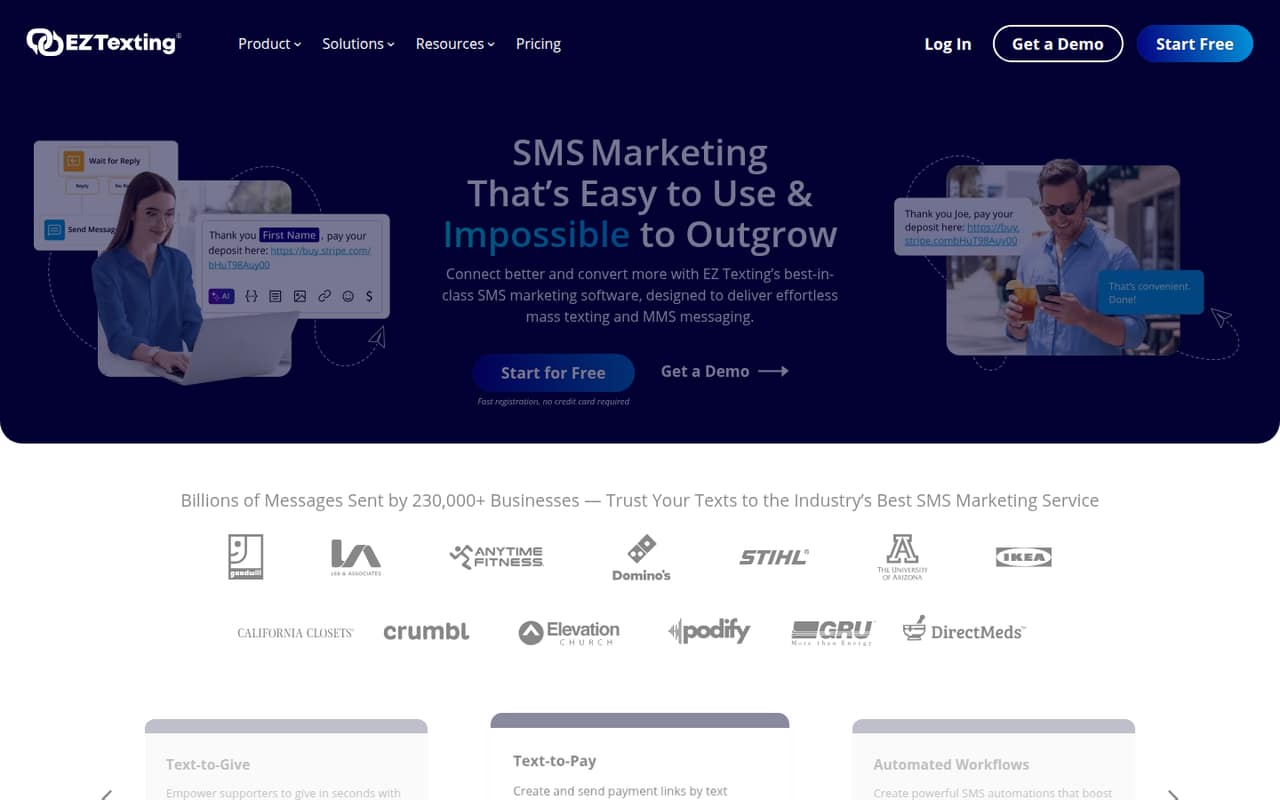
EZ Texting starts at $20, according to its listed pricing, and is built for promotions, opt-ins, and no-code SMS workflows. That makes it worth considering for a small business sending regular campaigns. Budget for seats, credits, and the Launch telecom fee; the starting price alone won’t tell you the full cost. Ask the vendor which fees apply to your planned use.
What works
- Supports bulk SMS and MMS campaigns
- Includes two-way texting and automated workflows
- Contact tools support opt-in collection
What doesn't
- No free plan is listed
- Additional users cost $10 per month each
- Launch adds a $5 monthly Telecom Fee
- Best for group alerts
Text-Em-AllText-Em-All
Text-Em-All suits small teams that send group alerts or reminders to consented contact lists and may also need voice calls. Its listed starting price is $19, and it has a free plan. Pricing is contact-based, so check how your list size affects the bill before importing contacts. It’s a better match for straightforward alerts than for teams shopping primarily for marketing journeys.
What works
- Monthly Plan includes unlimited users
- Calls are included on the Monthly Plan
- Shared inbox helps manage individual replies
What doesn't
- Free account is limited to 25 credits
- Monthly pricing rises with contact-group size
- MMS costs extra on the Monthly Plan
- Best free planOneSignalOneSignal
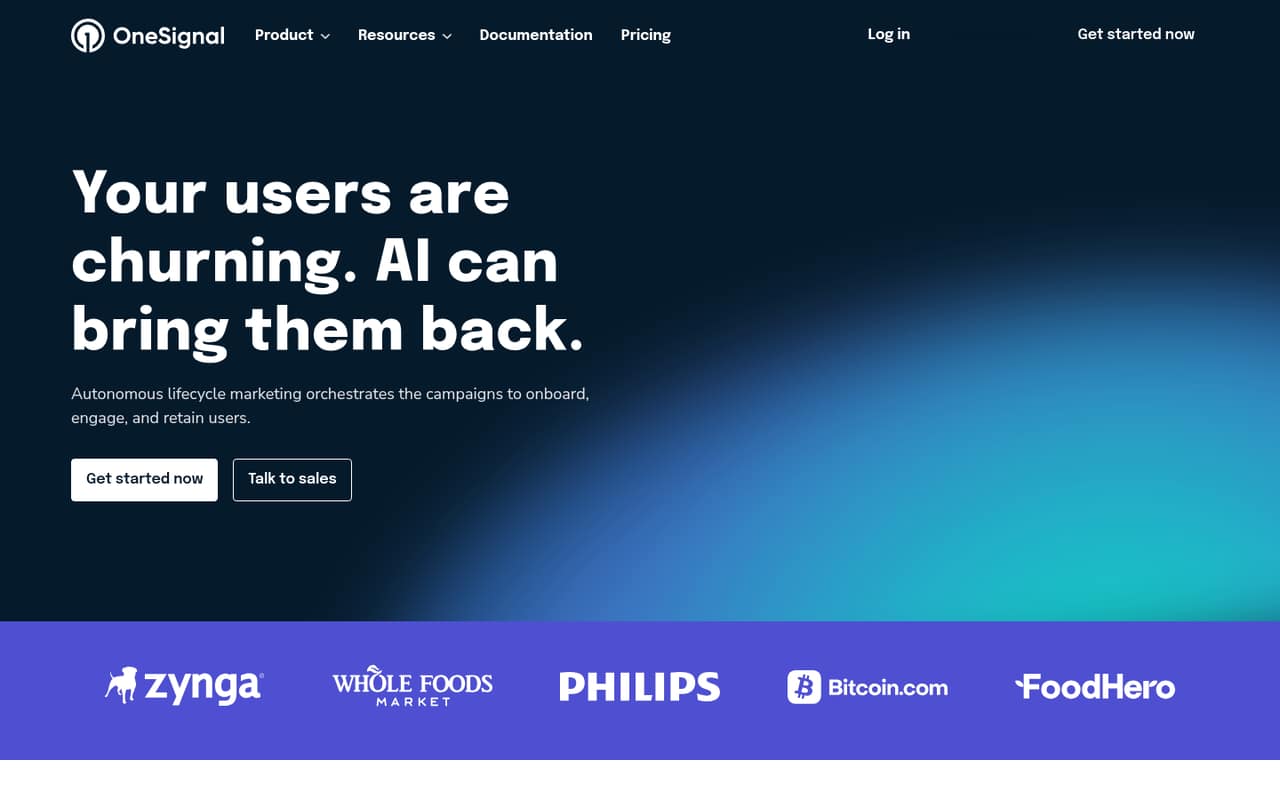
OneSignal is a practical choice for small app teams that want push and email alongside messaging journeys. Its listed pricing starts at $19, with a free plan available. Audience-based charges can affect costs as you grow, so check the plan limits against your audience and expected use. Choose it when mobile messaging beyond SMS matters; consider a more SMS-focused tool if text campaigns are the main job.
What works
- Free plan includes push, email and in-app messaging
- Supports push, email, SMS/RCS and in-app campaigns
- Growth starts at $19 per month
What doesn't
- Free mobile push and in-app cap is 1,000 MAU
- Growth push costs rise with audience size
- SMS/RCS pricing is not published
- Best shared inboxSimpleTextingSimpleTexting
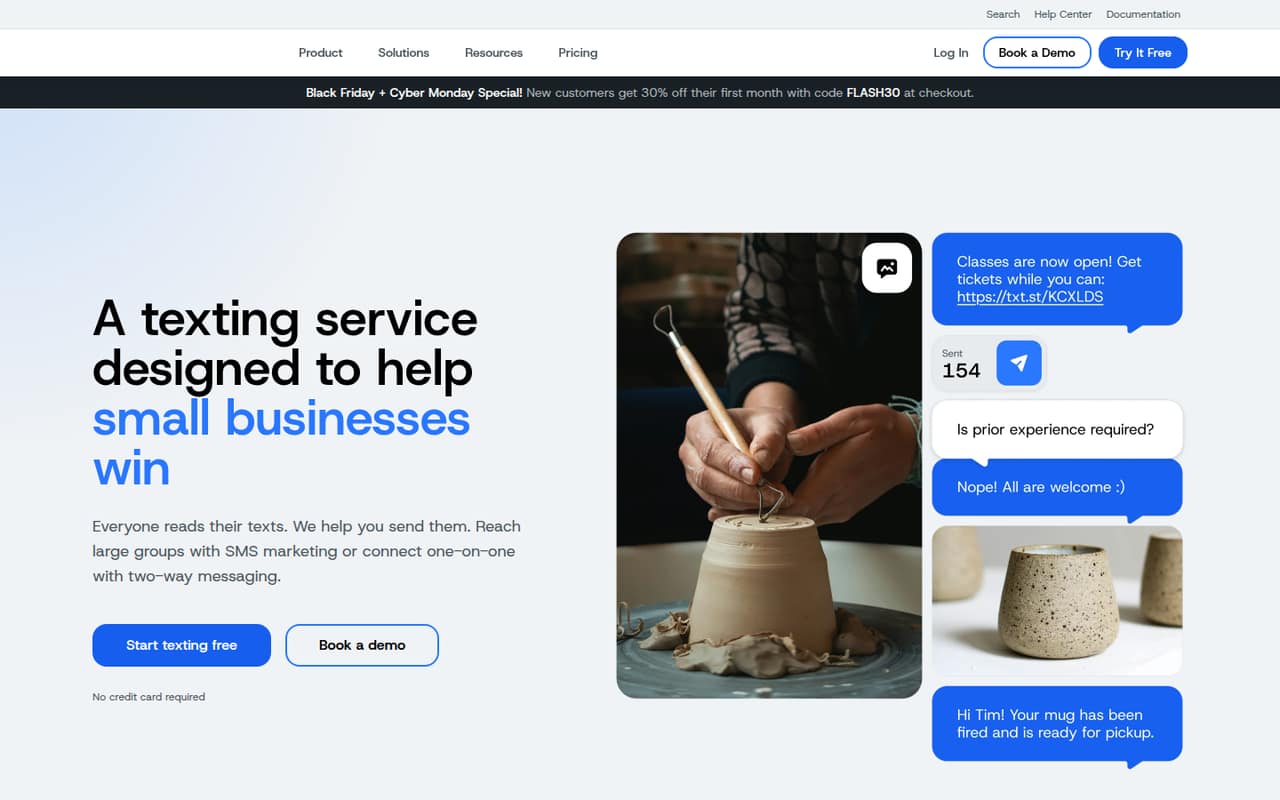
SimpleTexting covers SMS campaigns, shared inbox access, and automated opt-in messages, which can suit a small team handling both outreach and replies. Its listed starting price is $33.20, and there is no free plan. The vendor’s pricing summary notes that costs rise as the team grows. Ask for a quote that reflects your seats, message volume, and any added charges.
What works
- Three user seats included in the entry plan
- Unlimited contacts on the 500-credit plan
- Campaigns, two-way texting and automation
What doesn't
- No free plan
- Free-trial length is not published
- Extra teammate seats cost $20 per month
- Best for extra toolsTextedlyTextedly
Textedly offers a free plan and starts at $29, with tools for customer texts, appointment reminders, and follow-ups. The free allowance is tiny, and each additional teammate costs $10 per month, so check the limits before building a workflow around it. It may work for a small team that values a range of SMS features, but the seat cost matters if several people need access.
What works
- Free account includes 50 texts
- Every paid plan includes every feature
- Supports bulk SMS and MMS
What doesn't
- Basic limits monthly sends to 500
- Annual plan prices are not published
- Carrier fees apply beyond the first 10DLC number
- Best for direct sellersProject BroadcastProject Broadcast
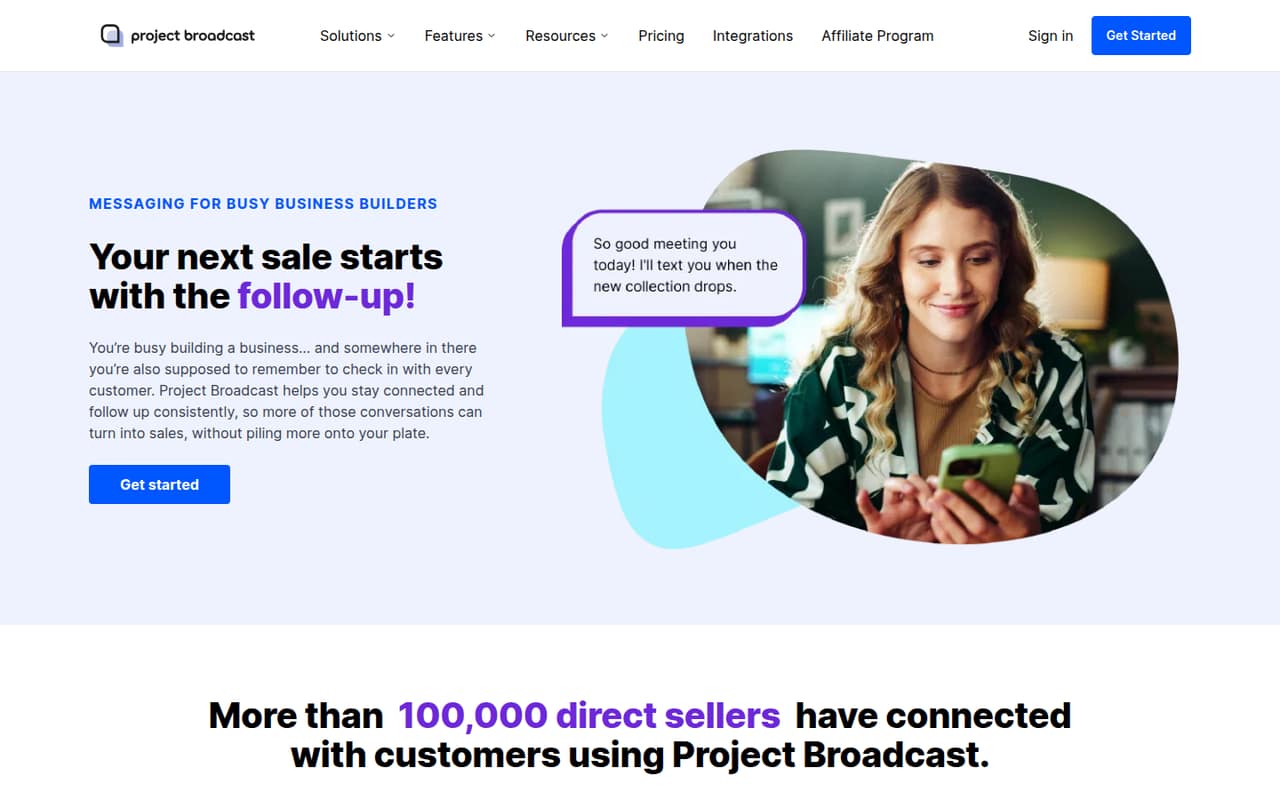
Project Broadcast starts at $7 and supports scheduled customer messages and opt-ins by keyword, making it a fit for direct sellers following up by text. There is no free plan, and extra fees make the total less simple to budget. Before signing up, ask which charges apply to your message volume and whether your team’s preferred way of collecting opt-ins is supported.
What works
- Local 10-digit business number on paid plans
- Scheduled and repeat messaging for follow-up
- Credits roll over while a plan is active
What doesn't
- No free plan
- Pay As You Go includes no credits
- Starter and higher plans add a telecom fee
- Best for CRM follow-up
SalesmsgSalesmsg
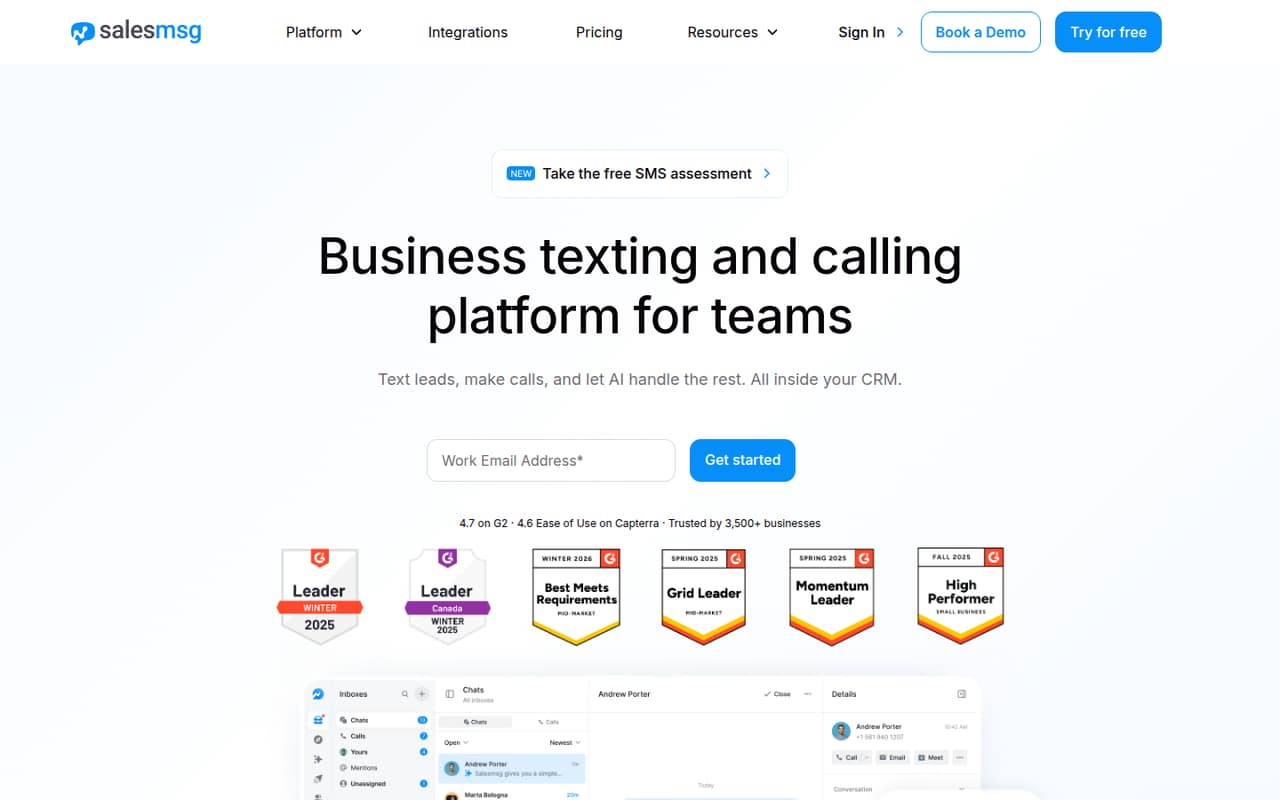
Salesmsg is designed for small teams that work in a CRM and want to coordinate customer texts, calls, and automated lead follow-up. Its listed starting price is $21, but usage fees can add up alongside the seats you need. Ask the vendor to estimate costs for your planned team size and sending volume. It’s a better fit for sales follow-up than for a campaign-only workflow.
What works
- Shared inbox keeps team conversations together
- Supports two-way SMS and MMS campaigns
- Calling includes recording and transcription
What doesn't
- No free plan
- Monthly plans include limited credits
- Unused credits do not roll over
- Best for variable useTextMagicTextMagic
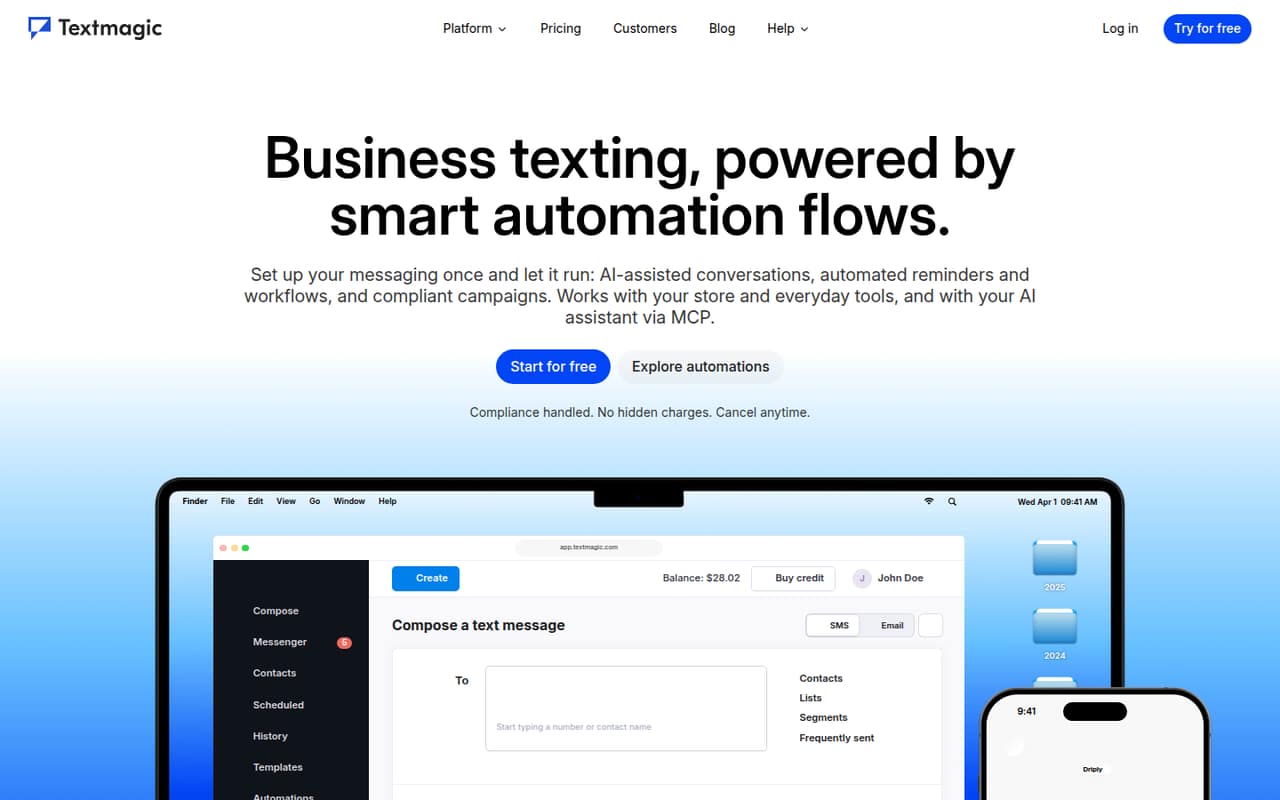
TextMagic offers business texting, two-way SMS, and automated customer follow-ups, with unlimited users listed as a benefit. Its starting price is not published, and costs depend on how much your team sends. That can suit a small team whose seat count changes, but makes budgeting harder without a usage estimate. Ask the vendor to price a typical month of messages before deciding.
What works
- Unlimited contacts and users on Pay-as-you-go
- Automation can trigger from customer actions
- AI can draft workflows for review
What doesn't
- No free plan is listed
- No monthly subscription price is published
- Outbound SMS costs $0.049 per message
03How we chose
We ranked these platforms for a team of one to ten, weighing whether a free plan exists, the listed starting price, and what the available details say about seats, credits, or usage charges. We also considered the likely setup questions implied by each product’s use case; comparable setup times are not published, so we don’t assume a tool is easy to implement. Vendor docs and Reddit reports are useful follow-up checks for setup steps and user-reported snags. Clear pricing and a plausible fit for a small team mattered more than a high feature count.
04Check the full cost, not just the starting price
Start with the number of people who need access and the number of messages you expect to send. Then check whether the plan charges by seat, contact list, audience size, or message use. The listed starting prices vary: Project Broadcast starts at $7, while SimpleTexting starts at $33.20 and has no free plan. A low entry price doesn’t guarantee a low bill: some tools add fees for credits, carriers, or extra teammates. Free plans also differ in practical value; Textedly’s free allowance is described as tiny, and Clearstream advises buyers to verify its limits and credit needs. Ask the vendor to price a typical month for your team size and sending volume. Confirm what happens when you exceed a plan limit, too.
05Match the tool to your workflow before you set it up
Decide whether you mainly need campaign sends, a shared inbox for replies, automated follow-ups, or messages beyond SMS. A tool built for church messaging or direct selling may fit a specific workflow better than a general platform, while OneSignal adds push and email for teams that need more than texts. Setup effort is not comparable from the listed details, so ask for the onboarding steps, required integrations, and any technical work your team must handle. Check the vendor docs for opt-in and opt-out workflows, then look for user reports about setup friction. If you’re considering SMS marketing in the US, get qualified advice on compliance and ask how the platform handles consent records and opt-out requests. Don’t treat software features as legal advice.
Questions people ask
Is SMS marketing legal in the USA?
Treat legality as a compliance question, not a software checkbox. Get qualified advice for your campaign, and ask vendors how their platforms handle consent records and opt-out requests. Don’t assume that choosing a particular SMS tool makes your messages lawful.
What is the best software for sending SMS messages?
For a small team running regular campaigns, SlickText is our top pick among these options. OneSignal is worth a look if you also need push and email, while Text-Em-All fits group alerts and reminders. The right choice depends on your workflow, team size, and message costs.
What is the cheapest platform for SMS marketing?
Among the picks here, Project Broadcast has the lowest listed starting price at $7, but it has no free plan and extra fees can complicate the total. Compare the full cost for your seats and message volume before treating the starting price as your cheapest option.
What is replacing SMS?
There isn’t one replacement to choose for every team. Depending on the audience and use case, you might add push, email, WhatsApp, or RCS alongside SMS. OneSignal covers push and email, while Vibes lists RCS among its strengths. Check which channels your customers actually use before switching.