We may earn a commission if you buy through links on this page. It never changes a score or a ranking. How we make money
A small team may not need a separate hosting platform if its website is already bundled with a site builder. But if you need to host a business site, WordPress, or a web app, the right fit depends on what you’re building and who will maintain it. IONOS, SiteGround, and DreamHost stand out for small-site starting prices; Cloudflare Pages and Netlify have free plans for teams comfortable with developer tools. Treat every listed price as a starting point, not a quote for your exact setup.
Quick picksThe shortlist
 IONOSIONOSBest budget hosting · $1/mo
 SiteGroundSiteGroundBest for one website · $1.99/mo
 DreamHostDreamHostBest for simple sites · €2.89/mo
 ScalaHostingScalaHostingBest for migration · $2.95/mo
 NamecheapNamecheapBest for domains · $2.28/mo
 InMotion HostingInMotion HostingBest for server control · $4.99/mo
 Cloudflare PagesCloudflare PagesBest free for static sites · $20/mo
 NetlifyNetlifyBest free for web apps · $9/mo
 KinstaKinstaBest managed WordPress · $30/mo
 BluehostBluehostBest WordPress starter · $3.99/mo
01Compared at a glance
| Tool | Score | From | Free plan | Trial |
|---|---|---|---|---|
| IONOSIONOS | 6.8 | $1/mo | No | — |
| SiteGroundSiteGround | 6.4 | $1.99/mo | No | 14 days |
| DreamHostDreamHost | 6.5 | €2.89/mo | No | — |
| ScalaHostingScalaHosting | 7.5 | $2.95/mo | No | — |
| NamecheapNamecheap | 6.8 | $2.28/mo | No | — |
| InMotion HostingInMotion Hosting | 7.2 | $4.99/mo | No | 1 month |
| Cloudflare PagesCloudflare Pages | 8.1 | $20/mo | Yes | — |
| NetlifyNetlify | 7.0 | $9/mo | Yes | — |
| KinstaKinsta | 7.8 | $30/mo | No | 1 month |
| BluehostBluehost | 5.3 | $3.99/mo | No | 1 month |
02The picks, in detail
- Best budget hostingIONOSIONOS
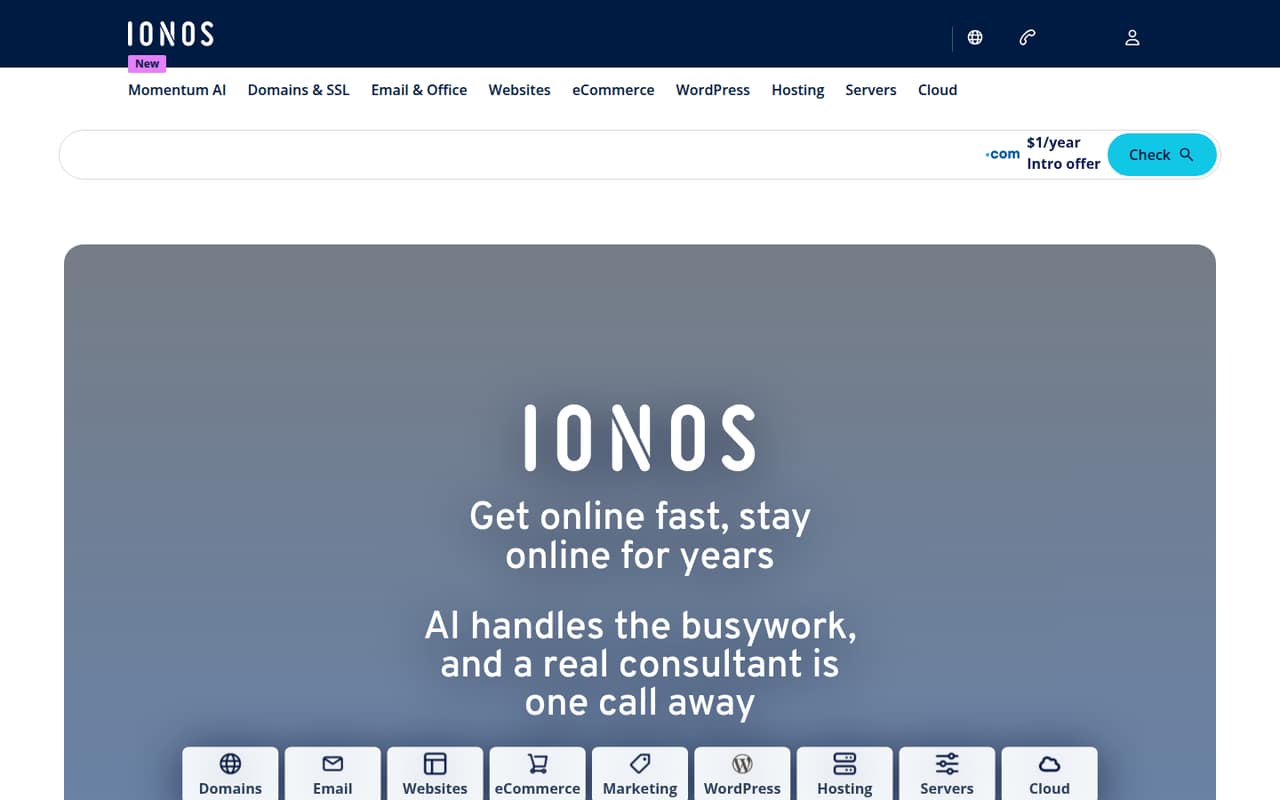
IONOS is a sensible first stop for a small team watching its monthly spend: its listed starting price is $1, and it covers website, domain, and hosting needs. The range of services is useful, but check renewal terms and cancellation details before signing up. The starting price alone won’t tell you what your team’s full setup will cost.
What works
- Domains, SSL, and email are included with MyWebsite Now
- Website tools include AI text and image generators
- Offers shared, WordPress, VPS, and dedicated hosting
What doesn't
- No free plan or free trial is listed
- MyWebsite Now rises from $6 to $14 monthly
- Seat and site limits are not published here
- Best for one websiteSiteGroundSiteGround
SiteGround suits a team with one main website, including a WordPress site. Its listed starting price is $1.99, and it can also handle multiple hosted sites. The low entry price is only part of the budget, though: watch the renewal bill and hosting limits when comparing it with other plans.
What works
- StartUp hosts one website
- GrowBig and GoGeek allow unlimited websites
- WordPress sites can be started or migrated
What doesn't
- No free hosting plan
- Annual hosting prices are introductory
- Renewal prices rise substantially
- Best for simple sitesDreamHostDreamHost
DreamHost is aimed at small business websites, blogs, and simple portfolios, with a listed starting price of $2.89. It’s also positioned for teams hosting several sites. The main budget caveat is that renewal rates may be higher than the introductory price; reliability reports are mixed, so weigh that risk before choosing.
What works
- Launch plan lists 25 websites
- 40,000 monthly visits on Launch
- WordPress plan lists backups and staging
What doesn't
- No general free hosting plan
- Annual plans are paid upfront
- Launch renews at €10.99 per month

- Best for migrationScalaHostingScalaHosting
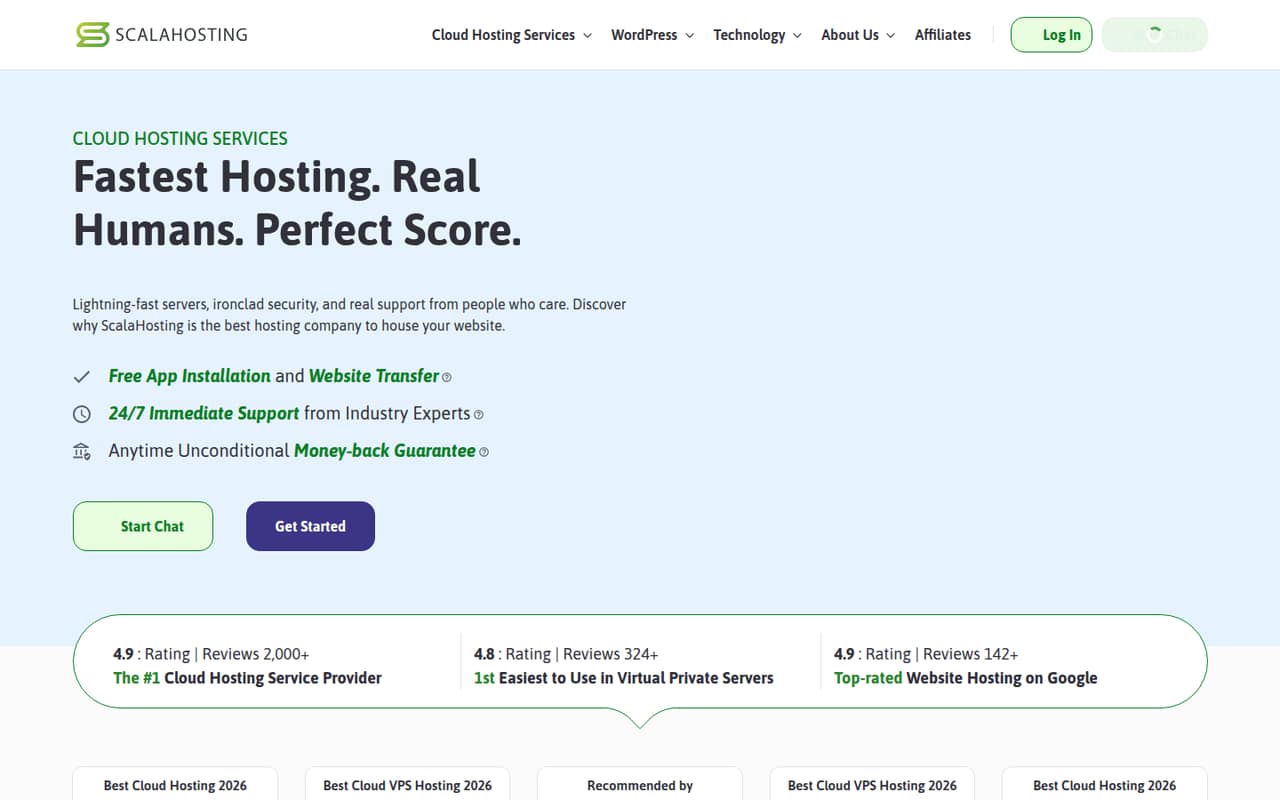
ScalaHosting’s listed starting price is $2.95, and it offers free migration, which may help a small team moving an existing website. It’s also aimed at teams seeking managed cloud hosting. Check the plan details against your site’s needs before buying; the low starting price doesn’t establish what your particular setup will cost.
What works
- Mini starts at $2.95 monthly on annual pricing
- Free migration covers website files, databases, and email
- Mini includes unlimited email accounts and databases
What doesn't
- No free plan
- Mini supports only one website
- Mini renews at the listed $11.95 monthly rate
- Best for domainsNamecheapNamecheap
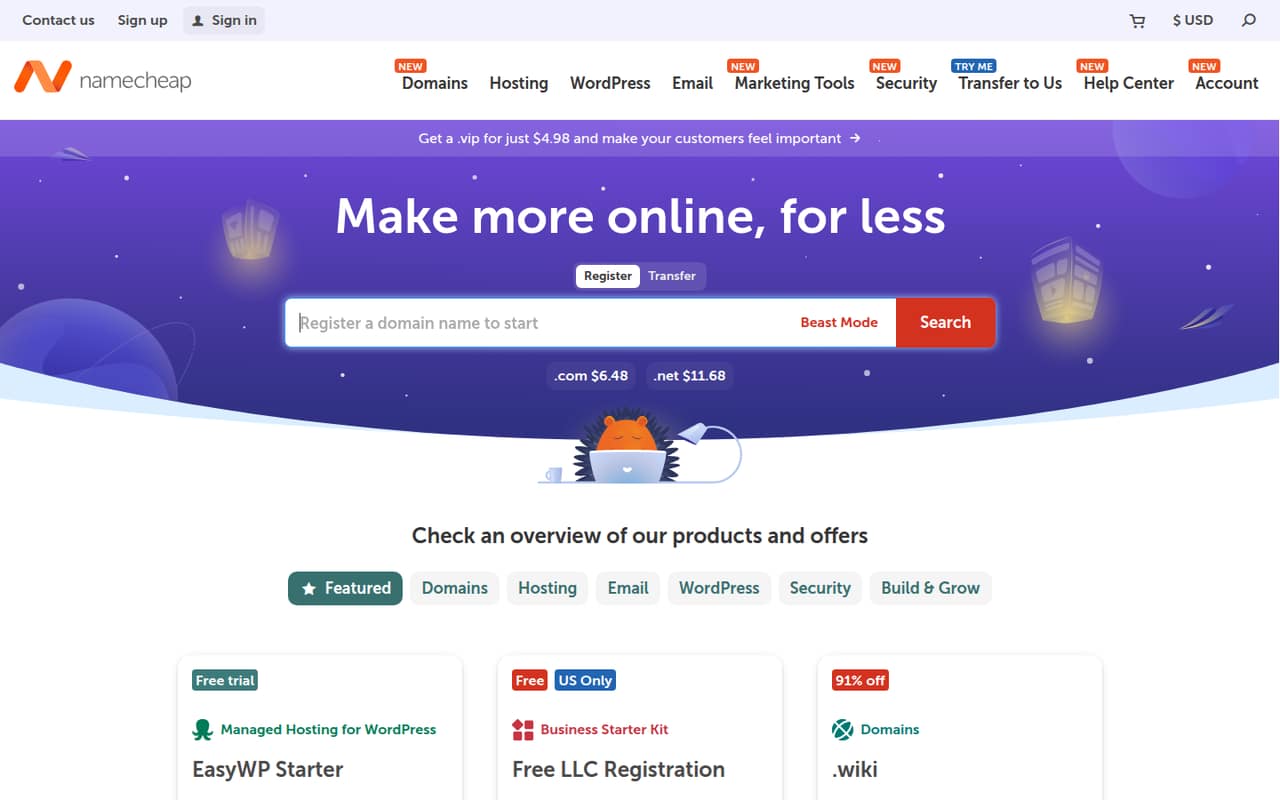
Namecheap combines domain and hosting services, making it a practical option if your small team wants both in one place. Its listed starting price is $2.28. Budget for renewals and keep a backup plan, especially if your website is important to daily business. Confirm which domain and hosting items are included in the plan you’re considering.
What works
- Domain registration, transfers and auctions
- Privacy protection on supported extensions
- Shared hosting includes free site migrations
What doesn't
- No free plan or trial listed
- Stellar’s monthly rate is higher than its yearly rate
- Add-on prices are not published on the vendor's site
- Best for server controlInMotion HostingInMotion Hosting
InMotion Hosting is a fit for small businesses and WordPress teams that want server control; its listed options include SSH and Git. The starting price is $4.99. There’s a sharp gap between monthly and annual pricing, so compare the billing terms against your team’s commitment before you choose.
What works
- Shared, WordPress, VPS, dedicated, and reseller hosting
- NVMe storage and high-capacity or unmetered bandwidth
- Includes AutoSSL, firewall, DDoS mitigation, and malware scans
What doesn't
- No free hosting plan
- Monthly Launch billing costs much more than annual billing
- Hosting prices are not listed per team member
- Best free for static sitesCloudflare PagesCloudflare Pages
Cloudflare Pages has a free plan and is a strong fit for static sites, portfolios, and teams already using Cloudflare. Its listed starting price is $20, but check the plan and billing details that apply to your project. If you need more server-side code, budget separately for that requirement.
What works
- Free tier suits many static-site projects
- Reddit users report free hosting for personal sites
- Cloudflare lists CDN and Universal SSL
What doesn't
- Pages and Workers can be confusing to distinguish
- Published prices don’t explain Pages seat billing
- Dynamic workloads may need separate Workers pricing

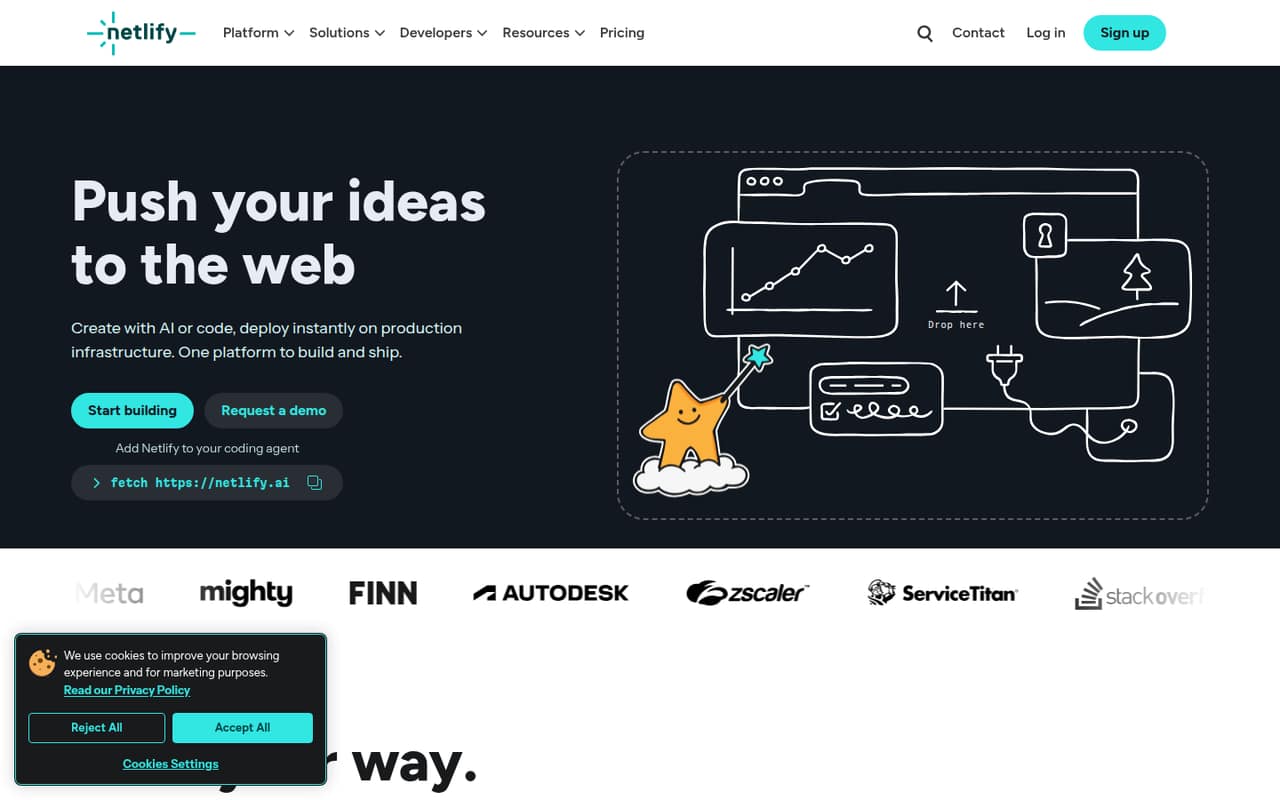
- Best free for web appsNetlifyNetlify
Netlify has a free plan and suits small teams shipping web apps, especially developers already using Git. Deploy previews are another fit for teams that want to review changes before release. Watch the credit limits, and confirm paid pricing for your expected use before relying on a particular plan.
What works
- Free plan includes 300 monthly credits
- Unlimited deploy previews on Free
- Deploys automatically from Git pushes
What doesn't
- Credit usage is not explained on the pricing page
- Personal and Pro show conflicting prices
- Free allows just one concurrent build
- Best managed WordPressKinstaKinsta
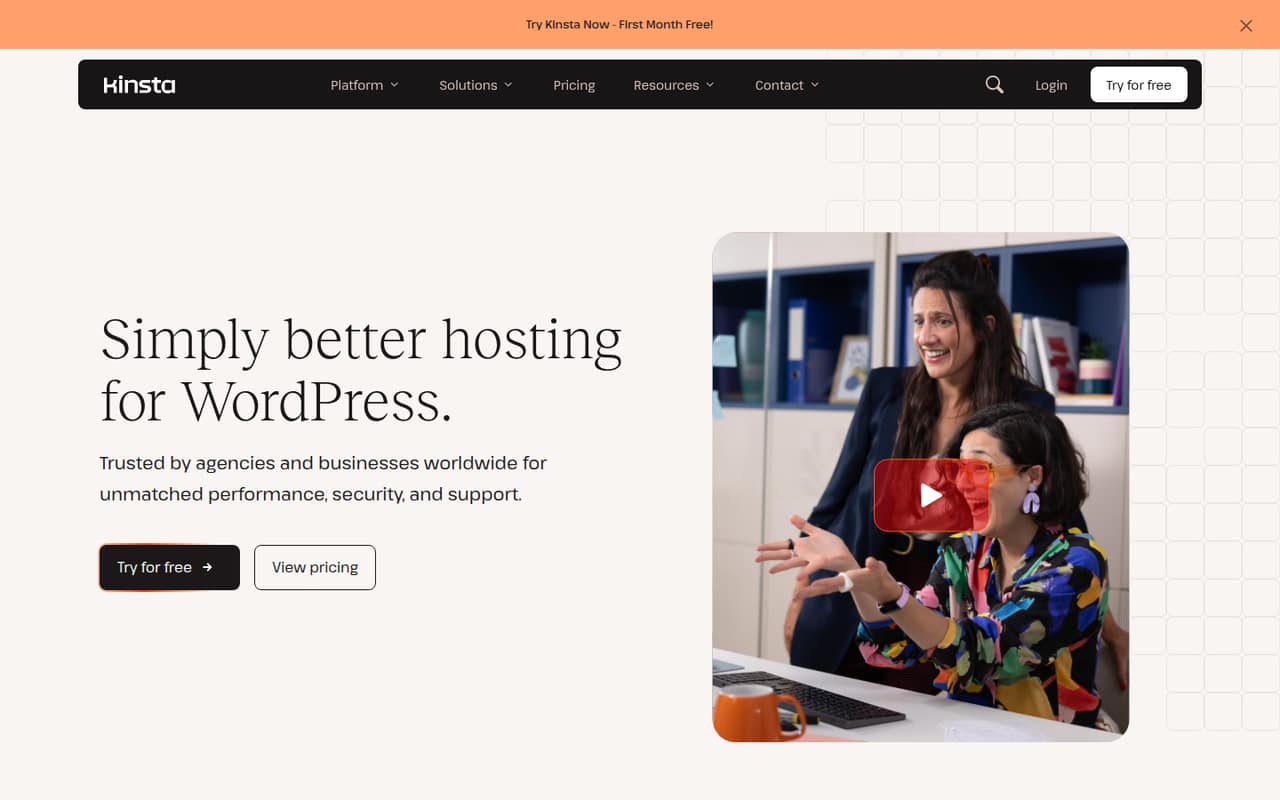
Kinsta is built for teams running WordPress business sites and agencies managing client websites. It offers managed hosting support, but its listed starting price of $30 is a meaningful trade-off for a team on a tight budget. Consider it when managed WordPress matters more than finding the lowest starting price.
What works
- Free WordPress migrations are included
- Daily automatic backups and one-click staging
- Managed WAF, DDoS protection, and malware removal
What doesn't
- No free plan
- Launch costs $30/month with annual billing
- Launch covers just one WordPress install
- Best WordPress starterBluehostBluehost
Bluehost is aimed at small WordPress websites and teams launching an online store, with hosting tools brought together. Its listed starting price is $3.99. Check the renewal price and weigh the reported support feedback before buying. As with other options, confirm what the plan includes for your specific site.
What works
- Managed WordPress includes updates, caching, and staging
- Yoast SEO and a migration service are included
- AI Site Builder can create sites, stores, or apps
What doesn't
- No free hosting plan
- Listed prices require a 36-month term
- Renewal prices are higher

03How we chose
We ranked these services for a team of 1–10, weighing free-plan availability, listed starting prices, likely setup effort, and whether the service fits a small site, WordPress project, or web app. We also considered plan limits and documentation as things buyers need to check before committing. Reddit reports were a caution signal rather than a verdict: reports of reliability and support problems count against a low price, but they don’t establish what every customer will experience. We did not treat a starting price as a complete quote or claim hands-on testing.
04Check the real cost before choosing
Start with the price you can see, but don’t make the decision on that number alone. The listed starting prices range from $1 for IONOS to $30 for Kinsta among these picks; the plan that fits your site may cost more. Check renewal terms, billing frequency, and whether a monthly price differs from an annual commitment. InMotion Hosting, for example, has a sharp gap between monthly and annual pricing, while SiteGround, DreamHost, and Namecheap come with renewal cautions.
Ask the vendor what the plan includes for your site count and expected usage. If several people need access, ask whether adding users changes the bill; the listed starting prices aren’t a confirmed quote for a particular team size. Also confirm domain renewal costs, cancellation terms, and which limits could trigger an upgrade.
05Match the hosting to your team’s skills
For a simple business site or blog, look first at hosts positioned for small websites, such as DreamHost, SiteGround, or IONOS. If your team runs WordPress and wants managed hosting, Kinsta is an option, though its $30 starting price is much higher than several alternatives. If your team builds web apps, Netlify or Cloudflare Pages may fit better, but check the plan limits and whether your project needs server-side code.
Setup effort depends on who will own the work. A team already using Git may find Netlify a natural fit; teams choosing server control should check what ongoing technical work the host expects. Before buying, read the vendor’s setup and migration documentation and confirm the limits that matter to you. As the site count, traffic, or technical demands grow, revisit the plan rather than assuming the cheapest tier will keep fitting.
Questions people ask
Can a small team get web hosting for free?
Cloudflare Pages and Netlify both list free plans. Cloudflare Pages is aimed at static sites, while Netlify is suited to teams shipping web apps. Check each vendor’s current plan limits and paid pricing before deciding whether the free option fits your project.
What does web hosting cost for a team of 1–10?
Listed starting prices in this guide range from $1 for IONOS to $30 for Kinsta. Those are starting figures, not a confirmed quote for your team. Ask whether users, sites, usage, renewals, or billing terms change the total.
Should a small team choose managed WordPress hosting?
It can make sense if your team wants a managed WordPress service and values support over the lowest bill. Kinsta starts at $30, while other picks have lower listed starting prices. Compare what the vendor includes and check the plan limits before committing.
When should a team upgrade its hosting plan?
Recheck your plan when you need more sites, run into plan limits, or need capabilities your current setup doesn’t cover. Ask the vendor what triggers an upgrade and how the price changes. For server-side code on a static-site project, budget separately for the extra requirement.