We may earn a commission if you buy through links on this page. It never changes a score or a ranking. How we make money
A small team doesn’t need a plugin for every site task. Start with the specific job you need done, then check whether WordPress’s existing tools or a free plan will cover it. For a shared site, Fluent Forms and ShortPixel offer free starting points; for memberships, translations, or a group of client sites, the right fit depends on your site needs. The listed starting prices are useful comparisons, but they don’t establish what several people will pay. Check the vendor’s billing unit before committing.
Quick picksThe shortlist
 ShortPixelShortPixelBest for image optimization · $10.99/mo
 Fluent FormsFluent FormsBest for forms · $5.25/mo
 Master SliderMaster SliderBest for sliders · $17/mo
 ImagifyImagifyBest for bulk image optimization · $2.99/mo
- ThemifyThemifyBest for custom templates · $7.42/mo
 WPMU DEVWPMU DEVBest for site portfolios · $4.17/mo
 MemberPressMemberPressBest for memberships · $16.63/mo
 AkismetAkismetBest for spam filtering · $9.95/mo
 WPMLWPMLBest for multilingual sites · €3.25/mo
01Compared at a glance
| Tool | Score | From | Free plan | Trial |
|---|---|---|---|---|
| ShortPixelShortPixel | 8.2 | $10.99/mo | Yes | — |
| Fluent FormsFluent Forms | 8.0 | $5.25/mo | Yes | — |
| Master SliderMaster Slider | 7.8 | $17/mo | Yes | — |
| ImagifyImagify | 7.6 | $2.99/mo | Yes | — |
| ThemifyThemify | 7.0 | $7.42/mo | Yes | — |
| WPMU DEVWPMU DEV | 7.0 | $4.17/mo | No | — |
| MemberPressMemberPress | 7.2 | $16.63/mo | No | — |
| AkismetAkismet | 6.5 | $9.95/mo | No | — |
| WPMLWPML | 5.4 | €3.25/mo | No | — |
02The picks, in detail
- Best for image optimizationShortPixelShortPixel
ShortPixel is a strong fit if your site has a large image library or you want to optimize new uploads, with WebP or AVIF support listed among its use cases. It has a free plan and starts at $10.99. The free start can help a small team assess its needs before upgrading, but check how the plan handles your library size and ongoing uploads.
What works
- Free plan includes 100 monthly optimization credits
- Unlimited websites on every listed plan
- Automatically optimizes new uploads
What doesn't
- Free plan has only 500MB monthly CDN traffic
- Credits can cover thumbnails as well as originals
- Setup may need some focused attention
- Best for formsFluent FormsFluent Forms
Fluent Forms is a practical pick for a small team sharing one WordPress site, especially if you need conditional fields or payments. The free plan gives you a way to start without a paid commitment, and the listed starting price is $5.25. Confirm which features are included in the plan you choose and whether the price changes with the number of sites or users.
What works
- Free plan available
- 65+ customizable input fields
- Conditional logic and form scheduling
What doesn't
- Free-plan limits aren’t published on the pricing page
- Annual paid plans require upfront payment
- Paid licenses cover domains, not published user seats
- Best for slidersMaster SliderMaster Slider
Master Slider suits a small site team that specifically needs touch-friendly slider content and wants a low-cost option. A free plan is listed, with paid pricing starting at $17. Its pricing is not presented as a per-seat plan, so check the vendor’s terms if several people will manage the site. It is less suitable if your team needs a broader site toolkit.
What works
- WordPress Free Edition costs $0 forever
- Unlimited slides listed on every plan
- 90+ premium sliders listed
What doesn't
- Per-seat license rules aren't published
- No monthly or annual billing listed
- Free-plan support terms aren't listed

- Best for bulk image optimizationImagifyImagify
Imagify is aimed at teams with frequent uploads or agencies managing multiple sites that want bulk image optimization. It offers a free plan and starts at $2.99, with no per-site fee highlighted in its small-team fit. Before buying, check the plan’s usage limits against your image volume; the starting price alone doesn’t say how much optimization your team gets.
What works
- Free plan includes 20MB of monthly optimization
- All plans allow unlimited websites
- Growth includes 500MB per month
What doesn't
- Starter limits uploads to 2MB per image
- Growth charges $5 per extra GB
- Plans are based on image volume, not seats
- Best for custom templates
ThemifyThemify
Themify fits small teams building custom templates or agencies working across several sites. Its Builder has a free option, and the listed starting price is $7.42; the product summary also lists an $89 annual membership. Compare what each purchase covers before choosing, especially if you only need one feature rather than a broader WordPress toolkit.
What works
- Free, open-source Builder plugin
- Frontend live preview and backend editing
- More than 60 pre-designed layouts
What doesn't
- Monthly membership price is not published
- Per-seat licensing is not published
- No free trial is listed
- Best for site portfoliosWPMU DEVWPMU DEV
WPMU DEV is worth considering when a small team manages several WordPress sites and wants bundled site tools. Its starting price is $4.17. The trade-off is less clarity for teams seeking shared access on a budget. Ask the vendor what the listed price includes, how access works for multiple team members, and whether your sites fit the relevant plan.
What works
- Pro starts at $4.17/month with annual billing
- Pro Basic includes one site and 24/7 WP support
- Pro Plus covers up to 10 sites
What doesn't
- No free plan or published free trial
- Monthly prices aren't listed for the three Pro plans
- Pro plan seat limits aren't published
- Best for membershipsMemberPressMemberPress
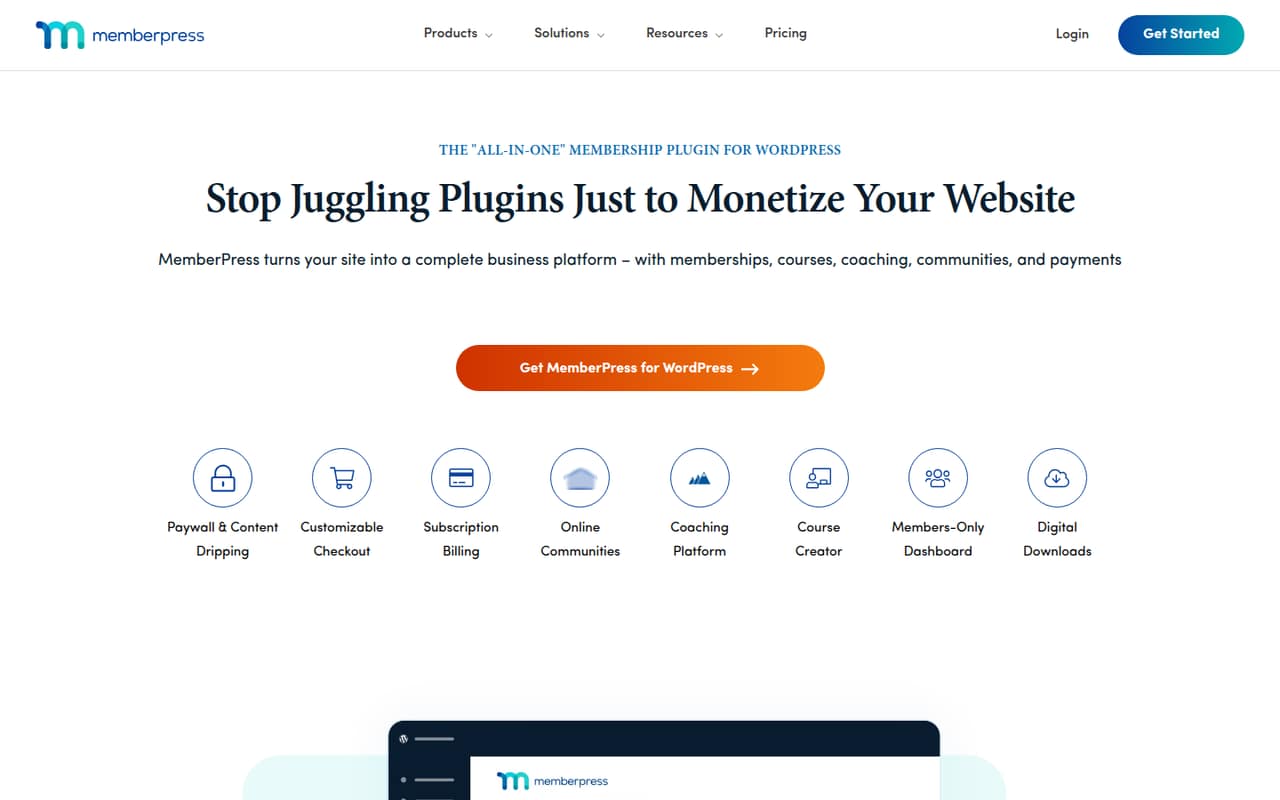
MemberPress is designed for WordPress membership businesses, gated content, subscriptions, and small teams selling courses. It starts at $16.63, with no free plan listed. That makes it a more deliberate purchase than a free-first tool, and it may not suit teams that need advanced learning-management features. Check the plan details against your course and membership requirements.
What works
- Combines memberships, courses, and payments
- Unlimited members, courses, and lessons on Launch
- Content rules can control access and timing
What doesn't
- No free plan or free trial is listed
- Monthly billing rates are not published
- Launch has a 4.9% transaction fee
- Best for multilingual sitesWPMLWPML
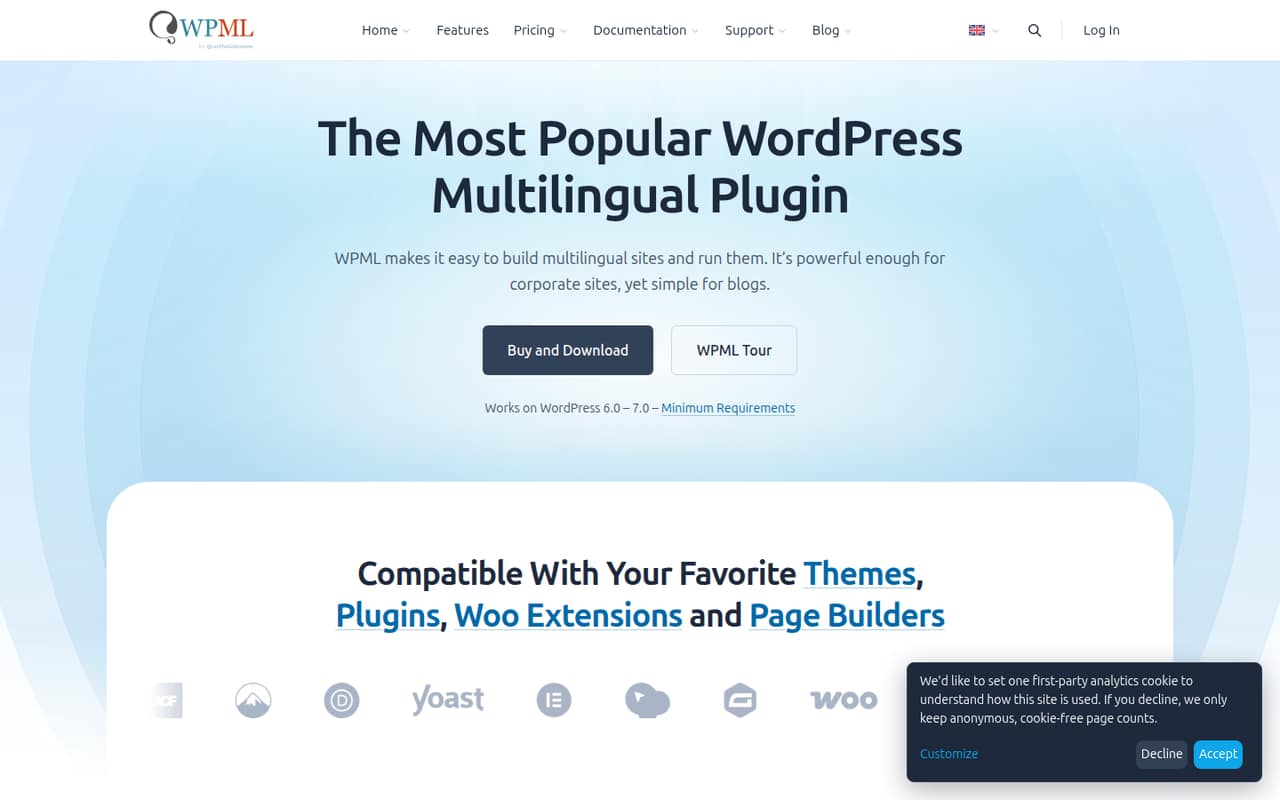
WPML is aimed at WordPress sites with multiple languages, including WooCommerce stores that need translated content. It starts at $3.25 and covers a range of multilingual needs, but the paid entry point and mixed feedback warrant a close review. Before buying, check how translations are managed across your sites and which plan matches your store setup.
What works
- Advanced Translation Editor supports manual translation
- Connects with translation agencies
- CMS plan includes WooCommerce support
What doesn't
- No free plan or published free trial
- Blog plan excludes WooCommerce support
- Plans are billed annually
03How we chose
We ranked these plugins for teams of one to ten by looking at free-plan availability, listed starting prices, fit for a shared site or several sites, and the type of work each tool handles. A starting price doesn’t tell you the total for a few users, so confirm the billing unit and plan limits with the vendor. Setup time isn’t published as a comparable measure across these tools; review the docs for the steps involved. Treat Reddit sentiment as a useful secondary signal, not a substitute for checking current plan terms.
04Check the real cost for your team
A “from” price is a starting point, not a team quote. The listed prices here range from $2.99 for Imagify to $16.63 for MemberPress, but those numbers alone don’t establish the bill for three or five people. Before purchasing, ask whether the price is per site, user, subscription, usage level, or another unit. Akismet’s commercial pricing is tied to sites and checks, while Master Slider is described as not having a published per-seat plan. For other tools, verify the billing unit directly. Also check what a free plan limits: image volume, form features, or the number of sites can affect whether it will work for your team. Compare the plan you’ll actually need, not just the smallest advertised price.
05Match the plugin to the job and setup
Choose by the task you need to solve: Fluent Forms for forms, ShortPixel or Imagify for image optimization, MemberPress for memberships, and WPML for multilingual content. If you manage several sites, compare how WPMU DEV and Themify cover that work before adding separate tools. Keep setup effort in your budget, too. Vendors don’t publish comparable setup-time estimates here, so read the docs for installation steps, plan limits, and any configuration your site needs. Ask who on your team will maintain settings and handle routine updates. A plugin can be affordable yet still be the wrong fit if it adds work your team can’t own. Revisit the choice as your site portfolio or usage grows.
Questions people ask
Which WordPress plugin has a free plan?
The listed free options are ShortPixel, Fluent Forms, Master Slider, Imagify, and Themify. A free plan can be a sensible starting point, but check its usage and feature limits against your site before relying on it.
What is the cheapest WordPress plugin on this list?
Imagify has the lowest listed starting price at $2.99 and also has a free plan. That price alone doesn’t establish your total cost; check the vendor’s plan limits and billing unit before you buy.
How much do WordPress plugins cost for a small team?
The listed starting prices range from $2.99 to $16.63, but they don’t show what three or five people will pay. Ask each vendor whether its plan is priced by user, site, usage, or another measure.
How do I know when my team has outgrown a plugin?
Recheck the fit when your site count, image or form usage, language needs, or membership requirements exceed your plan. Compare the next available tier and the work involved in managing it before you upgrade or switch.