We may earn a commission if you buy through links on this page. It never changes a score or a ranking. How we make money
A small team may not need paid 3D software at all: Blender offers a broad creation toolkit for $0 per seat, and FreeCAD and OpenSCAD also cost $0. The catch is fit. Product engineering, shared CAD, architecture documentation, and real-time game work can call for more specialized tools. We’d start with the free option that matches your work, then price the paid alternative against the time it could save. Check the billing basis and seat rules before multiplying a listed starting price across your team.
Quick picksThe shortlist
 BlenderBlenderBest overall · Free
 FreeCADFreeCADBest free CAD · Free
 OpenSCADOpenSCADBest for code · Free
 Fusion 360Fusion 360Best product design · $56.67/mo
 OnshapeOnshapeBest for collaboration · $125/mo
 SketchUpSketchUpBest for architecture · $2.50/mo
 Unreal EngineUnreal EngineBest for real-time 3D · $154.17/mo
 RhinoRhinoBest for mixed design · $95/mo
01Compared at a glance
| Tool | Score | From | Free plan | Trial |
|---|---|---|---|---|
| BlenderBlender | 8.3 | Free | Yes | — |
| FreeCADFreeCAD | 6.8 | Free | Yes | — |
| OpenSCADOpenSCAD | 8.0 | Free | Yes | — |
| Fusion 360Fusion 360 | 7.4 | $56.67/mo | Yes | 30 days |
| OnshapeOnshape | 7.7 | $125/mo | Yes | 6 months |
| SketchUpSketchUp | 7.2 | $2.50/mo | Yes | — |
| Unreal EngineUnreal Engine | 8.0 | $154.17/mo | Yes | 30 days |
| RhinoRhino | 8.0 | $95/mo | No | — |
02The picks, in detail
- Best overallBlenderBlender
Blender is our first pick for small teams making varied 3D content, especially when every seat matters to the budget. The listed cost is $0 per seat, and its toolkit covers a wide range of creative work. The trade-off is a learning curve, so it may take time before a new team can use it comfortably. It suits commercial projects on a tight budget.
What works
- Free for personal and commercial use
- No seat or usage limits listed
- Modeling, sculpting, animation, and VFX tools
What doesn't
- Broad toolset means a learning curve
- No paid plan for additional services
- Third-party add-ons may cost extra
- Best free CADFreeCADFreeCAD
FreeCAD is worth considering when the team needs design tools without subscription costs: the listed cost is $0 for a few seats. That can be a meaningful saving for a small group. The trade-off is learning time, and users have reported quirks. We’d check whether its workflow fits your projects before moving a team onto it.
What works
- Free to use, with no licensing fees
- No paywalls or usage restrictions listed
- Open-source software under LGPL-2.1
What doesn't
- Learning the workflow can take time
- Some users report crashes
- Users report modeling operations can fail
- Best for codeOpenSCADOpenSCAD
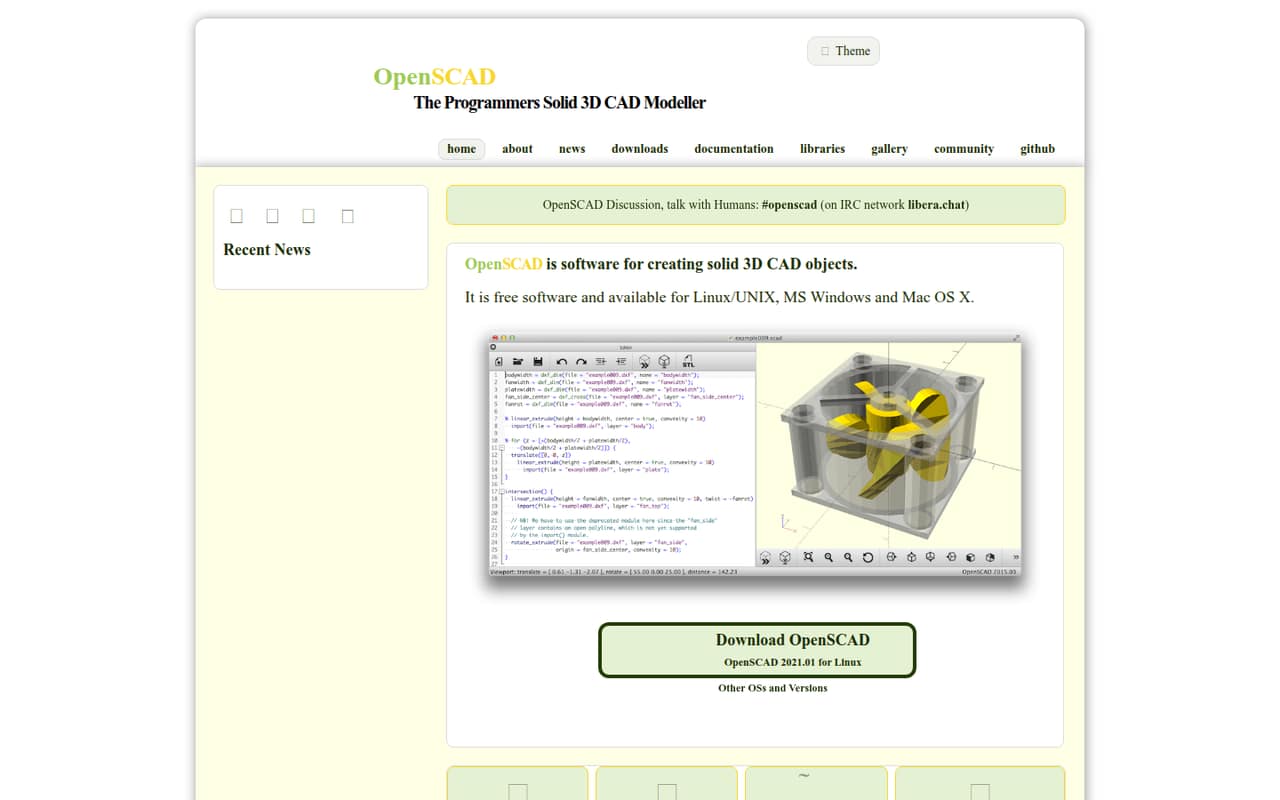
OpenSCAD is a $0 option for teams comfortable creating parametric designs through code rather than mouse-driven modeling. That makes it a practical fit for code-oriented makers who want to avoid subscriptions. It is less suited to a team expecting a conventional, visual modeling workflow. Confirm that the way your team likes to work matches the tool before standardizing on it.
What works
- Free software released under GPLv2
- Available for Linux/UNIX, Windows, and Mac
- Libraries offer ready-made building blocks
What doesn't
- Code-first modeling has a learning curve
- Some users find small edits clunky
- Seat and usage limits aren't published
- Best product designFusion 360Fusion 360
Fusion 360 fits small product teams that need CAD and CAM in one tool. Its free tier is limited, and the listed starting price is $56.67. If that figure applies per seat, three seats would be $170.01 on the same billing basis; confirm the term and eligibility with the vendor. It is a stronger fit for product work than a general-purpose free tool.
What works
- Combines CAD, CAM, simulation, and PCB design
- Free Personal Use plan for eligible hobbyists
- Cloud storage and version control are included
What doesn't
- Commercial Fusion costs $680 per user annually
- Personal Use is limited to 10 active documents
- Personal Use is restricted to non-commercial use
- Best for collaborationOnshapeOnshape
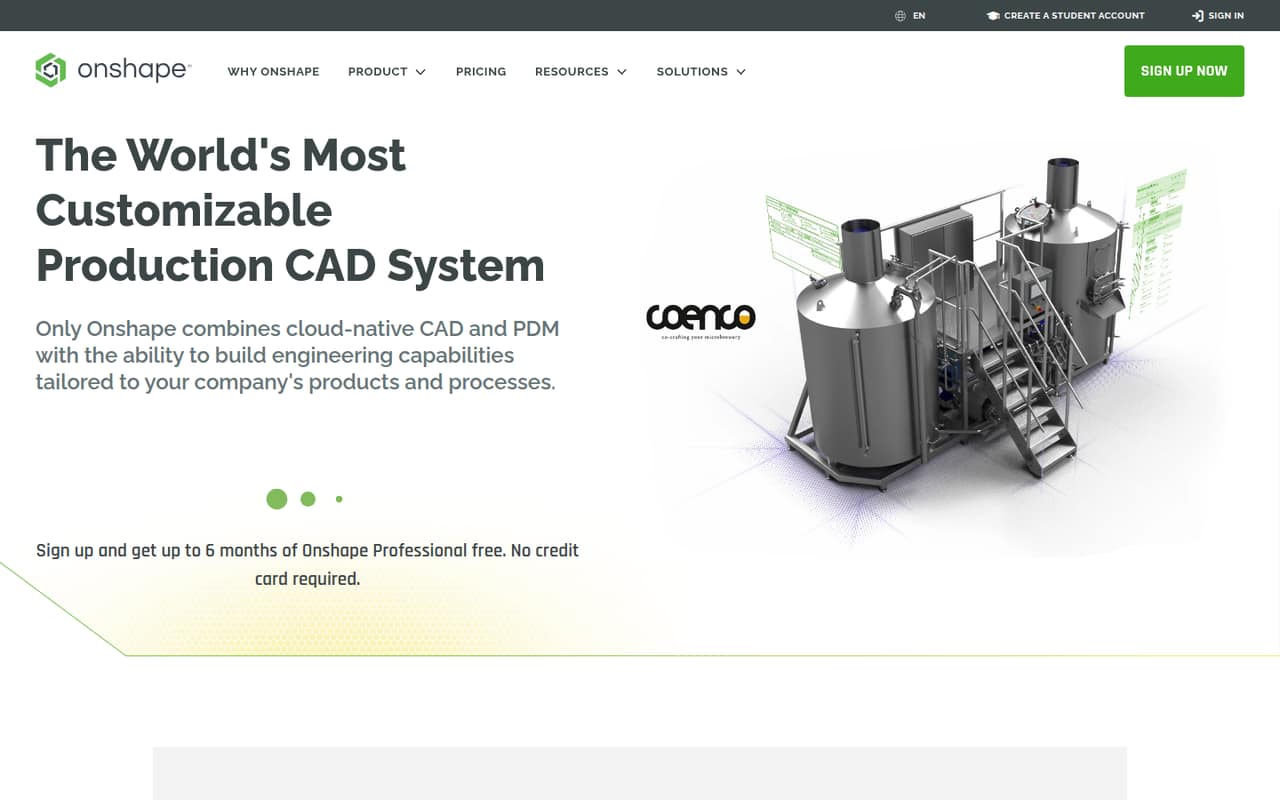
Onshape is a cloud CAD and PDM option for teams sharing product designs. The listed starting price is $125, and the pricing is described as annual per-seat; ask the vendor to confirm the total for your team. Its free option is aimed at hobbyists making public projects, so check whether public files work for your business before treating it as a free team plan.
What works
- CAD and PDM are integrated
- Built-in branching and merging
- Real-time collaboration is included
What doesn't
- Free plan is non-commercial
- Free storage is public
- Commercial plans are billed annually
- Best for architectureSketchUpSketchUp
SketchUp is a fit for small architecture and design teams that need 3D modeling and documentation, including LayOut and extensions. A free plan is listed, with a starting price of $2.50. Confirm which plan includes the features your team needs and how its price is billed. The listed price alone doesn’t make it a cheap hobbyist choice.
What works
- Model from quick sketches to complex designs
- LayOut supports 2D design documentation
- 3D Warehouse offers prebuilt models and materials
What doesn't
- Free SketchUp for Schools has education requirements
- Pro costs $33.25 per user monthly, billed annually
- Monthly checkout prices are not listed

- Best for real-time 3DUnreal EngineUnreal Engine
Unreal Engine suits small teams building 3D games or real-time visualizations. It is described as having no upfront cost for eligible game teams, but the listed starting price is $154.17, and commercial non-game work is less budget-friendly. Check which terms apply to your project before planning a production budget. It is a specialized choice, not a default modeling tool for every team.
What works
- No upfront license fee for eligible small teams
- First $1 million in game revenue is royalty-free
- Supports games, films, animation, and visualization
What doesn't
- Commercial non-game seats cost $1,850 per year
- Monthly seat billing is not published
- The learning curve can be steep for beginners

- Best for mixed designRhinoRhino
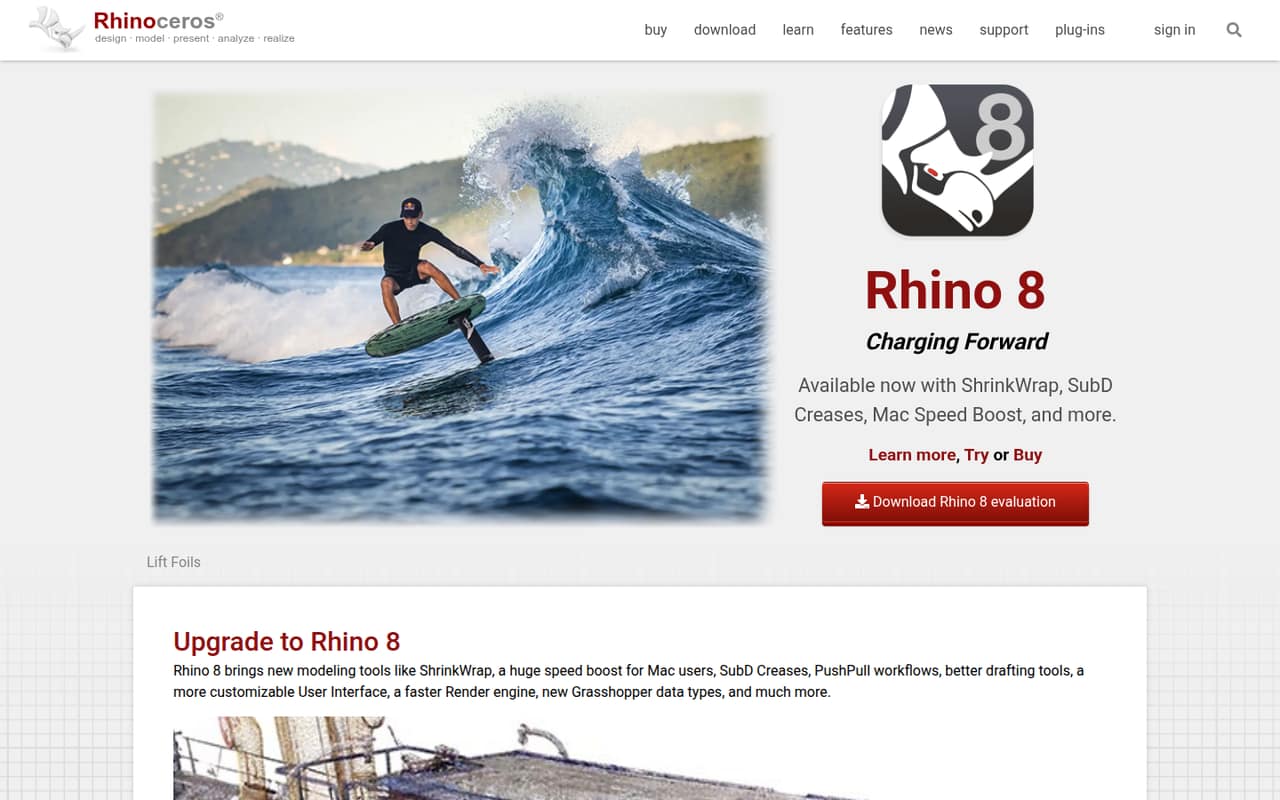
Rhino is a capable option for teams working across architecture, industrial design, generative design, 3D printing, or jewelry. The listed starting price is $95, and there is no free plan, so a few seats can become a sizable commitment. It makes most sense when its cross-industry modeling range matches your projects. Ask the vendor for the full team cost before budgeting.
What works
- Commercial licenses are one-time purchases
- Grasshopper is integrated with Rhino
- Tools span modeling, drafting, and rendering
What doesn't
- No free plan or trial is listed
- One commercial license costs $995 upfront
- Three or five licenses add up quickly
03How we chose
We prioritized tools that make sense for teams of 1–10: free plans that can cover real work, clear starting prices, and a believable fit for the team’s projects. We also weighed setup effort and plan limits, including learning curves and restrictions such as public files. A high score alone did not decide the ranking. Before rollout, we recommend checking the current docs for seat, export, and collaboration rules, then looking for recent Reddit reports about the workflows that matter to your team. We do not claim hands-on testing.
04Match the tool to the work
Start with the main output your team needs, not the longest feature list. Blender is the broad, $0-per-seat choice for small teams making 3D content. For product design, compare Fusion 360’s CAD and CAM tools with Onshape’s cloud CAD and PDM; check whether Onshape’s public-file free option is acceptable. Architecture teams may prefer SketchUp for modeling and documentation. Game teams building real-time work can consider Unreal Engine, while code-comfortable makers may find OpenSCAD a better fit than a mouse-driven modeler. Specialist tools can save time when they match your work, but they add another workflow to learn. Before buying, pick a real project and verify that the tool supports the outputs and handoffs your team needs.
05Check the full cost and setup
A free plan is only useful if its limits suit your work. Blender, FreeCAD, and OpenSCAD are listed at $0, but FreeCAD has a learning-time trade-off and Blender has a learning curve. For paid tools, confirm whether the starting price is per seat, what billing period it covers, and which features are in the plan. Fusion 360 lists a $56.67 starting price and a limited free tier; Onshape’s pricing is described as annual per-seat, with public files on its hobbyist free option. Ask for a quote for your actual headcount, including any required add-ons. Then check the vendor docs for sharing, export, and commercial-use limits. If setup or cleanup takes too much team time, the cheapest subscription may not be the cheapest workflow.
Questions people ask
Can ChatGPT generate 3D models?
A chat assistant can be part of a 3D workflow, but don’t assume a prompt will produce a finished, production-ready asset. Meshy is an option for exploring AI-made 3D assets; its description cautions that teams should budget for cleanup. For direct modeling, Blender is listed at $0 per seat.
Is Blender still free?
Blender is listed at $0 per seat, including for commercial projects on a tight budget. Its broad 3D toolkit makes it a strong starting point for small teams. The main trade-off to plan for is the learning curve, rather than a subscription bill.
What software did Scott Cawthon use to model?
We can’t verify a reliable public attribution for the exact software Scott Cawthon used, so we wouldn’t name a product as fact. If you want an affordable tool for making 3D content, Blender is listed at $0 per seat, though its learning curve is worth considering.
Is AI replacing 3D modeling?
AI tools can help teams explore generated assets, but that is not the same as replacing a full modeling workflow. Meshy is positioned for exploring AI-made 3D assets, with cleanup still part of the work. Teams should judge it on whether it fits their production needs, not assume it removes the need for modeling tools.