We may earn a commission if you buy through links on this page. It never changes a score or a ranking. How we make money
A small team may not need a paid AI chatbot at all: several picks have free plans, and one person can often test whether AI helps with writing, research, or analysis before the whole team signs up. For shared work, check the per-seat price first. ChatGPT starts at $8, Claude and Perplexity at $17, and Gemini at $4.99, but those starting prices don’t tell you what a few seats will cost. Our top picks balance a useful free starting point with clear team fit and manageable setup.
Quick picksThe shortlist
 ChatGPTChatGPTBest for small teams · $8/mo
 ClaudeClaudeBest for writing · $17/mo
 GeminiGeminiBest low-cost start · $4.99/mo
 DeepSeekDeepSeekBest free option · Free
 PerplexityPerplexityBest for web research · $17/mo
 Microsoft CopilotMicrosoft CopilotBest for Microsoft teams · $16.67/mo
 PoePoeBest for model variety · $4.17/mo
 KimiKimiBest for long documents · $15/mo
 MonicaMonicaBest for varied solo tasks · $8.30/mo
 GrokGrokBest for X users · $6.67/mo
 ChatPlaygroundChatPlaygroundBest for answer comparisons · $15/mo
 TypingMindTypingMindBest for custom agents · $39/mo
 Le ChatLe ChatBest for connected tools · $5.99/mo
 Skywork AISkywork AIBest for research reports · $12.50/mo
 Merlin AIMerlin AIBest for web summaries · $15/mo
 Venice AIVenice AIBest for privacy-minded users · $15/mo
 MagaiMagaiBest for app connections · $20/mo
 Z.aiZ.aiBest for GLM exploration · $12.60/mo
 LobeChatLobeChatBest for agent workflows · $18/mo
 BoltAIBoltAIBest for Mac developers · $59/mo
01Compared at a glance
| Tool | Score | From | Free plan | Trial |
|---|---|---|---|---|
| ChatGPTChatGPT | 7.3 | $8/mo | Yes | — |
| ClaudeClaude | 8.0 | $17/mo | Yes | — |
| GeminiGemini | 7.0 | $4.99/mo | Yes | 1 month |
| DeepSeekDeepSeek | 7.4 | Free | Yes | Yes |
| PerplexityPerplexity | 7.3 | $17/mo | Yes | — |
| Microsoft CopilotMicrosoft Copilot | 7.1 | $16.67/mo | Yes | 1 month |
| PoePoe | 7.0 | $4.17/mo | Yes | — |
| KimiKimi | 7.1 | $15/mo | Yes | — |
| MonicaMonica | 7.0 | $8.30/mo | Yes | — |
| GrokGrok | 6.5 | $6.67/mo | Yes | — |
| ChatPlaygroundChatPlayground | 6.8 | $15/mo | No | 7 days |
| TypingMindTypingMind | 7.4 | $39/mo | Yes | 14 days |
| Le ChatLe Chat | 6.3 | $5.99/mo | Yes | — |
| Skywork AISkywork AI | 6.4 | $12.50/mo | Yes | 7 days |
| Merlin AIMerlin AI | 6.7 | $15/mo | Yes | — |
| Venice AIVenice AI | 6.8 | $15/mo | Yes | — |
| MagaiMagai | 6.6 | $20/mo | No | — |
| Z.aiZ.ai | 6.2 | $12.60/mo | Yes | 5 days |
| LobeChatLobeChat | 7.0 | $18/mo | Yes | — |
| BoltAIBoltAI | 7.4 | $59/mo | No | 14 days |
02The picks, in detail
- Best for small teamsChatGPTChatGPT
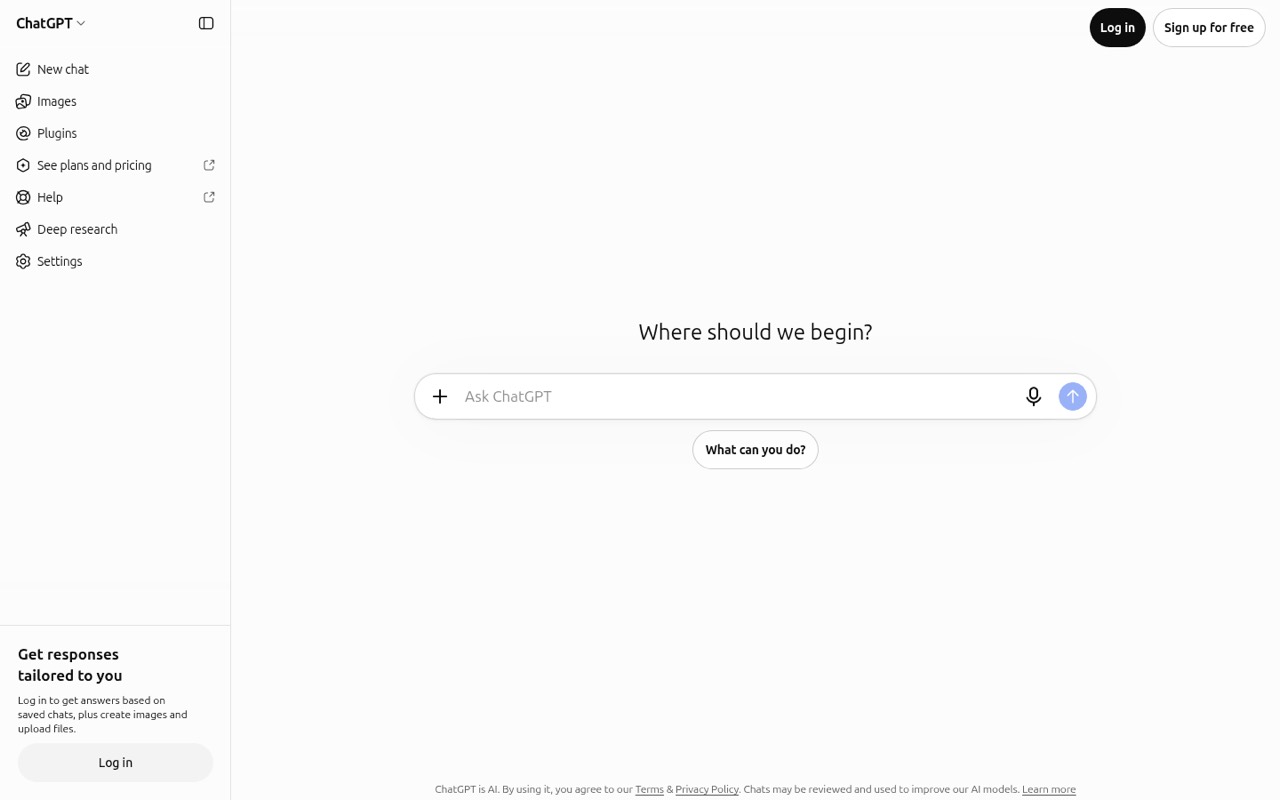
ChatGPT earns the top spot for its free starting point and broad fit: the listed use cases include drafting, research, and image generation. The listed starting price is $8, but shared team features cost more than solo access. Start with one free account, then confirm the team price and which features require paid seats before rolling it out.
What works
- Free plan includes unlimited everyday text chats
- Chat interface is straightforward to understand
- File and image uploads support tailored responses
What doesn't
- Free-plan feature caps are not published
- Business requires at least two seats
- Business costs $25 per user monthly
- Best for writingClaudeClaude
Claude is a strong fit if your team spends a lot of time writing, analyzing documents or data, or coding with human review. It has a free plan and starts at $17. The trade-off for a small team is that usage limits and seat costs need to fit your workload. Check those before moving several people onto paid access.
What works
- Free plan includes web, desktop, and mobile access
- Free users can create up to five projects
- Can analyze images, charts, diagrams, and PDFs
What doesn't
- Free usage is limited every five hours and weekly
- Team plans require at least two seats
- Team Standard costs $25 per seat monthly
- Best low-cost startGeminiGemini
Gemini is worth a free trial if your team wants multimodal AI or handles research and long documents. Its listed starting price is $4.99, and its paid plans may make more sense when Google storage and higher AI usage are useful together. Check which plan includes the features you need before comparing it with a standalone chatbot.
What works
- Accepts text, images, documents, audio and video
- Free plan costs nothing to try
- Deep Research can compile long-form reports
What doesn't
- Free prompt limits are not published
- Plan prices are per account, not team seats
- Usage may fall back to lighter models or soft caps
- Best free optionDeepSeekDeepSeek
DeepSeek is a budget-minded place to try AI chat: it has a free plan, and its API pricing is flexible and usage-based. That can suit a small team testing chat or developers with metered workloads. The listing gives no starting price, so estimate API use carefully and check how costs change as more people or tasks depend on it.
What works
- Free web and mobile chatbot
- No API monthly subscription
- 5 million free API tokens at signup
What doesn't
- API spending varies with token use
- Peak-hour token rates double
- No published seat pricing

- Best for web researchPerplexityPerplexity
Perplexity suits teams that research the web often and want answers with citations. It has a free plan and starts at $17. The main budget question is whether its usage limits work for your researchers; confirm those limits before buying seats. For occasional lookups, test the free option before making it a team subscription.
What works
- Answers include citations
- Free plan covers basic AI search
- Pro offers model selection
What doesn't
- Free usage is limited
- Pro costs $20 per person monthly
- Shared team features start at Enterprise Pro

- Best for Microsoft teamsMicrosoft CopilotMicrosoft Copilot
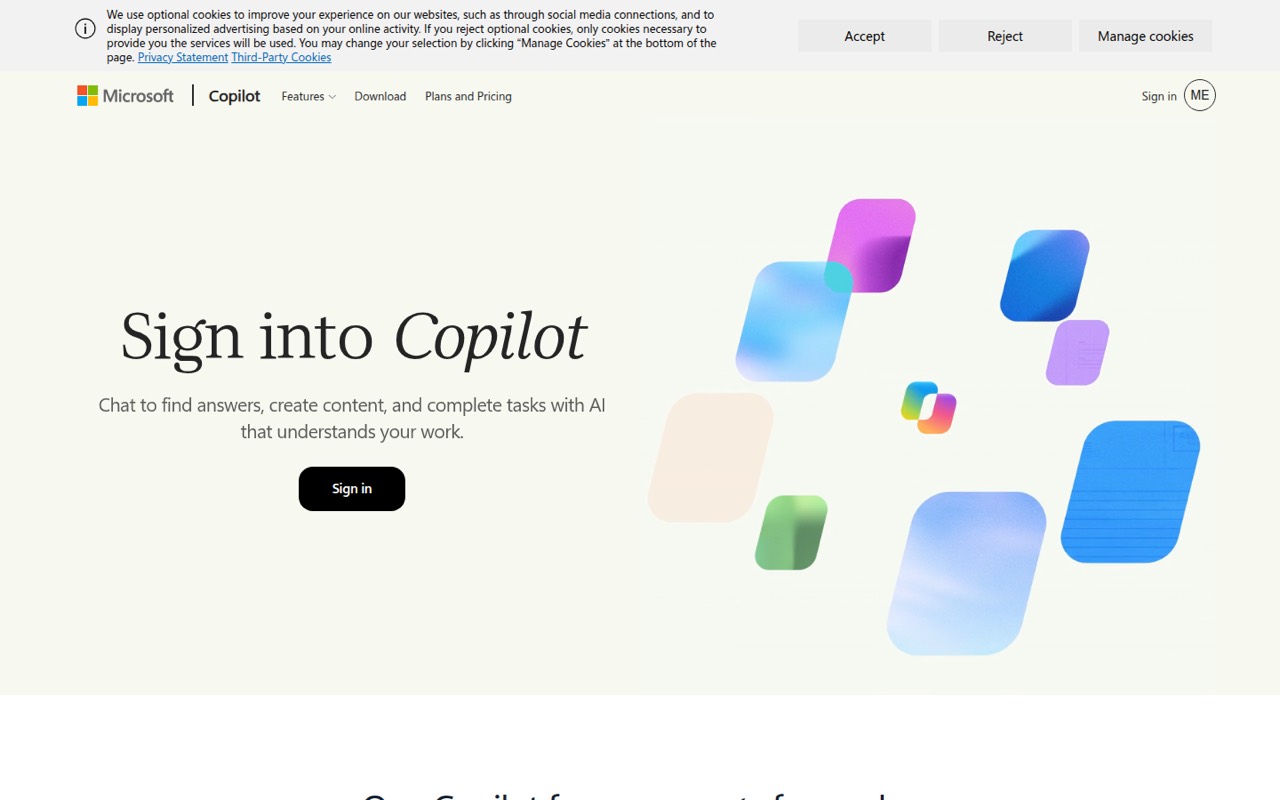
Copilot is a practical option for teams already using Microsoft 365, especially for Microsoft-workflow and email tasks. Individuals can start free; the listed starting price is $16.67. Pay when the Microsoft 365 integration matters to your work, and check which plan includes the integration your team expects before budgeting for several seats.
What works
- Free plan includes one user
- 15 Designer image boosts per day free
- Search, summaries, drafting, and learning support
What doesn't
- Free plan has peak-hour model limits
- Exact message caps are not published
- Business requires a qualifying base license
- Best for model varietyPoePoe
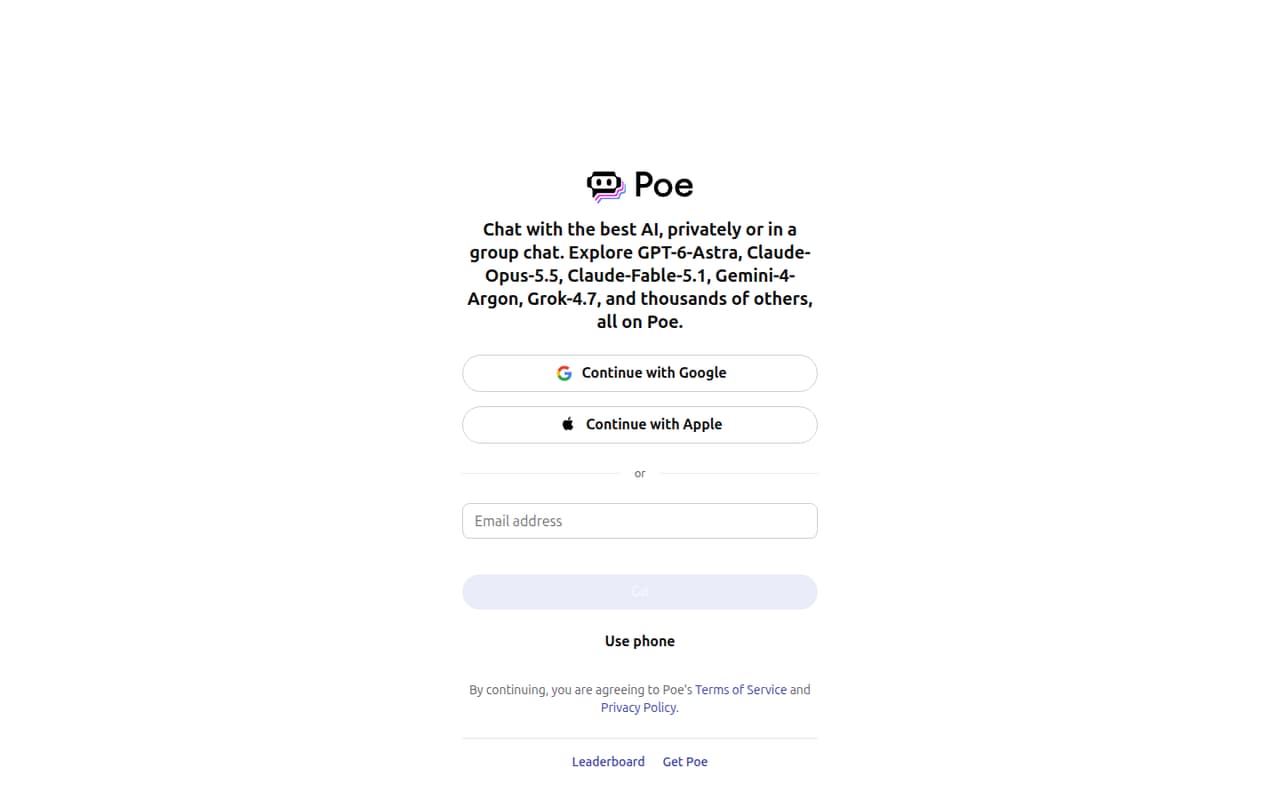
Poe brings several AI models into one place and lets people build custom bots, so it can help a small team compare options without choosing one model first. It has a free plan and starts at $4.17. Watch the points system and per-person pricing: a low starting price alone won’t show what regular team use costs.
What works
- Chat with models from several providers in one interface
- Free plan includes daily compute points
- Build prompt bots with knowledge files
What doesn't
- Free plan’s daily point amount is not published
- Paid plans multiply by the number of people
- Daily points do not roll over
- Best for long documentsKimiKimi
Kimi is aimed at long-document work and can also help make reports and slides. Its free plan makes it possible to try those workflows before paying; the listed starting price is $15. Expect separate paid subscriptions per person, so compare the cost for everyone who needs access rather than treating the starting price as a shared-team rate.
What works
- Free plan includes two projects and 500MB storage
- Processes up to one million tokens
- Deep Research creates reports with citations
What doesn't
- Free plan has no Kimi Code access
- Paid costs multiply with each person
- No team plan or shared-seat price is listed
- Best for varied solo tasksMonicaMonica
Monica offers a range of AI tools for one person, with web and mobile access and a free plan for light use. It starts at $8.3. The listed fit is less clear for teams that need shared seats, so check how collaboration works and what multiple accounts cost before making it a standard tool for the group.
What works
- Combines chat, writing, search, and translation
- Summarizes web pages and YouTube videos
- Available on web, desktop, and mobile
What doesn't
- Paid plans list one user each
- Standalone monthly prices are not published
- Free access has daily limits
- Best for X usersGrokGrok
Grok offers a range of AI tools for varied tasks and is a natural one to consider if your team already works on X. It has a free plan and starts at $6.67. The shared-workspace price is the catch for small teams; confirm that price and the workspace features before comparing it with individual access.
What works
- Searches live web and X information
- Provides citations for search results
- Combines coding, files, voice and media tools
What doesn't
- Free and paid usage caps are unpublished
- Plus is unavailable on Teams
- Shared Premium access costs $30 per seat monthly
- Best for answer comparisonsChatPlaygroundChatPlayground
ChatPlayground is built for comparing model answers and testing prompts in one workspace. It starts at $15 per person monthly with annual billing, so a few seats can add up even before you check any other costs. Consider it if shared AI workflows matter, and confirm the annual commitment works for your team.
What works
- Compare up to six models in one view
- Send one prompt to models in parallel
- Save prompts and insert them with a slash
What doesn't
- No permanent free plan
- Annual billing is needed for the lowest price
- Five Pro seats cost $75 monthly, billed annually
- Best for custom agentsTypingMindTypingMind
TypingMind fits teams that want to compare models or build custom agents and are comfortable managing API keys. It has a free plan and starts at $39, but there is a five-seat minimum and API bills are separate. That combination may suit a group of five, but is a poor match if you need only one or two seats.
What works
- Chat with multiple AI providers in one workspace
- Bring your own API keys and pay provider usage
- Homepage says data stays on your device
What doesn't
- Free plan has no saved chat history
- Team plans start with five seats
- AI provider usage is billed separately

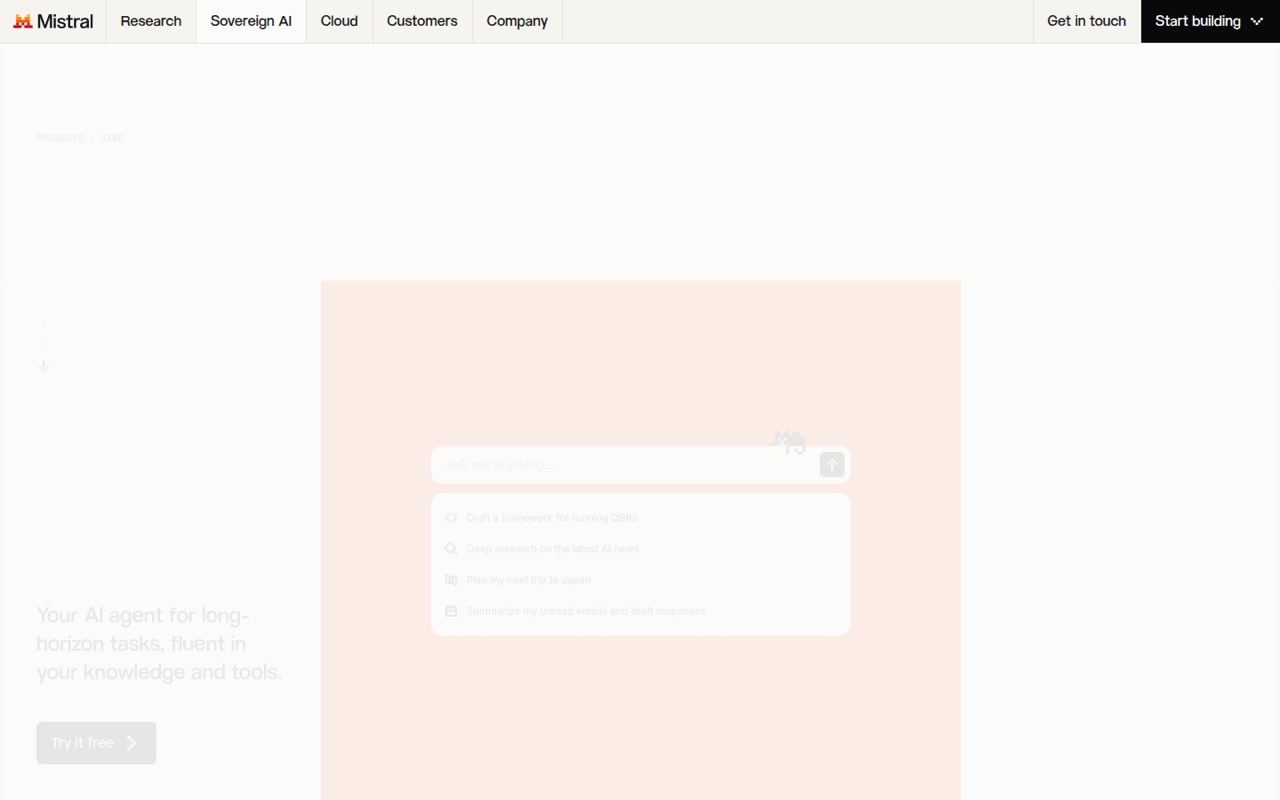
- Best for connected toolsLe ChatLe Chat
Le Chat has a free plan for solo work and may suit a team looking for connected work tools. The Team workspace costs $24.99 per seat monthly, so four seats would be $99.96 a month before any other charges. Check whether the shared workspace features justify that price for your team.
What works
- Free plan includes web and mobile access
- Lists more than 100 connectors
- Free plan allows five scheduled tasks
What doesn't
- Free messages and searches are limited
- Exact Free usage caps are not listed
- Team costs $24.99 per user monthly
- Best for research reportsSkywork AISkywork AI
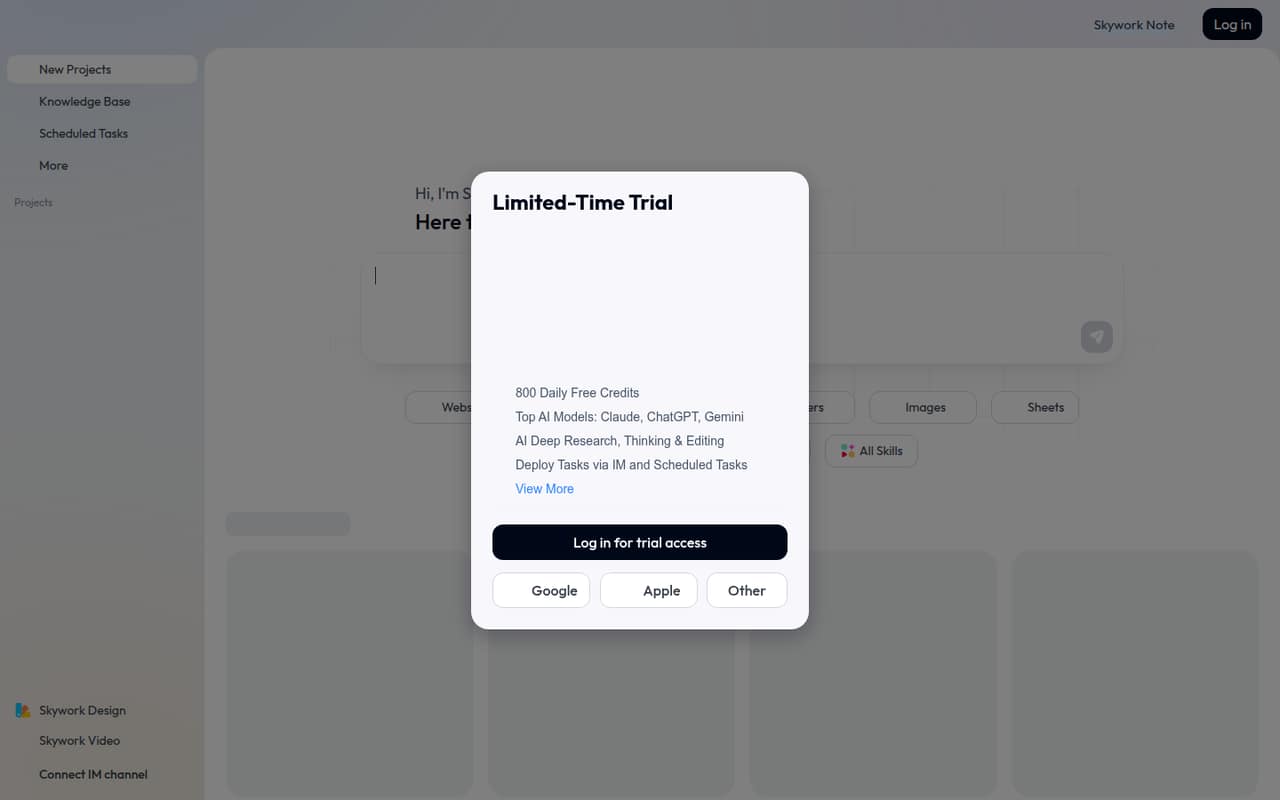
Skywork AI is aimed at producing research reports and other deliverables from research and files. It has a free plan and starts at $12.5. The plans overlap, which makes team budgeting less straightforward; check what each tier includes and how its credits are used before settling on a plan for several people.
What works
- One workspace covers several deliverable types
- Free plan includes basic generation access
- Research can cite web and uploaded sources
What doesn't
- Plan names and credit structures overlap
- Credit recharge prices are not published
- Free credits fall after the first month
- Best for web summariesMerlin AIMerlin AI
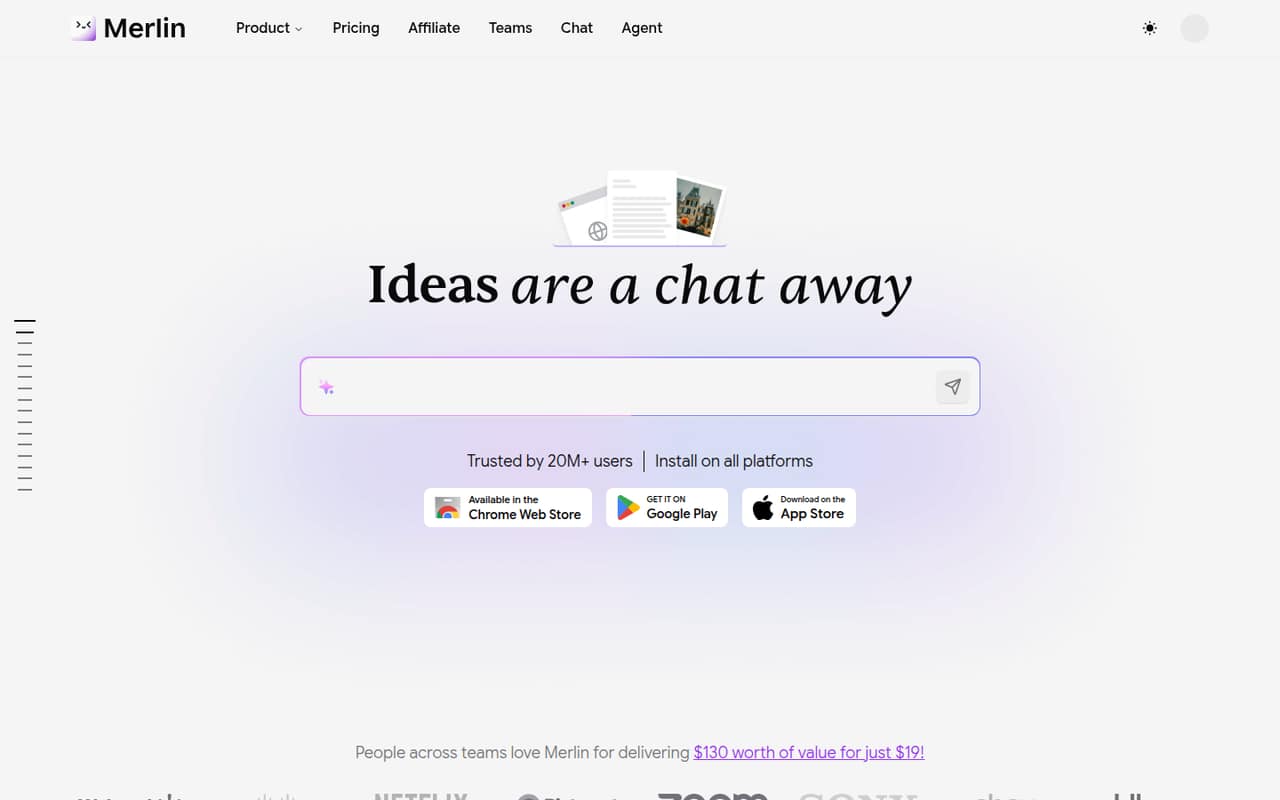
Merlin AI combines several AI tools with web research and YouTube video summaries, and it has a free plan. Its listed starting price is $15. Check the quotas, error reports, and team-seat costs before relying on it for regular work; a free account can help you assess whether its specific tools match your team’s needs.
What works
- Free plan includes 102 queries per day
- Available as a web app and browser extension
- Summarizes websites and YouTube videos
What doesn't
- Free plan limits daily queries and storage
- Teams has a minimum seat requirement
- Add-on and overage prices aren't published
- Best for privacy-minded usersVenice AIVenice AI
Venice AI is worth considering for privacy-minded users and creators who want multiple AI formats or uncensored models. It has a free plan and starts at $15. Check team costs and whether the models behave consistently for your tasks before making it a shared tool. The listed fit is strongest for creators, not a clearly priced team workspace.
What works
- One platform for text, image, video, and audio
- Free plan includes daily text and image prompts
- Pro includes unlimited text prompts
What doesn't
- Free plan has no monthly credits
- Pro video and API credits are limited
- Team pricing and seat minimums are not published

- Best for app connectionsMagaiMagai
Magai brings multiple models and creative tools together, with app connections listed as a fit for small teams. It starts at $20, and the listing does not identify a free plan. Seat costs can add up, so ask for the price for your actual team size and check what the app connections include before committing.
What works
- Switch models mid-conversation without losing context
- Shared memory works across models
- All plans include image and video models
What doesn't
- No free plan is listed
- No free trial details are published
- Pro and Ultra extra-seat rates are custom
- Best for GLM explorationZ.aiZ.ai
Z.ai is an option for teams exploring GLM models, developers using usage-based APIs, or solo coders trying Lite. It has a free plan and starts at $12.6. Budget carefully before choosing a coding plan: check what is included in the paid tier and how API usage is billed separately, if applicable.
What works
- Free web chat and free API models
- API plan has no base subscription fee
- Several coding-plan quota levels
What doesn't
- Coding-plan team pricing is not published
- Free platform rate limits are not published
- Paid coding quotas have time and weekly caps

- Best for agent workflowsLobeChatLobeChat
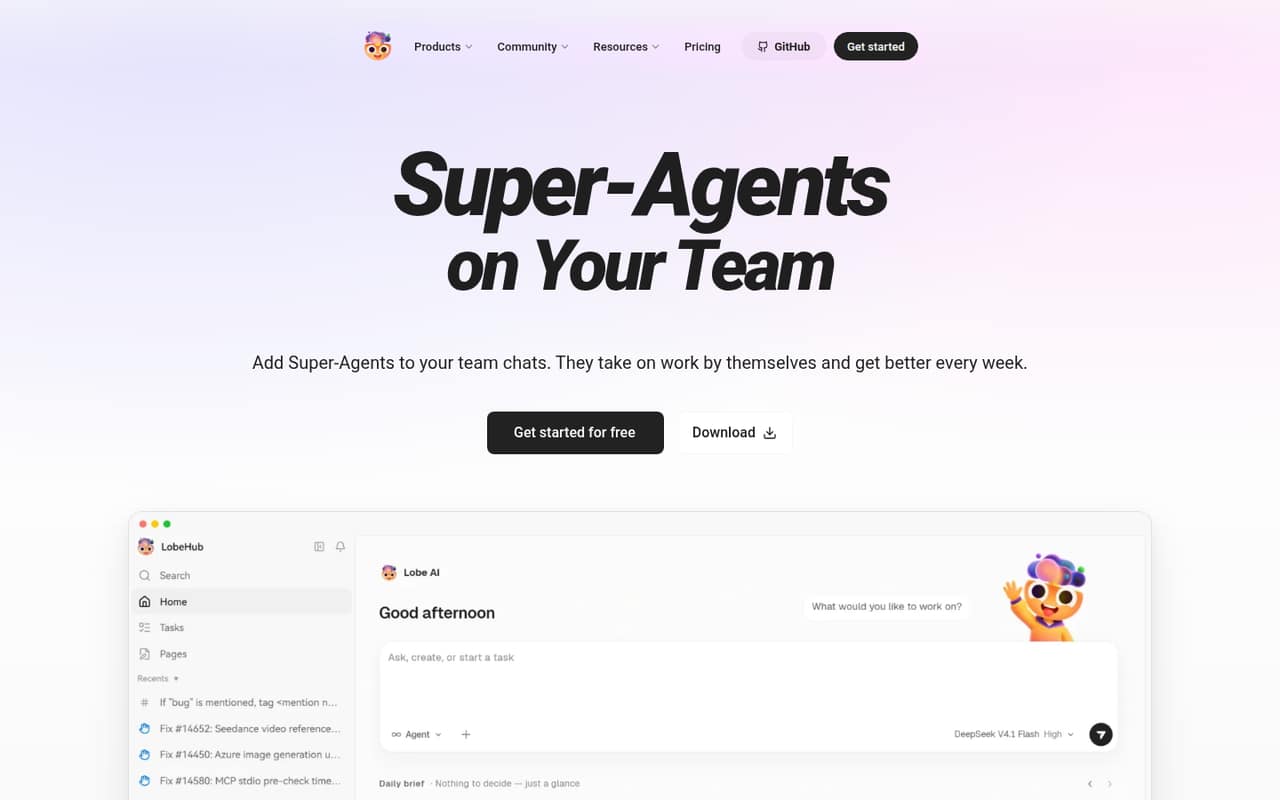
LobeChat may suit a small team interested in agent-based workflows, provided someone is comfortable configuring AI tools. It has a free plan and starts at $18. Check the actual team price and storage allowance before setup; the starting price alone does not establish what a shared team workspace will cost.
What works
- Free plan includes 500,000 monthly credits
- Agents can handle parallel tasks
- People can review or correct agent work
What doesn't
- Free storage is limited to 15 MB
- Free plan allows one concurrent agent task
- Team seat pricing isn’t published
- Best for Mac developersBoltAIBoltAI
BoltAI is aimed at Mac-first developers and founders who want to switch among AI models and can manage provider API keys. It starts at $59, and the listing does not identify a free plan. Remember to budget for the separate API bills, then compare the total with a chatbot subscription that includes model access.
What works
- Access to 300+ models and providers
- Connects local models through Ollama and LM Studio
- Reusable agents with instructions, knowledge and tools
What doesn't
- No free plan; the trial lasts 14 days
- Provider usage costs are separate
- Team Perpetual requires at least five seats
03How we chose
We ranked these tools for teams of 1–10 by free access, listed starting prices, suitability for shared work, and any stated seat minimums or separate API costs. We also considered setup effort where it is specified: managing API keys or configuring tools takes more planning than simply trying a free chatbot. Plan limits matter, but verify them in vendor documentation before buying. We recommend checking recent Reddit sentiment for recurring quota or reliability complaints; we don’t treat unverified comments as product facts. We did not run tests or trials.
04Check the real cost for a few seats
A starting price is not always a team price. First check whether the amount is per person, whether billing is annual, and whether shared workspace features cost extra. ChatPlayground lists $15 per person monthly with annual billing. Le Chat lists its Team workspace at $24.99 per seat monthly. TypingMind has a five-seat minimum, and its API bills are separate. Those details change the math for a team of three or five.
For tools where the team rate is unclear, ask the vendor for a quote for your actual seat count. Include any model or API charges, usage caps, and storage needs in that request. Then compare the total with starting on free plans for a few people. Don’t pay for seats your team won’t use, and don’t assume an individual plan includes shared work.
05Match limits and setup to the work
Choose a chatbot around the work you repeat. Claude is listed for writing, document and data analysis, and coding with human review. Perplexity is aimed at web research with citations; Kimi at long documents, reports, and slides. If the team needs to compare models, look at Poe, TypingMind, or ChatPlayground, but check points, API bills, seat minimums, or annual billing where listed.
Before buying, ask what the free plan limits, which models each paid tier includes, and whether those details are documented. If setup requires API keys or tool configuration, decide who will maintain it. Review current documentation and user reports for issues that matter to your work. Keep a human review step for important decisions, and avoid sharing passwords or sensitive client details unless your company has approved the tool and its terms.
Questions people ask
Is there a better AI than ChatGPT?
It depends on the task. Claude is listed for frequent writing and document or data analysis; Perplexity for web research with citations; and Gemini for multimodal work and long documents. ChatGPT is a broad starting point for drafting, research, and image generation. Try free access where available, then compare limits and seat costs.
Is ChatGPT still the best AI?
It can be a good general-purpose starting point, but it isn’t automatically the best fit for every team. ChatGPT has a free plan and starts at $8, while Claude, Gemini, and Perplexity have different listed strengths. Compare the tasks your team repeats, paid usage limits, and the cost for everyone who needs access.
What not to tell ChatGPT?
As a safe default, don’t paste passwords, payment details, confidential client information, or sensitive employee data into any AI chatbot. Check your organization’s rules and the vendor’s privacy terms first. If a task can be done with names and identifying details removed, use that less-sensitive version.
What AI does Elon Musk use?
We can’t verify which chatbot Elon Musk personally uses. Grok is the option in this guide for people already working on X, but that is not evidence of his personal AI choice. Choose a chatbot based on your team’s tasks, plan limits, and total seat cost instead.