
We may earn a commission if you buy through links on this page. It never changes a score or a ranking. How we make money
The bottom line
Skywork AI turns research and files into deliverables, but plan overlap complicates team budgeting.
A small team that regularly turns research, files, and data into reports, slides, spreadsheets, audio, or webpages may get more from Skywork AI than from a general chatbot. It has a free plan, and the described workflow starts with prompts, files, or outlines.
The catch is pricing clarity. Pro Annual lists team collaboration and commercial rights, while Basic, Plus, and Ultra use a different credit structure. Per-person costs add up quickly, and the vendor does not publish credit-recharge prices or clear seat terms. Confirm the right plan and billing details before rolling it out.
Good fit if
- Teams producing research reports
- Small teams making varied deliverables
- People who can work within credits
Skip it if
- Teams needing clear seat pricing
- Users who need predictable unlimited use
- Teams requiring published integration details
ScoresHow it rates
What works
- One workspace covers several deliverable types
- Free plan includes basic generation access
- Research can cite web and uploaded sources
- Exports include common document and spreadsheet formats
- Pro Annual lists collaboration and commercial rights
What doesn't
- Plan names and credit structures overlap
- Credit recharge prices are not published
- Free credits fall after the first month
- Seat minimums and seat terms are unclear
- The $1 trial auto-renews
01Who Skywork AI is for
Skywork AI is worth considering for a one-to-ten-person team that turns research, uploaded files, or data into finished work on a regular basis. It is a web and desktop workspace with specialized agents for documents, slides, spreadsheets, podcasts, and webpages. Instead of starting each deliverable from a blank page, a teammate can provide a prompt, file, or outline and generate a draft to refine.
The strongest fit is a small research, marketing, or operations group that needs several output formats and can keep an eye on monthly credits. Deep Research cross-references web sources and uploaded data, while the creation tools handle reports, decks, charts, audio, and pages. A solo user can try the free tier; a team that needs collaboration and commercial rights should compare Pro Annual. Skywork is proprietary SaaS for this workspace, so teams seeking self-hosted software should look elsewhere.
02Skywork AI free plan and trial
Skywork AI’s Free plan lists 500 daily credits in month one, then 500 weekly credits from month two. It also lists a 120-credit daily login bonus and basic generation access. That is enough to explore the workflow, but the lower weekly allowance after the first month makes it a limited ongoing option for regular team production. The plan does not list the paid tiers’ export quantities or team collaboration.
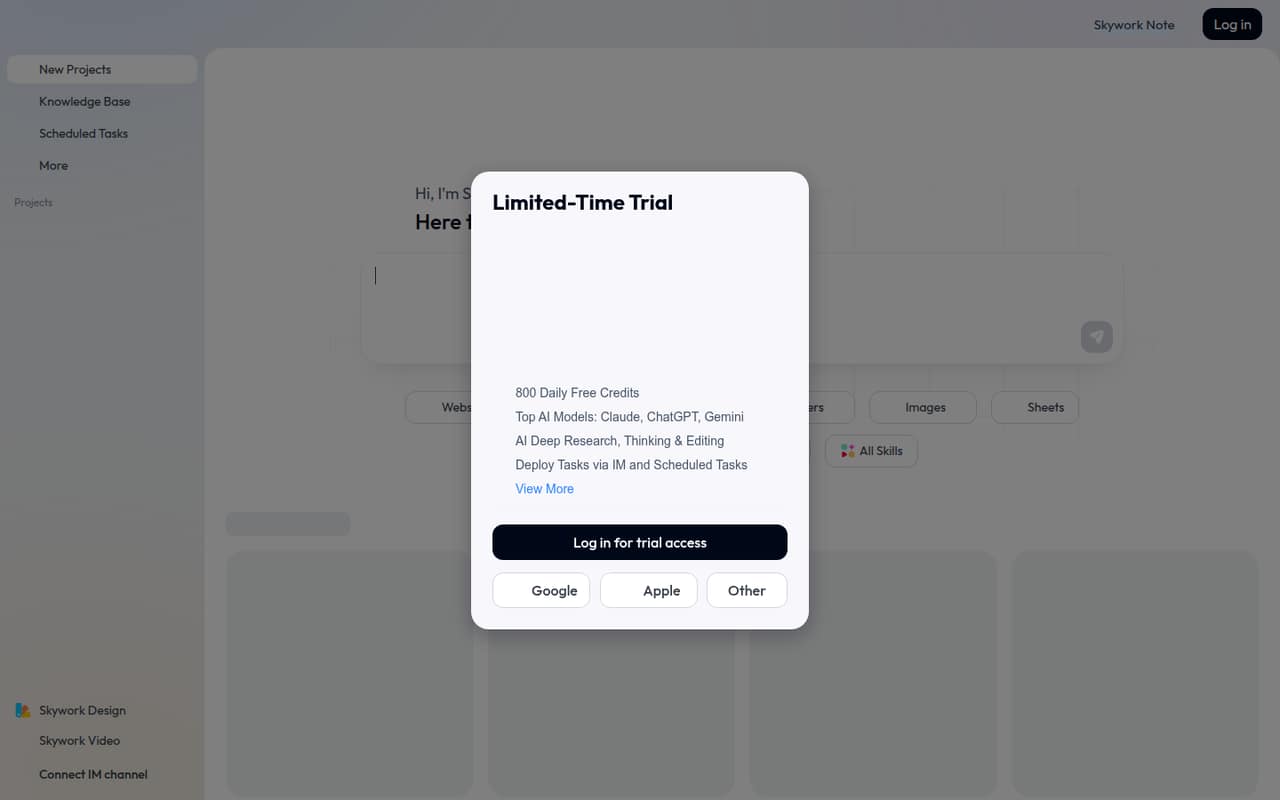
There is also a seven-day trial for $1. The pricing information says it auto-renews, so check the renewal price and cancellation terms before starting; the post-trial amount is not published in the listed details. For sustained individual work, Pro Monthly is listed at $19.99 per month. For teams, compare Pro Annual’s collaboration and commercial-rights features, and confirm seat terms before paying.
03What a small team pays for Skywork AI
Skywork lists Pro Monthly at $19.99 per person per month, with 7,000 credits. If each teammate needs a separate plan, that is $59.97 monthly for three people or $99.95 for five. Pro Annual lists the same 7,000 monthly credits and costs $149.99 per person billed annually, or $12.50 per month equivalent. At that rate, three people total $449.97 per year ($37.50 monthly equivalent); five total $749.95 per year ($62.50 monthly equivalent). Pro Annual lists full DeepResearch access, commercial rights, team collaboration, and priority support.
Basic is listed at $19.99 monthly or a $12.50 annual-rate equivalent, but its listed benefits focus on individual use. The plan names and features overlap, so confirm which plan supports your intended team setup. The vendor does not publish seat minimums or clarify whether team collaboration changes the per-person price. Credit Package Recharge is an add-on, but its price is not published. Ask about seat terms and credit costs before budgeting for more people.
04Getting started with Skywork AI
The basic workflow looks approachable: start with a prompt, an uploaded file, or an outline, then use a specialized agent to create the output. A small team can begin with one document or deck and check whether the result fits its workflow before adding more seats. Skywork’s described workspace is available on web and desktop.
The learning curve will likely come from choosing the right agent and managing credits across different tasks, rather than setting up a complex production system. The vendor’s published product details do not list a setup checklist or named integrations for connecting team tools. They do list exports such as DOCX and PDF for documents, PPTX and Google Slides for presentations, and XLSX and CSV for data. If your team needs a direct connection to a particular storage, chat, or project tool, ask the vendor about it before purchase rather than assuming it is supported.
05When small teams outgrow Skywork AI
The first pressure point is credits. Free access drops from 500 daily credits in month one to 500 weekly credits from month two, while paid plans have monthly allowances: 7,000 for Pro and Basic, 28,000 for Plus, and 150,000 for Ultra. The vendor describes Pro as about 100 tasks, but task sizes can vary, and the price for buying more credits is not published. Teams with steady, high-volume use should check actual consumption and recharge costs before relying on it.
The second pressure point is team pricing. Pro Annual lists collaboration, but the vendor does not publish seat minimums or a clear multi-seat quote. Paying per person can bring a five-person team to $749.95 per year at the listed Pro Annual rate. Teams may also outgrow the workspace if they need integrations not listed by the vendor or more explicit administration and access controls. Ask about those needs and seat terms before expanding.
Questions people ask
How much does Skywork AI cost?
Skywork AI has a free plan. Pro Monthly is listed at $19.99 per month, while Pro Annual is $149.99 billed annually, equivalent to $12.50 per month. Basic, Plus, and Ultra are also listed, with monthly and annual-rate pricing. Credit recharge prices and clear seat terms are not published.
What does Skywork AI’s free plan include?
The Free plan lists basic generation access, 500 daily credits in month one, and 500 weekly credits from month two. It also lists a 120-credit daily login bonus. The free tier does not list the paid plans’ collaboration features or paid export quantities.
Does Skywork AI offer a free trial?
The pricing details list a seven-day trial for $1. It auto-renews, and the post-trial renewal amount is not published in those details. Check the renewal price and cancellation terms before starting so the trial does not become an unexpected subscription.
Can a team use Skywork AI commercially?
Pro Annual lists commercial rights and team collaboration among its benefits. The pricing details do not explain seat minimums or how collaboration is priced for multiple users. Ask Skywork to confirm the rights and total price for your specific team before purchasing.
What can Skywork AI export?
The listed export formats include DOCX and PDF for documents, PPTX and Google Slides for presentations, XLSX and CSV for data, and MP3 for podcasts. The product description also lists one-click publishing for webpages, but does not specify a file export format for those pages.