We may earn a commission if you buy through links on this page. It never changes a score or a ranking. How we make money
A small team may not need an AI design tool if a general-purpose design app already covers the work. But for quick product concepts, brand assets, fashion visuals, or game art, a focused tool can save time on first drafts. Magic Patterns is our top pick for product UI exploration, while Leo AI has a broad visual toolkit and a free plan. Before adding seats, check what the free plan actually includes and whether the listed starting price covers your team: exact multi-seat totals aren’t published for every tool.
Quick picksThe shortlist
 Magic PatternsMagic PatternsBest for small teams · $17/mo
 Leo AILeo AIBest for visual variety · $12/mo
 MaketMaketBest for floor plans · $20/mo
 StitchStitchBest free UI concepts · Free
 Ludo.aiLudo.aiBest for game assets · $15/mo
 The New BlackThe New BlackBest for fashion brands · $15/mo
 LogoAILogoAIBest for quick branding · $10/mo
 Collov AICollov AIBest for property staging · $19/mo
 Raspberry AIRaspberry AIBest for fashion teams · $49/mo
01Compared at a glance
| Tool | Score | From | Free plan | Trial |
|---|---|---|---|---|
| Magic PatternsMagic Patterns | 7.6 | $17/mo | Yes | — |
| Leo AILeo AI | 7.0 | $12/mo | Yes | — |
| MaketMaket | 7.2 | $20/mo | Yes | — |
| StitchStitch | 6.3 | Free | Yes | — |
| Ludo.aiLudo.ai | 6.2 | $15/mo | Yes | — |
| The New BlackThe New Black | 7.0 | $15/mo | No | — |
| LogoAILogoAI | 6.3 | $10/mo | No | — |
| Collov AICollov AI | 6.3 | $19/mo | No | Yes |
| Raspberry AIRaspberry AI | 6.8 | $49/mo | Yes | 7 days |
02The picks, in detail
- Best for small teamsMagic PatternsMagic Patterns
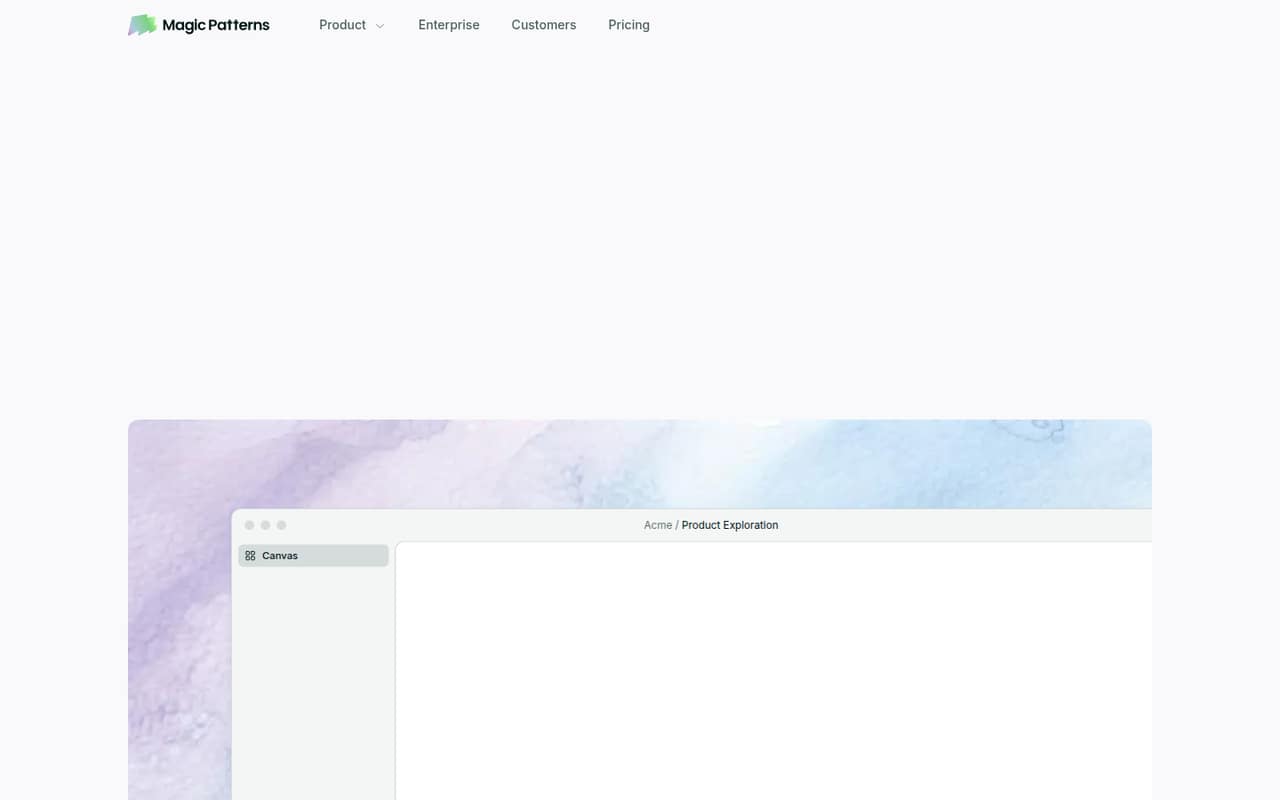
Magic Patterns is our pick for small product teams that need to explore interface directions and hand prototypes to coding agents. The listed starting price is $17, and a free plan is available. Its fit is strongest when the team’s work is mainly UI; check credit limits before adding seats, since those limits can affect how much of the workflow fits the free or paid plan.
What works
- Generates high-fidelity UI from prompts and requirements
- Can use product context and imported design rules
- Supports side-by-side design exploration
What doesn't
- Free-plan credit amount isn’t published
- Free workspace seat limit isn’t published
- Generated previews have a watermark on Free
- Best for visual varietyLeo AILeo AI
Leo AI combines image and video creation with shared visual workflows and image-generation APIs, making it a flexible option for a small team with mixed needs. The listed starting price is $12 per month, and there’s a free plan. Check the plan limits and seat pricing before building a shared process around it; a low starting price alone doesn’t tell you the total for several people.
What works
- Free plan includes 150 fast tokens daily
- Creates both images and videos
- Custom models can reproduce a style or subject
What doesn't
- Free creations are public
- Free users get auto-only model access
- Paid subscribers must buy token top-ups if needed

- Best for floor plansMaketMaket
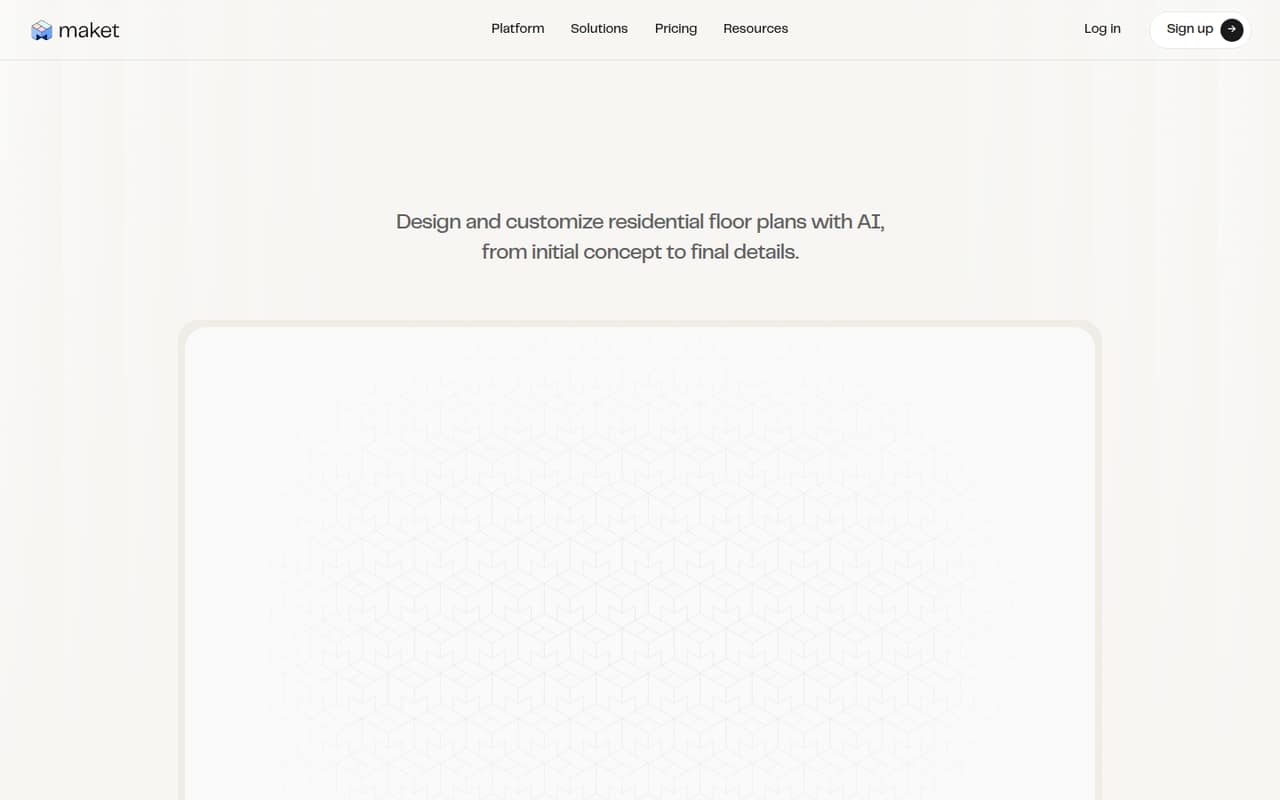
Maket suits homeowners exploring layouts, small teams preparing client concepts, and designers who need PDF or DXF exports. It has a free plan, but usable exports start at the listed $20 price. That makes it worth considering for drafting before committing, while teams that need export files in their regular workflow should budget for the paid plan.
What works
- Generates plans from plain-language requirements
- Lets users upload existing plans
- Supports canvas edits to walls and openings
What doesn't
- Free plan excludes downloadable exports
- A floor generation or upload uses 20 credits
- Seat pricing is not published
- Best free UI conceptsStitchStitch
Stitch is a useful free canvas for small teams exploring interface ideas and making quick prototypes, especially when there’s no design-tool budget. Its starting price is listed as n/a. Treat the output as a draft: the product summary flags the need for careful human review. Confirm with the vendor what’s included in the free offering before relying on it for a team workflow.
What works
- Free Google Labs Preview plan
- Accepts text, sketches, screenshots, and URLs
- Organizes references and screens on an infinite canvas
What doesn't
- Generation stops at free-plan usage limits
- Paid plans and billing terms are not published
- Reddit users report inconsistent layouts and typography

- Best for game assetsLudo.aiLudo.ai
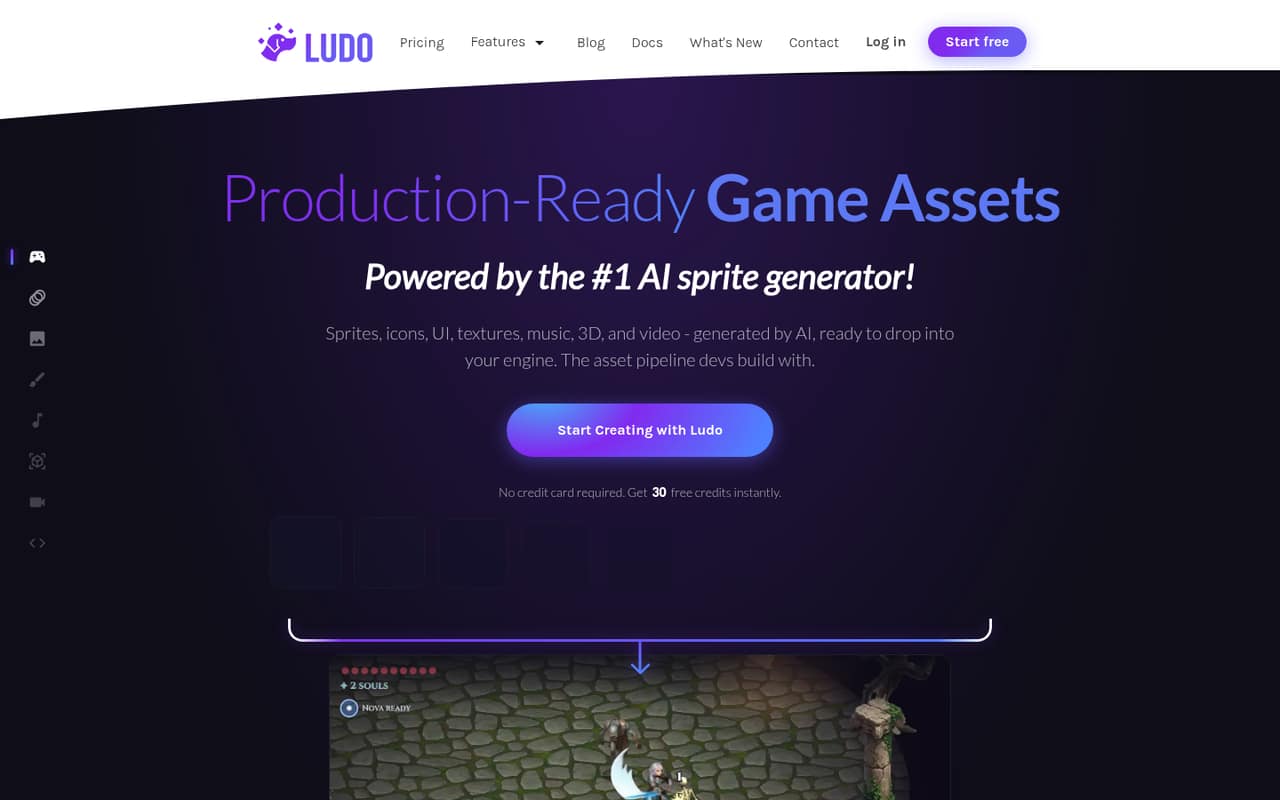
Ludo.ai is aimed at solo developers and small studios making varied 2D game art or sharing asset creation. It has a free plan and a listed starting price of $15. The range of game-asset tools may suit a team working in this niche, but check free-plan limits before building a repeatable workflow around them.
What works
- Generates sprites, UI, textures, music, 3D assets, and video
- Offers motion prompts and named animation presets
- Can generate matching spritesheets in up to eight directions
What doesn't
- Free-plan credits and feature limits are not published
- Indie includes just one seat
- Studio costs $350 monthly or $300 monthly equivalent annually
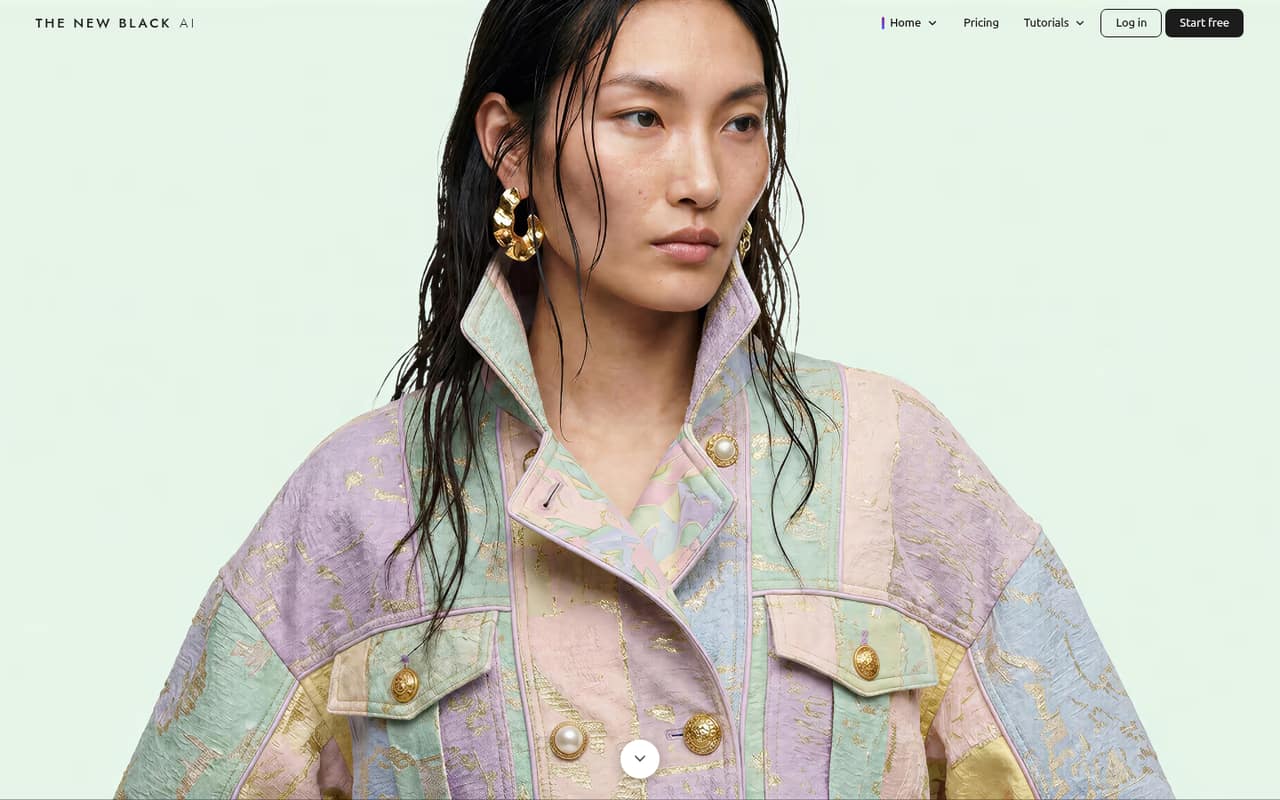
- Best for fashion brandsThe New BlackThe New Black
The New Black is a fashion-specific option for small brands making product visuals, drafting AI-assisted tech packs, or connecting Shopify content workflows. Its listed starting price is $15 per month. Before choosing it, check credit limits against the team’s expected use; the price is a starting point, not a published total for several seats.
What works
- Starter includes three seats for $15 monthly
- Fashion-specific design, model, and video tools
- AI tech packs include size charts and grading
What doesn't
- No free plan or published free trial
- Credit-pack prices are not listed
- Annual plan prices are not published
- Best for quick brandingLogoAILogoAI
LogoAI covers early branding needs: logo files and branded social assets. The listed $10 price is a trial, followed by $20 per month, so it’s less attractive for a small team that wants a low ongoing bill. It can make sense when the immediate need is a quick brand package, but confirm what the plan includes before committing.
What works
- Logo creation and brand assets in one product
- Pro includes 500 AI credits per month
- Pro lists access to 20+ AI models
What doesn't
- No free plan is listed
- The seven-day trial costs $10
- Pro is $20 per month
- Best for property stagingCollov AICollov AI
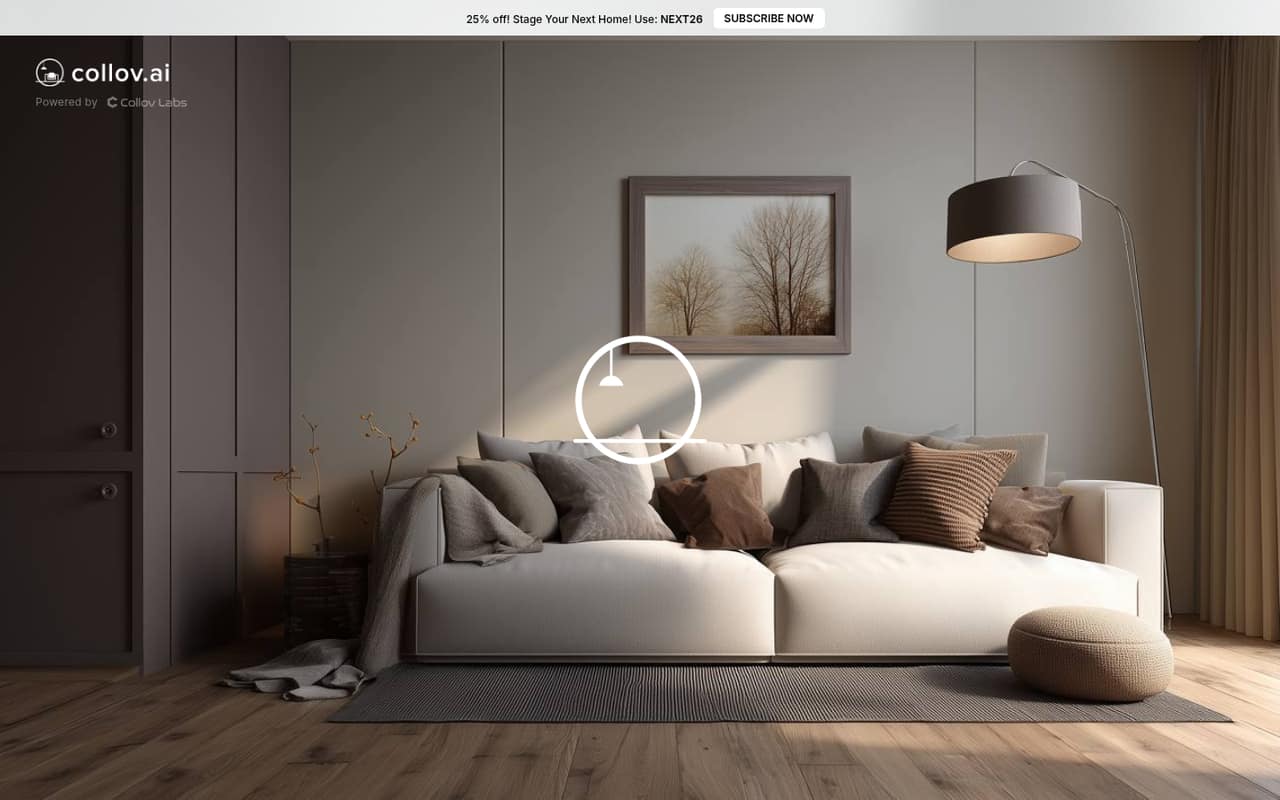
Collov AI is a focused toolkit for agents staging listings and small teams editing property photos in different styles. The listed starting price is $19, with annual billing to plan around. Check the credit limits and billing terms before using it across several listings; the starting price alone doesn’t establish a multi-seat total.
What works
- Combines staging and photo editing tools
- Standard includes 60 monthly photo credits
- Unlimited regeneration on Standard
What doesn't
- No ongoing free plan
- Monthly payment prices are not shown
- Photo credits limit monthly volume
- Best for fashion teamsRaspberry AIRaspberry AI
Raspberry AI offers fashion-focused tools for product visuals, sketch-to-render work, tech packs, and patterns. A free plan is available, but the listed starting price is $49 and the product summary flags high per-seat pricing. That makes it a harder fit for a budget-conscious team of several people; ask the vendor for a full seat quote before deciding.
What works
- Free plan includes monthly and one-time credits
- Turns sketches into photorealistic fashion renders
- Creates virtual try-on and product imagery
What doesn't
- Basic costs $198 per user monthly
- Pro costs $298 per user monthly
- Free-plan feature access is not specified

03How we chose
We ranked these tools for a team of one to ten, weighing whether a free plan can support a useful first step, the listed starting price, known per-seat costs, and plan limits that could constrain shared use. We also considered how clearly each tool fits a specific design job and what setup a team should plan for, such as reviewing drafts or exporting files. Vendor docs and Reddit sentiment are useful checks where available, but we don’t treat an entry price as a quote for several seats.
04Start with the design job and the free plan
Pick the job before picking the tool. Magic Patterns is aimed at product UI exploration, LogoAI at quick branding, Raspberry AI and The New Black at fashion work, and Collov AI at property staging. Ludo.ai focuses on game assets; Maket is for residential layouts; Stitch and Leo AI cover broader visual concepting. A tool that matches your output is more useful than a long feature list you won’t use.
Next, check what the free plan lets the whole team do. A free plan may help you explore, but it doesn’t automatically cover shared workflows, repeated generations, or export needs. Maket’s free option, for example, is for drafting; usable PDF or DXF exports start at $20. Stitch’s output needs human review. For any plan, confirm limits, sharing options, and what happens when credits run out before you make it part of a regular process.
05Price the seats and the work around them
A starting price isn’t always the price for your team. Compare the listed entry points: Leo AI starts at $12 per month, Magic Patterns at $17, and Collov AI at $19 with annual billing to plan around. Raspberry AI starts at $49 and is flagged as high per seat. LogoAI’s $10 is a trial, then it costs $20 per month. Don’t multiply a starting price by your headcount unless the vendor confirms it’s a per-seat rate; ask for the total for your actual number of users.
Also budget for setup as a team task, not just a subscription. Decide who reviews AI drafts, where final files go, and who handles exports or handoff. The published summaries don’t give setup times, so ask the vendor what onboarding and collaboration require. If the tool’s credit limits or export rules make the team’s normal work awkward, a cheap plan may not be the cheapest workable choice.
Questions people ask
Which AI design tool is best for a small team?
For a small team working on product interfaces, Magic Patterns is our top pick: it’s positioned for UI exploration and prototype handoff, with a listed starting price of $17 and a free plan. For teams with mixed visual needs, Leo AI offers image and video creation, shared workflows, and APIs, starting at $12 with a free plan.
Which AI design tools have a free plan?
The listed options with a free plan are Magic Patterns, Raspberry AI, Leo AI, Maket, Stitch, and Ludo.ai. The value depends on the work: Maket’s usable exports start at $20, and Stitch’s output needs careful human review. Check each vendor’s current limits before relying on a free plan.
How much do AI design tools cost for a few people?
Listed starting prices range from $12 per month for Leo AI to $49 for Raspberry AI, which is flagged as high per seat. LogoAI’s $10 is a trial before $20 per month. Exact totals for a few seats aren’t stated across these listings, so ask vendors for a quote based on your team size.
What should we check before buying an AI design tool?
Confirm that the tool supports your actual output, then check free-plan limits, credits, exports, billing terms, and the total price for your seats. Ask what setup and collaboration involve, too. A tool can be inexpensive to try but a poor fit if its limits interrupt the team’s regular work.