
We may earn a commission if you buy through links on this page. It never changes a score or a ranking. How we make money
The bottom line
Useful range of game-asset tools; check the free-plan limits before building a workflow around it.
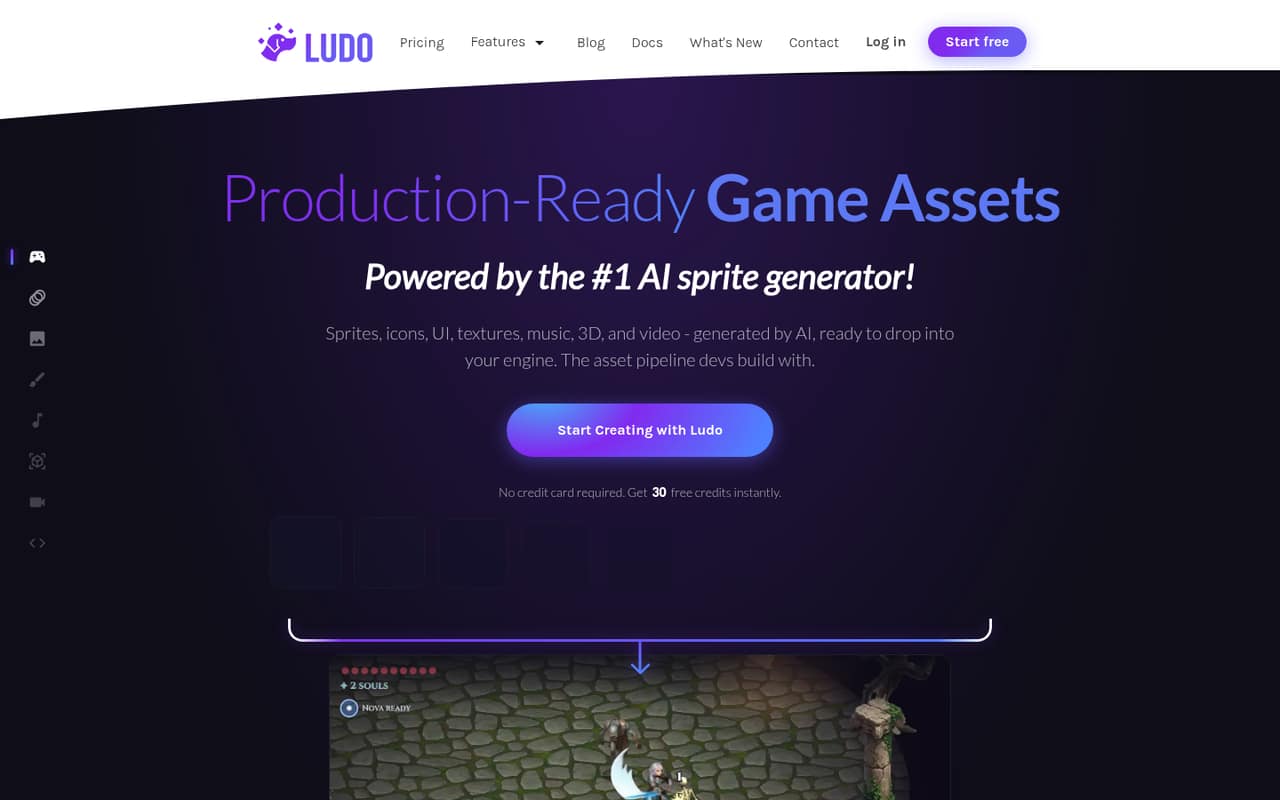
Ludo.ai generates game assets including spritesheets, animations, UI, textures, music, 3D assets, and video. Its spritesheet tools support motion prompts, presets, and up to eight directions, with exports such as PNG, JSON metadata, GIF, and MP4.
The pricing page lists a free plan, but doesn’t state its credit allowance or feature limits. Paid plans start at $20 per month, or $15 per month with annual billing paid upfront. For a small team, separate one-seat Indie plans are cheaper than Studio, while Studio adds shared collaboration for up to 10 seats.
Good fit if
- Solo developers making game assets
- Small teams generating varied 2D art
- Studios needing shared asset creation
Skip it if
- Teams needing known free-plan limits
- Groups seeking low-cost shared seats
- Teams needing published setup guidance
ScoresHow it rates
What works
- Generates sprites, UI, textures, music, 3D assets, and video
- Offers motion prompts and named animation presets
- Can generate matching spritesheets in up to eight directions
- Exports spritesheets in several formats
- Studio includes 10 seats and realtime collaboration
What doesn't
- Free-plan credits and feature limits are not published
- Indie includes just one seat
- Studio costs $350 monthly or $300 monthly equivalent annually
- Pro seat count is not published
- Auto Top-up pricing is not published
01Who Ludo.ai is for
Ludo.ai is aimed at people making games who need more than a single image generator. It can create characters, UI, effects, textures, tiles, icons, portraits, backgrounds, spritesheets, music, 3D assets, and video. For a solo developer or a small team of one to five, that range may help keep asset generation in one place.
The fit depends on how much you create and whether you need shared work. Indie is listed for individuals and includes one seat, five active projects, and one concurrent job. A team that needs realtime collaboration gets that feature on Studio, which includes 10 seats, but costs substantially more. Ludo.ai may suit a small game team with a regular need for generated assets; it is harder to budget for if you need exact free limits or predictable credit use before committing.
02Ludo.ai free plan and trial
The pricing information lists a free plan, but the vendor doesn’t publish its credit allowance, seat count, project limit, or which generators it includes. That makes it difficult to tell whether the free option is enough to build a real asset workflow or is mainly for trying the service. The vendor also doesn’t publish trial terms.
For a defined paid allowance, the cheapest listed option is Indie: $20 per month, or $15 per month when billed annually. The annual price means paying $180 upfront for the year. Indie includes 3,000 credits per year, provided upfront, one seat, five active projects, one concurrent job, and basic support. Before relying on the free plan, check with the vendor how many credits it includes and whether exports and the specific generators you need are available.
03What a small team pays for Ludo.ai
Indie costs $20 per month for one seat, or $15 per month on annual billing, paid upfront at $180 per year. It includes 3,000 credits per year. If three people each need a separate Indie seat, that totals $60 monthly or $540 per year; the annual equivalent is $45 per month. Five separate Indie seats total $100 monthly or $900 per year, equivalent to $75 per month on annual billing.
Studio costs $350 monthly or $300 per month equivalent when billed annually, paid upfront at $3,600 per year. It includes 10 seats and realtime collaboration, so its full cost is the same for a team of three or five: an effective $116.67 per person for three seats or $70 per person for five, at the monthly rate. Pro is $50 monthly or $35 monthly equivalent annually, but its seat count isn’t published. Extra credits are available on paid plans: 250 credits start at $15, and the listed rate reaches 2.94 cents per credit for 17,000. Auto Top-up pricing isn’t published.
04Getting started with Ludo.ai
The basic workflow is clear from the listed tools: choose an asset type, set a style or provide a reference, then generate. For animated spritesheets, you can start with a frame and a motion prompt or choose a named motion preset. The service also supports style choices from more than 30 art styles, directional sprites, and several background types.
The vendor doesn’t publish a setup-time estimate or detailed onboarding requirements, so we can’t say how long it takes a team to get productive. For one person working on assets, there’s no listed need to set up team collaboration. If your workflow needs programmatic access, API, MCP, and CLI access are listed on Pro; the pricing information doesn’t list those on Indie. Studio lists realtime collaboration. Confirm which plan covers your workflow before assigning the team to it.
05When small teams outgrow Ludo.ai
The first pressure point is credits. Indie provides 3,000 per year, upfront, and teams that use more can buy extra credits on paid plans. The pricing page lists options from 250 credits at $15 up to 17,000 credits at 2.94 cents per credit. Because the cost of Auto Top-up isn’t published, teams with uneven workloads should check the price before depending on it.
The next hurdle is seats and shared work. Indie has one seat, while Studio is the plan that lists 10 seats and realtime collaboration. Three or five separate Indie subscriptions cost less than Studio, but the listed Indie features don’t include realtime collaboration. Pro offers unlimited active projects and two concurrent jobs, but its seat count isn’t published. A growing team should compare its need for shared creation, project volume, and concurrent jobs against those plan limits before upgrading.
Questions people ask
Does Ludo.ai have a free plan?
Yes. The pricing information lists a free plan, but the vendor doesn’t publish its credit allowance, seat count, or feature limits. Ask which generators and export formats it includes before treating it as a workable production plan.
How much does Ludo.ai cost for one person?
Indie costs $20 per month, or $15 per month with annual billing paid upfront at $180 per year. It includes one seat and 3,000 credits per year. The pricing page also lists Pro at $50 monthly or $35 monthly equivalent annually.
What does Ludo.ai cost for a team of three or five?
Three one-seat Indie subscriptions cost $60 monthly or $540 per year, with annual billing equivalent to $45 per month. Five cost $100 monthly or $900 per year, equivalent to $75 per month. Studio includes 10 seats and costs $350 monthly or $300 monthly equivalent annually.
What kinds of game assets can Ludo.ai generate?
Ludo.ai generates characters, UI, effects, textures, tiles, icons, portraits, backgrounds, spritesheets, music, 3D assets, and video. Its spritesheet tools support motion prompts or named presets, and directional sprites can cover up to eight directions.
What formats can Ludo.ai export?
The listed spritesheet export formats include PNG, JSON metadata, per-frame sequences, GIF, and MP4 video. If your pipeline needs another format or a specific integration, confirm its availability with the vendor before choosing a plan.