We may earn a commission if you buy through links on this page. It never changes a score or a ranking. How we make money
A small team may not need a backend-as-a-service platform if its app has simple data needs and someone can maintain the backend. But if you need a database, authentication, APIs, or app infrastructure without building every piece yourself, a BaaS can be a practical shortcut. Firebase is our first pick for a useful free entry point; Supabase suits teams building on Postgres. Before choosing, check what the free plan limits and whether your likely usage—or number of developers—changes the bill. Listed starting prices alone don’t give every team a seat-by-seat total.
Quick picksThe shortlist
01Compared at a glance
02The picks, in detail
- Best free
 FirebaseFirebase
Firebase ranks first for teams that want to start without a paid plan: its Spark plan is free, and the tool is positioned for app teams that need built-in authentication. The trade-off is that paid Blaze costs depend on usage, not seats. Check the Spark quotas against your expected app use, and estimate likely usage before relying on a free-to-paid transition.
What works
- Spark has a $0 monthly price
- Includes databases, authentication and hosting
- Realtime sync and offline persistence
What doesn't
- Blaze bills by usage beyond free quotas
- No per-seat or fixed-price plan
- Firestore and Realtime Database are NoSQL
- Best for Postgres
 SupabaseSupabase
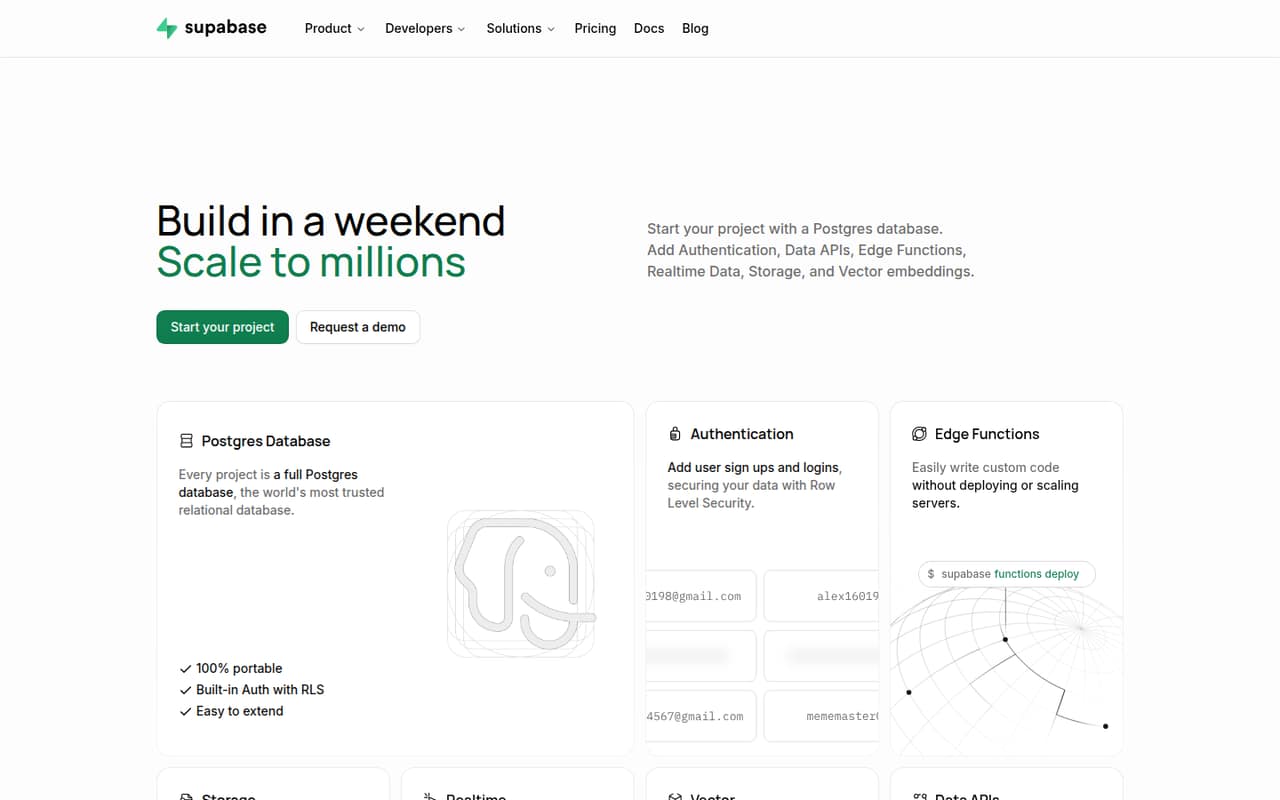
Supabase is a strong fit when your team wants Postgres alongside authentication and storage. Its free plan gives you room to test an idea, while the listed starting price is $25. That figure alone doesn’t establish what a few seats will cost, so check how plan pricing and usage limits apply to your project before moving production work onto it.
What works
- Free plan includes 50,000 monthly active users
- Portable Postgres database for each project
- Auth, storage, APIs and realtime in one platform
What doesn't
- Free projects pause after one inactive week
- Free plan allows two active projects
- Usage overages can add to the bill
- Best for TypeScript
 ConvexConvex
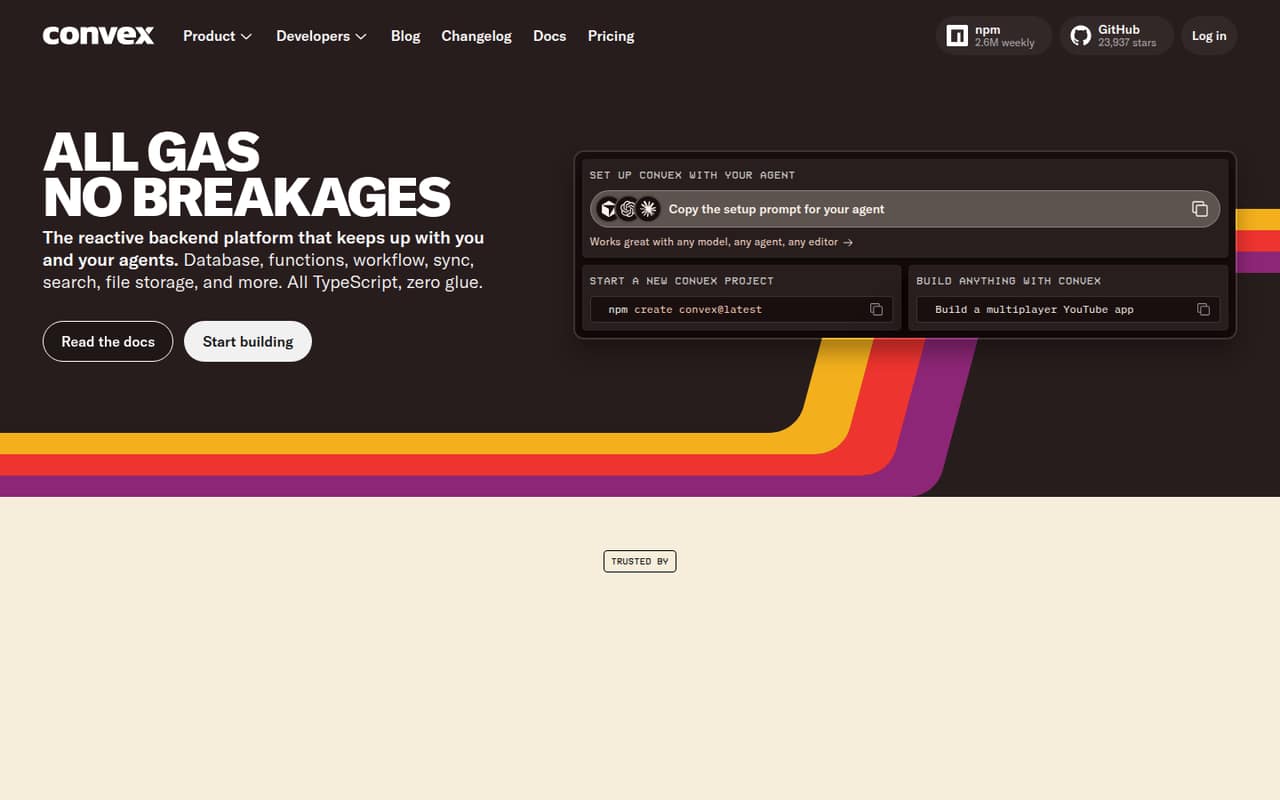
Convex suits TypeScript teams building apps that need live data, and its free plan makes it possible to prototype before committing to a paid plan. The listed starting price is $25, with charges based on developers and usage. For a small team, confirm both the developer count and expected usage in a cost estimate rather than treating the starting price as a flat team bill.
What works
- Free plan includes up to six developers
- Combines database, functions, workflows, search, and file storage
- Real-time synchronization is built in
What doesn't
- Professional costs $25 per developer monthly
- Usage beyond included amounts has extra charges
- A Reddit user flags bandwidth costs for scanned documents
- Best for self-hosting
 AppwriteAppwrite
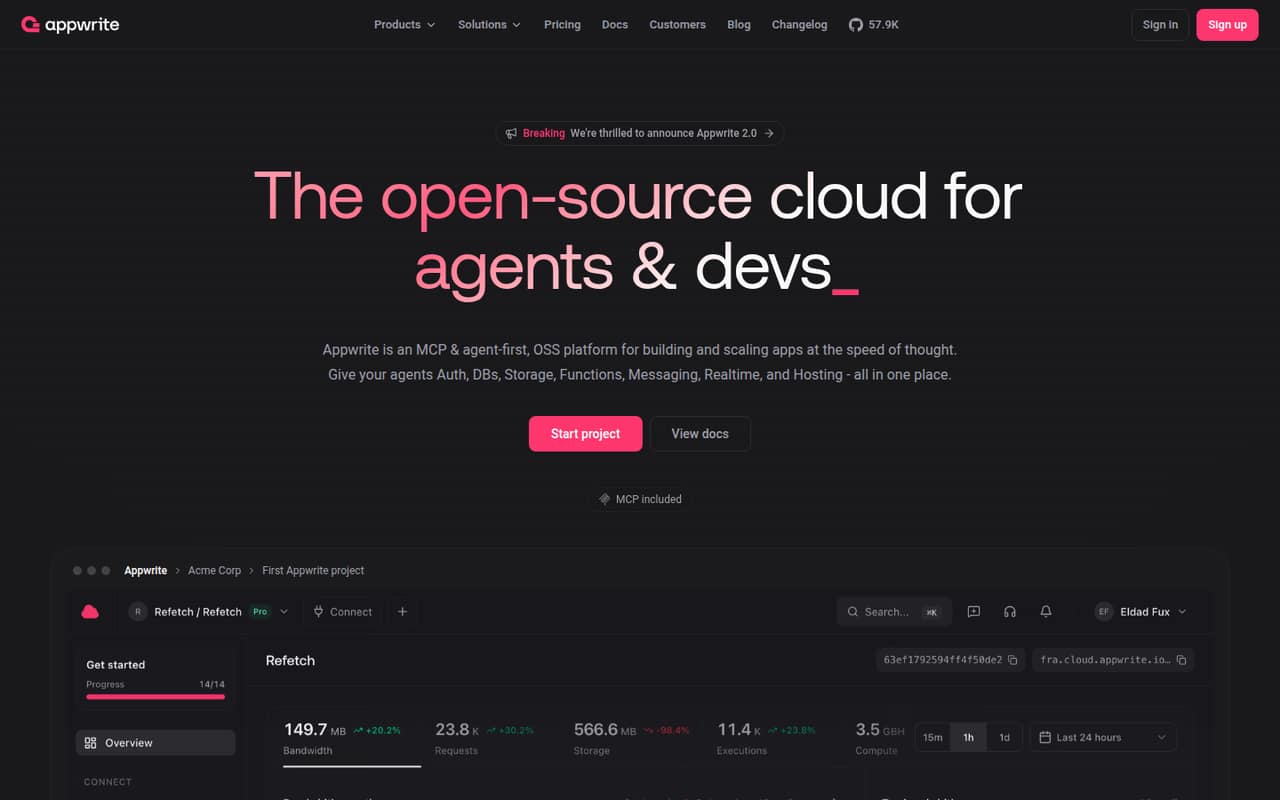
Appwrite offers a broad backend toolkit and is a fit for small teams that want the option to self-host or need several backend services. It has a free plan, but a Cloud starting price isn’t listed. Check Cloud pricing and resource limits before choosing hosted service; if self-hosting, account for the work your team will take on to run it.
What works
- Free plan includes all platform services
- Offers both Cloud and self-hosted environments
- Authentication supports several sign-in methods
What doesn't
- Free resource limits are not specified here
- Pro subscription price is not listed
- Projects freeze when they hit resource limits
- Best managed backend
 XanoXano
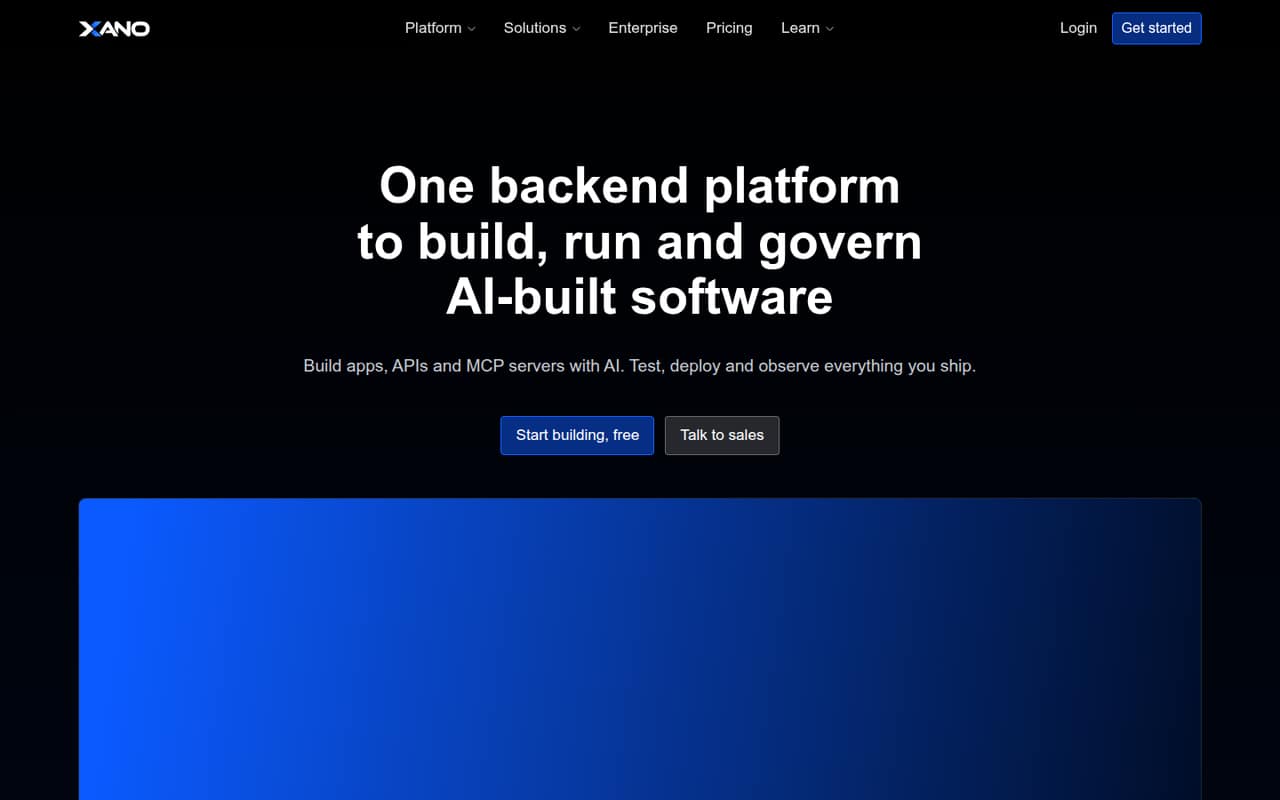
Xano is aimed at teams that want managed backend operations for production apps, including AI- and API-driven products. A free plan is listed, and the starting price is $85. That makes it less appealing if your main goal is the lowest possible bill. Ask what the plan includes and how its price changes for your team and expected use.
What works
- Free plan includes 100,000 database records
- Build with AI, XanoScript, or an editor
- Build APIs and MCP servers
What doesn't
- Free plan is limited to one workspace
- Essential starts with five team seats
- Paid production use costs at least $99 monthly
- Best for game teams
 PlayFabPlayFab
PlayFab is the specialist pick for indie teams building live games. Its free plan covers an entry point for game backends, including cross-platform player accounts, LiveOps, and game analytics. Usage costs need watching, so map expected activity to the plan’s limits before launch. For a team building a general business app, the game-focused feature set may not be the right fit.
What works
- Development Mode is free for qualifying development use
- Supports accounts, saves, stats and leaderboards
- Includes LiveOps and analytics services
What doesn't
- Usage charges depend on each game's activity
- Multiplayer Servers and Party are billed separately
- Annual plan prices are not published

03How we chose
We ranked these tools for teams of one to ten, giving weight to a free plan, the listed starting price, and whether the product fits a common small-team use case. We also considered how pricing is described: Firebase is usage-based, while Convex charges by developer and usage. Setup effort depends on your stack and whether you self-host, so we treat it as a buying check rather than assume one tool is easiest. Review the official docs for limits and use recent Reddit discussions to check for relevant user concerns before deciding.
04Check the free plan and the real team cost
A free plan is useful for a prototype, but it is not a budget until you know its limits. Firebase has a free Spark plan, while Supabase, Convex, Appwrite, Xano, and PlayFab are also listed with free plans. Check which usage limits apply and what happens when you cross them. For paid entry points, the listed starting prices are $25 for Supabase, $25 for Convex, and $85 for Xano. Those figures do not establish a complete bill for a particular team. Firebase Blaze is usage-priced rather than seat-priced; Convex charges by developer and usage. For other tools, ask the vendor for a quote based on your number of developers and expected use. Confirm whether the free plan can support production before you build around it.
05Match the backend to your app and your capacity
Choose around the work your app actually needs. Supabase is positioned for Postgres apps and includes authentication and storage. Firebase is a general app backend with built-in authentication. Convex is aimed at TypeScript apps and live data; PlayFab targets live games and includes player accounts, LiveOps, and game analytics. Appwrite offers several backend services and self-hosting. Xano focuses on managed backend operations. These differences affect setup: self-hosting means your team must take responsibility for running the service, while managed options reduce that operational burden. The vendor’s docs should spell out setup steps, integrations, and limits for your stack. As your team grows, revisit usage, developer-based charges, and the work required to maintain the backend. Ask for a migration path before limits or costs become a surprise.
Questions people ask
Does a small team need a backend-as-a-service platform?
Not always. If the app has simple data needs and your team can maintain its own backend, a BaaS may be unnecessary. It is worth considering when you need services such as a database, authentication, or APIs without building each piece yourself.
Which backend-as-a-service platform has the best free plan?
Firebase is our best-free pick because it has a free Spark plan and is positioned for apps needing built-in authentication. Its paid Blaze plan depends on usage, so check Spark quotas and estimate likely use before deciding whether free will be enough.
What does backend-as-a-service cost for a small team?
Listed starting prices include $25 for Supabase and Convex and $85 for Xano; each also has a free plan. Firebase Blaze is usage-priced, and Convex charges by developer and usage. Ask each vendor for a total based on your team size and expected activity.
When should a team outgrow a free backend plan?
Review the plan when your app approaches its usage limits, needs production capacity the free tier doesn’t cover, or your team’s costs change with developer count. Check the vendor’s current limits and paid-plan terms before your project depends on the free tier.