We may earn a commission if you buy through links on this page. It never changes a score or a ranking. How we make money
A team of 1–10 probably needs a CRM if deals, contacts, or follow-ups are slipping between people. If one shared spreadsheet still keeps everyone on the same page, you may not need another subscription yet. For a low-cost start, monday CRM has a free option aimed at two-person teams; Attio and Twenty also list free plans. For a simple sales follow-up routine, OnePageCRM starts at $8.95 with annual billing. Check the billing period, seat rules, and plan limits before comparing the headline prices.
Quick picksThe shortlist
 monday CRMmonday CRMBest free start · £8/mo
 AttioAttioBest flexible CRM · $35/mo
 OnePageCRMOnePageCRMBest for follow-ups · €8.95/mo
 TwentyTwentyBest for custom setup · $9/mo
 PipedrivePipedriveBest sales pipeline · $14/mo
 WAPlusWAPlusBest for WhatsApp · $12.99/mo
 StreakStreakBest Gmail CRM · $49/mo
 CloseCloseBest for sales calls · $9/mo
 NimbleNimbleBest relationship CRM · $24.90/mo
01Compared at a glance
| Tool | Score | From | Free plan | Trial |
|---|---|---|---|---|
| monday CRMmonday CRM | 6.5 | £8/mo | Yes | — |
| AttioAttio | 7.6 | $35/mo | Yes | 14 days |
| OnePageCRMOnePageCRM | 7.1 | €8.95/mo | No | 21 days |
| TwentyTwenty | 7.5 | $9/mo | Yes | 30 days |
| PipedrivePipedrive | 7.3 | $14/mo | No | 14 days |
| WAPlusWAPlus | 7.0 | $12.99/mo | Yes | 7 days |
| StreakStreak | 6.8 | $49/mo | Yes | 14 days |
| CloseClose | 7.0 | $9/mo | No | — |
| NimbleNimble | 6.8 | $24.90/mo | No | 14 days |
02The picks, in detail
- Best free startmonday CRMmonday CRM
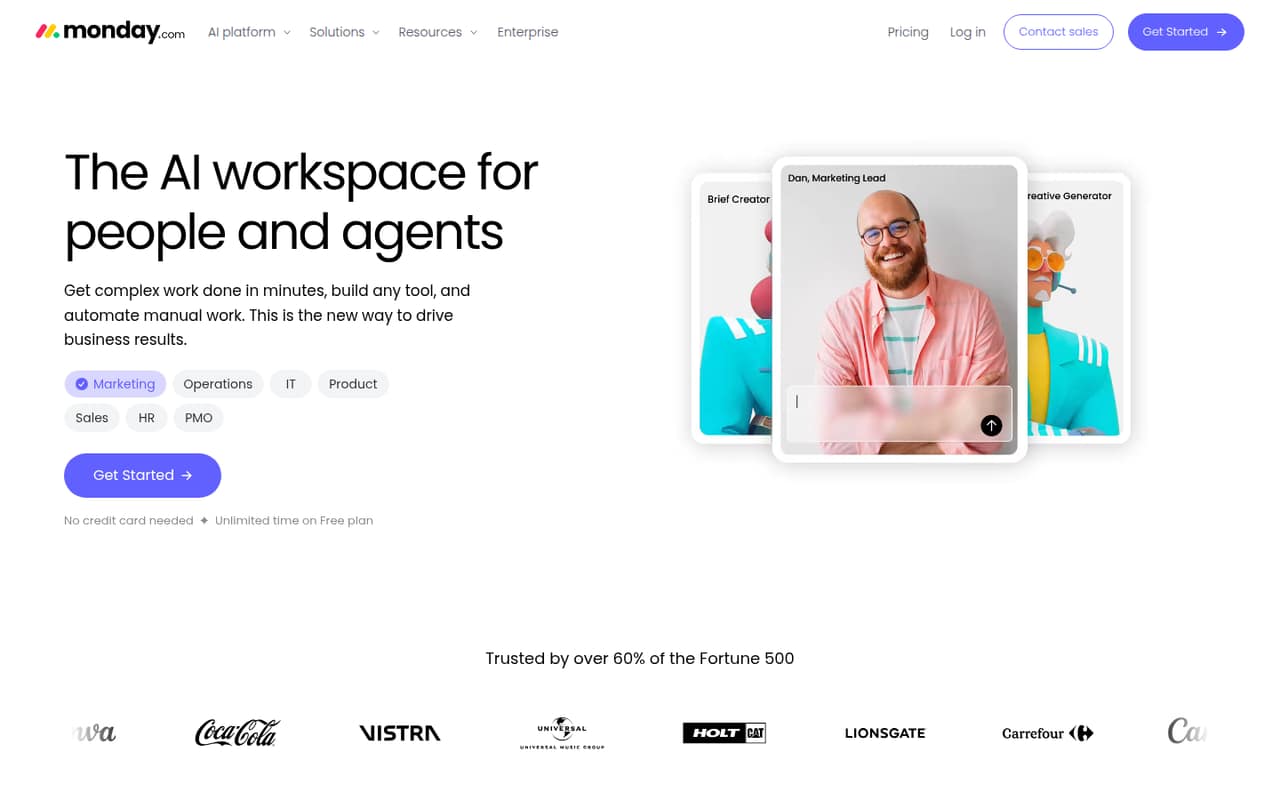
monday CRM is a sensible first look for a tiny team: the listing points to a free plan for two-person teams and paid plans from $8. That gives you a way to start without paying immediately, then consider a paid tier if the free option stops fitting. The pricing summary doesn’t spell out seat minimums or the free plan’s limits, so confirm both before inviting the whole team.
What works
- Free plan includes up to two seats
- Free includes boards, Docs and templates
- Covers leads, follow-ups and pipeline updates
What doesn't
- Monthly-billing prices are not published
- Free plan is limited to three boards
- Sales-specific workflow details are limited
- Best flexible CRMAttioAttio
Attio combines a useful free tier with flexible CRM workflows, making it worth considering if your team expects its process to change. Paid plans start at $35, and paid seats can add up as the team grows. The listing doesn’t give a full seat-cost breakdown or specific free-plan limits. Check those details against your actual team size before building your workflow around it.
What works
- Free plan covers up to three seats
- Free tier includes 50,000 records
- Pipeline, account health, and forecasting features
What doesn't
- Free plan caps email and workspace credits
- Plus and Pro charge per user
- Five seats require a paid plan
- Best for follow-upsOnePageCRMOnePageCRM
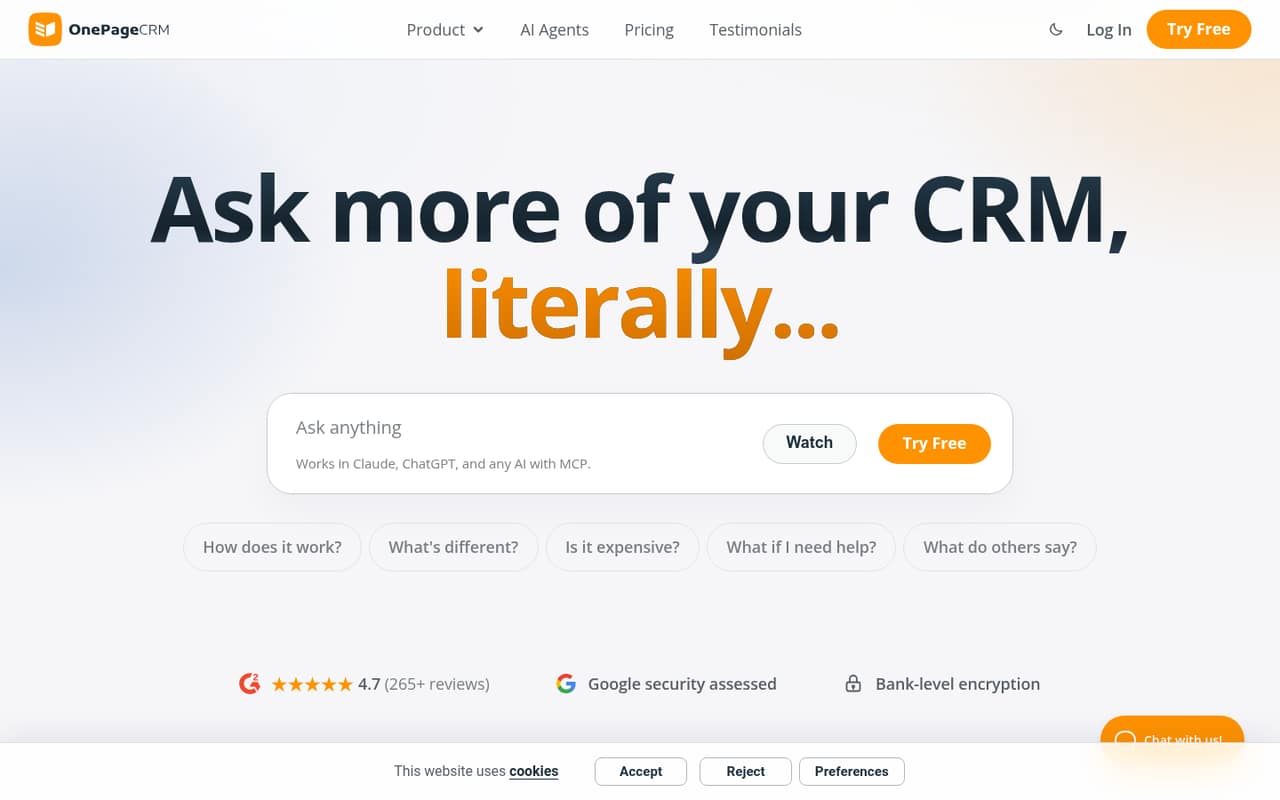
OnePageCRM is aimed at small sales teams that want to track follow-ups in one sales pipeline. Its starting price is $8.95, with annual billing, so it suits teams willing to commit for the year rather than rely on a free plan. The listing doesn’t specify a free option. Ask the vendor to confirm the full annual cost for your number of seats before signing up.
What works
- Action Stream organizes follow-ups by deadline
- Professional includes unlimited contacts
- Deals show their total open value on contacts
What doesn't
- No free plan
- Monthly prices aren’t published
- Professional includes one sales pipeline
- Best for custom setupTwentyTwenty
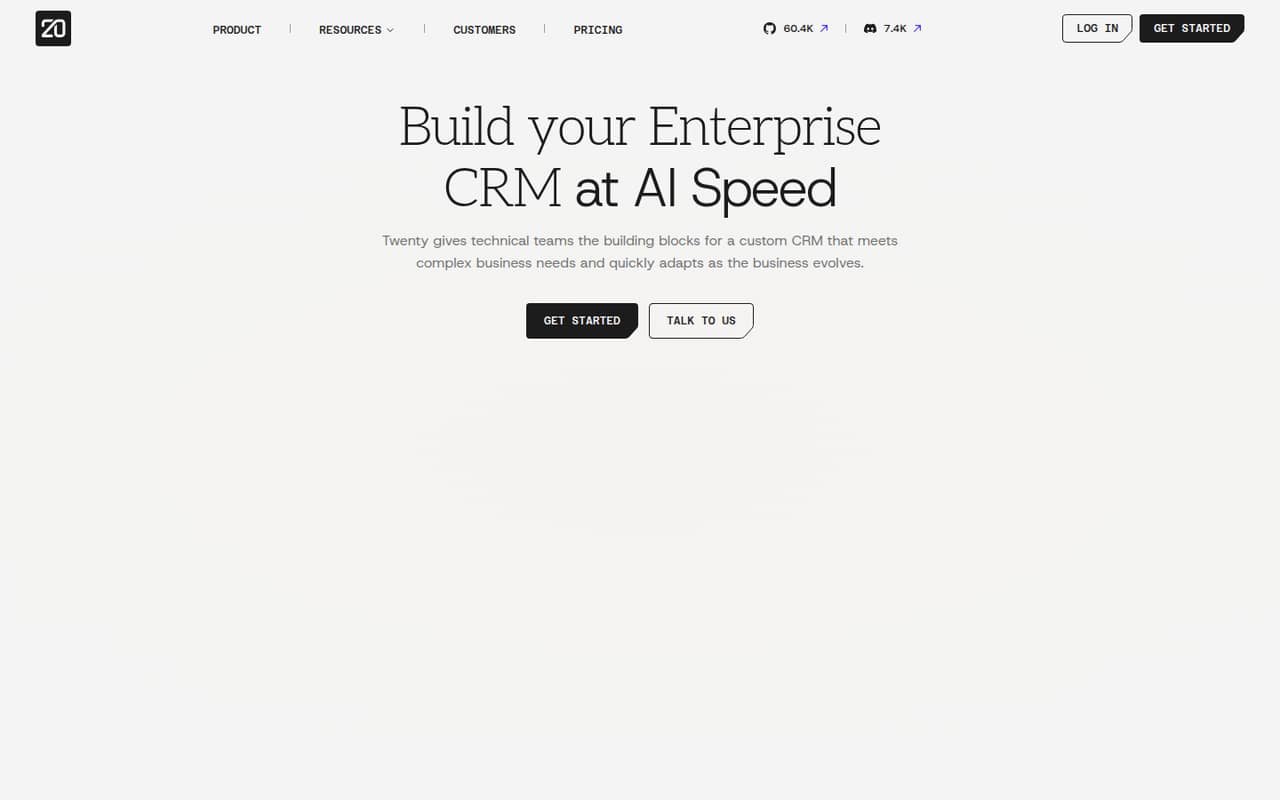
Twenty offers a free plan and paid plans from $9, and it fits technical teams that want adaptable data models or prefer self-hosting. The trade-off is setup work: self-hosting and hands-on configuration take more effort than simply adopting a ready-made pipeline. It’s a good fit if someone on the team can own that work. Check the docs and hosting requirements before you commit.
What works
- Open-source option for teams that want control
- Custom data models, layouts, and automations
- Unlimited seats, records, and custom objects on Pro
What doesn't
- Free-plan terms and included limits aren't published
- Monthly prices aren't published
- Setup effort and learning curve may be significant
- Best sales pipelinePipedrivePipedrive
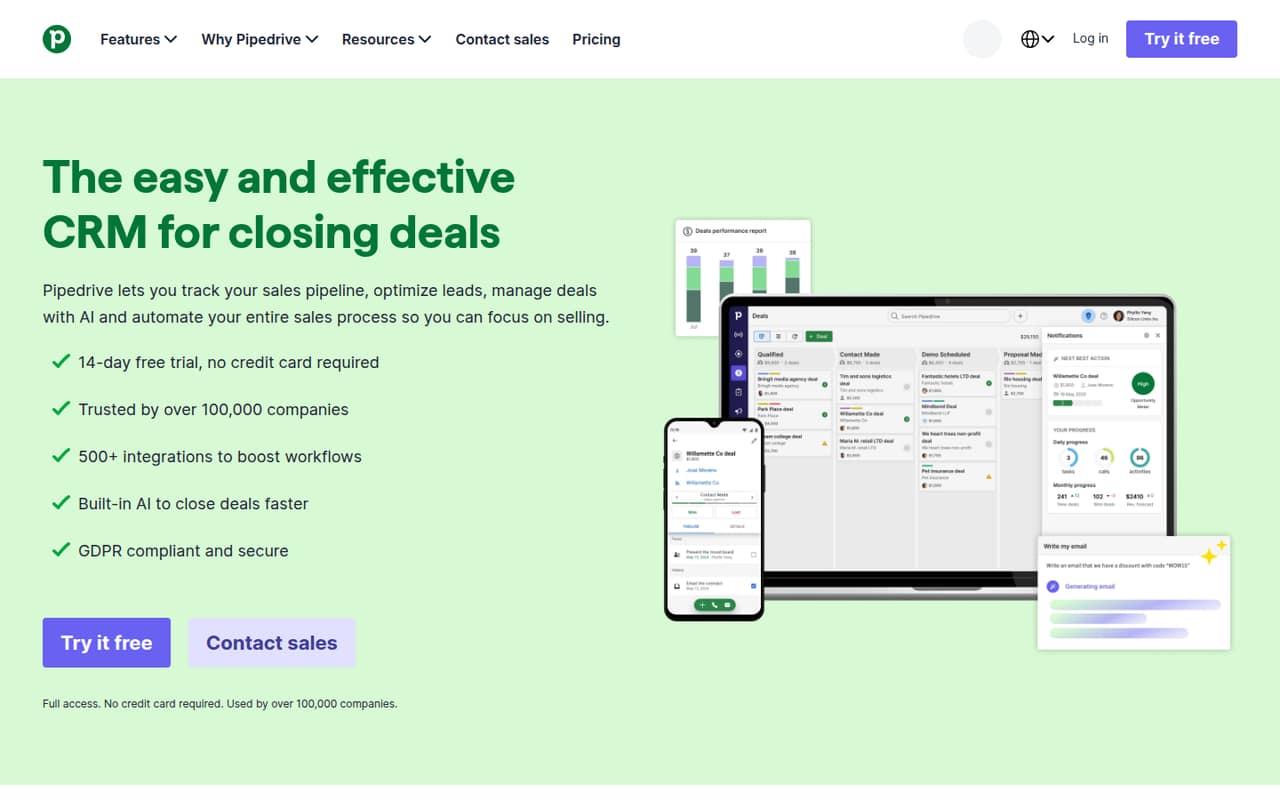
Pipedrive is a focused option for teams tracking active deals, follow-up automation, and visual pipelines. The listing gives a 14-day trial and a starting price of $14, but no free plan; it also flags rising per-seat costs. That can work for a team with a clear sales process and budget for every user. Confirm the billing period and total cost before the trial ends.
What works
- Visual, customizable sales pipelines
- Lead, calendar and pipeline management on Lite
- Growth adds email tracking and automations
What doesn't
- No free plan
- Annual-billed prices are per seat
- Monthly-billing prices are not published
- Best for WhatsAppWAPlusWAPlus
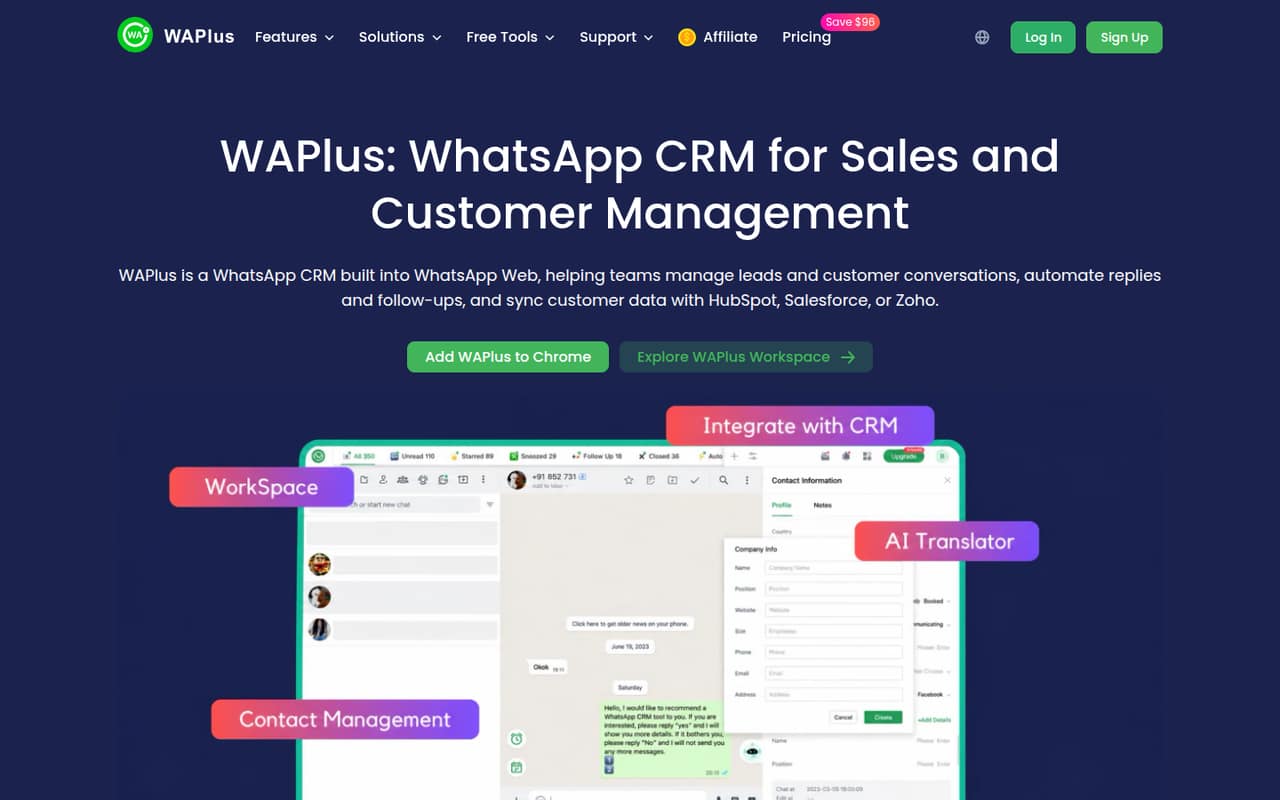
WAPlus is the specialist pick for a small team selling through WhatsApp and wanting shared chat workflows, replies, and follow-ups in one tool. It has a free tier and paid plans from $12.99 per person. At the listed starting rate, three people would be $38.97 per pricing period; the billing cadence isn’t specified here, so verify it with the vendor.
What works
- Free plan includes basic CRM tools
- Connects with HubSpot, Salesforce, and Zoho
- Quick replies and scheduled messages
What doesn't
- Paid plans charge per user
- Starter, Pro, and Growth cap tracked contacts at 20
- Free plan limits tabs and quick replies
- Best Gmail CRMStreakStreak
Streak keeps CRM work in Gmail, which may suit a team that wants email-linked customer records rather than a separate sales workspace. It has a free plan and a listed starting price of $49. The listing warns that small teams can outgrow the free tier quickly, but doesn’t give a numerical limit. Check what the free plan includes and price the paid tier for your team size.
What works
- Keeps pipelines and relationships inside Gmail
- Automatically shares email history across the team
- Free plan includes several useful email tools
What doesn't
- CRM basics start at $49 per user monthly with annual billing
- Free plan does not list pipeline records
- Three Pro seats cost $147 monthly with annual billing
- Best for sales callsCloseClose
Close brings sales conversations and pipeline tracking together for teams handling calls and email. It has no free plan and starts at $9 per seat. Three seats would start at $27 per pricing period, before confirming billing cadence and any plan requirements. This is a better fit when the team is ready to pay for a sales-focused tool, not when a free CRM is the main priority.
What works
- Calling, email, and SMS are built into the sales CRM
- Essentials includes unlimited contacts and leads
- Growth adds automated workflows and a power dialer
What doesn't
- No free plan
- Solo is limited to one user
- Essentials does not include workflows
- Best relationship CRMNimbleNimble
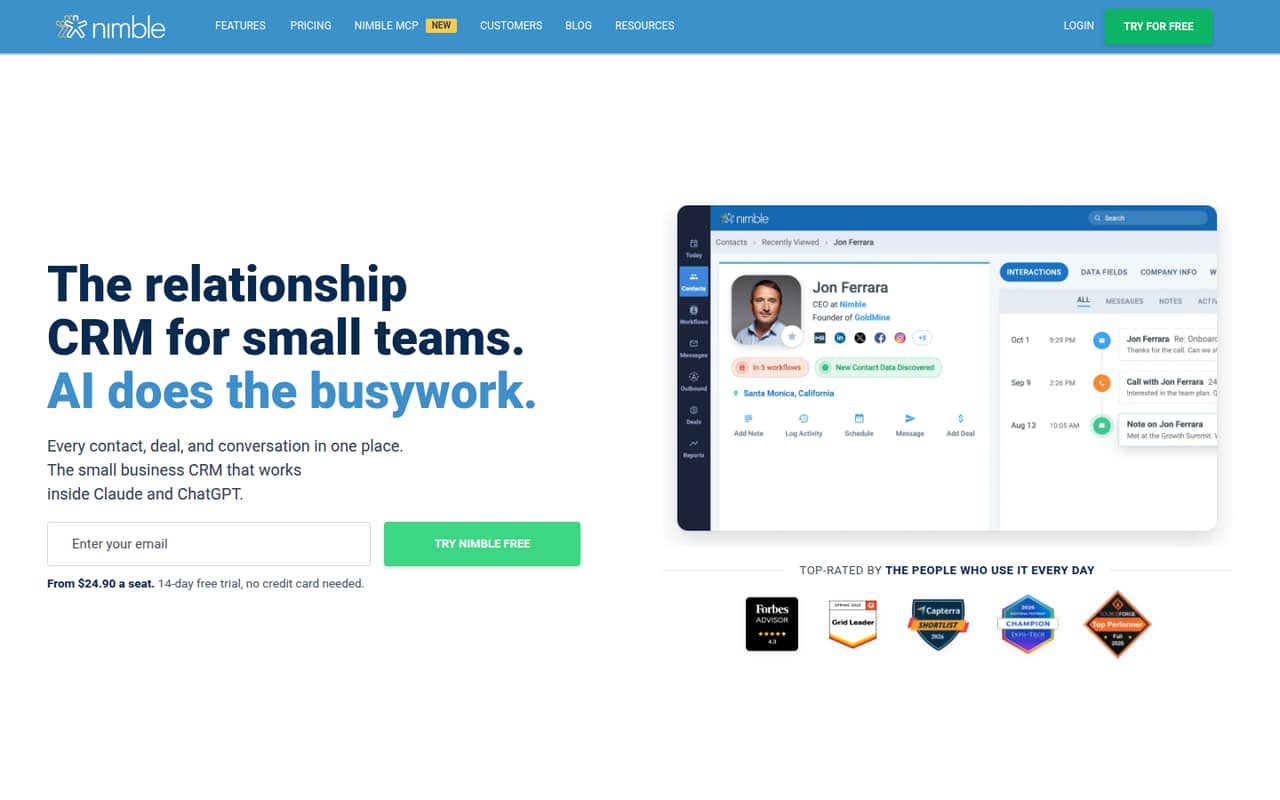
Nimble suits small teams managing customer relationships across Google or Microsoft tools, with contact enrichment also listed among its strengths. It starts at $24.90, and the listing doesn’t identify a free plan. Ask whether the starting price is per user and what billing period applies; add-ons may also affect the total. It’s worth comparing with simpler pipeline tools if all you need is deal tracking.
What works
- Contacts, deals, emails, and conversations in one CRM
- Works with Microsoft 365 and Google Workspace
- Includes customizable sales pipelines and forecasting
What doesn't
- No free plan; the trial lasts 14 days
- Monthly billing costs more per seat
- Email marketing costs an extra $15 per month
03How we chose
We ranked these CRM tools for a team of 1–10, not for a large sales department. We weighed whether a free plan is listed, the starting price and any stated per-seat pricing, how plan limits or contact caps could affect a small team, and the setup work called out in the listings. Vendor docs and Reddit discussions can help buyers check setup friction, but anecdotal feedback shouldn’t substitute for a published price or plan limit. Where a billing period or limit isn’t clear, we recommend confirming it with the vendor.
04Check the real cost for your seats
A low starting price is only useful if it applies to the plan and number of people you need. Compare the free plan first, then price the paid tier for everyone who will use the CRM. WAPlus lists paid plans from $12.99 per person, so three people start at $38.97 per pricing period; confirm the billing cadence. Close lists $9 per seat, or $27 for three seats at the starting rate, but confirm the billing terms and plan requirements. OnePageCRM starts at $8.95 with annual billing. For monday CRM, Attio, and other tools where the billing basis or seat rules aren’t clear, ask the vendor for a written total. Also check contact caps and free-plan limits before importing your records.
05Match setup effort to your team
The right CRM is the one your team can keep current. Start by writing down the contacts, sales stages, and follow-up tasks you actually need to track; avoid paying for a broader system unless you’ll use its extra scope. Ask for a demo or review the vendor docs to see what setup involves, what can be changed later, and whether onboarding is included. Twenty is listed for technical teams and self-hosting, with hands-on setup to plan for. Streak keeps CRM work in Gmail, while Pipedrive is focused on visual sales pipelines. As your team grows, revisit the price per seat, free-plan limits, and any contact caps. If the tool no longer fits your workflow or budget, compare alternatives before renewal.
Questions people ask
What are the top 50 CRM software vendors?
There isn’t one useful top 50 for every small team. The best fit depends on whether you need a general relationship CRM, a sales pipeline, WhatsApp workflows, or a customizable setup. Our ranked picks focus on tools that offer a free entry point or a relatively low listed starting price.
Can ChatGPT make a CRM?
ChatGPT can help you plan contact fields, sales stages, and follow-up steps, but decide where the team will maintain those records and who will keep them current. If you want a ready-to-use CRM rather than a custom setup, compare the free plans and setup needs in our list.
Can I build a CRM in Excel?
A spreadsheet may be enough if your team only needs a shared list of contacts and follow-ups. Before choosing it, consider whether everyone can keep the records updated and whether you need a sales pipeline or shared workflows. If those needs grow, compare a free CRM plan before paying for seats.
What are the different types of CRM software?
For a small-team buying decision, useful categories include sales-pipeline CRMs, relationship-focused CRMs, tools built around a channel such as WhatsApp or Gmail, and customizable CRMs for technical teams. Pick the category that matches how you manage contacts, deals, and follow-ups rather than buying a broader tool by default.