We may earn a commission if you buy through links on this page. It never changes a score or a ranking. How we make money
A small team may not need paid diagramming software at all. If you make everyday flowcharts or process maps, start with draw.io or LibreOffice Draw; both offer a free route. For shared brainstorming, Coggle and Gliffy have low listed starting prices, while Gliffy’s free plan covers up to 10 users if your team works in Confluence. Technical teams may prefer Eraser or Mermaid Chart. Compare the actual seat bill before you commit: a listed starting price doesn’t tell you what three, five or ten people will pay.
Quick picksThe shortlist
 draw.iodraw.ioBest overall · $5/mo
 LibreOffice DrawLibreOffice DrawBest free · Free
 CoggleCoggleBest for brainstorming · $5/mo
 GliffyGliffyBest for Confluence · $2.80/mo
 EraserEraserBest for technical diagrams · $42/mo
 XmindXmindBest for mind maps · $4.92/mo
 Mermaid ChartMermaid ChartBest for workflows · $10/mo
 SketchboardSketchboardBest for shared boards · $5/mo
 SimpleMindSimpleMindBest for one-time licenses · Free
01Compared at a glance
| Tool | Score | From | Free plan | Trial |
|---|---|---|---|---|
| draw.iodraw.io | 8.3 | $5/mo | Yes | — |
| LibreOffice DrawLibreOffice Draw | 7.8 | Free | Yes | — |
| CoggleCoggle | 7.5 | $5/mo | Yes | — |
| GliffyGliffy | 7.0 | $2.80/mo | Yes | 30 days |
| EraserEraser | 7.4 | $42/mo | Yes | — |
| XmindXmind | 7.4 | $4.92/mo | Yes | 7 days |
| Mermaid ChartMermaid Chart | 7.2 | $10/mo | Yes | — |
| SketchboardSketchboard | 6.8 | $5/mo | Yes | — |
| SimpleMindSimpleMind | 7.7 | Free | Yes | 30 days |
02The picks, in detail
- Best overalldraw.iodraw.io
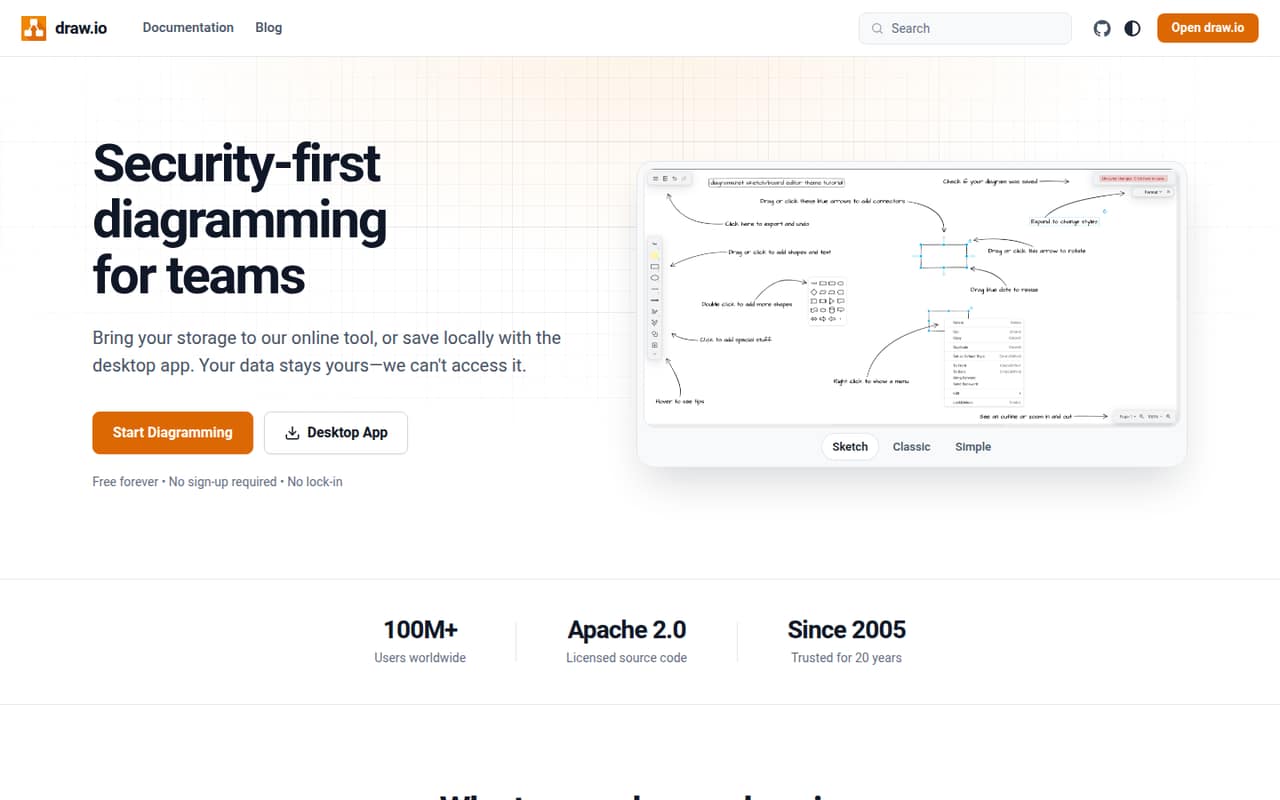
For small teams watching subscriptions, draw.io is an easy first place to look: it offers a free option, everyday diagramming and flexible file storage. The listed starting price is $5, but teams that don’t need a paid Atlassian plan can use the free tool. Check where your diagrams will live and what collaboration you need before paying; the starting price alone doesn’t establish your team’s total.
What works
- Free plan lists unlimited diagrams and users
- No account required to get started
- Real-time collaboration with shared cursors
What doesn't
- Paid Cloud pricing varies by product or tier
- Exact per-seat costs are not published
- Annual Cloud pricing is not published
- Best freeLibreOffice DrawLibreOffice Draw
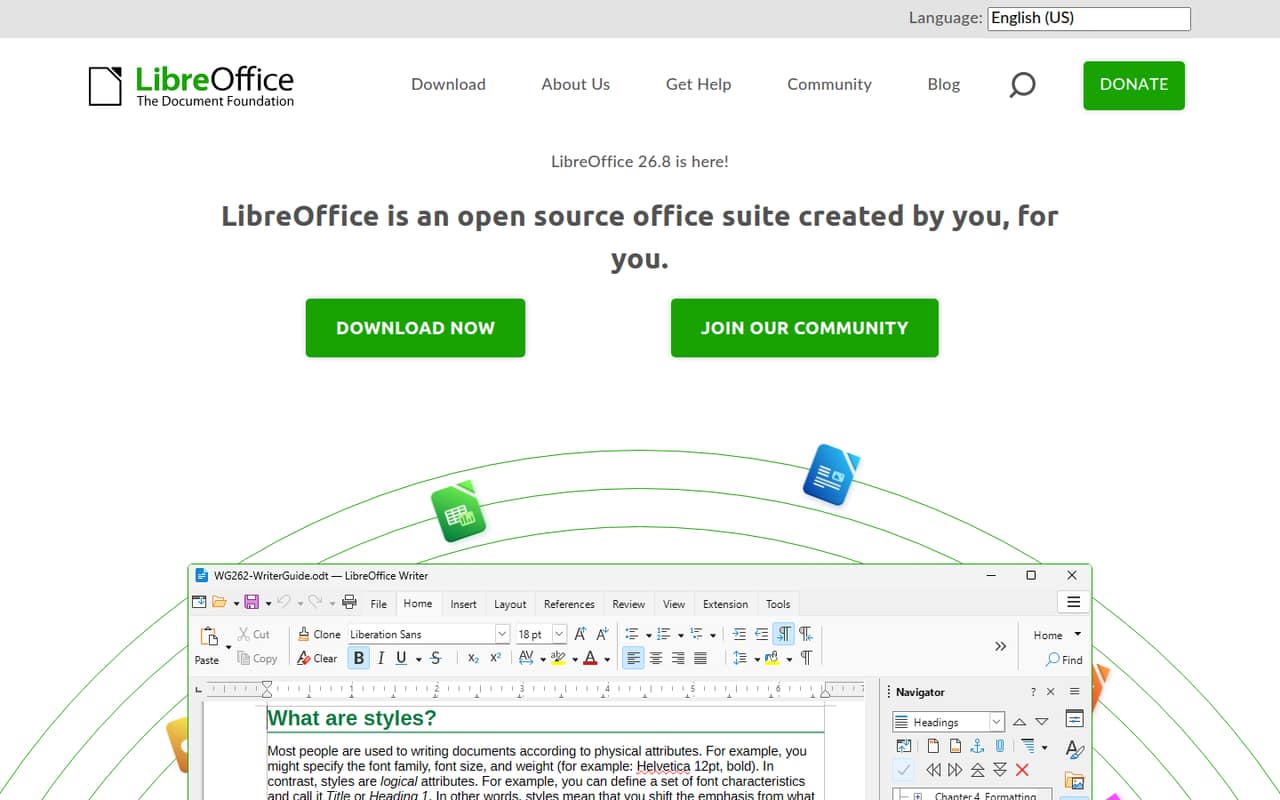
LibreOffice Draw is a strong $0 choice for a small office that needs technical diagrams, simple print materials or everyday visuals without another subscription. The listed summary describes it as a free tool, with no paid starting price. It suits teams comfortable with a desktop office tool; if shared, live editing is central to your workflow, confirm that it meets your collaboration needs before standardizing on it.
What works
- Free to download and use
- Included in the LibreOffice suite
- Open-source software
What doesn't
- Formatting repairs may be needed when converting files
- A commenter says it is less complete than Microsoft Office
- The .odf file type may be unfamiliar to coworkers
- Best for brainstormingCoggleCoggle
Coggle is a budget-friendly option for small groups mapping projects, sharing notes or making branching process maps. It has a free plan and a listed starting price of $5. The main catch is that public diagrams may not work for every team. Check the privacy options and the exact paid-seat cost before putting internal plans or project details into a shared map.
What works
- Free plan includes real-time collaboration
- Unlimited public diagrams on the free plan
- Unlimited image uploads across listed plans
What doesn't
- Free private diagrams are capped at three
- Annual prices are not published
- Organisation costs $8 per member monthly
- Best for ConfluenceGliffyGliffy
If your team already works in Confluence, Gliffy is a practical pick: its free plan covers up to 10 users, and diagrams stay in Confluence. The listed starting price is $2.80. That makes it particularly relevant for teams under the 10-person mark, but only when Confluence is already part of the workflow. Check whether the plan’s diagram features fit your team before counting on the free tier.
What works
- Free plan covers up to 10 users
- Free plan has no time limit
- AI-generated diagrams remain editable
What doesn't
- Built for diagramming directly in Confluence
- Standard paid plan starts at 11 users
- Standard plan is billed annually

- Best for technical diagramsEraserEraser
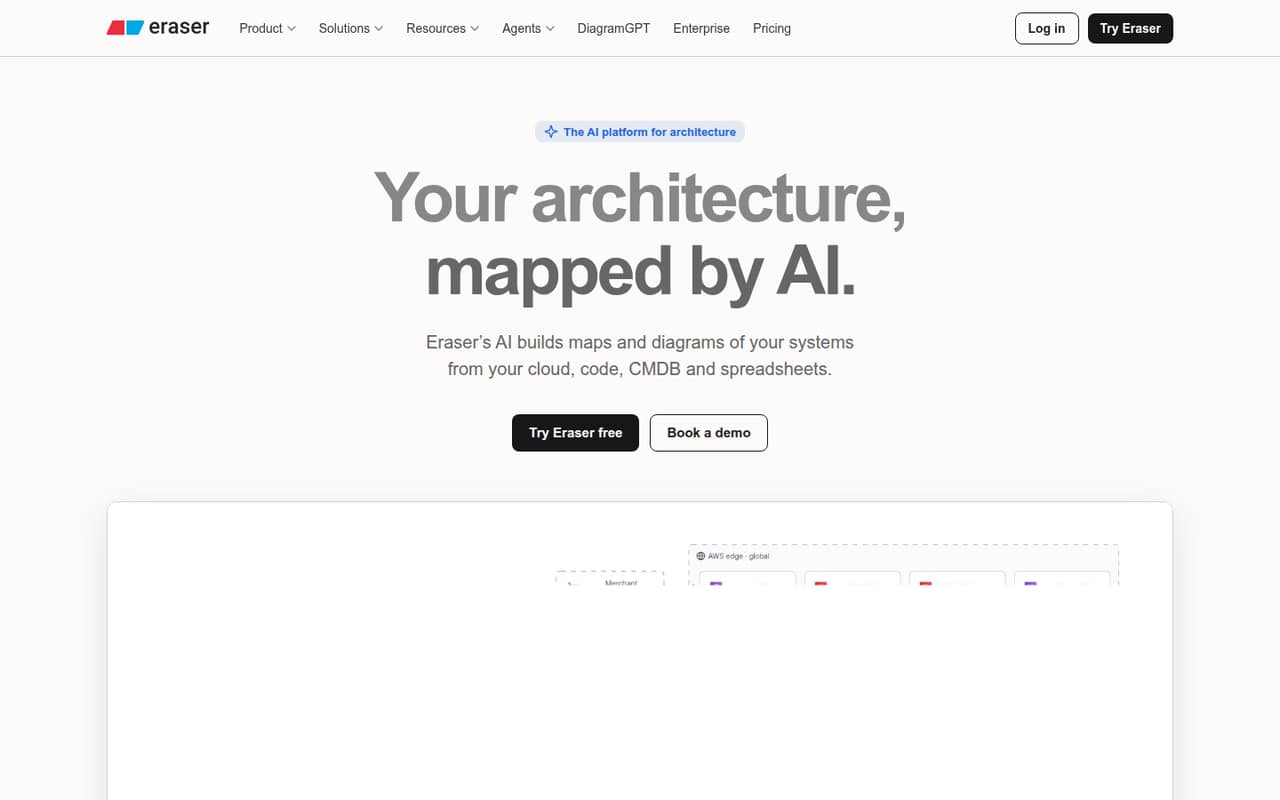
Eraser is aimed at small teams documenting systems, creating technical diagrams from code and keeping diagram styles consistent. It has a usable free tier and clear seat-based costs, with a listed starting price of $42. That entry price makes it worth comparing the free plan carefully before adding seats. It’s a better fit for system documentation than for a team that mainly wants casual brainstorming maps.
What works
- Creates diagrams from prompts, code, or files
- Free plan includes unlimited guests
- Business includes unlimited files
What doesn't
- Free plan is limited to 3 files
- Free plan includes only 3 AI credits
- Business costs $60 per member monthly
- Best for mind mapsXmindXmind
Xmind suits teams that plan visually, present structured ideas or share project maps. It offers a free plan and a listed starting price of $4.92. The price is a starting point, not a confirmed total for a group: collaboration costs and billing details need checking. Compare those terms with your team’s sharing needs before making Xmind the home for project planning.
What works
- Free plan includes 10 online maps
- AI can create maps from several inputs
- Supports timelines, matrices, and Zones
What doesn't
- Free maps are capped at 10
- Free version history lasts three days
- Pro limits collaboration to three sheets per map
- Best for workflowsMermaid ChartMermaid Chart
Mermaid Chart is a useful option for workflow diagrams when the team is comfortable with Mermaid syntax. It has a free plan and a listed starting price of $10. Basic-plan limits and annual seat costs are the details to examine before inviting the whole team. If nobody wants to work with syntax, choose a visual editor instead of adding a new learning step.
What works
- Free Basic plan for simple diagrams
- Create diagrams with AI, code or visual editing
- Live co-editing and diagram sharing
What doesn't
- Basic diagram limit differs across pricing details
- Paid plans bill annually, not monthly
- Plus and Premium charge per user
- Best for shared boardsSketchboardSketchboard
Sketchboard is worth considering when a small team wants shared boards for system diagrams or brainstorming. It has a free tier, a listed starting price of $5 and a stated fit for teams with five editors. The exact bill for your chosen number of editors isn’t clear from the starting price alone, so check the seat rules if your team has more than five people.
What works
- Free plan allows up to five users
- Free plan includes 3 editable boards
- Starter offers unlimited boards
What doesn't
- Free plan is limited to 3 editable boards
- Starter includes only one editor
- Extra Starter editors cost $6 each monthly
- Best for one-time licensesSimpleMindSimpleMind
SimpleMind is a mind-mapping choice for teams organizing ideas visually, especially if avoiding a recurring desktop fee matters. Its mobile free edition is limited, while desktop licenses are available as one-time purchases. A starting price isn’t listed. Check the license terms and how your team will share maps; the free mobile edition isn’t a substitute for confirming desktop costs.
What works
- Free mobile edition has no ads or registration
- Desktop trial includes full functionality for 30 days
- One-time desktop licenses avoid subscription fees
What doesn't
- Free edition has limited functionality
- Free edition is for iPad, iPhone, and Android
- Desktop prices exclude VAT
03How we chose
We ranked these tools for teams of 1–10, not for the longest feature list. We prioritized free plans, listed starting prices, stated seat rules and whether the tool suits everyday visual editing or a more specialized workflow. We also considered setup effort: syntax-based diagramming calls for a different comfort level than visual mind mapping. A starting price is not a team quote, so check the plan limits and total for your seats in vendor documentation. Recent Reddit reports can help flag questions to investigate, but don’t replace the vendor’s terms. We did not run hands-on tests.
04Check the free plan and the real seat bill
A free plan can be enough if your team makes occasional diagrams and can live with its sharing, export or privacy limits. Gliffy’s free plan covers up to 10 users, while Coggle’s public diagrams may be a deal-breaker for confidential work. Those are very different kinds of limits, so check the one that could stop your team from using the tool.
For paid plans, don’t multiply the listed starting price by your headcount and assume that’s the bill. The published prices don’t establish the cost for three, five or ten seats across these tools. Some products describe seat-based costs or annual seat pricing, but your plan and billing terms matter. Ask the vendor for a quote for your exact team size, and confirm whether everyone needs an editor seat.
05Match the workflow to the team
Start with the diagrams your team actually makes. For everyday visual diagrams, a free general-purpose option such as draw.io or LibreOffice Draw may be enough. For mind maps, look at Xmind or SimpleMind. Technical teams documenting systems can compare Eraser and Mermaid Chart; the latter expects comfort with Mermaid syntax. That workflow difference affects setup: choose a visual editor if your team doesn’t want to learn a text-based approach.
Then consider where diagrams need to live and who needs to edit them. Gliffy is especially relevant when your team already uses Confluence. Sketchboard’s stated fit includes five editors, so check the terms if more people need to work on boards. Revisit your choice when collaboration limits, privacy needs or seat costs no longer fit the team.
Questions people ask
What is the best free diagramming software for a small team?
For everyday diagrams, draw.io is our first pick because it offers a free option and flexible file storage. LibreOffice Draw is another $0 choice for teams that want technical diagrams or simple print materials. If you need collaboration, compare each tool’s sharing setup before settling on one.
Which diagramming tool is free for up to 10 users?
Gliffy’s free plan covers up to 10 users, and its diagrams stay in Confluence. That makes it a particularly relevant option for a small team already using Confluence. Confirm that the free plan’s features suit your work before relying on it as your long-term setup.
How much does diagramming software cost for a small team?
Listed starting prices range from $2.80 for Gliffy to $42 for Eraser among these picks, and some tools offer free plans. Those starting figures don’t establish the total for several seats. Ask vendors to price your exact headcount and confirm billing terms before you budget.
When should a small team switch diagramming tools?
Consider switching when a free-plan limit blocks the work, the sharing or privacy setup no longer fits, or the paid seat bill is hard to justify. A growing team should also check whether everyone needs an editor seat and whether diagrams still belong in the tool’s workflow.