
We may earn a commission if you buy through links on this page. It never changes a score or a ranking. How we make money
The bottom line
A capable diagramming option for small teams, if Basic’s limits or annual seat costs fit.
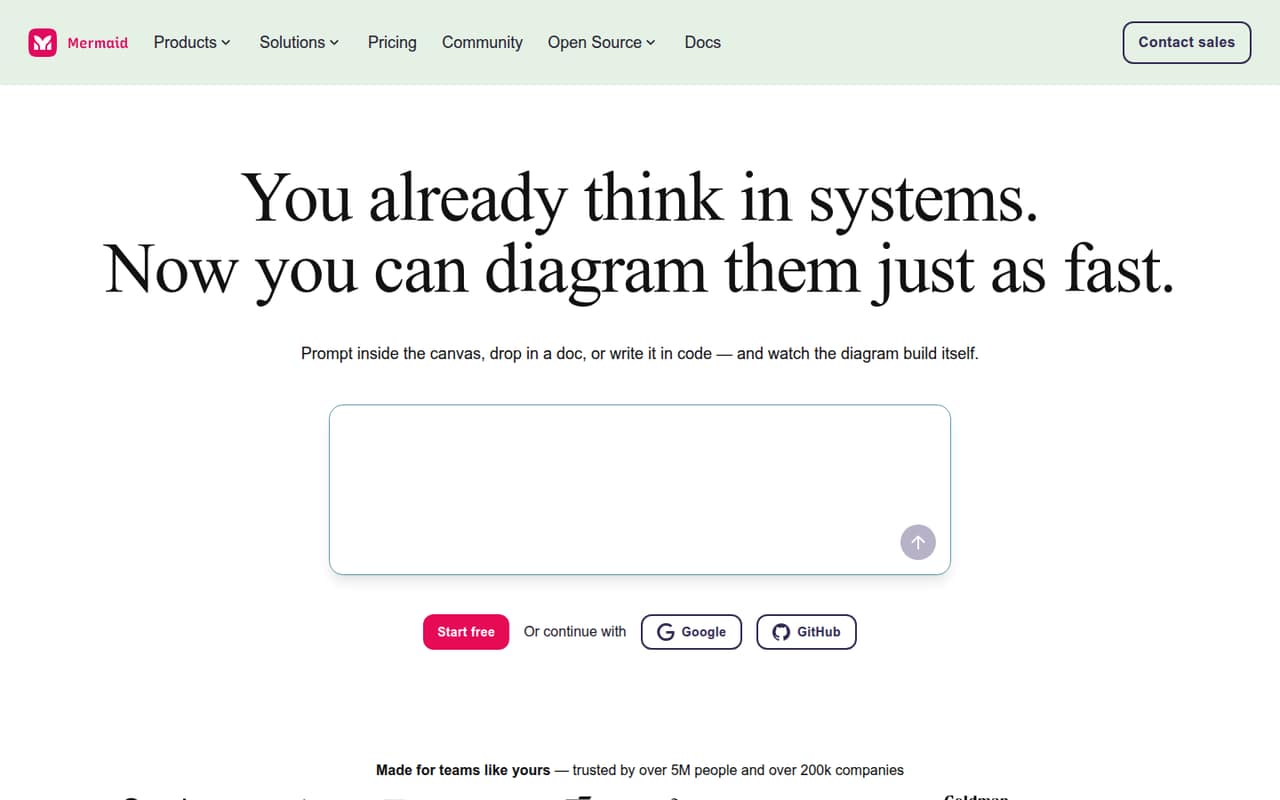
Mermaid Chart combines Mermaid syntax with AI generation, visual editing and live collaboration. Basic is free for simple diagrams, though its published diagram limit conflicts between the plan card and comparison table.
For unlimited diagrams, Plus starts at $10 per user per month, billed annually. Reddit feedback is mixed: one user praised it for flowcharts and sequence diagrams, while another described redoing a network diagram by hand elsewhere.
Good fit if
- Teams diagramming workflows
- Developers comfortable with Mermaid syntax
- Small teams starting on a free plan
Skip it if
- Teams needing flexible diagram layouts
- Teams avoiding annual billing
- Heavy users needing many AI credits
ScoresHow it rates
What works
- Free Basic plan for simple diagrams
- Create diagrams with AI, code or visual editing
- Live co-editing and diagram sharing
- Plus includes unlimited diagrams
- Premium includes unlimited free viewer seats
What doesn't
- Basic diagram limit differs across pricing details
- Paid plans bill annually, not monthly
- Plus and Premium charge per user
- Basic has limited diagram size
- A Reddit user reports layout frustrations
01Who Mermaid Chart is for
Mermaid Chart is a fit for a solo operator or a small team of roughly 1–10 people that needs diagrams for workflows, systems or sequences. It turns Mermaid syntax, prompts, uploaded documents or pasted transcripts into diagrams; teammates can also edit visually and collaborate live. That mix suits teams where developers write diagrams as code but other colleagues prefer clicking and arranging nodes.
The budget-conscious starting point is Basic at $0. It covers a small diagram workload, but the plan details disagree on whether the limit is three or six diagrams. Teams that need unlimited diagrams can choose Plus at $10 per user per month, billed annually. For three people, that is a $30 monthly equivalent and $360 for the year. It is less compelling if your team needs flexible layout control or refuses annual commitments.
02Mermaid Chart free plan and trial
The free Basic plan includes one team and project creation, a limited diagram size of 60, and 15 AI credits according to the comparison table. Its plan card lists three diagrams, while the comparison table says up to six, so check the current limit before building a workflow around it. The plan is positioned for getting started with simple flows.
A free trial is not listed. If Basic’s diagram cap or size limit gets in the way, Plus is the cheapest paid option: $10 per user per month on annual billing, with unlimited diagrams, limitless diagram size and 300 AI credits per year. The vendor lists no monthly billing option for Plus or Premium.
03What a small team pays for Mermaid Chart
Basic costs $0. Plus is $10 per user per month, billed annually: one person costs $120 a year; a team of three costs $30 per month equivalent, or $360 a year; five people cost $50 per month equivalent, or $600 a year. Premium is $20 per user per month, also billed annually: $240 a year for one person, $720 for three, or $1,200 for five.
There is no monthly billing option for either paid plan. Plus includes unlimited diagrams and 300 AI credits per year. Premium adds 2,000 AI credits per year, unlimited free viewer seats, and unlimited teams and project creation. Enterprise pricing is custom and annual. The listed add-ons are none, but paid plans scale by user, so collaborators who need paid access can increase the bill. Basic’s diagram count also needs clarification: the plan card says three, while the comparison table says up to six.
04Getting started with Mermaid Chart
A small team can start by creating a diagram with a prompt, an uploaded document, a pasted transcript or Mermaid syntax. The visual editor offers another route: adjust diagrams with clicks and node alignment. The product also lists real-time co-editing, link sharing, developer-tool integrations and an MCP server connection.
That gives a mixed-skill team options, but people who choose the code route need to learn Mermaid syntax. The vendor does not publish a setup-time estimate, so allow time to decide whether your team will work mainly in code, the visual editor or both. A Reddit user praised AI-generated diagrams for sequence diagrams and flowcharts but said some tweaking may be needed. Start with one shared workflow and confirm the team can edit it the way you expect before moving more diagrams over.
05When small teams outgrow Mermaid Chart
Basic stops fitting when its diagram count or size limits block regular work, or when the team needs more than one team and project creation. Plus removes the diagram and size limits and gives 300 AI credits per year, but each user costs $10 per month equivalent on an annual commitment. Premium costs twice as much per user and may suit teams that need more AI credits, unlimited teams and projects, or free viewer seats.
A team may also outgrow the product’s editing approach rather than its plan limits. One Reddit thread describes spending several hours redoing a network diagram by hand in another tool. A commenter praised Mermaid Chart for flowcharts and sequence diagrams but reported layout and connector frustrations. If precise manual layout is central to your work, try a representative diagram before committing. The vendor lists Enterprise for organizations needing scale and control, with custom annual pricing.
From the threadsWhat users say
The available Reddit feedback is mixed. One commenter strongly praised the tool for sequence diagrams and flowcharts, while another user described redoing a network diagram elsewhere; layout control also drew criticism.
For sequence diagrams and flowcharts, it's the best tool I've ever used
If you move a subgraph, everything inside it will break
Tried diagramming my Homelab network with Mermaid Chart, ending up spending several hours redoing it by hand in FigJam
I found graphviz to be a good balance between coding and control
Questions people ask
Is Mermaid Chart free?
Yes. The Basic plan costs $0 and includes one team and project creation, a diagram size limit of 60, and 15 AI credits in the comparison table. The plan card lists three diagrams, while the comparison table says up to six, so confirm the current cap before relying on it.
How much does Mermaid Chart cost for a team?
Plus costs $10 per user per month and Premium costs $20 per user per month, with both billed annually. That makes Plus $30 per month equivalent for three people and $50 for five. Basic is free; Enterprise has custom annual pricing.
Does Mermaid Chart offer monthly billing?
The pricing details say annual billing only for Plus and Premium; monthly plans are not available. Their listed monthly prices are per-user equivalents billed annually. Ask the vendor for Enterprise pricing and contract details if you are considering that plan.
Can I make Mermaid diagrams with AI?
Yes. Mermaid Chart lists AI diagram generation from prompts, uploaded documents or pasted transcripts, plus diagram suggestions such as flowcharts, timelines and sequence diagrams. AI credits are limited on the listed plans: Basic includes 15 in the comparison table, Plus 300 per year and Premium 2,000 per year.
Can people collaborate on diagrams?
Mermaid Chart lists real-time co-editing and sharing diagrams with a link. Premium includes unlimited free viewer seats. Basic includes one team and project creation; the listed plan details do not specify a seat limit for Basic or Plus.