We may earn a commission if you buy through links on this page. It never changes a score or a ranking. How we make money
If a shared spreadsheet still gives your team a clear budget and cash forecast, you may not need dedicated financial planning software yet. A tool becomes more useful when you’re comparing scenarios, coordinating budget owners, or building forecasts that are hard to keep straight in spreadsheets. Jirav and PlanGuru have the lowest listed starting prices in this group, though seat costs and billing terms need confirmation. Dryrun has a clear annual-billing price, while several other vendors require a quote. Check free-plan terms and setup requirements before committing.
Quick picksThe shortlist
 JiravJiravBest for small teams · $50/mo
 PlanGuruPlanGuruBest for detailed forecasts · $83/mo
 DryrunDryrunBest for cash timing · $249/mo
 AbacumAbacumBest for shared budgets · Custom
 VenaVenaBest for Excel teams · Custom
 ProphixProphixBest for planning and close · Custom
 MartusMartusBest for nonprofits · $554.17/mo
 OnPlanOnPlanBest for project controls · $1,041.67/mo
01Compared at a glance
02The picks, in detail
- Best for small teamsJiravJirav
Jirav is our first stop for a small team comparing listed entry prices: it starts at $50 and supports multiple financial scenarios and stakeholder reports. It has no free tier, and seat pricing is unclear, so ask what a 3- or 5-person team would actually pay. The starting price’s billing cadence and setup effort also need confirmation.
What works
- Budgeting, forecasting, and scenarios in one platform
- Models income, balance sheet, and cash flow
- CFO Enterprise lists up to five active scenarios
What doesn't
- No free plan or trial is listed
- Seat pricing and seat minimums are not published
- Annual billing and discounts are not stated
- Best for detailed forecastsPlanGuruPlanGuru
PlanGuru is built for detailed business forecasts and comparing budgets with actuals, with a listed starting price of $83. That makes it worth comparing with Jirav if forecast detail matters more than the lowest entry price. The billing cadence, seat inclusions, and free-plan terms aren’t established here, so confirm the total for your team before budgeting.
What works
- Forecasts three financial statements for up to 10 years
- Models unlimited scenarios per company on listed plans
- Imports up to five years of actual results
What doesn't
- No free plan
- Cheapest plan includes only one user
- Additional seats raise the monthly bill

- Best for cash timingDryrunDryrun
Dryrun focuses on cash-flow modeling and comparing scenarios such as hiring or purchases. Its listed price is $249 per month with annual billing, a steep commitment for a small team that mainly needs a basic forecast. Consider it when cash timing is a central planning problem, and ask what setup and data connections are required before signing.
What works
- Daily, weekly and monthly cash forecasts
- Adjust expected receipt and payment dates
- Model projects, hires and purchases
What doesn't
- No free plan
- $249 per month requires annual billing
- Monthly Business pricing isn’t published
- Best for shared budgetsAbacumAbacum
Abacum is aimed at teams replacing spreadsheet-based planning, sharing budgets across departments, and modeling scenarios. The vendor doesn’t publish a starting price, so request a quote for your actual seat count and ask whether there’s a minimum commitment. It could fit a team that needs shared planning, but its cost is hard to compare without that quote.
What works
- Abra helps build models and draft reports
- Combines forecasts, plans, and business data
- Supports shared planning and budgeting workflows
What doesn't
- No public plan prices to compare
- Free plan isn't listed
- Trial availability isn't published
- Best for Excel teamsVenaVena
Vena is designed for finance teams centered on Excel, with budgeting, forecasting, and governed financial close among its stated strengths. The vendor doesn’t publish a price, and there’s no free plan, making it harder to judge value on a tight budget. Ask for a quote for a few users and clarify what implementation and ongoing support involve.
What works
- Excel-native models support budgets and rolling forecasts
- What-if scenarios use spreadsheet templates
- Workflows include approvals and audit trails
What doesn't
- No free plan is listed
- The vendor does not publish plan prices
- Monthly and annual billing terms are not published

- Best for planning and closeProphixProphix
Prophix combines planning and close capabilities and is positioned for mid-market finance teams, including those with multi-GAAP consolidation needs. The vendor doesn’t publish a starting price, and there’s no free entry point listed. That makes it a harder fit to assess for a small team; ask for a small-seat quote and which features are included.
What works
- Connects planning, close, consolidation, reporting, and analytics
- Supports multi-currency, multi-lingual, and multi-GAAP consolidation
- Driver-based models support budgets, forecasts, and scenarios
What doesn't
- Pricing is available by custom quote only
- No free plan is listed
- Seat and usage limits are not published

- Best for nonprofitsMartusMartus
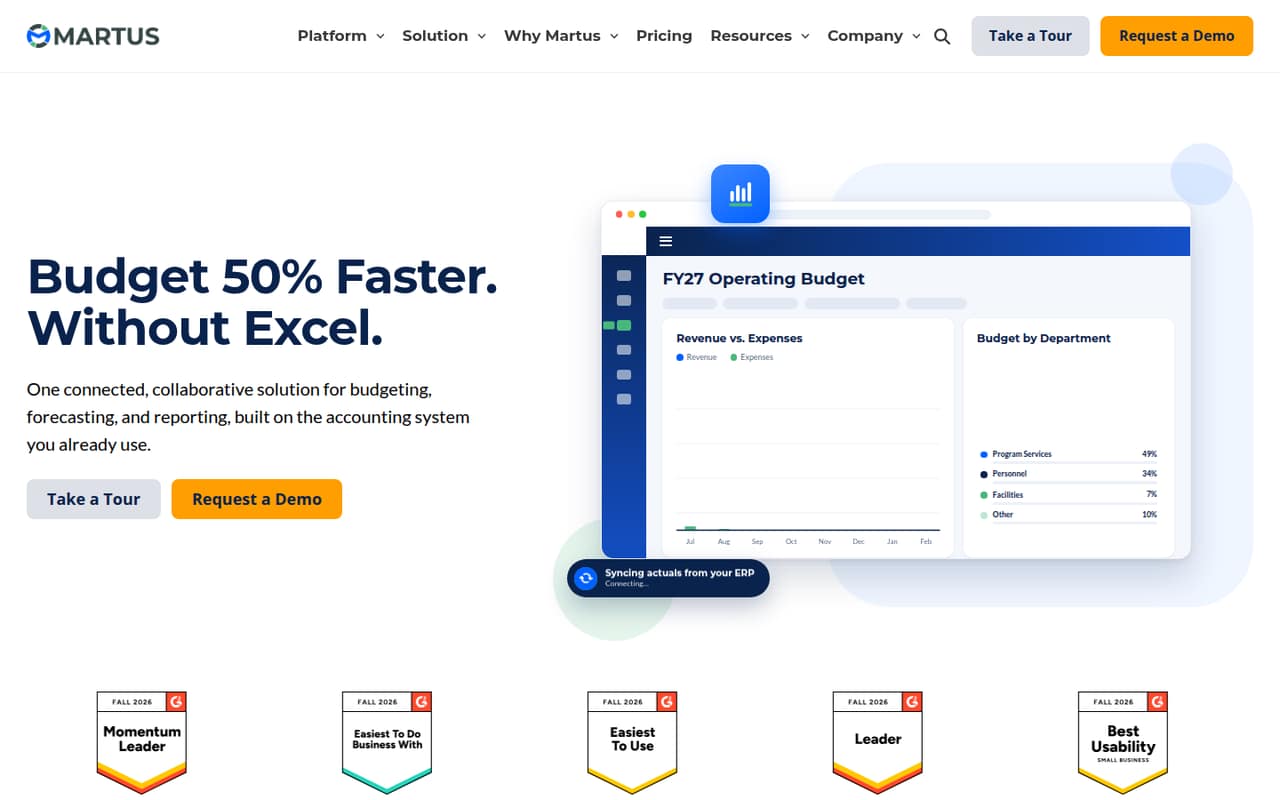
Martus targets nonprofits coordinating program budgets and multiple budget owners, with accounting-connected reports among its strengths. Its listed starting price is $6,650 annually, or $554.17 per month, which is a substantial outlay for a small team. It may suit a nonprofit with collaborative budgeting needs, but confirm the price for your users and requirements.
What works
- Unlimited collaborative budget worksheets on listed plans
- Unlimited budget lines on listed plans
- Budget approvals and submissions in one place
What doesn't
- No free plan or trial is listed
- Essentials starts at $6,650 billed annually
- Monthly pricing is not published
- Best for project controlsOnPlanOnPlan
OnPlan focuses on project controls and offers guidance for project managers, but its listed annual entry price is $12,500, equivalent to $1,041.67 per month. That is a large commitment for a team of 1–10. Consider it when project controls are a core need and the budget is already approved; ask about the setup work and included seats.
What works
- Covers budgeting, risk, change, and benefits
- Includes guidance across the project lifecycle
- Addresses time, cost, quality, risk, and change
What doesn't
- No free plan is listed
- Annual billing starts at $12,500
- Monthly pricing is not published

03How we chose
We ranked these tools for a team of 1–10, weighing published starting prices, free-plan details, planning strengths, and how much the price is likely to matter to a small budget. We also considered setup effort, plan limits, vendor documentation, and Reddit sentiment as buying checks, not as proof of hands-on testing. Where seat pricing, billing cadence, free-plan terms, or implementation details aren’t published, we call that out and recommend asking the vendor instead of guessing.
04Check the real price for your team
A starting price doesn’t tell you what three or five people will pay. Jirav lists a $50 starting price and PlanGuru lists $83, but confirm the billing cadence, seat count, and any minimum commitment before comparing them. Dryrun lists $249 per month with annual billing. Martus lists $6,650 annually, or $554.17 per month, and OnPlan lists a $12,500 annual entry price. For Abacum, Vena, and Prophix, ask the vendor for a quote. Also ask whether a free plan exists and what it includes; a free tier can be useful for evaluating fit, but it’s not a substitute for checking paid-plan limits. Get the price in writing for your team’s user count and intended use.
05Match the tool to the planning job
Start with the decision you need to make. If you’re comparing budgets with actuals or building detailed business forecasts, PlanGuru is a relevant fit. For cash timing and hiring or purchase scenarios, consider Dryrun. Jirav emphasizes scenario modeling and stakeholder reports; Martus is aimed at nonprofits with multiple budget owners; and Vena centers on Excel-based finance teams. Before choosing, ask for a walkthrough of the work your team actually does: bringing in current data, changing assumptions, and sharing a forecast. Confirm what documentation and onboarding the vendor provides, how much setup your team must handle, and whether the tool can accommodate the people who need to update or review plans.
Questions people ask
Does a small team need financial planning software?
Not always. If a shared spreadsheet is enough to manage your budget and cash forecast, a separate subscription may not be necessary. Consider a dedicated tool when scenario comparisons, budget coordination, or forecast updates have become difficult to manage in your current process.
Which option has the lowest listed starting price?
Jirav lists a $50 starting price, followed by PlanGuru at $83. The billing cadence and cost for a specific number of seats need confirmation, so those figures alone don’t establish what a small team will pay.
Which tools have a free plan?
Jirav has no free tier, and Vena has no free plan. For the other tools, ask the vendor whether a free plan is available and what it includes. Don’t assume that an unpublished free-plan detail means a plan is or isn’t offered.
What should we ask before buying?
Ask for the total price for your seat count, billing cadence, free-plan terms, and any minimum commitment. Also ask what setup involves, what documentation or onboarding is included, and whether your team can bring in its existing budget and forecast data.