We may earn a commission if you buy through links on this page. It never changes a score or a ranking. How we make money
For a 1–10-person team, you probably don’t need a full GRC platform unless a customer, auditor, or regulator is asking for organized evidence and controls. Start with the job you must solve: website policies, vendor reviews, inspections, or audit prep. Termly, SafetyCulture, Ketch, and Whistic list free plans, though each covers a narrower slice. For broader audit programs, Vanta and Drata are worth a quote, but they don’t publish pricing. The cheapest workable choice is the one that meets your requirement without paying for workflows you won’t use.
Quick picksThe shortlist
 TermlyTermlyBest for websites · $10/mo
 SafetyCultureSafetyCultureBest free inspections · $24/mo
 KetchKetchBest for consent · $150/mo
 WhisticWhisticBest for vendor risk · Free
 VantaVantaBest for audit prep · Custom
 DrataDrataBest for evidence · Custom
 KnowBe4KnowBe4Best for training · $2.40/mo
 PhishedPhishedBest for simulations · $175/mo
 PowerDMSPowerDMSBest for policy work · Custom
01Compared at a glance
02The picks, in detail
- Best for websitesTermlyTermly
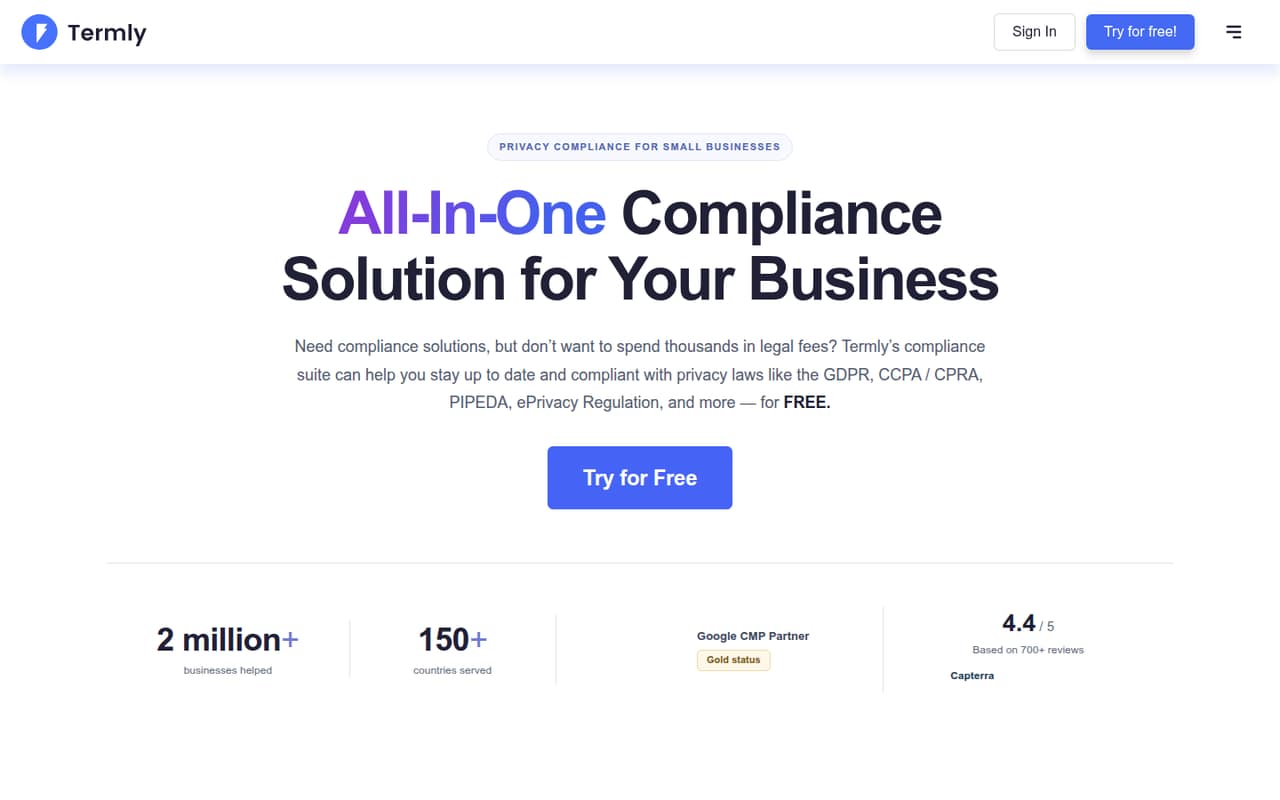
Termly is our first stop if your compliance work is mainly one website. The pricing page lists a free plan and a starting price of $10, and its focus includes cookie consent and policy and banner tools. That scope is narrower than company-wide GRC, so confirm the plan covers your site and obligations before treating the free tier as enough.
What works
- Free plan includes a cookie policy and banner
- Free plan allows 10,000 banner views monthly
- Paid plans add more frequent cookie scans
What doesn't
- Free plan has quarterly cookie scans
- Starter allows 50,000 banner views monthly
- Additional website license fees are not published
- Best free inspectionsSafetyCultureSafetyCulture
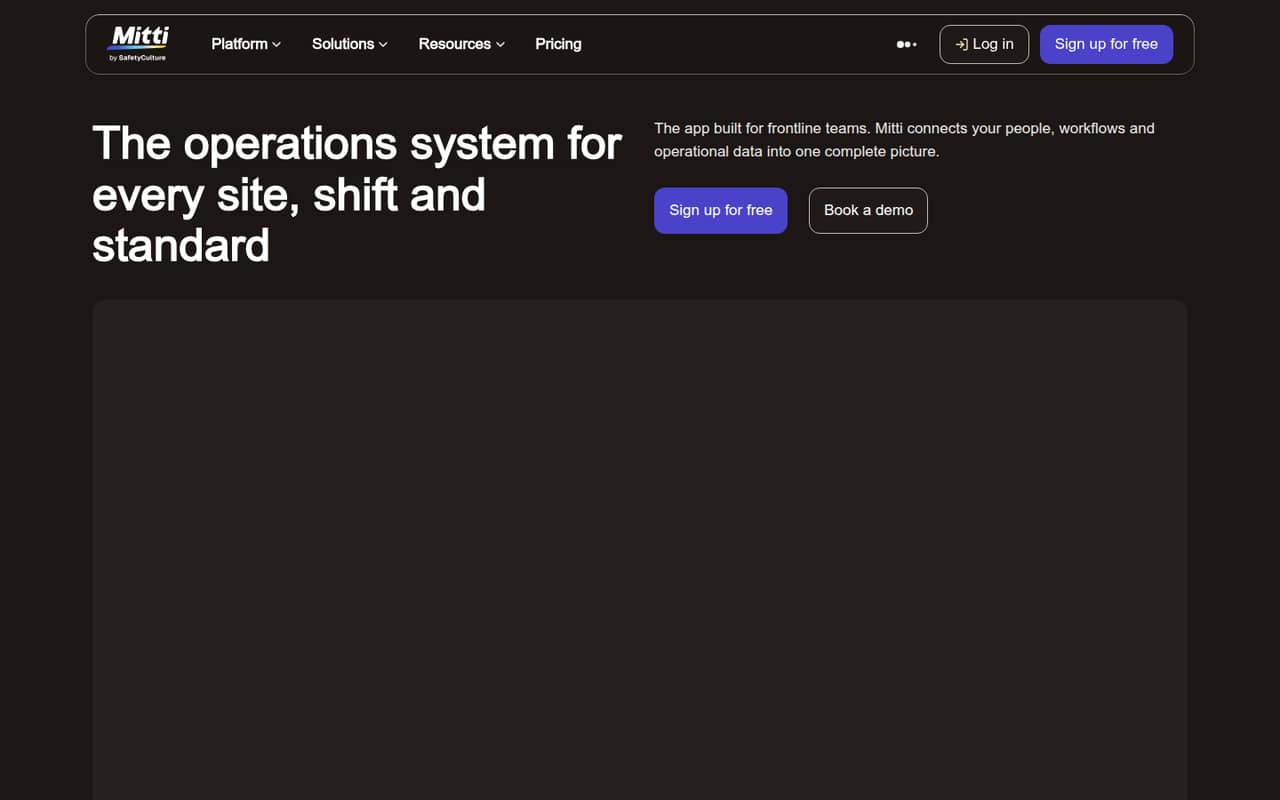
SafetyCulture is a practical free starting point when inspections and reported issues are the work you need to organize. The pricing page lists a free plan and a starting price of $24. It is positioned around inspections and basic training workflows, not as a complete GRC suite. Check whether its free plan covers your processes before adding more software.
What works
- Free plan covers up to 10 seats
- Inspections, training and issue reporting in one platform
- Free plan includes 300 AI credits per seat monthly
What doesn't
- Free plan limits active templates to five
- Premium adds a recurring per-seat cost
- Additional AI credit pricing is not published
- Best for consentKetchKetch
Ketch is worth considering if your main need is consent management. The pricing page lists a free plan and a starting price of $150, with a fit for small sites under 5,000 monthly users. Advanced privacy workflows may cost extra or require a custom quote, so ask which functions are included before you build a budget around the free option.
What works
- Free plan covers up to 5,000 unique users monthly
- Free and Starter include two integrations
- Starter is priced at $150 monthly
What doesn't
- Free and Starter focus on consent management
- Advanced features are sold separately or custom-priced
- Plus is billed annually
- Best for vendor riskWhisticWhistic
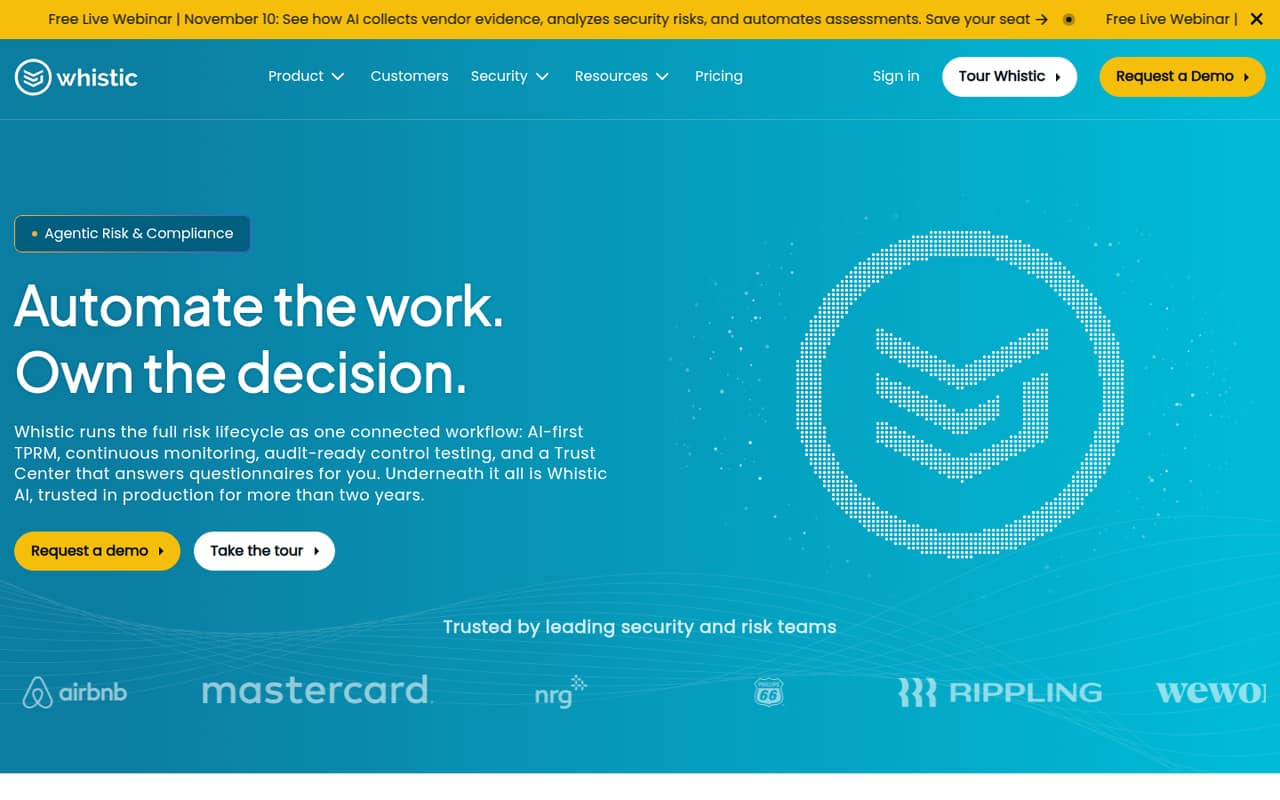
Whistic is a sensible shortlist option for vendor assessments and sharing approved security evidence. The listing includes a free plan, but the vendor doesn’t publish paid pricing. That makes it hard to estimate what a small team will pay as its vendor workflow grows. Ask for the cost at your expected usage and which features are included in the free plan.
What works
- Combines assessments and monitoring
- Supports Trust Centers for approved evidence
- Core lists unlimited vendors and users
What doesn't
- Paid plan prices aren’t published
- Per-seat costs can’t be calculated
- Free Profile is limited to one basic profile
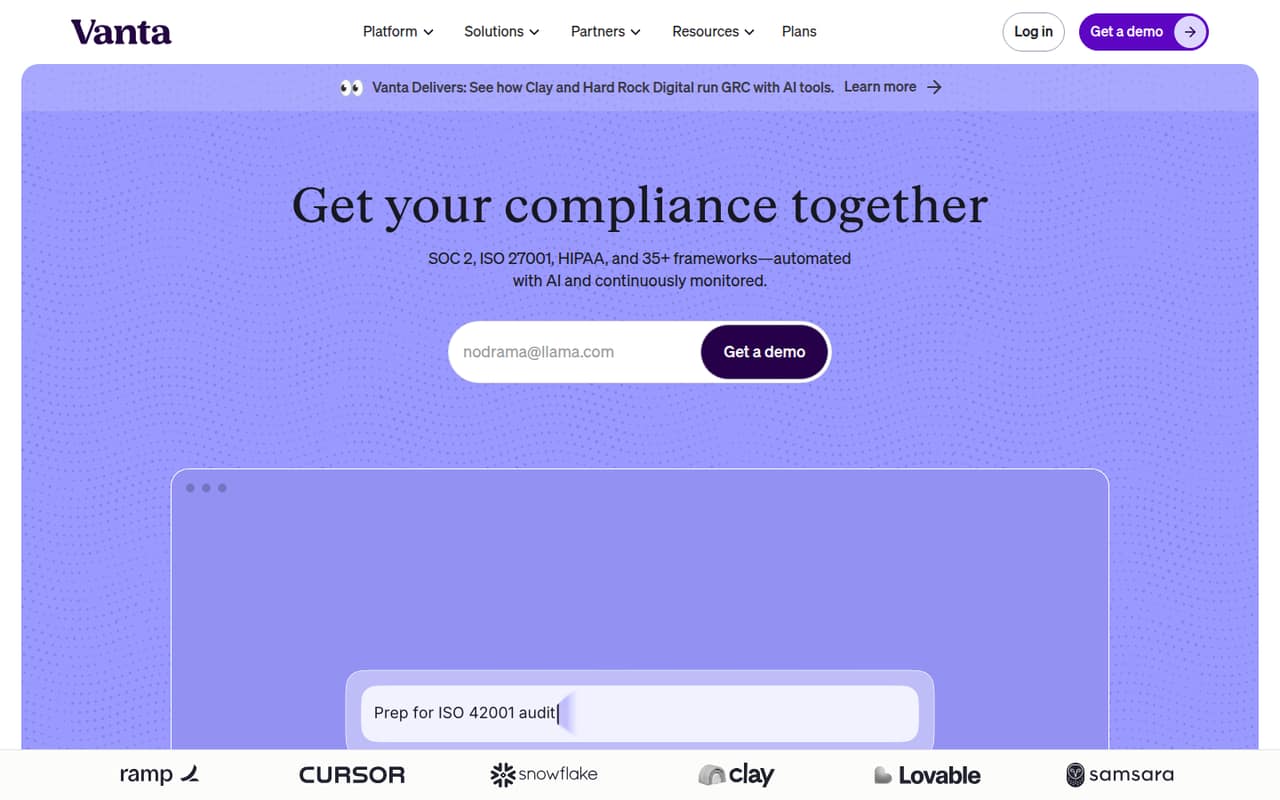
- Best for audit prepVantaVanta
Vanta is aimed at teams preparing for compliance audits, automating security questionnaires, and managing vendor security reviews. Its pricing isn’t published, so a small team needs a sales quote before comparing the real cost with narrower tools. Ask what the quote covers, what implementation requires, and whether your specific audit work fits the proposed plan.
What works
- Automates compliance workflows and continuous monitoring
- Includes audit preparation and risk management
- Manages vendor onboarding and security reviews
What doesn't
- No free plan is listed
- Plan prices are not published
- Seat limits are not published
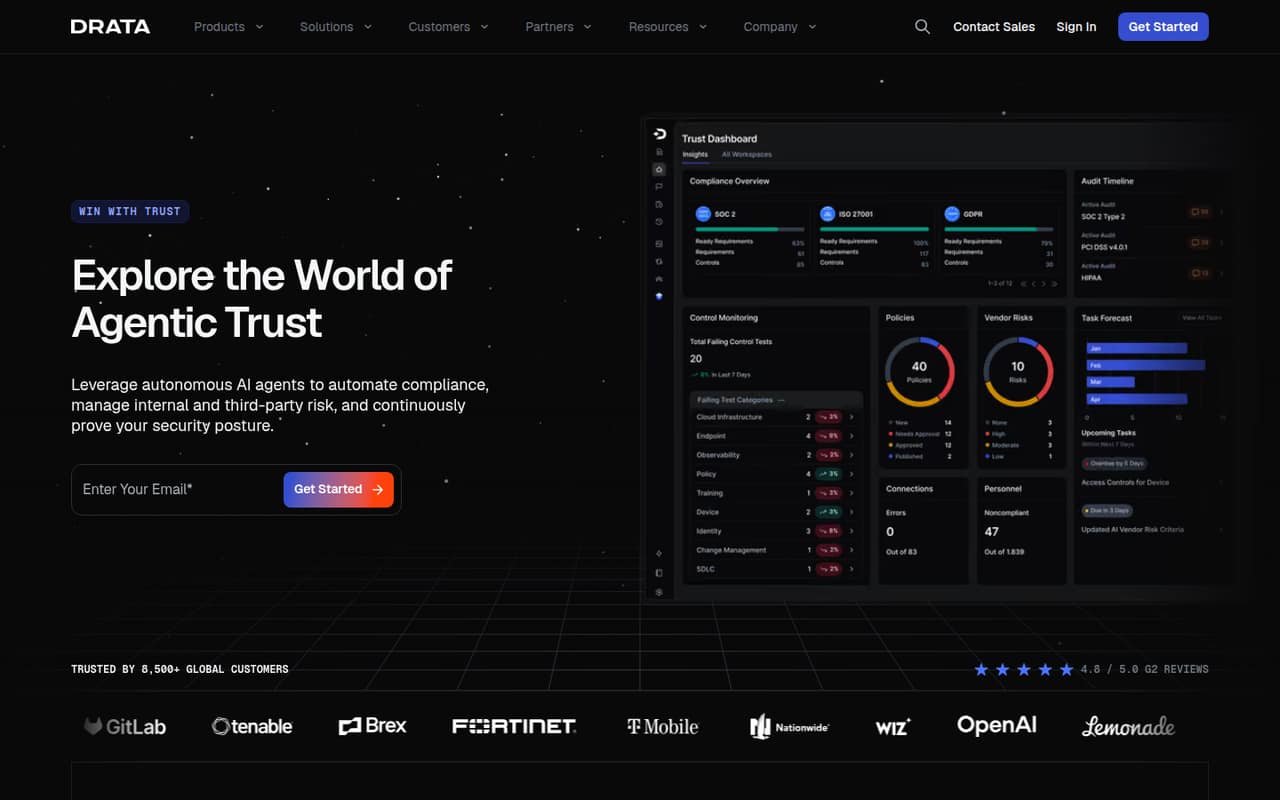
- Best for evidenceDrataDrata
Drata is worth a look if your team needs ongoing evidence collection and help answering customer security questionnaires. The vendor doesn’t publish an entry price, so the cost for a few people is unclear until you request a quote. Ask for a full estimate and confirm which compliance work is included before choosing it over a more focused tool.
What works
- Foundation includes up to 50 FTEs
- Supports a pre-mapped framework on Foundation
- Automates evidence collection and control monitoring
What doesn't
- The vendor doesn’t publish plan prices
- No free plan or free trial is listed
- Framework choices and limits vary by plan
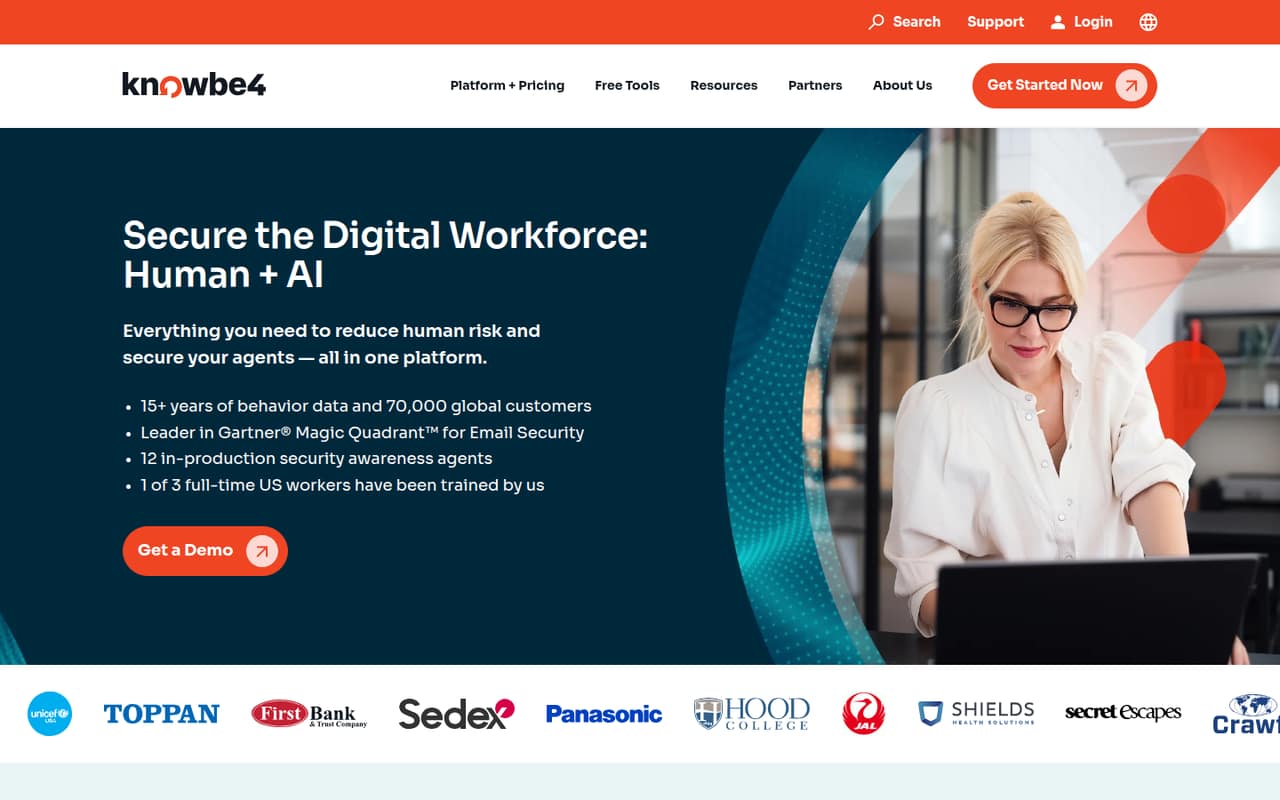
- Best for trainingKnowBe4KnowBe4
KnowBe4 fits small IT teams that need security training and regular phishing simulations. The listed pricing starts at $2.40, but the entry point is 25 seats and a three-year term, which is a poor match if you only need a few seats or want a short commitment. Get the minimum contract total before comparing it with other options.
What works
- Training and phishing simulations in one platform
- Foundation lists 200+ training pieces
- Unlimited phishing tests in both listed plans
What doesn't
- No free plan is listed
- Pricing starts in a 25–50-seat tier
- Listed prices require a three-year term
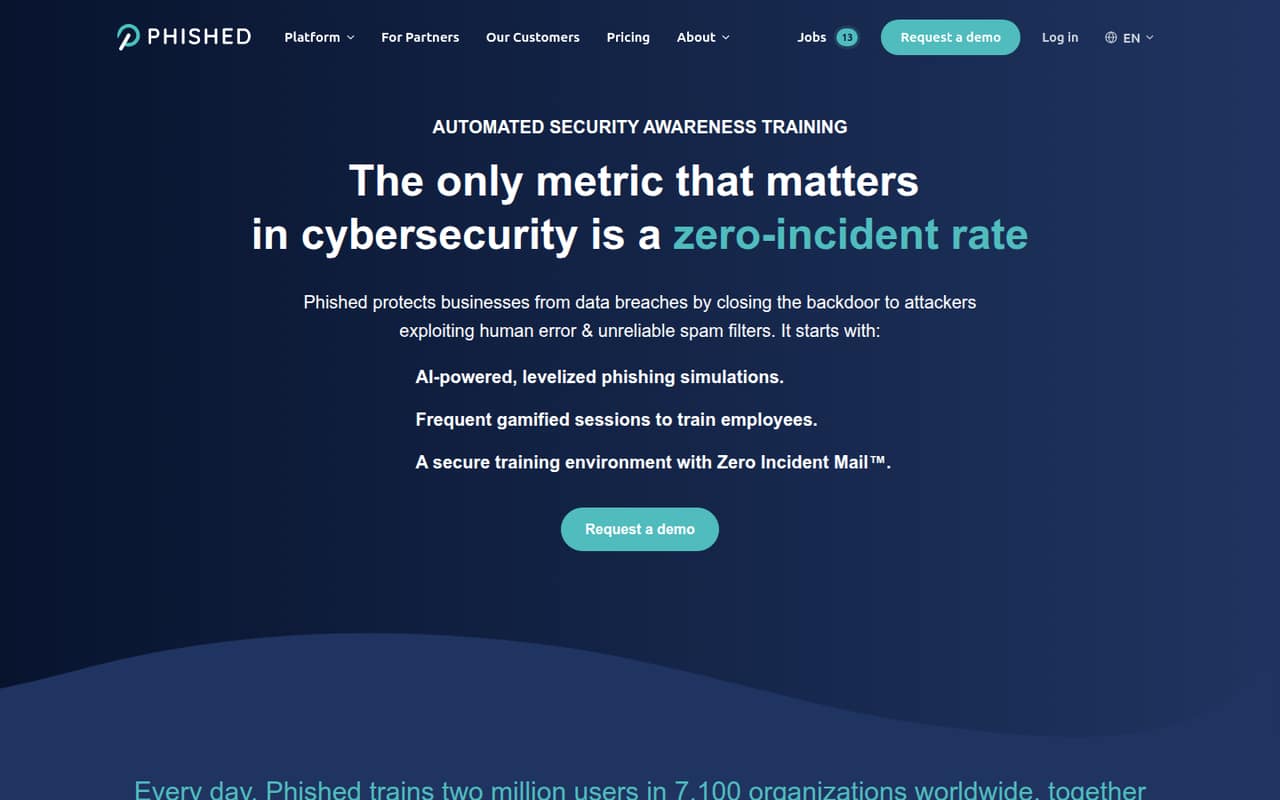
- Best for simulationsPhishedPhished
Phished focuses on security awareness training and automated phishing simulations, including targeted training for repeat offenders. Its listed starting price is $175, but per-seat pricing is unclear, making a small-team total difficult to judge. Ask whether that starting price covers your team size, what the contract term is, and which training features are included.
What works
- Automated, localized phishing simulations
- Practical microlearning and threat alerts
- Advanced adds repeat-offender training
What doesn't
- No free plan is listed
- Trial terms are not published
- Seat counts behind the starting price are unclear
- Best for policy workPowerDMSPowerDMS
PowerDMS is a fit for compliance-heavy organizations managing policy approvals or preparing for accreditation. It has no published entry price, so small teams can’t readily compare its cost with simpler options. Request a quote that spells out the fees and ask what setup the policy workflows require before deciding whether its compliance focus is worth the spend.
What works
- Centralizes policies, procedures, training, and compliance records
- Automates approvals, reviews, reminders, and version control
- Shows color-coded document changes before publication
What doesn't
- No free plan is listed
- No free trial is listed
- Starting price is not published
03How we chose
We ranked these tools for a team of 1–10 by how directly they fit a common GRC job, whether a free plan is listed, and how clearly the cost for a few people can be estimated. We also considered seat, site, or contract limits and whether setup effort is clear enough to budget. Product documentation and Reddit sentiment can help validate setup and day-to-day fit; where those details aren’t established, we flag the question instead of claiming hands-on testing or inventing an answer.
04Start with the job, then price the smallest workable plan
GRC can mean a lot of different work: audit preparation, policy approvals, vendor reviews, inspections, privacy consent, or security training. Pick the one obligation that is costing your team the most time or blocking a customer requirement. Then check whether a focused tool covers it. A free plan can be a good starting point, but confirm the limits that matter to you: number of sites, users, vendors, workflows, or required features. For a paid plan, ask for the total price at your actual team size, not just a starting figure. Check minimum seats, contract length, setup fees, and whether the quoted plan includes the work you need. KnowBe4, for example, lists a 25-seat entry and a three-year term, while several broader platforms require a quote.
05Check setup needs and your likely next step
Before signing, ask the vendor what you’ll need to provide and who has to configure the tool. Get a clear answer on onboarding, data imports, integrations, and the time your team will spend maintaining records. Those details affect the real cost, even when a plan’s monthly price looks manageable. Also ask what happens when you add users, sites, frameworks, or workflows; a free plan that handles one website may not support a wider program. Small teams can outgrow a focused tool when they need connected audit, risk, policy, and vendor workflows in one place. But moving to a broad platform can mean a custom quote and more rollout planning. Buy for a requirement you have now, and make the upgrade path part of the quote.
Questions people ask
Does a small team need GRC software?
Not always. If you have a specific audit, customer, or regulatory requirement, software may help organize the work. If your need is limited to one website’s policies or a basic inspection workflow, a focused tool may be enough. Start with the obligation you must meet, not the broadest platform.
Which GRC tools have a free plan?
The listings identify free plans for Termly, SafetyCulture, Ketch, and Whistic. Their scopes differ: Termly focuses on website compliance, SafetyCulture on inspections, Ketch on consent, and Whistic on vendor risk. Check plan limits with each vendor before relying on free access.
What should I ask when pricing isn’t published?
Ask for the total cost at your team size, contract term, onboarding or setup fees, and any minimum seats or usage requirements. Confirm which features are included and what could trigger a higher plan or extra charge. A starting price alone may not show what your team will actually pay.
When should a small team move to a broader GRC platform?
Consider it when separate tools no longer cover the connected work you need—for example, when audit, risk, policy, and vendor processes must be coordinated. Before switching, compare the quote and setup requirements with the time your team spends managing the current tools.