
We may earn a commission if you buy through links on this page. It never changes a score or a ranking. How we make money
The bottom line
A strong compliance starter for one website; the free plan and site-based pricing need a close look.
Termly combines cookie consent tools, cookie scanning and legal policy generators. Its free plan covers a basic set of needs for one website, while paid plans add more policies, scans and banner views.
For a small team, the key detail is that pricing is per website, not per person. The free tier may be enough for a simple site, but check the paid limits and any extra website fees before committing.
Good fit if
- Small teams managing one website
- Businesses needing cookie consent
- Teams wanting policy and banner tools
Skip it if
- One-time policy buyers
- Teams needing published setup guidance
- Businesses managing many sites on a tight budget
ScoresHow it rates
What works
- Free plan includes a cookie policy and banner
- Free plan allows 10,000 banner views monthly
- Paid plans add more frequent cookie scans
- Pro+ lists Google Consent Mode v2 and IAB TCF 2.3
- Annual prices are listed per website
What doesn't
- Free plan has quarterly cookie scans
- Starter allows 50,000 banner views monthly
- Additional website license fees are not published
- Starter does not list multi-user permissions
- A Reddit user questioned the value for one-time policy use
01Who Termly is for
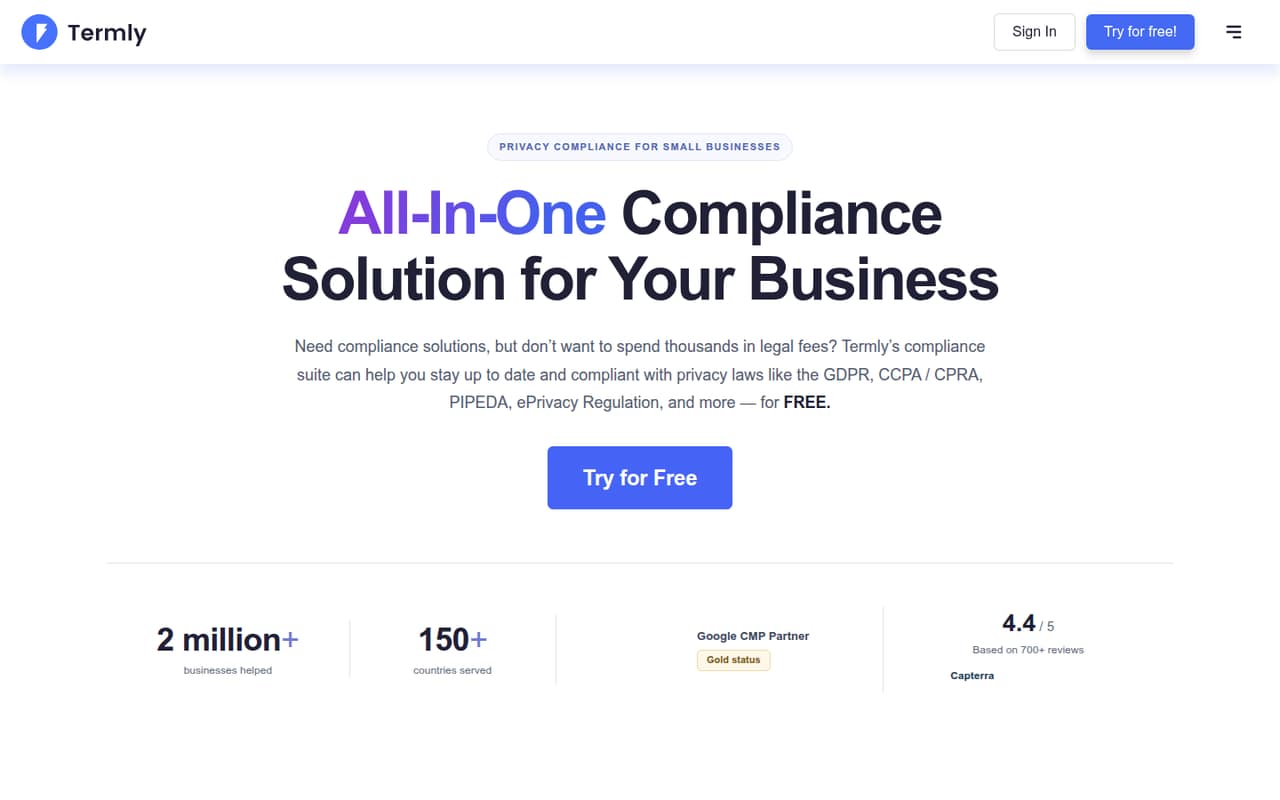
Termly suits a small business or startup that needs cookie consent and basic legal pages for a website, but does not want to manage each piece separately. Its listed tools cover cookie banners, preference centers, DSAR forms, cookie scanning and policy generation. The homepage says its suite supports privacy laws and frameworks across the EU, US and other regions.
For a team of 1–10 people, the main question is whether you need ongoing consent management or only a few legal documents. The pricing page charges per website, not per person, so a team sharing one site does not face a listed per-seat price. Starter is the cheapest paid option at $10 per website per month with annual billing, or $14 with monthly billing. If you only need policies once, a recurring subscription may be more than you want; one Reddit user said they expected to create three policies and not revisit them for years.
02Termly free plan and trial
Termly's pricing page lists a Free plan at $0 per website per month. It includes one basic legal policy, a cookie policy and banner, up to 10,000 banner views per month, and quarterly cookie scans. That's a useful starting point for a small site that can live with less frequent scans and a limited policy allowance.
The free tier stops short of the ongoing features listed on Starter: two legal policies, 10 policy edits, 50,000 monthly banner views, monthly scans and regulation monitoring. The vendor does not list a free trial; the pricing details show a free plan instead. Before relying on the free tier, check whether its one basic policy and view limit fit your site, and confirm any requirements for branding or policy use with Termly.
03What a small team pays for Termly
Termly lists prices per website, not per user. For one website, Starter costs $14 per month with monthly billing or $10 per month with annual billing. That is $168 over 12 monthly payments or $120 for a year at the listed annual rate. Pro+ costs $20 monthly or $15 per month with annual billing, equivalent to $240 or $180 over a year. The pricing page says annual billing is 25% off.
A team of three or five people using the same website has no published per-seat charge to multiply: the listed price remains tied to that website. Pro+ lists multi-user permissions, while Starter does not list them, so ask Termly whether Starter supports your team's access needs. If you mean three or five websites rather than people, the total is not published because additional website licenses have a separate per-license fee. Bulk discounts start at five licenses, but their amounts are not listed. Agency pricing is custom.
04Getting started with Termly
The setup work depends on which parts of Termly you need. Its listed features include generating policies, scanning and categorizing website cookies, and configuring a consent banner and preference center. A small team will need to decide which policies it needs and review the cookie categories and consent choices it wants to present.
Termly does not publish a setup-time estimate or name specific CMS integrations in its pricing details, so we would confirm those before choosing it. The plan list does name Google Consent Mode v2 and IAB TCF 2.3 support on Pro+. If either standard is a day-one requirement, that points to Pro+ rather than Starter. The exact steps for connecting the banner to a site and assigning user access are worth checking with Termly, particularly because multi-user permissions are listed for Pro+ but not Starter.
05When small teams outgrow Termly
The first pressure points are limits and access. Free stops at 10,000 banner views per month and quarterly cookie scans; Starter raises the limits to 50,000 views and monthly scans. Pro+ lists unlimited banner views and weekly scans, along with unlimited policies and edits and multi-user permissions. A growing site that reaches Starter's view limit, needs weekly scans or wants those listed permissions may have a reason to upgrade.
A multi-site business should also budget for additional website licenses. Termly says those are available for a per-license fee and that bulk discounts start at five, but it does not publish the fee or discount amount. Reddit users report a different concern: in one thread, a commenter said Pro+ felt expensive for generating a few documents they did not expect to update often. That makes Termly a harder fit when the job is a one-time policy purchase rather than ongoing consent management.
From the threadsWhat users say
The small amount of Reddit discussion is mixed: one commenter calls Termly cheap, while others object to paying a recurring fee for a few documents. Another commenter points to a free alternative, but the discussion does not establish broad user sentiment.
Termly is so cheap that it's hard to imagine you can't justify paying for it, if it's for commercial purposes
How is £16 per month cheap for the PRO+ package?
For a one time use, the pricing for the license is far too high, in my opinion
Does about the same, but for free
Questions people ask
What does Termly do?
Termly provides privacy-compliance tools, including cookie consent management, cookie scanning and legal policy generators. Its listed tools include cookie banners, preference centers and DSAR forms. The homepage says the suite supports privacy laws and frameworks across the EU, US and other regions.
Does Termly have a free plan?
Yes. The pricing page lists a Free plan for one website at $0 per month. It includes one basic legal policy, a cookie policy and banner, 10,000 banner views per month and quarterly cookie scans. The plan list does not include a free trial.
How much does Termly cost for a small team?
Termly lists pricing per website rather than per person. Starter costs $14 per website per month with monthly billing or $10 per month with annual billing. Pro+ costs $20 monthly or $15 per month annually. Extra website licenses have a separate, unpublished fee.
Does Termly support Google Consent Mode and IAB TCF?
The pricing page lists Google Consent Mode v2 and IAB TCF 2.3 support on Pro+. Those features are not listed among Starter's inclusions. If either standard is a requirement, confirm the plan and implementation details with Termly before buying.
Is Termly suitable for creating a few policies once?
It can generate policies, but its paid plans are subscriptions with monthly or annual billing. One Reddit user said the recurring cost felt high for creating a few documents they did not expect to update often. The free plan may suit a basic need, subject to its policy and feature limits.