We may earn a commission if you buy through links on this page. It never changes a score or a ranking. How we make money
A small team may not need a headless CMS unless it wants to manage content centrally and deliver it to websites, apps, or other channels through APIs. For teams with a developer, Prismic is our first pick for its free plan and $10 listed starting price; Sanity is a strong alternative for content-heavy sites. Both require some configuration. Before choosing, look past the free tier: Storyblok lists $99 monthly when you need three seats, and Contentstack lists $299 monthly for five people. Setup effort matters, too.
Quick picksThe shortlist
 PrismicPrismicBest for small teams · $10/mo
 SanitySanityBest for content-heavy sites · $15/mo
 PayloadPayloadBest for self-hosting · $35/mo
 DirectusDirectusBest for SQL databases · $89/mo
 Builder.ioBuilder.ioBest for marketing teams · $24/mo
 StrapiStrapiBest for custom APIs · $35/mo
 ContentfulContentfulBest for multiple channels · $300/mo
 KirbyKirbyBest for custom websites · Custom
 StoryblokStoryblokBest for visual previews · $90.75/mo
 ContentstackContentstackBest for testing free · $29/mo
01Compared at a glance
| Tool | Score | From | Free plan | Trial |
|---|---|---|---|---|
| PrismicPrismic | 8.0 | $10/mo | Yes | — |
| SanitySanity | 7.8 | $15/mo | Yes | — |
| PayloadPayload | 7.6 | $35/mo | Yes | — |
| DirectusDirectus | 7.6 | $89/mo | Yes | 14 days |
| Builder.ioBuilder.io | 6.8 | $24/mo | Yes | — |
| StrapiStrapi | 7.0 | $35/mo | No | — |
| ContentfulContentful | 6.5 | $300/mo | Yes | — |
| KirbyKirby | 6.8 | Custom | No | Yes |
| StoryblokStoryblok | 6.8 | $90.75/mo | Yes | 45 days |
| ContentstackContentstack | 6.8 | $29/mo | Yes | — |
02The picks, in detail
- Best for small teamsPrismicPrismic
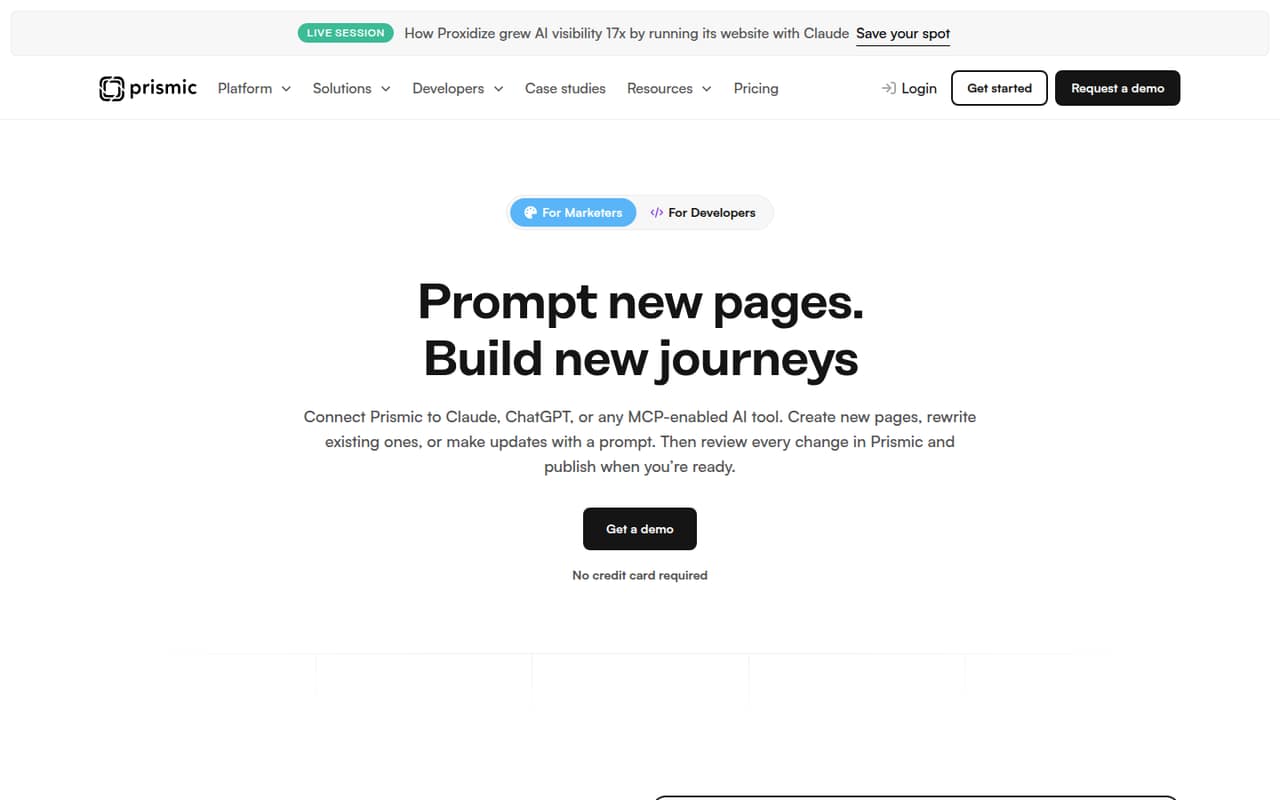
Prismic is our top pick for a small team that has a developer and wants reusable pages. Its free plan and $10 listed starting price make it approachable for a personal site or proof of concept. The trade-off is setup: Prismic’s fit is strongest when someone on the team can handle developer-led work rather than expecting a no-code setup.
What works
- Free plan includes unlimited documents, types, and assets
- Reusable slices let marketers assemble pages
- Free plan includes two locales
What doesn't
- Paid plan prices are billed annually
- Monthly billing prices are not published
- Starter begins with three users, not one
- Best for content-heavy sitesSanitySanity
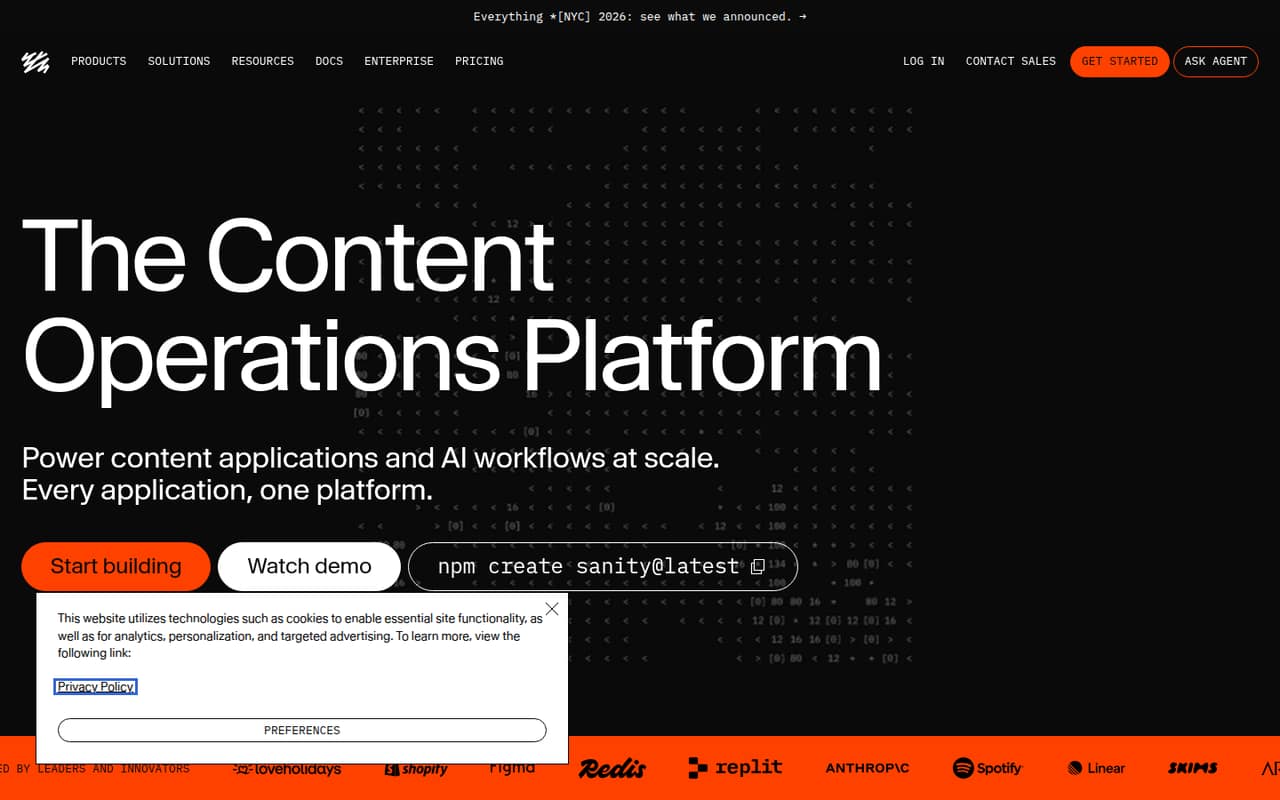
Sanity suits a small team managing lots of content or building custom workflows. It has a free plan and a listed starting price of $15. The platform can support collaborative publishing, but expect some configuration. Choose it when your team values flexible content work enough to budget developer time; a team seeking a ready-made, hands-off setup may prefer a simpler fit.
What works
- Free plan includes up to 20 user seats
- Structured content can serve multiple platforms
- Configurable Studio supports custom workflows
What doesn't
- Schemas and workflows need configuration
- Sanity can get complex as projects grow
- Growth costs rise with each paid seat
- Best for self-hostingPayloadPayload
Payload is a good fit for developer-led teams using Next.js or building custom content models. Its free plan makes it worth considering for a budget-conscious self-hosting project, though the listed starting price is $35. The cost is not the whole commitment: Payload takes engineering time to set up and maintain, so it fits best when that work has an owner.
What works
- Free MIT-licensed self-hosted option
- No self-hosted seat or API caps
- Builds a backend into Next.js
What doesn't
- Code-first setup takes developer effort
- Self-hosting infrastructure costs extra
- Cloud annual pricing is not published

- Best for SQL databasesDirectusDirectus
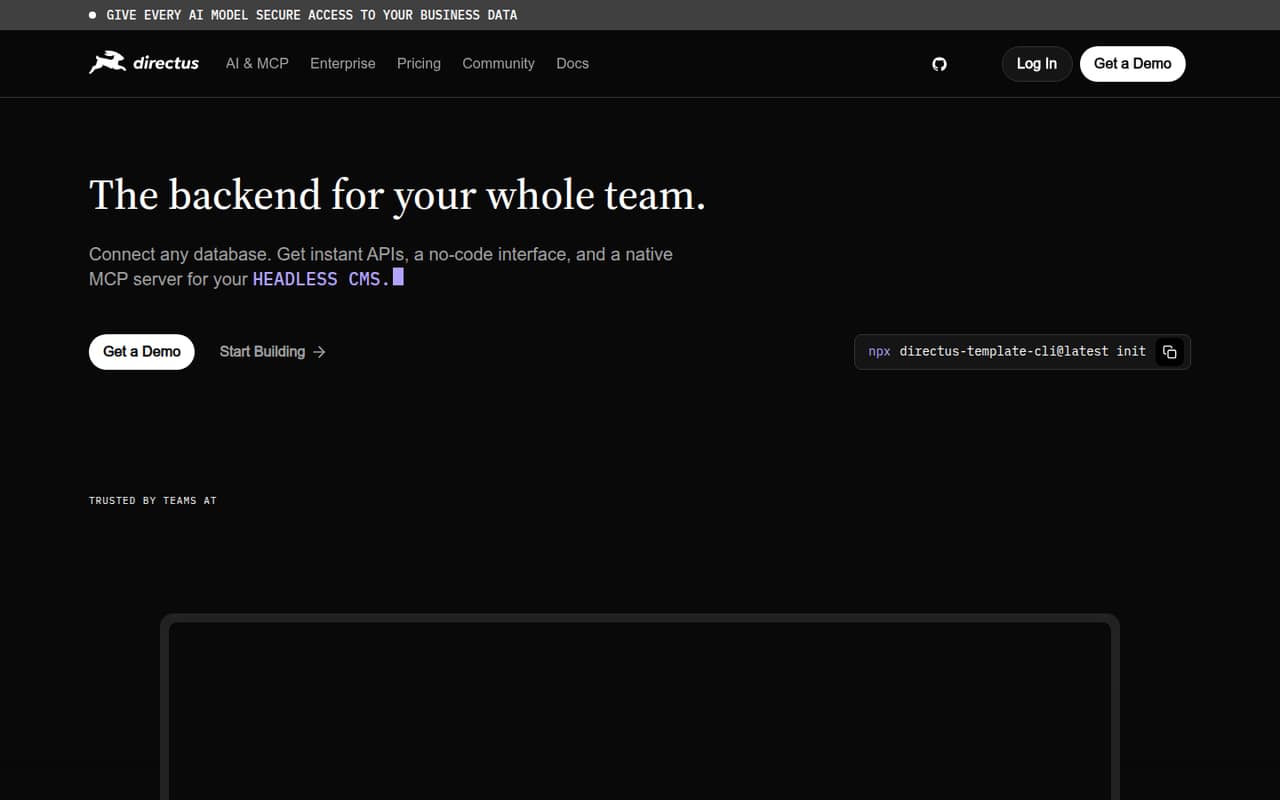
Directus is worth a look if your team already uses an SQL database and wants APIs, admin tools, and custom workflows. It offers a free plan, with a listed starting price of $89. Small teams should check paid seat costs before committing: the price and setup may be a poor fit if you only need basic publishing or have limited developer support.
What works
- Generates REST and GraphQL APIs from a connected database
- No-code admin interface for managing content and data
- Free self-hosting for qualifying organizations
What doesn't
- Setup depends on connecting and configuring a database
- Grant eligibility excludes larger organizations
- Core covers three seats, not five
- Best for marketing teamsBuilder.ioBuilder.io
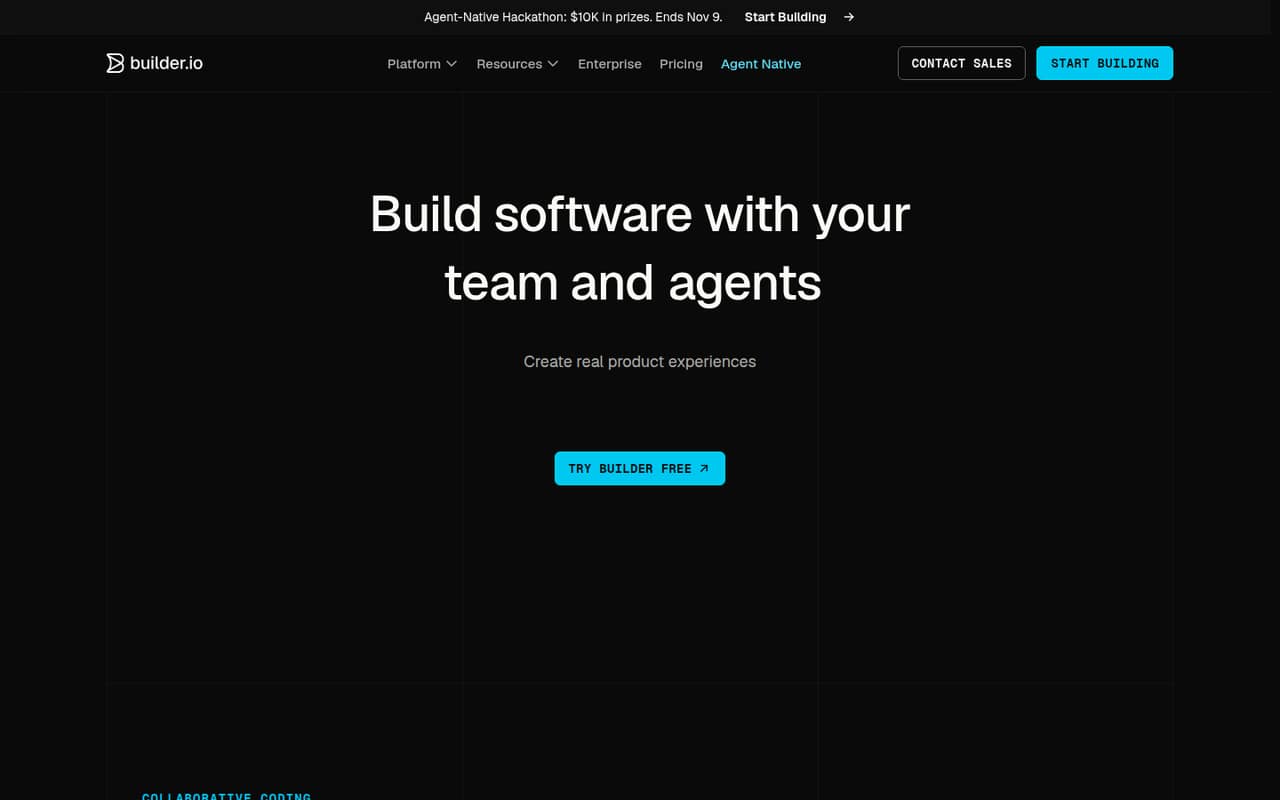
Builder.io pairs visual content editing with code workflows, which can help marketing teams edit production UI while developers retain Git review workflows. A free plan is listed, and the starting price is $24. This is not a hands-off site builder: it is a better fit for a small team with developer support than for editors who need to publish without engineering involvement.
What works
- Free plan supports up to five users
- Visual editor connects to components and design tokens
- Git providers, Figma plugin, and VS Code extension on Free
What doesn't
- Free plan includes only 60 monthly credits
- Paid plans are priced per user
- Annual prices are not published
- Best for custom APIsStrapiStrapi
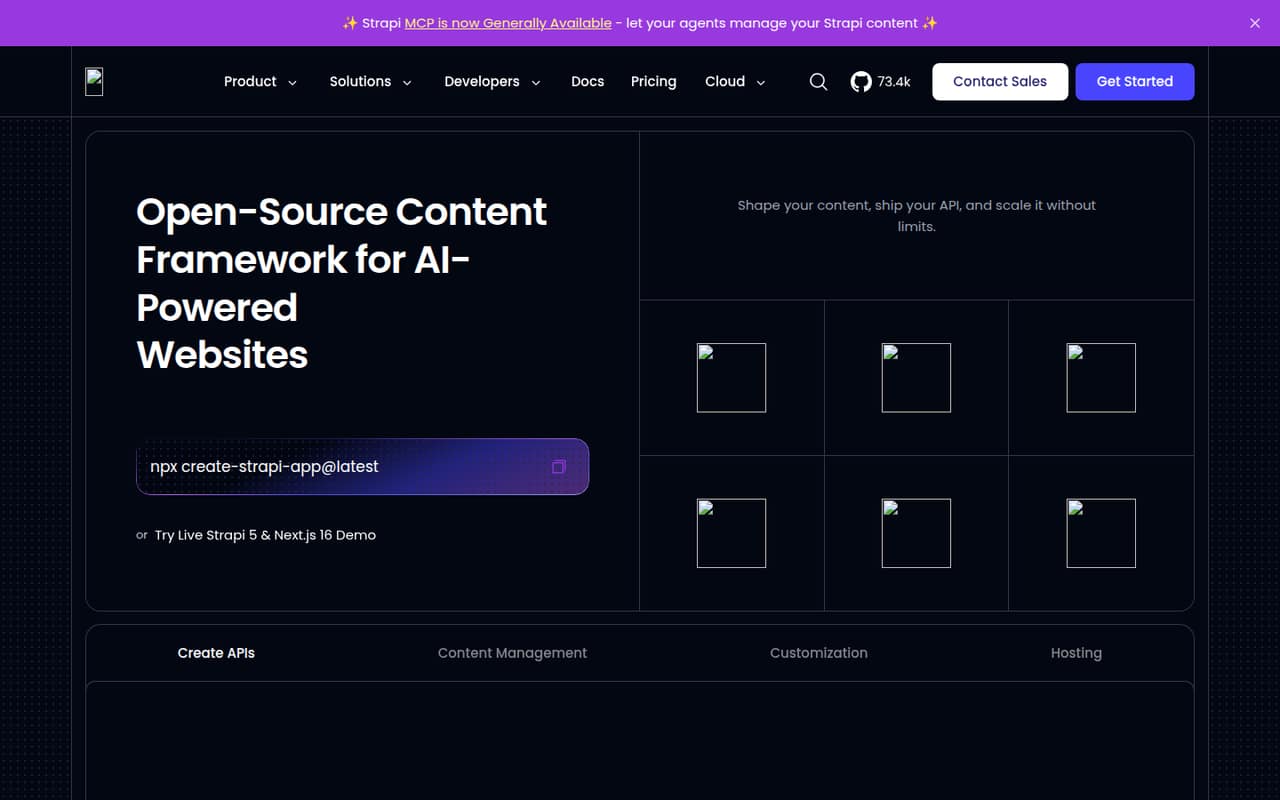
Strapi is a capable option for technical teams that need flexible content models and custom APIs. Its Cloud costs are per project, not per seat, and the listed starting price is $35. Teams comfortable self-hosting may find it worth evaluating, but plan for technical setup and maintenance; it is less suited to a small team looking for an editor-first, managed experience.
What works
- Open-source framework can be self-hosted
- Builds REST and GraphQL APIs from content models
- No-code Content Type Builder for modeling content
What doesn't
- Strapi Cloud has no listed free plan
- Cloud pricing is per project, not per seat
- Annual plan prices are not listed
- Best for multiple channelsContentfulContentful
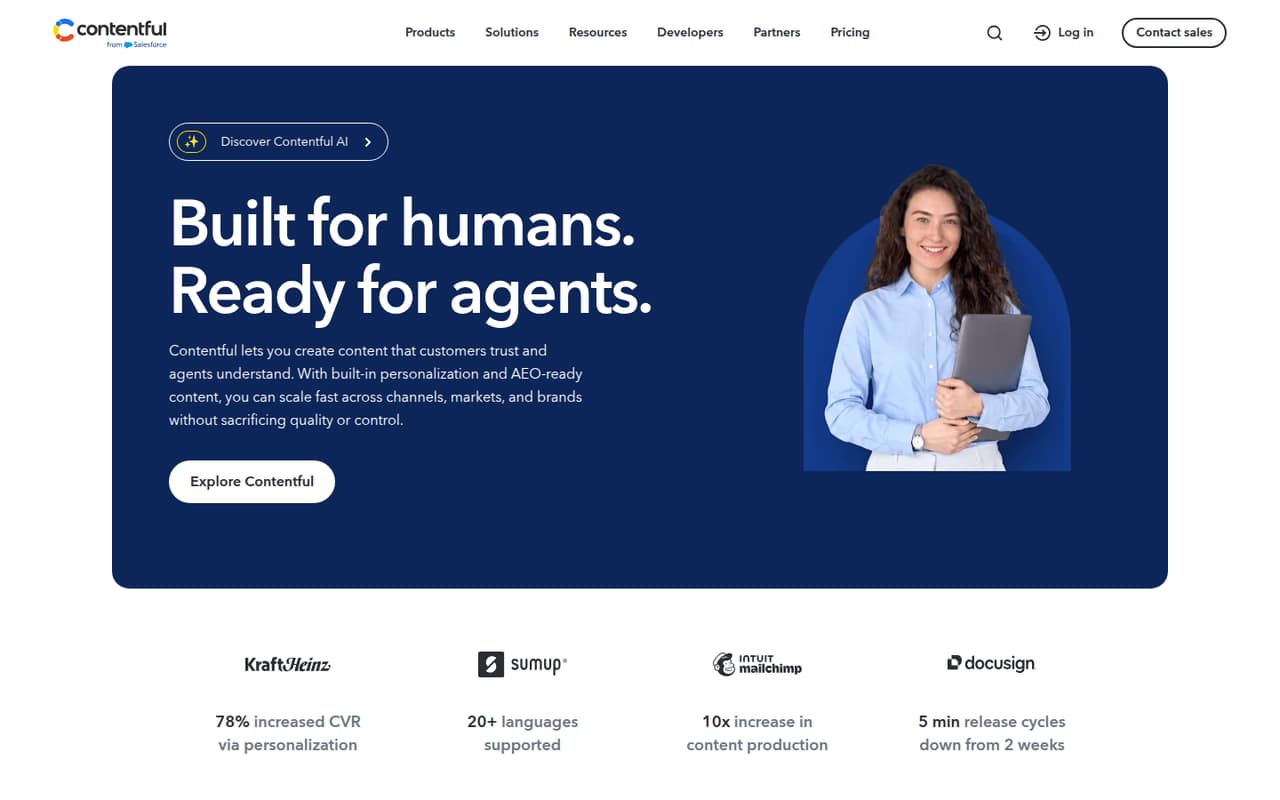
Contentful is designed for structured content that a team reuses across several channels. It has a free plan, but the listed starting price is $300, and the Free tier has limits. That makes it a harder budget call than the lower-cost options here. Choose it if its multi-channel content fit is important and your team can stay within the free limits or justify the paid cost.
What works
- Free plan includes up to 10 users
- Free plan includes 100K API calls monthly
- Content can be reused across channels
What doesn't
- Lite costs $300 per month
- Annual Lite pricing is not published
- Free plan is limited to 2 roles
- Best for custom websitesKirbyKirby
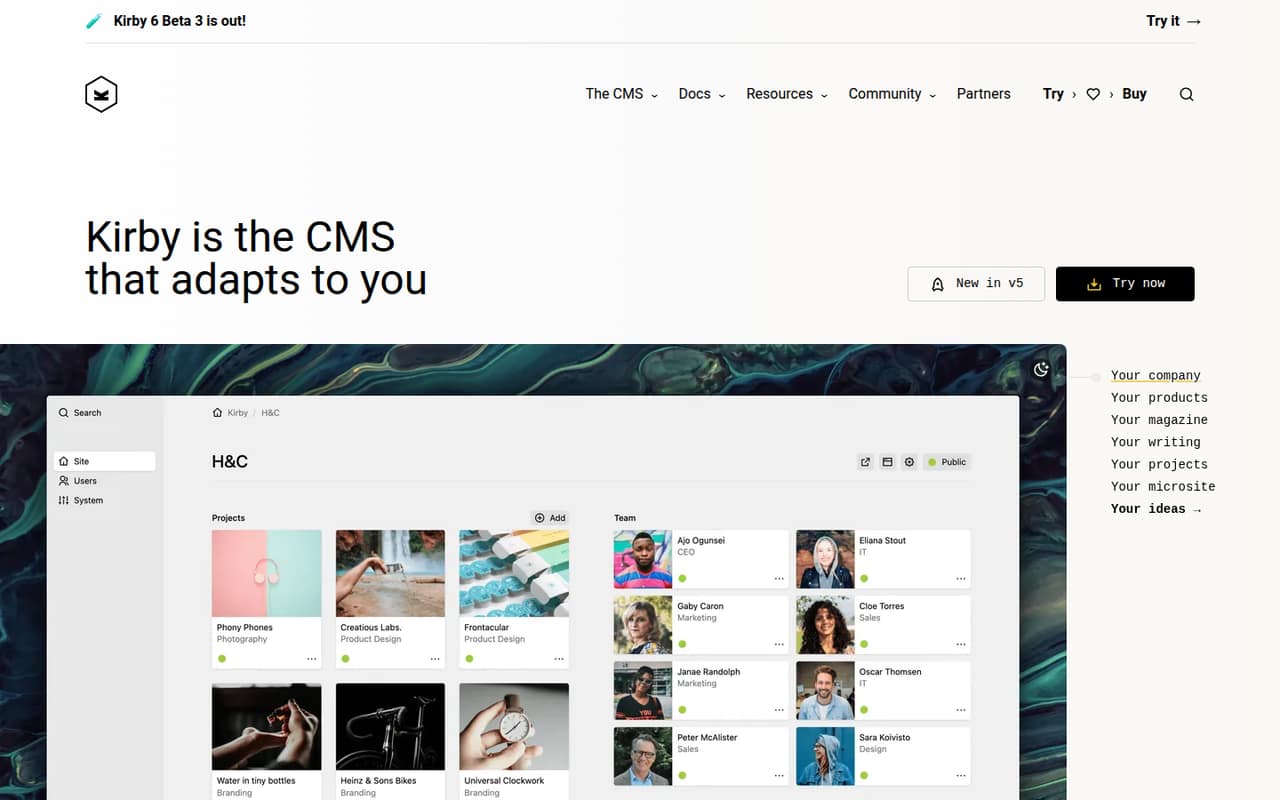
Kirby is worth considering when your team is building a custom website, particularly for a small organization under €1 million. Its starting price is not published on the vendor's site, and seat limits are something to confirm before buying. That uncertainty makes it harder to compare on a tight budget; ask the vendor for the cost for your team size before planning a rollout.
What works
- One-time pricing instead of monthly billing
- Kirby Basic costs $115 per site
- All features are included in both plans
What doesn't
- No free plan is listed
- Seat limits are not published
- Each license covers one site
- Best for visual previewsStoryblokStoryblok
Storyblok offers visual editing and workflows for teams with structured content needs. A free plan is listed, with a starting price of $90.75; the published pricing notes say it costs $99 monthly once you need three seats. That can be a steep step for a small team. It also needs developer setup, so weigh editor previews against both the setup work and seat cost.
What works
- Free Starter plan includes one space
- Visual editor supports page previewing
- Publishing workflows include roles and approvals
What doesn't
- Starter allows a maximum of two seats
- Three seats require the $99 Growth plan
- Growth add-ons can raise the bill
- Best for testing freeContentstackContentstack
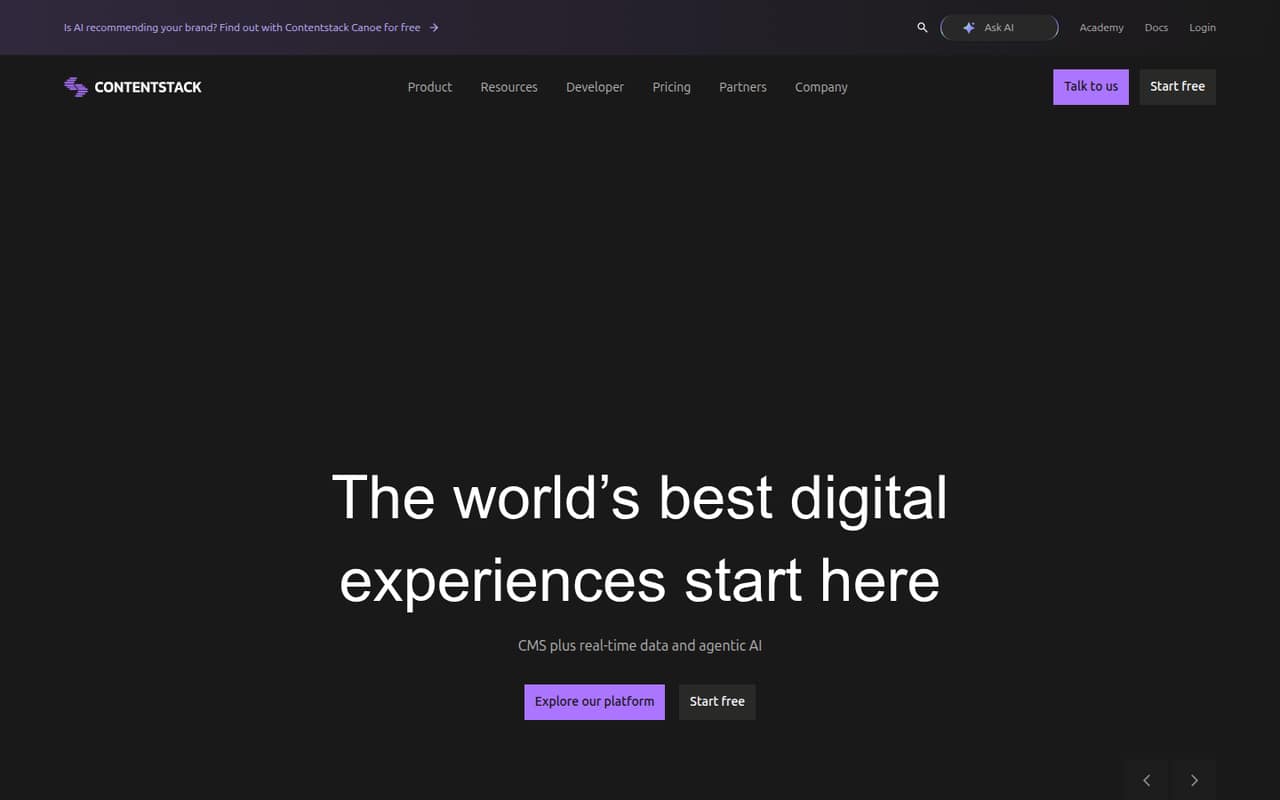
Contentstack covers API-first experiences and includes personalization and analytics in its stated strengths. Its free tier is approachable for testing, and the listed starting price is $29. But the cost rises sharply for a small group: a five-person team pays $299 monthly. It makes most sense if its capabilities match a real need and your team has a budget for that paid tier.
What works
- Free plan includes three users and one production stack
- Build starts at $29/month for three users
- Growth includes ten users and one million API calls monthly
What doesn't
- Growth costs $299/month, even for five users
- Free plan is limited to 100,000 API calls monthly
- Build is capped at three users
03How we chose
We ranked these platforms for teams of one to ten, weighing whether a free plan is listed, the starting price, what a few seats may cost, and the setup effort implied by each product’s fit. We also considered plan limits, vendor documentation, and Reddit sentiment as checks on likely setup friction. A free tier alone did not guarantee a high rank: we favored options with a clearer entry point for small teams, while calling out prices or seat limits that deserve a vendor check.
04Check the free tier—and the cost for your team
A free plan can make a CMS easy to try, but it does not tell you what the tool will cost once your team grows. Compare the listed starting price with the number of people who need access. Storyblok lists $99 monthly when you need three seats; Contentstack lists $299 monthly for five people. Those figures can change the decision even if the free tier looks inviting. For tools where a seat limit or team price is unclear, ask the vendor for a quote for your actual headcount before moving content. Also check what limits apply to the free plan: Contentful, for example, is described as a fit for small teams that stay within its Free limits. Keep your first comparison practical: what you can use for free, what a few seats cost, and what would make you upgrade.
05Budget time for setup and future changes
Headless means managing content centrally and delivering it to websites, apps, or other channels through APIs. That flexibility can suit a small team, but several picks are explicitly developer-led or require configuration. Prismic, Payload, and Strapi are strongest when someone on the team can handle development; Payload also takes engineering time to maintain. Before buying, name the person responsible for setup, content models, and ongoing changes. Then ask what happens when your team needs more seats, channels, or custom workflows. If those needs push you into a higher-priced tier, compare that new cost with a simpler alternative. A CMS is a better fit when its editing workflow and publishing needs justify the setup and recurring spend—not just because it offers an API.
Questions people ask
What are the top 5 CMS platforms?
For small teams choosing a headless CMS, our top five are Prismic, Sanity, Payload, Directus, and Builder.io. We ranked them for their fit with smaller teams, including free-plan availability, listed entry costs, and setup effort—not as a universal ranking for every project.
Is Storyblok a headless CMS?
Yes. Storyblok is included here as a headless CMS. It offers visual editing and workflows for structured content. The pricing notes list a free plan and say the cost is $99 monthly when you need three seats, so check whether that team price fits your budget.
Is Sanity a headless CMS?
Yes. Sanity is a headless content platform for teams that need content-heavy sites, custom workflows, or collaborative publishing. It has a free plan and a listed starting price of $15. Expect some configuration, so it is a better fit when your team can handle that work.
What is the difference between CMS and headless CMS?
A headless CMS manages content centrally and delivers it to websites, apps, and other channels through APIs. The key distinction is how content gets delivered: a headless setup is built around those API connections, so consider whether your team needs to publish across channels before choosing one.