We may earn a commission if you buy through links on this page. It never changes a score or a ranking. How we make money
A small team can start with local AI for $0: Jan, GPT4All, Open WebUI, LibreChat, LocalAI, and Ollama all have free plans. The catch is that free does not mean low effort. LocalAI and the self-hosted options suit teams with technical help; Jan and GPT4All are aimed at people exploring local models. Our top pick is Open WebUI for a budget-conscious team already running models. Listed starting prices range from $3.50 for Chatbox to $50 for AnythingLLM, but the pricing details do not establish what a few seats cost.
Quick picksThe shortlist
 Open WebUIOpen WebUIBest for small teams · $5/mo
 LocalAILocalAIBest free runtime · Free
 GPT4AllGPT4AllBest for private documents · Free
 ChatboxChatboxBest for model comparisons · $3.50/mo
 OllamaOllamaBest for local APIs · $16.67/mo
 AnythingLLMAnythingLLMBest for document privacy · $50/mo
 JanJanBest $0 starting point · Free
 MstyMstyBest for scoped agents · $12.42/mo
 LobeChatLobeChatBest for agent workflows · $18/mo
 LM StudioLM StudioBest for model exploration · $20/mo
 LibreChatLibreChatBest for self-hosted teams · Free
01Compared at a glance
| Tool | Score | From | Free plan | Trial |
|---|---|---|---|---|
| Open WebUIOpen WebUI | 7.4 | $5/mo | Yes | — |
| LocalAILocalAI | 7.5 | Free | Yes | — |
| GPT4AllGPT4All | 7.4 | Free | Yes | — |
| ChatboxChatbox | 7.1 | $3.50/mo | Yes | — |
| OllamaOllama | 7.2 | $16.67/mo | Yes | — |
| AnythingLLMAnythingLLM | 7.2 | $50/mo | Yes | — |
| JanJan | 6.8 | Free | Yes | — |
| MstyMsty | 7.0 | $12.42/mo | Yes | — |
| LobeChatLobeChat | 7.0 | $18/mo | Yes | — |
| LM StudioLM Studio | 6.8 | $20/mo | Yes | — |
| LibreChatLibreChat | 6.5 | Free | Yes | — |
02The picks, in detail
- Best for small teamsOpen WebUIOpen WebUI
Open WebUI is our top pick for a budget-conscious team that already self-hosts AI models and wants model flexibility. It has a free plan and is listed from $5. The trade-off is setup: configuration can take patience, so it fits better when someone on the team is comfortable with technical tools. Confirm how its paid pricing applies to your team before budgeting.
What works
- Free plan has no seat or request limits
- Connects local and cloud models
- Can run on team hardware or cloud
What doesn't
- Self-hosting puts deployment work on your team
- Monthly Supporter pricing is not published
- Enterprise pricing and seat limits are not published
- Best free runtimeLocalAILocalAI
LocalAI is a strong $0 option for a technical team with spare hardware that wants swappable model engines. It has a free plan, and no paid starting price is listed. The main cost to weigh is the work of running AI on your own hardware. Pick it when the team can manage that setup, not when you need a ready-made shared workspace.
What works
- Open-source software is free to self-host
- Pricing page lists unlimited self-hosted usage
- CPU path available; GPU is optional
What doesn't
- Your team must provide the hardware
- Seat limits are not published
- No public annual billing is listed
- Best for private documentsGPT4AllGPT4All
GPT4All is a useful free choice for teams that want local AI and private document chat without starting with a paid plan. Its paid pricing is listed as n/a, so ask the vendor whether any team plan is available before building a budget around it. The summary notes mixed reliability reports; check current documentation and user feedback if dependable daily use matters.
What works
- Free plan available
- Runs models locally without cloud processing
- Supports Windows, macOS, and Linux
What doesn't
- Paid plans and billing terms aren’t published
- Document retrieval quality gets mixed reports
- Some users report buggy behavior
- Best for model comparisonsChatboxChatbox
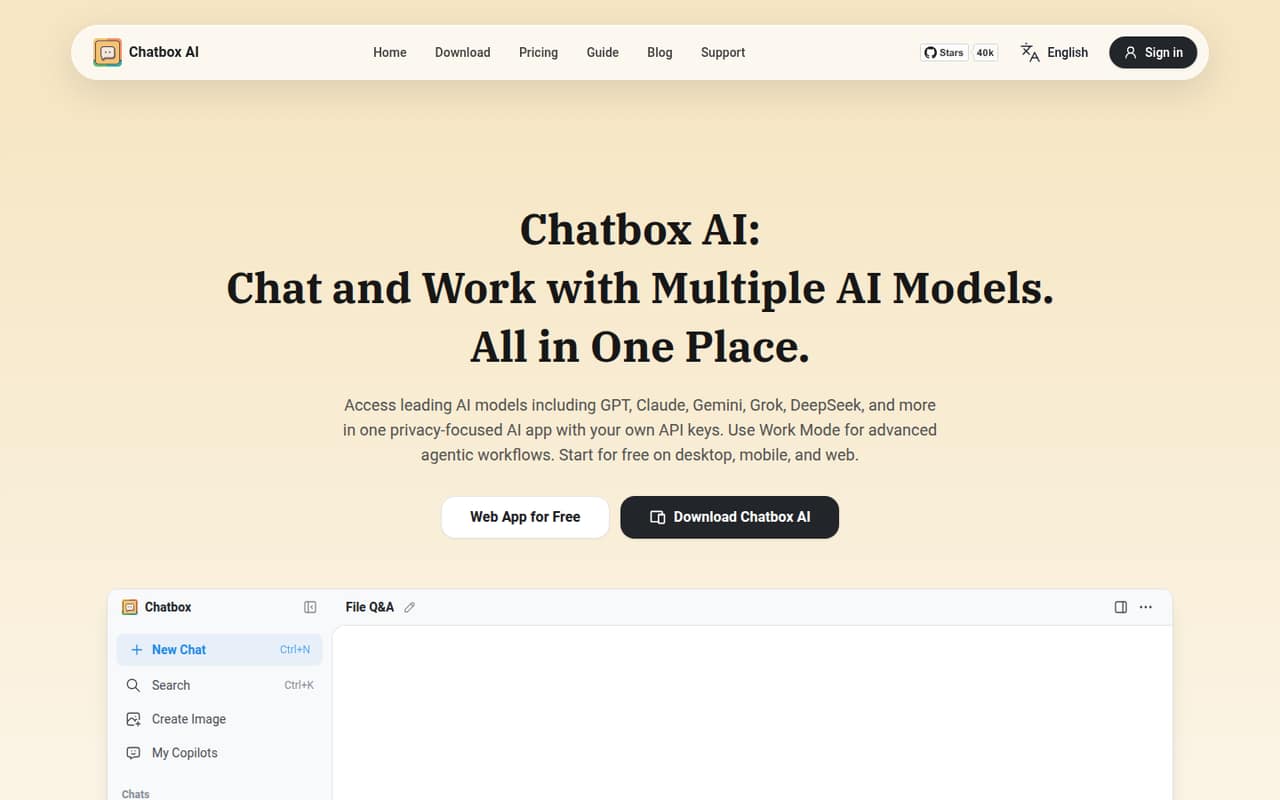
Chatbox suits a small team comparing AI models, asking questions about files, or handling light everyday tasks. It has a free plan and is listed from $3.50, the lowest listed starting price among these picks. Team billing and conversation sync need checking, so do not assume that one low starting figure covers several people.
What works
- Brings GPT, Claude, Gemini, Grok, and DeepSeek together
- Supports questions about documents, images, and code
- Includes real-time web search
What doesn't
- Team and per-seat pricing isn’t published
- Free plan has only 10,000 daily-reset compute points
- Free plan includes standard models, not advanced models
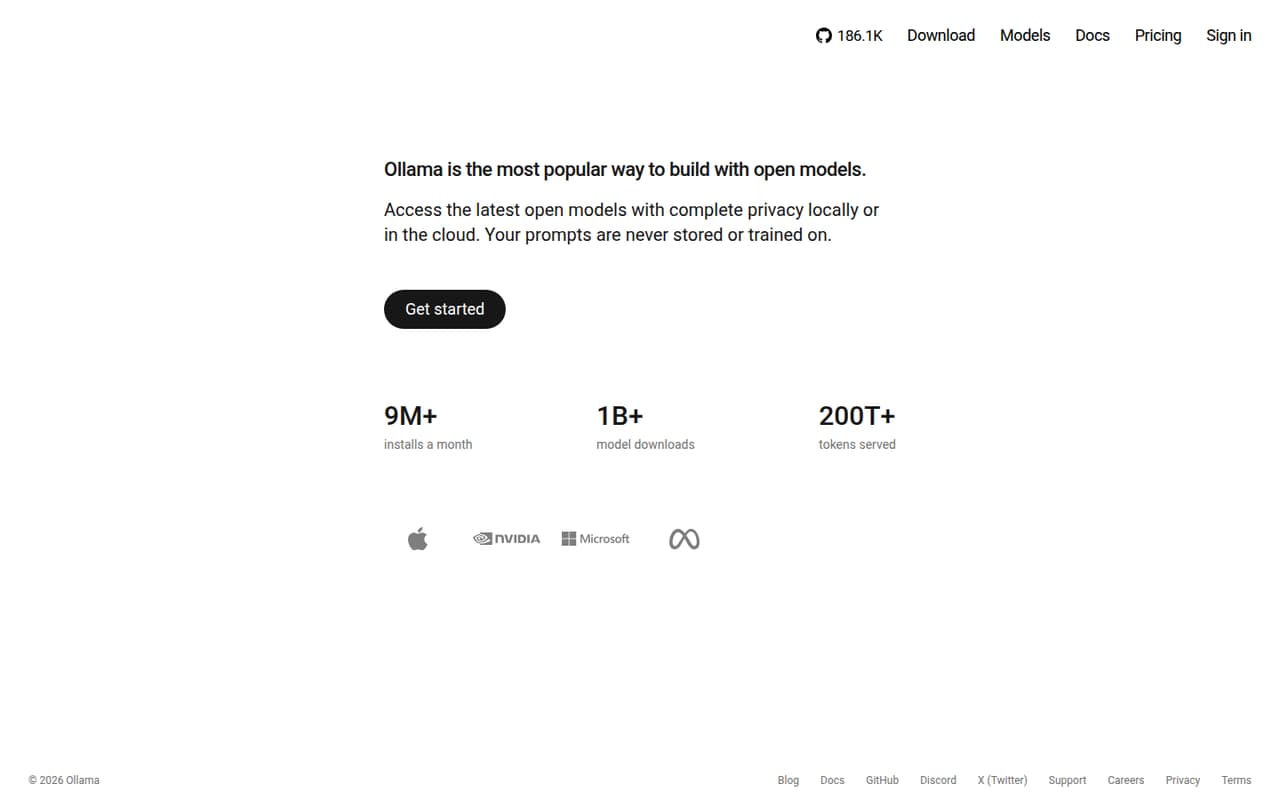
- Best for local APIsOllamaOllama
Ollama is a free local-model runner for teams experimenting with open models, developers, or small apps that need a local API. It is listed from $16.67, but check what that price covers and how team access is billed. Its free entry point makes it worth considering; cloud and team pricing deserve a closer look before the team grows.
What works
- Run models locally with no subscription
- Command-line tools manage model downloads and runs
- Local API supports chat, completions, and embeddings
What doesn't
- Cloud usage-credit prices are not published
- Team plan costs $500 monthly
- Pro annual billing requires $200 upfront
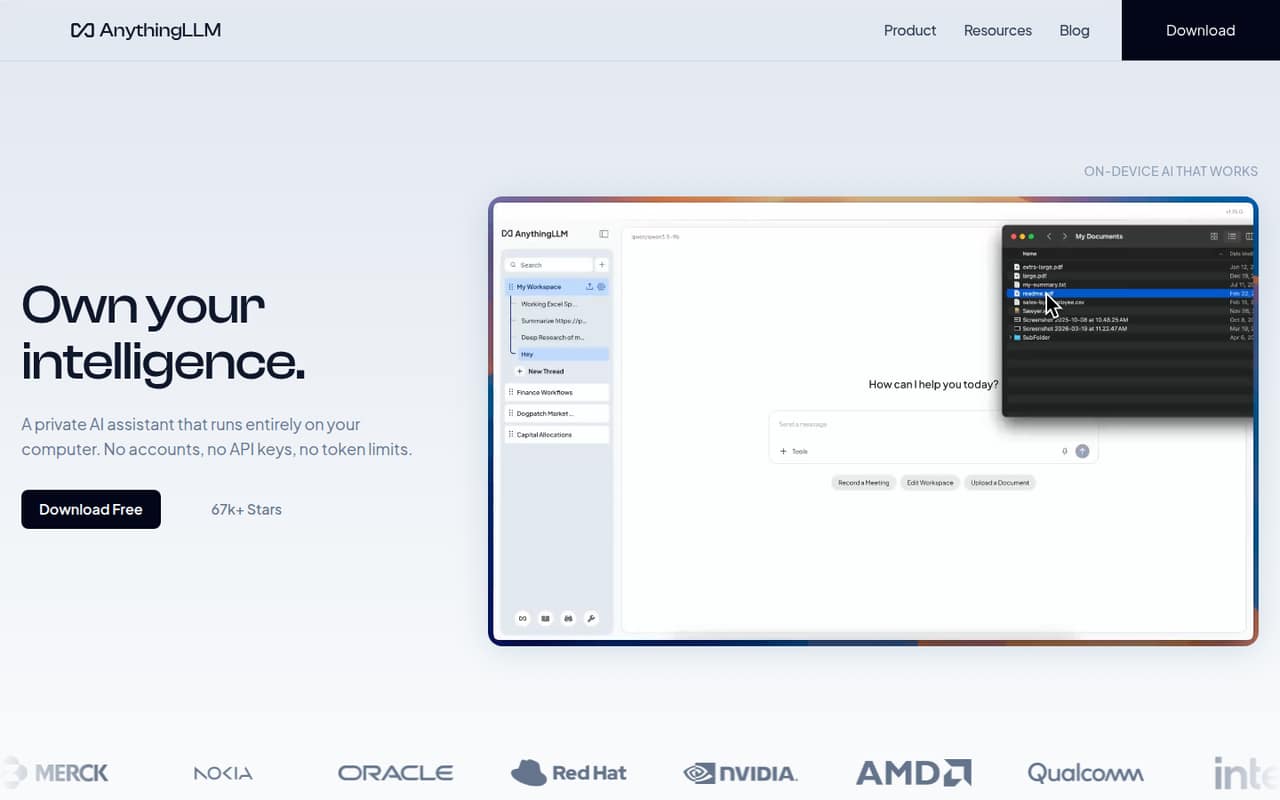
- Best for document privacyAnythingLLMAnythingLLM
AnythingLLM is worth considering when local document privacy and AI workflows are priorities. It has a free plan and is listed from $50, making the paid starting price notably higher than several alternatives here. Check the paid plan's seat allowance before budgeting for a few people. It is aimed at technical users and small groups comfortable choosing their models.
What works
- Free, open-source local assistant
- Processes document knowledge on-device
- Recommends a model for your hardware
What doesn't
- Hosted Basic starts at $50 monthly
- Paid plan seat allowances aren't published
- Annual billing isn't listed
- Best $0 starting pointJanJan
Jan gives budget-conscious users a $0 way to run local AI, with a free plan and no paid starting price listed. It suits small teams choosing their own models, provided people are comfortable managing API keys and setting up models on their own machines. Ask the vendor about team billing if you need shared administration rather than individual setups.
What works
- Free plan lists unlimited local inference
- Unlimited model downloads are included
- Apache-2.0 open-source license
What doesn't
- Online providers bill you separately
- Memory features are still coming soon
- Hardware requirements are not published

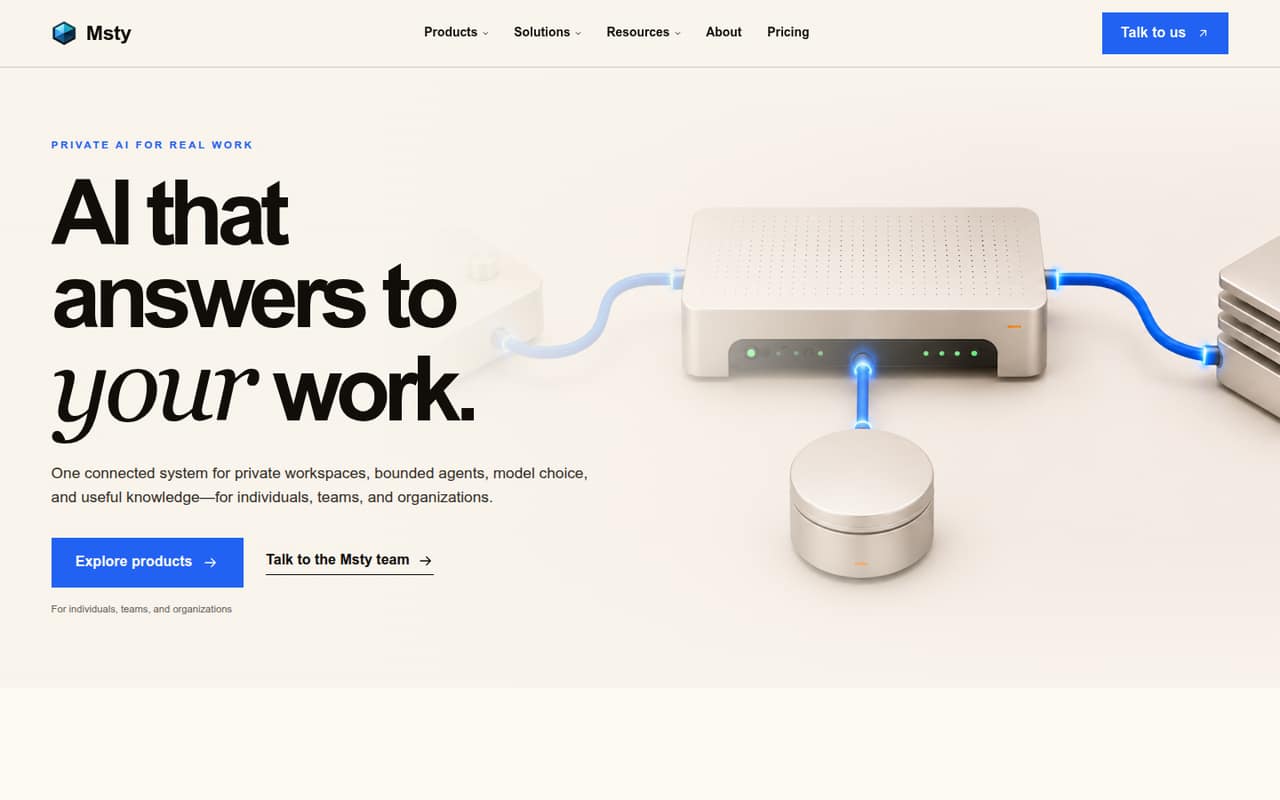
- Best for scoped agentsMstyMsty
Msty's free Studio is a useful starting point for teams organizing approved knowledge or exploring scoped agents. The listed starting price is $12.42, while shared team controls come with custom pricing. That means the free option may not answer your collaboration needs. Ask the vendor for a quote and clarify which controls are included before comparing it with per-seat tools.
What works
- Studio Free includes local and online model chat
- Free Studio includes Agent Mode and Knowledge Stacks
- Go Free includes several agent workflow integrations
What doesn't
- Team plan pricing is custom
- Enterprise & Teams requires at least five seats
- Go Teams is listed as planned
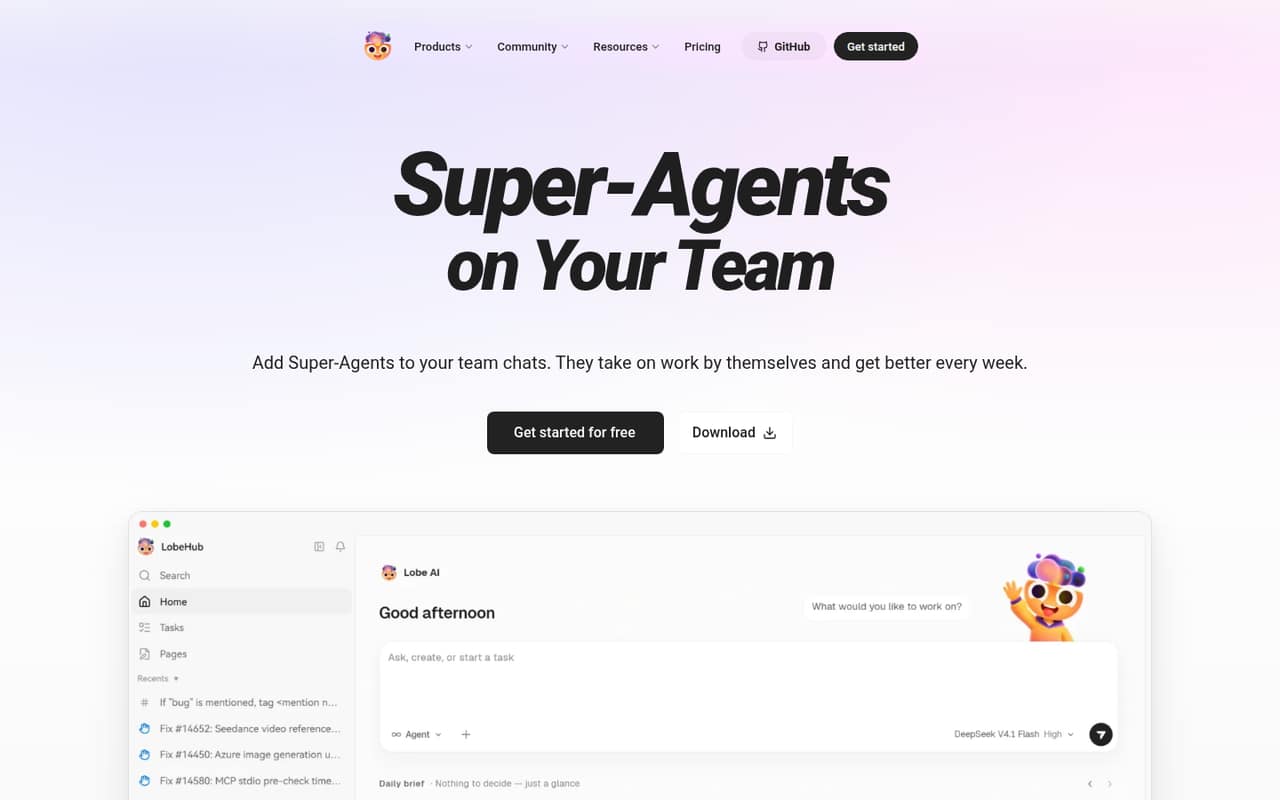
- Best for agent workflowsLobeChatLobeChat
LobeChat is worth exploring if your team wants agent-based workflows and is comfortable configuring AI tools. It has a free plan and is listed from $18. Storage needs are described as modest, so check limits against your team's use. The real team price and setup effort need checking; the listed starting figure alone does not show what a few seats cost.
What works
- Free plan includes 500,000 monthly credits
- Agents can handle parallel tasks
- People can review or correct agent work
What doesn't
- Free storage is limited to 15 MB
- Free plan allows one concurrent agent task
- Team seat pricing isn’t published
- Best for model explorationLM StudioLM Studio
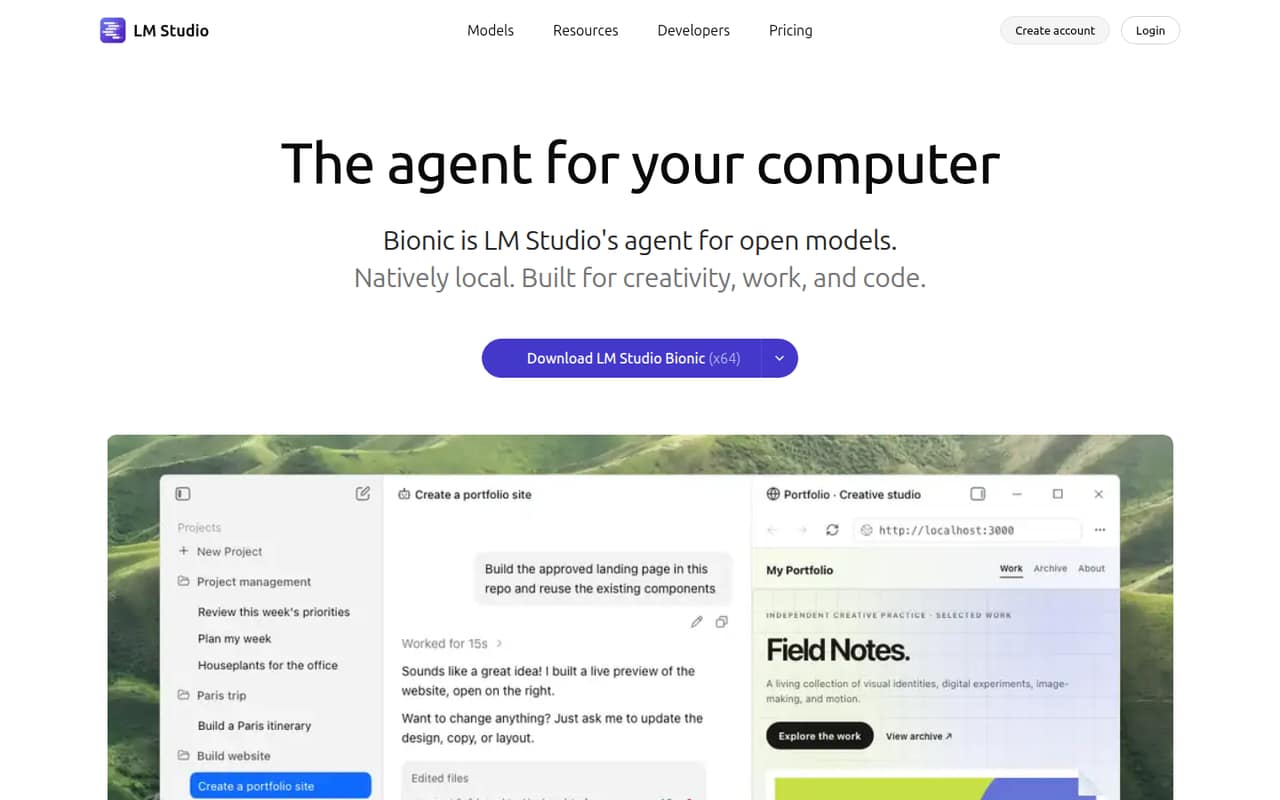
LM Studio offers a capable free entry to local open models and is aimed at teams exploring local AI or wanting a computer-based AI agent. It is listed from $20, but the team cost and Bionic's direction need scrutiny before you commit. It may suit a small-budget experiment; confirm the current plan details and what the paid option adds.
What works
- Free plan runs local models with llama.cpp and MLX
- Free LM Link supports up to five devices
- Offline voice transcription is included for free
What doesn't
- Bionic+ starts at $20 per month
- Team seat prices are not published
- Free web search is limited
- Best for self-hosted teamsLibreChatLibreChat
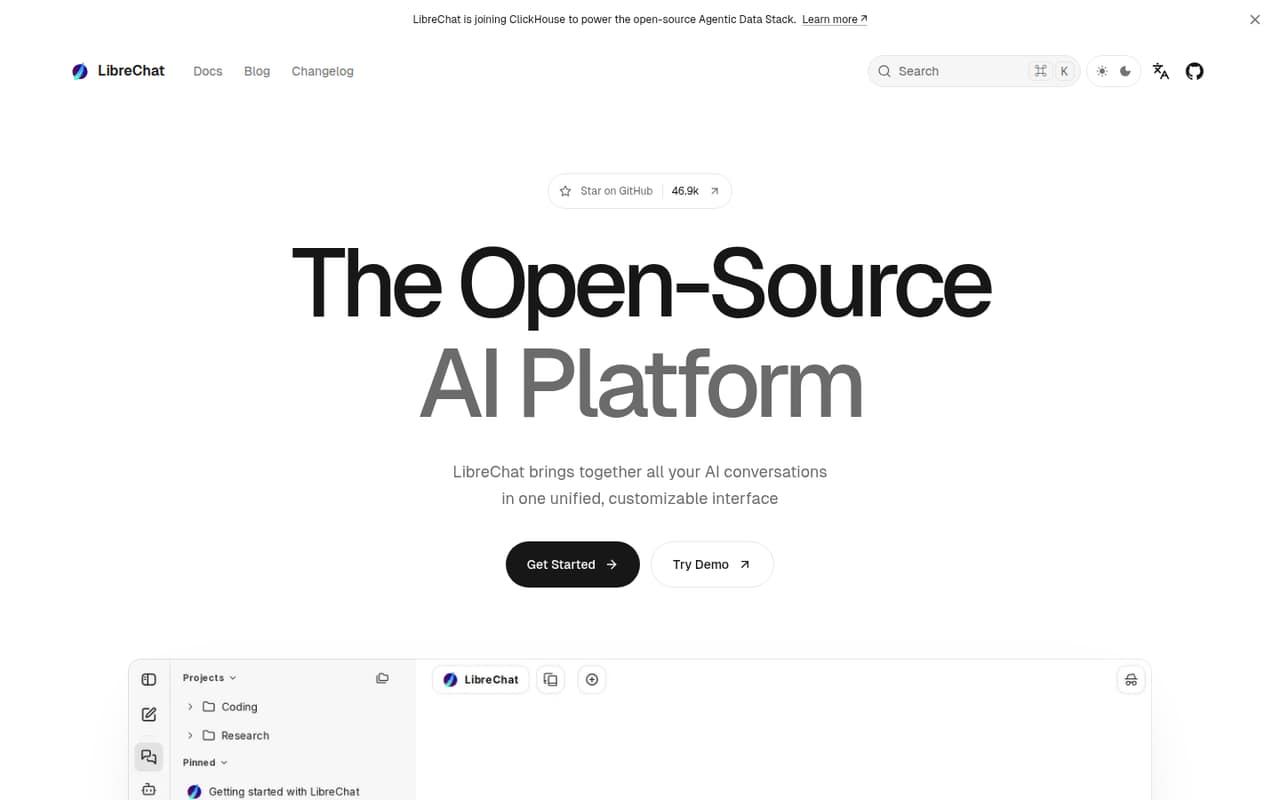
LibreChat is a free AI hub for technical teams that want to combine AI providers without seat fees. Its paid starting price is listed as n/a. The trade-off is self-hosting and configuration, which can take more time than a hosted app. Consider it if someone can maintain the setup; ask the vendor what support or paid options are available.
What works
- Self-hosted software is listed at $0
- No seat limits imposed by the software
- Connects AI providers and local models
What doesn't
- Self-hosting means your team manages infrastructure
- AI model usage is billed separately
- Reddit users report fiddly configuration
03How we chose
We ranked these apps for a team of one to ten, putting free access, practical setup demands, and the likely cost of adding teammates ahead of feature breadth. We used the listed starting prices as comparisons, not as confirmed per-seat or monthly quotes; check billing terms and plan limits with each vendor. Setup notes reflect the stated fit, such as self-hosting or configuration. Documentation and current Reddit sentiment are useful checks for reliability and setup effort, but we do not claim hands-on testing or benchmarks.
04Choose the kind of local AI you need
First decide whether you need software to run models or a chat interface to use them. LocalAI and Ollama are described as runtimes; Open WebUI and LibreChat are self-hosted workspace options. Jan and GPT4All are free entry points for local AI, while Chatbox is aimed at comparing models and asking questions about files. Those are different jobs, so a low price alone is a poor reason to choose.
Next, be honest about setup. The self-hosted options are aimed at technical teams, and Open WebUI's configuration can take patience. LocalAI expects a team with spare hardware. If no one can manage setup, model choices, and ongoing administration, ask the vendor what support is included before committing. For a team just exploring, a free plan can keep the first step inexpensive.
05Check the real cost and team limits
A listed starting price does not tell you what three, five, or ten people will pay. Chatbox is listed from $3.50, Open WebUI from $5, Msty from $12.42, LobeChat from $18, LM Studio from $20, Ollama from $16.67, and AnythingLLM from $50. The pricing details here do not establish billing periods or how seats affect those figures, so get a quote based on your headcount.
Before paying, ask about seat allowances, shared conversation access, storage, and any team controls you need. Msty says shared team controls are custom-priced; AnythingLLM's paid seat allowance needs checking. For tools with no paid starting price listed, ask whether a team plan exists. Use vendor documentation and recent Reddit discussions to check setup and reliability, then revisit the choice when your team needs more people or shared controls.
Questions people ask
What's the best LLM I can run locally?
There is no one best model for every team. If you want a free local-model runner, consider Ollama; if you need a self-hosted interface for models, consider Open WebUI. Check the model's own requirements and confirm that your hardware can run it before choosing.
Is local LLM even worth it?
It can be worth considering if your team wants local AI or private document chat and has the technical capacity to set it up. Free plans can reduce software spend, but self-hosting and configuration take effort. Compare that work with the cost and controls of a hosted option.
What is the dumbest LLM?
There is no useful universal answer: model quality depends on the task, and this list compares apps rather than ranking individual models. Try the model on the work your team actually needs, such as document questions or coding, and check its published requirements before relying on it.
How much RAM for local LLM?
It depends on the model you choose, so there is no single RAM figure that applies to every local LLM. Check the model vendor's published hardware requirements before downloading it. If those requirements are unclear, ask the vendor which model size your computer can support.