
We may earn a commission if you buy through links on this page. It never changes a score or a ranking. How we make money
The bottom line
Worth a look for private, local AI; check the paid plan's seat allowance before budgeting.
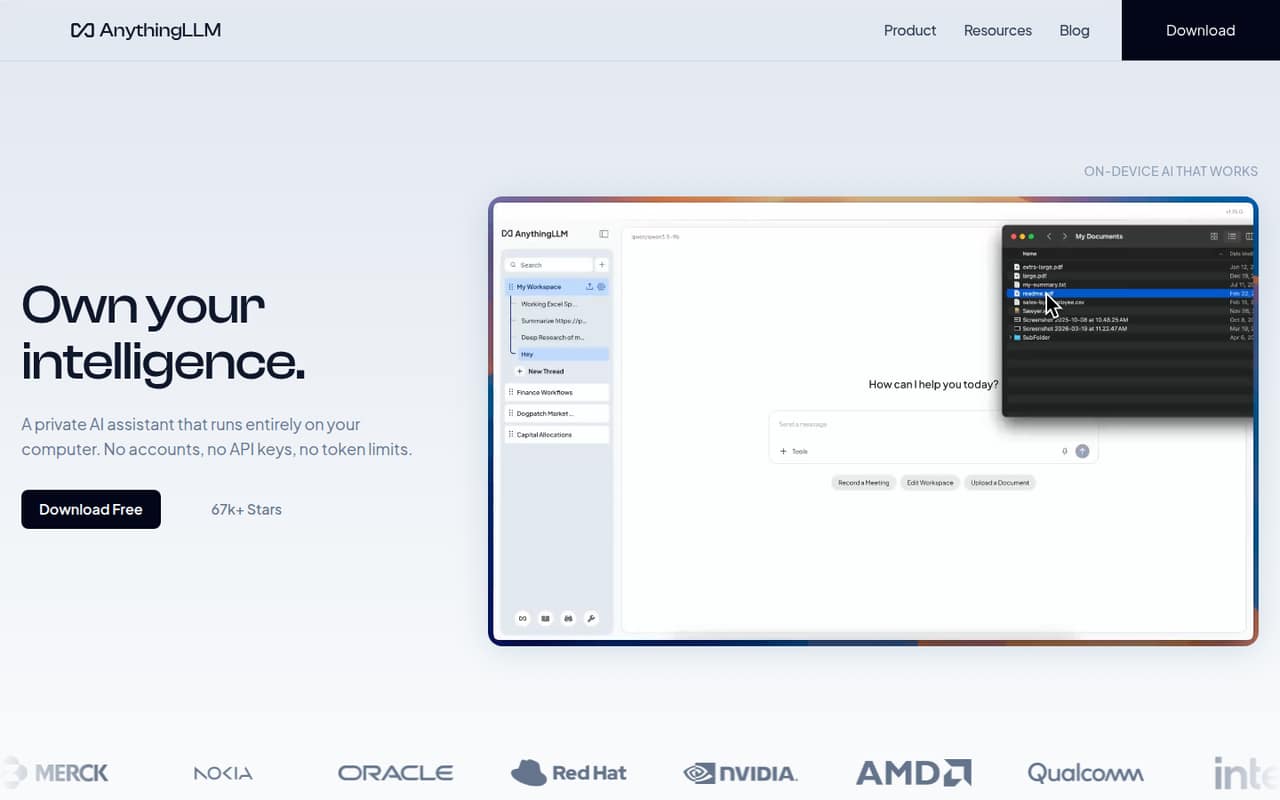
AnythingLLM gives small teams a free, open-source way to chat with documents and run AI locally. It also offers meeting summaries, web search, agent workflows and self-hosting for multiple users.
The catch is a real learning curve: model choice and hardware affect results, and Reddit users report both frustration and success. Hosted Basic starts at $50 per month, but the pricing page doesn't list how many seats that covers.
Good fit if
- Teams prioritizing local document privacy
- Technical users building AI workflows
- Small groups comfortable choosing models
Skip it if
- Teams wanting a guided setup
- Buyers needing published seat limits
- Anyone expecting AI to summarize everything
ScoresHow it rates
What works
- Free, open-source local assistant
- Processes document knowledge on-device
- Recommends a model for your hardware
- Meeting transcripts, summaries and action items
- Web search and custom agent skills
What doesn't
- Hosted Basic starts at $50 monthly
- Paid plan seat allowances aren't published
- Annual billing isn't listed
- Docs and RAG concepts can confuse newcomers
- A Reddit user reports crashes and lost chats
01Who AnythingLLM is for
AnythingLLM suits a small team that wants an AI assistant for internal documents, research and repeatable workflows, especially if keeping document processing on its own devices matters. The free, open-source app is the lowest-cost place to start; the hosted Basic plan is listed at $50 per month for independent users and small teams. The pricing page doesn't publish a seat allowance, so a 1–10 person team should confirm whether one instance covers everyone before choosing a budget.
In plain terms, you add documents to a knowledge base and ask an AI model questions about them. You can choose a local model or use the app's recommendation for your hardware. It also offers meeting transcription and summaries, web search, custom agent skills and on-device dictation. This is a better fit for a team willing to learn some AI basics than for people expecting a hands-off chat app. Reddit feedback reflects that split: some users praise it, while others say the documentation and setup were hard to navigate.
02AnythingLLM free plan and trial
AnythingLLM has a free option: its open-source assistant runs locally on desktop and mobile, and the product description says document processing stays on your device. The free app is the sensible starting point for a solo user or a small team willing to manage its own setup. It can support document chat, local models and agent workflows; the product also describes meeting assistance, web search and dictation.
The vendor doesn't publish a precise free-plan limit for users, documents or usage in the pricing details, so don't assume the free option includes a particular team size or service level. A separate free trial isn't listed. For a hosted private instance, the cheapest listed plan is Basic at $50 per month. That plan includes a private instance, custom subdomain, RAG, agents and work, plus the option to bring your own LLM API key.
03What a small team pays for AnythingLLM
The pricing page lists Basic at $50 per month, aimed at independent users and small teams. That's $50 monthly for one person if they buy the hosted plan. For three or five people, the listed plan price remains $50 per month only if one Basic instance covers the group; the vendor doesn't publish a seat allowance, so confirm that before treating it as a team total. Dividing $50 evenly would work out to $16.67 per person for three or $10 for five, but those are illustrative splits, not published per-seat prices.
Pro costs $99 per month and lists a private instance, RAG, agents and work, priority resources, and a 72-hour support SLA. The same seat caveat applies. Enterprise pricing is custom and lists on-premise deployment, custom SLA, integrations, SSO and RBAC. Prices are monthly; annual billing isn't listed, and no add-ons are listed. The hosted plans are not priced per seat in the published pricing details, so ask the vendor for the total cost and user allowance for your team.
04Getting started with AnythingLLM
Expect some setup and learning rather than a plug-and-play team rollout. You need to choose a model—or use the app's recommendation for your hardware—and add documents to a knowledge base. The product describes local document processing and support for external LLM API keys on Basic, but it doesn't publish a day-one checklist or setup time. For multi-user use, it can also be self-hosted; teams should decide who will manage that deployment.
The main learning curve is understanding how to ask about documents and how model choice affects results. One Reddit user said the documentation was confusing and file summaries were difficult. In a response, the creator explained that RAG retrieves document content and suggested using an agent's summarize tool for summaries. That exchange is a useful warning: get familiar with the distinction before rolling the tool out to nontechnical teammates. Web search and custom agent skills are available, but the product details don't specify particular third-party integrations a small team must connect on day one.
05When small teams outgrow AnythingLLM
The first reason to reconsider is operational complexity. A team that doesn't want to choose models, troubleshoot document retrieval or manage a self-hosted setup may prefer a more guided tool. Reddit reports are mixed: one user described the documentation as confusing, another said the app was nearly perfect for their use, and a separate user said chats disappeared and the app crashed. Those are individual experiences, not a guarantee of what your team will see.
The other pressure point is scale and service expectations. Basic is $50 monthly and Pro is $99, but the vendor doesn't publish seat caps, so teams adding people should check whether their instance and price still apply. Pro adds priority resources and a 72-hour support SLA; Enterprise lists SSO, RBAC, custom integrations and on-premise deployment for organizations that need them. If you need a published per-seat price, a guaranteed seat count or less hands-on administration, ask the vendor before committing or compare other tools.
From the threadsWhat users say
Reddit sentiment is mixed: users praise the tool's capabilities, while others describe confusing documentation and reliability problems. Some of the friction appears tied to model choice, hardware and how users ask questions about files.
Your app is nearly perfect for what it does, I cannot understand the complaints
I tested AnythingLLM and I simply hated it
This behavior is now fixed in AnythingLLM
I'm tired of it crashing and the chat's disappearing
Questions people ask
Is AnythingLLM trustworthy?
AnythingLLM is described as open source, and its local document processing is meant to keep that work on your device. That can suit teams with privacy concerns, but it isn't a guarantee about every model or deployment. Reddit users report a mix of positive experiences and problems, including confusing setup and crashes. Review your deployment and model choices before adding sensitive material.
How much does AnythingLLM cost?
The free option is available for local use. For hosted use, the pricing page lists Basic at $50 per month and Pro at $99 per month; Enterprise pricing is custom. Annual billing isn't listed. The vendor doesn't publish seat allowances, so ask whether the listed plan covers your whole team before calculating its per-person cost.
What can I do with AnythingLLM?
You can chat with documents in a knowledge base, use local models, search the web from chats and build workflows with custom agent skills. The product also describes meeting transcription and summaries, on-device dictation, and self-hosting for multi-user use. Which model makes sense depends on your hardware, or you can use the app's model recommendation.
Does AnythingLLM have a free plan or trial?
AnythingLLM has a free, open-source option for local use on desktop and mobile. A separate free trial isn't listed. The vendor doesn't publish exact limits for free users, documents or usage in the pricing details, so confirm what applies to your team if you need a particular capacity or support level.
Is AnythingLLM easy for a nontechnical team?
It may take some learning. You need to choose a model or follow the app's hardware recommendation, add documents and learn how document retrieval differs from asking for a full summary. One Reddit user found the documentation confusing; the creator's response explains using an agent summarize tool for summaries. Plan for someone to guide the initial setup.