We may earn a commission if you buy through links on this page. It never changes a score or a ranking. How we make money
A team of one to ten may not need an all-in-one machine learning platform: a model hub or experiment tracker can be enough for early work. We’d start with Hugging Face for exploring open models, or Weights & Biases for tracking experiments. Both have free plans; Hugging Face lists a $9 starting price, while Weights & Biases lists $60. Treat those as starting points, not a team quote: seat rules and compute can change the bill. For vision, monitoring, or GPU-heavy work, choose a more specialized tool.
Quick picksThe shortlist
 Hugging FaceHugging FaceBest free starting point · $9/mo
 Weights & BiasesWeights & BiasesBest for experiment tracking · $60/mo
 CometCometBest for agent tracing · $19/mo
 RoboflowRoboflowBest for computer vision · $39/mo
 Evidently AIEvidently AIBest for model monitoring · $80/mo
 Paperspace GradientPaperspace GradientBest for ML notebooks · $8/mo
 Lightning AILightning AIBest for model training · $20/mo
 Arize AIArize AIBest for AI evaluations · $50/mo
 ModalModalBest for AI applications · $250/mo
 DatabricksDatabricksBest for data pipelines · Free
01Compared at a glance
| Tool | Score | From | Free plan | Trial |
|---|---|---|---|---|
| Hugging FaceHugging Face | 7.5 | $9/mo | Yes | — |
| Weights & BiasesWeights & Biases | 8.0 | $60/mo | Yes | 30 days |
| CometComet | 7.4 | $19/mo | Yes | — |
| RoboflowRoboflow | 7.2 | $39/mo | Yes | — |
| Evidently AIEvidently AI | 7.7 | $80/mo | Yes | — |
| Paperspace GradientPaperspace Gradient | 6.8 | $8/mo | Yes | — |
| Lightning AILightning AI | 7.0 | $20/mo | Yes | — |
| Arize AIArize AI | 7.4 | $50/mo | Yes | — |
| ModalModal | 7.3 | $250/mo | Yes | — |
| DatabricksDatabricks | 5.6 | Free | Yes | 14 days |
02The picks, in detail
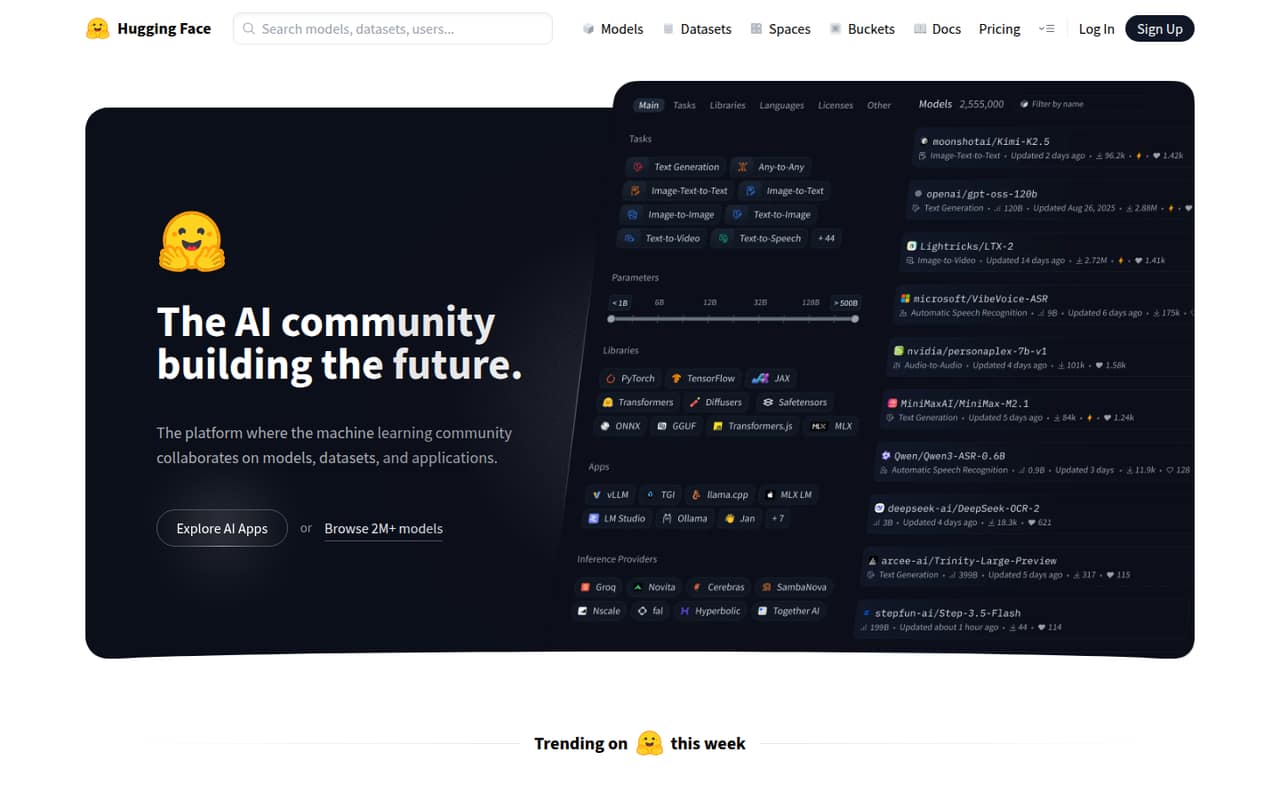
- Best free starting pointHugging FaceHugging Face
Hugging Face is our first stop for a small team exploring open models, sharing datasets, or trying Spaces apps. It has a free plan and a listed starting price of $9, but paid seats and compute are costs to check as work grows. The free entry point makes it easier to begin without committing to a broad, custom-priced platform.
What works
- Free plan is available
- Models, datasets and apps share one platform
- Open-source tools cover several ML tasks
What doesn't
- Free-plan limits are not stated
- Team costs $20 per user monthly
- Storage and compute add separate charges
- Best for experiment trackingWeights & BiasesWeights & Biases
Weights & Biases suits a team that needs to track ML experiments, version models and datasets, or evaluate agent workflows. The listing includes a free plan and a $60 starting price for Pro. That gives small teams a way to begin free, though the actual cost for several seats and any usage charges should be confirmed before moving up.
What works
- Free plan includes up to five model seats
- Tracks runs, metrics, and system utilization
- Versions datasets and models with Artifacts
What doesn't
- Free storage is limited to 5 GB monthly
- Free Weave ingestion is limited to 1 GB monthly
- Pro starts at $60 per month

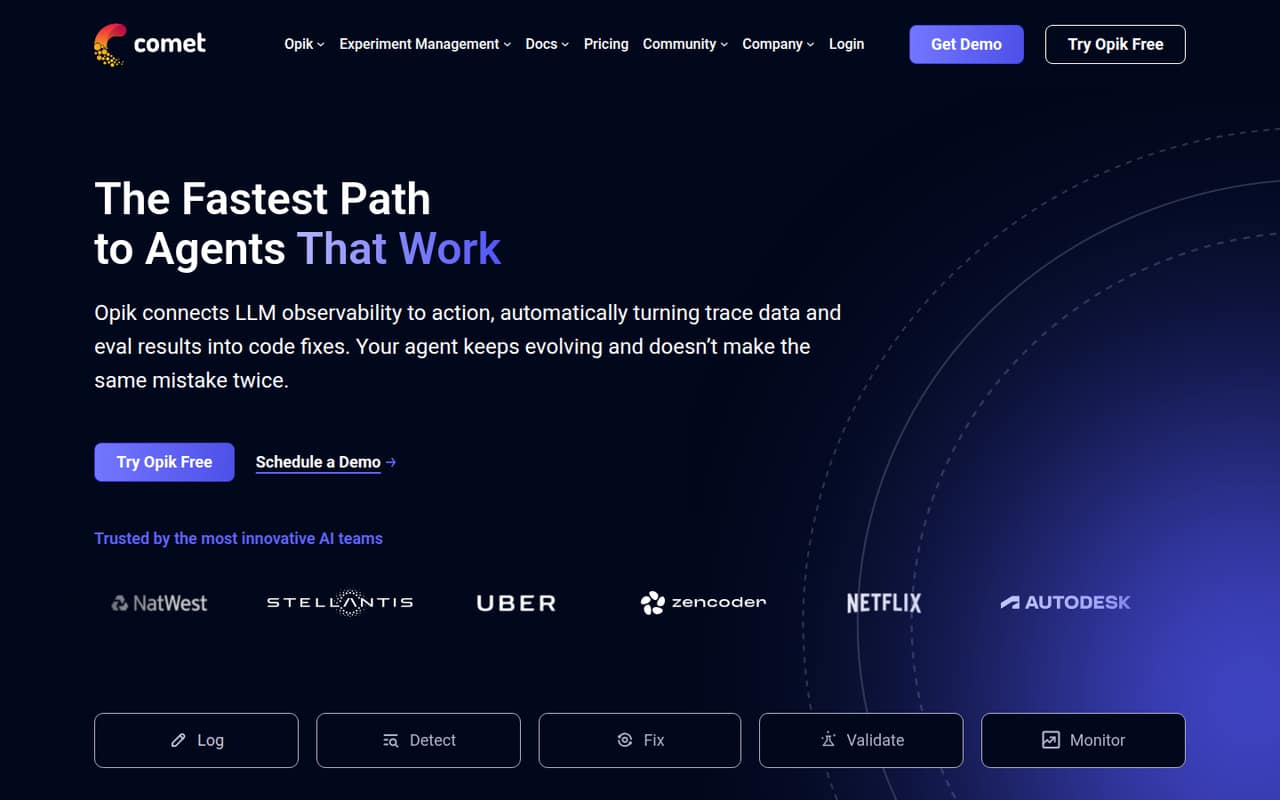
- Best for agent tracingCometComet
Comet is a focused option for small AI teams building agents, debugging production traces, or evaluating agent behavior. It has a free plan, with Pro listed at $19 monthly when usage grows. That makes it worth comparing with broader workbenches if agent tracing is the immediate need; check how the plan’s limits apply to your team.
What works
- Free Cloud allows up to 10 team members
- Free plan includes 25,000 monthly spans
- Includes agent tracing, Test Suites, and Playground
What doesn't
- Free Cloud retains data for 60 days
- Pro Cloud includes 100,000 monthly spans
- Extra Pro spans cost $5 per 100,000
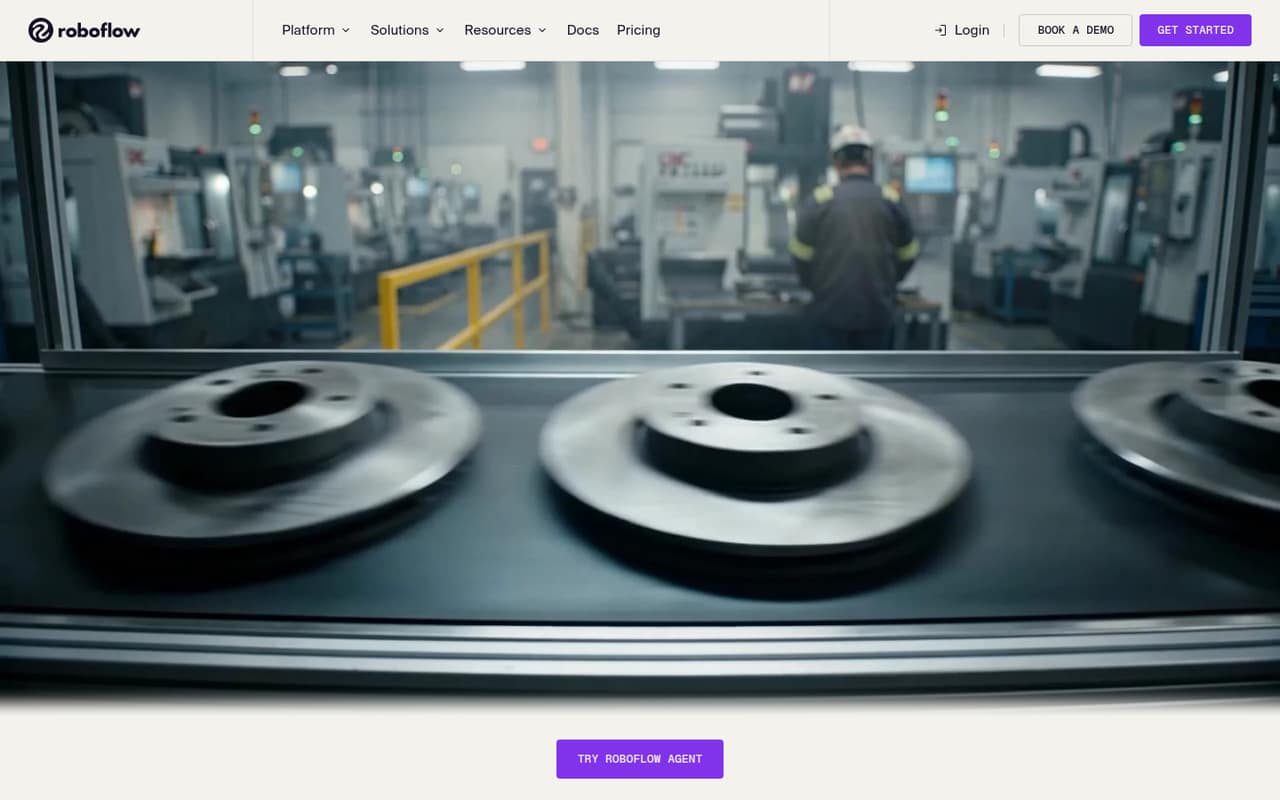
- Best for computer visionRoboflowRoboflow
Roboflow fits a small team building vision AI that wants a connected workflow and a free entry point. Its listed starting price is $39, and usage is a cost to watch as the project grows. It is a more specific choice than a general ML platform, so compare it with your team’s vision workflow before paying for broader capabilities you may not need.
What works
- Free Tier includes 10 monthly credits
- Covers labeling, workflows, deployment, and analysis
- Core includes unlimited admin team members
What doesn't
- Credit usage can add to the plan cost
- Annual Core pricing is not published
- Some users report labeling-tool flakiness
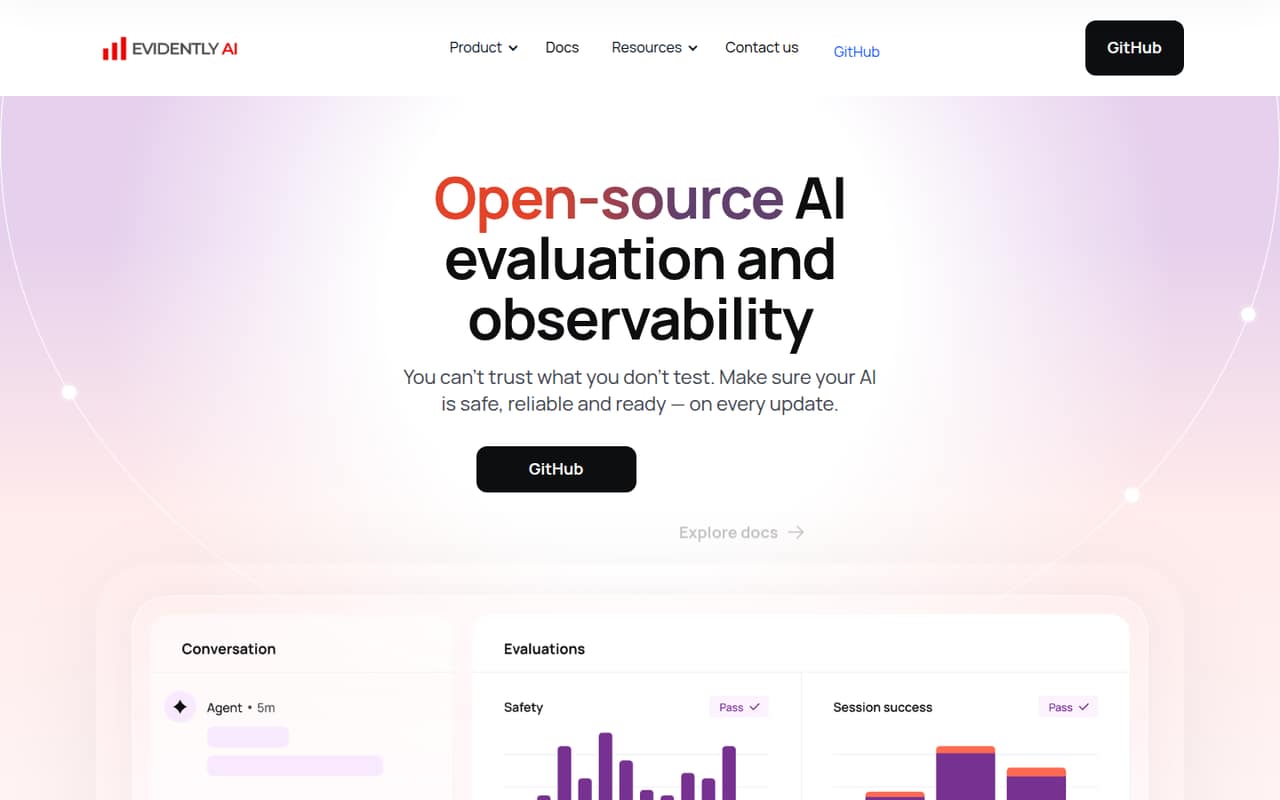
- Best for model monitoringEvidently AIEvidently AI
Evidently AI is a good match for teams evaluating LLM outputs or monitoring model drift, especially if self-hosting is acceptable. The free plan covers two seats; hosted Pro is listed at $80 monthly when that is not enough. Check the self-hosting work and hosted plan limits against your team’s skills and needs before choosing.
What works
- Free open-source version under Apache 2.0
- Free hosted plan includes 2 seats
- Library includes 100+ built-in metrics
What doesn't
- Developer Cloud is limited to 10,000 rows monthly
- Pro costs $80 monthly
- Annual-billing prices aren't published
- Best for ML notebooksPaperspace GradientPaperspace Gradient
Paperspace Gradient gives small teams a way to explore ML notebooks, test GPU workflows, and build or deploy models. It has a free plan and lists a starting price of $8. The plan details and compute bill matter more as usage increases, so confirm what is included before using it for sustained training or production workloads.
What works
- Free plan includes public projects and 5GB storage
- Hosted notebooks and GPU machines in one platform
- Lists model deployments as API endpoints
What doesn't
- Pro is listed at both $8 and $12 monthly
- Paid-instance compute is billed separately
- Free plan has a 12-hour auto-shutdown
- Best for model trainingLightning AILightning AI
Lightning AI is worth considering when a small team needs to train specialized models, access GPUs, or run parallel experiments. It has a free plan and lists a $20 starting price. Credits, GPU use, and seat costs can affect the total, so check how those apply to your workload rather than budgeting from the entry price alone.
What works
- Workflow covers data through inference
- Free plan includes two seats and GPUs
- Pro supports up to five seats
What doesn't
- Free plan has only 30 starting credits
- Pro monthly price is $50
- Teams charges per user
- Best for AI evaluationsArize AIArize AI
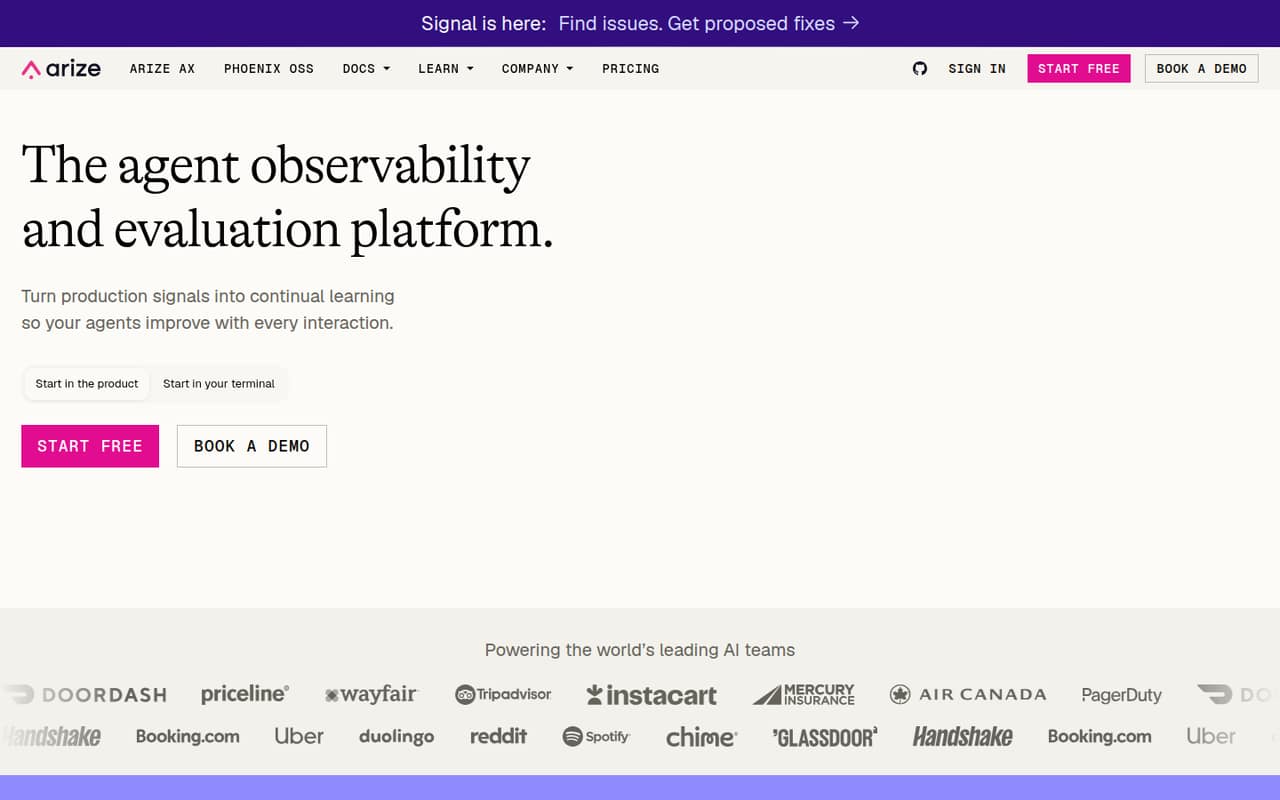
Arize AI suits small AI engineering teams that want free evaluations or need to trace agents in production. Its free option is for light workloads; AX Pro is listed at $50 monthly when its caps get in the way. Check those limits against expected usage, and confirm the total for your seats before relying on the paid tier.
What works
- AX Free costs $0 per month
- Free plan includes unlimited users and evaluations
- AX Pro is $50 monthly for the team
What doesn't
- Free plan caps spans and ingestion
- Free plan retains data for 15 days
- Pro limits issues, spans, ingestion, and retention
- Best for AI applicationsModalModal
Modal is aimed at small teams building AI applications or running model inference with on-demand GPU compute. It offers free compute, but the Team plan is $250 monthly for five seats, a meaningful jump for a very small group. It is a better fit when that compute is central to the product than when the team only needs basic ML tracking.
What works
- Starter is free and includes three seats
- $30 monthly compute credits on Starter
- Supports inference, training, and agent sandboxes
What doesn't
- Team costs $250 per month
- Starter is limited to three seats
- Compute is billed by usage
- Best for data pipelinesDatabricksDatabricks
Databricks can suit a small team building data and AI products around complex data pipelines or consolidating data governance. It has a free plan, but the listing does not give a starting paid price. That makes it harder to set a small-team budget in advance; ask for a usage-based estimate before committing, especially if basic analytics are all you need.
What works
- Combines data engineering, analytics, and AI
- Supports batch and streaming ETL pipelines
- Offers a free learning edition
What doesn't
- Production costs depend on metered usage
- Cloud provider infrastructure costs are separate during trials
- Community Edition has limited functionality
03How we chose
We favored tools with a usable free entry point, a published starting price, or a clear fit for a small team’s specific ML work. We also weighed the likely cost for a few seats, compute and usage costs, plan limits, and how much setup the product appears to require. Documentation clarity and Reddit sentiment are useful adoption signals, but neither replaces a clear quote. Where seat totals, setup effort, or usage limits are unclear, we treat that uncertainty as a drawback and recommend asking the vendor before buying.
04Start with the job, then price the seats
Machine learning platforms cover different jobs. A team exploring models can start with Hugging Face; a team tracking experiments may prefer Weights & Biases or Comet. Vision teams have Roboflow, while Evidently AI and Arize AI focus on evaluation and monitoring. Pick the smallest tool that covers the work you actually do.
Then check what the listed price buys. A starting price is not necessarily the total for several people, and compute may be billed separately. Modal lists $250 monthly for a five-seat Team plan; other listings do not establish the cost for a particular seat count. Ask whether pricing is per seat, usage-based, or both, and get an estimate for your expected workload. Confirm free-plan limits before you build a workflow around them.
05Check setup and the point you’ll outgrow it
Before signing up, check the setup path in the vendor’s docs: what needs connecting, who will manage it, and whether the tool fits your current cloud and model workflow. If the setup effort or plan limits are not clear, ask the vendor for a walkthrough and a written estimate rather than assuming the entry plan will cover production.
Think about the next step, too. A free tier may be enough for exploring models or light evaluations, but seats, GPU use, trace volume, and other usage can add cost as the team grows. For specialist tools, check that the capability matches a real need: Roboflow for vision, for example, or Modal for on-demand GPU compute. Revisit the choice when you hit a plan cap, need a capability the tool lacks, or cannot predict the bill.
Questions people ask
Does a small team need a machine learning platform?
Not always. If you are exploring models or tracking a few experiments, a focused tool with a free plan may be enough. Consider a broader platform when your team needs to coordinate data pipelines, governance, deployment, or monitoring across a larger body of work.
Which machine learning platform has the best free plan?
That depends on the job. Hugging Face is a useful free starting point for exploring open models, datasets, and Spaces apps. Weights & Biases offers a free plan for experiment tracking, while Evidently AI’s free plan covers two seats. Check each vendor’s current limits before relying on them.
What does a machine learning platform cost for a small team?
Listed starting prices range from $8 for Paperspace Gradient to $250 monthly for Modal’s five-seat Team plan among these picks. Those prices are not directly comparable: seat rules, usage, and compute can affect the bill. Ask for a quote based on your team size and workload.
When should a small team switch platforms?
Revisit the tool when you hit a free-plan cap, need a feature it does not cover, or cannot forecast costs as usage grows. Before switching, check whether a paid tier solves the problem; for GPU-heavy or specialized work, compare the cost of a focused tool with a broader platform.