
We may earn a commission if you buy through links on this page. It never changes a score or a ranking. How we make money
The bottom line
Start free for light workloads; move to $50-per-month AX Pro when its caps get in the way.
Small AI teams do not need Arize unless they need to trace agent behavior, evaluate results, or investigate production issues. AX Free gives teams a no-cost place to start, with limits on issues, spans, ingestion, and retention.
AX Pro costs $50 per month, not per seat, and includes unlimited users and evaluations. That is attractive for a few people, though teams with heavier usage should check the caps before relying on it.
Good fit if
- Small AI engineering teams
- Teams tracing agents in production
- Builders needing free evaluations
Skip it if
- Teams without AI workloads
- Teams needing broad infrastructure monitoring alone
- Heavy users needing custom limits
ScoresHow it rates
What works
- AX Free costs $0 per month
- Free plan includes unlimited users and evaluations
- AX Pro is $50 monthly for the team
- Tracks token, latency, and cost data
- Uses OpenInference and OpenTelemetry standards
What doesn't
- Free plan caps spans and ingestion
- Free plan retains data for 15 days
- Pro limits issues, spans, ingestion, and retention
- Enterprise pricing is custom
- Annual pricing is not published
01Who Arize AI is for
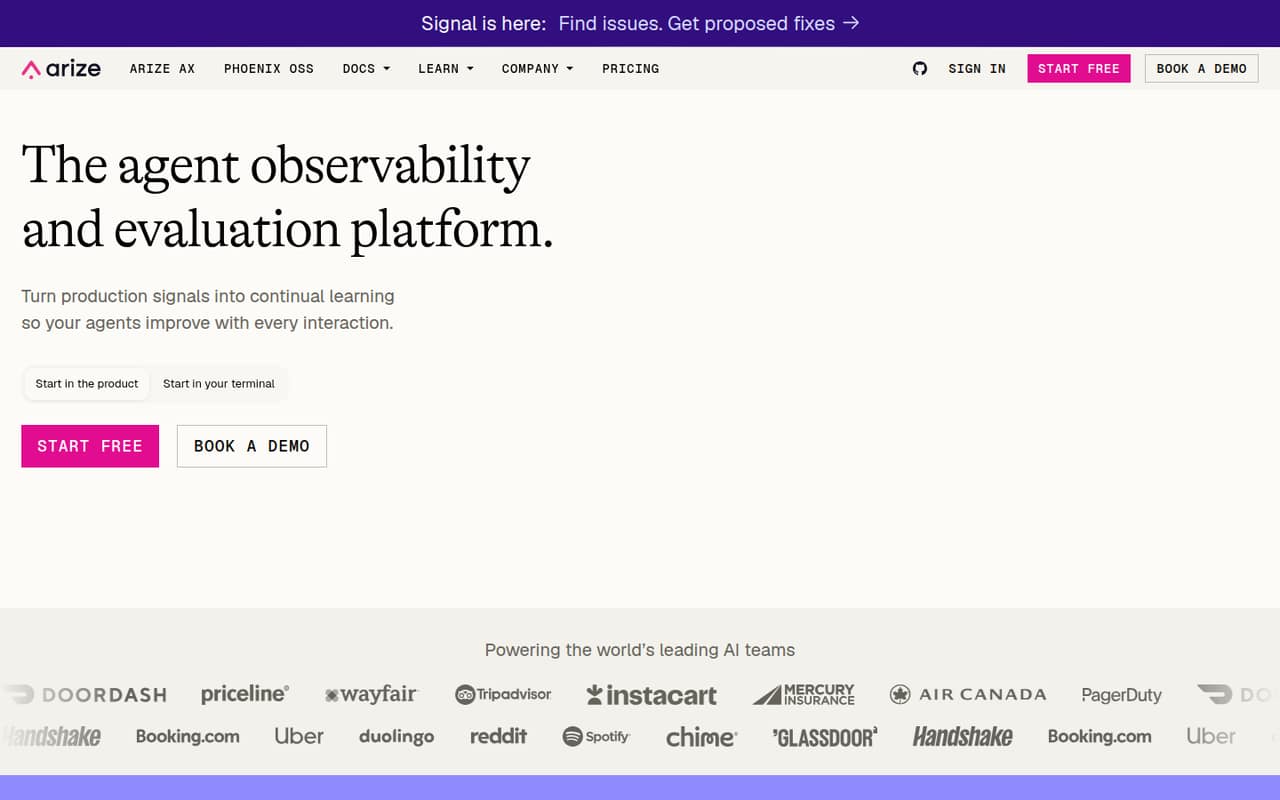
Arize AI is for small teams building or operating AI agents that need to understand what happened when an output goes wrong. It traces agent activity and records token, latency, and cost data, while evaluations help teams assess spans, traces, and sessions. Signal surfaces issues and proposes fixes; Alyx is an AI engineering agent for running evaluations and debugging.
For a one-to-ten-person team, the main question is workload, not seat count: AX Pro includes unlimited users, so adding teammates does not raise its listed monthly price. A small team with modest usage can start on AX Free. Teams that routinely exceed its monthly caps may find Pro worthwhile at $50 per month. If your work does not involve AI systems to trace or evaluate, Arize is probably another subscription to skip. Phoenix is the open-source, local-first option.
02Arize AI free plan and trial
AX Free costs $0 per month and includes 10 Signal issues, 25,000 spans, 1 GB of ingestion, and 15-day retention per month. It also includes unlimited users and evaluations, so a small team can collaborate without a seat charge. The listed limits are on usage and retention, not the number of people.
The free plan stops being enough when your monthly volume exceeds those caps or you need longer retention. AX Pro raises the limits to 25 issues, 50,000 spans, 10 GB of ingestion, and 30-day retention for $50 per month. The vendor does not list a free trial. A team can begin on AX Free and upgrade if its usage calls for it.
03What a small team pays for Arize AI
AX Free is $0 per month. AX Pro is listed at $50 per month, with unlimited users and evaluations. That means one person pays $50 total, a team of three pays $50 total, and a team of five also pays $50 total—not $50 per person. As a simple comparison, that works out to $50, about $16.67, and $10 per person, respectively, but Arize lists a monthly plan price rather than a per-seat rate. Annual pricing is not published.
The practical choice is whether AX Free's 10 issues, 25,000 spans, 1 GB of monthly ingestion, and 15-day retention are enough. Pro raises those limits, but its 25 issues, 50,000 spans, 10 GB, and 30 days are still defined caps. AX Enterprise has custom pricing and custom spans, ingestion, and retention. No add-ons are listed. Before upgrading, estimate your usage and ask the vendor what Enterprise would cost if Pro's caps are too low.
04Getting started with Arize AI
Plan for an engineering setup rather than a plug-and-play business dashboard. Arize traces agent activity, so your team needs to send useful trace data from its AI application. The platform is built on OpenInference and OpenTelemetry, which gives teams open standards to work with; the product details do not name specific integrations or publish a setup-time estimate.
For a first pass, decide what you want to inspect—such as token use, latency, cost, or evaluation results—then instrument a representative workflow and check that the traces answer those questions. Teams can use experimentation to test prompts and harnesses before production, while evaluations cover spans, traces, and sessions. The product includes Alyx for running evals and debugging, but that does not remove the need to understand your own workflow. Start with one agent path and add coverage as the team gets comfortable.
05When small teams outgrow Arize AI
A team may need to upgrade when AX Free's 10 monthly issues, 25,000 spans, 1 GB ingestion, or 15-day retention no longer fits its workload. AX Pro increases those limits and extends retention to 30 days, but it still caps issues, spans, and ingestion. If those limits do not fit, AX Enterprise offers custom amounts and retention, with custom pricing.
Seat count alone is not the pressure point: both Free and Pro include unlimited users. Budget instead for the $50 monthly Pro fee or ask Arize for an Enterprise quote if your use exceeds Pro. Reddit discussion also points to a possible scope gap: one thread says token-level traces do not show infrastructure causes such as a Kubernetes node failure, while a commenter argues broader infrastructure observability can cover that context. That is a reminder to check whether you need AI tracing alone or a wider view of the systems around your agents.
From the threadsWhat users say
The Reddit discussion is mixed: one thread questions whether AI traces explain infrastructure failures, while commenters note that broader observability can provide more context. Another discussion is positive about connecting production monitoring with pre-deployment testing, but this is a small sample rather than a clear consensus.
Token-level tracing tells you the prompt and the completion. It doesn't tell you a Kubernetes node got OOM-killed
It is true, but it’s not unsolved, as Datadog has been doing it for a while
Your scenario is actually covered really well because Dynatrace also observes your k8s clusters, network, cloud services and everyting else that you use to run your digital services
Production monitoring and pre-deployment testing shouldn't be siloed
Questions people ask
What is Arize AI used for?
Arize helps AI teams trace agent behavior, evaluate performance, and investigate issues in production. Its tools include tracing, span, trace, and session evaluations, experimentation, and Signal for surfacing issues and proposing fixes.
Is Arize AI free?
Yes. AX Free costs $0 per month and includes 10 issues, 25,000 spans, 1 GB of ingestion, and 15-day retention per month. It also includes unlimited users and evaluations. The free plan has usage caps, so check those against your workload.
How much does Arize AI cost for a team?
AX Pro is listed at $50 per month and includes unlimited users, so a team of three or five pays $50 total, not per person. AX Enterprise has custom pricing. Annual pricing is not published.
What is the difference between AX and Phoenix?
AX is Arize's platform for agent observability and evaluation, with managed infrastructure and workflows for debugging and improving AI systems. Phoenix is the open-source, local-first option. Choose based on whether you want the AX platform or a local-first open-source tool.
Does Arize AI monitor infrastructure too?
Arize's listed features focus on AI agent activity, including traces, evaluations, token use, latency, and cost. A Reddit discussion raises the distinction between AI traces and wider infrastructure monitoring. Ask Arize whether its coverage fits your infrastructure use case.