We may earn a commission if you buy through links on this page. It never changes a score or a ranking. How we make money
A small team only needs a payment API if its built-in checkout or payment tools don’t fit the way it sells, collects, or sends money. For straightforward online checkout, Braintree is our first stop: it lists no monthly fee and starts at $0. Polar and Veem list free plans, while Paddle starts at $0 and charges by transaction rather than seat. Those starting points don’t tell the whole story. Check transaction fees, plan limits, and integration work before you commit, especially when the vendor requires a quote or doesn’t publish full pricing.
Quick picksThe shortlist
 BraintreeBraintreeBest overall · Free
 PolarPolarBest for AI billing · $20/mo
 PaddlePaddleBest for digital products · Free
 VeemVeemBest for business payments · $24.99/mo
 DotsDotsBest for global payouts · $19/mo
 MONEIMONEIBest for online and in-person · Custom
 RazorpayRazorpayBest for checkout options · Custom
 PaysafePaysafeBest for payment methods · $7.95/mo
01Compared at a glance
02The picks, in detail
- Best overallBraintreeBraintree
Braintree is our best starting point for a small team building online checkout: it lists a $0 starting price and no monthly fee, and supports multiple payment methods. That keeps fixed costs in check, but it doesn’t mean processing is free. The listing flags transaction costs and integration work, so budget for both before choosing it.
What works
- No monthly fee on Standard
- Accepts cards, PayPal and US Venmo
- Supports Apple Pay and Google Pay
What doesn't
- No free plan or trial listed
- Transaction fees vary by payment method
- Some payment types add extra charges

- Best for AI billingPolarPolar
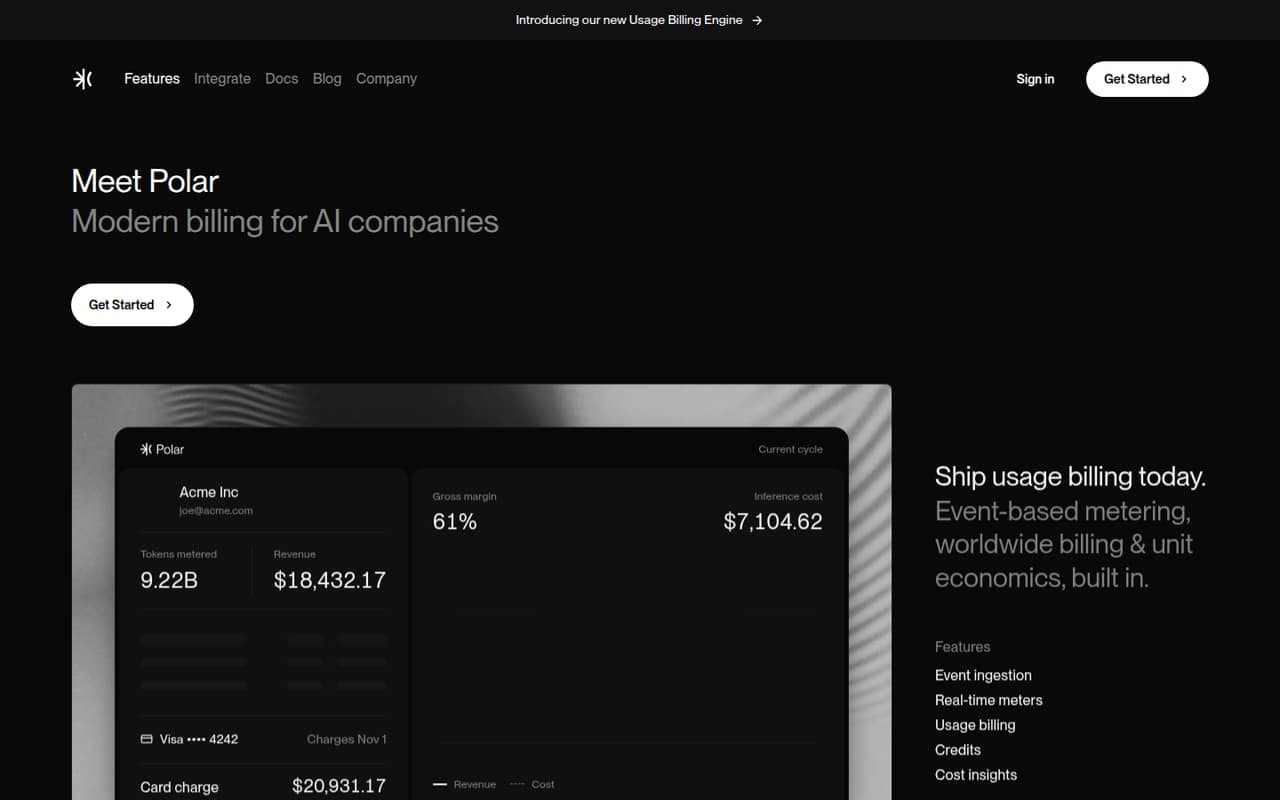
Polar fits small teams billing for AI usage, selling credits, or looking for merchant-of-record services. A free plan is listed, with pricing starting at $20. That gives a team a way to start without paying for seats, but check transaction and payout fees before relying on the free option. Its fit is strongest when those billing needs match.
What works
- Free Starter plan with all features to sell
- Meters calls, tokens, and GPU seconds
- Combines plans, credits, and metered usage
What doesn't
- Starter charges 5% + $0.50 per transaction
- International cards add a 1.5% fee
- Payouts add monthly and per-payout charges
- Best for digital productsPaddlePaddle
Paddle suits digital-product and subscription businesses selling internationally, particularly teams that want tax handled. Its listed starting price is $0, and costs scale with transactions rather than seats, which can work for a small team without adding a per-person bill. Forecast transaction volume and confirm the fees that apply to your sales before signing.
What works
- No monthly fee on Pay-as-you-go
- Handles payments, tax, compliance, and billing
- Supports sales across 300+ markets
What doesn't
- Pay-as-you-go charges 5% + $0.50 per Checkout transaction
- No free plan is listed
- Products under $10 need bespoke pricing

- Best for business paymentsVeemVeem
Veem is a practical fit for small teams sending business payments that also want invoice tools or payment approvals. A free plan is listed, with a starting price of $24.99. Fees can vary, and transfer reports call for caution, so check what the free plan includes and ask for a fee breakdown based on how you expect to pay.
What works
- Free plan includes payment scheduling and tracking
- Create or upload invoices on Free
- Supports payments across 100+ countries
What doesn't
- Premium seat pricing is not published
- Premium billing cadence is not specified
- Several payment methods carry transaction fees

- Best for global payoutsDotsDots
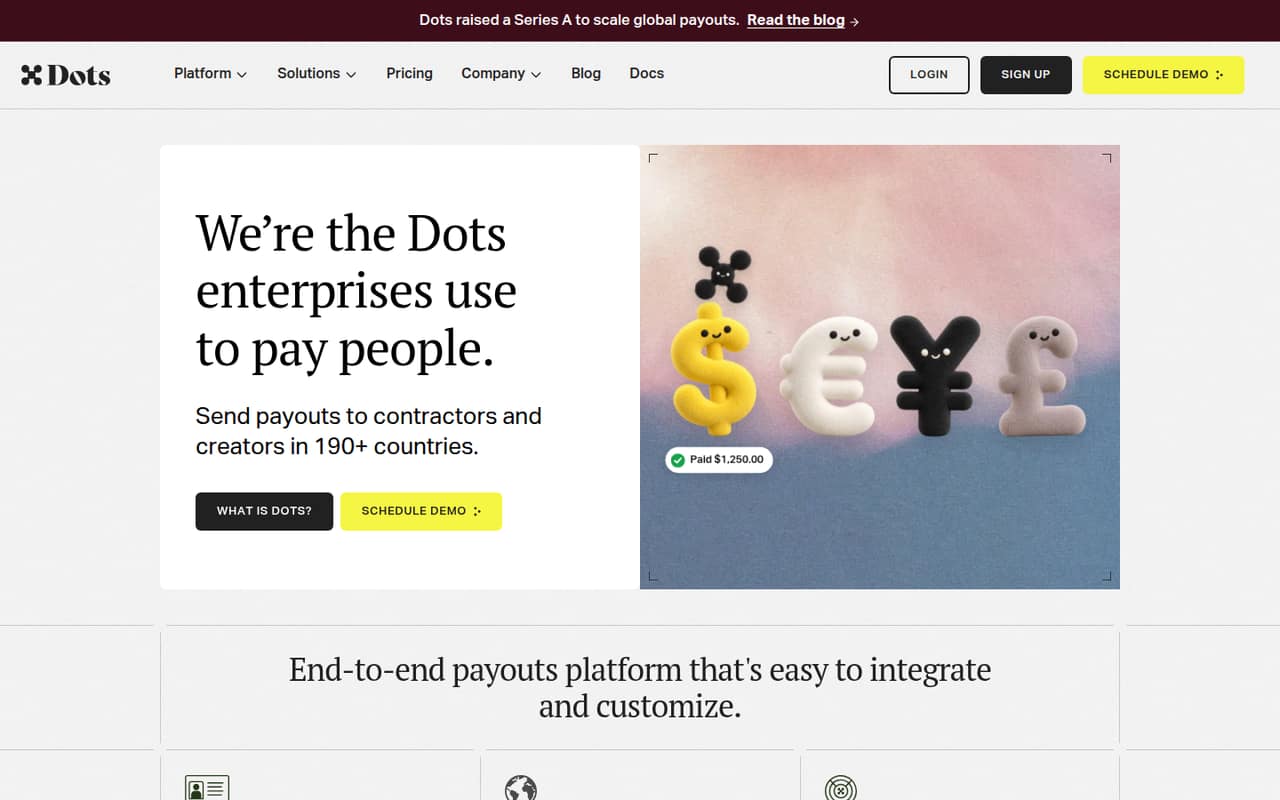
Dots is worth considering when the job is paying international contractors or creators and onboarding payees. Its listed starting price is $19, but there’s no free tier, and transaction fees can add up. For a team of one to ten, estimate how often you’ll send payments and ask for the full transaction-cost picture before choosing it.
What works
- Supports payouts in 190+ countries
- Includes identity checks on Dots Core
- Offers white-labeled recipient flows
What doesn't
- No free plan is listed
- Dots Scale starts at $999 monthly
- Core international payouts cost 3.9% plus $2
- Best for online and in-personMONEIMONEI
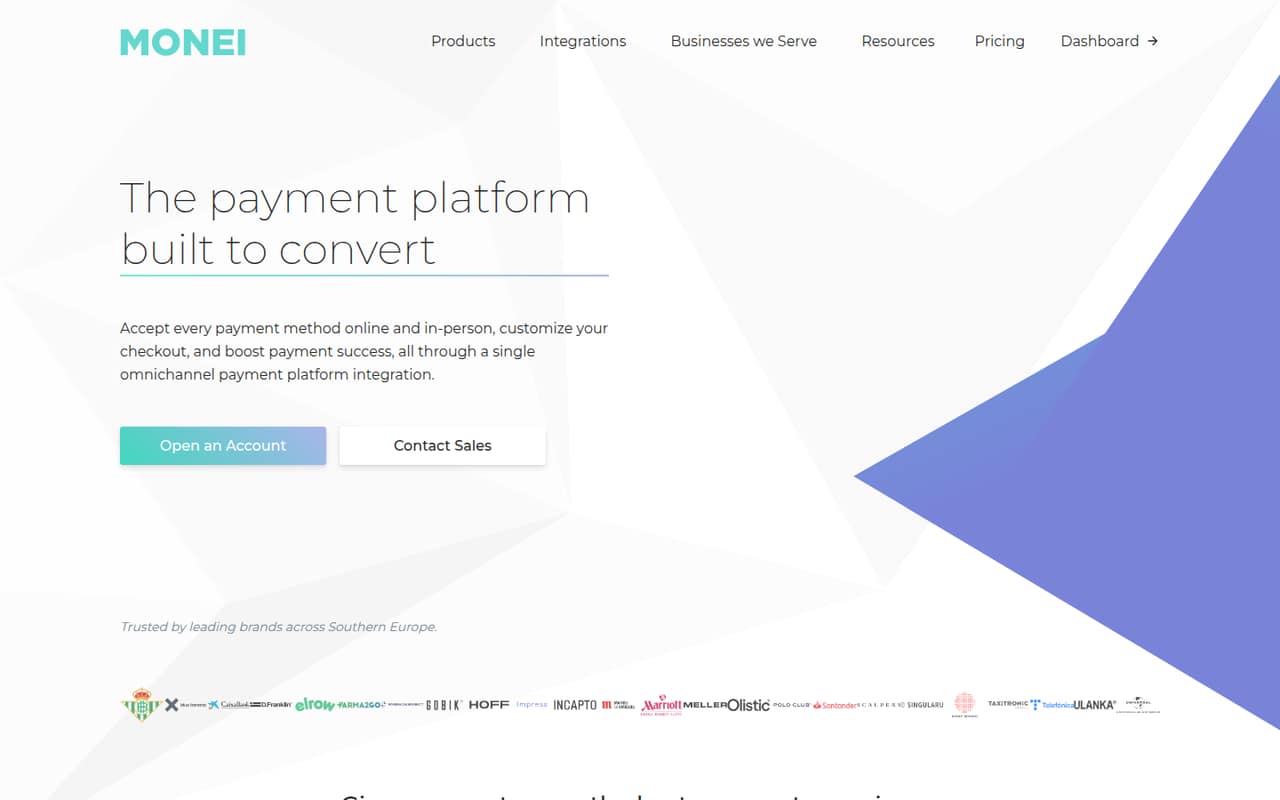
MONEI covers online and in-person sales, plus recurring subscriptions, making it a candidate for a small team selling through more than one channel. It has no monthly minimum, but the listed starting price is not published and fees depend on transaction details. Ask for the rates that match your payment types and sales channels before comparing costs.
What works
- Online and in-person payments in one platform
- No setup fee or monthly minimum
- Unlimited API access
What doesn't
- No free plan or free trial
- Interchange++ applies at settlement
- Higher-volume rate thresholds aren't listed
- Best for checkout optionsRazorpayRazorpay
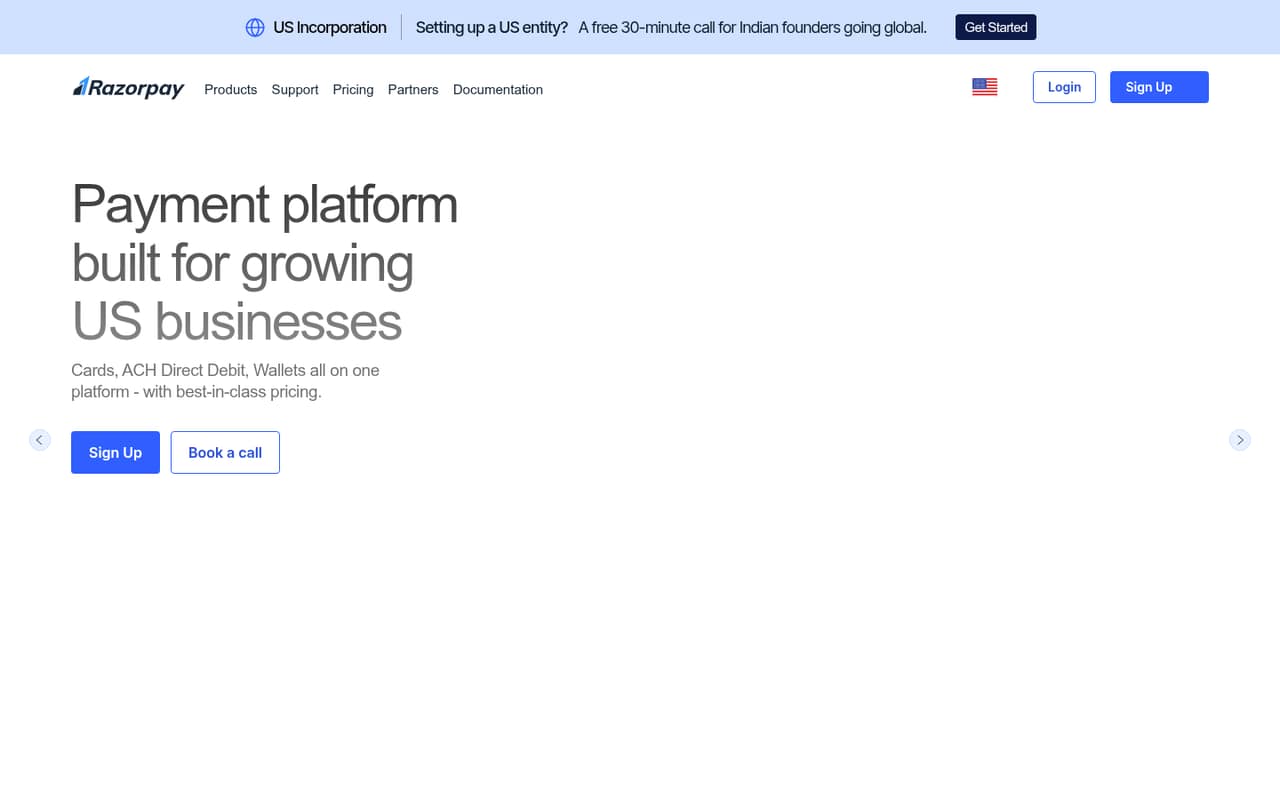
Razorpay is aimed at small businesses taking online payments and teams that need payment links, pages, or custom checkout. Its starting price isn’t published, so ask for the fees that apply to your setup. The listing also flags reported reliability concerns; check current support terms and fit before making it a core payment path.
What works
- Accepts cards, ACH debit, wallets and cross-border methods
- Payment links can be shared across channels
- No-code payment pages and buttons are available
What doesn't
- Standard charges fees on successful transactions
- International cards add a 1.2% fee
- No free plan or free trial is listed
- Best for payment methodsPaysafePaysafe
Paysafe may suit small merchants selling internationally or needing alternative payment methods. Its listed starting price is $7.95, but the total cost is unclear, so that entry figure isn’t enough to budget with. Ask which processing rates and other fees apply to your sales, and compare the full quote with a simpler option such as Braintree.
What works
- Supports global and cross-border payments
- Offers alternative payment methods
- Supports multicurrency transactions
What doesn't
- No free plan is listed
- Trial availability is not published
- Total processing costs depend on rates
03How we chose
We ranked these platforms for teams of one to ten, giving priority to free access, published starting prices, and clear differences between seat and transaction costs. We also weighed setup effort and how closely each product’s stated use cases fit a small team. Plan limits, API documentation, and Reddit sentiment are useful checks before buying; we don’t treat unverified details as advantages. Quote-only pricing and unclear fees count against a product when a team needs to budget carefully.
04Compare the full cost, not the starting price
A $0 starting price doesn’t tell you what each payment will cost. Before you commit, ask for the processing fees that apply to your payment methods, any payout charges, and whether there are monthly minimums. Paddle’s costs scale with transactions rather than seats; other vendors may require you to confirm how their pricing works. For a team with a tight budget, estimate a typical month of payments and compare that total—not just the headline price. Check what a free plan includes, too: a listed free plan doesn’t tell you its limits. If a vendor’s price is quote-only or its total costs are unclear, ask for a written breakdown before building your budget around it.
05Match the API to your payment flow
Start with the job you need done: collecting online payments, selling subscriptions, paying contractors, or supporting online and in-person sales. The products in this list target different flows; for example, Veem focuses on business payments, Dots on global payouts, and MONEI on online and in-person sales. Then check the integration work your team can take on. Braintree’s listing flags integration work, and Dwolla’s calls out API setup, so allow time to understand the implementation before deciding. Review the vendor’s API documentation and ask about setup support, plan limits, and the steps needed to go live. If your flow is simple, don’t pay for features or implementation effort your team won’t use.
Questions people ask
Which payment API is best for a small team?
For a small team building online checkout, Braintree is our first pick: it lists a $0 starting price, no monthly fee, and support for multiple payment methods. If you need subscriptions, global tax handling, or contractor payouts, compare Paddle, Polar, or Dots instead. The right fit depends on your payment flow and fees.
Do payment API platforms charge per seat?
Pricing varies by vendor. Paddle’s costs are described as scaling with transactions rather than seats. The listed details don’t establish seat pricing for every other platform, so ask each vendor whether your team size changes the bill and request a full breakdown of transaction and payout fees.
Are any payment API platforms free?
Braintree lists a $0 starting price and no monthly fee. Polar and Veem list free plans, while Paddle lists a $0 starting price. These details don’t mean every payment is free or explain all plan limits, so check processing fees and what each free option includes.
What should I ask before choosing a payment API?
Ask for the fees tied to your payment methods, transaction volume, and payout needs. Confirm any plan limits, setup requirements, and available support. If pricing is quote-only or the full cost is unclear, request a written quote and compare it with a platform that lists a starting price.