We may earn a commission if you buy through links on this page. It never changes a score or a ranking. How we make money
A small team may not need a proxy provider until a project depends on collecting public web data reliably or targeting specific locations. If you do, start with Webshare for a free entry point, or compare Decodo if you want a free plan and a broader fit for low-volume scraping. Prices start as low as $1, but that is not a team budget: usage, proxy type and traffic can change the bill. Ask vendors how access works for several teammates before committing.
Quick picksThe shortlist
 WebshareWebshareBest free · $2.99/mo
 DecodoDecodoBest overall for small teams · $19/mo
 IPRoyalIPRoyalBest low entry price · $1.80/mo
 ProxyEmpireProxyEmpireBest for proxy variety · $3.50/mo
 InfaticaInfaticaBest for location targeting · $1/mo
 OxylabsOxylabsBest for search workflows · $15/mo
 RayobyteRayobyteBest free API · $100/mo
 Bright DataBright DataBest broad toolkit · $499/mo
 SOAXSOAXBest for geo-targeting · $200/mo
01Compared at a glance
| Tool | Score | From | Free plan | Trial |
|---|---|---|---|---|
| WebshareWebshare | 6.4 | $2.99/mo | Yes | — |
| DecodoDecodo | 7.2 | $19/mo | Yes | — |
| IPRoyalIPRoyal | 5.9 | $1.80/mo | No | — |
| ProxyEmpireProxyEmpire | 6.5 | $3.50/mo | No | Yes |
| InfaticaInfatica | 5.4 | $1/mo | No | — |
| OxylabsOxylabs | 6.8 | $15/mo | Yes | — |
| RayobyteRayobyte | 6.8 | $100/mo | Yes | — |
| Bright DataBright Data | 6.7 | $499/mo | Yes | 7 days |
| SOAXSOAX | 6.0 | $200/mo | Yes | — |
02The picks, in detail
- Best freeWebshareWebshare
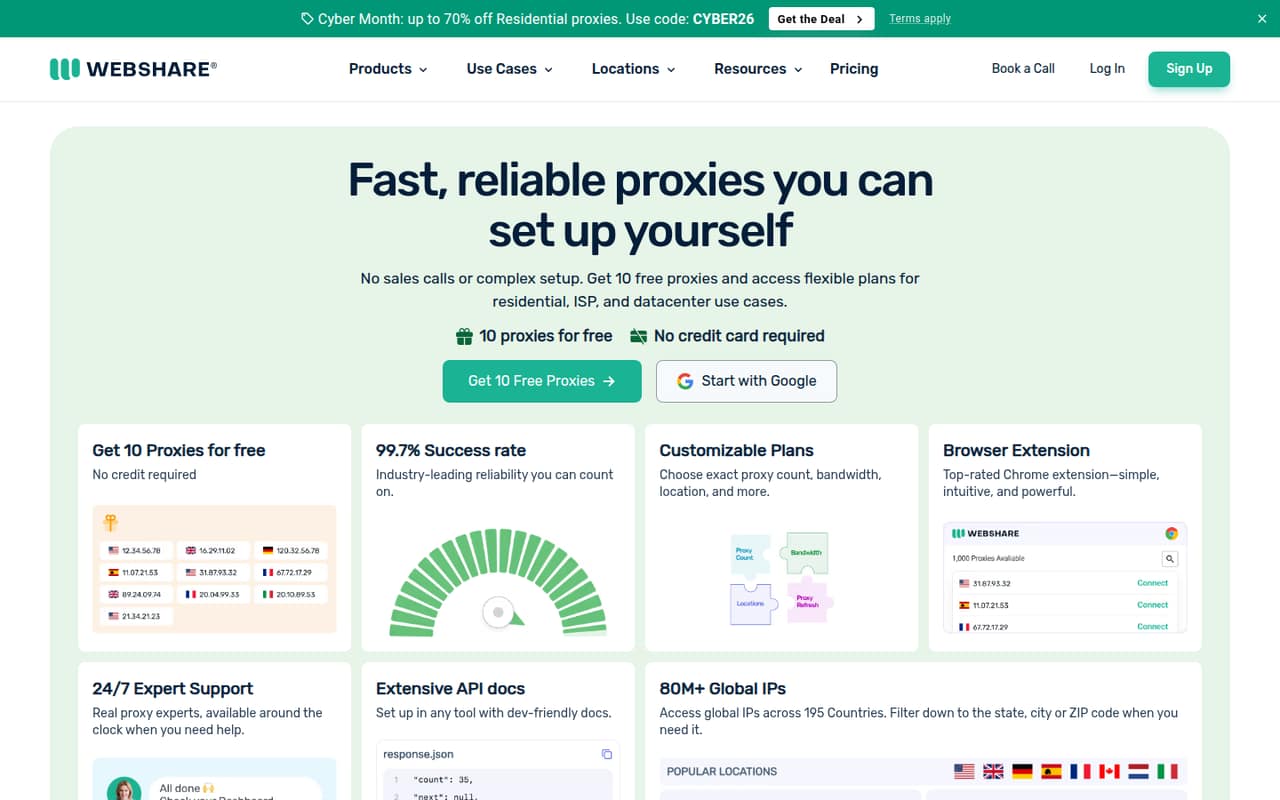
Webshare is a sensible first stop for a team that wants to try proxies before setting a budget. It has a free plan and a listed starting price of $2.99, with datacenter proxies and several proxy types among its stated fits. Some users report quality concerns, so check whether its performance suits your target sites before moving a key workflow onto it.
What works
- Permanent free plan includes 10 proxies
- Free plan requires no credit card
- Datacenter, ISP, and rotating residential options
What doesn't
- Reddit users report 403 errors
- Some users report proxies not working
- Residential IP quality is disputed on Reddit
- Best overall for small teamsDecodoDecodo
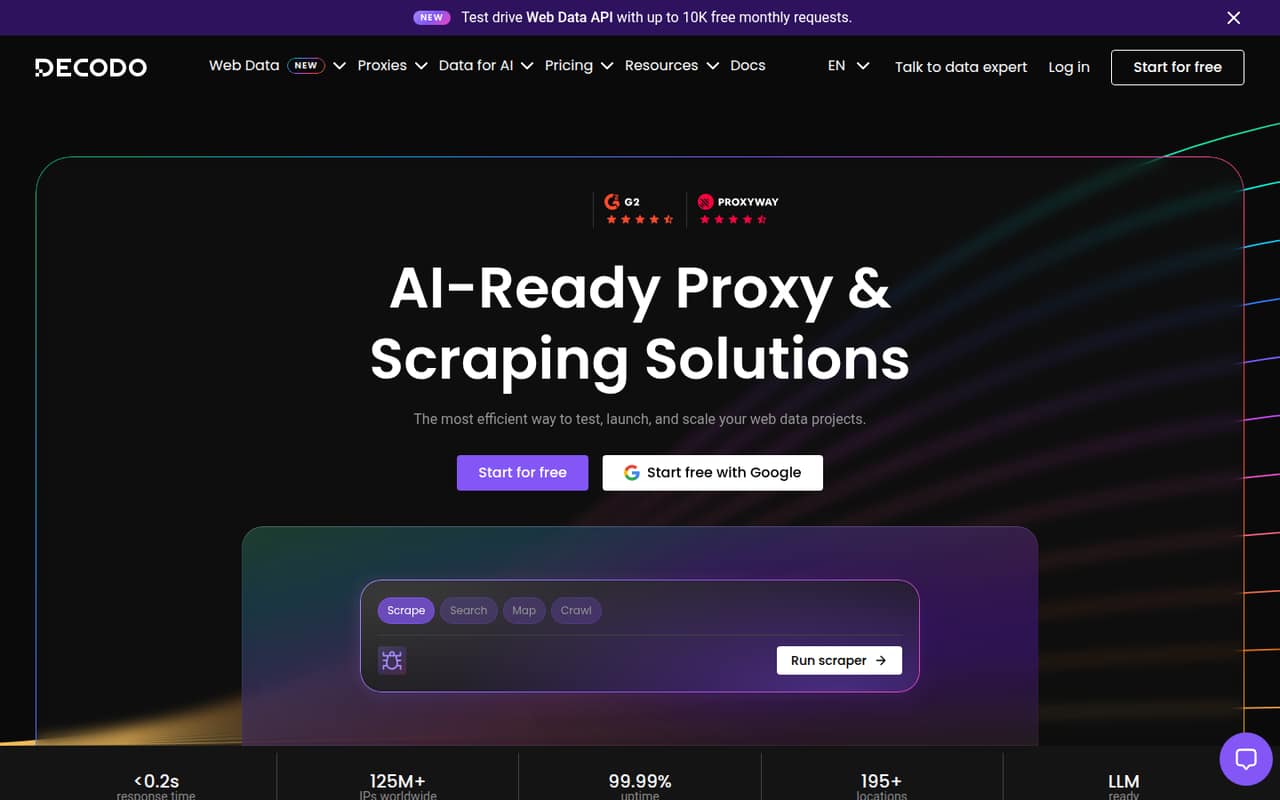
Decodo fits small teams scraping public data, testing low-volume crawling or building AI workflows around structured web content. Its listing includes a free plan and a starting price of $19. That makes it worth comparing with Webshare if you need more than a cheap trial, but size the plan by expected usage rather than counting teammates.
What works
- Free plan includes up to 5K crawls or 10K pages
- One API supports scraping, search, mapping, and crawling
- Returns structured Markdown or JSON
What doesn't
- Paid plans start at $19 monthly
- No annual billing is listed
- Plans are sized by usage, not seats
- Best low entry priceIPRoyalIPRoyal
IPRoyal starts at $1.80 and offers proxy options for location-targeted research and short-term projects. It has no free tier, and users report mixed reliability, so the low starting price is a reason to investigate, not a guarantee of a low total bill. Ask how the location and proxy type you need affect the price.
What works
- Residential, ISP, datacenter, and mobile proxy options
- Web unblocker for scraping and automated access
- State and city targeting listed for proxies
What doesn't
- No free plan or published free trial
- Rates are per proxy, not per seat
- Annual billing is not listed
- Best for proxy varietyProxyEmpireProxyEmpire
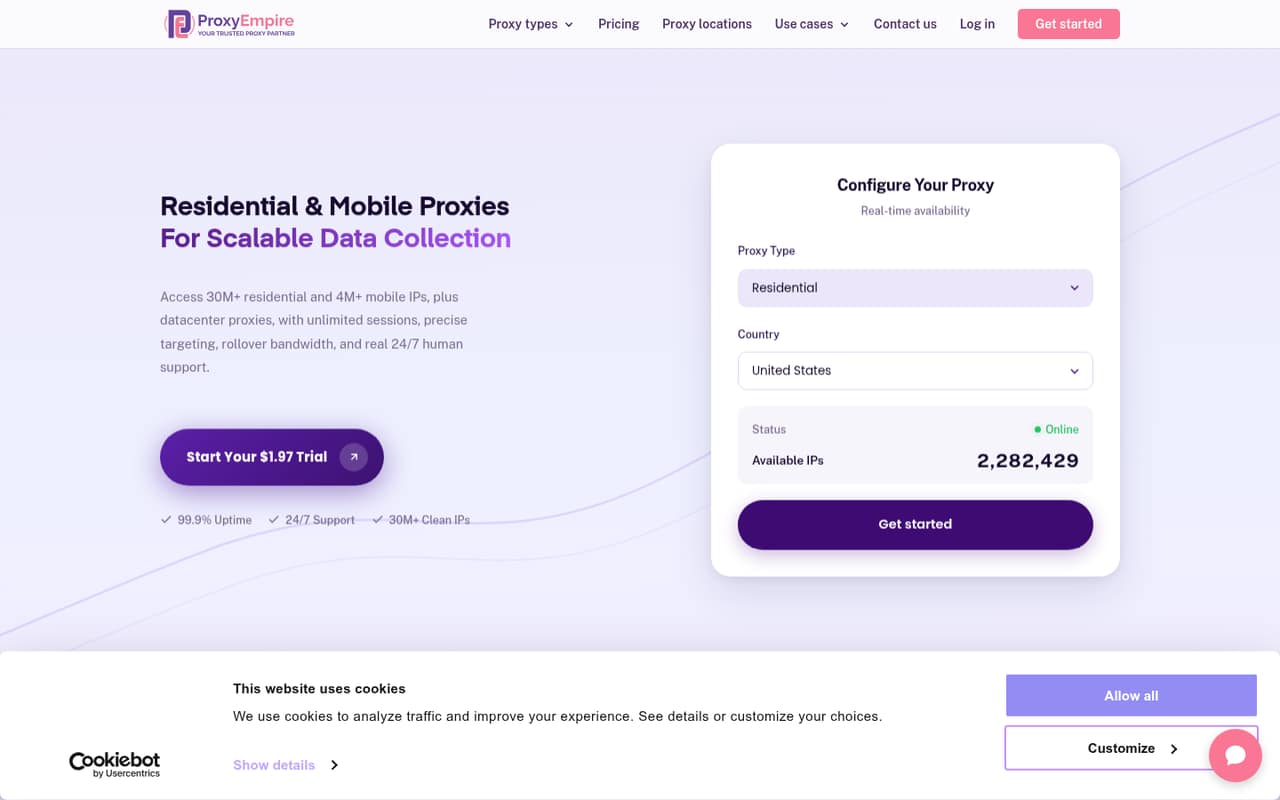
ProxyEmpire is aimed at public-data collection, SEO and price monitoring, with varied proxy types for different workflows. Its listed starting price is $3.50, and there is no free plan. The vendor does not publish per-seat pricing, so ask how team access works and what usage assumptions sit behind a quote before comparing it with other providers.
What works
- Residential, mobile, ISP and datacenter options
- Residential targeting includes country, region and city
- Unused bandwidth rolls over on GB-based plans
What doesn't
- No free plan
- No published per-seat pricing
- Residential monthly plans start at $20
- Best for location targetingInfaticaInfatica
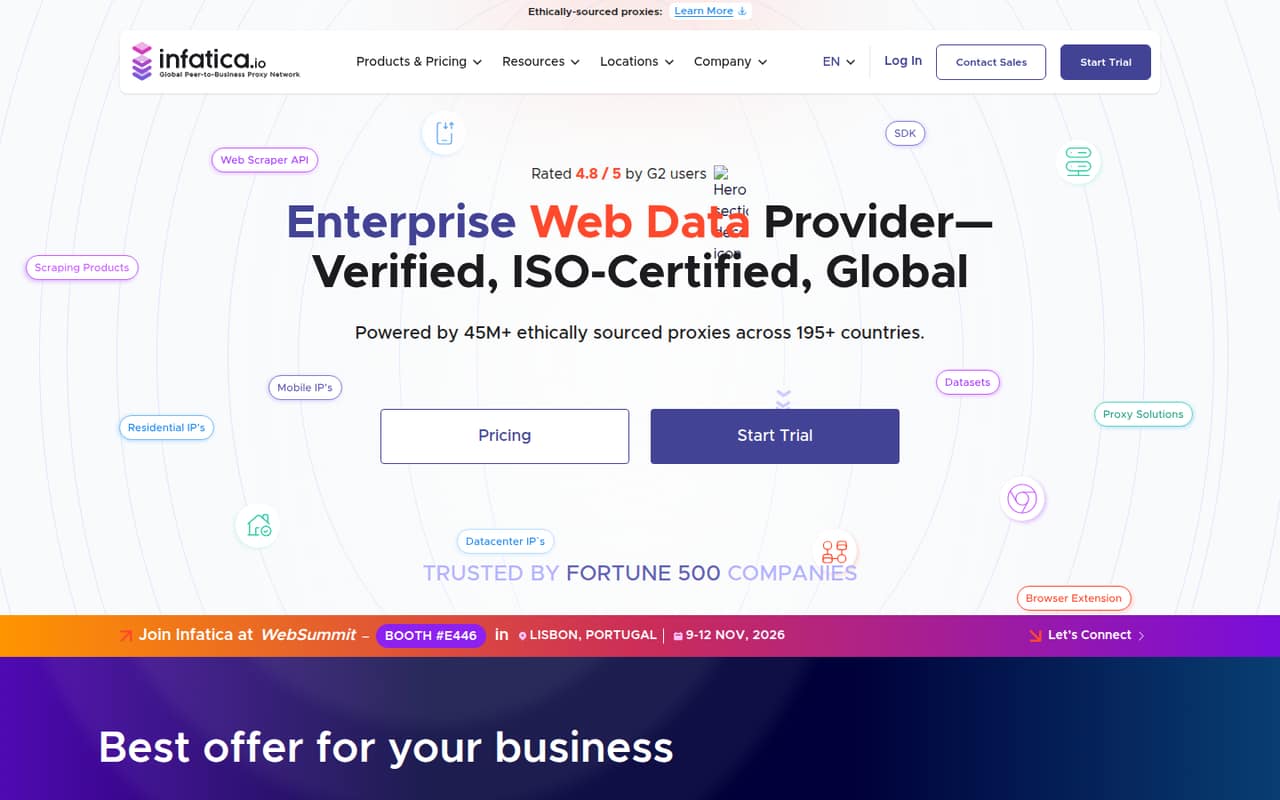
Infatica is worth a look if your project needs location-specific data or traffic that changes over time. Its listed starting price is $1, and its offering includes proxy and scraping tools. Small teams should pay close attention to traffic-based costs and weigh reported trust concerns. Ask for a quote based on your locations and expected usage.
What works
- Residential, mobile, ISP, and datacenter proxy options
- Proxy network lists 45M+ IPs across 195+ countries
- Scraper APIs export CSV, XLSX, and JSON
What doesn't
- No free plan
- Traffic costs can rise with scraping volume
- No per-seat price for team budgeting
- Best for search workflowsOxylabsOxylabs
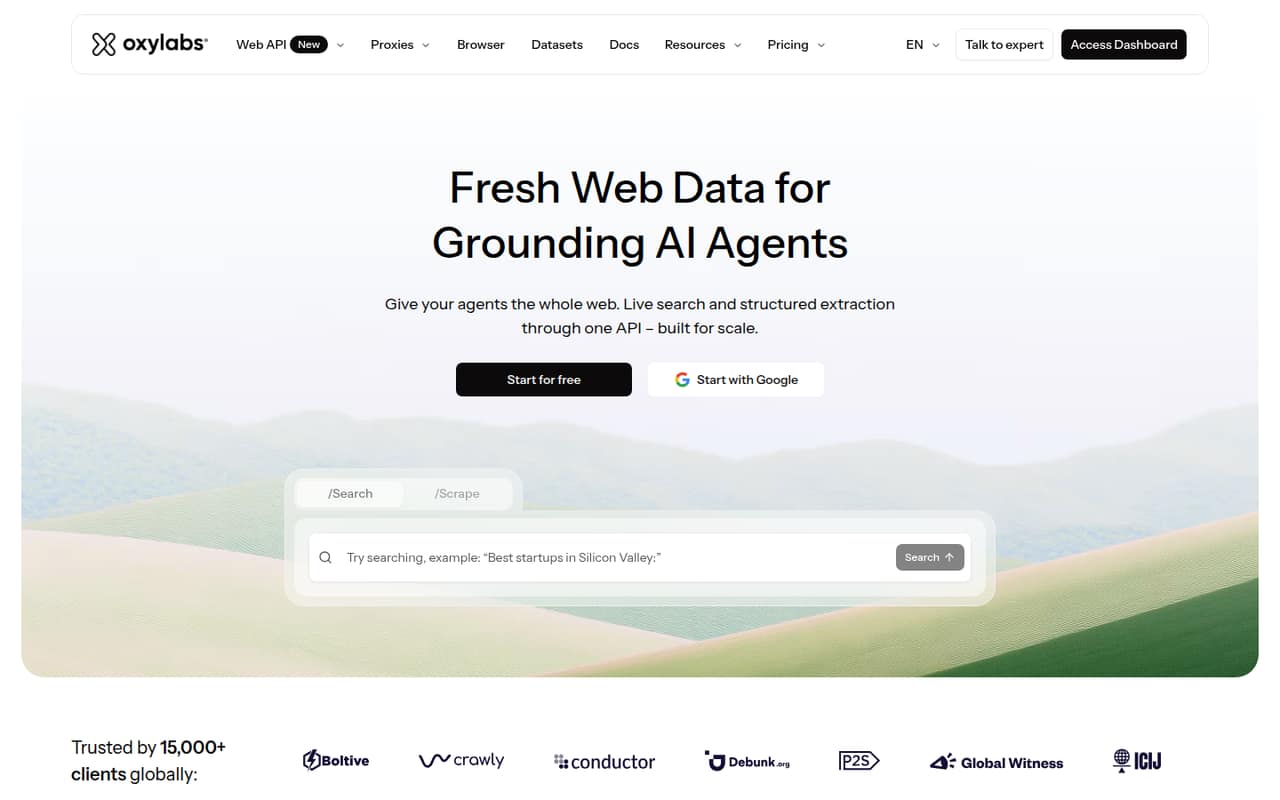
Oxylabs suits teams collecting public web data, building AI agents that need search, or looking for several data tools. Its listing includes a free plan and a $15 starting price, but the available free credit and entry plan may not fit every small team. Check what usage the entry option covers before planning a recurring workflow around it.
What works
- Offers search, scraping, proxies, and browser tools
- $5 welcome credit can be used toward any product
- Starter begins at $15 per month
What doesn't
- Free credit is small for sustained use
- Annual billing prices are not published
- Per-seat pricing is not published
- Best free APIRayobyteRayobyte
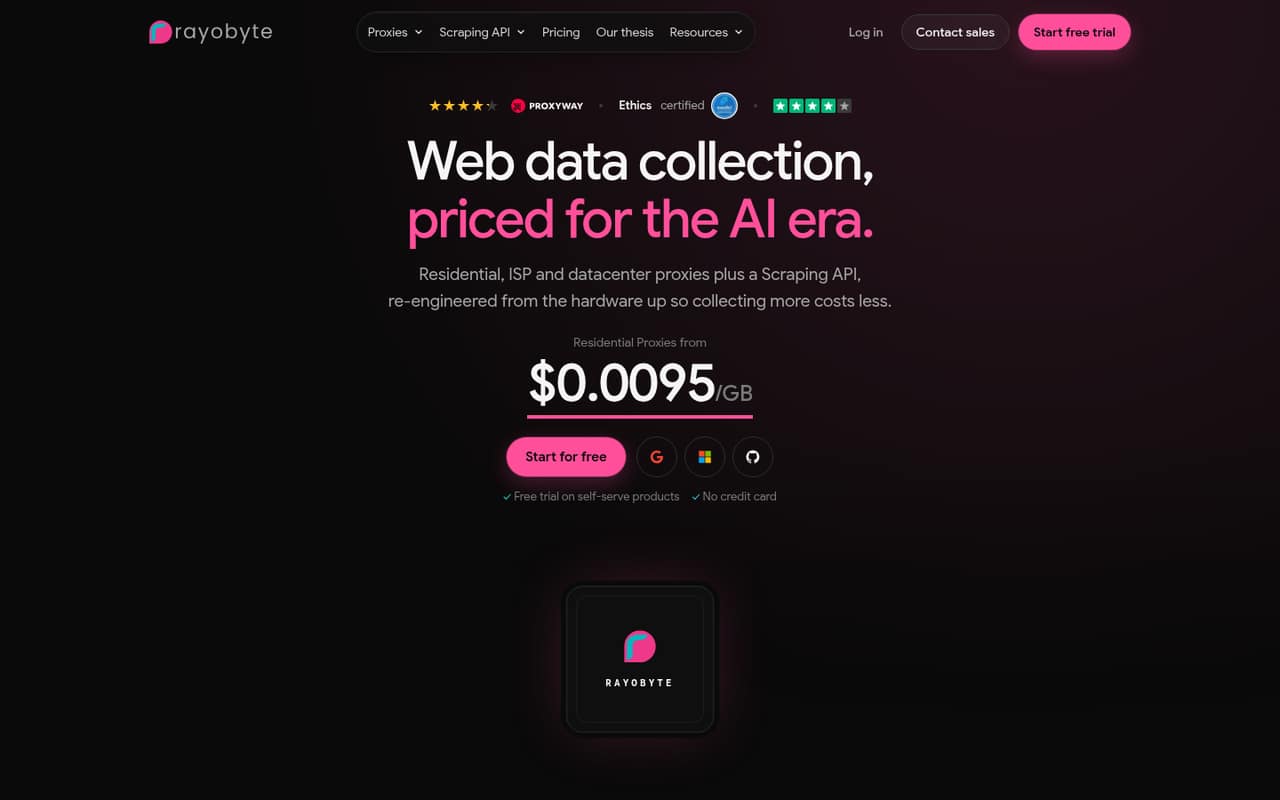
Rayobyte is a candidate for small web-data, SEO and market-research projects that need more than one proxy type. Its listing includes a free API tier, while the stated starting price is $100 and costs are usage-based. That makes it important to estimate traffic early; a free API tier does not tell you what a production workflow will cost.
What works
- Free Scraping API plan includes 5,000 requests
- Residential, ISP, datacenter, and mobile options
- Pay-as-you-go tiers avoid monthly commitments
What doesn't
- Scale proxy plans start at $100 per month
- Static datacenter prices vary by country
- Scraping API rates depend on the site
- Best broad toolkitBright DataBright Data
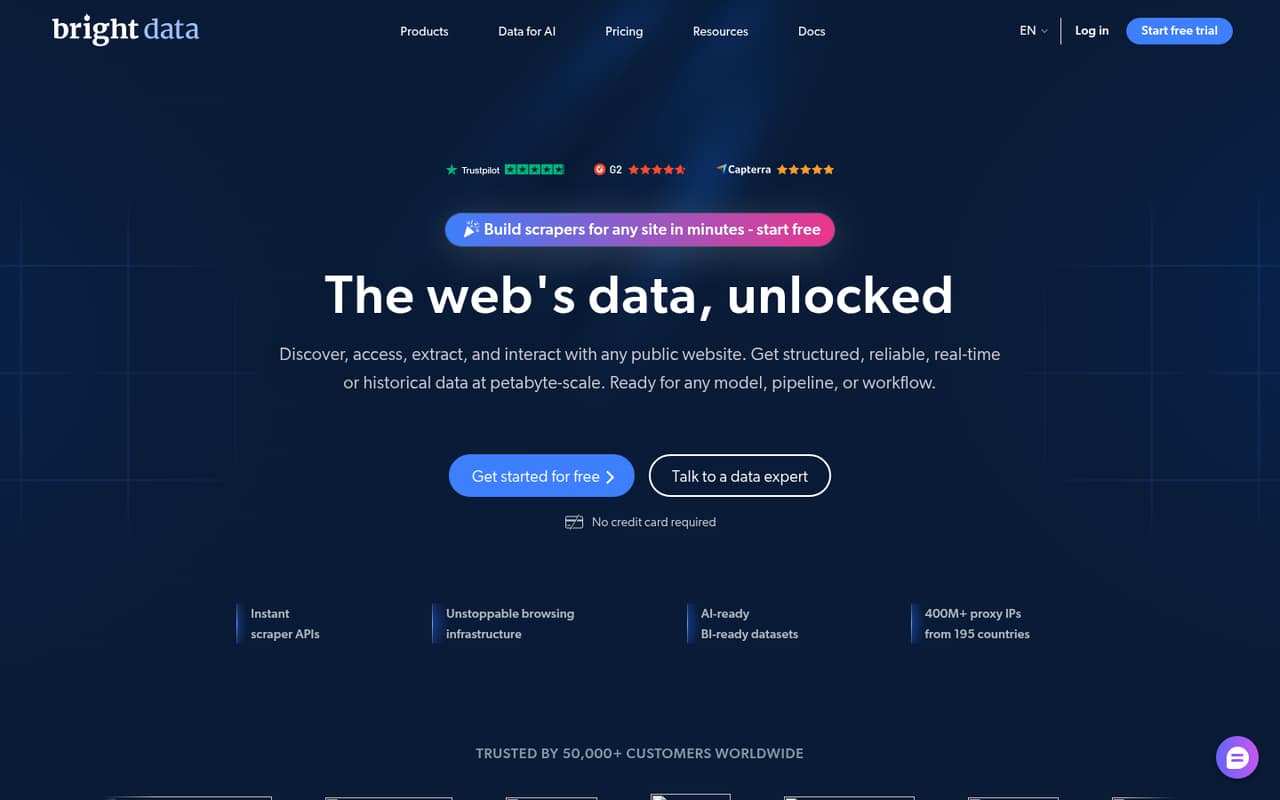
Bright Data offers a free plan and a wide set of data tools for teams collecting public web data. The catch for a small budget is the gap between $0 to start and ongoing team plans, which start at $499 per month. It may fit a technical team with regular data needs, but compare that recurring cost against your actual workload.
What works
- Free Tier includes several monthly usage allowances
- Scraper APIs include pre-built or custom endpoints
- Offers proxies, datasets, and web access APIs
What doesn't
- Scale starts at $499 per month
- Usage costs vary by product and volume
- Annual pricing is not published
- Best for geo-targetingSOAXSOAX
SOAX is aimed at technical teams that need country or city targeting and already have a defined data pipeline. Its listing includes a free plan, but the stated starting price is $200, so it is not a cheap way to get started. Confirm what the plan includes for your target locations and expected traffic before budgeting.
What works
- Target locations by country, city, state, or ASN
- Choose when proxies rotate or stay sticky
- Custom pipelines can follow your schema
What doesn't
- Sandbox includes zero credits
- Builder starts at $200 per month
- Annual Enterprise pricing is not published
03How we chose
We ranked these providers for teams of 1–10, weighing free access, listed starting prices, likely cost questions for a few teammates, setup effort and fit for scraping or SERP collection. We also considered plan limits and documentation where vendors publish those details, plus user-reported reliability or quality concerns where available. A low entry price did not automatically win: traffic-based costs and the cost of an ongoing team plan matter more than the headline number. We did not treat a free tier as proof that a production workflow will stay free.
04Check the real cost, not just the starting price
A starting price is a comparison point, not a forecast for your team. Before choosing, estimate how much data you need, how often you will collect it, and whether the project needs residential, datacenter, ISP or mobile proxies. Ask the vendor to price that specific use case, including any location targeting or traffic you expect. Also check whether the price covers a shared team account or whether access and billing change as more people join. The vendor does not publish per-seat pricing for every product, so ask directly rather than multiplying a low monthly figure by headcount. For a small team, a free plan can help you learn what a workflow needs, but confirm its limits and what happens when you exceed them.
05Match setup effort to your team’s workflow
Proxy setup is not just choosing a provider. Your team needs to connect it to the scraper, research process or SERP workflow you already use, then decide who can change settings and track usage. Before buying, read the vendor’s docs for the proxy type and use case you need; ask support what configuration steps are involved if the docs leave questions open. A technical team with a defined data pipeline may be comfortable with more configuration, while a team testing a single research task may value a simple starting point. Confirm the plan’s limits, target locations and usage costs before moving a recurring workflow over. If your project grows, revisit whether the current plan still fits its traffic and whether the monthly cost makes sense.
Questions people ask
Who are the top proxy providers?
For small teams, we’d start by comparing Webshare, Decodo and IPRoyal: they combine low entry costs or free access with clear small-project use cases. The best fit depends on your proxy type, target locations and expected traffic. Bright Data and SOAX may suit teams with larger budgets or more defined technical needs.
What are the top 3 proxy servers?
Our top three for teams of 1–10 are Webshare, Decodo and IPRoyal. Webshare has a free plan and a $2.99 starting price; Decodo has a free plan and starts at $19; IPRoyal starts at $1.80 but has no free tier. Compare the workload each plan covers before choosing.
Which premium proxy provider is best?
It depends on the project. Bright Data offers a broad set of data tools, but its ongoing team plans start at $499 per month. SOAX is positioned for technical teams needing country or city targeting, with a $200 starting price. Ask each vendor to price your traffic and locations before treating either as the best fit.
What is the most popular proxy?
Popularity depends on the proxy type and use case, and we can’t name a single most popular provider from the available pricing and product details. For a small team comparing options, Webshare and Decodo both list free plans; compare their plan limits and fit for your workflow rather than choosing by popularity alone.