We may earn a commission if you buy through links on this page. It never changes a score or a ranking. How we make money
A small team can often start with a free plan, but check its session cap and retention before making it part of your workflow. Mouseflow is our first pick for a small team focused on one website; Zipy is a strong free starting point if debugging matters too. LogRocket has a clear free allowance and a listed Core price for higher volume. Before committing, ask about setup steps, data controls, and what happens when you hit a limit. Glassbox may suit regulated organizations better than a typical small team.
Quick picksThe shortlist
01Compared at a glance
02The picks, in detail
- Best for small teams
 MouseflowMouseflow
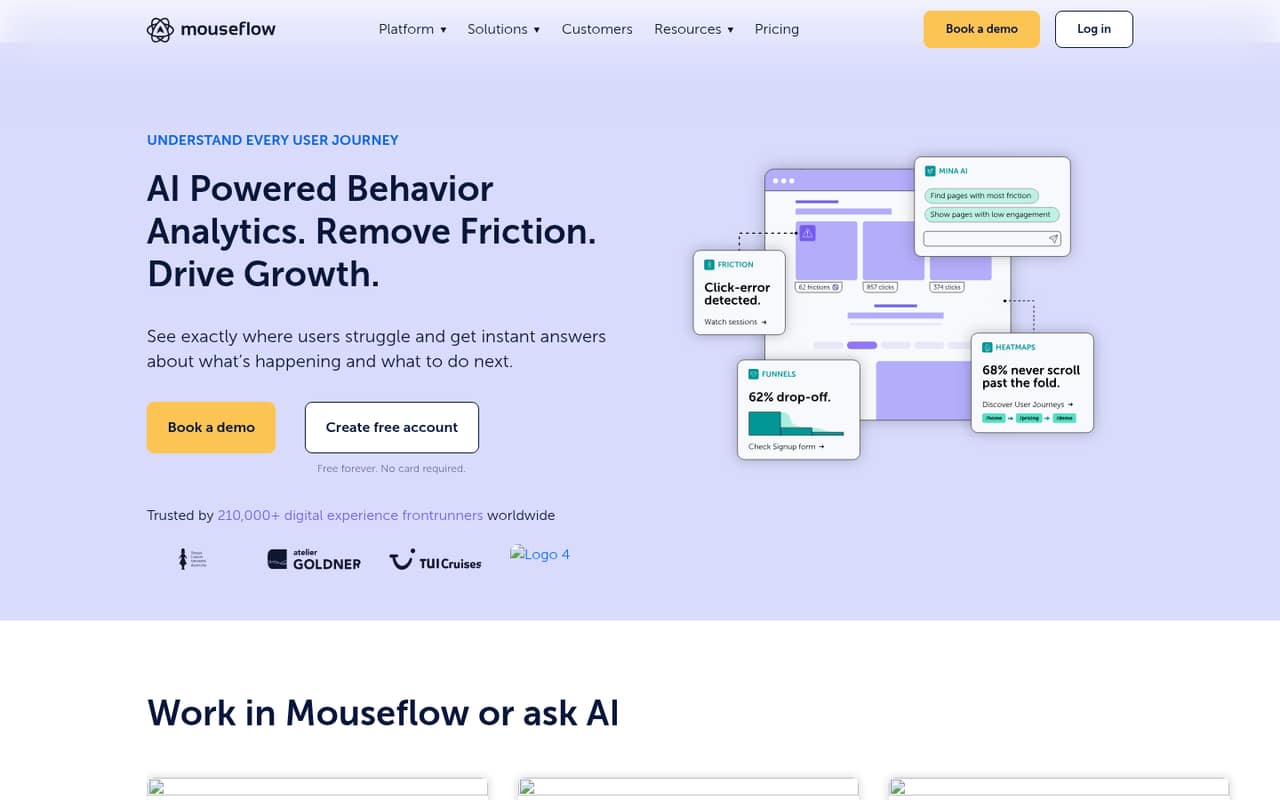
Mouseflow is a practical starting point for a small team improving one website: it has a free plan, is listed from $25, and allows unlimited users. That can help keep the bill predictable as teammates join. The trade-off is that session caps and retention limits still matter, so check both against your traffic and how long you need to keep replays.
What works
- Free plan includes 500 monthly sessions
- Unlimited users on Free and Essential
- Combines replays, heatmaps, funnels, and form analytics
What doesn't
- Free plan retains data for one month
- Essential retains data for three months
- Advanced pricing and limits are not published
- Best free
 ZipyZipy
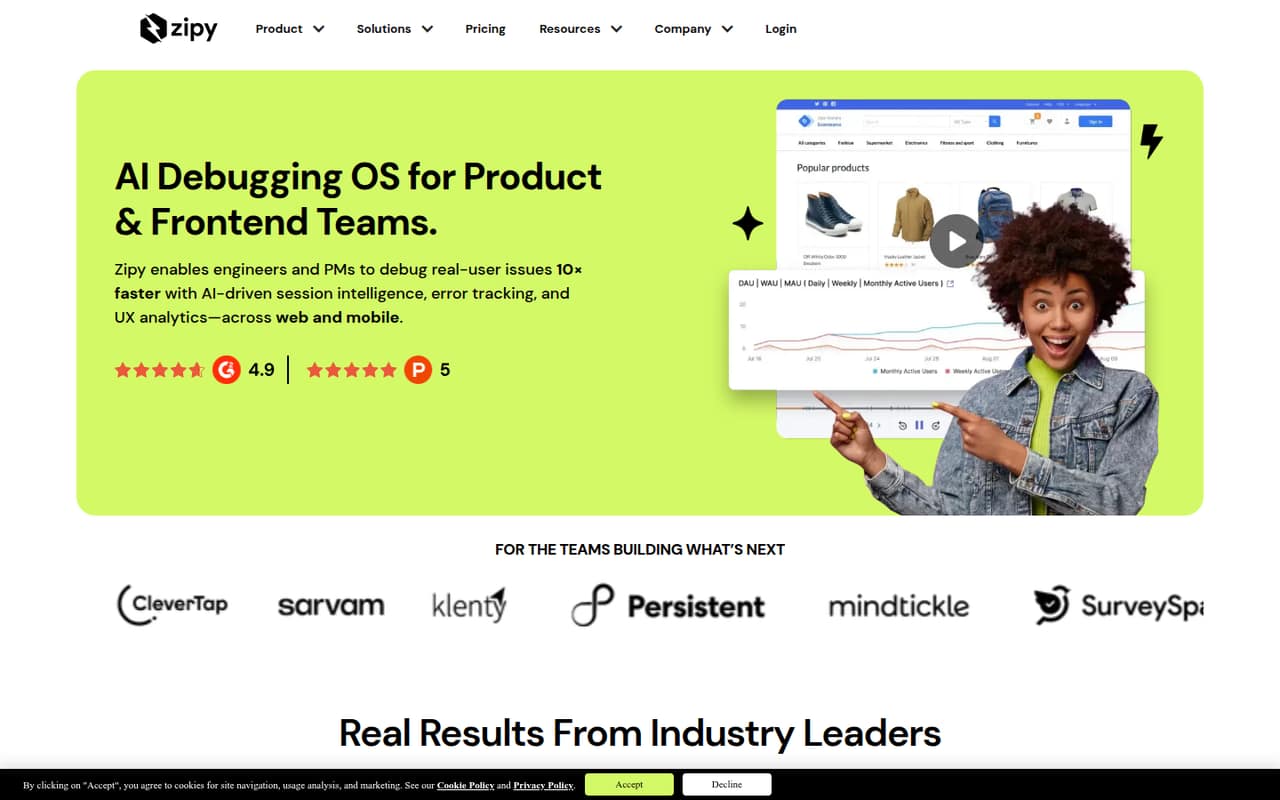
Zipy is a good free entry point for small product and frontend teams that want replay alongside error context. Its listed starting price is $25, but check which features or usage may bring add-on costs before upgrading. It is a better fit for investigating reported product issues than for a team that only needs basic website behavior insights.
What works
- Free plan includes 1,000 sessions monthly
- Free plan supports up to two projects
- Growth includes unlimited users
What doesn't
- Free plan retains data for 15 days
- Growth starts at 7,500 sessions monthly
- Add-on prices are not published
- Best for product teams
 LogRocketLogRocket
LogRocket makes its free starting point concrete: it covers 1,000 sessions. For more volume, Core is listed at an $83 monthly equivalent for 10,000 sessions. That gives teams a useful budgeting reference if their session count is predictable. Check how your usage is counted and whether the included volume suits your product before choosing a paid plan.
What works
- Free plan includes 1,000 sessions monthly
- Unlimited analytics events on Free
- Replay combines logs, errors, and performance data
What doesn't
- Core starts at $83/month equivalent
- Published prices use discounted annual billing
- Monthly subscription prices aren’t published
- Best for website fixes
 Lucky OrangeLucky Orange
Lucky Orange is aimed at teams fixing website friction and sharing research across roles. Its listed starting price is $39, and it has no free plan, so it is not the cheapest way to try session replay. It may fit a small site under 3,500 sessions, but confirm what that volume means for your plan and budget before subscribing.
What works
- Session recordings show visitor journeys
- Heatmaps track clicks, scrolling and movement
- Surveys link feedback to recordings
What doesn't
- No free plan
- Build starts at $39 monthly
- Discovery AI costs extra

- Best for web and mobile
 SmartlookSmartlook
Smartlook offers a free plan and is listed from $55, with web and mobile product teams among its intended users. It can suit a small team exploring product behavior, but the planned standalone shutdown in 2027 is a major commitment to weigh. Ask the vendor what that change means for your account, data, and future product access.
What works
- Free plan includes 3,000 sessions monthly
- Supports both web and mobile
- Combines recordings with event analytics
What doesn't
- Standalone product is scheduled to end in 2027
- Free plan retains data for one month
- Free plan allows only 10 event definitions

- Best for regulated teams
 GlassboxGlassbox
Glassbox is the specialist pick for regulated financial services teams and organizations that need digital records or are investigating customer struggles. For most teams of 1–10, the lack of a free plan and a published small-team price makes budgeting difficult. Ask the vendor for a quote and a clear explanation of the setup and requirements before shortlisting it.
What works
- Session replay includes real-time replay for case resolution
- Journey analytics analyzes customer interactions
- Struggle analysis identifies pain points and errors
What doesn't
- No free plan is listed
- Trial availability is not published
- Plan prices are not published
03How we chose
We ranked these tools for teams of 1–10, putting weight on free access, listed starting prices, and how clearly a few seats or higher session volume can be budgeted. We also considered plan limits and the setup questions that can add work for a small team. We do not claim hands-on testing. Documentation and credible Reddit reports can help buyers check installation effort and common snags, so we recommend reviewing both before committing rather than assuming setup will be simple.
04Check the free plan against your real usage
A free plan is only useful if its limits match the work you need to do. LogRocket’s free plan covers 1,000 sessions; Mouseflow and Zipy also have free plans, but check the current session allowance and retention before relying on either. Smartlook has a free plan too, though its planned standalone shutdown in 2027 deserves attention before you build a workflow around it.
Estimate how many sessions you need to review and how long you need to keep them. Ask whether limits apply per month, per project, or across your account, and what happens when you reach them. For heatmaps or other analysis features, confirm what is included at your chosen tier. A free plan that cannot answer your main question may cost more in staff time than a small paid plan.
05Budget beyond the starting price
The listed prices give you a starting point, not a complete bill for every team. Mouseflow and Zipy are listed from $25, Lucky Orange from $39, Smartlook from $55, and LogRocket Core at an $83 monthly equivalent for 10,000 sessions. Glassbox does not publish a small-team price. Check whether the price depends on session volume, which features require an upgrade, and whether Zipy add-ons change the total.
Seat count matters too: Mouseflow lists unlimited users, which can help a team share access without adding seats to the bill. For other tools, ask how additional users affect pricing. Before rollout, confirm installation steps, supported web or app setup, data controls, and who on your team will maintain it. Those answers help you compare the real cost, not just the entry price.
Questions people ask
Does a small team need session replay software?
Not always. It can help when your team needs to investigate user friction, understand behavior, or diagnose conversion drop-offs. If you have no clear question to answer or nobody to review sessions, start by defining the problem before adding another subscription.
Which session replay tool has the best free plan?
Zipy is our free pick for small product and frontend teams that want replay and error context. LogRocket’s free plan has a clear allowance of 1,000 sessions. Compare each tool’s current session cap and retention against your needs before choosing.
What does session replay software cost for a small team?
Listed starting prices are $25 for Mouseflow and Zipy, $39 for Lucky Orange, and $55 for Smartlook. LogRocket Core is listed at an $83 monthly equivalent for 10,000 sessions. Glassbox does not publish a small-team price; ask vendors how usage and extra seats affect your quote.
Is Smartlook a safe long-term choice?
Smartlook’s planned standalone shutdown in 2027 is a reason to ask the vendor what will happen to your account, replays, and access. If you need a tool beyond that date, get a clear answer about the transition before committing.