
We may earn a commission if you buy through links on this page. It never changes a score or a ranking. How we make money
The bottom line
A generous free entry point for replay and debugging, with add-on costs to check before upgrading.
A small team may not need a dedicated debugging tool yet. If reproducing user problems takes too long, Zipy brings session replay, error tracking, analytics, and performance monitoring together, with AI summaries and issue suggestions.
The free plan covers 1,000 sessions a month and two projects. Growth starts at $30 monthly or $25 per month with annual billing, and includes unlimited users. That makes the listed plan price attractive for a few seats, but add-on prices are not published.
Good fit if
- Small product and frontend teams
- Teams debugging user-reported issues
- Teams wanting replay and error context
Skip it if
- Teams needing more than 1,000 free sessions
- Buyers needing published add-on prices
- Teams seeking a stated setup-time estimate
ScoresHow it rates
What works
- Free plan includes 1,000 sessions monthly
- Free plan supports up to two projects
- Growth includes unlimited users
- Session replay includes console and network logs
- AI can summarize sessions and friction
What doesn't
- Free plan retains data for 15 days
- Growth starts at 7,500 sessions monthly
- Add-on prices are not published
- Enterprise pricing is custom
- Setup effort and required integrations need confirmation
01Who Zipy is for
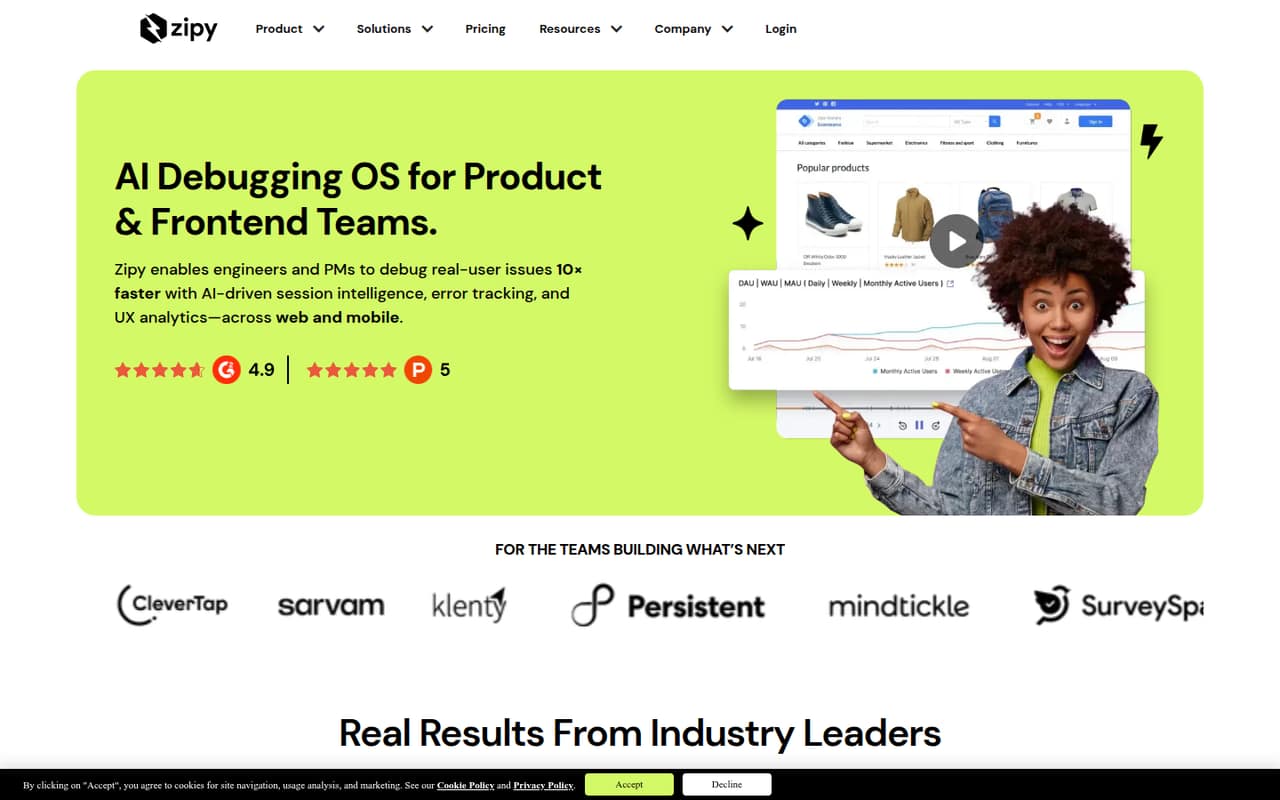
Zipy is for product and frontend teams that need to understand what happened before a user reported a bug. It combines session replay with error tracking, product analytics, and performance monitoring. Replays can include DOM, console, and network logs; AI features summarize sessions and suggest ways to reproduce issues.
For a 1–10-person team, the free plan may be enough to get started if 1,000 sessions a month and two projects cover the work. A team that needs more volume or projects can look at Growth, which starts at $25 per month with annual billing and allows unlimited users. That’s a clear budget option when several teammates need access. Zipy is less straightforward for cost-conscious buyers who need alerts, Oopsie AI, or Funnels: those are marked as add-ons, and their prices are not published. Ask for a quote before making them part of your workflow.
02Zipy free plan and trial
Zipy’s free plan costs nothing and includes 1,000 sessions per month, 15 days of data retention, and up to two projects. It also includes mobile replays and email support within 72 hours. That gives a small team a way to try replay and investigate issues without committing to a paid plan.
The main constraints are session volume, project count, and retention. Growth starts at 7,500 sessions a month, keeps data for one month, and supports up to 10 projects. Zipy also offers a 14-day free trial, but the trial’s access and limits are not specified in the pricing details. Ask Zipy what features and session volume the trial includes before relying on it for a full evaluation.
03What a small team pays for Zipy
Growth starts at $30 per month with monthly billing, or $25 per month when billed annually. The pricing page lists unlimited users, rather than a per-seat charge, so the published starting price is the same for one, three, or five people: $30 monthly, or $25 per month on annual billing. That works out to $30 per person for one user, $10 for three, or $6 for five on monthly billing. At the annual rate, the equivalents are $25, about $8.33, or $5 per person per month. The annual plan costs $300 for the year at the starting rate.
Growth includes 7,500–500,000 sessions a month, one month of retention, and up to 10 projects. The price depends on selected session volume and add-ons. Rule-based alerts, Oopsie AI, and Funnels are marked as add-ons without published prices. The plan builder also offers selectable errors, heatmaps, API performance, and page performance; ask Zipy which options your team needs and what they cost.
04Getting started with Zipy
Zipy’s feature set covers web, mobile, and PWA session replay, errors, and product analytics, but the available pricing details do not give a setup-time estimate or name required integrations. We would confirm those before choosing a plan, especially if your team needs replay across more than one app type or wants to connect Zipy to an existing support or development workflow.
The product’s replay, logs, error tracking, and AI summaries are aimed at helping teams inspect problems and find reproduction steps. How much configuration that takes depends on your app and the features you want to use; a fixed learning curve is not published. Ask Zipy for the implementation steps, supported platforms and integrations, and whether setup assistance is available. The pricing page lists email support within 72 hours on Free and within 24 hours on Growth.
05When small teams outgrow Zipy
The first clear upgrade trigger is volume: Free includes 1,000 sessions a month, while Growth starts at 7,500. A team with more than two projects will also exceed the Free plan’s project limit. Free retains data for 15 days; Growth extends that to one month and allows up to 10 projects.
Growth may stop fitting if you need more than 500,000 sessions a month, more than 10 projects, or custom retention. The listed plan for those needs is Enterprise, with custom session and error volume, project count, and retention; pricing is custom. Another reason to pause is add-on cost: alerts, Oopsie AI, and Funnels have no published prices, and the plan builder varies pricing by session volume and selected options. Get a full quote before your team builds its process around paid add-ons.
Questions people ask
Is Zipy free?
Yes. Zipy’s Free plan costs $0 and includes 1,000 sessions a month, 15 days of data retention, up to two projects, mobile replays, and email support within 72 hours. If you need more sessions or projects, Growth starts at $30 monthly or $25 per month with annual billing.
How much does Zipy cost for a small team?
Growth starts at $30 per month with monthly billing or $25 per month when billed annually. The plan lists unlimited users, so the starting plan price is the same for one person or a team of five. Session volume and add-ons can change the price; ask Zipy for a quote based on your needs.
What does Zipy’s free plan include?
The Free plan includes 1,000 sessions per month, 15 days of retention, up to two projects, mobile replays, and email support within 72 hours. It is limited compared with Growth, which starts at 7,500 sessions a month, includes one month of retention, and allows up to 10 projects.
Does Zipy offer a free trial?
Yes. Zipy lists a 14-day free trial. The trial’s feature access and session limits are not specified in the pricing details, so confirm those with Zipy before starting. The separate Free plan has a stated limit of 1,000 sessions a month.
What features cost extra in Zipy?
Rule-based alerts, Oopsie AI, and Funnels are marked as add-ons, but their prices are not published. Zipy’s plan builder also offers selectable options such as errors, heatmaps, API performance, and page performance, with prices varying by session volume and add-ons. Ask for an itemized quote.