We may earn a commission if you buy through links on this page. It never changes a score or a ranking. How we make money
A small team doesn’t need statistical software just because it works with data. Start with the analyses you actually need, then check whether a specialist tool earns its seat cost. OriginPro is our first pick for teams that need scientific analysis and graphing, with a listed starting price of $25.83. That price’s billing period isn’t specified. EViews has a limited free student option, while other tools have narrower fits or less clear pricing. The best choice depends on whether your work centers on economics, quality, Excel, or scientific graphs.
Quick picksThe shortlist
 OriginProOriginProBest for small teams · $25.83/mo
 XLSTATXLSTATBest Excel fit · Custom
 EViewsEViewsBest for economics · Custom
 Analyse-itAnalyse-itBest for validation · Custom
 Minitab Statistical SoftwareMinitab Statistical SoftwareBest for SPC · $199.50/mo
 SigmaPlotSigmaPlotBest for graphing · Custom
01Compared at a glance
| Tool | Score | From | Free plan | Trial |
|---|---|---|---|---|
| OriginProOriginPro | 6.4 | $25.83/mo | No | 21 days |
| XLSTATXLSTAT | 6.0 | Custom | No | — |
| EViewsEViews | 6.3 | Custom | No | — |
| Analyse-itAnalyse-it | 5.8 | Custom | No | 15 days |
| Minitab Statistical SoftwareMinitab Statistical Software | 6.5 | $199.50/mo | No | — |
| SigmaPlotSigmaPlot | 6.2 | Custom | No | 30 days |
02The picks, in detail
- Best for small teamsOriginProOriginPro
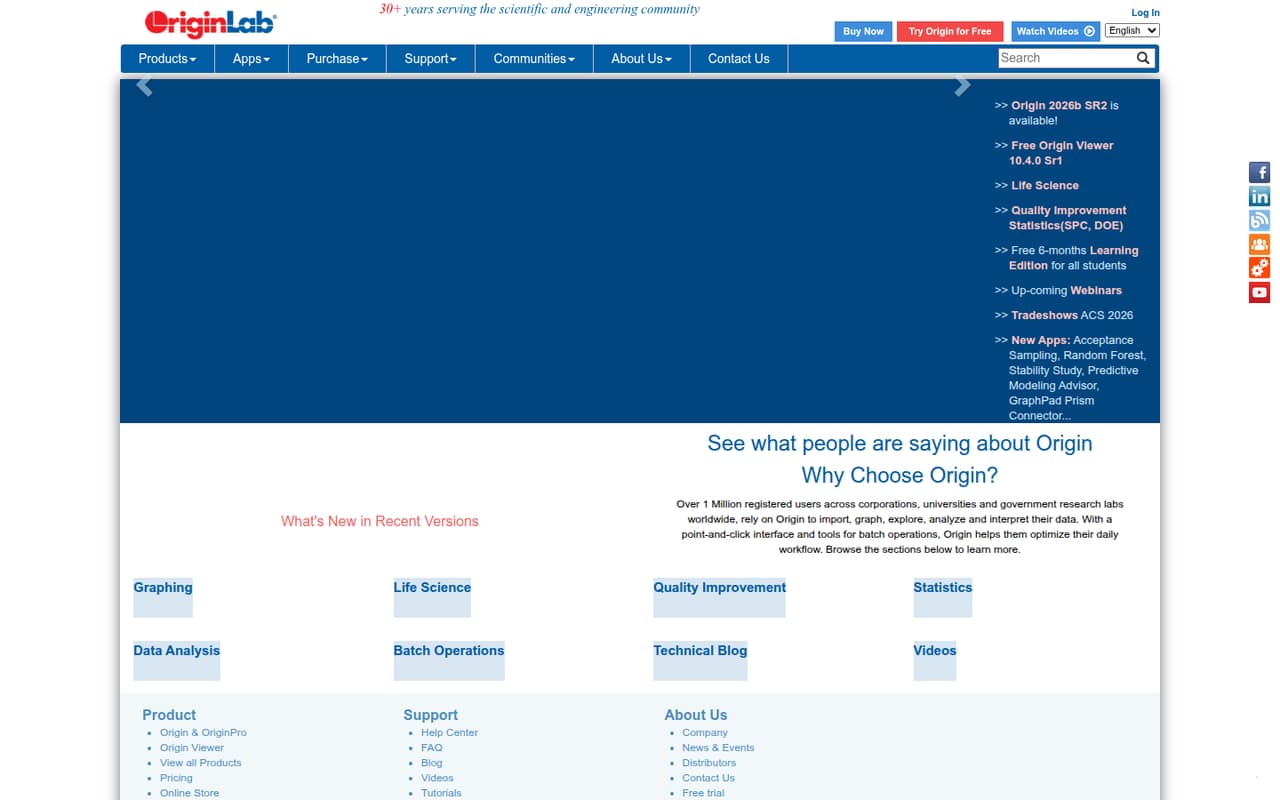
OriginPro leads for small teams because its listed starting price, $25.83, is the lowest clear figure in this group. The vendor’s billing period isn’t specified, so confirm the total for your seats before budgeting. It’s aimed at scientific graphing and analysis, making it a better fit for research or engineering teams than for general-purpose statistics.
What works
- Offers 2D and 3D graphing
- Includes regression, time series, and PCA
- Provides specialized curve-fitting tools
What doesn't
- No free plan is listed
- Commercial individual licenses cost $62.92 per month equivalent
- Individual node-locked licenses tie use to one computer
- Best Excel fitXLSTATXLSTAT
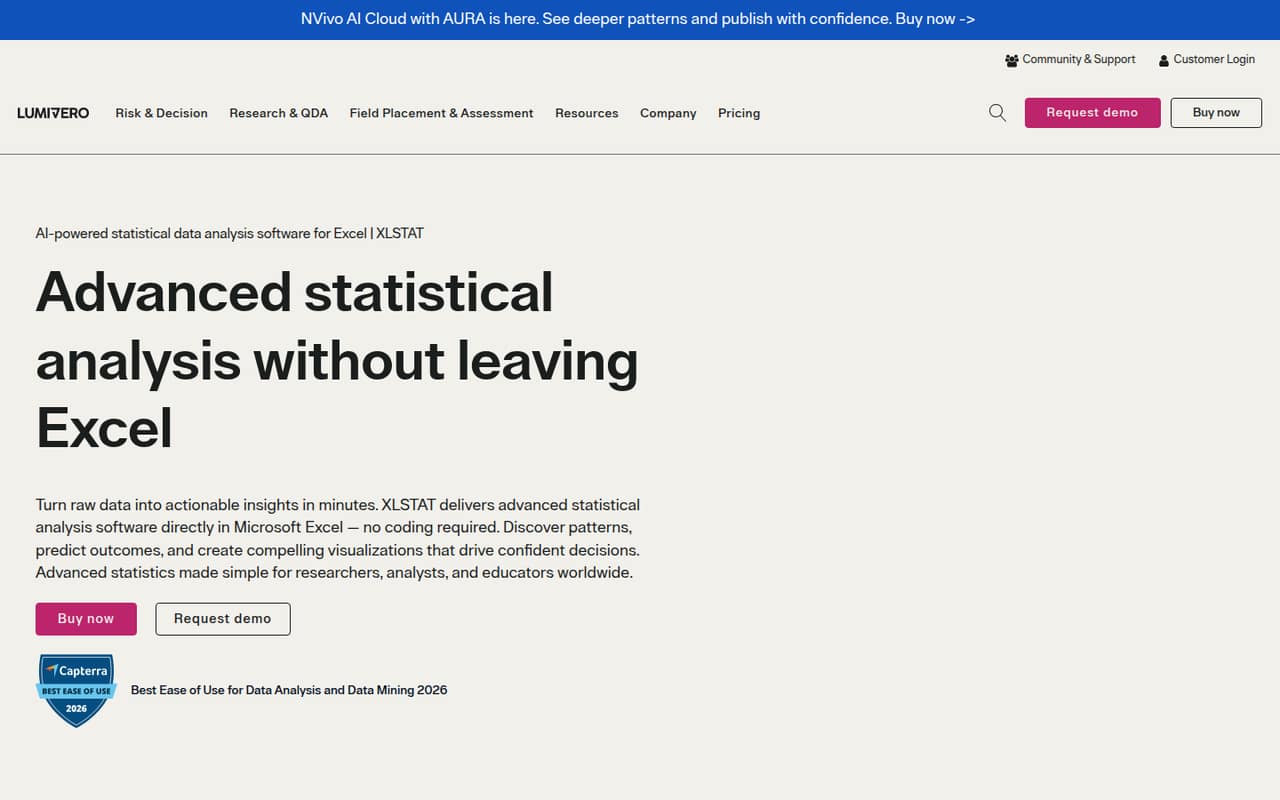
XLSTAT suits teams already working in Excel that want a broad statistics toolkit and point-and-click tools. That familiar workflow may be a practical fit for a small group, but the available plan prices are too unclear to budget confidently. Ask the vendor for the cost across your seats and which features are included before deciding.
What works
- Runs inside Microsoft Excel
- Point-and-click workflows require no coding
- Covers visualization, modeling, and time series
What doesn't
- No free plan is listed
- A free trial is not published
- Core plan prices are not published
- Best for economicsEViewsEViews
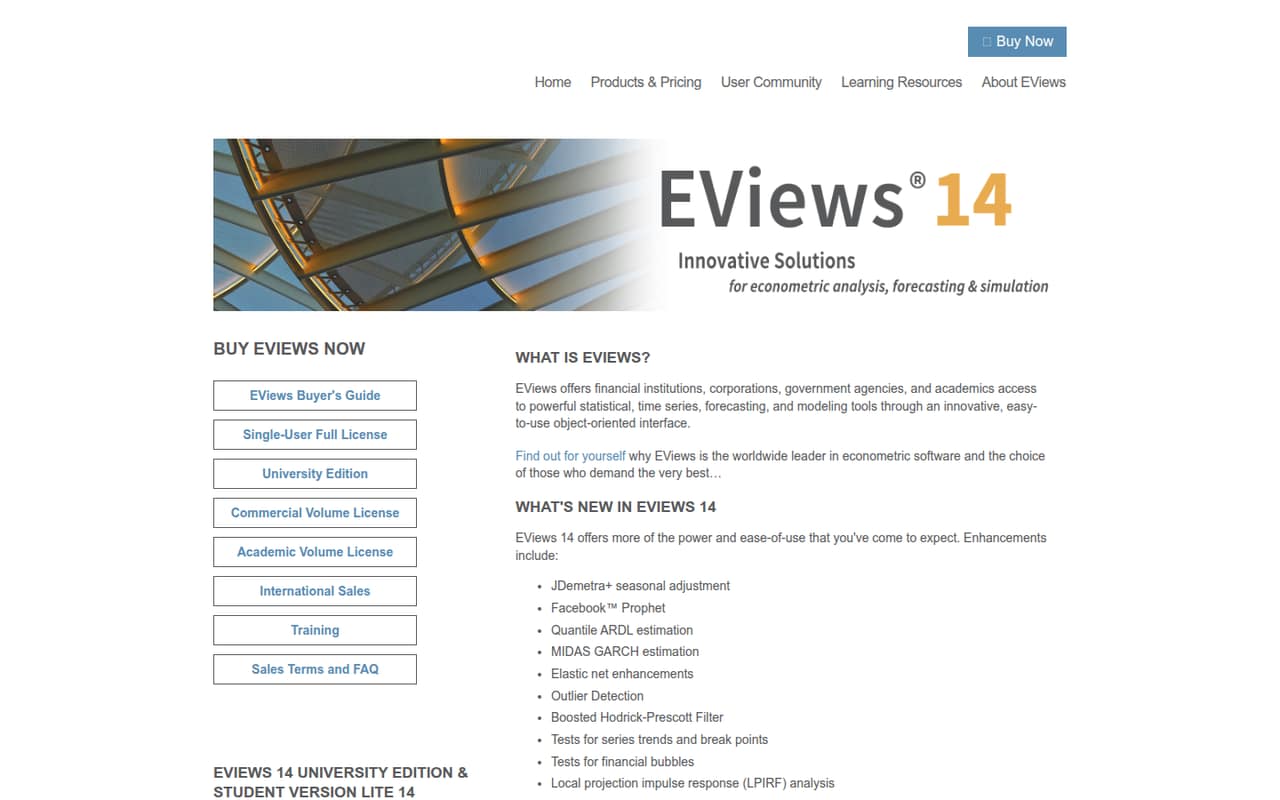
EViews is the specialist pick for economics and forecasting teams that need its time-series tools or EViews-specific models. Eligible academic users have a limited free student option, but that isn’t a general team plan. The listed starting price is n/a, and the per-person pricing is described as steep, so ask for a quote before planning multiple seats.
What works
- Focused tools for time-series analysis and forecasting
- EViews 14 adds several specialist methods
- PDF documentation included with new licenses
What doesn't
- Commercial license costs $2,450 per user
- No monthly or annual license price listed
- Student Lite has usage limitations
- Best for validationAnalyse-itAnalyse-it
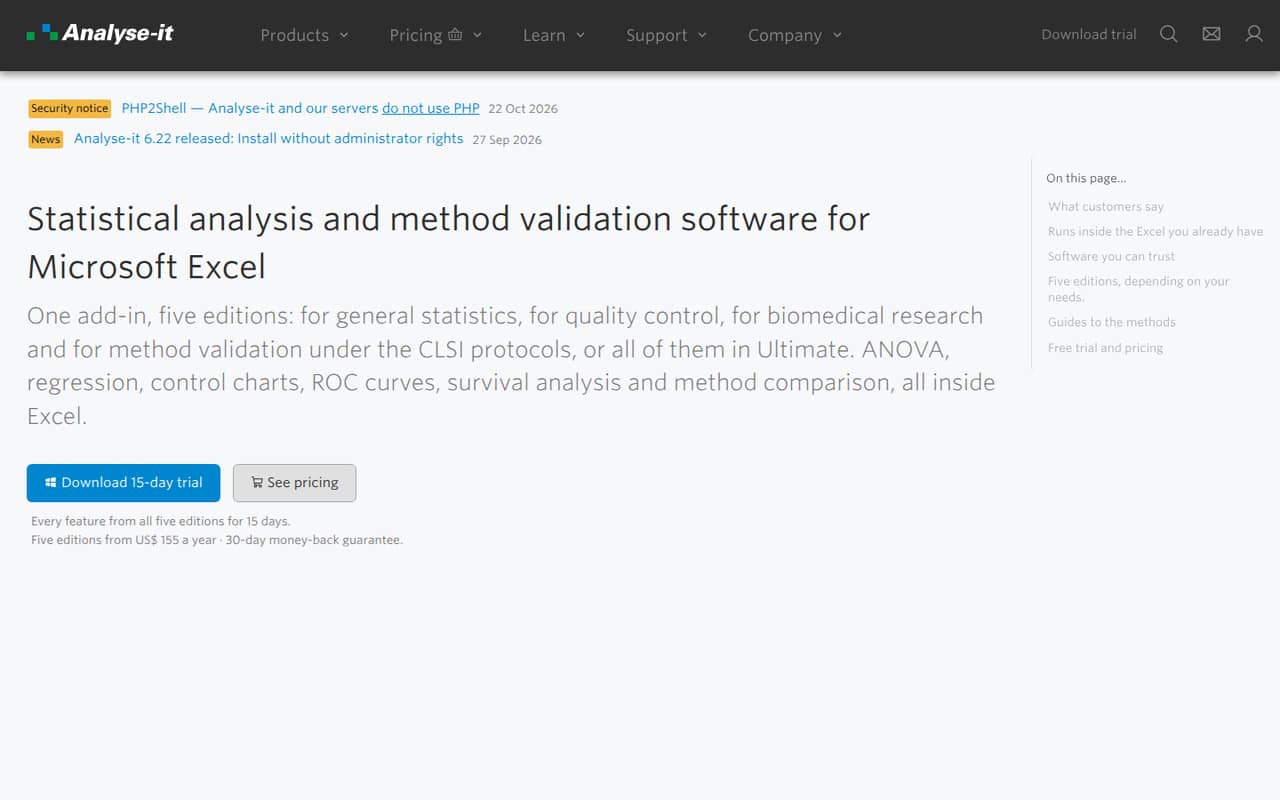
Analyse-it is an Excel add-in for research teams, labs validating measurement methods, and teams monitoring process quality. It offers a trial but no free plan, and team pricing is not clear enough to budget confidently. It may suit a small Excel-based group, but first confirm the price, seat terms, and which analyses are covered.
What works
- Works inside Microsoft Excel
- Includes statistical analysis and regression
- Method Validation includes eleven CLSI protocols
What doesn't
- No free plan
- Trial lasts 15 days
- Prices vary by edition and licence configuration
- Best for SPCMinitab Statistical SoftwareMinitab Statistical Software
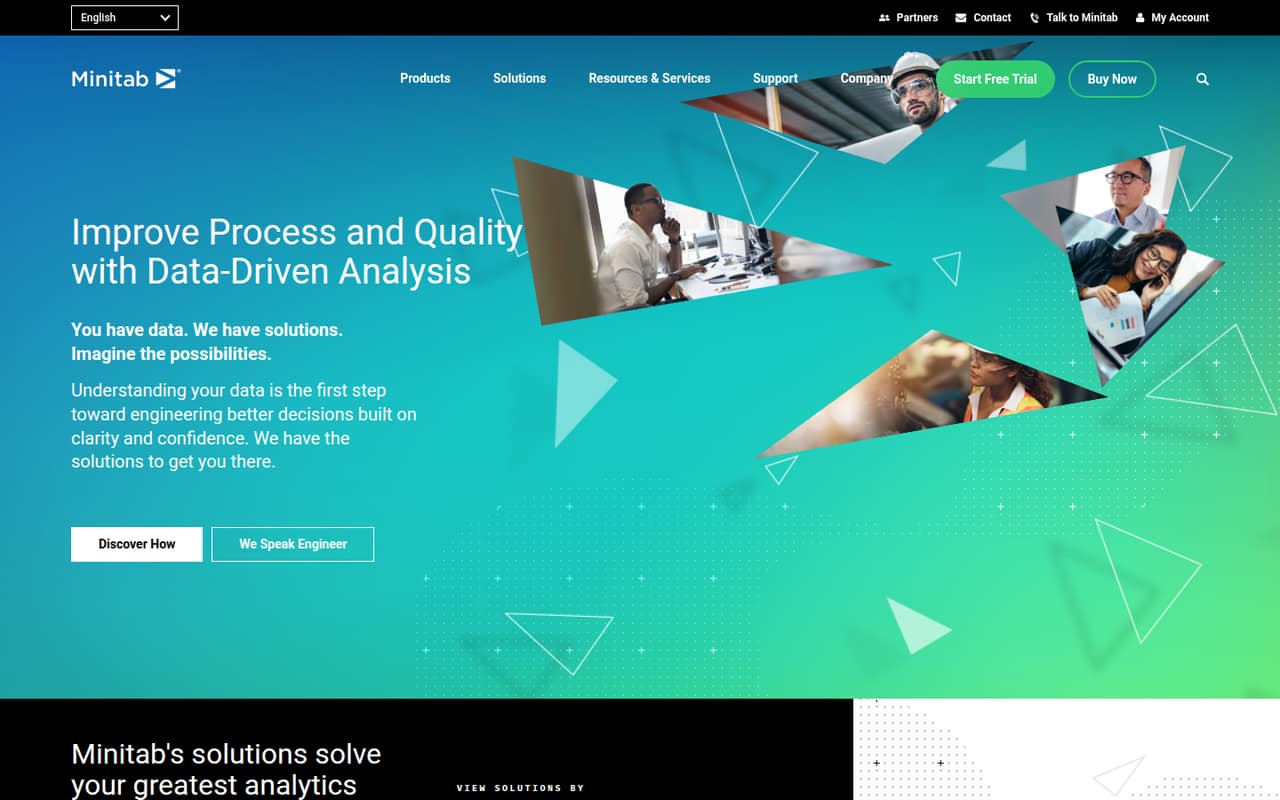
Minitab is the strongest match here for quality and process professionals, statistical process control, and designed experiments. The listed starting price is $199.50, and the annual cost is described as a stretch for a small team. Choose it when those quality tools are central to the work; otherwise, ask whether a less specialized option will cover your needs.
What works
- Supports statistical analysis for business challenges
- Includes statistical process control among its solution areas
- Lists reliability analysis and life data analysis
What doesn't
- No free plan is listed
- No free trial is listed
- Core costs $2,394 per user annually
- Best for graphingSigmaPlotSigmaPlot
SigmaPlot is aimed at researchers who need detailed scientific graph controls, including science and engineering students. Its specialist focus may justify the cost for graph-heavy work, but there is no free plan and the entry price is described as steep. The listed starting price is n/a, so ask the vendor for a current quote before shortlisting it.
What works
- Statistical analysis for scientific data
- Customized graphs beyond basic spreadsheet charts
- Step-by-step graph and analysis wizard
What doesn't
- No free plan
- Academic license costs $899 per user
- Corporate license costs $1,599 per user
03How we chose
We ranked these tools for teams of one to ten, not for the breadth of their feature lists. We weighed the fit for a small team, any stated free access or trial, published starting prices, price clarity, and how quickly seat costs could become a budget concern. We also considered setup effort, plan limits, documentation, and Reddit sentiment as buying checks; we don’t assume a setup time or community consensus where there’s no supported detail. Specialist tools score well when their niche matches the team’s work, not simply because they offer more functions.
04Match the tool to the work you do
Before comparing plans, list the analyses your team needs and the person who will run them. The tools here have distinct fits: EViews for economics and forecasting, Minitab for quality and process work, OriginPro and SigmaPlot for scientific analysis and graphing, and XLSTAT or Analyse-it for Excel-based work. Don’t pay for a specialist toolkit unless its focus matches your work.
For a team of a few people, check whether everyone needs a seat or whether only analysts will use the software. Ask the vendor which features come with the quoted plan, whether seats can be shared or reassigned, and what onboarding or installation involves. Setup effort and plan limits can change the real cost, so confirm them before choosing rather than inferring them from a product’s category.
05Get the full price before you commit
A starting price is not a team quote. OriginPro lists $25.83, but the billing period isn’t specified. Minitab lists $199.50 and is described as an annual stretch for small teams. EViews and SigmaPlot have no listed starting price; XLSTAT and Analyse-it have limited price clarity. Ask each vendor for the total for your seat count, billing term, and required features.
Check free access carefully. EViews has a limited free student option for eligible academic users; it isn’t presented as a general team plan. Analyse-it offers a trial but no free plan, and SigmaPlot has no free plan. For other products, confirm whether a free plan exists and what it includes. If the tool’s core features or price remain unclear after a quote, that’s a reason to pause—not a detail to guess.
Questions people ask
What software is used for stats?
It depends on the work. This shortlist includes Excel-based options such as XLSTAT and Analyse-it, scientific analysis and graphing tools such as OriginPro and SigmaPlot, and specialist picks such as EViews for economics and Minitab for quality and process work.
Which is better, SPSS or Stata?
This shortlist doesn’t compare SPSS with Stata, so we can’t name a winner from these picks. Compare the analyses your team needs, the number of seats, and the full quote for each product. Ask both vendors to confirm which plan includes your required features.
What are the 7 tools of SPC?
Minitab is the clearest match in this list for statistical process control, but this guide doesn’t establish which specific SPC methods it includes. Ask the vendor for its current list of supported tools and confirm that your team’s required methods are covered by the quoted plan.
Can ChatGPT do SPSS analysis?
This guide doesn’t evaluate ChatGPT or SPSS, so it can’t confirm that workflow. If you’re considering AI for analysis, verify the output against your statistical method and source data, and ask whether your team’s privacy rules allow sharing the data involved.