
We may earn a commission if you buy through links on this page. It never changes a score or a ranking. How we make money
The bottom line
A broad statistics toolkit for Excel, with plan prices too unclear to budget confidently.
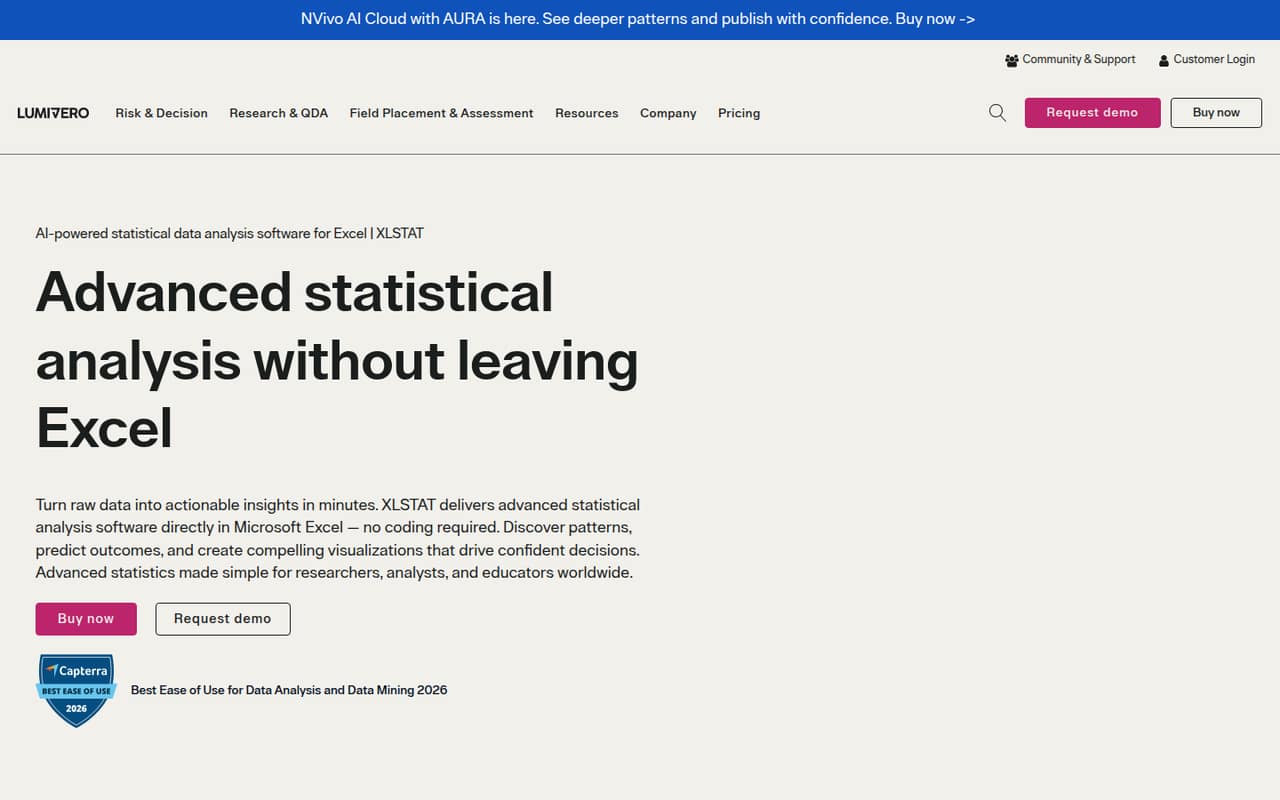
XLSTAT adds point-and-click statistical analysis to Excel, with tools for visualization, modeling, time series, quality control, sensory research, and life sciences. It could suit a small team that needs those methods without writing code.
The catch is cost clarity: the vendor doesn't publish prices for Essentials, Standard, or Advanced, and there's no free plan listed. Two add-ons are listed at €295 each annually. We wouldn't commit a team budget until XLSTAT confirms per-seat pricing and billing terms.
Good fit if
- Small teams already working in Excel
- Researchers who need statistical analysis
- Teams that prefer point-and-click tools
Skip it if
- Teams that need a free plan
- Buyers requiring clear per-seat pricing
- Teams working outside Excel
ScoresHow it rates
What works
- Runs inside Microsoft Excel
- Point-and-click workflows require no coding
- Covers visualization, modeling, and time series
- Includes sensory analysis and quality control tools
- Lists life sciences analysis among its capabilities
What doesn't
- No free plan is listed
- A free trial is not published
- Core plan prices are not published
- Seat and billing terms are not published
- Unclear costs make small-team budgeting difficult
01Who XLSTAT is for
XLSTAT is worth considering for a 1-10 person team that already keeps data and analysis in Excel and needs more than spreadsheet formulas. It adds statistical tools to Excel, with point-and-click workflows and no coding required. The stated use cases include data visualization, regression and classification, time series, quality control, sensory research, and life sciences.
That range may suit research, business, or education teams, but the best fit is a group with a specific analysis need—not a team shopping for a general-purpose spreadsheet upgrade. A small team on a tight budget should get a quote before building a workflow around it: the vendor doesn't publish the core plan prices or per-seat terms. If your team wants to analyze data without leaving Excel, XLSTAT's approach is relevant. If you need clear costs for several seats before evaluating, the pricing gap is a real hurdle.
02XLSTAT free plan and trial
The pricing information lists no free plan and doesn't publish a free-trial offer. That leaves no confirmed no-cost route for a small team to evaluate XLSTAT before budgeting. The listed plans are Essentials for basic statistical analysis, Standard for standard statistical workflows, and Advanced for advanced statistical analysis.
Essentials is the cheapest listed way in by plan level, but its price and billing terms aren't published. Ask XLSTAT whether it offers a trial, what the Essentials license includes, and whether a trial license can be shared across a team. Don't treat the two €295 annual add-ons as a substitute for a free or entry-level plan: they're listed separately, and their licensing unit isn't stated.
03What a small team pays for XLSTAT
The vendor lists three plans—Essentials, Standard, and Advanced—but doesn't publish their prices, billing terms, or license units. That means we can't give a supported cost for one person, three seats, or five seats, or compare monthly billing with an annual commitment. The starting price is not published, so ask XLSTAT for a written quote that breaks out each seat and renewal term.
The listed add-ons are 3DPlot at €295 annually and Latent Class at €295 annually. The vendor doesn't state whether those amounts apply per user, per organization, or another license unit, so a three- or five-person team should confirm that before adding them to a budget. For a team watching each subscription, this is the main drawback: the plan names indicate levels of analysis, but without prices or feature-by-plan details, it's hard to tell which tier is the cheapest one that works.
04Getting started with XLSTAT
XLSTAT runs inside Microsoft Excel, so the core workflow keeps analysis in a spreadsheet environment your team may already use. The product description says its workflows are point-and-click and require no coding, which should be approachable for analysts who are comfortable with Excel but don't write scripts.
The setup steps, system requirements, and onboarding effort aren't published in the details available to buyers. Excel is the stated integration; other integrations aren't listed. Before purchase, ask the vendor which Excel versions and operating systems are supported, how installation and licensing work across seats, and whether team members need separate licenses. One Reddit post sought paid help with XLSTAT visualization, and another asked for help using the add-in. That's a reason to check what training or support is available, not proof that setup is difficult.
05When small teams outgrow XLSTAT
A team may outgrow XLSTAT if its work no longer fits an Excel-based workflow, or if it needs clearer licensing and costs as more colleagues join. The listed plan levels suggest a path from Essentials to Standard or Advanced, but the vendor doesn't publish detailed feature limits or prices by tier. Ask which methods require an upgrade and whether licenses are priced per seat before adding users.
Cost is already a concern in one r/spreadsheets thread: the poster called XLSTAT expensive and asked about a $20-30 monthly budget. That is one buyer's view, not a market-wide verdict, but it underlines why a quote matters. Another Reddit post sought help with XLSTAT analysis and visualization. If your team needs training, shared workflows, or analysis outside Excel, confirm those needs with the vendor before scaling. The published details don't establish what larger teams get beyond the plan names.
From the threadsWhat users say
The small amount of Reddit discussion is mixed: one buyer calls XLSTAT expensive, while other posts show people seeking help with tasks inside the add-in. That suggests interest in its capabilities, but doesn't establish broad user satisfaction or dissatisfaction.
but it is expensive
I need some help with data visualisation inside excel ( using the software XLSTAT)
Will pay for your time of course
I like Xlstat add on for excel to run some high level stats model
Questions people ask
Does XLSTAT have a free plan?
No free plan is listed in the pricing information. A free trial isn't published either. Essentials is the lowest-level plan listed, for basic statistical analysis, but the vendor doesn't publish its price. Ask XLSTAT whether it can provide a trial or evaluation license before you commit.
How much does XLSTAT cost for a small team?
The vendor doesn't publish prices for Essentials, Standard, or Advanced, or say whether the plans are billed per seat. We can't calculate a reliable price for one, three, or five users. Ask for a quote with seat counts, renewal terms, and any required add-ons listed separately.
What does XLSTAT do in Excel?
XLSTAT adds statistical analysis tools to Microsoft Excel, using point-and-click workflows that don't require coding. Its stated capabilities include data visualization, regression and classification, sensory analysis, quality control, time series, and analysis for life sciences.
Which XLSTAT plan should a small team choose?
The listed plan levels are Essentials for basic statistical analysis, Standard for standard statistical workflows, and Advanced for advanced statistical analysis. The vendor doesn't publish detailed feature-by-plan limits or prices, so ask which plan covers your methods and request a seat-based quote before choosing.
What do XLSTAT add-ons cost?
The listed annual prices are €295 for 3DPlot and €295 for Latent Class. The vendor doesn't publish the licensing unit for those amounts. Confirm whether the cost is per user or organization, and whether your chosen plan requires any additional license.