We may earn a commission if you buy through links on this page. It never changes a score or a ranking. How we make money
A small team may not need workflow automation software yet. If you regularly copy the same information between apps or chase routine approvals, a free plan can help you see whether automating the handoff is worth it. Make is our first pick for its $9 entry price and free plan; Activepieces and IFTTT are good alternatives, depending on your comfort with technical setup and your workflow needs. Treat listed prices as starting points, not a quote for your whole team: seat terms, usage limits, and the cost of a few seats can change the math.
Quick picksThe shortlist
 MakeMakeBest for small teams · $9/mo
 IFTTTIFTTTBest free · $2.09/mo
 ActivepiecesActivepiecesBest for flexibility · $20/mo
 ZapierZapierBest app coverage · $19.99/mo
 n8nn8nBest for technical teams · $20/mo
 Trigger.devTrigger.devBest for TypeScript teams · $10/mo
 Azure Logic AppsAzure Logic AppsBest for Azure workflows · $175.16/mo
 BardeenBardeenBest for lead research · $10/mo
 Relay.appRelay.appBest for approval steps · $19/mo
 PipedreamPipedreamBest for API workflows · $99/mo
01Compared at a glance
| Tool | Score | From | Free plan | Trial |
|---|---|---|---|---|
| MakeMake | 7.1 | $9/mo | Yes | — |
| IFTTTIFTTT | 7.2 | $2.09/mo | Yes | — |
| ActivepiecesActivepieces | 8.0 | $20/mo | Yes | — |
| ZapierZapier | 7.2 | $19.99/mo | Yes | — |
| n8nn8n | 7.3 | $20/mo | Yes | 14 days |
| Trigger.devTrigger.dev | 8.0 | $10/mo | Yes | — |
| Azure Logic AppsAzure Logic Apps | 5.8 | $175.16/mo | Yes | — |
| BardeenBardeen | 6.7 | $10/mo | Yes | — |
| Relay.appRelay.app | 6.5 | $19/mo | Yes | — |
| PipedreamPipedream | 7.0 | $99/mo | Yes | — |
02The picks, in detail
- Best for small teamsMakeMake
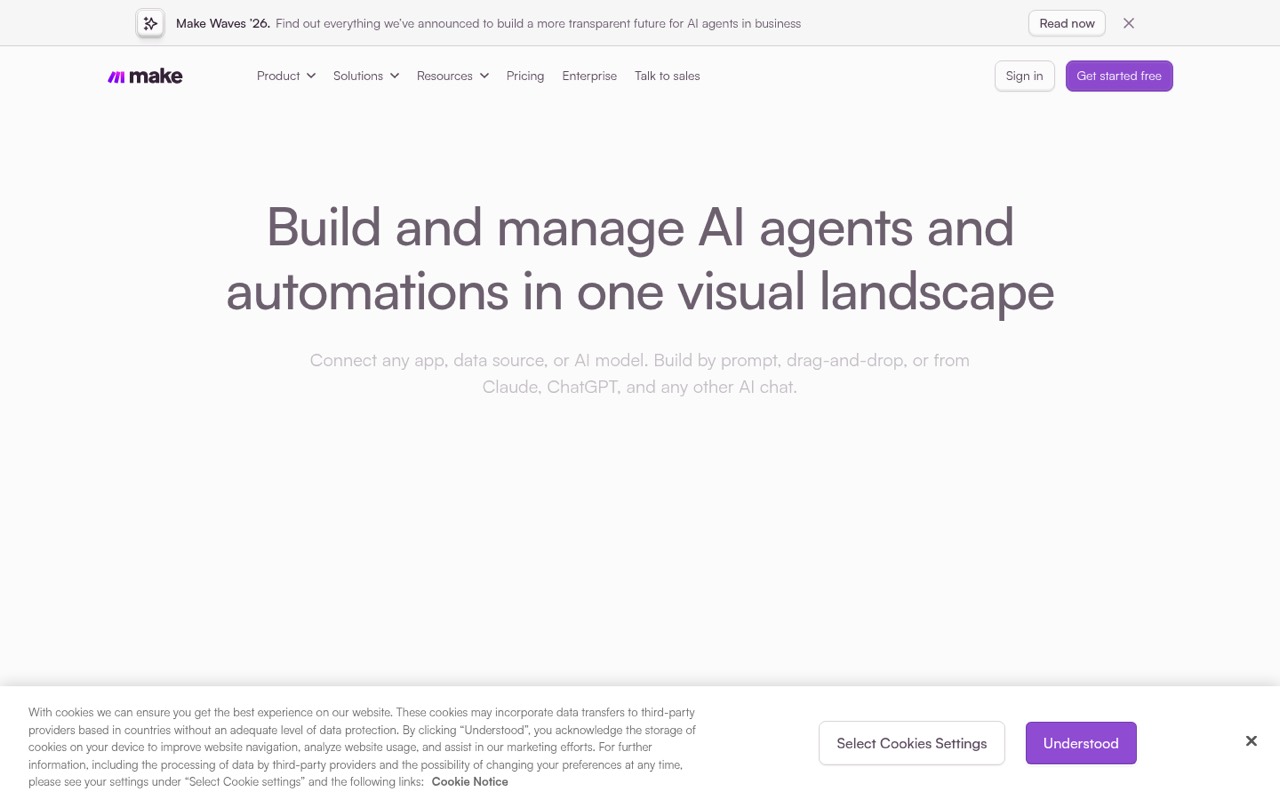
Make combines a free plan with a $9 starting price and visual workflows for repeatable tasks. That makes it a practical first stop for a small team that wants to map a process without starting with a developer-focused tool. Check the Core plan price and seat terms before committing; the entry price alone doesn’t establish what several teammates will pay.
What works
- Free plan includes 1,000 monthly credits
- Visual builder supports drag-and-drop and prompts
- Core lists unlimited active scenarios
What doesn't
- Free plan allows only two active scenarios
- Free scheduling interval is at least 15 minutes
- Free execution logs last seven days
- Best freeIFTTTIFTTT
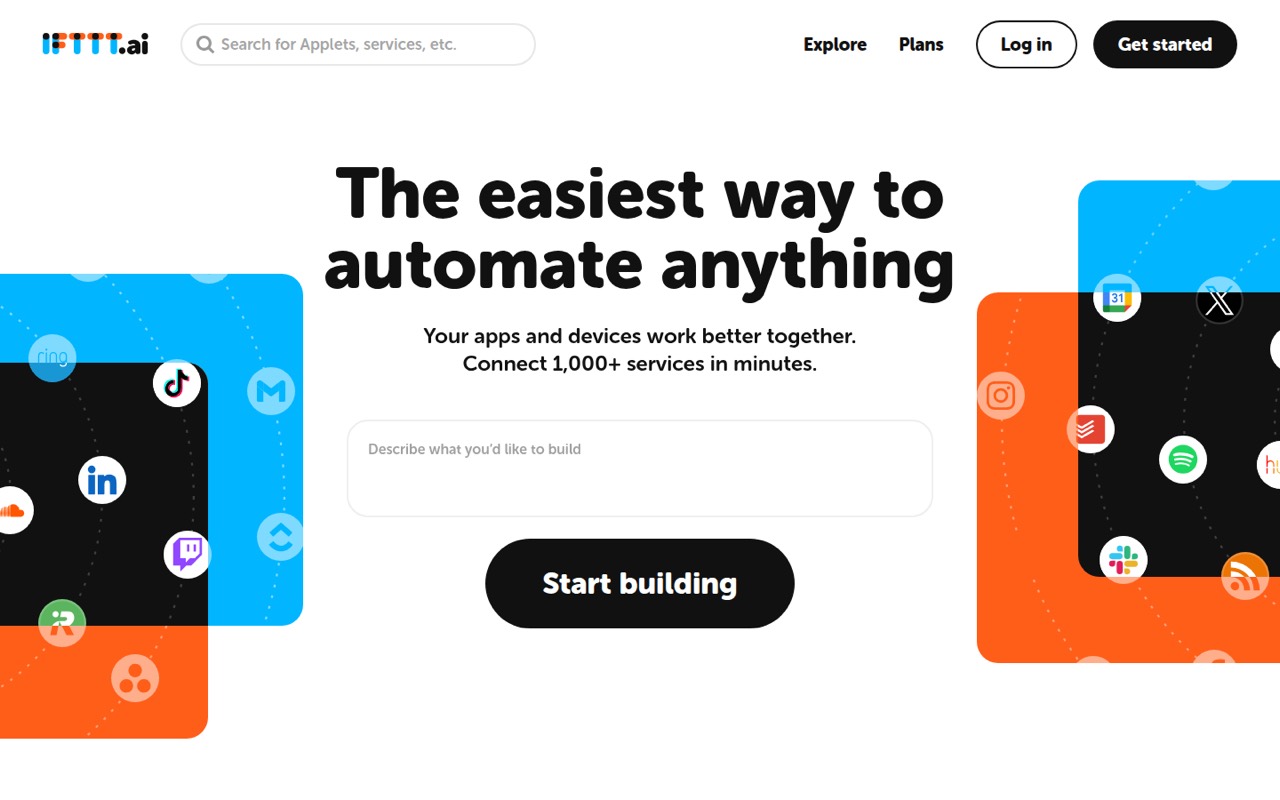
IFTTT is a budget-friendly way to try routine app and device automations, with a free plan and a $2.09 starting price. It fits teams testing simple handoffs before paying for a bigger system. Check credit limits and team pricing first, especially if several people need to create or manage automations.
What works
- Free plan lists unlimited Applets
- Free plan includes all features
- Connects to 1,000+ services
What doesn't
- Free plan is capped at 1,000 monthly credits
- Extra-credit prices are not itemized
- Team-seat pricing is not published
- Best for flexibilityActivepiecesActivepieces
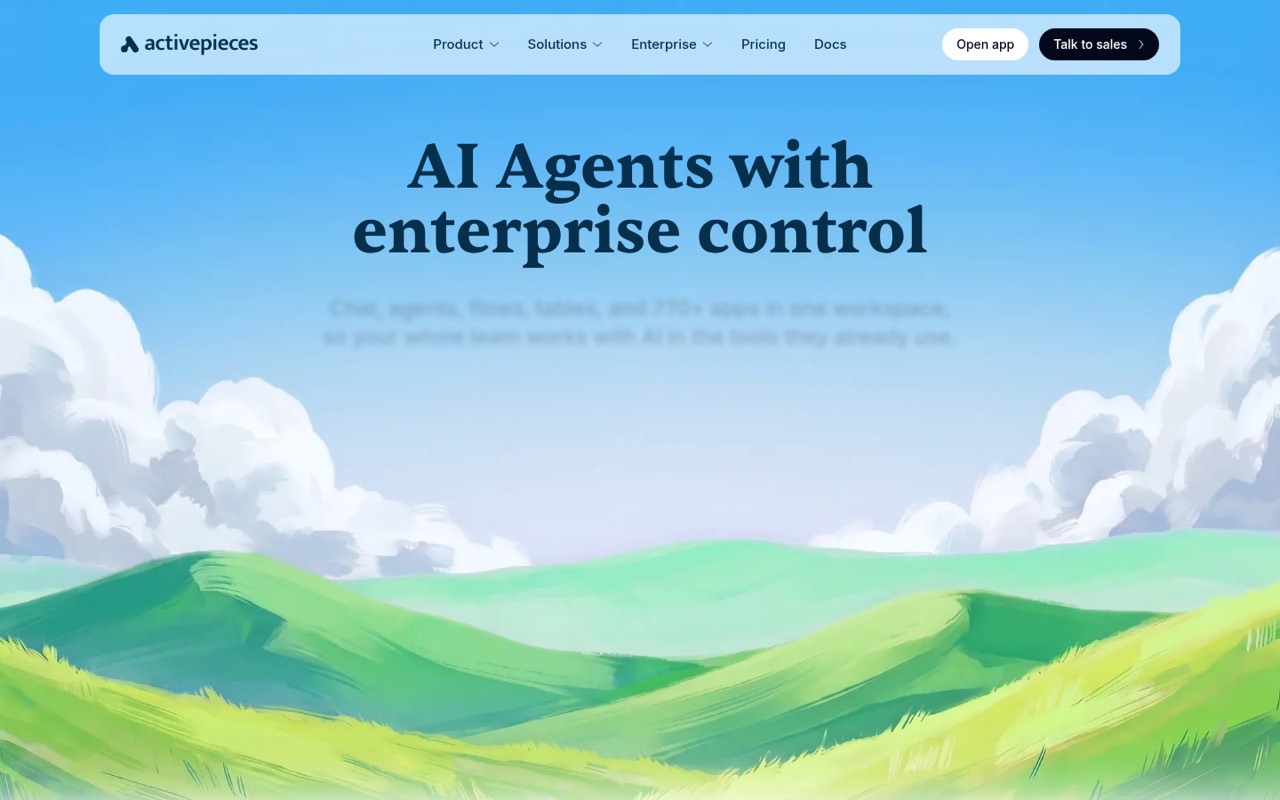
Activepieces pairs a free plan with a $20 starting price and supports teams that want to automate work across apps. Its self-hosting option may suit a technical team that prefers more control, though that route takes more setup than a ready-to-use service. It’s a good shortlist choice if cost matters but your team can handle some technical work.
What works
- Free plan supports up to five users
- Unlimited flows on Free, Plus and Team
- Plus is $20 monthly for up to five users
What doesn't
- Free plan includes 1,000 monthly credits
- Extra credits cost $0.007 on Plus and Team
- Added-seat prices are not published
- Best app coverageZapierZapier
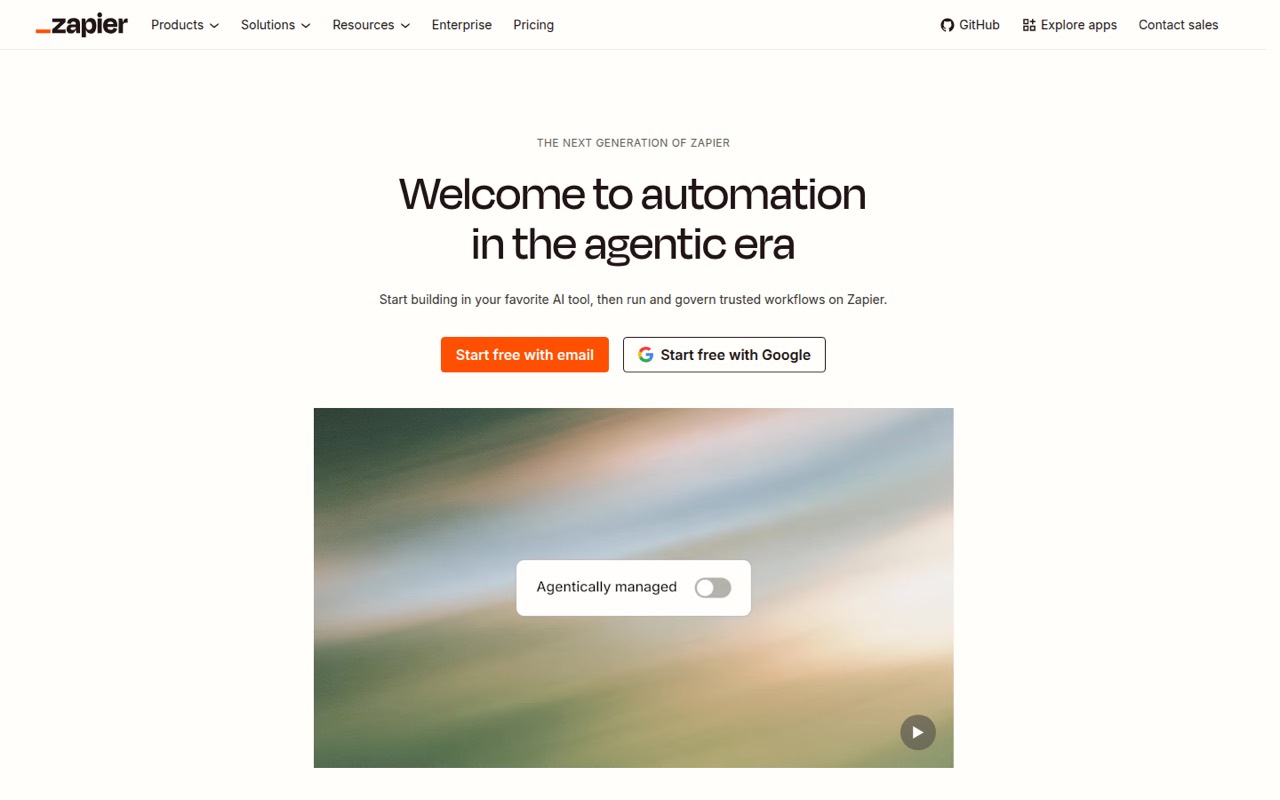
Zapier is a fit when the team’s main concern is connecting its existing apps: the listing cites more than 9,000 connections and describes shared workflow controls. It has a free plan and starts at $19.99. Task limits can pinch a small budget, so estimate how often each workflow runs before making it the team’s default.
What works
- Connects more than 9,000 apps
- Free plan includes unlimited Zaps, Tables, and Forms
- Professional includes multi-step Zaps and webhooks
What doesn't
- Free plan is limited to 100 tasks monthly
- Free Zaps are limited to two steps
- Free plan has one seat and 15-minute polling
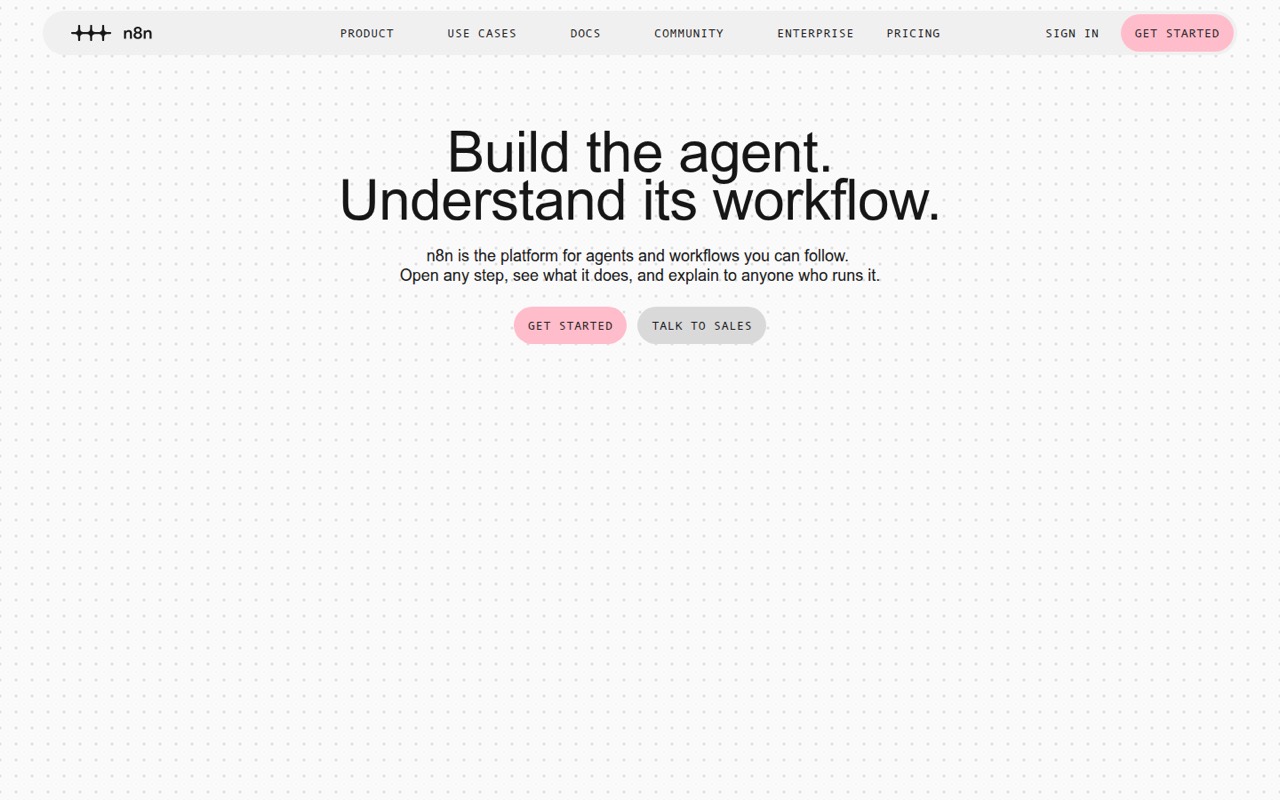
- Best for technical teamsn8nn8n
n8n suits technical founders who want visible, repeatable workflows and are willing to self-host. It has a free plan and a $20 starting price, but it is not the easiest choice if the team wants zero setup. Consider it when someone can own the technical work; otherwise, compare it with a more straightforward visual tool.
What works
- Free self-hosted plan with unlimited users and workflows
- Visual builder lets teams add code when needed
- Workflow runs can be reviewed step by step
What doesn't
- Community Edition requires your own server
- Free plan lacks SSO, LDAP, and admin roles
- Starter is capped at 2,500 monthly executions
- Best for TypeScript teamsTrigger.devTrigger.dev
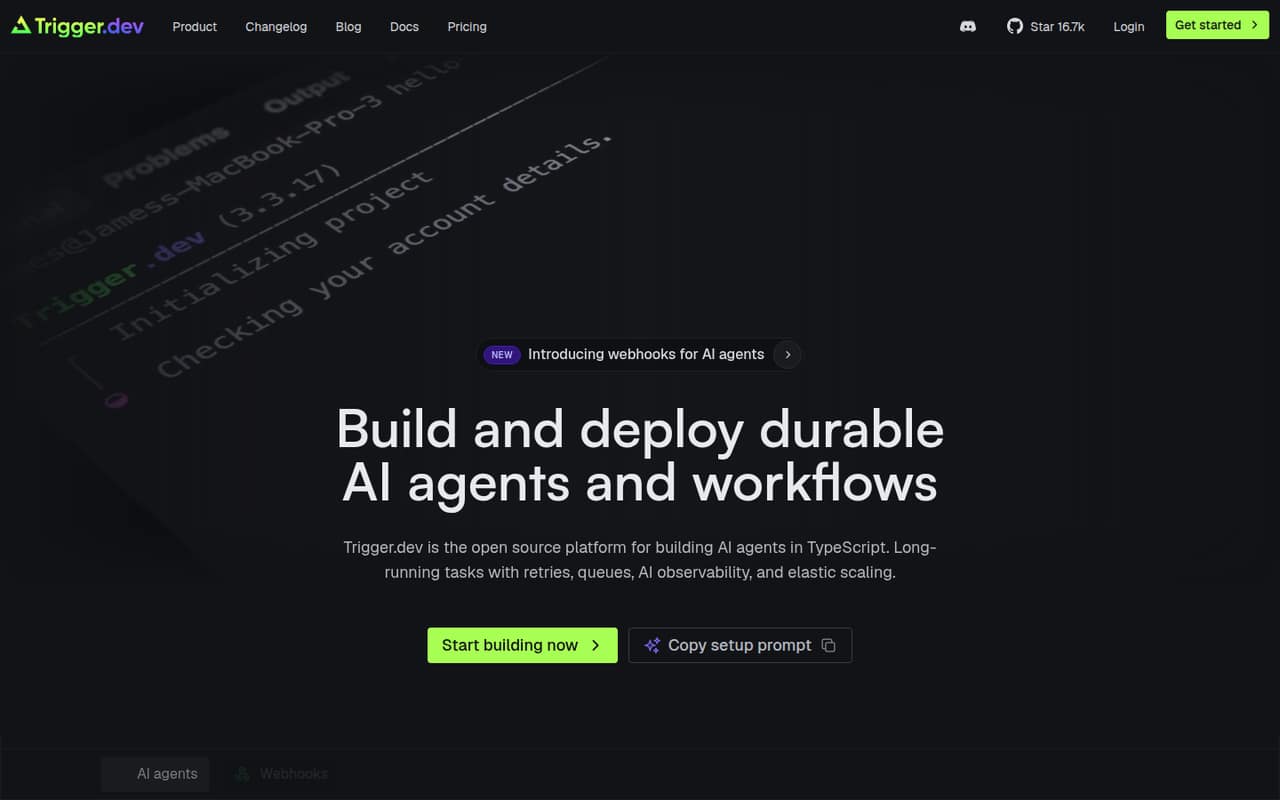
Trigger.dev is built for TypeScript teams running background jobs, including workflows that need durable execution or AI features such as streaming and approvals. The free plan and $10 starting price make it an affordable entry point for developers. It’s less suitable if nobody on the team wants to build or maintain workflows in code.
What works
- Free tier includes five team members
- Free plan includes unlimited tasks
- Hobby costs $10 monthly for five members
What doesn't
- Built for TypeScript rather than Python
- Compute and invocation rates add usage costs
- Annual billing and discounts are not published
- Best for Azure workflowsAzure Logic AppsAzure Logic Apps
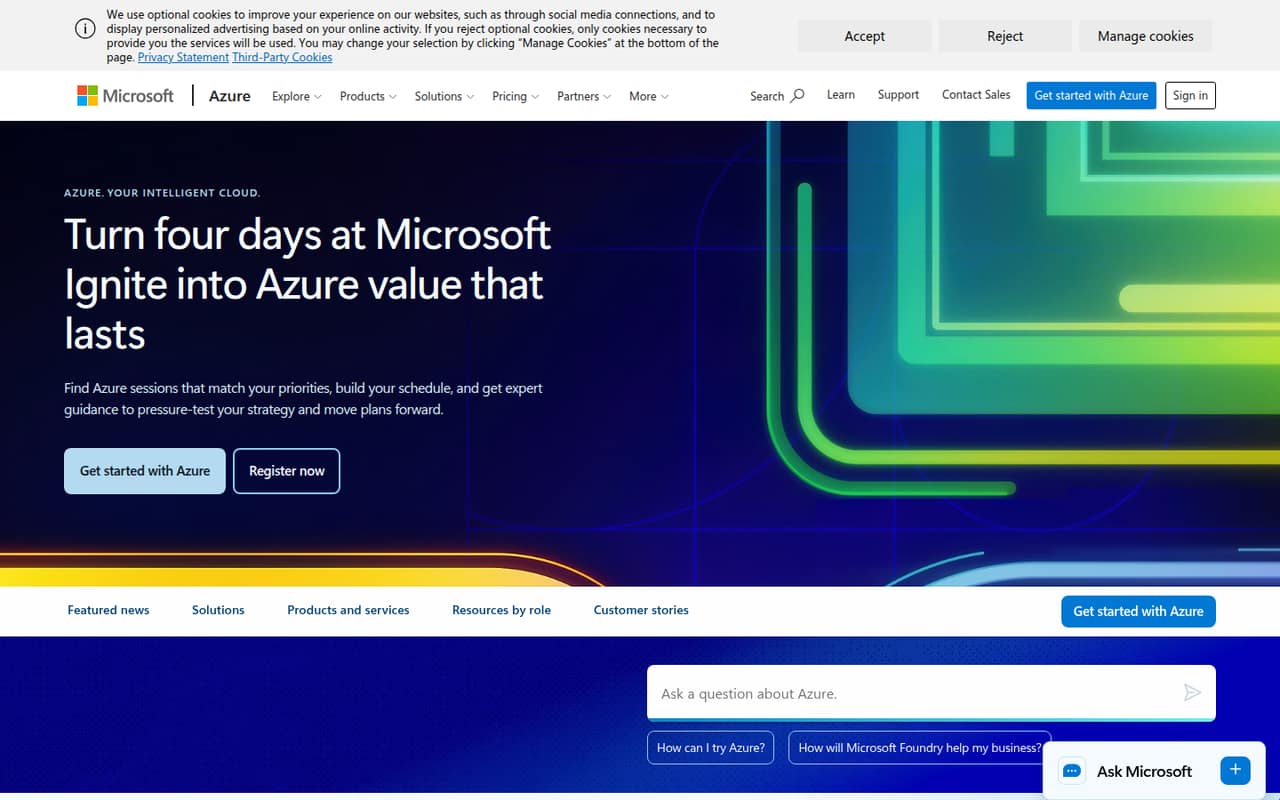
Azure Logic Apps is worth considering when the workflows already center on Azure. The listing includes a free plan and a $0 starting price, but advises pricing workflow volume and complexity before choosing it. That makes it hard to compare on the entry price alone; map the expected workload and ask for a cost estimate.
What works
- Consumption includes 4,000 actions per month free
- No per-seat charge is listed for Consumption
- Native Azure integration is highlighted
What doesn't
- Homepage does not specify connectors or triggers
- Connector calls can add separate charges
- Standard plan totals are hourly-rate estimates
- Best for lead researchBardeenBardeen
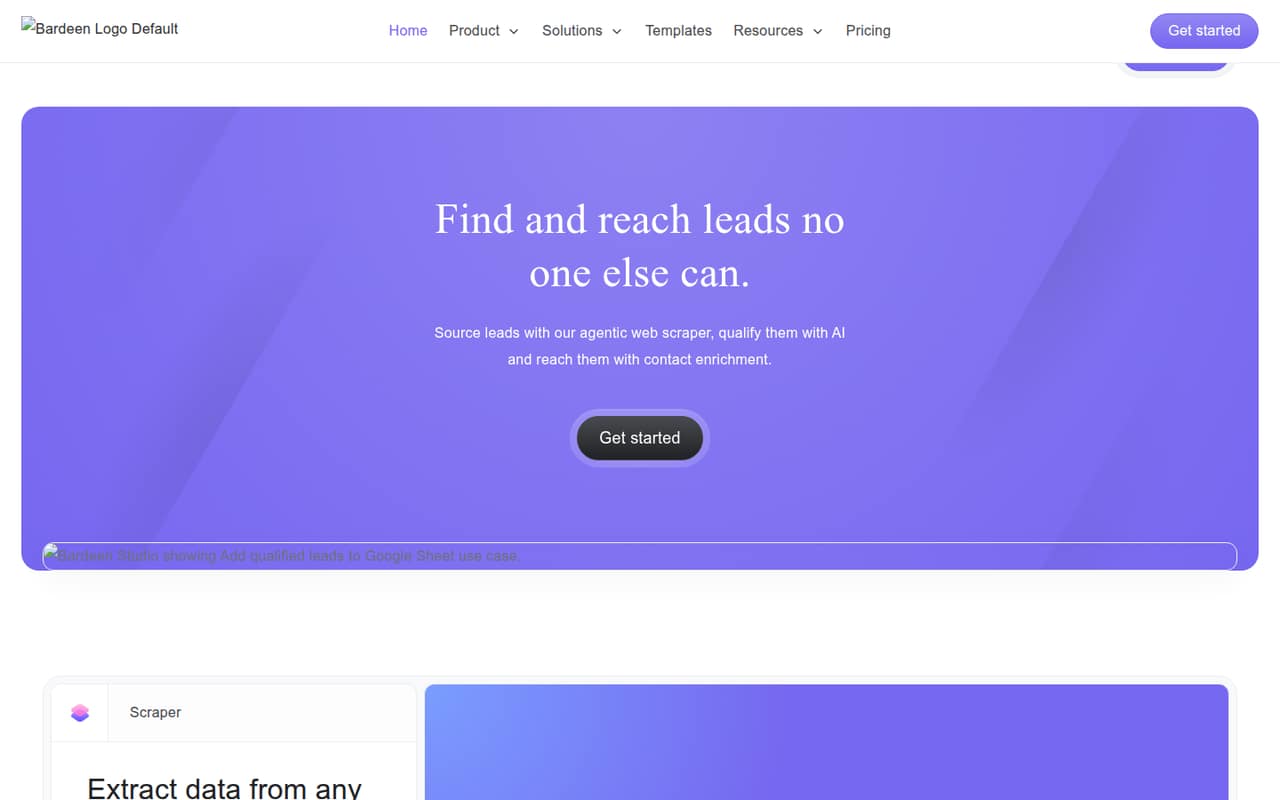
Bardeen focuses on sales lead research, exporting prospects to spreadsheets, and other repetitive go-to-market tasks. It has a free plan and starts at $10, making it a focused option for a small sales team. Check credit limits and seat pricing first, since the listed entry price doesn’t settle what a shared team setup will cost.
What works
- Free plan includes 100 monthly credits
- Basic includes custom and premium scrapers
- Can enrich contact details and qualify leads
What doesn't
- Free credits expire each billing period
- Basic also lists only 100 monthly credits
- Per-seat pricing is not published
- Best for approval stepsRelay.appRelay.app
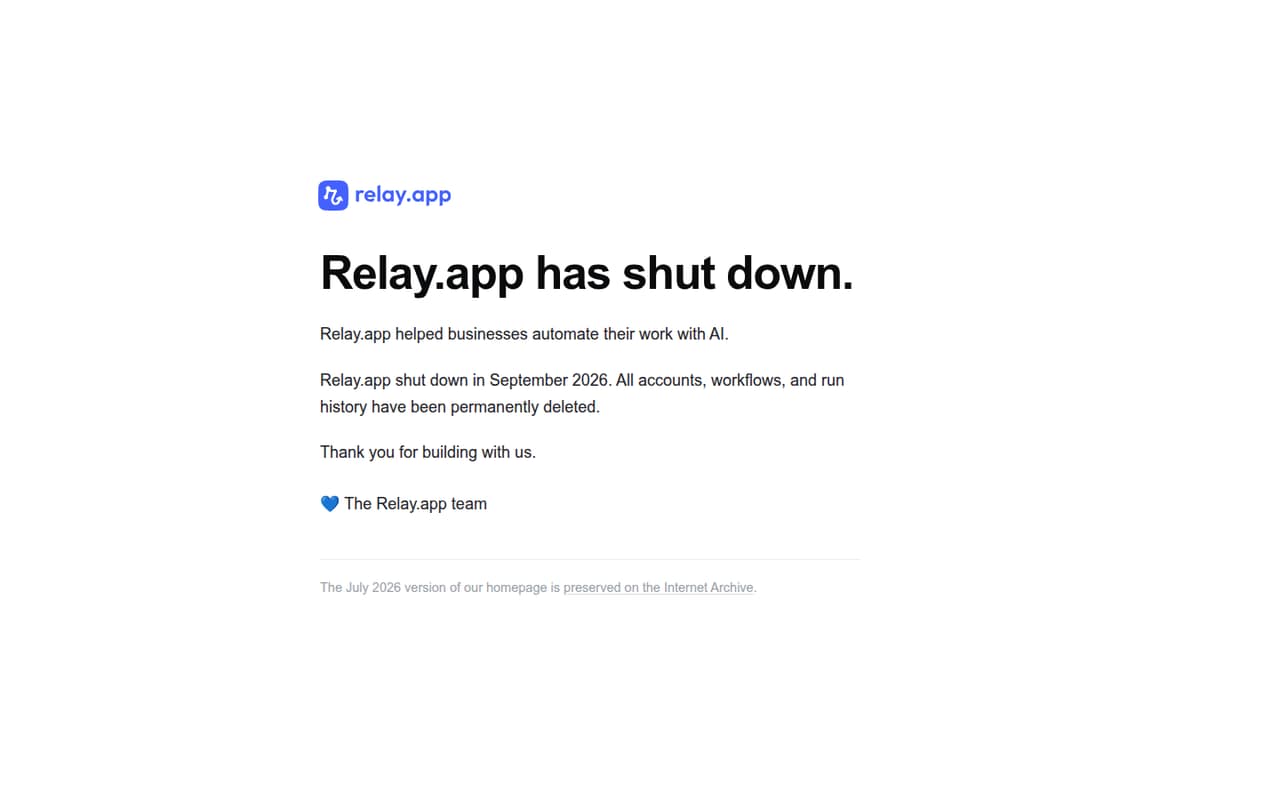
Relay.app is a candidate for teams that need workflow automation with approval steps or AI workflows that include human checks. It offers a free plan and starts at $19, so a small team can compare it with broader app-automation tools. Check service status before committing, and confirm which plan and seat setup your team needs.
What works
- Pauses workflows for human approval and edits
- Includes OpenAI, Anthropic and Google AI steps
- Supports branches, merged paths and iterators
What doesn't
- Free plan is limited to one user
- Free plan allows 200 steps monthly
- Extra seat prices are not published
- Best for API workflowsPipedreamPipedream
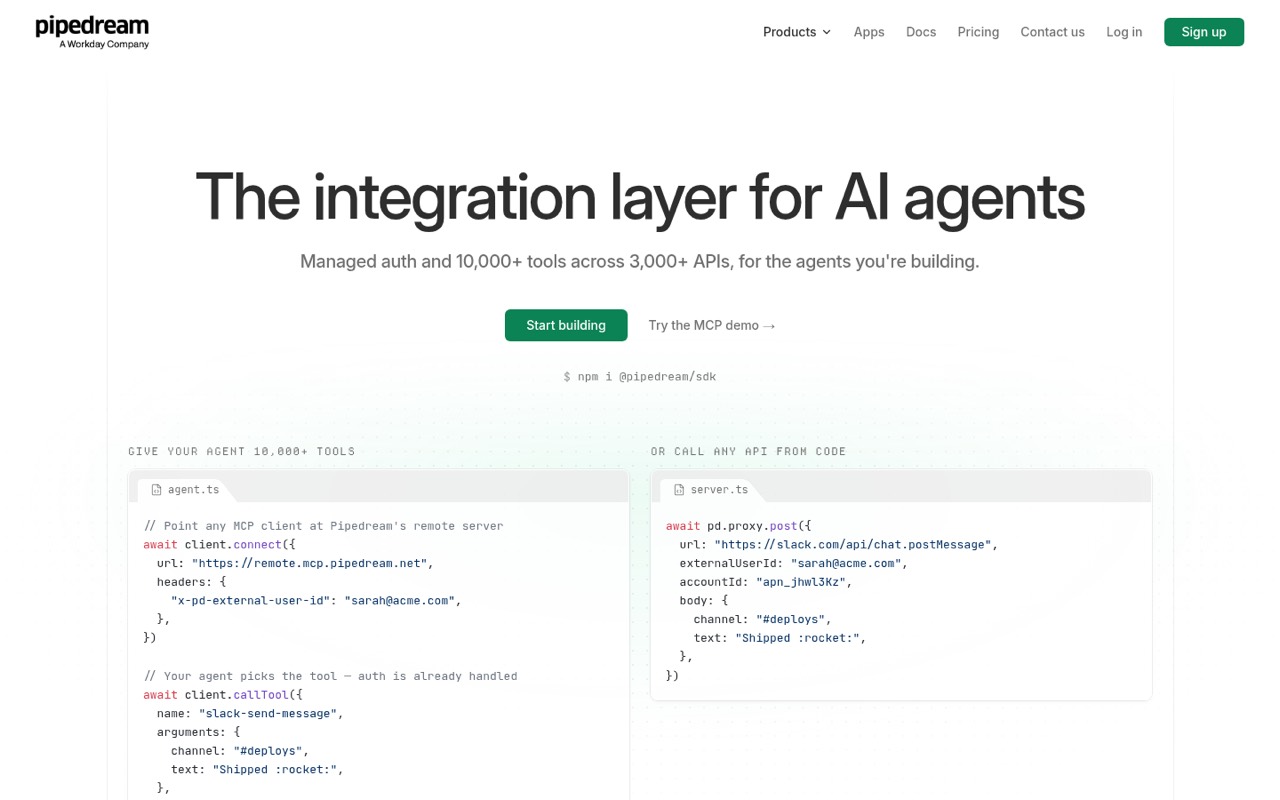
Pipedream is aimed at developer-led teams building integrations, API workflows, and AI agents. Its free plan is useful for evaluating that kind of work, but the $99 starting price is a notable step up for production. Choose it when developers need its API-building tools, not just a low-cost way to automate routine app handoffs.
What works
- Free plan includes 3,000+ connectors
- 10,000+ prebuilt tools and triggers
- Unlimited team members on listed plans
What doesn't
- Production starts at $99 monthly, billed annually
- Free usage allowance isn't published
- Overage charges can add up
03How we chose
We ranked these tools for a team of 1–10, weighing whether there’s a free plan, the listed starting price, likely setup effort, and the limits or pricing checks called out for each product. A low entry price helped, but didn’t guarantee a top spot if the tool needs technical ownership or has usage limits to watch. We did not run trials or benchmarks. We also recommend checking vendor documentation for plan limits and looking for recurring Reddit user reports before buying; an anecdote is a reason to investigate, not a substitute for confirming the terms with the vendor.
04Check the real cost, not just the entry price
A free plan is useful for proving that a workflow saves time, but check what happens when the whole team needs access. Listed starting prices don’t tell you what three or five seats will cost, whether teammates can share and edit workflows, or whether usage limits are included. Ask the vendor for the price of your intended team size and expected workflow volume. Also check how tasks, credits, or runs are counted: Zapier’s task limits, IFTTT’s credits, and Bardeen’s credit and seat pricing are specifically worth checking. For Make, confirm Core pricing and seat terms. Put the free-plan limits and paid-plan trigger in writing before moving a process your team depends on.
05Match setup effort to the person who will own it
A visual builder may be easier to hand off than a workflow that needs code or self-hosting, but someone still needs to own changes when an app or process shifts. Make is aimed at visual workflows; n8n offers self-hosting for technical teams; Trigger.dev is for TypeScript teams. Choose based on who will build, troubleshoot, and update the automation—not just who will benefit from it. Start with one repeatable handoff, then watch for signs you’re outgrowing the tool: usage limits interrupt work, several people need clearer shared controls, or the process needs approvals and governance you can’t support. For workflows that matter to customers or cash flow, confirm recovery behavior and support options with the vendor before relying on them.
Questions people ask
Can a small team start with a free workflow automation plan?
Yes, if the plan covers the apps and usage your first workflow needs. Make, IFTTT, Zapier, n8n, Activepieces, and several other picks list free plans. Check limits before you rely on one for routine work; a free tier is a starting point, not proof that it will cover every teammate or workflow.
How much does workflow automation cost for a few seats?
The listed entry prices range from $2.09 for IFTTT to $20 for Activepieces and n8n among several picks, but those figures aren’t a quote for multiple seats. Make, IFTTT, and Bardeen call for particular checks on seat terms, team pricing, or credits. Ask vendors for the cost at your team size.
Which tool is easiest for a nontechnical team?
Make’s visual workflows and Zapier’s broad app connections make them reasonable places to start comparing. The right fit depends on your apps and the workflow you need. n8n and Trigger.dev are more clearly aimed at technical teams, including users prepared to self-host or work in TypeScript.
When should a small team move to a different tool?
Reconsider your choice when usage limits disrupt work, the team needs sharing or approvals the current setup can’t provide, or the process requires more technical control. Before switching, confirm the next tool’s plan limits, seat costs, and recovery behavior against the workflow you actually depend on.