
We may earn a commission if you buy through links on this page. It never changes a score or a ranking. How we make money
The bottom line
A capable TypeScript workflow platform with a genuinely useful free plan and affordable entry-level pricing.
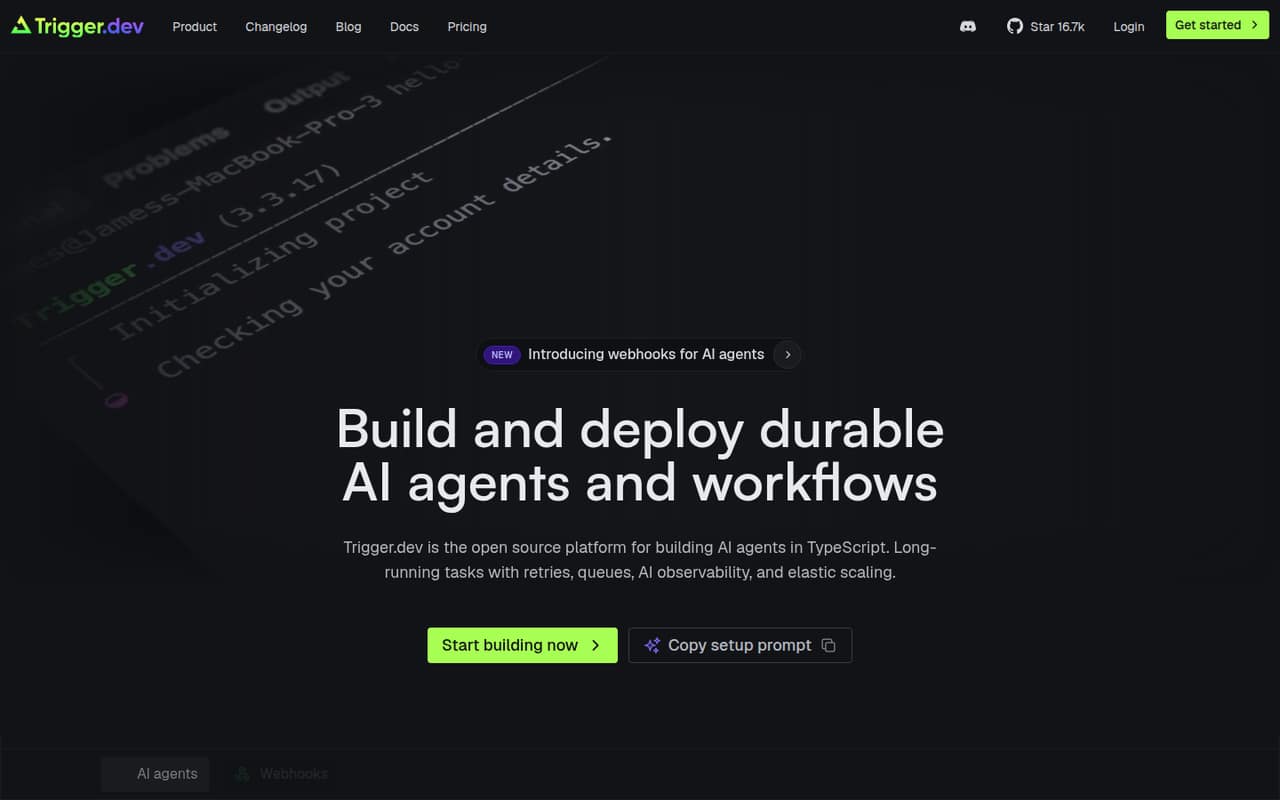
Trigger.dev helps TypeScript teams run background jobs and long-lived workflows with retries, queues, checkpoints, schedules, and run monitoring. It also supports AI agents, streaming, and human approval steps, with an option to self-host.
The free plan includes five team members and $5 in monthly compute credits, making it a low-cost way to start. Hobby is $10 per month for up to five team members; check usage costs and limits before moving production workloads onto it.
Good fit if
- TypeScript teams running background jobs
- Small teams building durable workflows
- AI projects needing streaming or approvals
Skip it if
- Teams building primarily in Python
- Projects needing a published annual price
- Teams that only need a basic async queue
ScoresHow it rates
What works
- Free tier includes five team members
- Free plan includes unlimited tasks
- Hobby costs $10 monthly for five members
- Supports retries, queues, and checkpoints
- Offers self-hosting as an option
What doesn't
- Built for TypeScript rather than Python
- Compute and invocation rates add usage costs
- Annual billing and discounts are not published
- Hobby limits runs to 50 concurrent
- Support details are limited outside Enterprise
01Who Trigger.dev is for
Trigger.dev is for developers who need TypeScript background jobs to keep running when a request ends, takes too long, or needs another try. It handles durable tasks, workflow orchestration, schedules, webhooks, retries, and run monitoring. Teams can also build AI agents with tool calling, streaming, and human approval steps.
For a team of one to five, the Free plan may be enough to get started, while Hobby costs $10 per month and includes five team members. That makes it appealing to small teams that want workflow features without paying a per-seat fee at the entry level. The main fit question is your stack: Trigger.dev is a TypeScript platform, not a general-purpose option for teams working mainly in Python. If you need long-running jobs, retries, or visible run status, it addresses a more involved problem than a basic async queue. Self-hosting is an option for teams that want to manage deployment themselves.
02Trigger.dev free plan and trial
The Free plan costs $0 per month and includes $5 in monthly compute credits, 20 concurrent runs, unlimited tasks, five team members, and 10 schedules. For a solo developer or a small team prototyping a workflow, that is a useful starting allowance. The main limits to watch are compute credits, concurrent runs, and schedules; unlimited tasks does not mean unlimited compute.
The vendor does not publish free-trial terms in the pricing details, so we would not count on a separate trial period. If you need more than 10 schedules or 20 concurrent runs, Hobby is the next listed plan at $10 per month. It includes $10 in monthly credits, 50 concurrent runs, five team members, 100 schedules, and seven-day log retention.
03What a small team pays for Trigger.dev
Free costs $0 for one person, three people, or five people, as long as the team stays within its limits. Hobby is $10 per month and includes five team members, so the listed plan price remains $10 for a solo user, a team of three, or a team of five. That works out to $10, about $3.33, or $2 per included seat, respectively; those are averages, not per-seat charges. The pricing page lists monthly prices only. Annual billing and discounts are not published.
Hobby includes $10 in monthly credits, 50 concurrent runs, 100 schedules, and seven-day log retention. Usage rates are also listed: compute costs $0.0000169–$0.0006800 per second depending on machine, and run invocation costs $0.000025 per run. The page does not explain in these details how charges work after credits are used, so check with the vendor before estimating a production bill. Pro starts at $50 per month for 25 or more members, with additional listed charges for seats and other limits.
04Getting started with Trigger.dev
Trigger.dev is aimed at developers working in TypeScript, so expect to add it to an application rather than configure a no-code automation. The platform handles background execution and workflow behavior such as retries, queues, and checkpoints. You can add scheduled tasks or webhooks, then use run monitoring to follow what happened. Realtime updates and streamed responses are available when a frontend needs to show progress.
One Reddit user described Trigger.dev as straightforward to set up for TypeScript background jobs. That is a useful signal, but it is one user's experience, not a guarantee that every project will be quick to configure. Setup details and the required steps depend on your app and deployment approach; the vendor's pricing details do not publish an estimate of setup time. The platform has an option to self-host, which means teams choosing that route should account for managing deployment as well as writing the workflows.
05When small teams outgrow Trigger.dev
A team is likely to outgrow Free when it needs more than 20 concurrent runs, 10 schedules, or $5 in monthly compute credits. Hobby raises those limits to 50 concurrent runs, 100 schedules, and $10 in monthly credits, but keeps the five-member team limit. It also retains logs for seven days, compared with 30 days on Pro. Pro starts at $50 monthly and includes 25 or more team members, 200 or more concurrent runs, and 1,000 or more schedules.
The bigger budget risk is usage: the pricing page lists per-second compute and per-run invocation rates, plus charges for several Pro limits above their included amounts. Reddit discussion includes a favorable comparison of Trigger.dev's per-job invocation pricing with another workflow tool's per-step model; that is one commenter's view, not a general cost guarantee. Another thread's original poster was looking for a Python equivalent, a reminder that teams moving away from TypeScript may need a different fit. Ask the vendor to estimate your expected production usage before upgrading.
From the threadsWhat users say
The limited Reddit discussion is generally favorable about ease of use and the pricing model, but it is not enough to establish broad user sentiment. One thread also points to Python as a reason to seek another tool.
Trigger doesn't charge per step but rather per job invocation - this doesn't force you to make suboptimal code design
I'm using [Trigger.dev](http://Trigger.dev) for background jobs in TypeScript and appreciate how straightforward it is to set up and run background tasks
TriggerDev is 100% open-source (all the features, everything) :)
Looking for something with similar ease of use but for Python projects
Questions people ask
What is Trigger.dev?
Trigger.dev is an open-source TypeScript platform for background tasks, durable workflows, and AI agents. It handles workflow needs such as queues, retries, checkpoints, schedules, and run monitoring. Teams can also build agents with tool calling, streaming, and human approval steps, and can choose to self-host.
How does Trigger.dev work?
You build tasks and workflows in TypeScript, then use Trigger.dev to run them as background work. The platform supports retries, queues, checkpoints, scheduled tasks, webhooks, and multiple workflow stages. Run logs and monitoring help you follow task status; realtime updates can show progress in a frontend.
Does Trigger.dev have a free plan?
Yes. The Free plan costs $0 per month and includes $5 in monthly compute credits, 20 concurrent runs, unlimited tasks, five team members, and 10 schedules. It has lower run, schedule, and credit allowances than Hobby, so check those limits against your workload.
How much does Trigger.dev cost for a small team?
Hobby is $10 per month and includes five team members, so the listed plan price covers a team of one, three, or five without an added per-seat charge at that tier. Free may cover a small team if its limits are enough. Annual billing and discounts are not published.
Can I self-host Trigger.dev?
Yes, self-hosting is an option. The pricing details list monthly plans and usage rates but do not publish a self-hosting price. Ask the vendor what deployment, support, and operating costs apply to your intended setup before choosing that route.
Sources
- Trigger.dev homepage
- Trigger.dev pricing page
- Reddit: Inngest pricing model (and others like trigger.dev and more)
- Reddit: Is there a Python equivalent to Trigger.dev for simple background job scheduling?
- Reddit: Does anyone here use dbos.dev or trigger.dev?
- Reddit: Trigger.dev - Open-source background jobs for NextJS, Remix, Astro, and many more!