
We may earn a commission if you buy through links on this page. It never changes a score or a ranking. How we make money
The bottom line
Free for small crawls, with a $49 one-time license for uncapped URLs and one user.
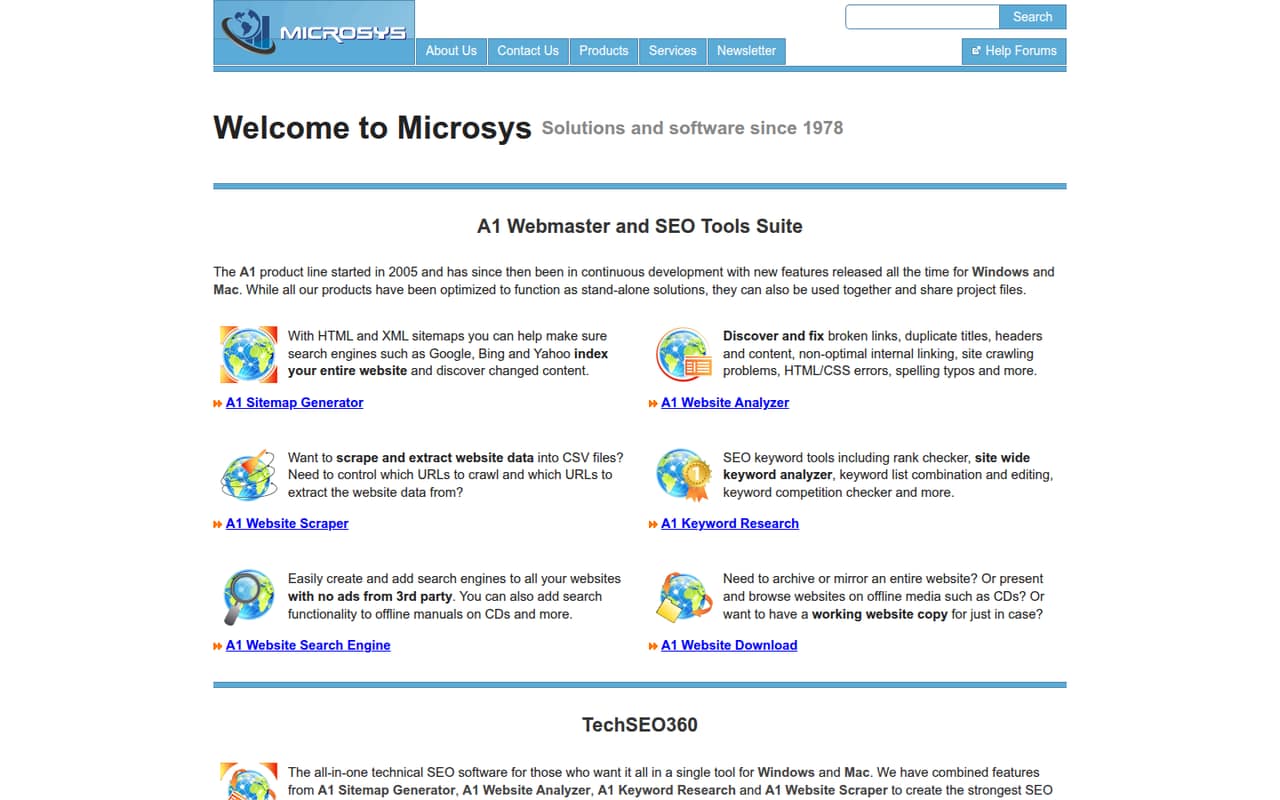
A1 Website Analyzer checks websites for broken links, duplicate titles and content, crawling problems, HTML/CSS errors, spelling typos, and internal-linking issues. Its Free mode costs $0 and allows 500 crawl URLs and 500 imported URLs per website.
The pricing page lists Professional at $49 one time for one user, with no fixed crawl or import URL limit. That makes it appealing for a small team that can share findings, but a team needing several licensed users should ask about the price of extra seats.
Good fit if
- Small sites with up to 500 crawl URLs
- Teams checking links and duplicate content
- Budget-conscious, single-user site audits
Skip it if
- Teams needing many licensed users
- Sites needing more than 500 free crawl URLs
- Buyers who need published setup details
ScoresHow it rates
What works
- Free mode costs $0 with no subscription
- Free mode allows 500 crawl URLs per website
- Professional has no fixed crawl URL limit
- Professional is a one-time $49 license
- Checks links, duplicates, crawl issues, code, and spelling
What doesn't
- Free mode is capped at 500 crawl URLs per website
- Professional covers one user per license
- Extra-user pricing is not published
- Trial terms and scope are not published
- Setup and integration details are not published
01Who A1 Website Analyzer is for
A1 Website Analyzer fits a small business, solo marketer, or 1–10-person team that needs to find common website problems without adding a recurring software bill. The homepage says it checks for broken links, duplicate titles and content, crawling issues, HTML/CSS errors, spelling typos, and internal-linking problems.
That makes it relevant for periodic site housekeeping: crawl a site, review the issues, then decide what to fix. The Free mode has a 500-crawl-URL limit per website, so it can suit a small site or a first pass. Teams with larger sites can consider Professional, which the pricing page lists at $49 one time with no fixed crawl or import URL limit. The main team-size catch is licensing: Professional includes one user, and the vendor says additional users need separate licenses. Ask about extra-seat pricing before planning a shared workflow.
02A1 Website Analyzer free plan and trial
The pricing page lists a Free mode at $0, with no subscription costs. It allows 500 crawl URLs per website and 500 import URLs per website. That gives a small team a way to check a limited site without committing to a paid license, but the cap may not cover a larger site or a broad URL import.
The pricing information also lists a 30-day free trial. It does not publish the trial’s exact feature limits or how it relates to Free mode, so confirm those terms with the vendor before relying on it. If your site needs more URL capacity, Professional is the cheapest listed paid option: $49 for a one-time license. It has no fixed crawl or import URL limit and includes one user.
03What a small team pays for A1 Website Analyzer
The pricing page lists Professional at $49 for a one-time license covering one user. That is a $49 one-time cost for one licensed user; the vendor does not list monthly or annual billing prices, so there is no published monthly-versus-annual comparison. Free mode costs $0 and has no subscription costs.
Professional requires separate licenses for additional users, but the vendor does not publish the price of those additional licenses. At the listed $49 license price, three licenses would total $147 and five would total $245 if that same price applies to each. Treat those as arithmetic estimates, not confirmed multi-user quotes: ask the vendor to confirm extra-seat pricing. The license includes 12.x releases, and the pricing notes say upgrades to 13.x are free if that release arrives within one year. No other paid add-ons or their prices are listed.
04Getting started with A1 Website Analyzer
The homepage describes the checks the software performs, but the vendor does not publish setup steps or integration details in the pricing information. We can’t give a reliable estimate of installation time, learning curve, or connections to other tools from the published details. Before buying for a team, ask the vendor what operating environment and setup steps are required, and whether results can be shared or exported in the way your team needs.
For day one, define which website to check and whether its URL count fits Free mode’s 500-crawl-URL and 500-import-URL limits. A single person can start with the listed free option; a team planning to use Professional across several people should confirm the extra-license cost first. The product’s listed checks give you a clear starting scope: broken links, duplicates, crawl issues, HTML/CSS errors, spelling, and internal linking.
05When small teams outgrow A1 Website Analyzer
The clearest reason to move beyond Free mode is URL volume: its limit is 500 crawl URLs and 500 import URLs per website. Professional removes the fixed crawl and import URL limit for $49 per one-user license, so a larger site does not automatically require a different product.
The more important growth constraint is seats. Professional includes one user, and the vendor says each additional user needs a separate license; extra-user pricing is not published. A team of three or five should get a confirmed quote before budgeting. Also check whether the vendor supports your preferred setup, integrations, and result-sharing process, because those details are not published in the pricing information. If the team needs a confirmed multi-user cost or workflow before committing, that uncertainty—not the listed URL limit—is the point to compare alternatives or contact the vendor.
Questions people ask
How many URLs can A1 Website Analyzer check for free?
The pricing page lists 500 crawl URLs per website in Free mode. It also allows 500 imported URLs per website. If your site or import exceeds either cap, Professional has no fixed crawl or import URL limit and costs $49 for a one-time, one-user license.
How much does A1 Website Analyzer Professional cost?
The pricing page lists a $49 one-time Professional license for one user. It is not listed as a monthly or annual subscription. The license includes 12.x releases, with free upgrades to 13.x if that release arrives within one year.
Can several people use one Professional license?
The pricing page says each Professional license covers one user and that additional users require separate licenses. The vendor does not publish the price for those additional licenses. Ask for a quote before budgeting for a multi-person team.
Does A1 Website Analyzer offer a free trial?
The pricing information lists a 30-day free trial, as well as a separate Free mode with 500 crawl URLs and 500 imported URLs per website. The trial’s exact features and limits are not published, so confirm its terms with the vendor before starting.
What issues does A1 Website Analyzer find?
The homepage says it finds broken links, duplicate titles and content, non-optimal internal linking, crawling problems, HTML/CSS errors, and spelling typos. The Free mode has URL limits, while Professional is listed with no fixed crawl or import URL limit.