
We may earn a commission if you buy through links on this page. It never changes a score or a ranking. How we make money
The bottom line
A broad care-workforce toolkit, but small teams can’t price it confidently from the published rates.
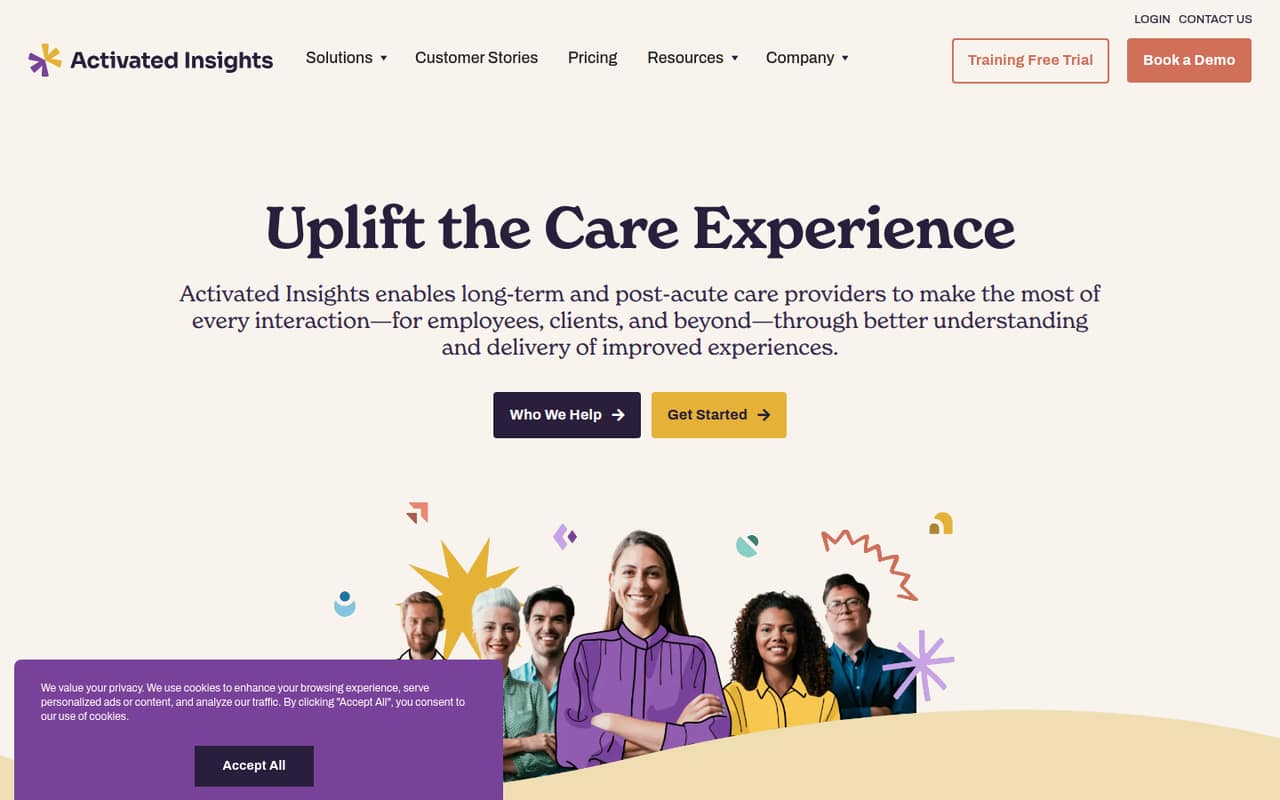
Activated Insights brings training, surveys, retention, caregiver recruiting, recognition, and business-system connections together for long-term and post-acute care providers. That range suits organizations looking to manage several workforce and client-experience needs in one place.
For a team of 1–10, the sticking point is cost: there’s no free plan, seat rates start at 30 active seats, and the vendor doesn’t publish totals for one, three, or five people. Ask for a quote before budgeting.
Good fit if
- Long-term care providers
- Teams needing care-focused training
- Organizations hiring many caregivers
Skip it if
- Teams seeking a free plan
- Very small teams needing clear pricing
- Businesses outside care services
ScoresHow it rates
What works
- Combines training, experience surveys, retention, and recruiting tools
- Training plans list libraries of 250+ to 550+ materials
- Includes caregiver outreach and hiring engagement tools
- Connects workflows across recruiting, HR, scheduling, and operations
- Recognition features include verified reviews and awards
What doesn't
- No free plan is listed
- Seat rates start at 30 active seats
- One-, three-, and five-person totals aren’t published
- Annual-billing prices aren’t published
- Exact setup effort and integration details need vendor confirmation
01Who Activated Insights is for
Activated Insights is built for long-term and post-acute care providers, not general-purpose businesses looking for a basic HR app. It brings together staff training and onboarding, employee and client surveys, retention tools, caregiver recruiting, recognition, and connections to other business systems. That can make sense when a provider wants to address several workforce and experience needs in one platform.
For a small team of 1–10, the fit depends on whether care-specific tools solve a real operating problem. The listed training plans start at $239 per month, and the pricing page lists tiered seat rates beginning at 30 active seats. It doesn’t give a total for a few seats, so a tiny provider should get a written quote before setting a budget. Larger providers with multiple locations or many active seats may find the platform’s wider set of functions more relevant.
02Activated Insights free plan and trial
The pricing page lists no free plan. It doesn’t publish a free-trial offer either, so a team shouldn’t count on testing the product at no cost. Ask the vendor whether it offers a demo or trial for your organization, and what that access includes.
The cheapest listed way in is Training: Essentials at $239 per month. That plan includes 250+ training materials, but the pricing also lists tiered seat rates starting at 30 active seats. A team with one, three, or five people should confirm the actual minimum and total before treating $239 as its full monthly bill. If you only need a small training library or have no budget for a paid platform, the published plans don’t show a free route.
03What a small team pays for Activated Insights
The pricing page lists Training: Essentials at $239 per month, Training: Advanced at $383 per month, and Training: Complete at $419 per month. Their libraries include 250+, 450+, and 550+ training materials, respectively. Monthly prices are listed; annual-billing prices aren’t published.
Seat pricing is the catch for a small team. The listed tiered seat rates start at $269 for 30 active seats on Essentials, $390 for 30 on Advanced, and $431 for 30 on Complete. The vendor doesn’t publish totals for one person, a team of three, or a team of five, or clearly explain how those seat rates combine with the listed monthly plan prices. So there’s no reliable per-person calculation for those team sizes. Ask for an itemized quote covering the plan, active seats, and any location-based charges. Organizations with 225+ active seats or custom locations are directed to request pricing.
04Getting started with Activated Insights
Activated Insights covers several work areas, so a small provider should decide what it wants to launch first: training, experience surveys, recruiting, retention, or recognition. The vendor’s published details don’t state a typical setup timeline, implementation workload, or learning curve. Ask what your team must configure and whether setup or training carries a separate cost.
The platform is described as connecting workflows across recruiting, HR, scheduling, and operations. The exact systems supported and the work needed to connect them aren’t specified in the published details, so confirm compatibility with your current tools before signing. A practical first step is to request a walkthrough using your team’s systems and the use case you want to start with. Don’t assume every connection is ready to use without configuration.
05When small teams outgrow Activated Insights
The clearest constraint for a small team is the pricing structure, not a published user cap: the listed seat rates begin at 30 active seats, and a plan for one to five people isn’t priced publicly. If the vendor’s quote requires paying for more seats than you use, or leaves key costs unclear, the platform may be hard to justify against simpler, lower-cost options.
A growing provider may also need more training content or a custom arrangement. The listed libraries range from 250+ materials on Training: Essentials to 550+ on Training: Complete, with Advanced between them. For organizations with 225+ active seats or custom locations, Activated Insights directs buyers to request pricing. The published information doesn’t give exact upgrade thresholds or feature gates beyond those plan differences, so ask what changes as your active-seat count and location needs grow.
Questions people ask
What does Activated Insights do?
Activated Insights is a workforce and experience platform for long-term and post-acute care providers. Its offerings include staff training, employee and client experience surveys, retention tools, caregiver recruiting, recognition, and connections to systems used for recruiting, HR, scheduling, and operations.
Does Activated Insights have a free plan?
The pricing page lists no free plan, and it doesn’t publish a free-trial offer. The cheapest listed plan is Training: Essentials at $239 per month. Ask the vendor whether it can provide a demo or trial and confirm any seat charges before agreeing to a price.
How much does Activated Insights cost for a small team?
The listed Training: Essentials price is $239 per month, but tiered seat rates start at 30 active seats. The vendor doesn’t publish totals for one, three, or five people, so small teams should request an itemized quote rather than assume the listed plan price is their full cost.
What training plans does Activated Insights offer?
The listed training plans are Training: Essentials, Training: Advanced, and Training: Complete. Their libraries include 250+, 450+, and 550+ training materials, respectively. The pricing page lists monthly prices of $239, $383, and $419, and tiered seat rates that start at 30 active seats.
Does Activated Insights connect with HR and scheduling systems?
Activated Insights describes connections across recruiting, HR, scheduling, and operations. The specific systems supported and any setup requirements aren’t stated in the published details. Ask the vendor to confirm that your current tools are supported and whether integration work adds cost.