
We may earn a commission if you buy through links on this page. It never changes a score or a ranking. How we make money
The bottom line
Good free measurement capacity; ask for a quote before counting on paid features.
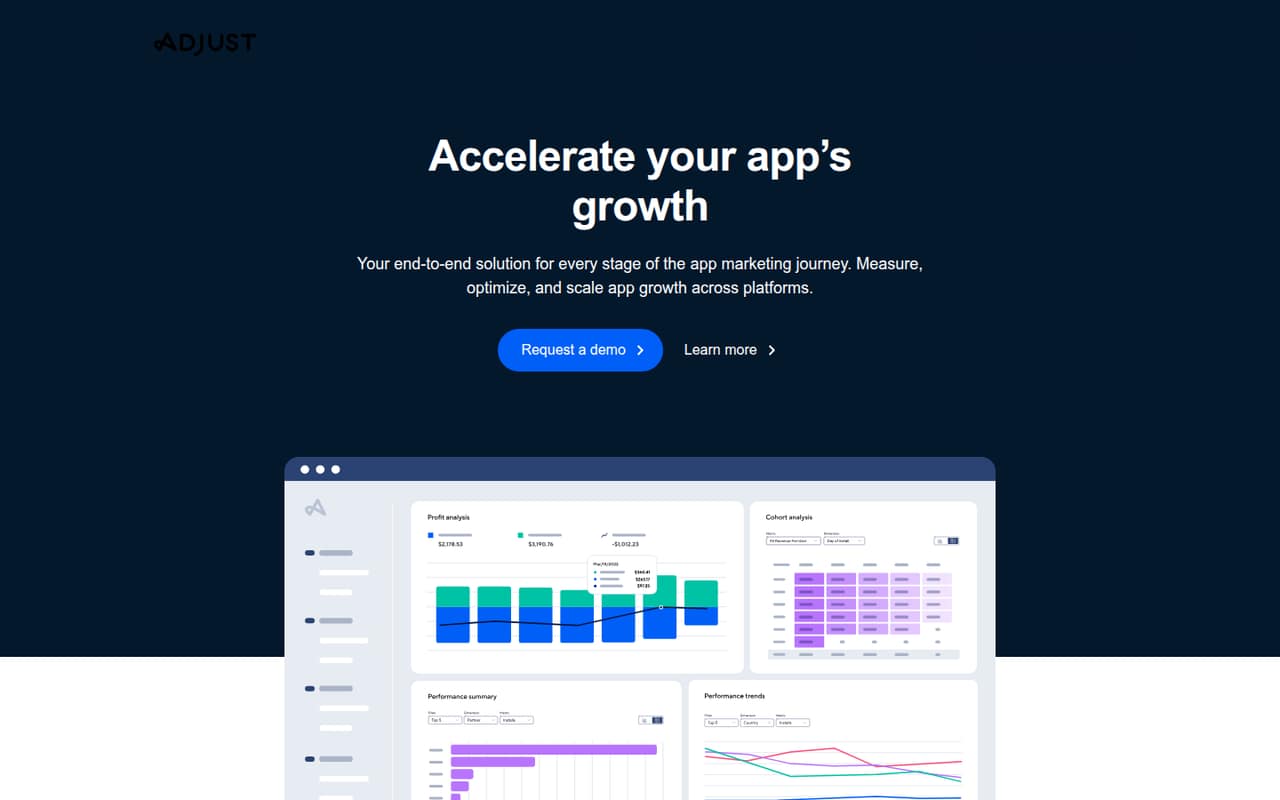
Adjust is an app marketing measurement and analytics suite for attribution, optimization, deep links, engagement, automation, and fraud prevention. Its Base plan is advertised as free, with limits of up to 18,000 annual conversions and up to 1,500 monthly conversions for the first year.
For a small team, the main catch is paid-plan uncertainty: the pricing page lists Core and Enterprise as contact-us plans, with no monthly or annual prices. Adjust also lists SSO and 2FA as paid add-ons. Check your conversion needs and request a quote before making it part of your budget.
Good fit if
- Small teams measuring app campaigns
- Teams under Base conversion limits
- Marketers who need attribution and deep links
Skip it if
- Teams needing a predictable paid quote
- Businesses without app marketing needs
- Teams seeking published per-seat pricing
ScoresHow it rates
What works
- Base is advertised as free
- Base includes email support
- Attribution covers multiple marketing channels
- Includes branded deep links
- Growth Copilot can generate reports and charts
What doesn't
- Paid plan prices are not published
- Core pricing requires contacting Adjust
- SSO and 2FA cost extra
- No per-seat cost is listed
- Setup time and steps aren't specified
01Who Adjust is for
Adjust is aimed at app teams that need to measure marketing performance, not every small business that wants general web analytics. It brings attribution, optimization, automation, deep linking, engagement, and fraud prevention into an app marketing suite. Adjust also describes AI tools for reporting and analysis, plus Growth Copilot for plain-language questions and reports.
A team of one to ten could consider it if app growth is a real job and its conversion volume fits the Base plan. The free entry point makes it easier to explore than a tool with only a paid starting tier, but a small team should still check the conversion limits and support needs. If you need paid capacity, budget planning is harder: the pricing page lists Core and Enterprise as contact-us plans rather than publishing prices.
02Adjust free plan and trial
Adjust advertises its Base plan as free. The pricing page lists up to 18,000 annual conversions, up to 1,500 monthly conversions for the first year, and email support. That gives a small app team a way to start measuring campaigns without a published subscription fee.
The plan is bounded by conversion volume, not a published number of seats. Adjust doesn't list a free trial separately. If your app exceeds Base's limits, the next listed plan is Core, which covers up to 250,000 annual conversions and is priced by contacting Adjust. The pricing page doesn't publish a monthly or annual Core amount, so ask for a quote before relying on an upgrade. Also confirm what happens if your conversion volume goes above your plan's limit.
03What a small team pays for Adjust
For one person, three people, or five people, the listed Base price is free if your app stays within its limits: up to 18,000 annual conversions and up to 1,500 monthly conversions for the first year. The pricing page doesn't publish per-seat charges, so we can't calculate a different total for a team of three or five. Adjust prices these plans around conversion capacity, not a stated per-user rate.
Monthly and annual paid prices aren't published. Core covers up to 250,000 annual conversions and is listed as contact us; Enterprise is for more than 2,500,000 annual conversions and also requires contacting Adjust. The page doesn't give a paid price for either, so ask for a written quote for your expected volume and billing term.
SSO and 2FA are available for additional purchase, but their prices aren't published. Ask whether these add-ons are needed for your team and whether any other fees apply to your selected plan.
04Getting started with Adjust
Adjust describes a broad set of app measurement and marketing features, but its published product description doesn't give a setup-time estimate or a step-by-step onboarding checklist. We can't give a reliable number of hours for a small team. Before signing up or requesting a paid quote, ask Adjust what your app team needs to configure, what help is included, and which tasks fall to your developers or marketers.
For day one, define the campaign and conversion questions you need answered, then confirm how Adjust will measure them. The product description names Adjust MCP, which connects Adjust data to internal assistants and cross-tool analysis workflows; it doesn't name specific third-party apps. Ask whether your team's current tools are supported and what setup that connection takes. Base includes email support, which gives small teams a stated contact channel, but the pricing page doesn't list support terms for the paid plans.
05When small teams outgrow Adjust
The clearest reason to move beyond Base is conversion volume: the pricing page lists up to 18,000 annual conversions and up to 1,500 monthly conversions for the first year. Core is the next named plan, with up to 250,000 annual conversions, but its price is available only by contacting Adjust. A growing team should get that quote before its volume approaches the Base ceiling.
Enterprise is listed for teams exceeding 2,500,000 annual conversions, also at a contact-us price. The published details don't explain the pricing or plan path between Core's 250,000 limit and Enterprise's 2.5-million threshold, so ask Adjust how it handles your expected volume. Headcount alone isn't a published upgrade trigger: no per-seat price or seat limit is listed. If you need SSO or 2FA, factor in the extra purchase and ask for its cost as part of the quote.
Questions people ask
What does Adjust do?
Adjust is an app marketing measurement and analytics suite. Adjust describes features for attribution, optimization, automation, deep linking, engagement, and fraud prevention, along with AI tools for reporting and analysis.
Is Adjust free?
Adjust advertises its Base plan as free. The pricing page lists up to 18,000 annual conversions, up to 1,500 monthly conversions for the first year, and email support. Check with Adjust about what happens if your app goes over those limits.
Does Adjust charge per user?
The published pricing lists conversion limits and doesn't state a per-seat price or seat limit. Base is advertised as free; Core and Enterprise require contacting Adjust for a price. Ask for a quote that reflects your team and expected conversion volume.
Does Adjust include deep linking?
Yes. Adjust describes branded links that guide users to destinations across devices and platforms. Ask Adjust what setup your app needs and whether your particular user journeys are supported.
What support comes with Adjust Base?
The pricing page lists email support with Base. It doesn't specify support response times or list support terms for Core and Enterprise. If response times matter to your team, ask Adjust to include those details in a plan discussion or quote.