
We may earn a commission if you buy through links on this page. It never changes a score or a ranking. How we make money
The bottom line
A capable customer research platform, but no public price or free option makes budgeting difficult.
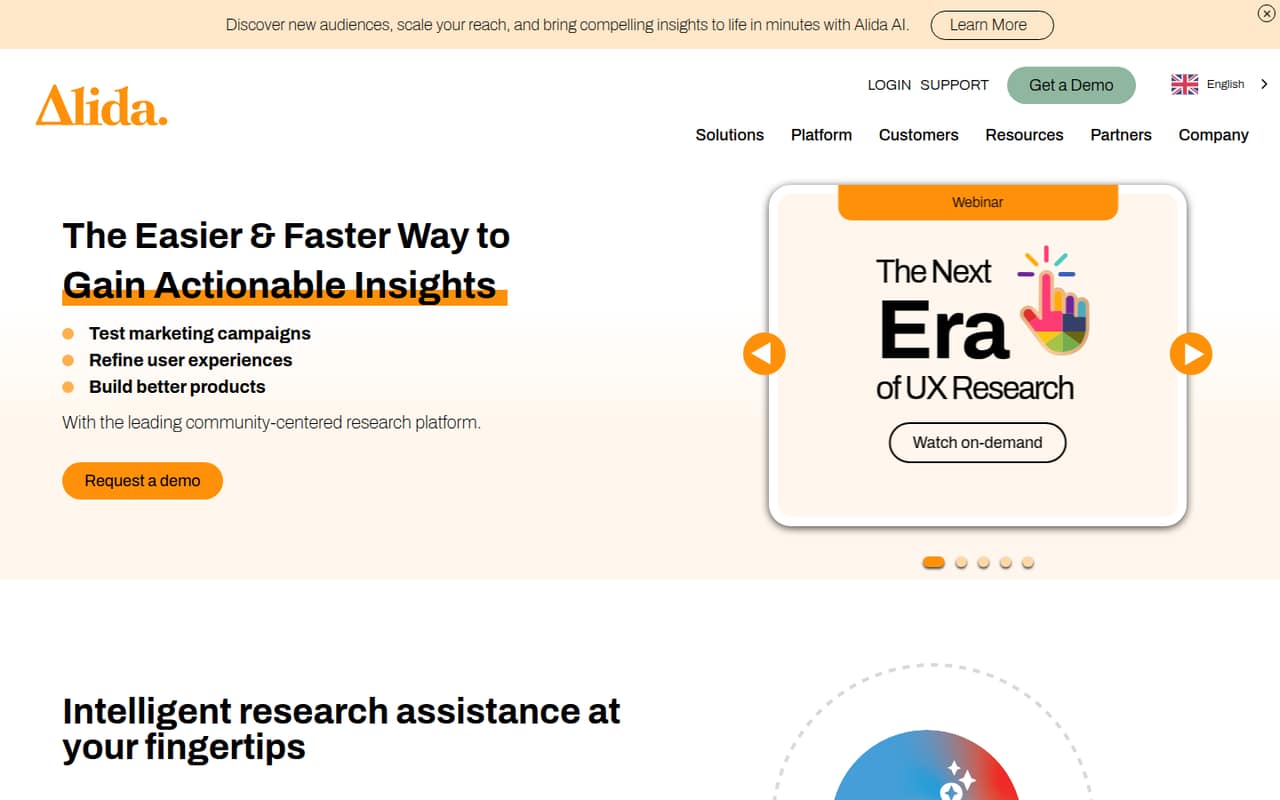
Alida brings customer feedback, research communities, audience management, analysis, and Alida AI into one platform. Its homepage also announces a Figma integration. That breadth may suit teams that run ongoing customer research and need to turn findings into decisions.
For a team watching every subscription, the main drawback is the buying process: the pricing page lists no public rates, seat limits, or usage limits. Alida has no listed free plan or trial, so you’ll need a sales conversation to find out whether the platform fits your budget.
Good fit if
- Teams running ongoing customer research
- Companies with opted-in research communities
- Organizations budgeting for a quoted platform
Skip it if
- Teams that need a free research tool
- Buyers who need upfront seat pricing
- Small teams seeking self-serve sign-up
ScoresHow it rates
What works
- Combines feedback, audience management, and analysis
- Supports research with opted-in communities
- Alida AI summarizes findings and surfaces trends
- Homepage announces a Figma integration
- Designed to turn customer feedback into decisions
What doesn't
- No public starting price
- No listed free plan or trial
- Seat and usage limits are not published
- Small-team costs require a sales quote
- Setup effort and timeline are unclear
01Who Alida is for
Alida is for teams that regularly collect customer feedback and need a place to manage audiences, research, and findings. It may fit a small team of one to ten if customer research is a core job and the budget can accommodate a quote-based platform. It is harder to justify for a small team that only needs an occasional survey or must compare subscription costs before talking to sales.
In plain terms, Alida helps teams gather feedback through multiple methods and channels, work with opted-in research communities, and analyze what customers say. Alida AI can summarize findings, guide analysis, and surface trends and opportunities. The audience tools are aimed at managing those research audiences and building relationships with community members. The best fit is a team that will use those connected jobs—not just one isolated feature—and can confirm pricing and scope directly with Alida.
02Alida free plan and trial
Alida does not list a free plan or free trial. That means a small team cannot use a published free tier to try the platform before budgeting for it. The pricing page lists a custom or enterprise option for organizations needing a research platform, with pricing, seat limits, and usage limits not published.
The cheapest way in is to ask Alida for a quote and confirm whether it offers a package sized for your team. Before a sales call, list the research methods you need, who will use the platform, and whether you need audience management or community research. Ask what access is included in the proposed package and whether there is a time-limited evaluation; a trial is not listed publicly.
03What a small team pays for Alida
The pricing page lists custom, quote-based pricing and no public starting price. It also does not publish seat limits, usage limits, or billing terms. So we can’t calculate a supported monthly or annual cost for one person, three people, or five people. There is no published per-seat rate to multiply, and no annual discount or monthly billing option to compare.
For a small team, that makes the first step a sales consultation rather than a checkout page. Ask for a written quote for your actual seat count—one, three, or five—and check whether the price changes with audience size, research volume, or included features. Those limits and terms aren’t listed publicly. The pricing details list no add-ons, but that does not confirm that every feature is included; ask whether Alida AI, audience management, research communities, and the announced Figma integration are part of the quoted package.
04Getting started with Alida
Alida’s setup effort and timeline are not specified in the pricing details, so a small team should ask for an onboarding plan before committing. The work to plan around is deciding which audiences to manage, how you’ll gather feedback across your methods and channels, and how the team will review and act on findings. If research communities are part of the plan, clarify how the team will work with opted-in members.
The homepage describes Alida AI features and announces a Figma integration, but the available details don’t explain setup steps, training, or the integration’s scope. Ask Alida to demonstrate the workflows your team needs and identify any configuration or training required. For day one, prioritize the research process you want to run and the people who need access. Don’t assume a setup time or integration details until Alida confirms them.
05When small teams outgrow Alida
A team may outgrow Alida’s fit when its needs become more specific than the package in its quote, or when it needs clearer control over seats and usage. The pricing page does not publish those limits, so a growing team should get them in writing before signing. Ask how additional users, larger audiences, and more research activity affect the price and whether any feature boundaries apply.
The other trigger is budget discipline: if your team needs a free option, a public per-seat price, or a quick way to compare monthly and annual costs, Alida’s custom pricing may not work. There is no published rate to use for forecasting a move from one researcher to five. Before choosing the platform, ask Alida for pricing at your expected team size and projected usage. If the quote no longer fits, compare tools with public plans and limits.
Questions people ask
How much does Alida cost?
Alida’s pricing page lists a custom or enterprise option but no public price. It also does not publish seat or usage limits or billing terms. Ask Alida for a quote based on your team size and research needs; there is no public starting price to use for budgeting.
Does Alida have a free plan or trial?
Alida does not list a free plan or trial. Its public pricing information points buyers to a sales consultation for custom pricing. If you need to evaluate the platform before buying, ask Alida whether it can offer a time-limited evaluation and what access it would include.
What does Alida do?
Alida is a customer research and insights platform. It helps teams gather feedback across methods and channels, manage audiences and research communities, and analyze findings. Alida AI can summarize findings, guide analysis, and surface trends and opportunities.
Does Alida support research communities?
Yes. Alida describes research communities built around opted-in audiences for customer feedback and research. Its audience management features are intended to help teams access and manage audiences and build relationships with community members. Ask Alida how community access is handled in your proposed package.
Does Alida integrate with Figma?
Alida’s homepage announces a Figma integration. The available details do not specify its scope, availability, or whether it is included in every package. Ask Alida to confirm what the integration supports and whether it is part of your quote.