
We may earn a commission if you buy through links on this page. It never changes a score or a ranking. How we make money
The bottom line
A free way to try conversion tracking; paid plans start at $100/month and scale quickly.
A small team may need AnyTrack if it wants to collect and route conversion data across ad platforms without building its own tracking setup. The free plan covers basic tracking, while paid plans add session capacity and, on higher tiers, more websites and team seats.
The catch is the price jump: Starter is $100/month and includes two team members. A three- or five-person team should check seat limits with the vendor before buying; the first plan that explicitly lists ten team members is $300/month.
Good fit if
- Teams tracking paid conversions
- Marketers using several ad platforms
- Small teams starting with a free plan
Skip it if
- Teams needing many seats on a budget
- Teams with more than three websites
- Teams seeking proven user consensus
ScoresHow it rates
What works
- Free plan includes 5,000 sessions monthly
- Starter includes 100+ integrations
- Tracks sales, leads, and signups
- Higher tiers include cross-domain tracking
- Annual billing offers two months free
What doesn't
- Starter costs $100/month for two team members
- Free plan is limited to one ad platform
- Free plan's ad platform access is reports only
- Personal does not list a team-member limit
- Reddit feedback includes a serious uncorroborated allegation
01Who AnyTrack is for
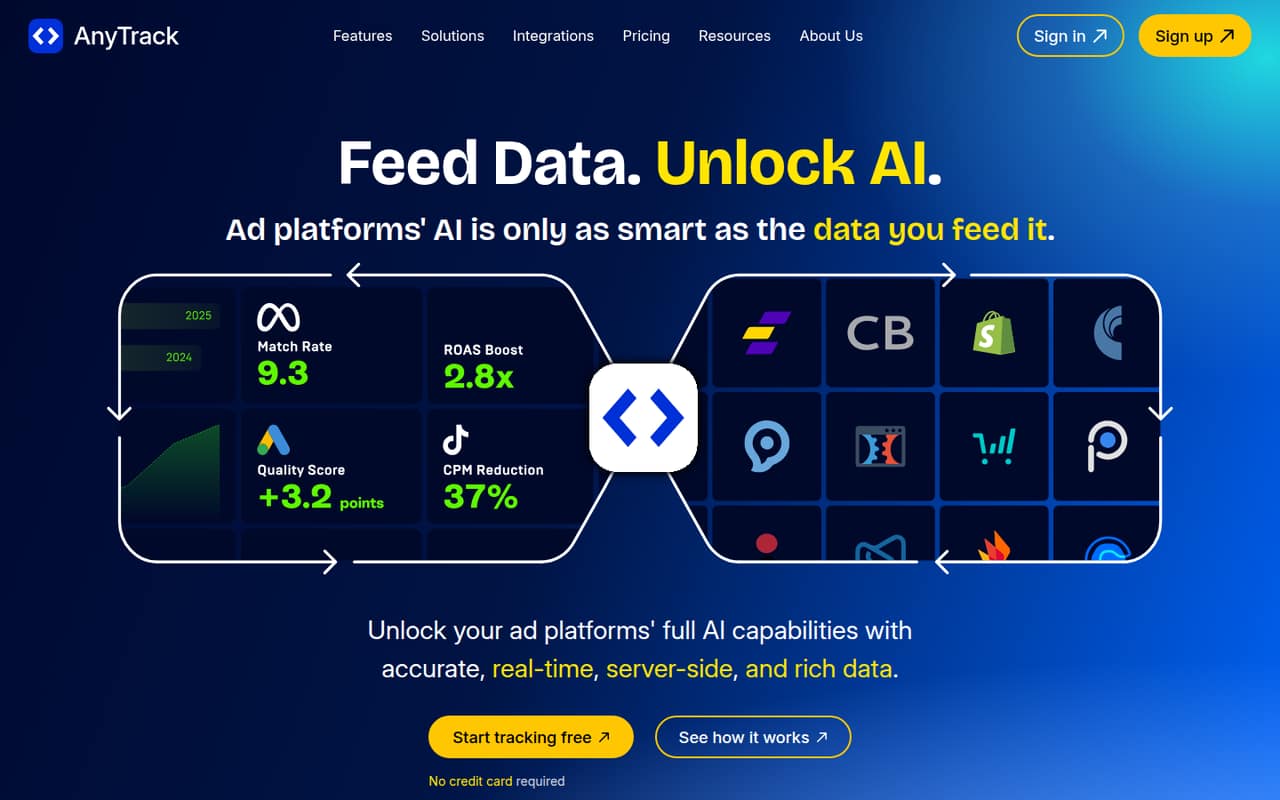
AnyTrack is for small marketing teams that need to connect conversion activity across ad platforms, affiliate networks, stores, or CRMs. In plain terms, it collects signals about sales, leads, and signups, then attributes them to marketing channels and routes conversion data to ad platforms. It also offers reporting across paid, organic, email, and affiliate channels.
For a one- to two-person team, Starter is the first paid plan that lists team seats: $100/month for two members. That is a real subscription to justify, so it fits best when better conversion data matters to paid campaigns. The free plan is a lower-risk way to see whether one site and one ad platform are enough. A three- to ten-person team should check the seat limits before settling on a plan: Advance is the first one that explicitly lists team capacity, at ten members, and costs $300/month.
02AnyTrack free plan and trial
The pricing page lists a free plan with 5,000 sessions per month, one website, one conversion source, and one ad platform. That platform is for reports only, so the free tier is a fit for basic tracking and reporting rather than a full paid-campaign workflow that routes conversion data to ad platforms.
The free plan has no monthly fee. Its one-site, one-source, and one-platform limits may be enough to explore the product, but a team with several campaigns or sources will likely need a paid plan. AnyTrack also lists a 14-day free trial; the pricing details do not specify which plan the trial covers or whether payment details are required. Ask the vendor before starting if either point affects your decision.
03What a small team pays for AnyTrack
The pricing page lists Starter at $100/month, with two team members, 100,000 sessions, seven ad platforms, and 100+ integrations. For one person, that is $100/month or $100 per seat; for two, it is $50 per seat. The plan's published member limit is two.
For three or five people, Advance is the first plan that explicitly lists enough seats: it costs $300/month and includes ten team members. Dividing the plan price by your headcount works out to $100 per person for three people or $60 for five. That is plan-cost math, not a separate per-seat price. Personal costs $150/month, but its team-member limit is not listed, so confirm whether it covers your team before comparing it with Advance.
Prices are listed monthly. The pricing page says annual billing offers two months free, but does not show annual plan totals. Extra websites cost $30/month each. Starter already includes 100,000 sessions; higher traffic or more sites may push a small team to a larger plan or add-on.
04Getting started with AnyTrack
AnyTrack is meant to handle server-side tracking and data routing, but that does not mean setup is automatic. The vendor does not publish a setup-time estimate in the pricing details, so ask what configuration is needed for your site, ad platforms, and conversion sources before committing. Its feature list includes cross-domain tracking, first-party data signals, and integrations, but the exact steps for your stack should be confirmed with the vendor.
Reddit discussion about tracking setup is a useful caution, not a review of AnyTrack's onboarding. One commenter recommends setting aside three to four hours to learn or test Google Tag Manager; another says server-side tracking can be hard to debug. If your team is not comfortable with tracking tools, plan for a learning curve and identify who will check the data. Start by confirming that your website, conversion source, and key ad platform are supported on the plan you want.
05When small teams outgrow AnyTrack
The first pressure point is traffic: Free covers 5,000 sessions a month, Starter 100,000, Personal 500,000, and Advance 3,000,000. The next is team size. Starter lists two members, while Advance lists ten; Personal lists three websites and two outgoing webhooks, but no team-member limit. Get that seat detail from the vendor before building a budget around Personal.
More sites can also add cost: the pricing page lists extra websites at $30/month, while Personal includes three and Advance includes ten. A team may need to move up as it adds traffic, sites, or members, rather than simply paying for another seat. Reddit sentiment is thin and mixed: one thread's commenters discuss learning GTM instead, while a commenter in another thread alleges account-data sharing and bot traffic without providing supporting detail in the discussion. Treat that as a reason to ask direct security and billing questions, not as a verified finding.
From the threadsWhat users say
The available Reddit comments show little firsthand discussion of AnyTrack and no clear consensus. One commenter makes serious allegations, while another describes the website as looking all right; the concerns are not corroborated in the discussion.
take 3-4 hours to learn/test GTM tracking
Server-side tracking (SST) is not easy
Anytrack sucks and shares your facebook ad account details with others
Website looks alright
Questions people ask
Is AnyTrack free?
Yes. The pricing page lists a free plan with 5,000 sessions per month, one website, one conversion source, and one ad platform for reports only. It is suited to basic tracking, not a broad multi-platform setup. AnyTrack also lists a 14-day free trial, but the trial's plan and payment requirements are not specified.
How much does AnyTrack cost for a small team?
Starter costs $100 per month and lists two team members. Advance costs $300 per month and lists ten team members. Personal is $150 per month, but its team-member limit is not listed. Annual billing offers two months free, though the pricing page does not show the annual totals.
What does AnyTrack's free plan include?
The free plan lists 5,000 monthly sessions, one website, one conversion source, and one ad platform with reports only. If you need more than one site, source, or platform—or need conversion data routed to ad platforms—you will need to check the paid-plan limits.
Does AnyTrack support cross-domain tracking?
Cross-domain tracking is listed as a Personal-plan feature, which costs $150 per month. The pricing page also lists it among AnyTrack's key features. Confirm with the vendor whether your specific domains and setup are supported before choosing a plan.
How hard is AnyTrack to set up?
The vendor does not publish a setup-time estimate in the pricing details. Reddit users discussing tracking more broadly say Google Tag Manager takes time to learn and server-side tracking can be difficult to debug. Ask the vendor what setup steps your website, conversion source, and ad platforms will require.