
We may earn a commission if you buy through links on this page. It never changes a score or a ranking. How we make money
The bottom line
Worth a look for sales teams that need more than notes, if the per-seat price fits.
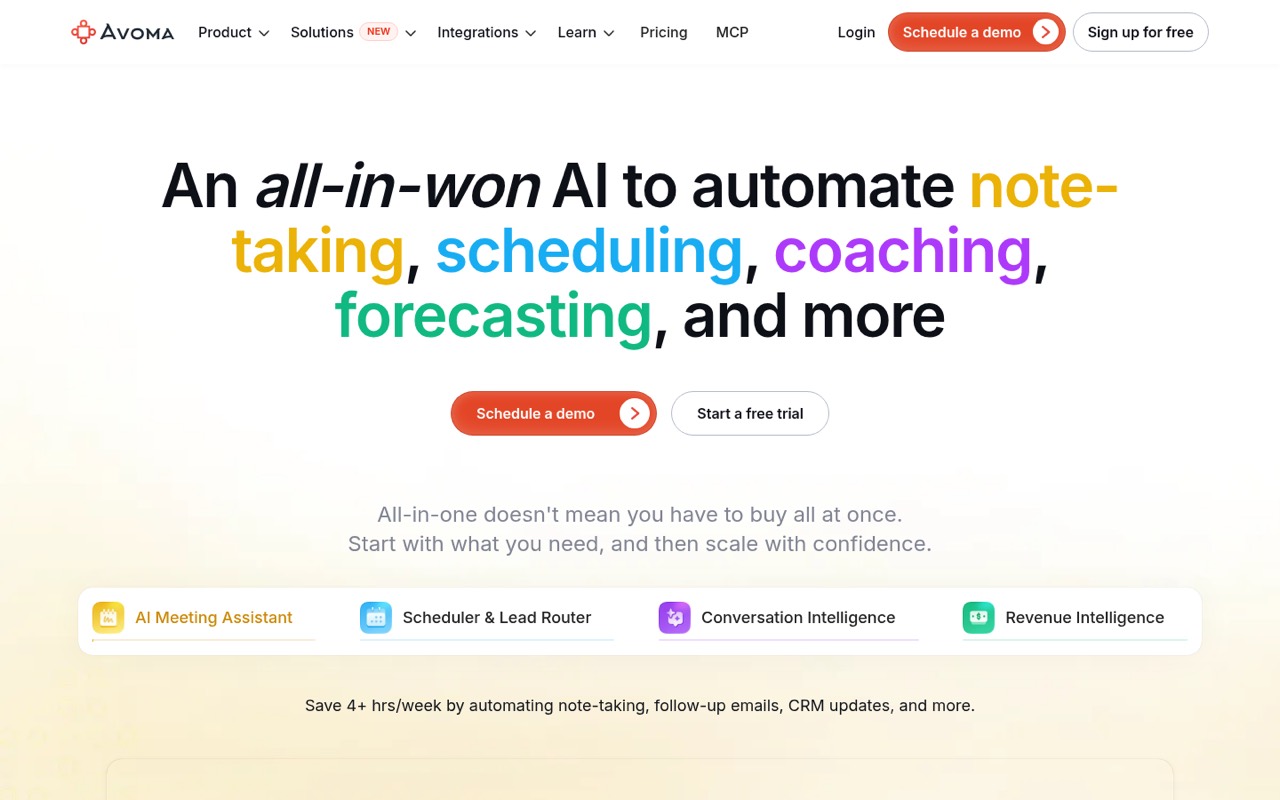
Avoma combines meeting recording, transcription, AI notes, scheduling, and sales-call analysis. Startup starts at $19 per recorder seat monthly with annual billing, but there is no free plan; view-only seats are free.
For a small team, the main question is whether you need Avoma's sales features as well as meeting notes. The pricing page lists a 14-day trial, but the trial's included features are not published.
Good fit if
- Small sales teams reviewing calls
- Teams that need meeting notes
- Managers tracking coaching and deals
Skip it if
- Teams that only need free notes
- Buyers needing published setup steps
- Teams avoiding per-seat subscriptions
ScoresHow it rates
What works
- Real-time transcription in 75+ languages
- AI notes, follow-ups, and CRM updates
- Free view-only seats
- Startup includes unlimited 1:1 scheduling
- Separate plans cover coaching and revenue workflows
What doesn't
- No free plan
- Recorder seats cost $19 or $29 monthly
- Trial inclusions are not published
- Specific conferencing and CRM integrations are not listed
- Advanced sales features may require separate plans
01Who Avoma is for
Avoma is aimed at teams that want meeting notes and sales-call analysis in one tool. For a team of 1–10, it may fit when people need recorded calls, searchable transcripts, follow-up notes, or a way to review sales conversations. It records and transcribes meetings, creates AI notes and follow-ups, and offers scheduling and lead routing.
The Startup plan is the lowest-priced option listed for small teams: $19 per recorder seat per month with annual billing, or $29 month to month. It supports up to 25 paid seats and includes unlimited free view-only seats. That distinction matters if some teammates only need to watch or review rather than record. Teams that need call scoring, coaching, deal-risk alerts, or forecasting should check the separate Conversation Intelligence and Revenue Intelligence plans. If your team mainly wants a basic note taker, the lack of a free plan may make Avoma hard to justify.
02Avoma free plan and trial
Avoma does not list a free plan. The pricing page lists a 14-day free trial, but it does not publish which plans or features the trial includes, whether a payment method is required, or what happens to recordings and notes when the trial ends. Ask Avoma before relying on the trial for a team rollout.
There is a useful free allowance for people who only need to view: view-only users are free. That is not the same as free recording or transcription seats. The cheapest paid option is Startup, at $19 per recorder seat per month with annual billing, or $29 per seat month to month. Startup lists unlimited real-time transcription, unlimited AI summary notes, and unlimited 1:1 scheduling.
03What a small team pays for Avoma
Startup costs $29 per recorder seat monthly, or $19 per seat per month with annual billing. One recorder seat is $29 monthly or $19 per month on the annual rate. Three seats cost $87 month to month or $57 per month on annual billing ($684 for the year). Five seats cost $145 month to month or $95 per month on annual billing ($1,140 for the year). These totals exclude any applicable taxes, which the pricing details do not specify.
Startup includes up to 25 paid seats, while view-only users are free. The pricing page also lists separate plans for call coaching, revenue intelligence, and lead routing; check those prices if you need their specific features. Pre-recorded audio or video uploads cost $5, $10, or $20 per user per month, depending on plan. Bulk import may carry a one-time fee based on volume. The pricing page does not say which upload price applies to each plan, so confirm the amount before budgeting.
04Getting started with Avoma
Avoma describes automatic meeting recording, live transcription, AI notes, scheduling, and CRM updates, but its setup steps and expected time are not published in the pricing details. We can't give a reliable setup estimate. Before you commit, ask what teammates need to connect, who controls recording, and whether your conferencing and CRM tools are supported.
The specific conferencing and CRM integrations are not named in the available product details. Organization lists API integration and webhooks, but that plan costs more than Startup. Startup lists unlimited 1:1 scheduling; group and round-robin scheduling are listed with Organization and Lead Router. For a small team, confirm that your day-one workflow is covered by the plan you intend to buy, and ask for documentation on permissions, recording consent, and CRM setup. The learning curve is also not published.
05When small teams outgrow Avoma
A growing team may need to move beyond Startup when it wants group or round-robin scheduling, custom AI topics and templates, or the conversation-intelligence features listed on higher-priced plans. Startup covers up to 25 paid seats; Organization covers up to 100. Enterprise is billed annually only and requires a minimum of 10 paid seats, so it may be a poor fit for a smaller team unless its controls are needed.
Reddit comments about conversation-intelligence tools raise two practical concerns: call insights may not lead to a repeatable coaching routine, and call signals may not flow back into the CRM or forecast. Those are category-level concerns, not confirmed Avoma shortcomings. One commenter also says managers can end up rebuilding the picture themselves. Ask Avoma to demonstrate the coaching follow-through and CRM updates your team depends on before adding seats or moving to a higher-priced plan.
From the threadsWhat users say
Reddit sentiment is mixed and mostly about conversation-intelligence tools as a category, rather than Avoma specifically. Comments point to coaching follow-through and CRM connections as practical concerns, while another commenter favors coaching based on signals from both sides of a call.
Coaching becomes a one-time call review, not a behavior-change loop
The problem is that those signals almost never close the loop into the CRM
Managers end up rebuilding the picture themselves
it’s not about key words flag it’s about looking at signals from both the buyer and seller
Questions people ask
Does Avoma have a free plan?
No free plan is listed. The pricing page lists a 14-day trial, but does not publish which features or plans the trial includes. View-only users are free; that does not include recorder seats. The cheapest paid plan listed is Startup, starting at $19 per recorder seat per month with annual billing.
How much does Avoma cost for a team of five?
Startup costs $29 per recorder seat per month, or $19 per seat per month with annual billing. Five recorder seats total $145 per month month to month, or $95 per month on annual billing, which is $1,140 for the year. View-only users are free.
What does Avoma Startup include?
The pricing page lists up to 25 paid seats, unlimited free view-only seats, unlimited 1:1 scheduling, unlimited real-time transcription, and unlimited AI summary notes for Startup. It costs $19 per recorder seat monthly with annual billing or $29 month to month.
Does Avoma support group scheduling and call coaching?
Group and round-robin scheduling are listed with Organization and Lead Router, not Startup. AI coaching recommendations, call scoring, custom scorecards, smart playlists, and Global Ask Avoma are listed in the Conversation Intelligence plan. Check the plan details against the workflows your team needs.
What happens to Avoma recordings after the trial?
Avoma lists a 14-day trial, but the trial terms and what happens to recordings or notes when it ends are not published in the pricing details. Ask Avoma whether your data remains accessible, whether you need to subscribe to keep it, and whether any export is available before starting a team trial.