
We may earn a commission if you buy through links on this page. It never changes a score or a ranking. How we make money
The bottom line
Strong internal communications toolkit; opaque pricing and no free option make it a cautious buy.
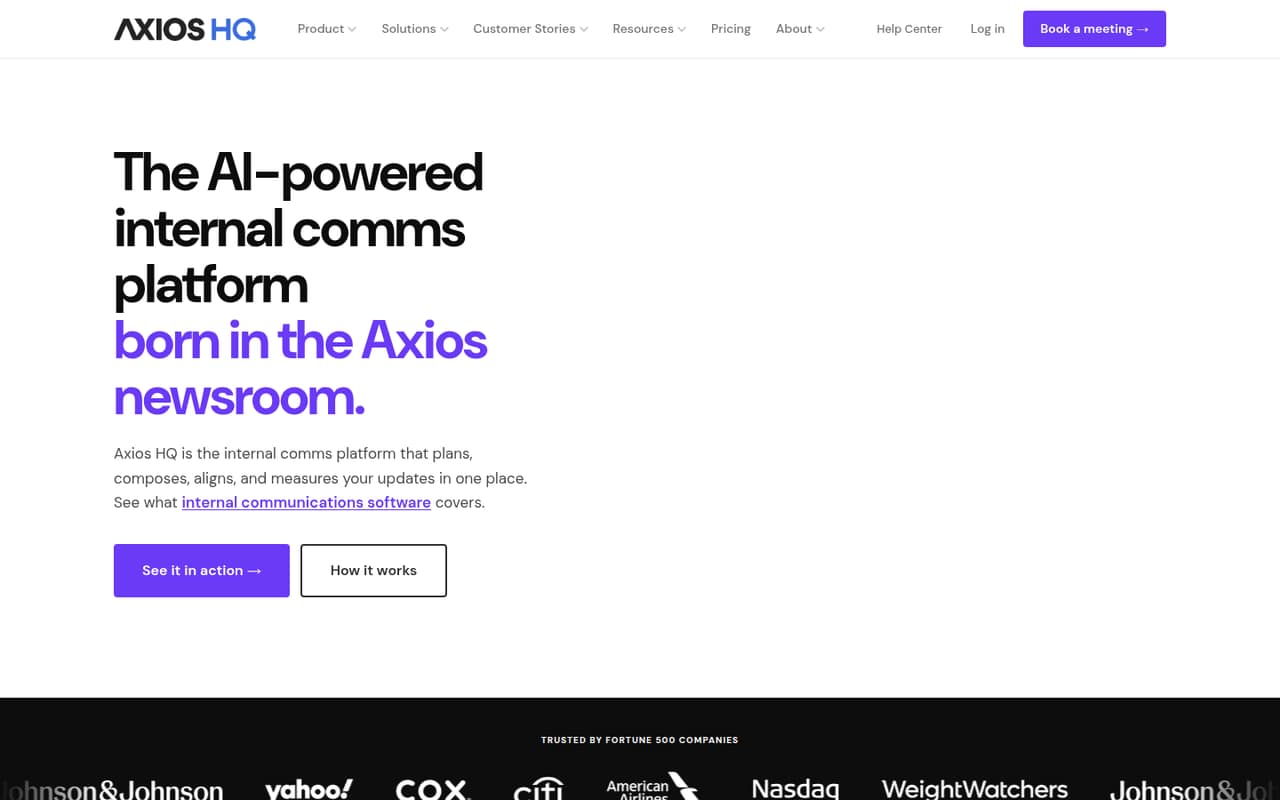
Axios HQ brings planning, AI drafting, collaboration, distribution and analytics into one internal communications platform. Its listed plans have no license limit, but the vendor quotes prices per organization.
There is no free plan or published trial, and plan prices are not listed. For a small team, Essentials is the cheapest stated way in, but you’ll need a quote to know whether it fits your budget.
Good fit if
- Teams coordinating internal updates
- Small teams that need shared approvals
- Organizations sending updates across channels
Skip it if
- Teams that need a free plan
- Public-facing email marketing campaigns
- Buyers who need prices upfront
ScoresHow it rates
What works
- No license limit is listed on the plans
- Planning, drafting and analytics share one platform
- AI tools can draft content and outlines
- Smart Brevity guidance scores drafts live
- Delivery options include email, Slack and Teams
What doesn't
- The vendor does not publish plan prices
- There is no free plan or published trial
- Message overage costs are not published
- Strategic communication support costs are not published
- One Reddit commenter cautions against using it for marketing email
01Who Axios HQ is for
Axios HQ is an internal communications platform for teams planning, writing and sending updates. For a 1–10-person team, it may fit when several people need to coordinate announcements, edit drafts and see how communications perform. The platform lists calendars, series planning, outlines, templates, collaborative editing and analytics, alongside AI drafting tools and Smart Brevity guidance.
It is aimed at internal updates, not a general-purpose newsletter service for donors or customers. One Reddit commenter cautions that it may lack marketing features and recommends checking whether external email use is allowed and how unsubscribes and bounces are managed. Small teams on a tight budget should also weigh the custom-quote pricing: Essentials is the entry plan, but its price is not published. If you mainly send occasional external newsletters, confirm the audience and email requirements with Axios HQ before signing.
02Axios HQ free plan and trial
Axios HQ does not list a free plan, and a free trial is not published. That means a small team cannot start with a no-cost tier to check whether the planning, editing and analytics features suit its workflow.
The cheapest stated way in is Essentials, quoted per organization. Its listed package includes 5,000 messages annually, one workspace and no license limit. The price is customized, so ask Axios HQ for a written quote before budgeting; monthly and annual billing details are not published. Also confirm what happens if your team sends more than 5,000 messages, since overage costs are not published.
03What a small team pays for Axios HQ
The pricing page lists three plans, but no dollar amounts: Essentials for core internal communications, Advanced for broader capabilities and Premier for organizations managing multiple workspaces. Prices are customized and quoted per organization, not per seat. The starting price is therefore not published.
For one person, three people or five, the listed license limit is the same: no limit. The pricing page does not give a per-seat rate, so there is no published one-, three- or five-person total to calculate. Essentials includes 5,000 messages annually and one workspace; it is the cheapest listed plan, but you’ll need a quote to know the cost. Monthly versus annual billing details are not published.
Advanced also lists 5,000 annual messages and one workspace. Premier lists 5,000 annual messages and five workspaces. Strategic communication support is an add-on, but its price is not published; overage costs are also not published. Ask for both in your quote if they matter to your budget.
04Getting started with Axios HQ
Axios HQ combines planning, drafting, collaboration, distribution and measurement, so a small team should first decide who owns each step: planning updates, approving drafts and sending them. The platform lists calendars, Series Planner, outlines and templates for planning, plus collaborative editing and approvals. It also offers AI drafting and live Smart Brevity guidance.
For day one, choose the delivery channels your team needs. Axios HQ lists email, Slack, Teams, SharePoint and HTML export. The product description does not give a setup-time estimate, so ask the vendor about onboarding, channel configuration and any work needed to bring existing content or audiences over. Start with a simple approval path and one communication series, then confirm that the analytics cover the measures your team cares about. No specific setup steps or learning curve should be assumed without confirming them with Axios HQ.
05When small teams outgrow Axios HQ
The clearest listed limits are 5,000 messages annually and the number of workspaces: one on Essentials and Advanced, five on Premier. A team sending more messages or managing several separate workspaces should ask about overage pricing and whether Premier fits; overage costs are not published. The plans list no license limit, so adding seats alone is not a stated reason to upgrade.
Advanced is described as offering broader communications capabilities, but the precise differences from Essentials are not spelled out in the plan details. Ask Axios HQ to map the features you need to each plan before accepting a quote. One Reddit thread also flags a possible mismatch for public-facing newsletters: a commenter says the tool is not meant for email marketing and advises checking contract terms, unsubscribe handling and bounce management. Teams whose audience or requirements shift toward external marketing should verify those points before expanding their use.
From the threadsWhat users say
The Reddit discussion is cautious rather than broadly positive or negative. Its main concern is whether Axios HQ fits external email marketing, not how it works for internal communications.
It's not meant for email marketing
Your top priority should be to determine if it would be a contract violation to use it for email marketing to an outside audience
whether it will manage and suppress unsubscribes and bounces
I'll ask about that
Questions people ask
How much does Axios HQ cost?
Axios HQ does not publish plan prices. The pricing page lists customized quotes per organization, and monthly versus annual billing details are not published. Essentials is the cheapest listed plan, with 5,000 messages annually, one workspace and no license limit. Ask Axios HQ for a quote that includes any add-ons and overages you expect.
Does Axios HQ have a free plan or trial?
Axios HQ does not list a free plan, and a free trial is not published. Essentials is the cheapest stated way in, but its price is customized and not published. Before committing, ask the vendor for a quote and confirm what evaluation options are available for your organization.
Is Axios HQ AI?
Axios HQ is an internal communications platform with AI tools, not just an AI writing tool. The product description lists AI drafting for first drafts and outlines, plus Smart Brevity guidance that scores drafts live. It also includes planning, collaborative editing, distribution and communications analytics.
Can Axios HQ send public-facing email newsletters?
Axios HQ is described as an internal communications platform. One Reddit commenter cautions that it is not meant for email marketing and advises checking contract terms, unsubscribe suppression and bounce management before using it with an external audience. Confirm those requirements directly with Axios HQ before sending public-facing campaigns.
What channels does Axios HQ support?
Axios HQ lists delivery through email, Slack, Teams, SharePoint or HTML export. The product description also lists planning, collaboration and analytics features. Ask the vendor to confirm whether your specific channel setup is supported and what configuration your team will need.